Range BMW X5 3.0I 2006 E53 User Guide
[x] Cancel search | Manufacturer: BMW, Model Year: 2006, Model line: X5 3.0I, Model: BMW X5 3.0I 2006 E53Pages: 202, PDF Size: 4.13 MB
Page 90 of 202
90n
PDC Park Distance Control
*
The concept PDC provides extra safety and conve-
nience during parking maneuvers. Sig-
nal tones indicate the current distance
to an object behind or in front of your
vehicle. To do this, four ultrasonic sen-
sors in the front and rear bumpers each
measure the distance to the nearest
object. The detection range of the front
sensors and the two sensors located at
the ends of the rear bumper is approx.
2 ft/60 cm, while the rear center sen-
sors can detect objects up to a distance
of approx. 5 ft/1.50 m.
PDC is a parking aid that can
indicate objects when they are
approached slowly, as is usually the
case when parking. Avoid approaching
objects too quickly; otherwise the phys-
ical circumstances may cause the sys-
tem to issue the warning too late.<
Automatic operationWhen the engine is running or the igni-
tion is switched on, the PDC system
starts to operate automatically approx.
one second after you shift into reverse
or move the selector lever into the R
position. Wait this short period before
backing up.
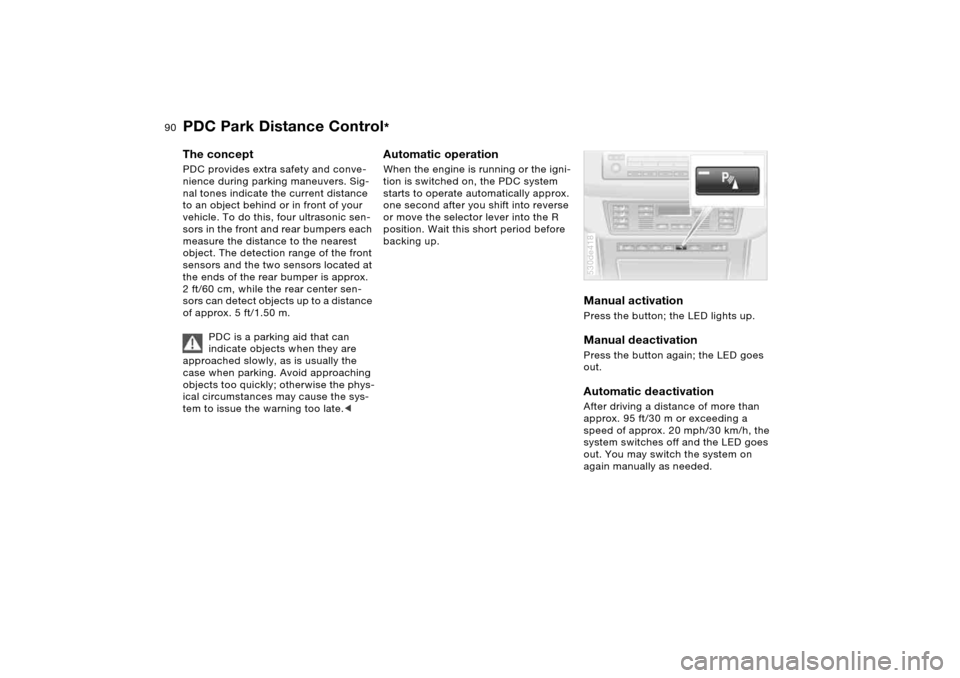
Manual activation Press the button; the LED lights up. Manual deactivation Press the button again; the LED goes
out.Automatic deactivationAfter driving a distance of more than
approx. 95 ft/30 m or exceeding a
speed of approx. 20 mph/30 km/h, the
system switches off and the LED goes
out. You may switch the system on
again manually as needed. 530de418
Page 94 of 202
94n
xDrive HDC Hill Descent Control xDrive is the 4-wheel drive system of
your X5. The combined effects of xDrive
and DSC further optimize the traction
and dynamic driving characteristics.
The 4-wheel drive system xDrive vari-
ably distributes the drive torque to the
front and rear axle depending on the
driving situation and prevailing road
conditions.MalfunctionsPlease be sure to read the information
on the DSC Dynamic Stability Control/
xDrive warning lamp on page 22 and on
the possible lamp combinations that
can light up on page 20.
The concept HDC is a system for driving downhill in
steep terrain. This system reduces vehi-
cle speed on steep downhill gradients,
thus allowing you to maintain even bet-
ter control of your BMW under these
conditions.
The vehicle moves at slightly more than
walking speed without active interven-
tion from the driver.
HDC is available for activation at vehi-
cle speeds below approx. 20 mph/
35 km/h. When driving down steep hills
with a speed below approx. 20 mph/
35 km/h, the vehicle reduces speed
automatically down to slightly more
than walking speed, approx. 5 mph/
8 km/h, and then maintains this speed
at a constant.
You can use the accelerator or brakes
to vary this automatically controlled
speed within a range extending from
approx. 3 mph/5 km/h to 15 mph/
25 km/h.
You can specify a target speed within
the same range by using the +/– but-
tons of the cruise control.
HDC is automatically deactivated once
vehicle speed again exceeds approx.
35 mph/60 km/h.
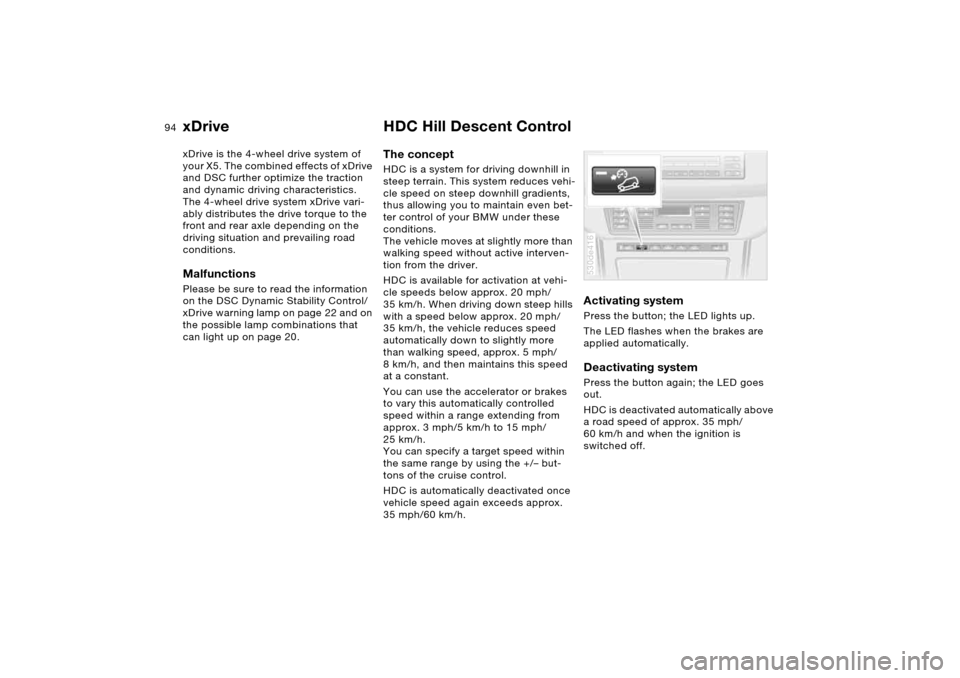
Activating system Press the button; the LED lights up.
The LED flashes when the brakes are
applied automatically. Deactivating system Press the button again; the LED goes
out.
HDC is deactivated automatically above
a road speed of approx. 35 mph/
60 km/h and when the ignition is
switched off. 530de416
Page 105 of 202
105n
OverviewControlsMaintenanceRepairsDataIndex
Air conditioner Temperature
The graduations on the dial
provide general reference val-
ues for the interior tempera-
ture. 707/226 is recom-
mended as a comfortable setting. After
driving begins, the selected tempera-
ture is reached as quickly as possible
and kept constant by the control sys-
tem.
Air distribution
You can direct air to flow onto
the windows , toward the
upper body and into the
footwell . All intermediate
settings are possible. In the setting,
there is a low flow of air onto the win-
dows to keep them free of condensa-
tion.
Air supply
You can adjust the air supply
through an infinitely-variable
range. The heating and venti-
lation become more and more
effective as the air supply settings are
increased. In the 0 setting, the blower
and climate control are switched off
and the outside air supply is blocked.
Rear window defroster
When the rear window
defroster is activated, the
LED lights up. The rear window
defroster switches off automatically.
Air conditioning
The air is cooled and dehu-
midified and — depending on
the temperature setting — warmed
again. Depending on the weather, the
windshield may fog over briefly when
the engine is started. You can reduce
condensation forming on the windows
by switching on the air conditioning.
During air conditioning, condensa-
tion forms, which then exits under
the vehicle. Traces of water on the
ground are therefore normal.<
Recirculated-air mode
You can respond to unpleas-
ant odors outside the vehicle
by temporarily switching off the outside
air supply. The system then recirculates
the air currently within the vehicle.
You can also use the button on the
steering wheel to switch over to the
recirculated-air mode, refer to page 23.
If the windows fog over in the
recirculated-air mode, switch the
recirculated-air mode off and increase
the air supply as required.<
Page 106 of 202
106n
Air conditionerVentilation The air vents for the upper body region
are adjustable:
1 Knurled wheels for opening and
closing the vent outlets through an
infinitely-variable range
2 Levers for adjusting airflow direction
3 Use this knurled wheel to adjust the
temperature of the incoming air:
>Turn toward blue: colder
>Turn toward red: warmer. 530de270
Rear ventilation
*
1 Knurled wheel for opening and clos-
ing the vent outlets through an infi-
nitely-variable range
2 Levers for adjusting airflow direction
The air that flows out here is somewhat
cooler than the air delivered to the foot-
well. Microfilter The microfilter removes dust and pollen
from the incoming air and in the recircu-
lated-air mode. It is replaced by your
BMW Sports Activity Vehicle center
during regular maintenance. A substan-
tial reduction in air supply indicates that
the filter must be replaced before nor-
mal maintenance.530de271
Defrosting windows and removing
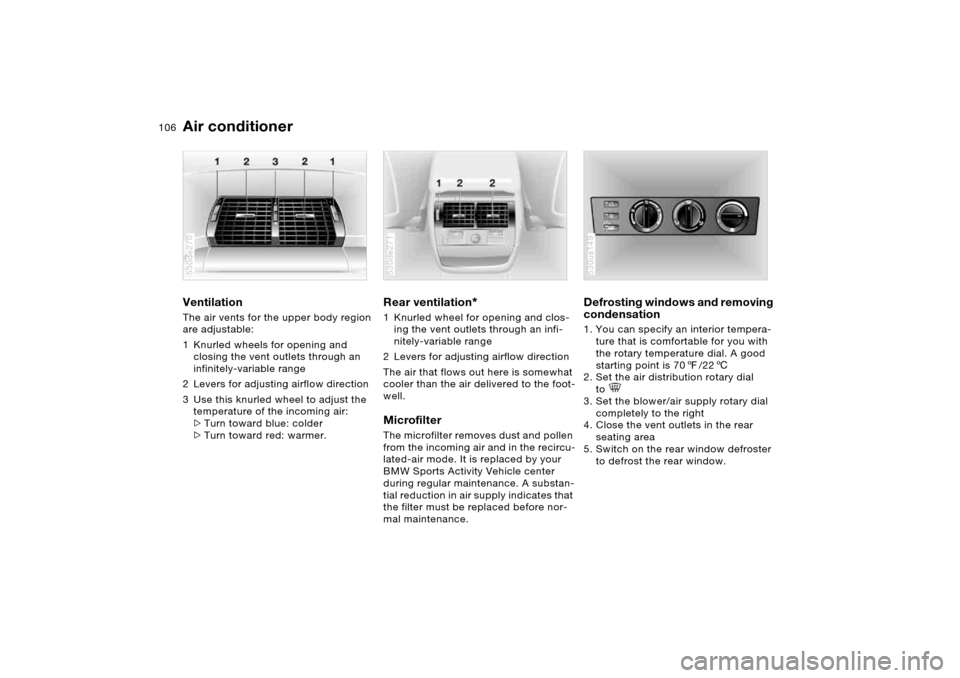
condensation 1. You can specify an interior tempera-
ture that is comfortable for you with
the rotary temperature dial. A good
starting point is 707/226
2. Set the air distribution rotary dial
to
3. Set the blower/air supply rotary dial
completely to the right
4. Close the vent outlets in the rear
seating area
5. Switch on the rear window defroster
to defrost the rear window. 530us149
Page 111 of 202
111n
OverviewControlsMaintenanceRepairsDataIndex
Automatic climate control
*
is adequately charged. The LED on the
button will light up when all conditions
have been met.
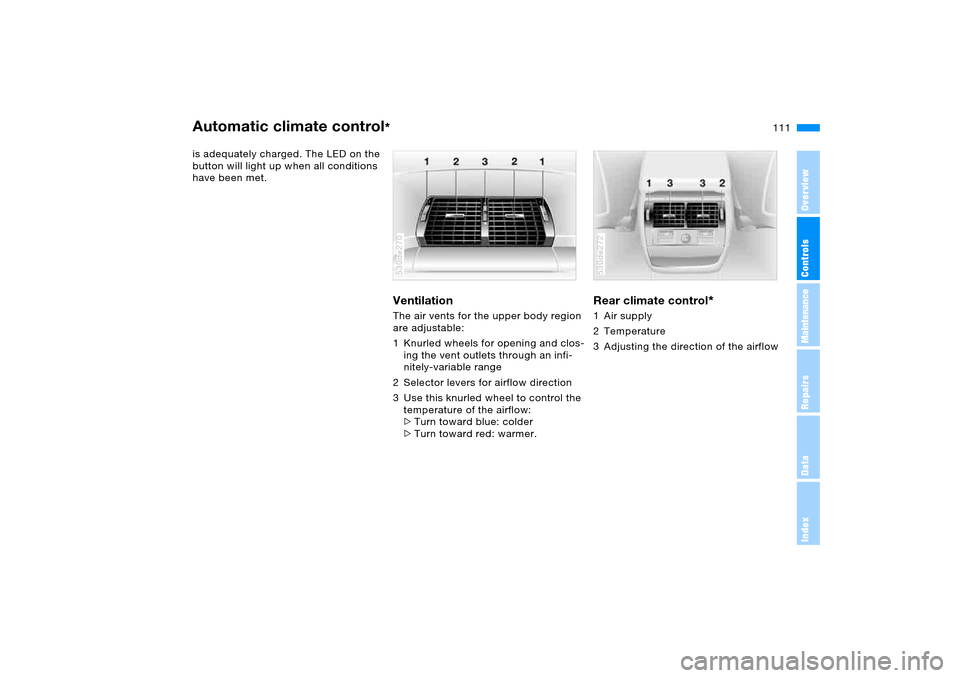
Ventilation The air vents for the upper body region
are adjustable:
1 Knurled wheels for opening and clos-
ing the vent outlets through an infi-
nitely-variable range
2 Selector levers for airflow direction
3 Use this knurled wheel to control the
temperature of the airflow:
>Turn toward blue: colder
>Turn toward red: warmer. 530de270
Rear climate control
*
1 Air supply
2 Temperature
3 Adjusting the direction of the airflow 530de272
Page 112 of 202
112n
Automatic climate control
*
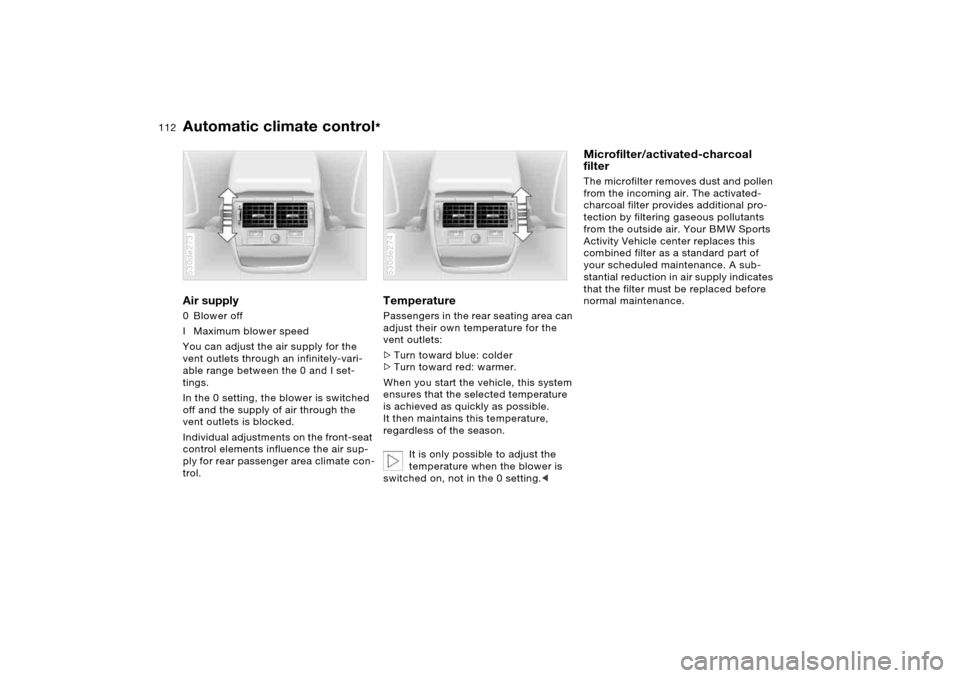
Air supply 0 Blower off
I Maximum blower speed
You can adjust the air supply for the
vent outlets through an infinitely-vari-
able range between the 0 and I set-
tings.
In the 0 setting, the blower is switched
off and the supply of air through the
vent outlets is blocked.
Individual adjustments on the front-seat
control elements influence the air sup-
ply for rear passenger area climate con-
trol. 530de273
Temperature Passengers in the rear seating area can
adjust their own temperature for the
vent outlets:
>Turn toward blue: colder
>Turn toward red: warmer.
When you start the vehicle, this system
ensures that the selected temperature
is achieved as quickly as possible.
It then maintains this temperature,
regardless of the season.
It is only possible to adjust the
temperature when the blower is
switched on, not in the 0 setting.< 530de274
Microfilter/activated-charcoal
filter The microfilter removes dust and pollen
from the incoming air. The activated-
charcoal filter provides additional pro-
tection by filtering gaseous pollutants
from the outside air. Your BMW Sports
Activity Vehicle center replaces this
combined filter as a standard part of
your scheduled maintenance. A sub-
stantial reduction in air supply indicates
that the filter must be replaced before
normal maintenance.
Page 114 of 202
114n
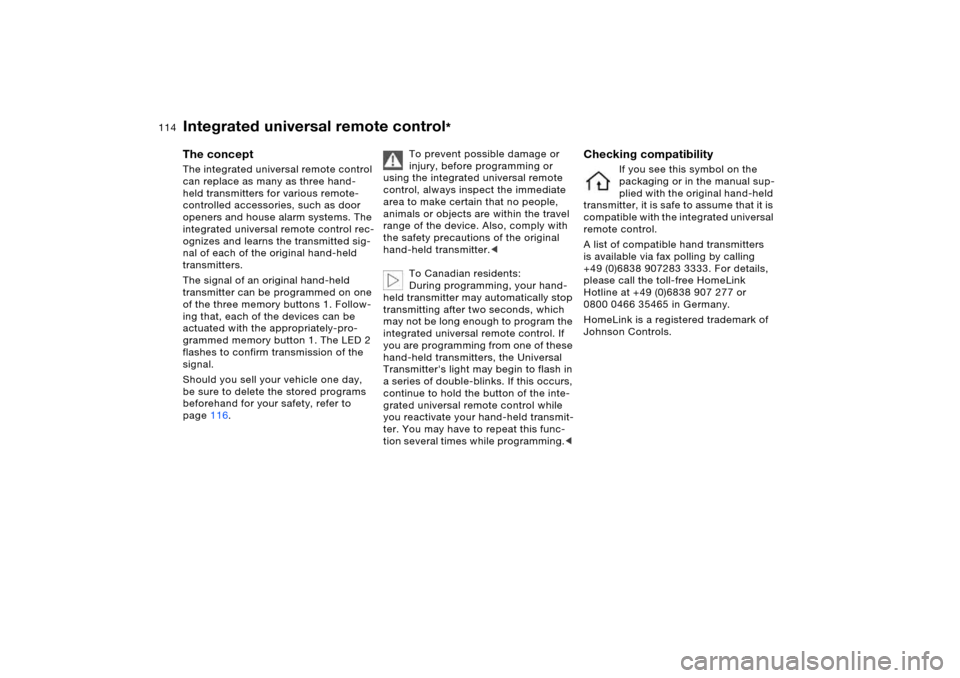
The concept The integrated universal remote control
can replace as many as three hand-
held transmitters for various remote-
controlled accessories, such as door
openers and house alarm systems. The
integrated universal remote control rec-
ognizes and learns the transmitted sig-
nal of each of the original hand-held
transmitters.
The signal of an original hand-held
transmitter can be programmed on one
of the three memory buttons 1. Follow-
ing that, each of the devices can be
actuated with the appropriately-pro-
grammed memory button 1. The LED 2
flashes to confirm transmission of the
signal.
Should you sell your vehicle one day,
be sure to delete the stored programs
beforehand for your safety, refer to
page116. To prevent possible damage or
injury, before programming or
using the integrated universal remote
control, always inspect the immediate
area to make certain that no people,
animals or objects are within the travel
range of the device. Also, comply with
the safety precautions of the original
hand-held transmitter.<
To Canadian residents:
During programming, your hand-
held transmitter may automatically stop
transmitting after two seconds, which
may not be long enough to program the
integrated universal remote control. If
you are programming from one of these
hand-held transmitters, the Universal
Transmitter's light may begin to flash in
a series of double-blinks. If this occurs,
continue to hold the button of the inte-
grated universal remote control while
you reactivate your hand-held transmit-
ter. You may have to repeat this func-
tion several times while programming.<
Checking compatibility
If you see this symbol on the
packaging or in the manual sup-
plied with the original hand-held
transmitter, it is safe to assume that it is
compatible with the integrated universal
remote control.
A list of compatible hand transmitters
is available via fax polling by calling
+49 (0)6838 907283 3333. For details,
please call the toll-free HomeLink
Hotline at +49 (0)6838 907 277 or
0800 0466 35465 in Germany.
HomeLink is a registered trademark of
Johnson Controls.
Integrated universal remote control
*
Page 116 of 202
116n
Integrated universal remote control
*
Car phone
*
1. Park your vehicle within the range of
the remote-controlled device
2. Program the integrated universal
remote control as described at the
section on fixed-code hand-held
transmitters
3. Locate the button on the receiver of
the device you want to set up, e.g. on
the upper section of the motor
4. Press the button on the receiver of
the device you want to set up. After
step 4, you have approx. 30 seconds
for step 5
5. Press the programmed memory
button 1 on the integrated universal
remote control three times.
The corresponding memory button 1 is
now programmed with the signal of the
original hand-held transmitter.
If you have any additional ques-
tions, please contact your BMW
Sports Activity Vehicle center.<
Clearing memory buttonsIt is not possible to clear memory but-
tons 1 individually. To clear all three
memory buttons 1, proceed as follows:
Press both outer buttons 1 of the inte-
grated universal remote control for
approx. 20 seconds, maintaining pres-
sure until the LED 2 starts to flash.
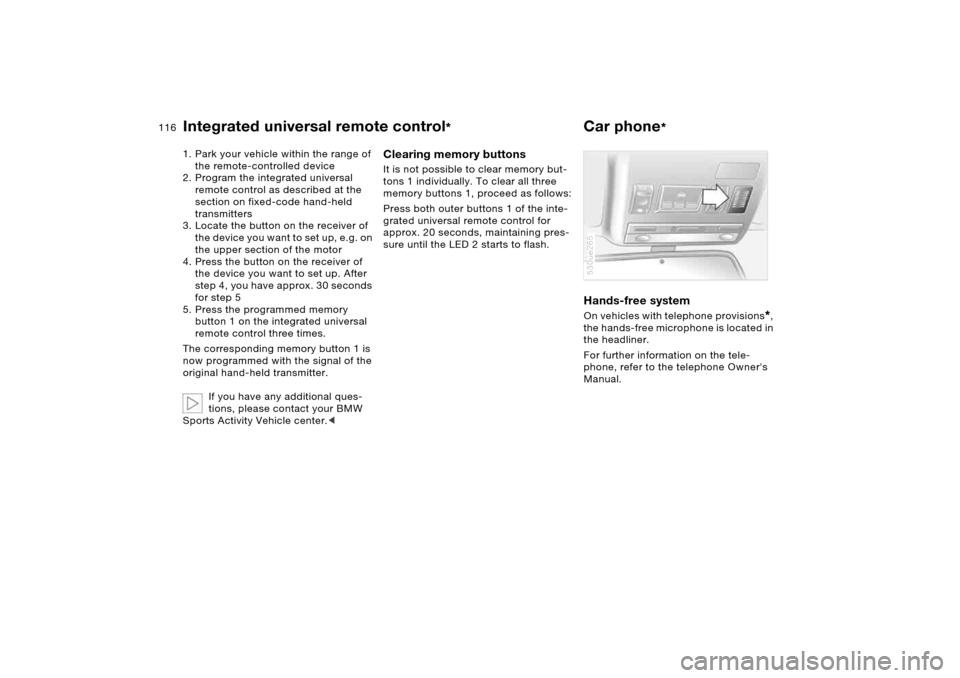
Hands-free system On vehicles with telephone provisions
*,
the hands-free microphone is located in
the headliner.
For further information on the tele-
phone, refer to the telephone Owner's
Manual.
530ue265
Page 150 of 202
150n
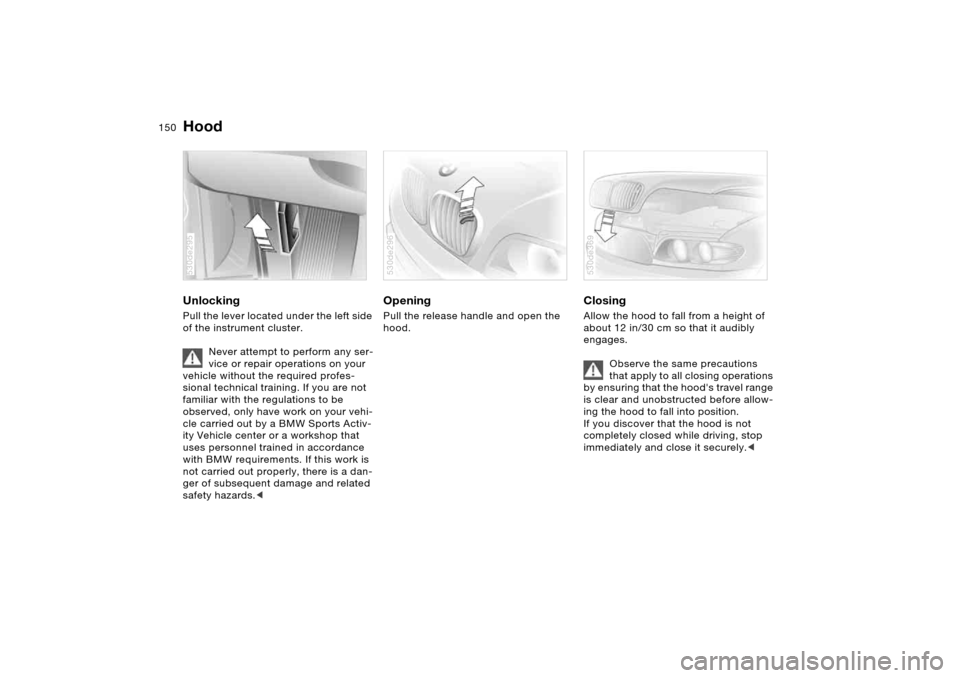
Hood Unlocking Pull the lever located under the left side
of the instrument cluster.
Never attempt to perform any ser-
vice or repair operations on your
vehicle without the required profes-
sional technical training. If you are not
familiar with the regulations to be
observed, only have work on your vehi-
cle carried out by a BMW Sports Activ-
ity Vehicle center or a workshop that
uses personnel trained in accordance
with BMW requirements. If this work is
not carried out properly, there is a dan-
ger of subsequent damage and related
safety hazards.< 530de295
Opening Pull the release handle and open the
hood. 530de296
Closing Allow the hood to fall from a height of
about 12 in/30 cm so that it audibly
engages.
Observe the same precautions
that apply to all closing operations
by ensuring that the hood's travel range
is clear and unobstructed before allow-
ing the hood to fall into position.
If you discover that the hood is not
completely closed while driving, stop
immediately and close it securely.< 530de369
Page 189 of 202
Everything from A to Z
189n
OverviewControlsMaintenanceRepairsDataIndex
Compartments, refer to
Storage
compartments119
Compass interior rearview
mirror117
Computer79,85
also refer to Owner's
Manual for Onboard
Computer
Condensation, refer to
Air conditioning105,110
Connecting vacuum cleaner,
refer to Sockets121,128
Consumption, refer to
Average fuel
consumption80
Fuel consumption87
Consumption display, refer
to Energy control74
Consumption indicator, refer
to Fuel gauge75
Contents4
Controls, refer to Cockpit14
Convenience opening mode
panorama glass roof31
windows31
Convenience operation
from outside33
panorama glass roof33
windows33Coolant154
level154
temperature gauge76
warning lamp76
Coolant temperature76
Coolant temperature
gauge76
Cooling, maximum110
Cooling, refer to
Air conditioning105,110
Temperature105,109
Copyright4
Cornering light, refer to
Adaptive Head Light101
Correct tires
wheel/tire
replacement148
winter tires149
Courtesy illumination, refer
to Courtesy lighting103
Courtesy lighting103
Cruise control71
buttons on steering
wheel23
indicator lamp22
Cruising range80
,87
Cup holders120
Curb weight, refer to
Weights182
Current consumption, refer
to Energy control74Cylinders, refer to Engine
data180
D
Dashboard, refer to
Cockpit14
Dashboard lighting, refer to
Instrument lighting102
Data, technical180
dimensions181
engine180
filling capacities183
weights182
Date
also refer to Owner's
Manual for Onboard
Computer
changing82
displaying82
Daytime driving lamps100
DBC Dynamic Brake
Control91
indicator lamp21
Deactivating the alarm in an
emergency89
Defective lamp161
Defrosting windows106,109
air conditioner106
automatic climate
control109Defrosting windows and
removing condensation
air conditioner106
automatic climate
control109
Defrost position, refer to
Defrosting
windows106,109
Digital clock82
also refer to Owner's
Manual for Onboard
Computer
Digital compass117
Dimensions181
Dimming feature, interior
mirror138
Dipstick, engine oil152
Directional indicators, refer
to Turn signals68
Disk brakes140
Displacement, refer to
Engine specifications180
Display, refer to Instrument
cluster15,17,18
Display lighting, refer to
Instrument lighting102
Disposal, vehicle battery171
Distance to destination86
Distance warning, refer to
PDC Park Distance
Control90