warning BMW X5 4.4I 2005 E53 Owner's Guide
[x] Cancel search | Manufacturer: BMW, Model Year: 2005, Model line: X5 4.4I, Model: BMW X5 4.4I 2005 E53Pages: 200, PDF Size: 3.55 MB
Page 77 of 200
77n
OverviewControlsMaintenanceRepairsDataIndex
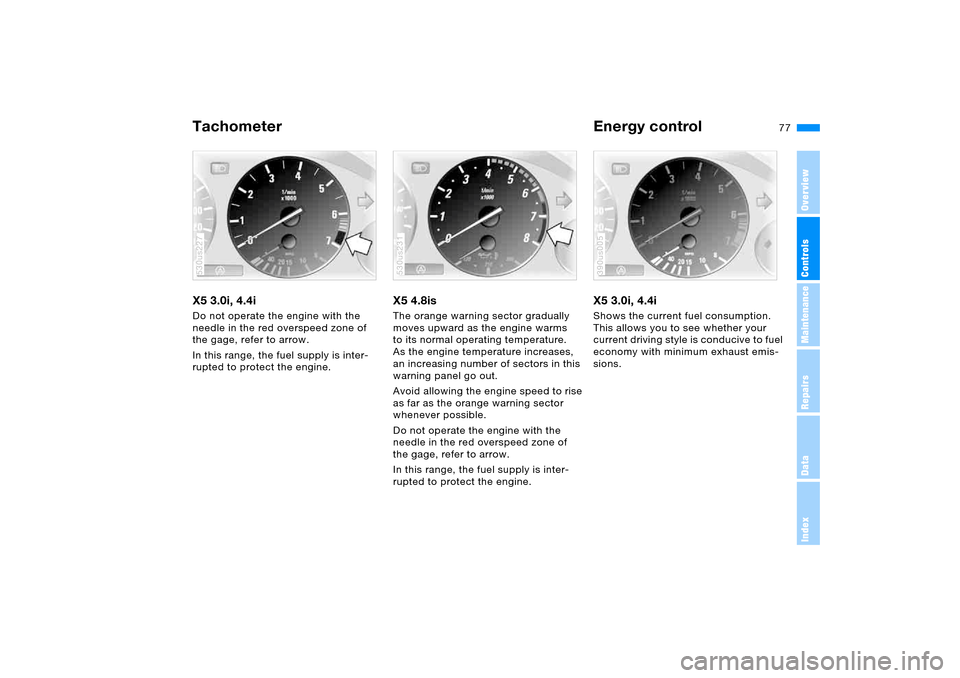
Tachometer Energy control X5 3.0i, 4.4i Do not operate the engine with the
needle in the red overspeed zone of
the gage, refer to arrow.
In this range, the fuel supply is inter-
rupted to protect the engine.530us227
X5 4.8isThe orange warning sector gradually
moves upward as the engine warms
to its normal operating temperature.
As the engine temperature increases,
an increasing number of sectors in this
warning panel go out.
Avoid allowing the engine speed to rise
as far as the orange warning sector
whenever possible.
Do not operate the engine with the
needle in the red overspeed zone of
the gage, refer to arrow.
In this range, the fuel supply is inter-
rupted to protect the engine.530us231
X5 3.0i, 4.4i Shows the current fuel consumption.
This allows you to see whether your
current driving style is conducive to fuel
economy with minimum exhaust emis-
sions. 390us005
Page 79 of 200
79n
OverviewControlsMaintenanceRepairsDataIndex
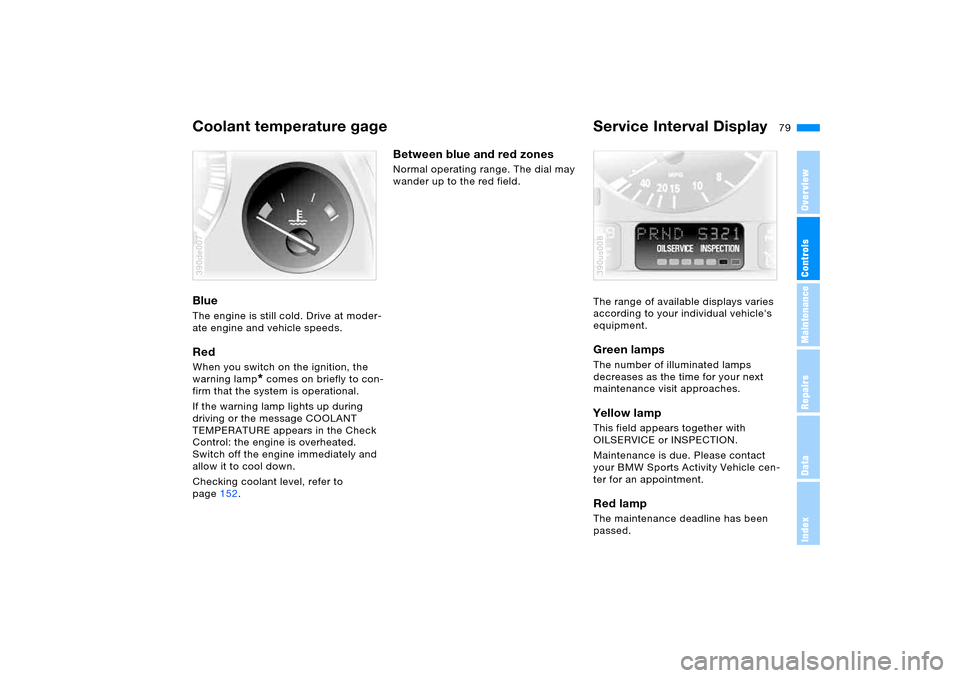
Coolant temperature gage Service Interval Display Blue The engine is still cold. Drive at moder-
ate engine and vehicle speeds.Red When you switch on the ignition, the
warning lamp
* comes on briefly to con-
firm that the system is operational.
If the warning lamp lights up during
driving or the message COOLANT
TEMPERATURE appears in the Check
Control: the engine is overheated.
Switch off the engine immediately and
allow it to cool down.
Checking coolant level, refer to
page152.
390de007
Between blue and red zones Normal operating range. The dial may
wander up to the red field.
The range of available displays varies
according to your individual vehicle's
equipment.
Green lamps The number of illuminated lamps
decreases as the time for your next
maintenance visit approaches.Yellow lamp This field appears together with
OILSERVICE or INSPECTION.
Maintenance is due. Please contact
your BMW Sports Activity Vehicle cen-
ter for an appointment.Red lamp The maintenance deadline has been
passed.390us008
Page 80 of 200
80n
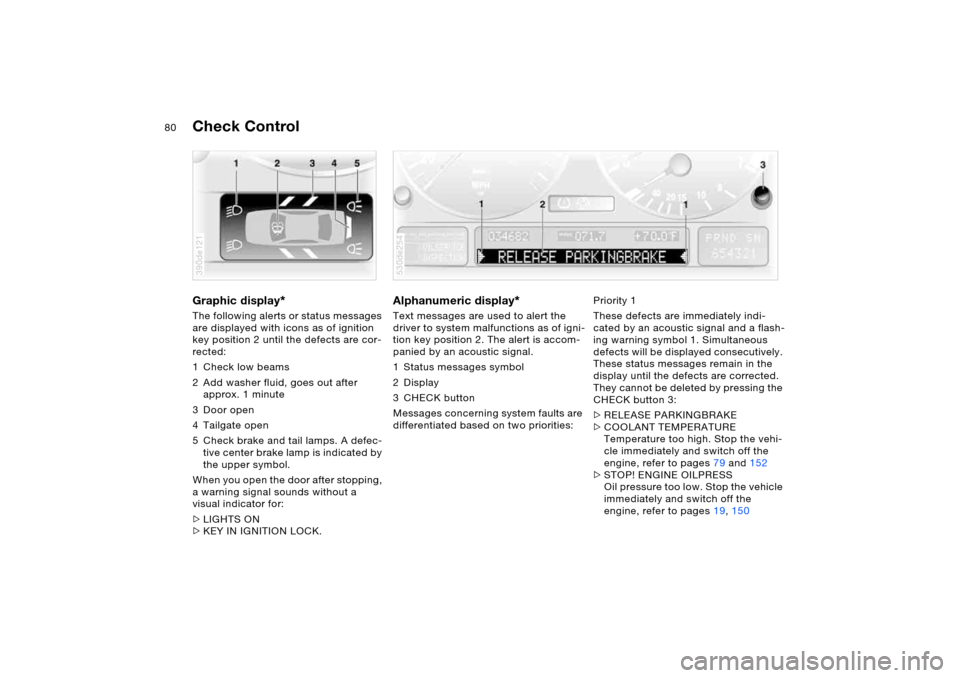
Check Control Graphic display
*
The following alerts or status messages
are displayed with icons as of ignition
key position 2 until the defects are cor-
rected:
1 Check low beams
2 Add washer fluid, goes out after
approx. 1 minute
3Door open
4 Tailgate open
5 Check brake and tail lamps. A defec-
tive center brake lamp is indicated by
the upper symbol.
When you open the door after stopping,
a warning signal sounds without a
visual indicator for:
>LIGHTS ON
>KEY IN IGNITION LOCK. 390de121
Alphanumeric display
*
Text messages are used to alert the
driver to system malfunctions as of igni-
tion key position 2. The alert is accom-
panied by an acoustic signal.
1 Status messages symbol
2Display
3CHECK button
Messages concerning system faults are
differentiated based on two priorities: 530de254
Priority 1
These defects are immediately indi-
cated by an acoustic signal and a flash-
ing warning symbol 1. Simultaneous
defects will be displayed consecutively.
These status messages remain in the
display until the defects are corrected.
They cannot be deleted by pressing the
CHECK button 3:
>RELEASE PARKINGBRAKE
>COOLANT TEMPERATURE
Temperature too high. Stop the vehi-
cle immediately and switch off the
engine, refer to pages79 and152
>STOP! ENGINE OILPRESS
Oil pressure too low. Stop the vehicle
immediately and switch off the
engine, refer to pages19, 150
Page 88 of 200
88n
Computer
* in MID
To avoid endangering yourself or
other road users, only make
entries when the vehicle is stationary.<
Computer calculations begin at the
start of the journey.
Information can also be called up in the
display by the remote control, refer to
page92.
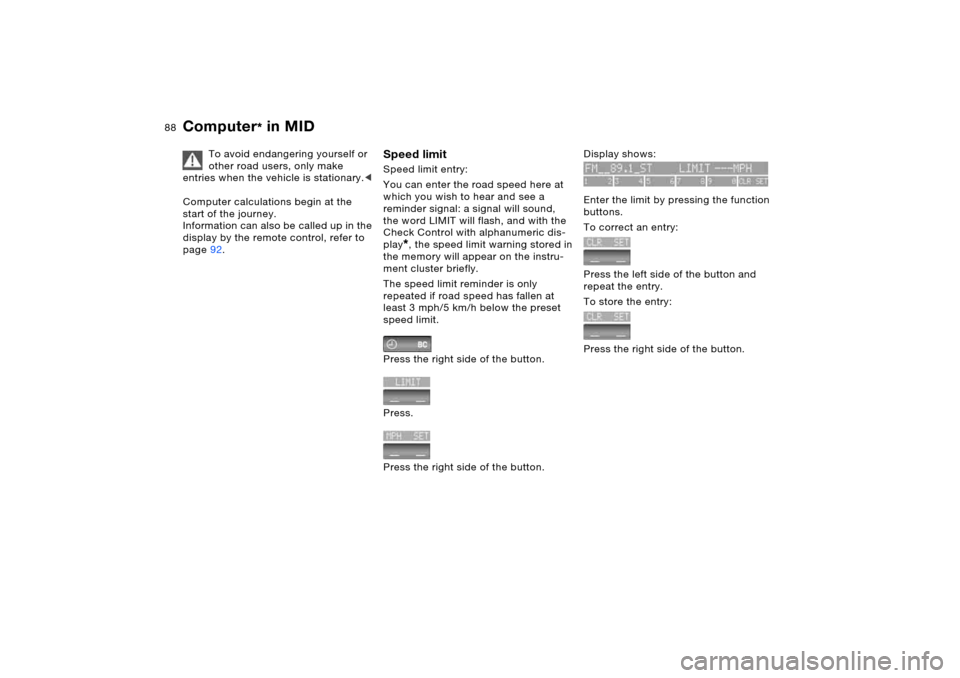
Speed limit Speed limit entry:
You can enter the road speed here at
which you wish to hear and see a
reminder signal: a signal will sound,
the word LIMIT will flash, and with the
Check Control with alphanumeric dis-
play
*, the speed limit warning stored in
the memory will appear on the instru-
ment cluster briefly.
The speed limit reminder is only
repeated if road speed has fallen at
least 3 mph/5 km/h below the preset
speed limit.
Press the right side of the button.
Press.
Press the right side of the button.
Display shows:
Enter the limit by pressing the function
buttons.
To correct an entry:
Press the left side of the button and
repeat the entry.
To store the entry:
Press the right side of the button.
Page 93 of 200
93n
OverviewControlsMaintenanceRepairsDataIndex
PDC Park Distance Control
*
The concept PDC provides extra safety and conve-
nience during parking maneuvers. Sig-
nal tones indicate the current distance
to an object behind or in front of your
vehicle. To do this, four ultrasonic sen-
sors in the front and rear bumpers each
measure the distance to the nearest
object. The detection range of the front
sensors and the two sensors located at
the ends of the rear bumper is approx.
2 ft/60 cm, while the rear center sen-
sors can detect objects to a distance
of approx. 5 ft/1.50 m.
PDC is a parking aid that can
indicate objects when they are
approached slowly, as is usually the
case when parking. Avoid approaching
objects too fast, otherwise the system
may give warning of physical obstacles
too late.<
Automatic operationThe system starts to operate automati-
cally approx. one second after you
select reverse or move the selector
lever into the R position with the ignition
key in position 2. Wait this short period
before backing up. The system
switches off when you shift back out
of reverse.
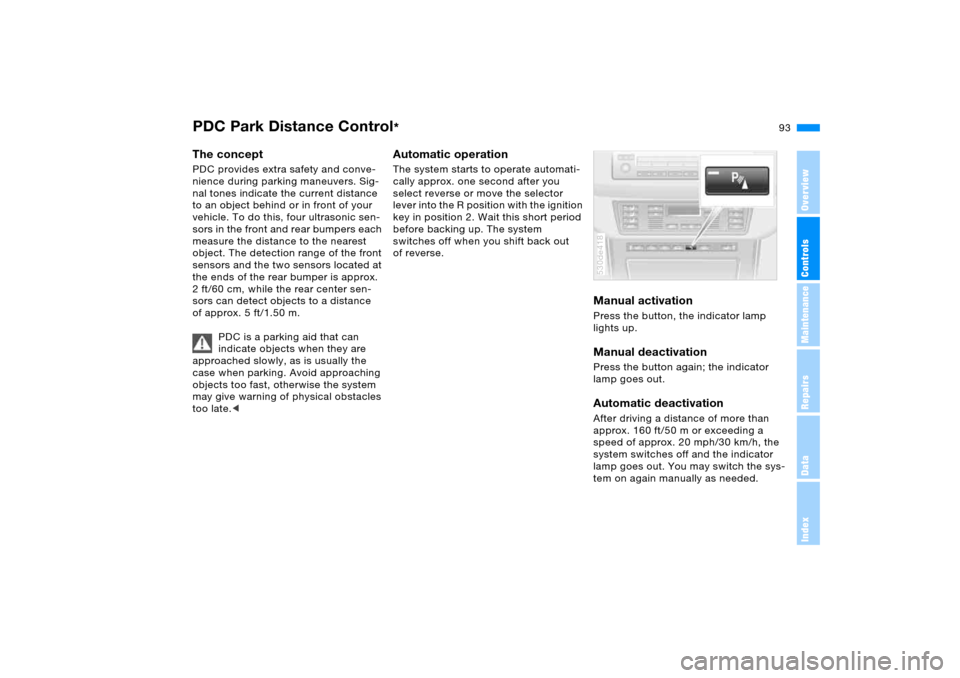
Manual activation Press the button, the indicator lamp
lights up. Manual deactivation Press the button again; the indicator
lamp goes out.Automatic deactivationAfter driving a distance of more than
approx. 160 ft/50 m or exceeding a
speed of approx. 20 mph/30 km/h, the
system switches off and the indicator
lamp goes out. You may switch the sys-
tem on again manually as needed. 530de418
Page 94 of 200
94n
PDC Park Distance Control
* Antilock Brake System
Signal tones The distance from an object is indicated
in front with a higher intermittent tone,
and at the rear with a lower intermittent
tone. As the distance between vehicle
and object decreases, the intervals
between the tones become shorter.
The signal tone becomes continuous
once the distance to the nearest object
falls to below roughly 1 ft/30 cm.
The warning signal is canceled after
approx. 3 seconds if you are moving
parallel to a wall. MalfunctionThe indicator lamp flashes and a short
steady signal tone is sounded
>if you activate PDC with the button
>when you select reverse for the first
time after switching on the ignition
>if a malfunction occurs while the PDC
system is active.
Switch the system off and have the
cause of the malfunction corrected by
your BMW Sports Activity Vehicle cen-
ter.
System limits
Even with PDC, final responsibility
for estimating the distance
between the vehicle and any obstruc-
tions always remains with the driver.
Even when sensors are involved, there
is a blind spot in which objects cannot
be detected. This applies especially
in those cases where the system
approaches the physical constraints of
ultrasonic measurement, as occurs with
tow bars and trailer couplings, and in
the vicinity of thin or wedge-shaped
objects. Low objects already displayed,
e.g. a curb, can also disappear from the
detection area of the sensors again
before a continuous tone sounds.
Loud sources of sound, inside and out-
side the vehicle, could drown out the
PDC signal tone.<
Keep the sensors clean and free of ice
or snow in order to ensure that they will
continue to operate effectively.
Do not apply high pressure spray to the
sensors for a prolonged period of time.
Keep the spray at least 4 in/10 cm away
from the sensors.
The concept The ABS Antilock Brake System pre-
vents the wheel brakes from locking
during braking. Safe steering response
is maintained even during full braking.
This increases active safety.
The ABS is operational every time you
start the engine. Safe braking, refer to
page 140.EBV Electronic brake-force
distribution EBV controls the brake system's appli-
cation pressure at the rear wheels to
ensure stable deceleration.DBC Dynamic Brake Control When the brake pedal is depressed
rapidly, this system automatically gen-
erates a maximal boost of braking force
and thus aids in keeping braking dis-
tances as short as possible during full
braking. This system exploits all of the
benefits provided by ABS.
Do not reduce the pressure on the
brake pedal for the duration of the
brake application. DBC is deactivated
when you release the brake pedal.
Page 96 of 200
96n
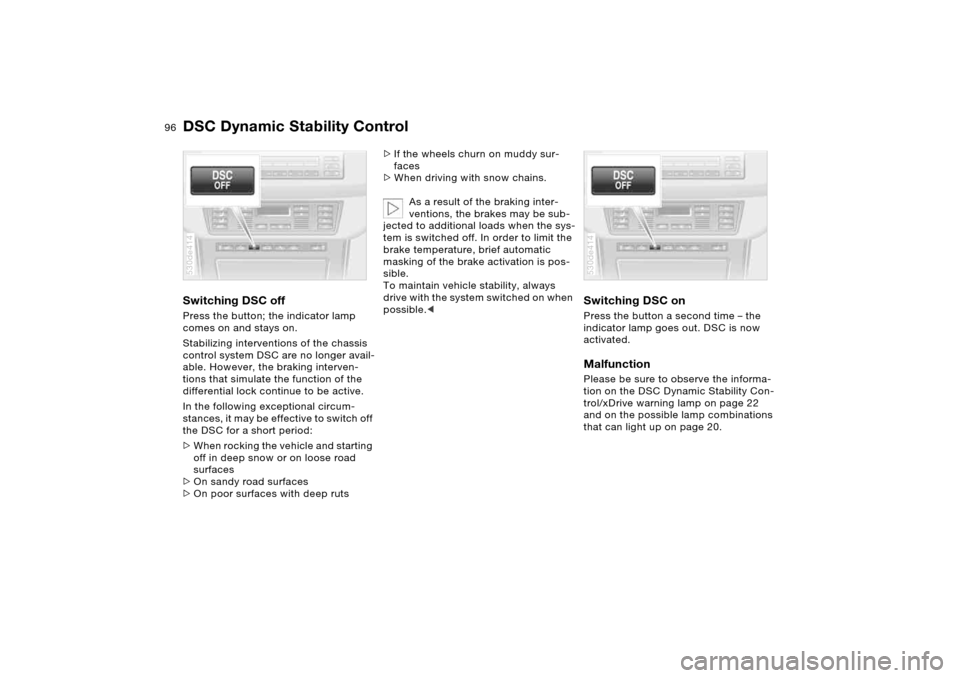
DSC Dynamic Stability ControlSwitching DSC offPress the button; the indicator lamp
comes on and stays on.
Stabilizing interventions of the chassis
control system DSC are no longer avail-
able. However, the braking interven-
tions that simulate the function of the
differential lock continue to be active.
In the following exceptional circum-
stances, it may be effective to switch off
the DSC for a short period:
>When rocking the vehicle and starting
off in deep snow or on loose road
surfaces
>On sandy road surfaces
>On poor surfaces with deep ruts 530de414
>If the wheels churn on muddy sur-
faces
>When driving with snow chains.
As a result of the braking inter-
ventions, the brakes may be sub-
jected to additional loads when the sys-
tem is switched off. In order to limit the
brake temperature, brief automatic
masking of the brake activation is pos-
sible.
To maintain vehicle stability, always
drive with the system switched on when
possible.<
Switching DSC on Press the button a second time – the
indicator lamp goes out. DSC is now
activated.MalfunctionPlease be sure to observe the informa-
tion on the DSC Dynamic Stability Con-
trol/xDrive warning lamp on page 22
and on the possible lamp combinations
that can light up on page 20.530de414
Page 97 of 200
97n
OverviewControlsMaintenanceRepairsDataIndex
xDrive HDC Hill Descent Control xDrive is the 4-wheel drive system of
your X5. The combined effects of xDrive
and DSC further optimize the traction
and dynamic driving characteristics.
The 4-wheel drive system xDrive vari-
ably distributes the drive torque to the
front and rear axle depending on the
driving situation and prevailing road
conditions.MalfunctionPlease be sure to observe the informa-
tion on the DSC Dynamic Stability Con-
trol/xDrive warning lamp on page 22
and on the possible lamp combinations
that can light up on page 20.
The concept HDC is a system for driving downhill in
steep terrain. This system reduces vehi-
cle speed on steep downhill gradients,
thus allowing you to maintain even bet-
ter control of your BMW under these
conditions.
The vehicle moves at slightly more than
walking speed without active interven-
tion from the driver.
HDC is available for activation at vehi-
cle speeds below approx. 20 mph/
35 km/h. When driving down steep hills
with a speed below approx. 20 mph/
35 km/h, the vehicle reduces speed
automatically down to slightly more
than walking speed, approx. 5 mph/
8 km/h, and then maintains this speed
at a constant.
You can use the accelerator or brakes
to vary this automatically controlled
speed within a range extending from
approx. 3 mph/5 km/h to 15 mph/
25 km/h.
You can specify a target speed within
the same range by using the +/– but-
tons of the cruise control.
HDC is automatically deactivated once
vehicle speed again exceeds approx.
35 mph/60 km/h.
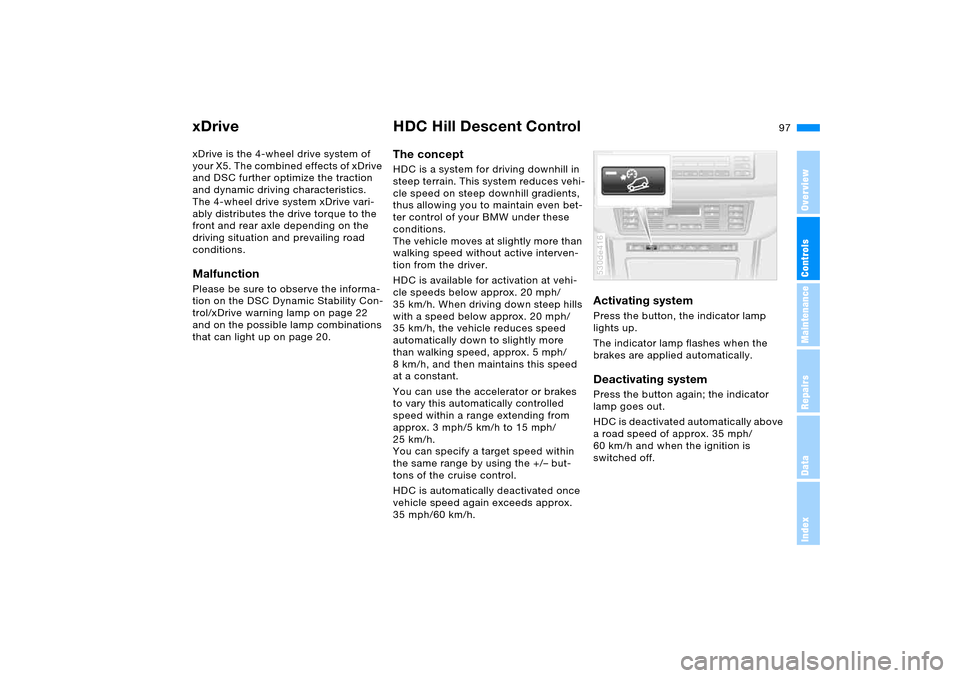
Activating system Press the button, the indicator lamp
lights up.
The indicator lamp flashes when the
brakes are applied automatically. Deactivating system Press the button again; the indicator
lamp goes out.
HDC is deactivated automatically above
a road speed of approx. 35 mph/
60 km/h and when the ignition is
switched off. 530de416
Page 98 of 200
98n
HDC Hill Descent Control Self-leveling suspension
*
Using HDC With manual transmission:
Use HDC in first gear and in Reverse
since the engine's braking effect is
diminished in the higher gears.
With automatic transmission:
You can use HDC in every drive posi-
tion. In case of a malfunction If the warning lamp in the button goes
out during HDC operation or does not
light up when the HDC is activated:
HDC is temporarily not available as
brake temperature is too high. The warning lamp for the self-
leveling suspension comes on,
or the message SELFLEVEL
SUSP.INACT appears in the Check
Control: there is a malfunction in the
self-leveling suspension.
Stop and inspect the vehicle. If the rear
of the vehicle is visibly lower than the
front, possibly accompanied by a tilt
noticeable when you compare the left
rear with the right rear, please respond
by immediately proceeding to the near-
est BMW Sports Activity Vehicle center.
Drive with appropriate caution in the
meantime. The vehicle has reduced
ground clearance and driving comfort
may be noticeably reduced.
Even when the position of the vehicle
is normal, have the system checked as
soon as possible when a malfunction is
indicated.
Page 102 of 200
102n
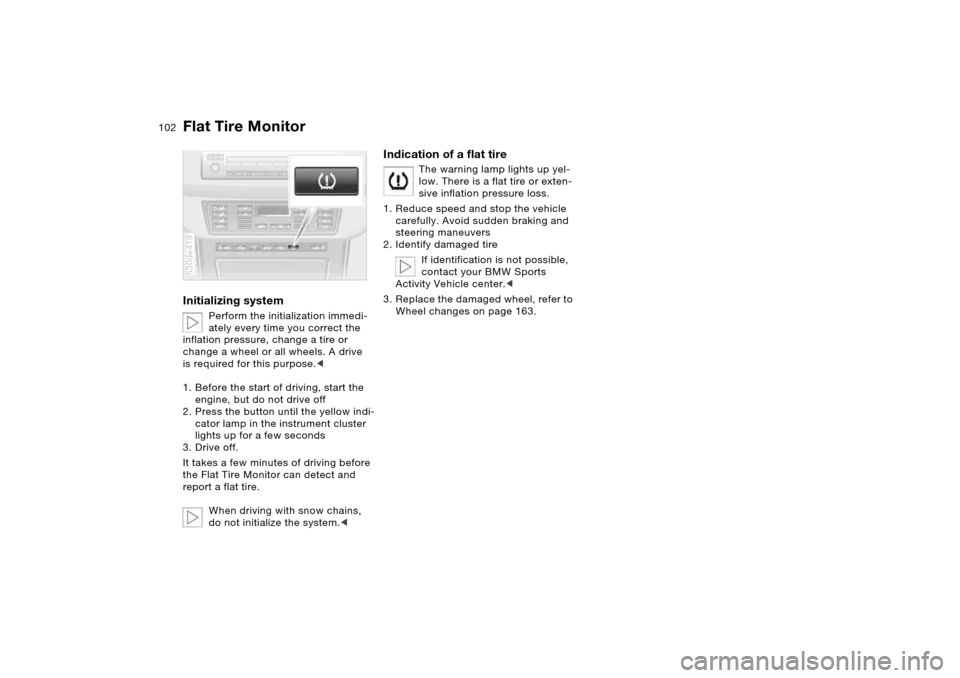
Flat Tire MonitorInitializing system
Perform the initialization immedi-
ately every time you correct the
inflation pressure, change a tire or
change a wheel or all wheels. A drive
is required for this purpose.<
1. Before the start of driving, start the
engine, but do not drive off
2. Press the button until the yellow indi-
cator lamp in the instrument cluster
lights up for a few seconds
3. Drive off.
It takes a few minutes of driving before
the Flat Tire Monitor can detect and
report a flat tire.
When driving with snow chains,
do not initialize the system.<
530de419
Indication of a flat tire
The warning lamp lights up yel-
low. There is a flat tire or exten-
sive inflation pressure loss.
1. Reduce speed and stop the vehicle
carefully. Avoid sudden braking and
steering maneuvers
2. Identify damaged tire
If identification is not possible,
contact your BMW Sports
Activity Vehicle center.<
3. Replace the damaged wheel, refer to
Wheel changes on page 163.