instrument cluster BMW X5 4.8IS 2006 E53 User Guide
[x] Cancel search | Manufacturer: BMW, Model Year: 2006, Model line: X5 4.8IS, Model: BMW X5 4.8IS 2006 E53Pages: 202, PDF Size: 4.13 MB
Page 99 of 202
99n
OverviewControlsMaintenanceRepairsDataIndex
Flat Tire MonitorInitializing system
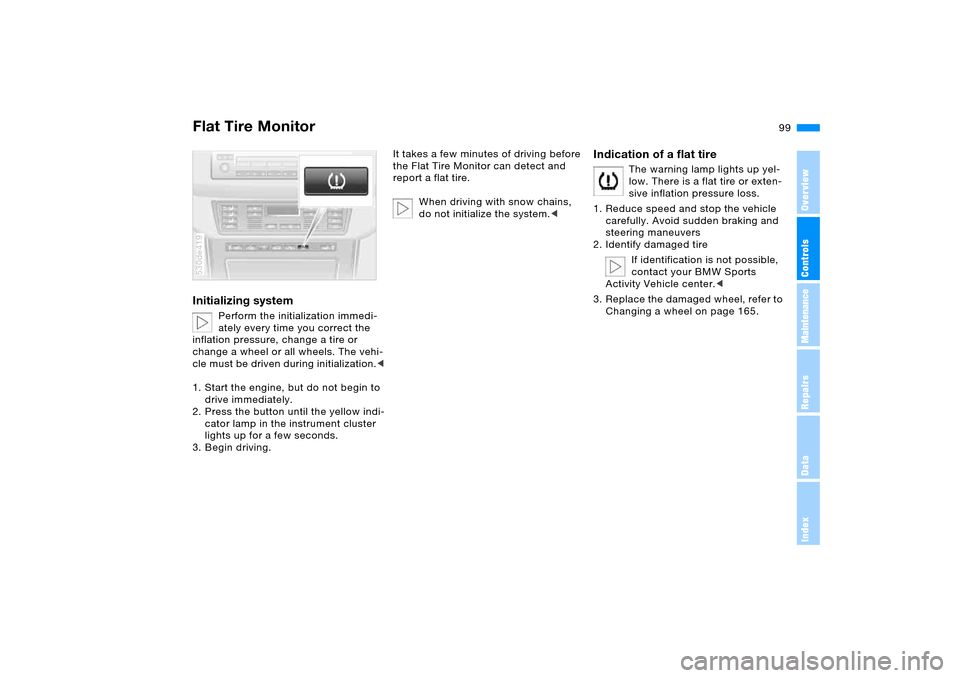
Perform the initialization immedi-
ately every time you correct the
inflation pressure, change a tire or
change a wheel or all wheels. The vehi-
cle must be driven during initialization.<
1. Start the engine, but do not begin to
drive immediately.
2. Press the button until the yellow indi-
cator lamp in the instrument cluster
lights up for a few seconds.
3. Begin driving.
530de419
It takes a few minutes of driving before
the Flat Tire Monitor can detect and
report a flat tire.
When driving with snow chains,
do not initialize the system.<
Indication of a flat tire
The warning lamp lights up yel-
low. There is a flat tire or exten-
sive inflation pressure loss.
1. Reduce speed and stop the vehicle
carefully. Avoid sudden braking and
steering maneuvers
2. Identify damaged tire
If identification is not possible,
contact your BMW Sports
Activity Vehicle center.<
3. Replace the damaged wheel, refer to
Changing a wheel on page 165.
Page 102 of 202
102n
Front fog lamps
Instrument lighting
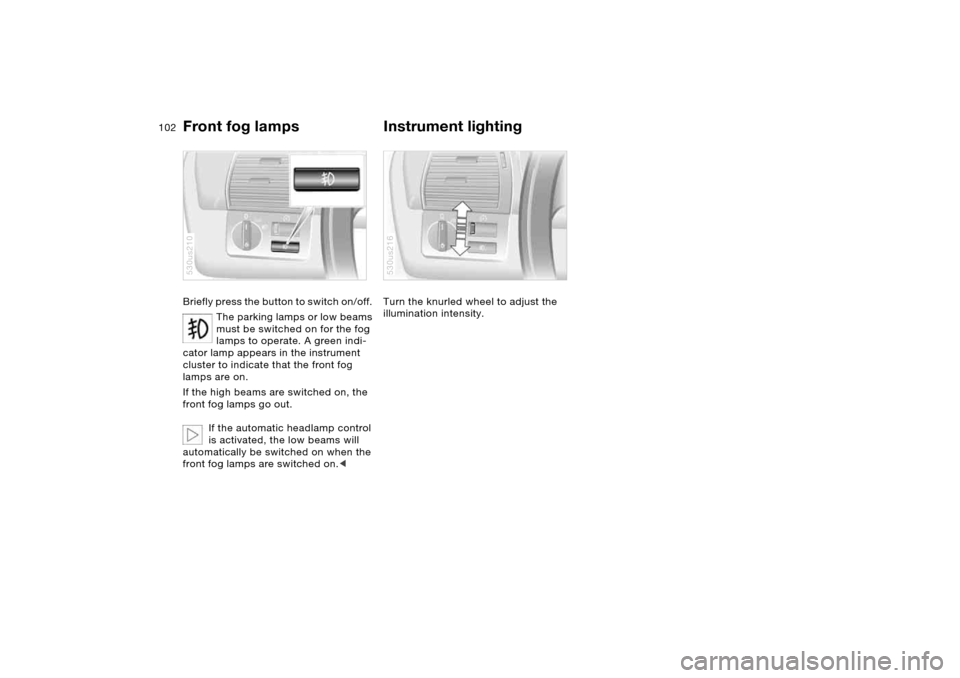
Briefly press the button to switch on/off.
The parking lamps or low beams
must be switched on for the fog
lamps to operate. A green indi-
cator lamp appears in the instrument
cluster to indicate that the front fog
lamps are on.
If the high beams are switched on, the
front fog lamps go out.
If the automatic headlamp control
is activated, the low beams will
automatically be switched on when the
front fog lamps are switched on.<530us210
Turn the knurled wheel to adjust the
illumination intensity.530us216
Page 113 of 202
113n
OverviewControlsMaintenanceRepairsDataIndex
Roller sun blinds
*
Parked car ventilation
*
Roller sun blinds for rear side
windows
*
Use the strap to pull out the blinds, then
hook them in the attachment provided.
With roller sun blinds attached,
do not open the windows during
travel. The blinds may otherwise be
damaged by the wind.<
You can use this system to ventilate the
interior and lower its temperature, using
the blower of the parked car ventilation
or of the automatic climate control.
The parked car ventilation is operated
via the MID Multi-Information Display,
refer to page84 or via the onboard
computer, refer to the separate
Owner's Manual.
You can set two different times for the
system to start; it will remain active for
30 minutes. You can also switch it on
and off directly. Since the system uses
a substantial amount of electrical cur-
rent, you should refrain from switching
it on twice in succession without allow-
ing the battery to be recharged in nor-
mal operation between uses.When a preselected activation time is
set, the parked car ventilation is opera-
tional at outside temperatures above
approx. 607/166, or by direct switch
activation.
The air enters the passenger compart-
ment through the vent outlets in the
instrument cluster, which can be
adjusted for both direction and airflow.
The vent outlets must therefore be open
for the system to operate.
Page 150 of 202
150n
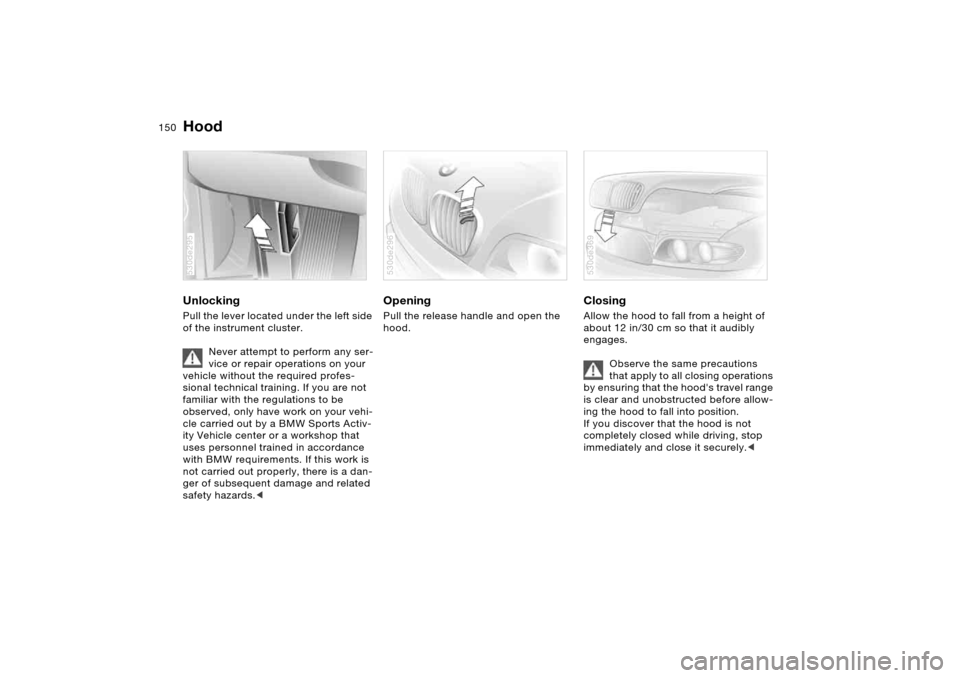
Hood Unlocking Pull the lever located under the left side
of the instrument cluster.
Never attempt to perform any ser-
vice or repair operations on your
vehicle without the required profes-
sional technical training. If you are not
familiar with the regulations to be
observed, only have work on your vehi-
cle carried out by a BMW Sports Activ-
ity Vehicle center or a workshop that
uses personnel trained in accordance
with BMW requirements. If this work is
not carried out properly, there is a dan-
ger of subsequent damage and related
safety hazards.< 530de295
Opening Pull the release handle and open the
hood. 530de296
Closing Allow the hood to fall from a height of
about 12 in/30 cm so that it audibly
engages.
Observe the same precautions
that apply to all closing operations
by ensuring that the hood's travel range
is clear and unobstructed before allow-
ing the hood to fall into position.
If you discover that the hood is not
completely closed while driving, stop
immediately and close it securely.< 530de369
Page 189 of 202
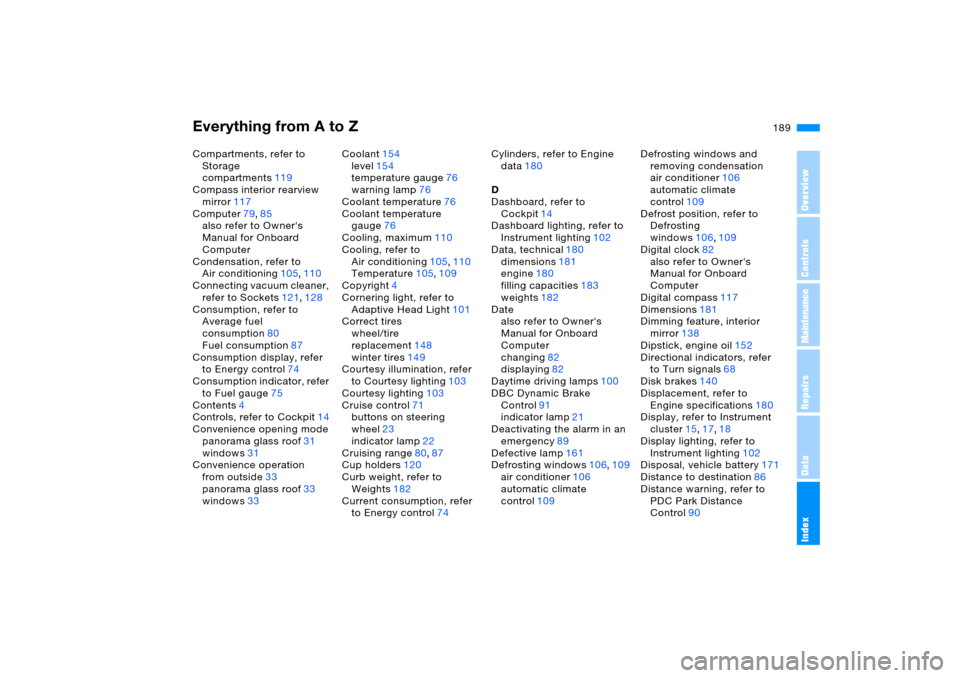
Everything from A to Z
189n
OverviewControlsMaintenanceRepairsDataIndex
Compartments, refer to
Storage
compartments119
Compass interior rearview
mirror117
Computer79,85
also refer to Owner's
Manual for Onboard
Computer
Condensation, refer to
Air conditioning105,110
Connecting vacuum cleaner,
refer to Sockets121,128
Consumption, refer to
Average fuel
consumption80
Fuel consumption87
Consumption display, refer
to Energy control74
Consumption indicator, refer
to Fuel gauge75
Contents4
Controls, refer to Cockpit14
Convenience opening mode
panorama glass roof31
windows31
Convenience operation
from outside33
panorama glass roof33
windows33Coolant154
level154
temperature gauge76
warning lamp76
Coolant temperature76
Coolant temperature
gauge76
Cooling, maximum110
Cooling, refer to
Air conditioning105,110
Temperature105,109
Copyright4
Cornering light, refer to
Adaptive Head Light101
Correct tires
wheel/tire
replacement148
winter tires149
Courtesy illumination, refer
to Courtesy lighting103
Courtesy lighting103
Cruise control71
buttons on steering
wheel23
indicator lamp22
Cruising range80
,87
Cup holders120
Curb weight, refer to
Weights182
Current consumption, refer
to Energy control74Cylinders, refer to Engine
data180
D
Dashboard, refer to
Cockpit14
Dashboard lighting, refer to
Instrument lighting102
Data, technical180
dimensions181
engine180
filling capacities183
weights182
Date
also refer to Owner's
Manual for Onboard
Computer
changing82
displaying82
Daytime driving lamps100
DBC Dynamic Brake
Control91
indicator lamp21
Deactivating the alarm in an
emergency89
Defective lamp161
Defrosting windows106,109
air conditioner106
automatic climate
control109Defrosting windows and
removing condensation
air conditioner106
automatic climate
control109
Defrost position, refer to
Defrosting
windows106,109
Digital clock82
also refer to Owner's
Manual for Onboard
Computer
Digital compass117
Dimensions181
Dimming feature, interior
mirror138
Dipstick, engine oil152
Directional indicators, refer
to Turn signals68
Disk brakes140
Displacement, refer to
Engine specifications180
Display, refer to Instrument
cluster15,17,18
Display lighting, refer to
Instrument lighting102
Disposal, vehicle battery171
Distance to destination86
Distance warning, refer to
PDC Park Distance
Control90
Page 192 of 202
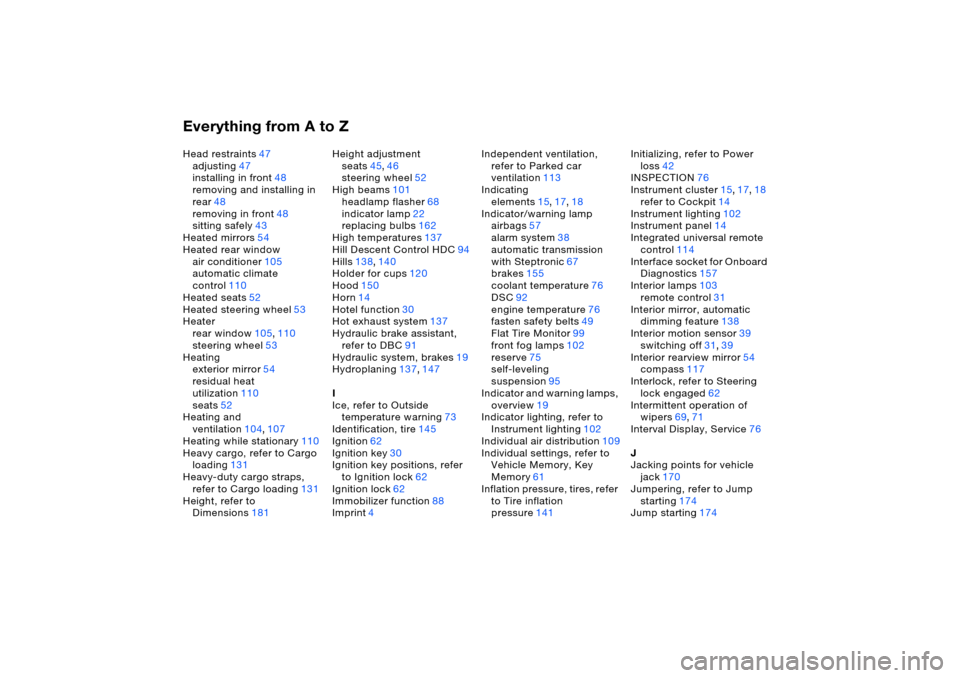
Everything from A to ZHead restraints47
adjusting47
installing in front48
removing and installing in
rear48
removing in front48
sitting safely43
Heated mirrors54
Heated rear window
air conditioner105
automatic climate
control110
Heated seats52
Heated steering wheel53
Heater
rear window105,110
steering wheel53
Heating
exterior mirror54
residual heat
utilization110
seats52
Heating and
ventilation104,107
Heating while stationary110
Heavy cargo, refer to Cargo
loading131
Heavy-duty cargo straps,
refer to Cargo loading131
Height, refer to
Dimensions181Height adjustment
seats45,46
steering wheel52
High beams101
headlamp flasher68
indicator lamp22
replacing bulbs162
High temperatures137
Hill Descent Control HDC94
Hills138,140
Holder for cups120
Hood150
Horn14
Hotel function30
Hot exhaust system137
Hydraulic brake assistant,
refer to DBC91
Hydraulic system, brakes19
Hydroplaning137,147
I
Ice, refer to Outside
temperature warning
73
Identification, tire145
Ignition62
Ignition key30
Ignition key positions, refer
to Ignition lock62
Ignition lock62
Immobilizer function88
Imprint4Independent ventilation,
refer to Parked car
ventilation113
Indicating
elements15,17,18
Indicator/warning lamp
airbags57
alarm system38
automatic transmission
with Steptronic67
brakes155
coolant temperature76
DSC92
engine temperature76
fasten safety belts49
Flat Tire Monitor99
front fog lamps102
reserve75
self-leveling
suspension95
Indicator and warning lamps,
overview19
Indicator lighting, refer to
Instrument lighting102
Individual air distribution109
Individual settings, refer to
Vehicle Memory, Key
Memory61
Inflation pressure, tires, refer
to Tire inflation
pressure141Initializing, refer to Power
loss42
INSPECTION76
Instrument cluster15,17,18
refer to Cockpit14
Instrument lighting102
Instrument panel14
Integrated universal remote
control114
Interface socket for Onboard
Diagnostics157
Interior lamps103
remote control31
Interior mirror, automatic
dimming feature138
Interior motion sensor
39
switching off31,39
Interior rearview mirror54
compass117
Interlock, refer to Steering
lock engaged62
Intermittent operation of
wipers69,71
Interval Display, Service76
J
Jacking points for vehicle
jack170
Jumpering, refer to Jump
starting174
Jump starting174
Page 197 of 202
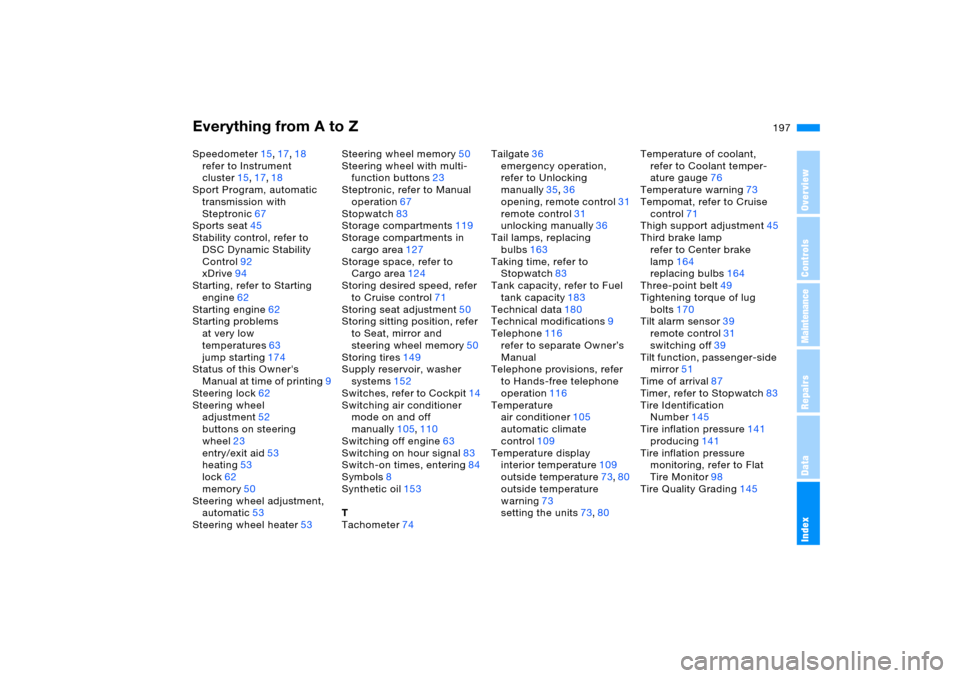
Everything from A to Z
197n
OverviewControlsMaintenanceRepairsDataIndex
Speedometer15,17,18
refer to Instrument
cluster15,17,18
Sport Program, automatic
transmission with
Steptronic67
Sports seat45
Stability control, refer to
DSC Dynamic Stability
Control92
xDrive94
Starting, refer to Starting
engine62
Starting engine62
Starting problems
at very low
temperatures63
jump starting174
Status of this Owner's
Manual at time of printing9
Steering lock62
Steering wheel
adjustment52
buttons on steering
wheel23
entry/exit aid53
heating53
lock62
memory50
Steering wheel adjustment,
automatic53
Steering wheel heater53Steering wheel memory50
Steering wheel with multi-
function buttons23
Steptronic, refer to Manual
operation67
Stopwatch83
Storage compartments119
Storage compartments in
cargo area127
Storage space, refer to
Cargo area124
Storing desired speed, refer
to Cruise control71
Storing seat adjustment50
Storing sitting position, refer
to Seat, mirror and
steering wheel memory50
Storing tires149
Supply reservoir, washer
systems152
Switches, refer to Cockpit14
Switching air conditioner
mode on and off
manually105,110
Switching off engine
63
Switching on hour signal83
Switch-on times, entering84
Symbols8
Synthetic oil153
T
Tachometer74Tailgate36
emergency operation,
refer to Unlocking
manually35,36
opening, remote control31
remote control31
unlocking manually36
Tail lamps, replacing
bulbs163
Taking time, refer to
Stopwatch83
Tank capacity, refer to Fuel
tank capacity183
Technical data180
Technical modifications9
Telephone116
refer to separate Owner’s
Manual
Telephone provisions, refer
to Hands-free telephone
operation116
Temperature
air conditioner105
automatic climate
control109
Temperature display
interior temperature109
outside temperature73,80
outside temperature
warning73
setting the units73,80Temperature of coolant,
refer to Coolant temper-
ature gauge76
Temperature warning73
Tempomat, refer to Cruise
control71
Thigh support adjustment45
Third brake lamp
refer to Center brake
lamp164
replacing bulbs164
Three-point belt49
Tightening torque of lug
bolts170
Tilt alarm sensor39
remote control31
switching off39
Tilt function, passenger-side
mirror51
Time of arrival87
Timer, refer to Stopwatch
83
Tire Identification
Number145
Tire inflation pressure141
producing141
Tire inflation pressure
monitoring, refer to Flat
Tire Monitor98
Tire Quality Grading145