speed limit BMW X6M 2013 E71 Owner's Guide
[x] Cancel search | Manufacturer: BMW, Model Year: 2013, Model line: X6M, Model: BMW X6M 2013 E71Pages: 327, PDF Size: 7.71 MB
Page 272 of 327
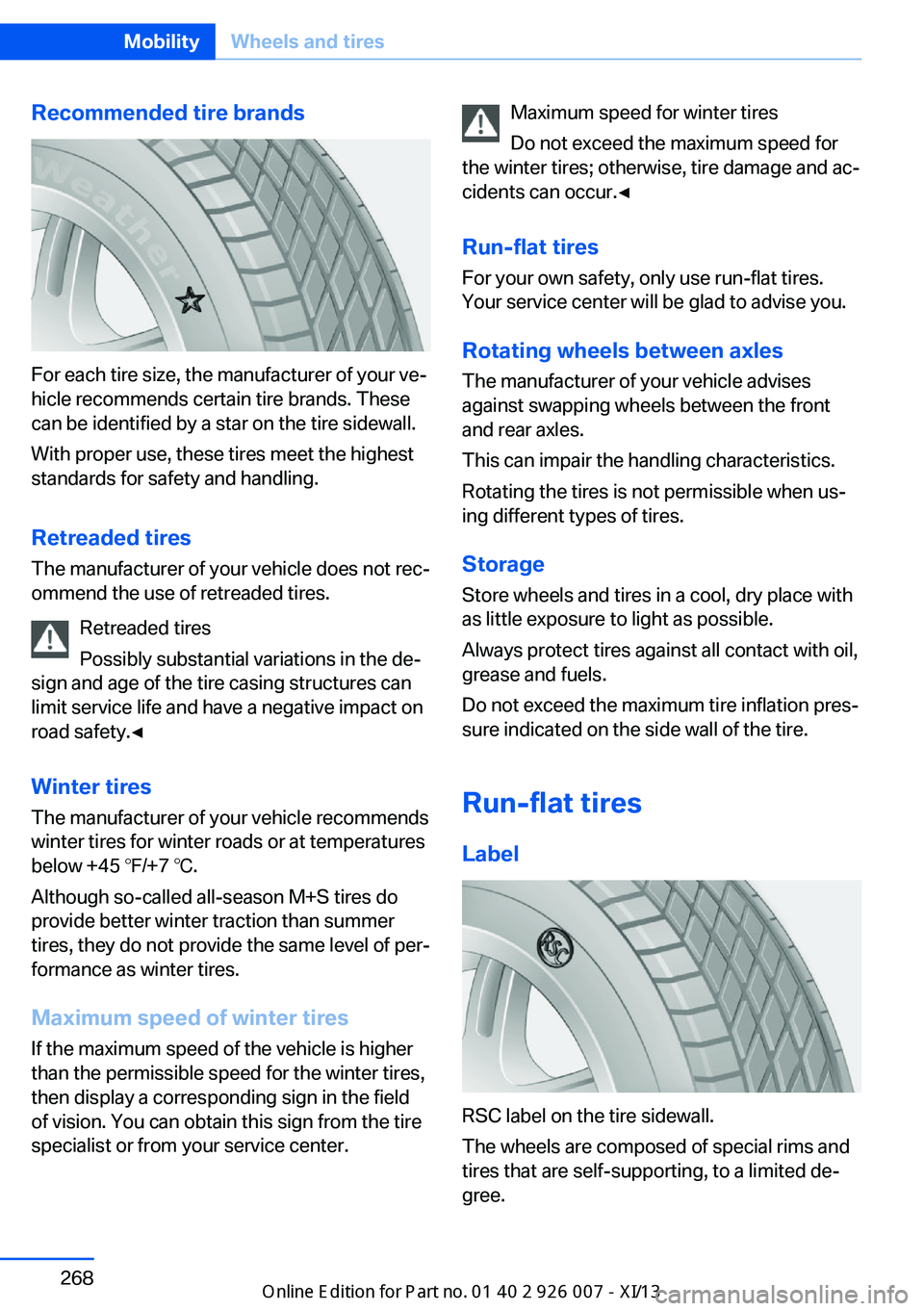
Recommended tire brands
For each tire size, the manufacturer of your ve‐
hicle recommends certain tire brands. These
can be identified by a star on the tire sidewall.
With proper use, these tires meet the highest
standards for safety and handling.
Retreaded tires The manufacturer of your vehicle does not rec‐
ommend the use of retreaded tires.
Retreaded tires
Possibly substantial variations in the de‐
sign and age of the tire casing structures can
limit service life and have a negative impact on
road safety.◀
Winter tires
The manufacturer of your vehicle recommends
winter tires for winter roads or at temperatures
below +45 ℉/+7 ℃.
Although so-called all-season M+S tires do
provide better winter traction than summer tires, they do not provide the same level of per‐
formance as winter tires.
Maximum speed of winter tires
If the maximum speed of the vehicle is higher
than the permissible speed for the winter tires,
then display a corresponding sign in the field
of vision. You can obtain this sign from the tire
specialist or from your service center.
Maximum speed for winter tires
Do not exceed the maximum speed for
the winter tires; otherwise, tire damage and ac‐
cidents can occur.◀
Run-flat tires
For your own safety, only use run-flat tires.
Your service center will be glad to advise you.
Rotating wheels between axlesThe manufacturer of your vehicle advises
against swapping wheels between the front
and rear axles.
This can impair the handling characteristics.
Rotating the tires is not permissible when us‐
ing different types of tires.
Storage
Store wheels and tires in a cool, dry place with
as little exposure to light as possible.
Always protect tires against all contact with oil,
grease and fuels.
Do not exceed the maximum tire inflation pres‐
sure indicated on the side wall of the tire.
Run-flat tires
Label
RSC label on the tire sidewall.
The wheels are composed of special rims and
tires that are self-supporting, to a limited de‐
gree.
Seite 268MobilityWheels and tires268
Online Edition for Part no. 01 40 2 910 876 - VII/13
Page 287 of 327
Driving with compact wheelDo not exceed a speed of
50 mph/80 km/h.
Drive conservatively and do not exceed a
speed of 50 mph/80 km/h. Otherwise, changes
in the driving characteristics could result, for
example reduced track stability on braking, ex‐ tended braking distance, and altered self-
steering characteristics in the limit range. In
conjunction with winter tires, these character‐
istics are more pronounced.◀
Only mount one compact wheel
Only one compact wheel may be
mounted. Restore the wheels and tires to their
original size as quickly as possible. Failure to
do so is a safety risk.◀
Vehicle battery Maintenance
The battery is maintenance-free, i.e., the elec‐
trolyte will last for the life of the battery.
Your service center will be glad to advise you
on questions regarding the battery.
Battery replacement Use approved vehicle batteries
Only use vehicle batteries that have been
approved for your vehicle by the manufacturer;
otherwise, the vehicle could be damaged and
systems or functions may not be fully availa‐
ble.◀
After a battery replacement, have the battery
registered on the vehicle by your service cen‐
ter to ensure that all comfort functions are fully
available.Charging the battery
Note Do not connect the charger to the socket
Do not connect the battery charger to
the socket installed in the vehicle at the factory
as this could damage the battery.◀
General information Ensure that the battery is sufficiently charged
to achieve the full battery life.
It may be necessary to charge the battery in
the following cases:▷When the vehicle is frequently used to
drive short distances.▷When the vehicle has not been driven for
more than one month.
Starting aid terminals
Only charge using the starting aid terminals,
refer to page 288, in the engine compartment
while the engine is switched off.
Power failure
After a temporary power loss, some equipment
needs to be reinitialized.
Individual settings need to be reprogrammed:
▷Seat and mirror memory: store the posi‐
tions again, refer to page 50.▷Time: update, refer to page 78.▷Date: update, refer to page 78.▷Radio station: save again, refer to
page 182.▷Navigation system: wait for the navigation
system to be operational.▷Glass sunroof: it may only be possible to
tilt the roof. Have the system initialized by
the service center.▷Digital compass: recalibrate, refer to
page 131.Seite 283Replacing componentsMobility283
Online Edition for Part no. 01 40 2 910 876 - VII/13
Page 304 of 327
Short commands for voice activationsystemVehicle equipment
This chapter describes all series equipment as
well as country-specific and special equipment
offered for this model series.Therefore, it also
describes equipment that may not be found in
your vehicle, for instance due to the selected
special equipment or the country version. This
also applies to safety-related functions and
systems.
General information
Instructions for voice activation system, refer
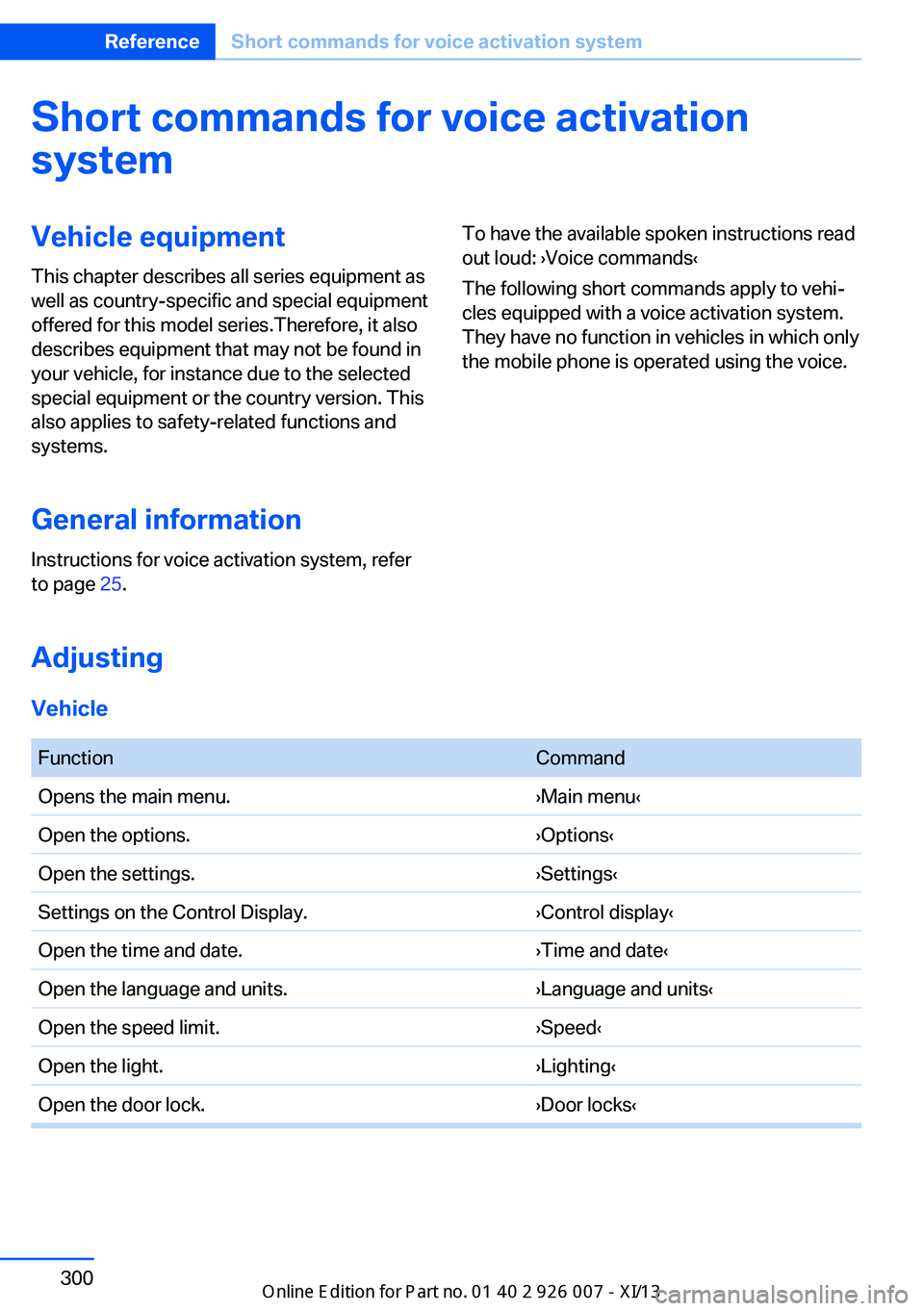
to page 25.To have the available spoken instructions read
out loud: ›Voice commands‹
The following short commands apply to vehi‐
cles equipped with a voice activation system.
They have no function in vehicles in which only
the mobile phone is operated using the voice.
Adjusting
Vehicle
FunctionCommandOpens the main menu.›Main menu‹Open the options.›Options‹Open the settings.›Settings‹Settings on the Control Display.›Control display‹Open the time and date.›Time and date‹Open the language and units.›Language and units‹Open the speed limit.›Speed‹Open the light.›Lighting‹Open the door lock.›Door locks‹Seite 300ReferenceShort commands for voice activation system300
Online Edition for Part no. 01 40 2 910 876 - VII/13
Page 319 of 327
Lamps, automatic headlampcontrol 81, 82
Lamps, High-beam Assis‐ tant 83
Lamps, parking lamps/low beams 81
Lamps, replacing, refer to Lamp and bulb replace‐
ment 276
Lane departure warning 93
Lane margin, warning 93
Language, changing on Con‐ trol Display 79
Lap-and-shoulder belt, refer to Safety belts 47
Lashing eyes, securing cargo 151
LATCH child restraint fixing system 55
Leather, care 292
LEDs, light-emitting di‐ odes 277
Length, refer to Dimen‐ sions 298
Letters and numbers, enter‐ ing 23
License plate lamps, replac‐ ing bulbs 280
Light-alloy wheels, care 293
Light-emitting diodes, LEDs 277
Lighter 133
Lighting– Instruments 85
Lighting, vehicle, refer to
Lamps 81
Light switch 81
Limit, refer to Speed limit 77
Load 151
Loading 150
Lock buttons, doors, refer to Locking 35
Locking– From the inside 35– From the outside 33– Setting the confirmation
signals 33– Without remote control, re‐
fer to Comfort Access 37
Locking the vehicle
– From the inside 35– From the outside 32
Locks, doors, and win‐
dows 57
Longlife oils, alternative oil types 273
Longlife oils, refer to Ap‐ proved engine oils 272
Low beams 81
Low beams
– Automatic 82
Low beams, automatic 81
Low beams, automatic, refer to High-beam Assistant 83
Lower back support, refer to Lumbar support 45
Luggage rack, refer to Roof- mounted luggage rack 152
Lumbar support 45
M
Main inspection, refer to Service requirements 74
Maintenance 274
Maintenance, refer to Service booklet
Maintenance, refer to Service requirements 74
Maintenance require‐ ments 274
Maintenance system BMW 274
Malfunction
– Door lock 34– Fuel filler flap 258
Malfunction, parking
brake 63
Malfunction warnings, refer to
Check Control 76
Manual air distribution 124
Manual mode, automatic transmission with Step‐
tronic 68
Manual operation– Door lock 34– Driver's door 34
Manual operation, fuel filler
flap 258
Manual operation, Side View 118
Manual operation, Top View 116
Map, destination entry 165
Map display in black and white 174
Map in split screen 173
Map view 171
Marking on approved tires 268
Master key, refer to Remote control with integrated
key 30
Maximum cooling 124
Maximum speed, winter tires 268
Medical kit, refer to First aid kit 287
Memory, refer to Seat and mirror memory 50
Menus, operating, iDrive 18
Menus, refer to iDrive operat‐ ing concept 19
Message list, traffic bulle‐ tins 173
Messages 242
Microfilter 126
Minimum tread, tires 266
Mirror
– Mirror memory, refer to Seat
and mirror memory 50
Mirrors 51
Mirrors
– Automatic Curb Monitor 52
Mirrors, folding in and out 52
Seite 315Everything from A to ZReference315
Online Edition for Part no. 01 40 2 910 876 - VII/13
Page 322 of 327
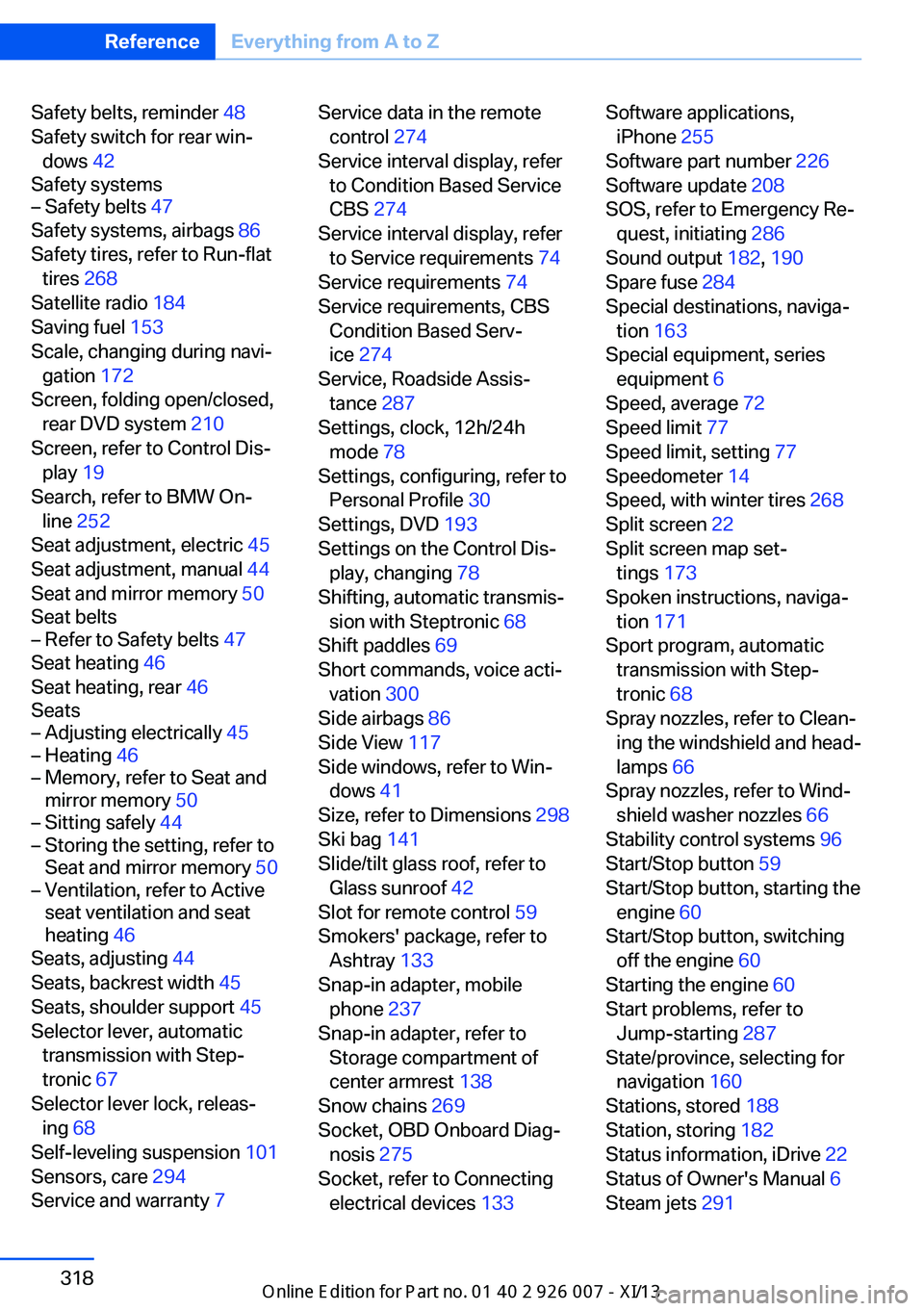
Safety belts, reminder 48
Safety switch for rear win‐ dows 42
Safety systems– Safety belts 47
Safety systems, airbags 86
Safety tires, refer to Run-flat tires 268
Satellite radio 184
Saving fuel 153
Scale, changing during navi‐ gation 172
Screen, folding open/closed, rear DVD system 210
Screen, refer to Control Dis‐ play 19
Search, refer to BMW On‐ line 252
Seat adjustment, electric 45
Seat adjustment, manual 44
Seat and mirror memory 50
Seat belts
– Refer to Safety belts 47
Seat heating 46
Seat heating, rear 46
Seats
– Adjusting electrically 45– Heating 46– Memory, refer to Seat and
mirror memory 50– Sitting safely 44– Storing the setting, refer to
Seat and mirror memory 50– Ventilation, refer to Active
seat ventilation and seat
heating 46
Seats, adjusting 44
Seats, backrest width 45
Seats, shoulder support 45
Selector lever, automatic transmission with Step‐
tronic 67
Selector lever lock, releas‐ ing 68
Self-leveling suspension 101
Sensors, care 294
Service and warranty 7
Service data in the remote
control 274
Service interval display, refer to Condition Based Service
CBS 274
Service interval display, refer to Service requirements 74
Service requirements 74
Service requirements, CBS Condition Based Serv‐
ice 274
Service, Roadside Assis‐ tance 287
Settings, clock, 12h/24h mode 78
Settings, configuring, refer to Personal Profile 30
Settings, DVD 193
Settings on the Control Dis‐ play, changing 78
Shifting, automatic transmis‐ sion with Steptronic 68
Shift paddles 69
Short commands, voice acti‐ vation 300
Side airbags 86
Side View 117
Side windows, refer to Win‐ dows 41
Size, refer to Dimensions 298
Ski bag 141
Slide/tilt glass roof, refer to Glass sunroof 42
Slot for remote control 59
Smokers' package, refer to Ashtray 133
Snap-in adapter, mobile phone 237
Snap-in adapter, refer to Storage compartment of
center armrest 138
Snow chains 269
Socket, OBD Onboard Diag‐ nosis 275
Socket, refer to Connecting electrical devices 133 Software applications,
iPhone 255
Software part number 226
Software update 208
SOS, refer to Emergency Re‐ quest, initiating 286
Sound output 182, 190
Spare fuse 284
Special destinations, naviga‐ tion 163
Special equipment, series equipment 6
Speed, average 72
Speed limit 77
Speed limit, setting 77
Speedometer 14
Speed, with winter tires 268
Split screen 22
Split screen map set‐ tings 173
Spoken instructions, naviga‐ tion 171
Sport program, automatic transmission with Step‐
tronic 68
Spray nozzles, refer to Clean‐ ing the windshield and head‐
lamps 66
Spray nozzles, refer to Wind‐ shield washer nozzles 66
Stability control systems 96
Start/Stop button 59
Start/Stop button, starting the engine 60
Start/Stop button, switching off the engine 60
Starting the engine 60
Start problems, refer to Jump-starting 287
State/province, selecting for navigation 160
Stations, stored 188
Station, storing 182
Status information, iDrive 22
Status of Owner's Manual 6
Steam jets 291 Seite 318ReferenceEverything from A to Z318
Online Edition for Part no. 01 40 2 910 876 - VII/13
Page 325 of 327
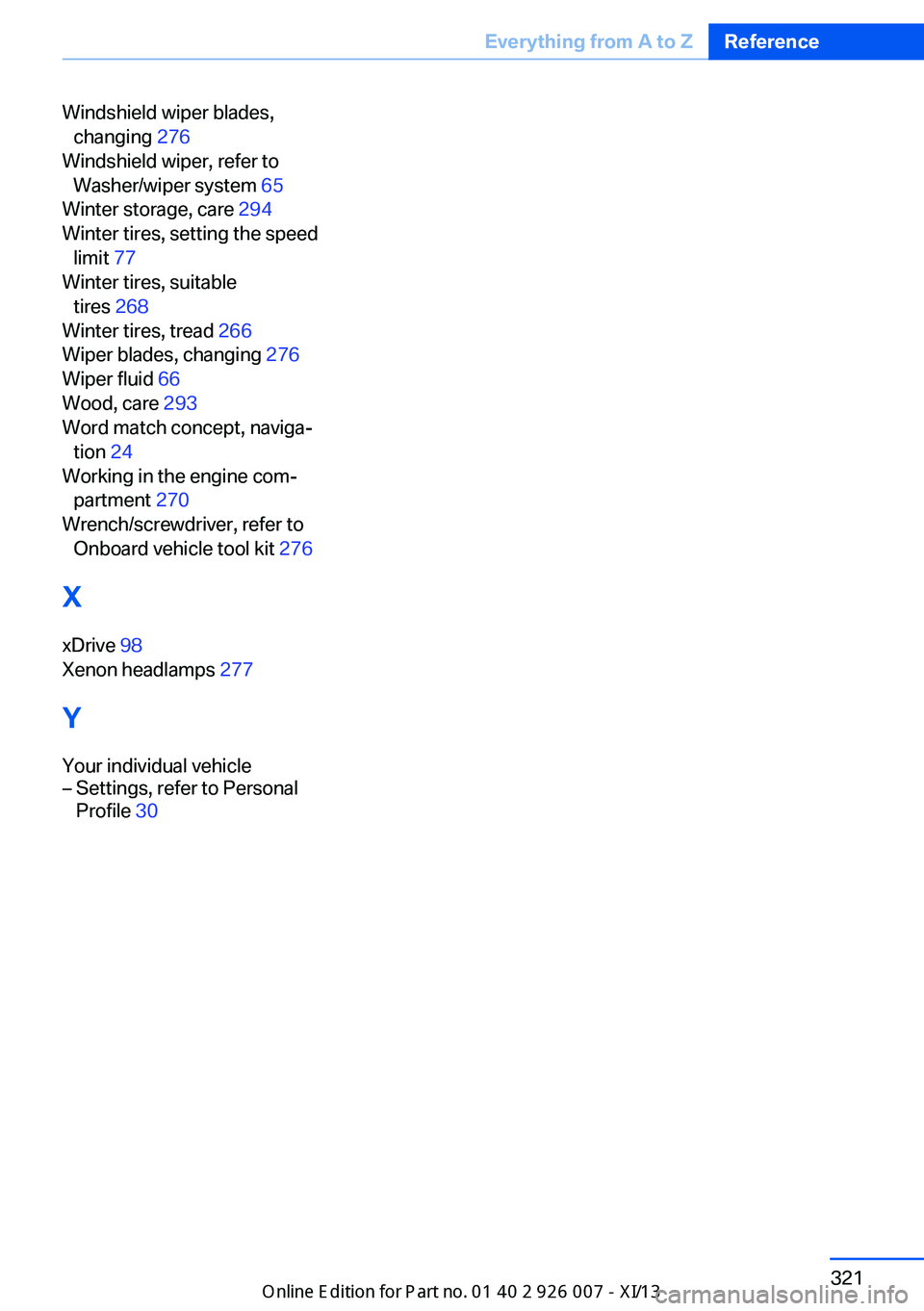
Windshield wiper blades,changing 276
Windshield wiper, refer to Washer/wiper system 65
Winter storage, care 294
Winter tires, setting the speed limit 77
Winter tires, suitable tires 268
Winter tires, tread 266
Wiper blades, changing 276
Wiper fluid 66
Wood, care 293
Word match concept, naviga‐ tion 24
Working in the engine com‐ partment 270
Wrench/screwdriver, refer to Onboard vehicle tool kit 276
X xDrive 98
Xenon headlamps 277
Y Your individual vehicle– Settings, refer to Personal
Profile 30Seite 321Everything from A to ZReference321
Online Edition for Part no. 01 40 2 910 876 - VII/13