battery BMW Z4 2.5I 2003 User Guide
[x] Cancel search | Manufacturer: BMW, Model Year: 2003, Model line: Z4 2.5I, Model: BMW Z4 2.5I 2003Pages: 106, PDF Size: 2.47 MB
Page 89 of 106
At a glance
Controls
Driving tips
Mobility
Reference
89
Giving and receiving assistance
Warning triangle*
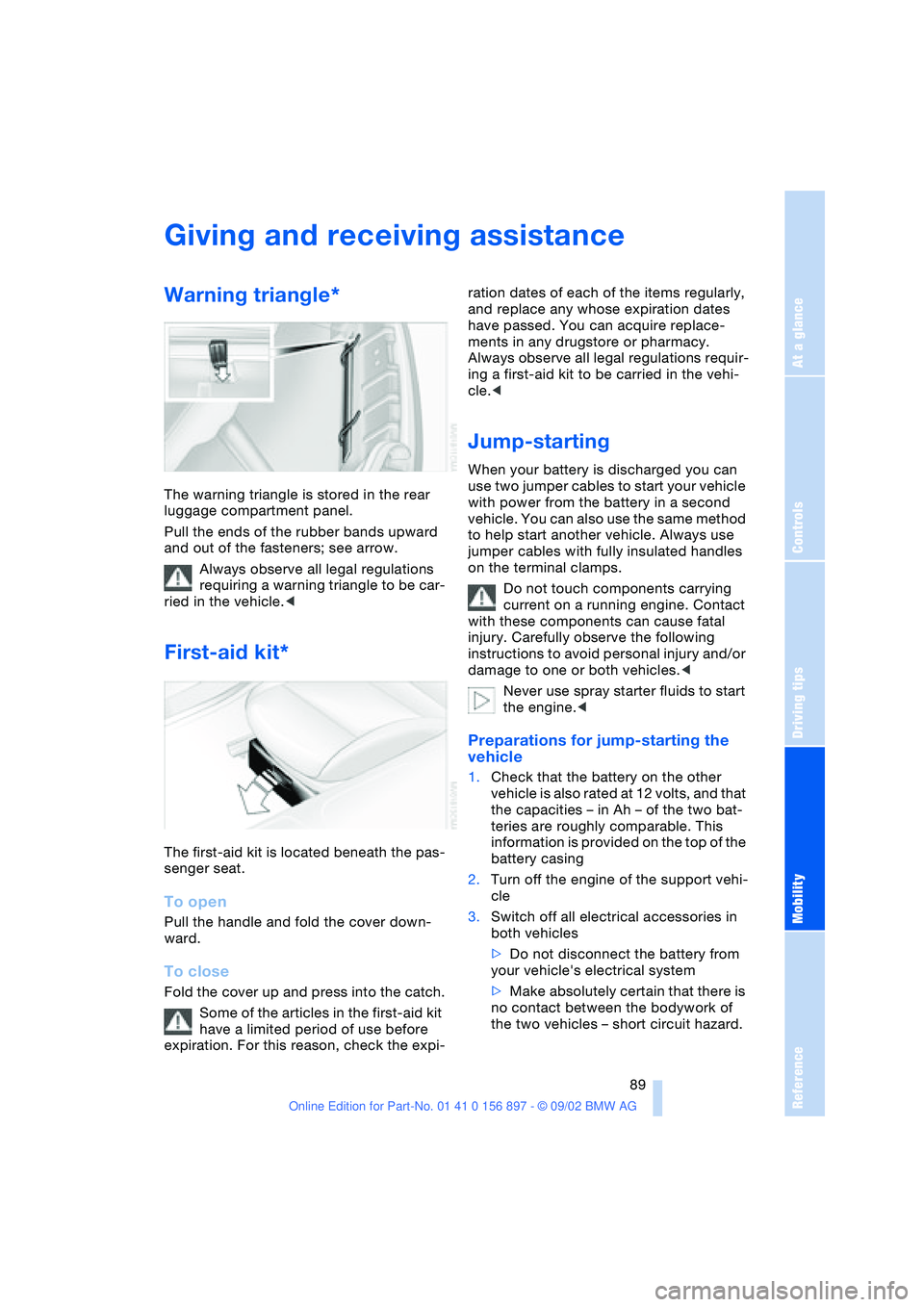
The warning triangle is stored in the rear
luggage compartment panel.
Pull the ends of the rubber bands upward
and out of the fasteners; see arrow.
Always observe all legal regulations
requiring a warning triangle to be car-
ried in the vehicle.<
First-aid kit*
The first-aid kit is located beneath the pas-
senger seat.
To open
Pull the handle and fold the cover down-
ward.
To close
Fold the cover up and press into the catch.
Some of the articles in the first-aid kit
have a limited period of use before
expiration. For this reason, check the expi-ration dates of each of the items regularly,
and replace any whose expiration dates
have passed. You can acquire replace-
ments in any drugstore or pharmacy.
Always observe all legal regulations requir-
ing a first-aid kit to be carried in the vehi-
cle.<
Jump-starting
When your battery is discharged you can
use two jumper cables to start your vehicle
with power from the battery in a second
vehicle. You can also use the same method
to help start another vehicle. Always use
jumper cables with fully insulated handles
on the terminal clamps.
Do not touch components carrying
current on a running engine. Contact
with these components can cause fatal
injury. Carefully observe the following
instructions to avoid personal injury and/or
damage to one or both vehicles.<
Never use spray starter fluids to start
the engine.<
Preparations for jump-starting the
vehicle
1.Check that the battery on the other
vehicle is also rated at 12 volts, and that
the capacities – in Ah – of the two bat-
teries are roughly comparable. This
information is provided on the top of the
battery casing
2.Turn off the engine of the support vehi-
cle
3.Switch off all electrical accessories in
both vehicles
>Do not disconnect the battery from
your vehicle's electrical system
>Make absolutely certain that there is
no contact between the bodywork of
the two vehicles – short circuit hazard.
Page 90 of 106
Giving and receiving assistance
90 4.Start the engine on the support vehicle
and allow it to run
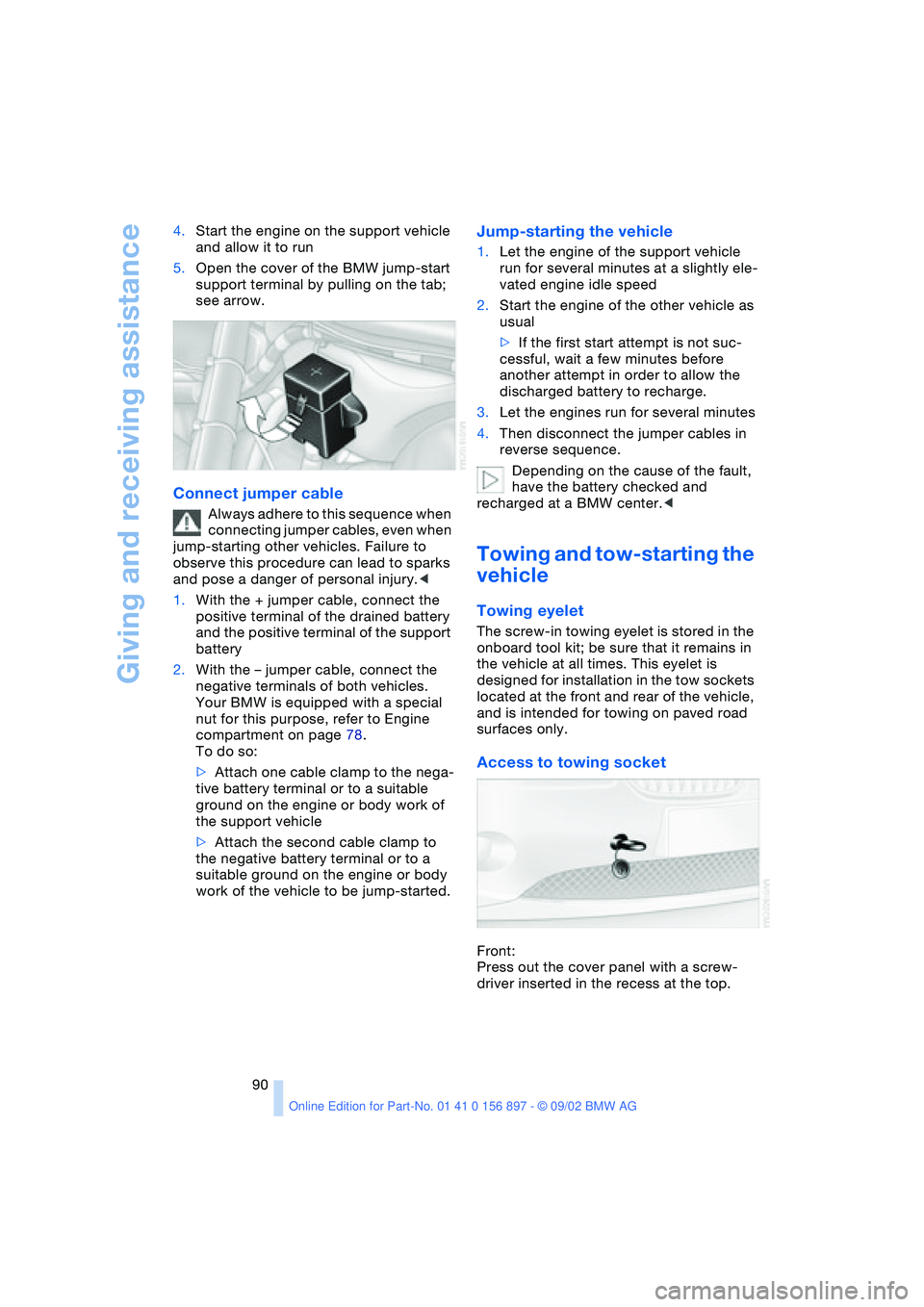
5.Open the cover of the BMW jump-start
support terminal by pulling on the tab;
see arrow.
Connect jumper cable
Always adhere to this sequence when
connecting jumper cables, even when
jump-starting other vehicles. Failure to
observe this procedure can lead to sparks
and pose a danger of personal injury.<
1.With the + jumper cable, connect the
positive terminal of the drained battery
and the positive terminal of the support
battery
2.With the – jumper cable, connect the
negative terminals of both vehicles.
Your BMW is equipped with a special
nut for this purpose, refer to Engine
compartment on page 78.
To do so:
>Attach one cable clamp to the nega-
tive battery terminal or to a suitable
ground on the engine or body work of
the support vehicle
>Attach the second cable clamp to
the negative battery terminal or to a
suitable ground on the engine or body
work of the vehicle to be jump-started.
Jump-starting the vehicle
1.Let the engine of the support vehicle
run for several minutes at a slightly ele-
vated engine idle speed
2.Start the engine of the other vehicle as
usual
>If the first start attempt is not suc-
cessful, wait a few minutes before
another attempt in order to allow the
discharged battery to recharge.
3.Let the engines run for several minutes
4.Then disconnect the jumper cables in
reverse sequence.
Depending on the cause of the fault,
have the battery checked and
recharged at a BMW center.<
Towing and tow-starting the
vehicle
Towing eyelet
The screw-in towing eyelet is stored in the
onboard tool kit; be sure that it remains in
the vehicle at all times. This eyelet is
designed for installation in the tow sockets
located at the front and rear of the vehicle,
and is intended for towing on paved road
surfaces only.
Access to towing socket
Front:
Press out the cover panel with a screw-
driver inserted in the recess at the top.
Page 97 of 106
At a glance
Controls
Driving tips
Mobility
Reference
97
A
ABS Antilock Brake
System 53
– indicator lamp 14
Accessories 7
Activated-charcoal filter 59
Air conditioning 55, 56
– air distribution 56
– air supply 56
– automatic climate
control 58
– defrosting windows
and removing
condensation 56
– outside-air mode 56
– rear window defroster 56
– recirculated-air mode 56
– temperature 56
Air distribution
– air conditioning 56
– automatic climate
control 58
Air outlets 56, 59
Air pressure 71
– checking 71
Air supply
– air conditioning 56
– automatic climate
control 58
Airbags 33
– activation/deactivation 34
– indicator lamp 14, 33
– passenger airbags
lamp 35
Alarm system 27
– arming/disarming 27
– indicator lamp 27
– tilt alarm sensor 28
– triggering 19
All-season tires, refer to
Winter tires 76
Antifreeze
– coolant 81
– washer fluid 79Antilock Brake System ABS
– indicator lamp 14
Anti-theft alarm system,
refer to Alarm system 27
Approved axle load 94
Approved gross vehicle
weight 94
Ashtray 61
AUC Automatic recircu-
lated air control 58
Automatic
– air distribution 58
– air supply 58
– cruise control 44
– lamp control 45
Automatic car wash, refer
to the Caring for your
vehicle brochure
Automatic climate
control 57, 58
– air conditioning 58
– air distribution 58
– air supply 58
– Automatic recirculated air
control AUC 58
– defrosting windows
and removing
condensation 58
– maximum cooling 58
– outside air 58
– rear window defroster 59
– recirculated air mode 58
– temperature 58
Automatic transmission
with Steptronic 40
– display 41
– electronic transmission
control 41
– indicator lamp 14
– manual mode 41
– selector lever position 40
– sport program 41
Automatic windshield
washer 44Average fuel
consumption 50
Average speed 50
Axle load, approved 94
B
Backrest, refer to Seats 30
Backup lamps 40
– bulb replacement 86
Bandages 89
Battery 87
Battery charge current
– indicator lamp 14, 88
Belt tensioner, refer to
Safety belts 31
Belts 31
Beverage holder 61
Blinker, refer to Turn signal
indicators 42
Blower
– air conditioning 56
– automatic climate
control 58
BMW High Performance
synthetic oils 80
BMW Maintenance
System 82
Bore 94
Brake fluid 81
– indicator lamp 14, 81
– refilling 81
Brake Force Display 52
Brake hydraulic system 65
Brake hydraulics
– indicator lamp 14
Brake lamps
– bulb replacement 86
– indicator lamp, defective
bulb 14
Brake pads 66
– indicator lamp 14
Everything from A - Z
Index
Page 98 of 106
Everything from A - Z
98 Brake system 65
– brake fluid level 81
– brake pads 66
– break-in procedures 64
– disc brakes 65
Brakes
– driving notes 65
Break-in procedures 64
– brake system 64
– clutch 64
– differential 64
– engine 64
– tires 64
Bulb
– defective 45
– replacement 84
C
California Proposition 65
warning 83
Can holder 61
Capacities 94, 96
– luggage
compartment 22, 94
Car battery 87
Car radio, refer to the
Owner's Manual for Radio
Car wash, refer to the Car-
ing for your vehicle bro-
chure
Cargo loading 66
Cassette player operation,
refer to the Owner's Man-
ual for Radio
Catalytic converter, refer to
High temperatures 65
CD player operation, refer
to the Owner's Manual for
Radio
Cellular phone
preparation 61
Cellular phone, refer to the
separate Owner's Manual
Center high-mount brake
lamp 87
Central locking system 18
– button 20
– interior 20
Charge indicator
lamp 14, 88Check gas cap 70
– indicator lamp 14
Child seat 34
Child-restraint mounting
system (LATCH) 36
Child-restraint systems 34
Cigarette lighter 61
Cleaning the headlamps 43
Cleaning the windshield 43
Clock
– 12/24-hour mode 49
– adjusting, refer also to the
radio or onboard com-
puter Owner's Manual
Clothes hooks 27
Cluster 13
Clutch
– break-in procedure 64
Cockpit 12
Code, refer to the Owner's
Manual for Radio
Combination switch, refer
to Turn signal indicators/
Headlamp flasher 42
Compartments 60
Compression ratio 94
Computer 49
– average fuel
consumption 50
– average speed 50
– clock, 12/24-hour
mode 49
– cruising range 50
– outside temperature 49
Condensation
– removing from
windows 56, 58
Configuring adjustments,
refer to Vehicle Memory,
Key Memory 37
Consumption 50
Convenience operation
– convertible top 20
– windows 20
Convertible top 23
– convenience operation 20
– electrical fault 25
– emergency operation 25
– malfunction 25
– manual operation 23
– mechanical 23Convertible top compart-
ment panel 22
Coolant 80, 96
– indicator lamp 14
Coolant thermometer 47
Cooling system 96
Cooling, maximum 58
Copyright 4, 6
Cruise control 44
Cruising range 50
Cup holder, refer to Bever-
age holder 61
Curb weight 94
Cylinders 94
D
Data 94
– engine 94
– filling capacities 96
– weights 94
Daytime driving lamps 45
DBC Dynamic Brake
Control 52
Defects 8
Deflector for wind 26
Defrost setting 56, 58
Defroster, rear window
– air conditioning 56
– automatic climate
control 59
Defrosting
– windows 56, 58
Differential
– break-in procedures 64
Digital clock
Dimensions 95
Dimming mirror 33
Dipstick, engine oil 79
Disc brakes 65
Displacement 94
Displays, refer to Instru-
ment cluster 13
Door lock 20
Door lock buttons 21
Doors
– emergency operation 20
– locking 19
– unlocking 19
DOT quality grades 73
Drivelogic 42
Page 102 of 106
Everything from A - Z
102 Speedometer 13
Sport program
– automatic transmission
with Steptronic 41
– Drivelogic 42
Standing lamps, refer to
Parking lamps 45, 46
Starting problems 89
Starting the engine 38
Steering lock 38
Steering wheel
– adjusting 32
Steptronic 40
Storage compartments 60
– electrical fault 60
– opening manually 60
Storage nets 60
Storage, tires 76
Storing the vehicle, refer to
the Caring for your vehi-
cle brochure
Stroke 94
Switching gears, refer to
Automatic transmission
with Steptronic 40
Symbols 6
Synthetic oils 80
T
Tachometer 47
Tail lamps
– bulb replacement 86
– indicator lamp, defective
bulb 14
Tank capacity 96
Technical data 94
– engine 94
– weight 94
Technical
modifications 7
Telephone preparation 61
Telephone, refer to the
Owner's Manual for the
telephone
Temperature
– air conditioning 56
– automatic climate
control 58
– tires 74Temperature display
– engine coolant 47
– outside temperature 48
– outside temperature in
computer 49
Third brake lamp 87
Tilt alarm sensor 19, 28
– deactivating 28
– remote control 19
Tire change 87
Tire damage 73
Tire inflation pressure 71
– checking 71
Tire pressure monitor 53
Tires
– age 73
– approval 71
– break-in procedures 64
– condition 73
– damage 73
– DOT quality grades 73
– flat tire 75
– inflation pressure 71
– M+S tires 76
– replacement 73
– Run Flat tires 73, 75, 87
– temperature 74
– traction 74
– tread 73
– tread wear 73
– Uniform Tire Quality
Grading 74
– wheel-tire
combination 74
– winter tires 76
Tool kit, refer to Onboard
tool kit 84
Torque 94
Towing 90
Towing eyelet 90
Tow-starting 90
Track width 95
Traction 74
Transmission, refer to
Automatic transmission
with Steptronic 40
Transporting children
safely 34
Tread depth, tires 73
Tread wear 73
Tread wear indicator 73Trip odometer 47
Trunk lid, refer to Luggage
compartment lid 21, 22
Trunk, refer to Luggage
compartment 22
Turn signal indicators 42
– bulb replacement 86
– indicator lamps 14
Turning circle 95
U
Undercoating, refer to the
Caring for your vehicle
brochure
Uniform Tire Quality
Grading 74
Unintentional alarm 28
Unlocking the vehicle 19
Used batteries, refer to
Battery disposal 88
V
Vacuum cleaner, refer to
Cigarette lighter
socket 61
Vehicle
– battery 87
– break-in procedures 64
– data 94
Vehicle Memory 37
Vehicle storage, refer to the
Caring for your vehicle
brochure
Vehicle vacuum cleaner,
refer to Cigarette lighter
socket 61
Ventilation 56, 59
Vents, refer to
Ventilation 56, 59
W
Warning and indicator
lamps 14
Warning triangle 89
Warranty and service 7
Warranty and Service
Guide Booklet 82