low beam BMW Z4 2014 E89 User Guide
[x] Cancel search | Manufacturer: BMW, Model Year: 2014, Model line: Z4, Model: BMW Z4 2014 E89Pages: 289, PDF Size: 7.13 MB
Page 262 of 289
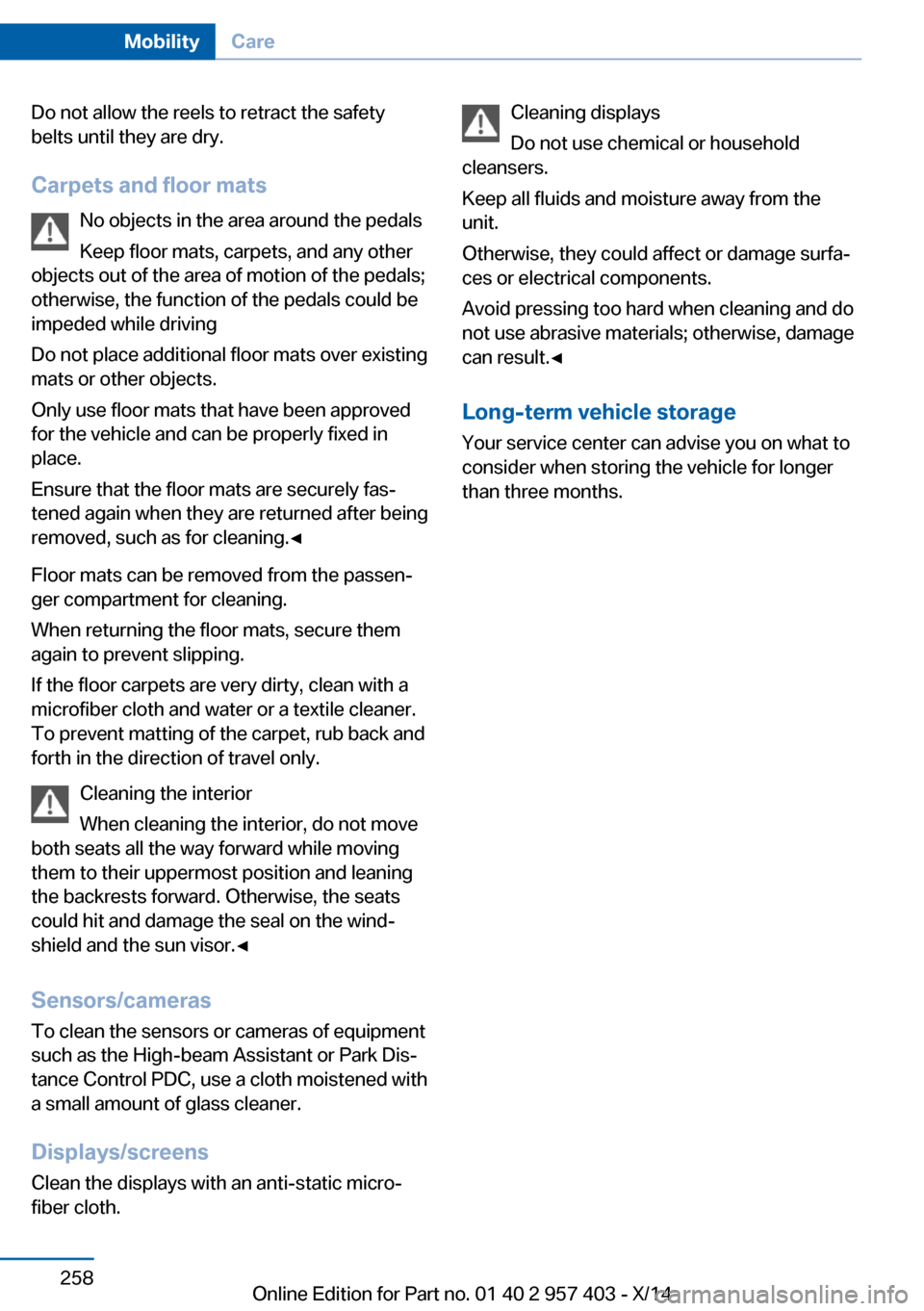
Do not allow the reels to retract the safety
belts until they are dry.
Carpets and floor mats No objects in the area around the pedals
Keep floor mats, carpets, and any other
objects out of the area of motion of the pedals;
otherwise, the function of the pedals could be
impeded while driving
Do not place additional floor mats over existing
mats or other objects.
Only use floor mats that have been approved
for the vehicle and can be properly fixed in
place.
Ensure that the floor mats are securely fas‐
tened again when they are returned after being
removed, such as for cleaning.◀
Floor mats can be removed from the passen‐
ger compartment for cleaning.
When returning the floor mats, secure them
again to prevent slipping.
If the floor carpets are very dirty, clean with a
microfiber cloth and water or a textile cleaner.
To prevent matting of the carpet, rub back and
forth in the direction of travel only.
Cleaning the interior
When cleaning the interior, do not move
both seats all the way forward while moving
them to their uppermost position and leaning
the backrests forward. Otherwise, the seats
could hit and damage the seal on the wind‐
shield and the sun visor.◀
Sensors/cameras
To clean the sensors or cameras of equipment
such as the High-beam Assistant or Park Dis‐
tance Control PDC, use a cloth moistened with
a small amount of glass cleaner.
Displays/screens
Clean the displays with an anti-static micro‐
fiber cloth.Cleaning displays
Do not use chemical or household
cleansers.
Keep all fluids and moisture away from the
unit.
Otherwise, they could affect or damage surfa‐
ces or electrical components.
Avoid pressing too hard when cleaning and do
not use abrasive materials; otherwise, damage
can result.◀
Long-term vehicle storage
Your service center can advise you on what to
consider when storing the vehicle for longer
than three months.Seite 258MobilityCare258
Online Edition for Part no. 01 40 2 957 403 - X/14
Page 281 of 289
Height, refer to Dimen‐sions 262
High-beam Assistant 87
High beams 60, 87
High beams/low beams, refer to High-beam Assistant 87
High beams, headlamp flasher 87
High beams, indicator lamp 15
High-pressure washers 255
Hills 130
Hill start assistant, refer to Drive-off assistant 102
Holder for beverages 124
Holder for remote control, re‐ fer to Ignition lock 55
Homepage 6
Hood 236
Horn 12
Hot exhaust system 129
Hotline 217
House number, entering for navigation 141
Hydroplaning 129
I Ice warning, refer to External temperature warning 71
Icy roads, refer to External temperature warning 71
Identification marks– Tires 229
iDrive 18
iDrive
– Changing the date and
time 76– Changing the units of meas‐
ure and display format 76
Ignition 56
Ignition
– Switched off 56– Switched on 56
Ignition key position 1, refer
to Radio ready state 56
Ignition key position 2, refer
to Ignition on 56
Ignition key, refer to Remote control with integrated
key 30
Ignition lock 55
Indication of a flat tire 93
Indicator and warning lamps 15
Indicator and warning lights, Tire Pressure Monitor
TPM 96
Individual air distribution 108
Inflation pressure, refer to Tire inflation pressure 226
Inflation pressure warning, tires 92
Information on the navigation data 138
Initializing– Compass, refer to Calibrat‐
ing 117– Flat Tire Monitor FTM 93
Installation location
– Telephone 122
Instrument cluster 14
Instrument lighting 88
Instrument panel, refer to In‐ strument cluster 14
Instruments, refer to Cock‐ pit 12
Integrated key 30
Interactive map 145
Interior equipment 114
Interior lamps 89
Interior lamps
– Remote control 33
Interior motion sensor 40
Interior rearview mirror 51
Interior rearview mirror
– Automatic dimming 51– Compass 116
Interior temperature, setting,
refer to Air conditioner 108
Interior temperature, setting, refer to Automatic climate
control 110
Intermediate destina‐
tions 147
Intermittent wipe 61
Internet page 6
Intersection, entering for navi‐ gation 141
Interval display, service re‐ quirements 78
iPod/iPhone 181
J
Jacking points 247
Joystick, refer to iDrive 18
K Keyless Go, refer to Comfort Access 37
Keyless opening and closing, refer to Comfort Access 37
Key Memory, refer to Per‐ sonal Profile 30
Key, refer to Integrated key/ remote control 30
Kickdown– 7-gear automatic transmis‐
sion 67– 8-gear automatic transmis‐
sion 63
Knee airbag 90
L
Lamps and bulbs, bulb re‐ placement 243
Lamps, replacing, refer to Lamps and bulbs 243
Language on Control Dis‐ play 78
Lap-and-shoulder belt, refer to Safety belts 48
Lashing eyes, securing cargo 132
Launch Control, acceleration assistant 68
Leather, care 256
Seite 277Everything from A to ZReference277
Online Edition for Part no. 01 40 2 957 403 - X/14
Page 282 of 289
LED, light-emitting di‐odes 244
Length, refer to Dimen‐ sions 262
Letters and numbers, enter‐ ing 23
License plate light, bulb re‐ placement 246
Light 85
Light-alloy wheels, care 257
Light control 86
Light-emitting diodes LED 244
Lighter 118
Lighter– Connecting electrical devi‐
ces 118
Lighting
– Instruments 88– Lamps and bulbs 243
Light switch 85
Limit, refer to Speed limit 83
Load 131
Loading 130
Lockable lug bolts, refer to Lug bolt lock 247
Lock buttons, doors, refer to Locking 36
Locking
– From the inside 36– From the outside 33– Setting the confirmation
signals 34– Without remote control, re‐
fer to Comfort Access 37
Locking the vehicle
– From the inside 35– From the outside 32
Low beams 85
Low beams, automatic, refer to High-beam Assistant 87
Lower back support, refer to Lumbar support 47
Lug bolt lock 247
Lumbar support 47
M
M/S, automatic transmission– 7-gear 67– 8-gear 64
Maintenance 241
Maintenance require‐ ments 241
Maintenance, service require‐ ments 78
Maintenance system, BMW 241
Malfunction
– Door lock 35– Fuel filler flap 222– Parking brake 60
Malfunction warnings, refer to
Check Control 82
Manual air distribution 108
Manual mode
– 7-gear automatic transmis‐
sion 67– 8-gear automatic transmis‐
sion 64
Manual operation
– Door lock 35– Driver's door 35– Fuel filler flap 222– Transmission lock 69
Manual transmission 63
Map, destination entry 145
Map display in black and white 154
Map in split screen 153
Map view 151
Marking on approved tires 233
Marking, run-flat tires 232
Master key, refer to Remote control with integrated
key 30
Maximum cooling 111
Maximum speed, winter tires 233
Medical kit, refer to First aid kit 250
Memory, refer to Seat and mirror memory 49
Menus, of iDrive, operat‐
ing 18
Menus, refer to iDrive operat‐ ing concept 19
Message list, traffic bulle‐ tins 153
Messages 206
Microfilter– For air conditioner 109– With automatic climate con‐
trol 113
Minimum tread depth,
tires 231
Mirror
– Mirror memory, refer to Seat
and mirror memory 49
Mirrors 50
Mirrors
– Automatic Curb Monitor 50– Exterior mirrors 50– Folding in, before driving
into a car wash 51– Heating 51– Interior rearview mirror 51
Mobile communication devi‐
ces in the vehicle 129
Mobile phone, installation lo‐ cation, refer to Center arm‐
rest 122
Mobile phone, refer to Tele‐ phone 192
Modifications, technical, refer to Safety 6
Monitor, refer to Control Dis‐ play 18
MP3 player 180
Multimedia 170
Music collection 175
Music search 177
Music, storing 175
N
Navigation 138
Navigation data 138
Navigation data, updat‐ ing 138
Seite 278ReferenceEverything from A to Z278
Online Edition for Part no. 01 40 2 957 403 - X/14
Page 284 of 289
Remaining range, refer toRange 73
Reminders 210
Remote app 219
Remote control 30
Remote control– Battery replacement 39– Comfort Access 37– Malfunction 34, 38– Removing from the ignition
lock 55– Trunk lid 33
Remote control, univer‐
sal 114
Remote inquiry 198
Remote Services 219
Replacement fuses, refer to Spare fuses 248
Replacement remote con‐ trol 30
Replacing wheels/tires 232
Reporting safety defects 9
Reservoir for washer fluid 62
Restraining systems
– Refer to Safety belts 48
Restraint system
– For children 53
Retaining straps, securing
cargo 132
Retractable hardtop
– Convenient opening and
closing 33– Opening and closing 42– Remote control 33
Retreaded tires 233
Reverse gear
– 7-gear automatic transmis‐
sion 67– 8-gear automatic transmis‐
sion 63– Manual transmission 63
Rim cleaner, care 257
Road, avoiding 149
Road detour 149
Roadside Assistance 215
Roadside parking lamps 87
Roadworthiness test 78
Roof, refer to Retractable
hardtop 42
Route 150
Route criteria, route 149
Route, displaying 150
Route section, bypass‐ ing 150
RSC Runflat System Compo‐ nent, refer to Run-flat
tires 232
Rubber components, care 257
Run-flat tires 232
Run-flat tires– Tire inflation pressure 226
Running lights, refer to Park‐
ing lamps/low beams 85
S Safety 6
Safety-belt height adjust‐ ment 49
Safety belts 48
Safety belts
– Damage 49– Indicator/warning light 49– Reminder 49
Safety belts, care 257
Safety systems
– Airbags 90– Safety belts 48
Safety tires 232
Satellite radio 164
Saving fuel 132
Scale, changing during navi‐ gation 152
Screen, refer to Control Dis‐ play 18
Search, refer to BMW On‐ line 216
Seat adjustment, electric 47
Seat adjustment, mechani‐ cal 46
Seat and mirror memory 49
Seat and mirror memory, re‐ trieving automatically 34
Seat Belt Reminder, refer to
Safety belt reminder 49
Seat belts– Refer to Safety belts 48
Seat heating 48
Seats 46
Seats
– Adjusting 46– Adjusting electrically 47– Heating 48– Memory, refer to Seat and
mirror memory 49– Storing the setting, refer to
Seat and mirror memory 49
Sensors, care 258
Service and warranty 7
Service requirements, CBS Condition Based Serv‐
ice 241
Service requirements, dis‐ play 78
Services, remote 219
Servotronic 102
Settings and information 75
Settings, configuring, refer to Personal Profile 30
Settings, DVD 173
Settings on Control Dis‐ play 78
Setting the clock, 12h/24h format 77
Shift paddles on steering
wheel
– 7-gear automatic transmis‐
sion 68– 8-gear automatic transmis‐
sion 65
Short commands, voice acti‐
vation 264
Side airbags 90
Side windows, refer to Win‐ dows 40
Signal horn, refer to Horn 12
Sitting safely 46
Ski bag, refer to Through- loading opening with
integrated transport
bag 119
Seite 280ReferenceEverything from A to Z280
Online Edition for Part no. 01 40 2 957 403 - X/14