seat BMW Z4 2015 E89 Owner's Guide
[x] Cancel search | Manufacturer: BMW, Model Year: 2015, Model line: Z4, Model: BMW Z4 2015 E89Pages: 289, PDF Size: 7.16 MB
Page 254 of 289
▷If the LED is flashing but the BMW Re‐
sponse Center cannot be heard on the
hands-free system, the hands-free system
may be malfunctioning. However, the
BMW Response Center may still be able to
hear you.
Initiating an Emergency Request
automatically
Under certain conditions, an Emergency Re‐
quest is automatically initiated immediately af‐
ter a severe accident. Automatic Collision Noti‐
fication is not affected by pressing the SOS
button.
Warning triangle
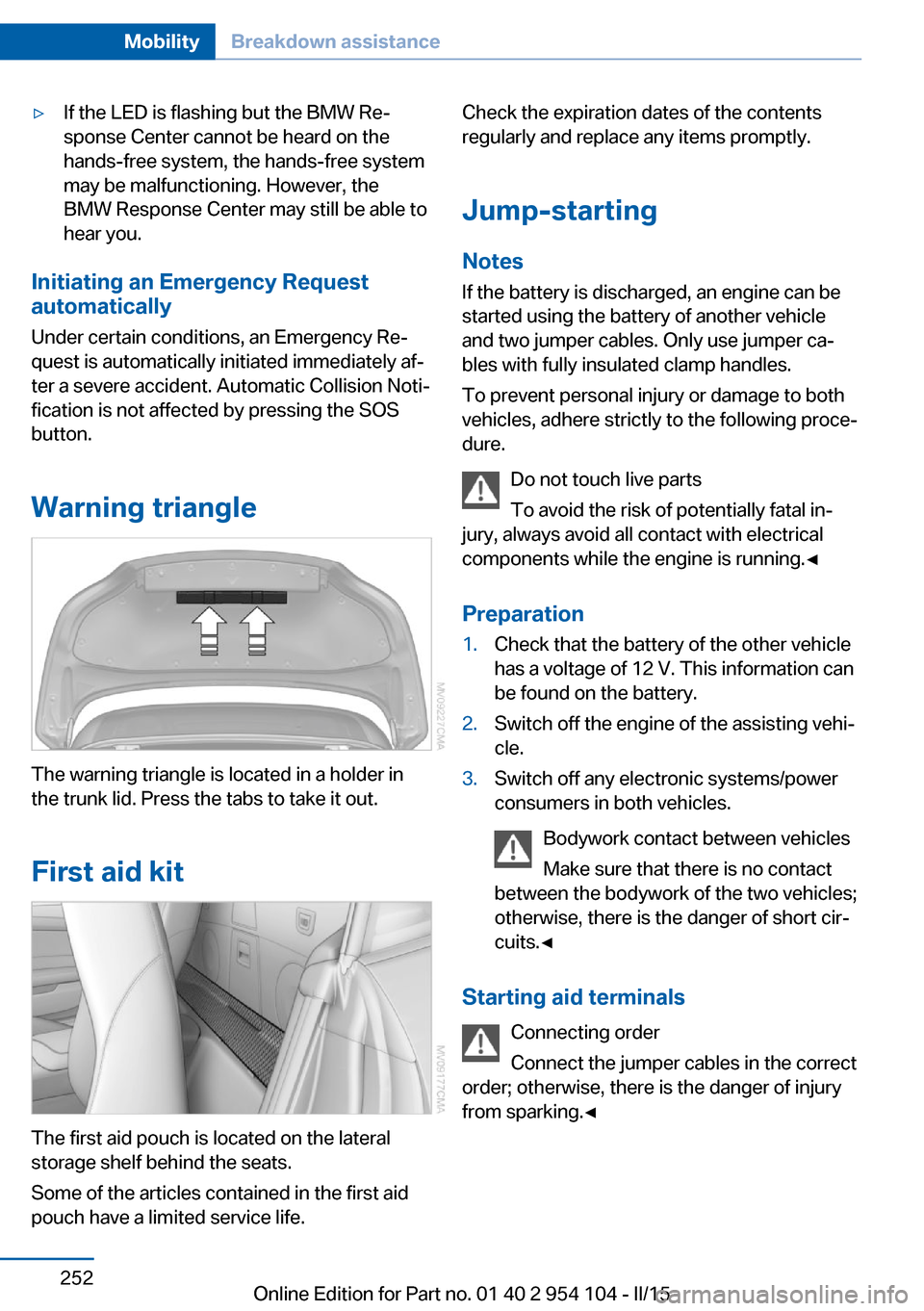
The warning triangle is located in a holder in
the trunk lid. Press the tabs to take it out.
First aid kit
The first aid pouch is located on the lateral
storage shelf behind the seats.
Some of the articles contained in the first aid
pouch have a limited service life.
Check the expiration dates of the contents
regularly and replace any items promptly.
Jump-starting
Notes If the battery is discharged, an engine can be
started using the battery of another vehicle
and two jumper cables. Only use jumper ca‐
bles with fully insulated clamp handles.
To prevent personal injury or damage to both
vehicles, adhere strictly to the following proce‐
dure.
Do not touch live parts
To avoid the risk of potentially fatal in‐
jury, always avoid all contact with electrical
components while the engine is running.◀
Preparation1.Check that the battery of the other vehicle
has a voltage of 12 V. This information can
be found on the battery.2.Switch off the engine of the assisting vehi‐
cle.3.Switch off any electronic systems/power
consumers in both vehicles.
Bodywork contact between vehicles
Make sure that there is no contact
between the bodywork of the two vehicles;
otherwise, there is the danger of short cir‐
cuits.◀
Starting aid terminals
Connecting order
Connect the jumper cables in the correct
order; otherwise, there is the danger of injury
from sparking.◀
Seite 252MobilityBreakdown assistance252
Online Edition for Part no. 01 40 2 954 104 - II/15
Page 261 of 289
Clean light-colored leather more frequently as
dust and dirt are more noticeable.
Use leather care products; otherwise, dirt and
grease will gradually break down the protective
layer of the leather surface.
Suitable care products are available from the
service center.
Upholstery material care Vacuum regularly with a vacuum cleaner.
If they are very dirty, e.g., beverage stains, use
a soft sponge or microfiber cloth with a suita‐
ble interior cleaner.
Clean the upholstery down to the seams using
large sweeping motions. Avoid rubbing the
material vigorously.
Damage from Velcro® fasteners
Open Velcro® fasteners on pants or
other articles of clothing can damage the seat
covers. Ensure that any Velcro® fasteners are
closed.◀
Caring for special components
Light-alloy wheels When cleaning the wheels on the vehicle, only
use a neutral wheel rim cleaner with a pH value
of 5 to 9. Do not use abrasive cleaners or a
steam jet hotter than 140 ℉/60 ℃; otherwise,
damage may result. Adhere to the manufac‐
turer instructions.
Aggressive, acidic, or alkaline cleaners may
destroy the protective coating of neighboring
components such as the brake disc.
Chrome surfaces
Carefully clean components such as the radia‐
tor grille or door handles with an ample supply
of water, possibly with shampoo added, partic‐
ularly when they have been exposed to road
salt.Rubber components
Aside from water, treat only with rubber
cleansers.
When cleaning rubber seals, do not use any
silicon-containing car care products in order to
avoid damage or reduced noise damping.
Fine wood partsClean fine wood facing and fine wood compo‐
nents only with a moist rag. Then dry with a
soft cloth.
Plastic components These include:▷Imitation leather surfaces.▷Headliner.▷Lamp lenses.▷Instrument cluster cover.▷Matte black spray-coated components.▷Painted parts in the interior.
Clean with a microfiber cloth.
Moisten the cloth lightly with water if neces‐
sary.
Do not soak the headliner.
Do not use cleansers that contain alcohol
or solvents
Do not use cleansers that contain alcohol or
solvents, such as lacquer thinners, heavy-duty
grease removers, fuel, or such; this could lead
to surface damage.◀
Safety belts
Dirty belt straps impede the reeling action and
thus have a negative impact on safety.
No chemical cleaning
Do not clean chemically; this can destroy
the webbing.◀
Use only a mild soapy solution, with the safety
belts clipped into their buckles.
Seite 259CareMobility259
Online Edition for Part no. 01 40 2 954 104 - II/15
Page 262 of 289
Do not allow the reels to retract the safety
belts until they are dry.
Carpets and floor mats No objects in the area around the pedals
Keep floor mats, carpets, and any other
objects out of the area of motion of the pedals;
otherwise, the function of the pedals could be
impeded while driving
Do not place additional floor mats over existing
mats or other objects.
Only use floor mats that have been approved
for the vehicle and can be properly fixed in
place.
Ensure that the floor mats are securely fas‐
tened again when they are returned after being
removed, such as for cleaning.◀
Floor mats can be removed from the passen‐
ger compartment for cleaning.
When returning the floor mats, secure them
again to prevent slipping.
If the floor carpets are very dirty, clean with a
microfiber cloth and water or a textile cleaner.
To prevent matting of the carpet, rub back and
forth in the direction of travel only.
Cleaning the interior
When cleaning the interior, do not move
both seats all the way forward while moving
them to their uppermost position and leaning
the backrests forward. Otherwise, the seats
could hit and damage the seal on the wind‐
shield and the sun visor.◀
Sensors/cameras
To clean the sensors or cameras of equipment
such as the High-beam Assistant or Park Dis‐
tance Control PDC, use a cloth moistened with
a small amount of glass cleaner.
Displays/screens
Clean the displays with an anti-static micro‐
fiber cloth.Cleaning displays
Do not use chemical or household
cleansers.
Keep all fluids and moisture away from the
unit.
Otherwise, they could affect or damage surfa‐
ces or electrical components.
Avoid pressing too hard when cleaning and do
not use abrasive materials; otherwise, damage
can result.◀
Long-term vehicle storage
Your service center can advise you on what to
consider when storing the vehicle for longer
than three months.Seite 260MobilityCare260
Online Edition for Part no. 01 40 2 954 104 - II/15
Page 277 of 289
AUTO program with auto‐matic climate control 113
AUX-IN port 182
Average fuel consumption 75
Average fuel consumption, setting the unit 78
Average speed 75
Axle loads, refer to Weights 264
B
Backrest curvature, refer to Lumbar support 49
Backrests, refer to Seat ad‐ justment 48
Backrest width adjust‐ ment 50
Backup lights, bulb replace‐ ment 247
Balance 162
Band-aids, refer to First aid kit 252
Bass 162
Battery, disposal 41
Battery, power failure 249
Battery, remote control 32
Battery, replacement in the remote control 41
Battery replacement, vehicle battery 249
Battery, vehicle 249
Before entering the car wash 257
Belts, refer to Safety belts 50
Belt tensioners, refer to Safety belts 50
Beverage holder, refer to Cu‐ pholder 126
Black and white map dis‐ play 156
Blower, refer to Air flow rate 111, 114
Bluetooth audio 185
Bluetooth connection, acti‐ vating/deactivating 195 BMW Apps 220
BMW Driver's Guide App 6
BMW EfficientDynamics, re‐ fer to Saving fuel 134
BMW Homepage 6
BMW Internet page 6
BMW Maintenance Sys‐ tem 243
BMW Online 218
Bottle holder, refer to Cu‐ pholder 126
Brake assistant, refer to Dy‐ namic Brake Control 101
Brake discs, breaking in 130
Brake force display 100
Brake force distribution, elec‐ tronic 101
Brake lights, adaptive 100
Brake lights, brake force dis‐ play 100
Brake lights, bulb replace‐ ment 247
Brake pads, breaking in 130
Brake, refer to Parking brake 61
Brakes, ABS 101
Braking, notes 131
Braking, parking brake 61
Breakdown assistance, refer to Roadside Assistance 217
Break-in 130
Brightness of Control Dis‐ play 80
Bulbs, replacing, refer to Lamps and bulbs 245
Button for starting the engine, refer to Start/Stop but‐
ton 57
Buttons on the steering wheel 14
Bypassing, see Starting aid 252
C Calendar 210 California Proposition 65
Warning 7
Camera, care 260
Can holder, refer to Cu‐ pholder 126
Capacities 265
Capacities, cargo area, refer to Weights 264
Capacities, fuel tank, refer to Filling capacities 265
Car battery 249
Car care products 258
Care 257
Care, displays 260
Care, vehicle 258
Cargo 132
Cargo area 121
Cargo area, capacity 264
Cargo area capacity, enlarg‐ ing 121
Cargo area, Comfort Ac‐ cess 40
Cargo area, lamp, refer to In‐ terior lights 91
Cargo area, opening from the inside 38
Cargo area, opening from the outside 38
Cargo, securing 122
Cargo straps, securing cargo 134
Car key, refer to Integrated key/remote control 32
Carpet, care 260
Car phone installation loca‐ tion, refer to Center arm‐
rest 124
Car phone, refer to Tele‐ phone 194
Car vacuum cleaner, connect‐ ing, refer to Connecting
electrical devices 120
Car wash 257
Car wash, with Comfort Ac‐ cess 40 Seite 275Everything from A to ZReference275
Online Edition for Part no. 01 40 2 954 104 - II/15
Page 278 of 289
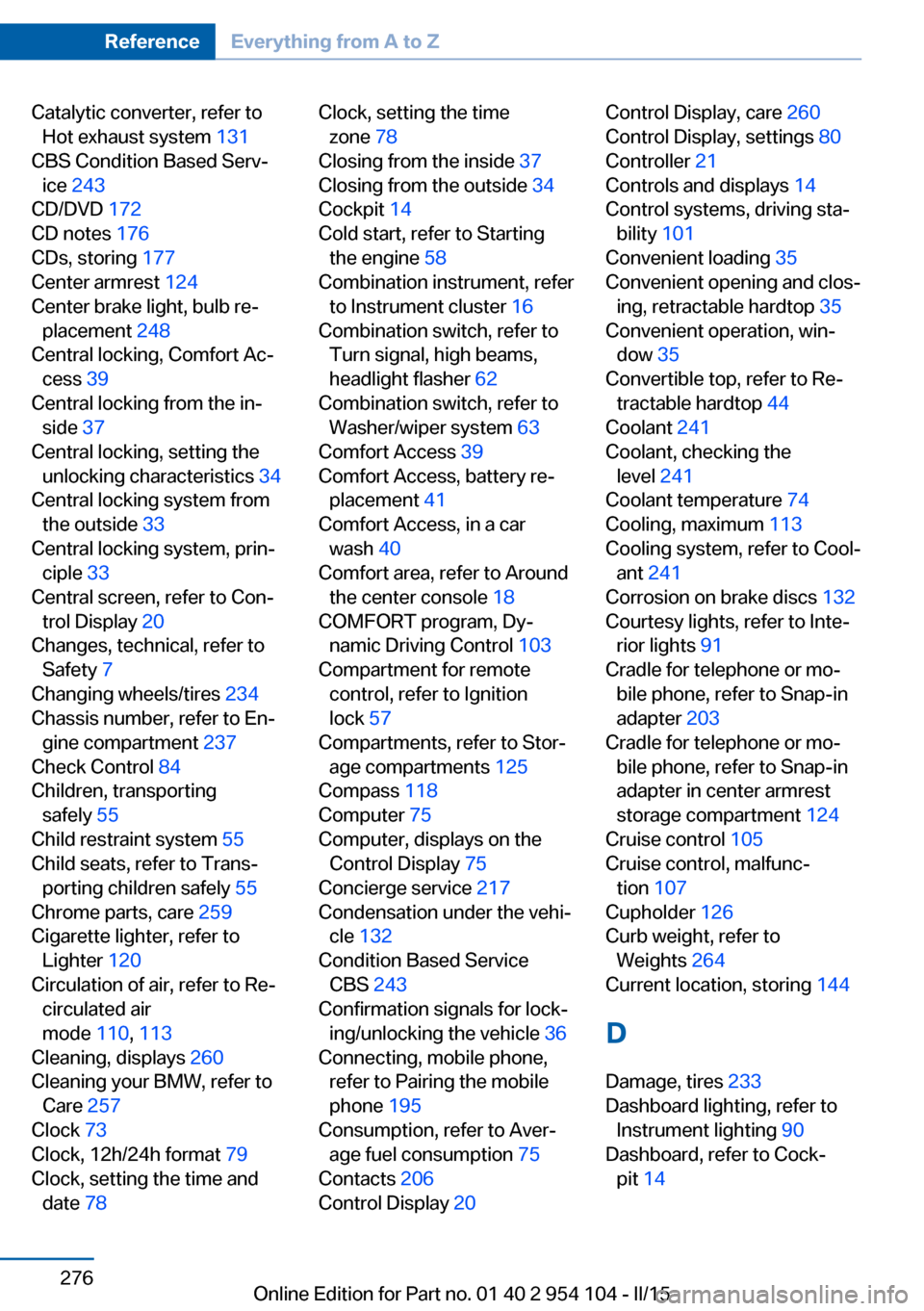
Catalytic converter, refer toHot exhaust system 131
CBS Condition Based Serv‐ ice 243
CD/DVD 172
CD notes 176
CDs, storing 177
Center armrest 124
Center brake light, bulb re‐ placement 248
Central locking, Comfort Ac‐ cess 39
Central locking from the in‐ side 37
Central locking, setting the unlocking characteristics 34
Central locking system from the outside 33
Central locking system, prin‐ ciple 33
Central screen, refer to Con‐ trol Display 20
Changes, technical, refer to Safety 7
Changing wheels/tires 234
Chassis number, refer to En‐ gine compartment 237
Check Control 84
Children, transporting safely 55
Child restraint system 55
Child seats, refer to Trans‐ porting children safely 55
Chrome parts, care 259
Cigarette lighter, refer to Lighter 120
Circulation of air, refer to Re‐ circulated air
mode 110, 113
Cleaning, displays 260
Cleaning your BMW, refer to Care 257
Clock 73
Clock, 12h/24h format 79
Clock, setting the time and date 78 Clock, setting the time
zone 78
Closing from the inside 37
Closing from the outside 34
Cockpit 14
Cold start, refer to Starting the engine 58
Combination instrument, refer to Instrument cluster 16
Combination switch, refer to Turn signal, high beams,
headlight flasher 62
Combination switch, refer to Washer/wiper system 63
Comfort Access 39
Comfort Access, battery re‐ placement 41
Comfort Access, in a car wash 40
Comfort area, refer to Around the center console 18
COMFORT program, Dy‐ namic Driving Control 103
Compartment for remote control, refer to Ignition
lock 57
Compartments, refer to Stor‐ age compartments 125
Compass 118
Computer 75
Computer, displays on the Control Display 75
Concierge service 217
Condensation under the vehi‐ cle 132
Condition Based Service CBS 243
Confirmation signals for lock‐ ing/unlocking the vehicle 36
Connecting, mobile phone, refer to Pairing the mobile
phone 195
Consumption, refer to Aver‐ age fuel consumption 75
Contacts 206
Control Display 20 Control Display, care 260
Control Display, settings 80
Controller 21
Controls and displays 14
Control systems, driving sta‐ bility 101
Convenient loading 35
Convenient opening and clos‐ ing, retractable hardtop 35
Convenient operation, win‐ dow 35
Convertible top, refer to Re‐ tractable hardtop 44
Coolant 241
Coolant, checking the level 241
Coolant temperature 74
Cooling, maximum 113
Cooling system, refer to Cool‐ ant 241
Corrosion on brake discs 132
Courtesy lights, refer to Inte‐ rior lights 91
Cradle for telephone or mo‐ bile phone, refer to Snap-in
adapter 203
Cradle for telephone or mo‐ bile phone, refer to Snap-in
adapter in center armrest
storage compartment 124
Cruise control 105
Cruise control, malfunc‐ tion 107
Cupholder 126
Curb weight, refer to Weights 264
Current location, storing 144
D
Damage, tires 233
Dashboard lighting, refer to Instrument lighting 90
Dashboard, refer to Cock‐ pit 14 Seite 276ReferenceEverything from A to Z276
Online Edition for Part no. 01 40 2 954 104 - II/15
Page 279 of 289
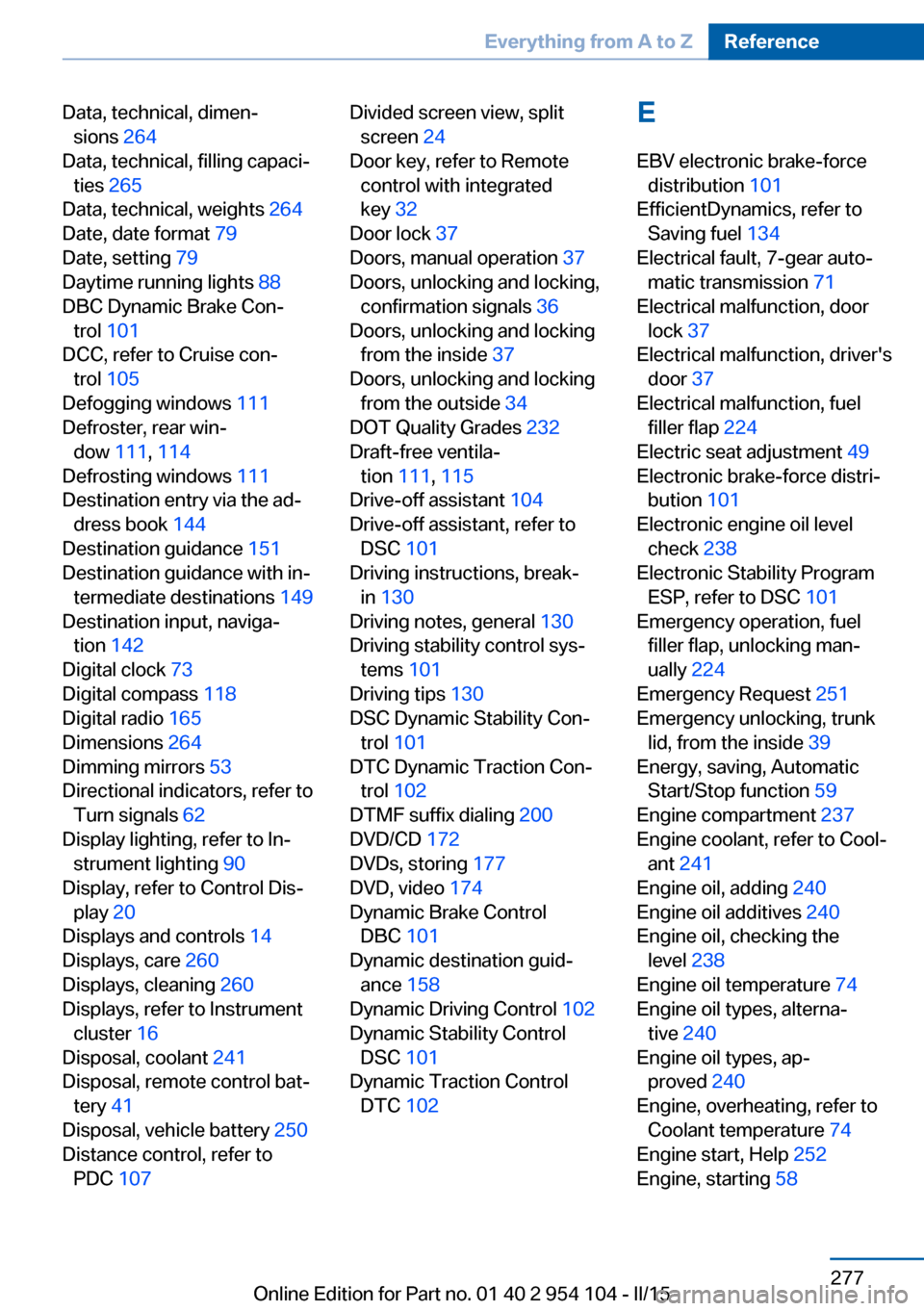
Data, technical, dimen‐sions 264
Data, technical, filling capaci‐ ties 265
Data, technical, weights 264
Date, date format 79
Date, setting 79
Daytime running lights 88
DBC Dynamic Brake Con‐ trol 101
DCC, refer to Cruise con‐ trol 105
Defogging windows 111
Defroster, rear win‐ dow 111, 114
Defrosting windows 111
Destination entry via the ad‐ dress book 144
Destination guidance 151
Destination guidance with in‐ termediate destinations 149
Destination input, naviga‐ tion 142
Digital clock 73
Digital compass 118
Digital radio 165
Dimensions 264
Dimming mirrors 53
Directional indicators, refer to Turn signals 62
Display lighting, refer to In‐ strument lighting 90
Display, refer to Control Dis‐ play 20
Displays and controls 14
Displays, care 260
Displays, cleaning 260
Displays, refer to Instrument cluster 16
Disposal, coolant 241
Disposal, remote control bat‐ tery 41
Disposal, vehicle battery 250
Distance control, refer to PDC 107 Divided screen view, split
screen 24
Door key, refer to Remote control with integrated
key 32
Door lock 37
Doors, manual operation 37
Doors, unlocking and locking, confirmation signals 36
Doors, unlocking and locking from the inside 37
Doors, unlocking and locking from the outside 34
DOT Quality Grades 232
Draft-free ventila‐ tion 111, 115
Drive-off assistant 104
Drive-off assistant, refer to DSC 101
Driving instructions, break- in 130
Driving notes, general 130
Driving stability control sys‐ tems 101
Driving tips 130
DSC Dynamic Stability Con‐ trol 101
DTC Dynamic Traction Con‐ trol 102
DTMF suffix dialing 200
DVD/CD 172
DVDs, storing 177
DVD, video 174
Dynamic Brake Control DBC 101
Dynamic destination guid‐ ance 158
Dynamic Driving Control 102
Dynamic Stability Control DSC 101
Dynamic Traction Control DTC 102 E
EBV electronic brake-force distribution 101
EfficientDynamics, refer to Saving fuel 134
Electrical fault, 7-gear auto‐ matic transmission 71
Electrical malfunction, door lock 37
Electrical malfunction, driver's door 37
Electrical malfunction, fuel filler flap 224
Electric seat adjustment 49
Electronic brake-force distri‐ bution 101
Electronic engine oil level check 238
Electronic Stability Program ESP, refer to DSC 101
Emergency operation, fuel filler flap, unlocking man‐
ually 224
Emergency Request 251
Emergency unlocking, trunk lid, from the inside 39
Energy, saving, Automatic Start/Stop function 59
Engine compartment 237
Engine coolant, refer to Cool‐ ant 241
Engine oil, adding 240
Engine oil additives 240
Engine oil, checking the level 238
Engine oil temperature 74
Engine oil types, alterna‐ tive 240
Engine oil types, ap‐ proved 240
Engine, overheating, refer to Coolant temperature 74
Engine start, Help 252
Engine, starting 58 Seite 277Everything from A to ZReference277
Online Edition for Part no. 01 40 2 954 104 - II/15
Page 281 of 289
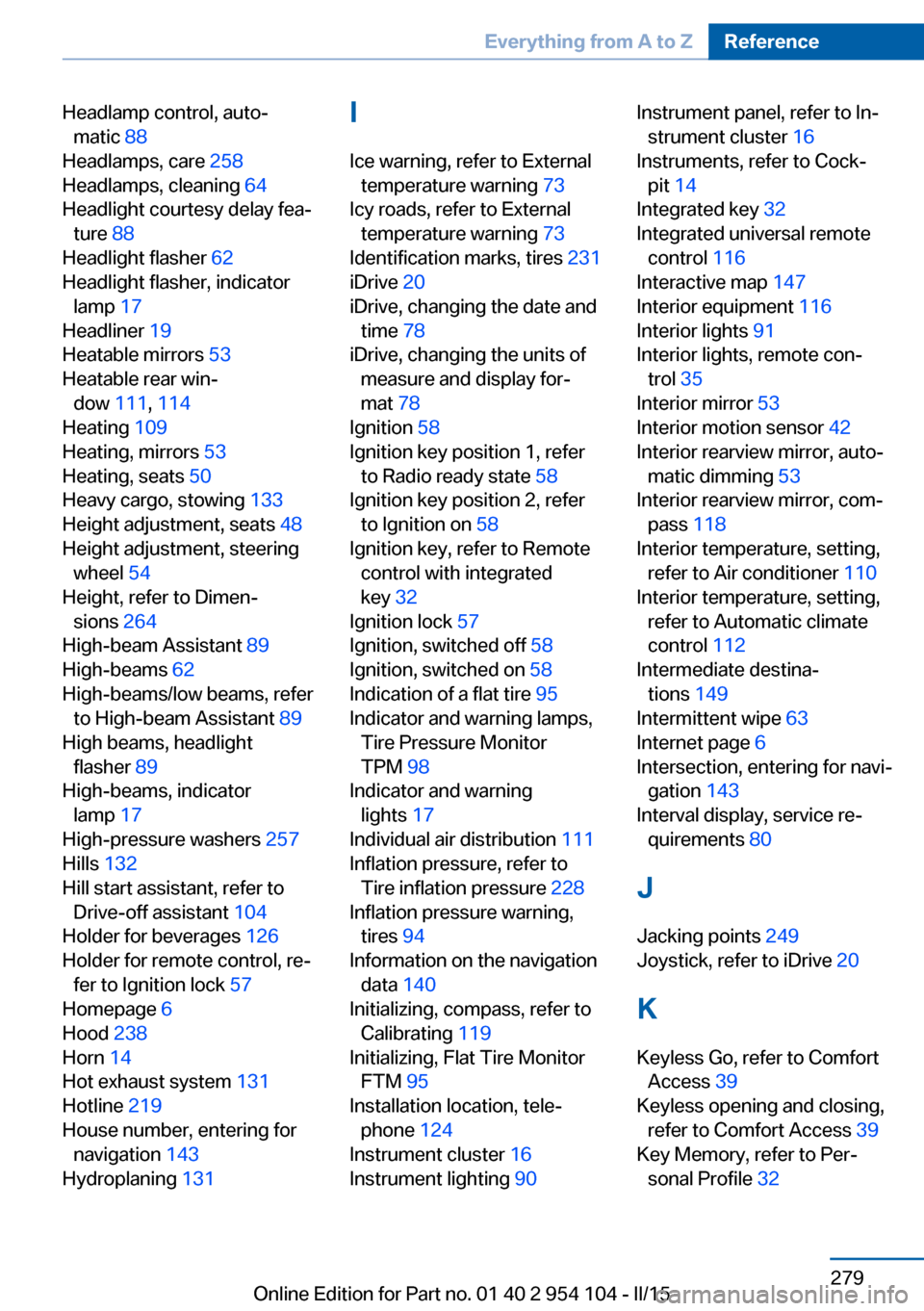
Headlamp control, auto‐matic 88
Headlamps, care 258
Headlamps, cleaning 64
Headlight courtesy delay fea‐ ture 88
Headlight flasher 62
Headlight flasher, indicator lamp 17
Headliner 19
Heatable mirrors 53
Heatable rear win‐ dow 111, 114
Heating 109
Heating, mirrors 53
Heating, seats 50
Heavy cargo, stowing 133
Height adjustment, seats 48
Height adjustment, steering wheel 54
Height, refer to Dimen‐ sions 264
High-beam Assistant 89
High-beams 62
High-beams/low beams, refer to High-beam Assistant 89
High beams, headlight flasher 89
High-beams, indicator lamp 17
High-pressure washers 257
Hills 132
Hill start assistant, refer to Drive-off assistant 104
Holder for beverages 126
Holder for remote control, re‐ fer to Ignition lock 57
Homepage 6
Hood 238
Horn 14
Hot exhaust system 131
Hotline 219
House number, entering for navigation 143
Hydroplaning 131 I
Ice warning, refer to External temperature warning 73
Icy roads, refer to External temperature warning 73
Identification marks, tires 231
iDrive 20
iDrive, changing the date and time 78
iDrive, changing the units of measure and display for‐
mat 78
Ignition 58
Ignition key position 1, refer to Radio ready state 58
Ignition key position 2, refer to Ignition on 58
Ignition key, refer to Remote control with integrated
key 32
Ignition lock 57
Ignition, switched off 58
Ignition, switched on 58
Indication of a flat tire 95
Indicator and warning lamps, Tire Pressure Monitor
TPM 98
Indicator and warning lights 17
Individual air distribution 111
Inflation pressure, refer to Tire inflation pressure 228
Inflation pressure warning, tires 94
Information on the navigation data 140
Initializing, compass, refer to Calibrating 119
Initializing, Flat Tire Monitor FTM 95
Installation location, tele‐ phone 124
Instrument cluster 16
Instrument lighting 90 Instrument panel, refer to In‐
strument cluster 16
Instruments, refer to Cock‐ pit 14
Integrated key 32
Integrated universal remote control 116
Interactive map 147
Interior equipment 116
Interior lights 91
Interior lights, remote con‐ trol 35
Interior mirror 53
Interior motion sensor 42
Interior rearview mirror, auto‐ matic dimming 53
Interior rearview mirror, com‐ pass 118
Interior temperature, setting, refer to Air conditioner 110
Interior temperature, setting, refer to Automatic climate
control 112
Intermediate destina‐ tions 149
Intermittent wipe 63
Internet page 6
Intersection, entering for navi‐ gation 143
Interval display, service re‐ quirements 80
J Jacking points 249
Joystick, refer to iDrive 20
K
Keyless Go, refer to Comfort Access 39
Keyless opening and closing, refer to Comfort Access 39
Key Memory, refer to Per‐ sonal Profile 32 Seite 279Everything from A to ZReference279
Online Edition for Part no. 01 40 2 954 104 - II/15
Page 282 of 289
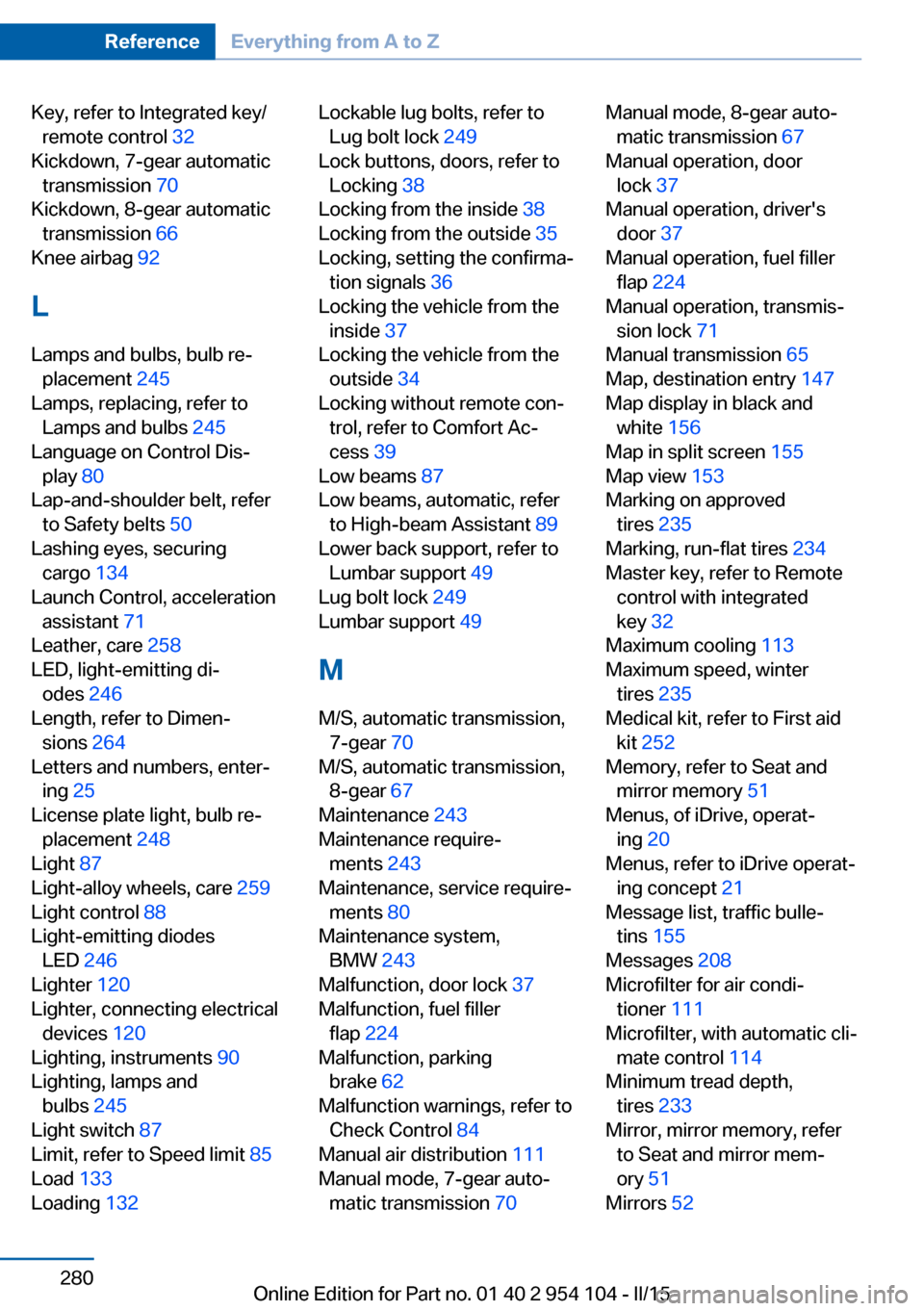
Key, refer to Integrated key/remote control 32
Kickdown, 7-gear automatic transmission 70
Kickdown, 8-gear automatic transmission 66
Knee airbag 92
L
Lamps and bulbs, bulb re‐ placement 245
Lamps, replacing, refer to Lamps and bulbs 245
Language on Control Dis‐ play 80
Lap-and-shoulder belt, refer to Safety belts 50
Lashing eyes, securing cargo 134
Launch Control, acceleration assistant 71
Leather, care 258
LED, light-emitting di‐ odes 246
Length, refer to Dimen‐ sions 264
Letters and numbers, enter‐ ing 25
License plate light, bulb re‐ placement 248
Light 87
Light-alloy wheels, care 259
Light control 88
Light-emitting diodes LED 246
Lighter 120
Lighter, connecting electrical devices 120
Lighting, instruments 90
Lighting, lamps and bulbs 245
Light switch 87
Limit, refer to Speed limit 85
Load 133
Loading 132 Lockable lug bolts, refer to
Lug bolt lock 249
Lock buttons, doors, refer to Locking 38
Locking from the inside 38
Locking from the outside 35
Locking, setting the confirma‐ tion signals 36
Locking the vehicle from the inside 37
Locking the vehicle from the outside 34
Locking without remote con‐ trol, refer to Comfort Ac‐
cess 39
Low beams 87
Low beams, automatic, refer to High-beam Assistant 89
Lower back support, refer to Lumbar support 49
Lug bolt lock 249
Lumbar support 49
M
M/S, automatic transmission, 7-gear 70
M/S, automatic transmission, 8-gear 67
Maintenance 243
Maintenance require‐ ments 243
Maintenance, service require‐ ments 80
Maintenance system, BMW 243
Malfunction, door lock 37
Malfunction, fuel filler flap 224
Malfunction, parking brake 62
Malfunction warnings, refer to Check Control 84
Manual air distribution 111
Manual mode, 7-gear auto‐ matic transmission 70 Manual mode, 8-gear auto‐
matic transmission 67
Manual operation, door lock 37
Manual operation, driver's door 37
Manual operation, fuel filler flap 224
Manual operation, transmis‐ sion lock 71
Manual transmission 65
Map, destination entry 147
Map display in black and white 156
Map in split screen 155
Map view 153
Marking on approved tires 235
Marking, run-flat tires 234
Master key, refer to Remote control with integrated
key 32
Maximum cooling 113
Maximum speed, winter tires 235
Medical kit, refer to First aid kit 252
Memory, refer to Seat and mirror memory 51
Menus, of iDrive, operat‐ ing 20
Menus, refer to iDrive operat‐ ing concept 21
Message list, traffic bulle‐ tins 155
Messages 208
Microfilter for air condi‐ tioner 111
Microfilter, with automatic cli‐ mate control 114
Minimum tread depth, tires 233
Mirror, mirror memory, refer to Seat and mirror mem‐
ory 51
Mirrors 52 Seite 280ReferenceEverything from A to Z280
Online Edition for Part no. 01 40 2 954 104 - II/15
Page 284 of 289
Radio ready state, switchedon 58
Radio setting, refer to Radio ready state 58
Rain sensor 63
Random 173
Random playback 173
Range 75
RDS 165
Reading lights 91
Reading out loud 212
Rear lamp, refer to Tail lamp, bulb replacement 248
Rear lights, refer to Tail lights 247
Rearview mirror, refer to Mir‐ rors 52
Rear window de‐ froster 111, 114
Recirculated air mode 110, 113
Reclining seat, refer to Back‐ rest 48
Recommended tire brands 235
Redialing 201
Refueling 224
Remaining range, refer to Range 75
Reminders 212
Remote app 221
Remote control 32
Remote control, battery re‐ placement 41
Remote control, Comfort Ac‐ cess 39
Remote control, garage door opener 116
Remote control, malfunc‐ tion 36
Remote control, removing from the ignition lock 57
Remote control, tailgate 35
Remote control, univer‐ sal 116
Remote inquiry 200 Remote Services 221
Replacement fuses, refer to Spare fuses 250
Replacement remote con‐ trol 32
Replacing wheels/tires 234
Reporting safety defects 9
Reservoir for washer fluid 65
Restraining systems, refer to Safety belts 50
Restraint system for chil‐ dren 55
Retaining straps, securing cargo 134
Retractable hardtop, conven‐ ient opening and closing 35
Retractable hardtop, opening and closing 44
Retractable hardtop, remote control 35
Retreaded tires 235
Reverse gear, 7-gear auto‐ matic transmission 69
Reverse gear, 8-gear auto‐ matic transmission 66
Reverse gear, manual trans‐ mission 65
Rim cleaner, care 259
Road, avoiding 151
Road detour 151
Roadside Assistance 217
Roadside parking lights 89
Roadworthiness test 80
Roof, refer to Retractable hardtop 44
Route 152
Route criteria, route 151
Route, displaying 152
Route section, bypass‐ ing 152
RSC Runflat System Compo‐ nent, refer to Run-flat
tires 234
Rubber components, care 259
Run-flat tires 234 Run-flat tires, tire inflation
pressure 228
Running lights, refer to Park‐ ing lamps/low beams 87
S Safe braking 131
Safety 7
Safety-belt height adjust‐ ment 51
Safety belts, care 259
Safety belts, damage 51
Safety belts, indicator/warn‐ ing lamp 51
Safety belts, reminder 51
Safety systems, airbags 92
Safety systems, safety belts 50
Safety tires 234
Satellite radio 166
Saving fuel 134
Scale, changing during navi‐ gation 154
Screen, refer to Control Dis‐ play 20
Search, refer to BMW On‐ line 218
Seat adjustment, electric 49
Seat adjustment, mechani‐ cal 48
Seat and mirror memory 51
Seat and mirror memory, re‐ trieving automatically 36
Seat Belt Reminder, refer to Safety belt reminder 51
Seat belts 50
Seat heating 50
Seats 48
Seats, adjusting 48
Seats, adjusting electri‐ cally 49
Seats, heating 50
Seats, memory, refer to Seat and mirror memory 51 Seite 282ReferenceEverything from A to Z282
Online Edition for Part no. 01 40 2 954 104 - II/15
Page 285 of 289
Seats, storing the setting, re‐fer to Seat and mirror mem‐
ory 51
Sensors, care 260
Service and warranty 8
Service requirements, CBS Condition Based Serv‐
ice 243
Service requirements, dis‐ play 80
Services, remote 221
Servotronic 104
Settings and information 77
Settings, clock, 12h/24h mode 79
Settings, configuring, refer to Personal Profile 32
Settings, DVD 175
Settings on Control Dis‐ play 80
Shift paddles on steering wheel, 7-gear automatic
transmission 70
Shift paddles on steering wheel, 8-gear automatic
transmission 67
Short commands, voice acti‐ vation 266
Side airbags 92
Side windows, refer to Win‐ dows 42
Sitting safely 48
Ski bag, refer to Through- loading opening with
integrated transport
bag 121
Slot for remote control 57
Smokers' package, refer to Ashtray 120
Snap-in adapter, mobile phone 203
Snap-in adapter, refer to Cen‐ ter armrest storage com‐
partment 124
Snow chains 235 Socket, OBD Onboard Diag‐
nostics 244
Socket, refer to Connecting electrical devices 120
Software applications, iPhone 220
Software part number 194
Software update 189
SOS, refer to Emergency Re‐ quest, initiating 251
Spare fuses 250
Special destinations, naviga‐ tion 145
Special equipment, series equipment 6
Specified oil types 240
Speed, average 75
Speed limit 85
Speedometer 16
Split screen 24
Split screen map set‐ tings 155
Spoken instructions, naviga‐ tion 153
SPORT+ program, Dynamic Driving Control 103
Sport program, 7-gear auto‐ matic transmission 70
Sport program, 8-gear auto‐ matic transmission 67
SPORT program, Dynamic Driving Control 103
Spray nozzles, refer to Clean‐ ing the windshield and head‐
lamps 64
Stability control systems 101
Start/Stop button 57
Start/Stop button, starting the engine 58
Start/Stop button, switching off the engine 59
Starting aid 252
Starting the engine 58
State/province, selecting for navigation 142
Stations, stored 170 Station, storing 164
Status information, iDrive 23
Status of Owner's Manual 6
Steam jets 257
Steering wheel 54
Steering wheel, adjusting 54
Steering wheel, buttons on the steering wheel 14
Stopping, engine 59
Storage compartments 125
Storage, tires 235
Storing the seat position, re‐ fer to Seat and mirror mem‐
ory 51
Storing the vehicle 260
Street, entering for naviga‐ tion 143
Summer tires, refer to Wheels and tires 228
Summer tires, tread 233
Suspension settings 102
Switches, refer to Cockpit 14
Switch for Dynamic Driving Control 102
Switching off, engine 59
Switching off, vehicle 59
Symbols 6
T Tachometer 74
Tailgate, opening from the in‐ side 38
Tailgate, refer to Trunk lid 38
Tailgate, remote control 35
Tail lamps, bulb replace‐ ment 247
Tail lights 247
Tank display 74
Tasks 211
Technical changes, refer to Safety 7
Technical data 264
Telephone 194
Telephone, adjusting the vol‐ ume 198 Seite 283Everything from A to ZReference283
Online Edition for Part no. 01 40 2 954 104 - II/15