ignition BMW Z8 2001 Owner's Manual
[x] Cancel search | Manufacturer: BMW, Model Year: 2001, Model line: Z8, Model: BMW Z8 2001Pages: 170, PDF Size: 1.64 MB
Page 64 of 170
64n
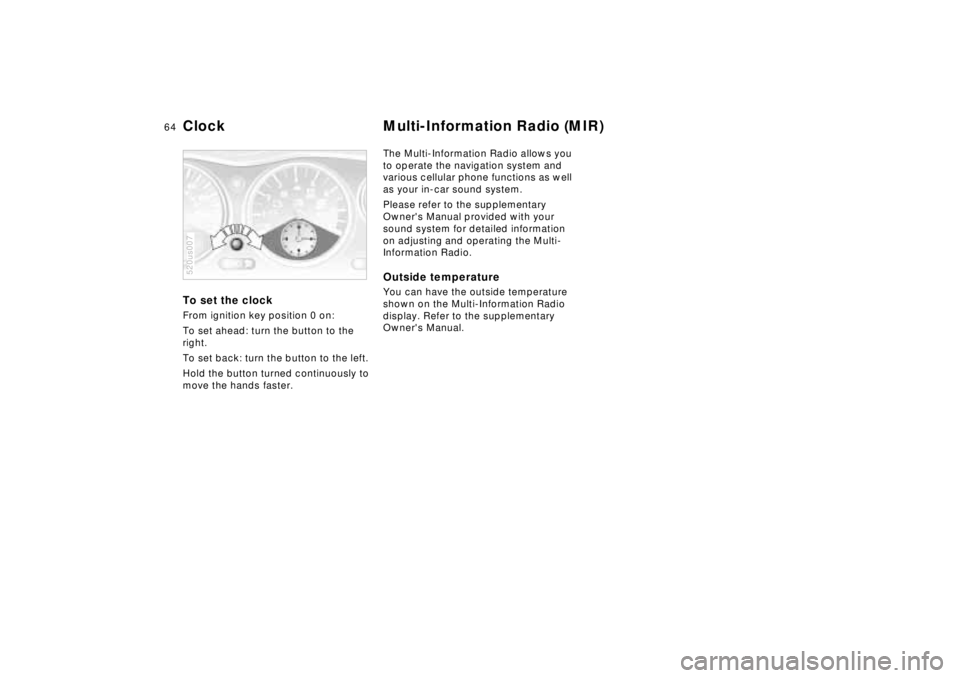
To set the clock From ignition key position 0 on:
To set ahead: turn the button to the
right.
To set back: turn the button to the left.
Hold the button turned continuously to
move the hands faster.520us007
The Multi-Information Radio allows you
to operate the navigation system and
various cellular phone functions as well
as your in-car sound system.
Please refer to the supplementary
Owner's Manual provided with your
sound system for detailed information
on adjusting and operating the Multi-
Information Radio. Outside temperature You can have the outside temperature
shown on the Multi-Information Radio
display. Refer to the supplementary
Owner's Manual.
Clock Multi-Information Radio (MIR)
Page 65 of 170
65n
IndexDataTechnologyRepairsCar careControlsOverview
The conceptDSC maintains vehicle stability even in
critical driving situations.
DSC maintains optimal, predictable re-
sponse while maximizing traction when
you accelerate from a standing start or
speed up while already underway. The
system recognizes any tendency for the
vehicle to assume an instable attitude
such as oversteer and understeer, and
counteracts this tendency with a com-
bination of graduated reductions in en-
gine torque and braking intervention at
individually selected wheels. DSC pro-
vides optimal stability Ð within the limits
defined by the laws of physics.
The system automatically assumes
operational status each time the en-
gine is started.
Indicator lamp
The indicator lamp in the in-
strument cluster goes out
shortly after you switch on the
ignition. Refer to page 22.
The indicator lamp flashes:
The system is actively regulating drive
torque.
The indicator lamp does not go out
after the engine is started, or if it comes
on during normal driving and stays on:
There is a system malfunction or the
system was deactivated with the button.
You can continue to drive the vehicle
normally, but without DSC.
Please respond to any suspected de-
fects by referring the problem to your
BMW center.
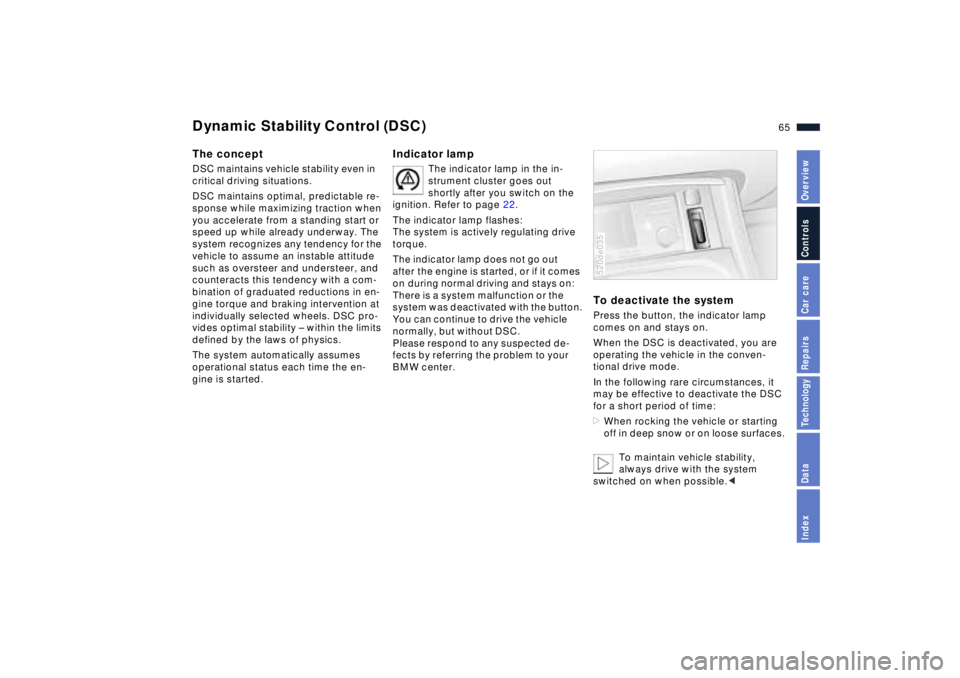
To deactivate the systemPress the button, the indicator lamp
comes on and stays on.
When the DSC is deactivated, you are
operating the vehicle in the conven-
tional drive mode.
In the following rare circumstances, it
may be effective to deactivate the DSC
for a short period of time:
>When rocking the vehicle or starting
off in deep snow or on loose surfaces.
To maintain vehicle stability,
always drive with the system
switched on when possible.<520de035
Dynamic Stability Control (DSC)
Page 66 of 170
66n
Dynamic Stability Control (DSC) Dynamic PerformanceTo reactivate the systemPress the button again; the indicator
lamp goes out.
Not even DSC can suspend the
laws of physics. Responsibility for
careless driving remains in the hands
(and feet) of the driver. Never use the
added safety afforded by DSC as an
excuse for taking unnecessary risks.
Do not make any modifications to the
DSC system. Service procedures on
the system are to be performed by
authorized technicians only.<
For additional details concerning DSC,
please refer to the chapter "Advanced
technology" on page 149.
The system reacts to current conditions
with an instantaneous recalibration. It
revises the accelerator's standard
response designed to furnish an ideal
combination of comfort and perform-
ance orientation Ð with a more perform-
ance-oriented response program. The
result is crisper, faster reaction to
throttle inputs (Sport mode).
The system resets to the standard re-
sponse mode, with its combination of
comfort and performance orientation,
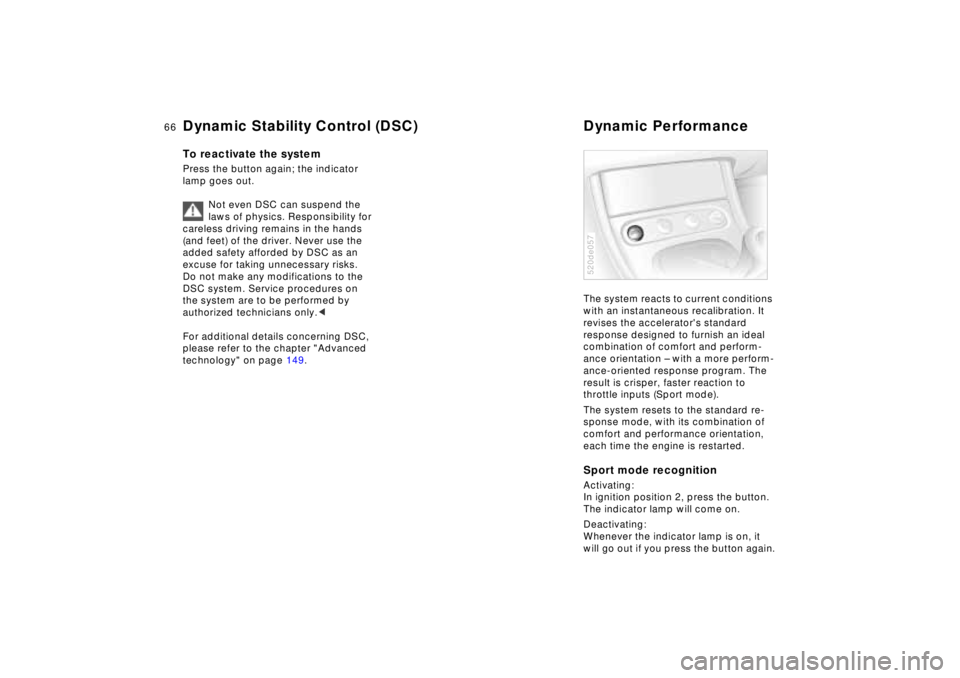
each time the engine is restarted. Sport mode recognitionActivating:
In ignition position 2, press the button.
The indicator lamp will come on.
Deactivating:
Whenever the indicator lamp is on, it
will go out if you press the button again.520de057
Page 67 of 170
67n
IndexDataTechnologyRepairsCar careControlsOverview
Tire Pressure Warning (RDW)The conceptRDW monitors the tire pressure in all
four wheels while driving. The system
provides an alert whenever the inflation
pressure drops significantly in one of
the tires.
For RDW to "learn" the correct tire infla-
tion pressure, check the inflation pres-
sure in all tires, comparing them with
the values in the inflation pressure table
(refer to page 27), and make correc-
tions as necessary. Then activate the
system.
The indicator lamp within the in-
strument cluster flashes to alert
you to substantial pressure loss
in any of the tires.
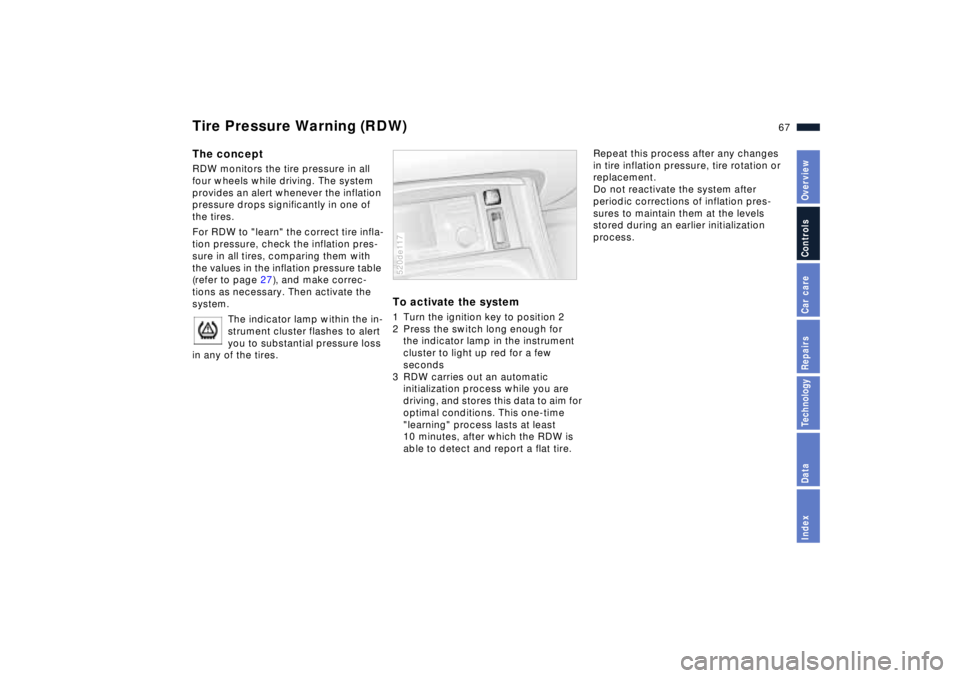
To activate the system 1 Turn the ignition key to position 2
2 Press the switch long enough for
the indicator lamp in the instrument
cluster to light up red for a few
seconds
3 RDW carries out an automatic
initialization process while you are
driving, and stores this data to aim for
optimal conditions. This one-time
"learning" process lasts at least
10 minutes, after which the RDW is
able to detect and report a flat tire.520de117
Repeat this process after any changes
in tire inflation pressure, tire rotation or
replacement.
Do not reactivate the system after
periodic corrections of inflation pres-
sures to maintain them at the levels
stored during an earlier initialization
process.
Page 69 of 170
69n
IndexDataTechnologyRepairsCar careControlsOverview
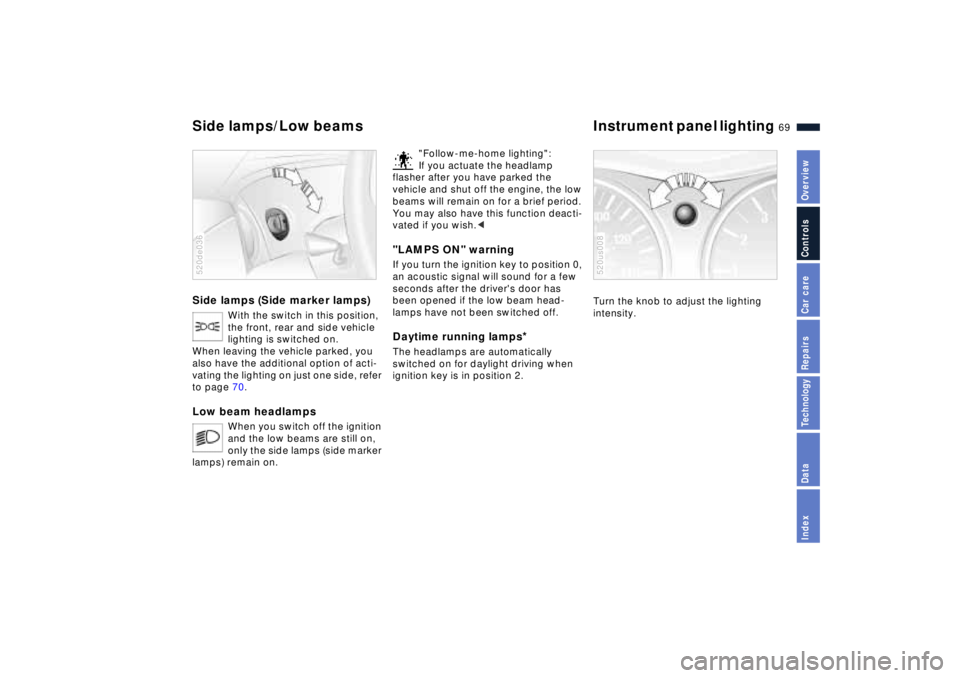
Side lamps (Side marker lamps)
With the switch in this position,
the front, rear and side vehicle
lighting is switched on.
When leaving the vehicle parked, you
also have the additional option of acti-
vating the lighting on just one side, refer
to page 70.
Low beam headlamps
When you switch off the ignition
and the low beams are still on,
only the side lamps (side marker
lamps) remain on.
520de036
"Follow-me-home lighting":
If you actuate the headlamp
flasher after you have parked the
vehicle and shut off the engine, the low
beams will remain on for a brief period.
You may also have this function deacti-
vated if you wish.<
"LAMPS ON" warningIf you turn the ignition key to position 0,
an acoustic signal will sound for a few
seconds after the driver's door has
been opened if the low beam head-
lamps have not been switched off.Daytime running lamps
*
The headlamps are automatically
switched on for daylight driving when
ignition key is in position 2.
Turn the knob to adjust the lighting
intensity.520us008
Side lamps/Low beams Instrument panel lighting
Page 70 of 170
70n
High beams/Parking lamps
Rear fog lamp Interior lamps
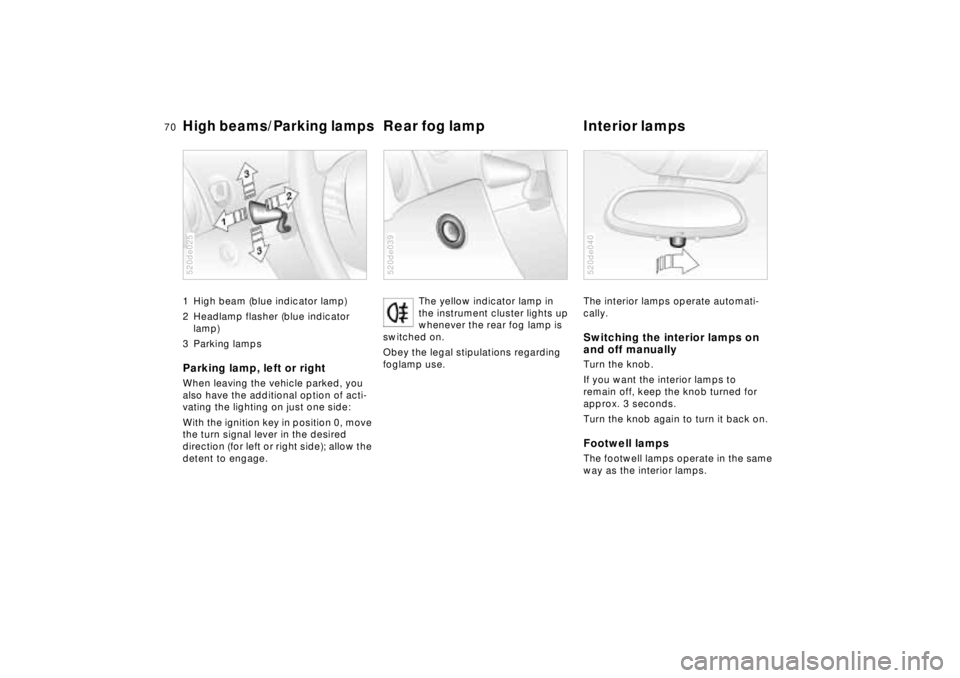
1 High beam (blue indicator lamp)
2 Headlamp flasher (blue indicator
lamp)
3 Parking lampsParking lamp, left or rightWhen leaving the vehicle parked, you
also have the additional option of acti-
vating the lighting on just one side:
With the ignition key in position 0, move
the turn signal lever in the desired
direction (for left or right side); allow the
detent to engage.520de025
The yellow indicator lamp in
the instrument cluster lights up
whenever the rear fog lamp is
switched on.
Obey the legal stipulations regarding
foglamp use.
520de039
The interior lamps operate automati-
cally.Switching the interior lamps on
and off manuallyTurn the knob.
If you want the interior lamps to
remain off, keep the knob turned for
approx. 3 seconds.
Turn the knob again to turn it back on.Footwell lampsThe footwell lamps operate in the same
way as the interior lamps.520de040
Page 71 of 170
71n
IndexDataTechnologyRepairsCar careControlsOverview
Reading lamps
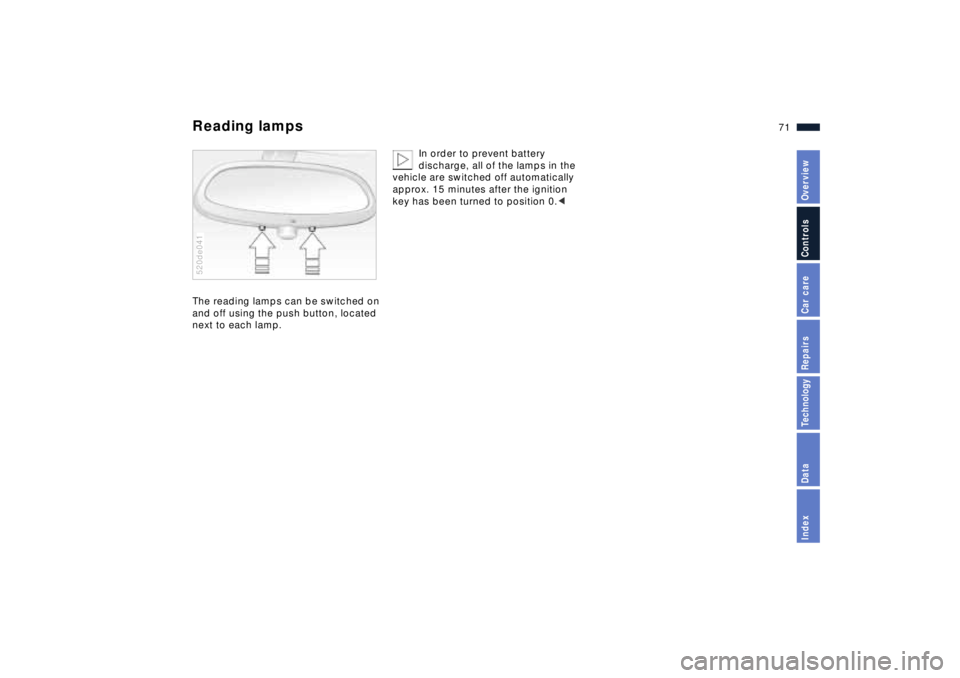
The reading lamps can be switched on
and off using the push button, located
next to each lamp.520de041
In order to prevent battery
discharge, all of the lamps in the
vehicle are switched off automatically
approx. 15 minutes after the ignition
key has been turned to position 0.<
Page 77 of 170
77n
IndexDataTechnologyRepairsCar careControlsOverview
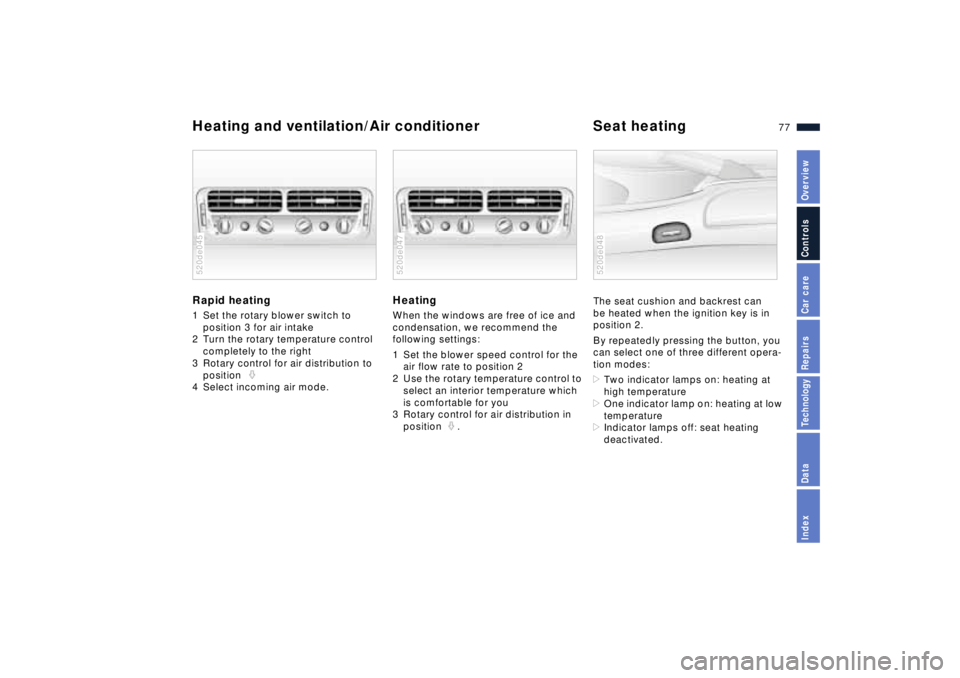
Heating and ventilation/Air conditioner Seat heatingRapid heating 1 Set the rotary blower switch to
position 3 for air intake
2 Turn the rotary temperature control
completely to the right
3 Rotary control for air distribution to
position
4 Select incoming air mode.520de045
HeatingWhen the windows are free of ice and
condensation, we recommend the
following settings:
1 Set the blower speed control for the
air flow rate to position 2
2 Use the rotary temperature control to
select an interior temperature which
is comfortable for you
3 Rotary control for air distribution in
position .520de047
The seat cushion and backrest can
be heated when the ignition key is in
position 2.
By repeatedly pressing the button, you
can select one of three different opera-
tion modes:
>Two indicator lamps on: heating at
high temperature
>One indicator lamp on: heating at low
temperature
>Indicator lamps off: seat heating
deactivated.520de048
Page 78 of 170
78n
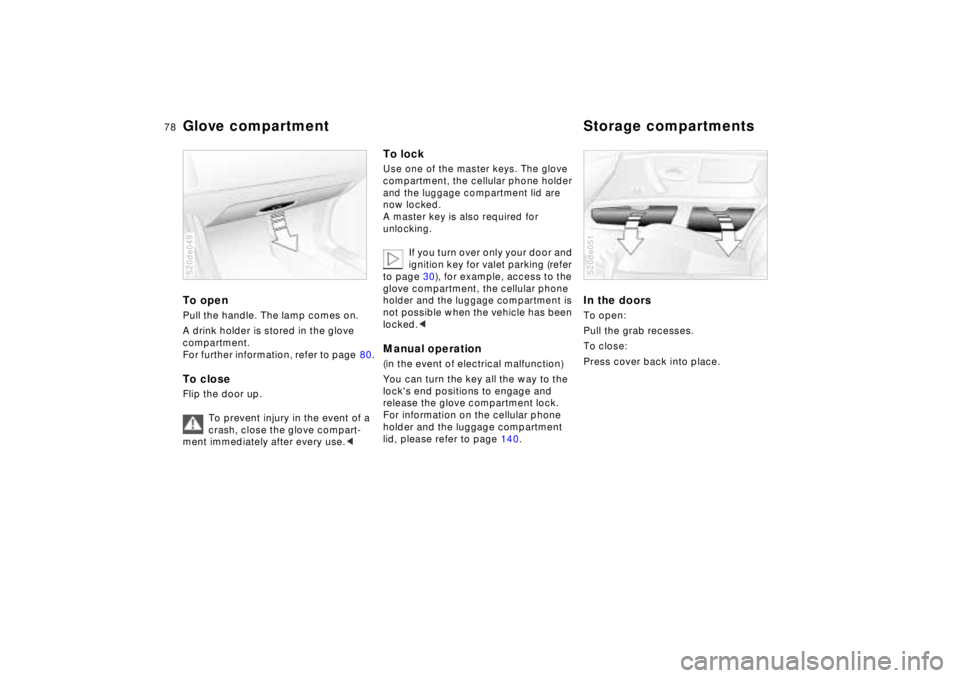
To open Pull the handle. The lamp comes on.
A drink holder is stored in the glove
compartment.
For further information, refer to page 80.To closeFlip the door up.
To prevent injury in the event of a
crash, close the glove compart-
ment immediately after every use.<520de049
To lockUse one of the master keys. The glove
compartment, the cellular phone holder
and the luggage compartment lid are
now locked.
A master key is also required for
unlocking.
If you turn over only your door and
ignition key for valet parking (refer
to page 30), for example, access to the
glove compartment,
the cellular phone
holder
and
the luggage compartment
is
not possible when the vehicle has been
locked.<
Manual operation(in the event of electrical malfunction)
You can turn the key all the way to the
lock's end positions to engage and
release the glove compartment lock.
For information on the cellular phone
holder and the luggage compartment
lid, please refer to page 140.
In the doorsTo open:
Pull the grab recesses.
To close:
Press cover back into place. 520de051
Glove compartment Storage compartments
Page 79 of 170
79n
IndexDataTechnologyRepairsCar careControlsOverview
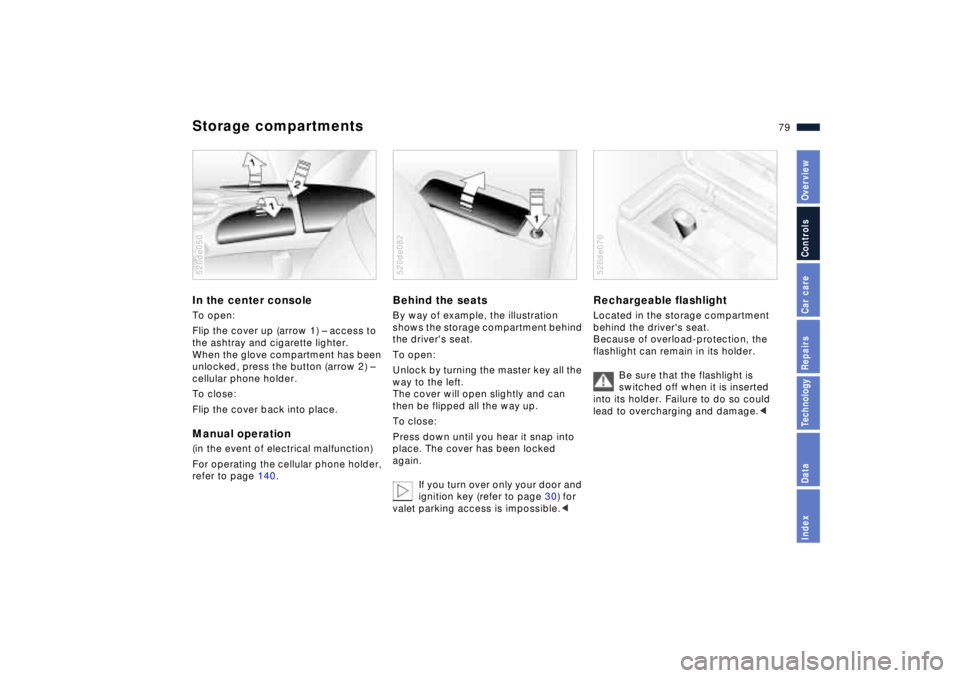
Storage compartmentsIn the center consoleTo open:
Flip the cover up (arrow 1) Ð access to
the ashtray and cigarette lighter.
When the glove compartment has been
unlocked, press the button (arrow 2) Ð
cellular phone holder.
To close:
Flip the cover back into place.Manual operation(in the event of electrical malfunction)
For operating
the cellular phone holder
,
refer to page 140.
520de050
Behind the seatsBy way of example, the illustration
shows the storage compartment behind
the driver's seat.
To open:
Unlock by turning the master key all the
way to the left.
The cover will open slightly and can
then be flipped all the way up.
To close:
Press down until you hear it snap into
place. The cover has been locked
again.
If you turn over only your door and
ignition key (refer to page 30) for
valet parking access is impossible.<520de082
Rechargeable flashlight Located in the storage compartment
behind the driver's seat.
Because of overload-protection, the
flashlight can remain in its holder.
Be sure that the flashlight is
switched off when it is inserted
into its holder. Failure to do so could
lead to overcharging and damage.<520de070