instrument panel BUICK CENTURY 1993 User Guide
[x] Cancel search | Manufacturer: BUICK, Model Year: 1993, Model line: CENTURY, Model: BUICK CENTURY 1993Pages: 324, PDF Size: 17.58 MB
Page 97 of 324
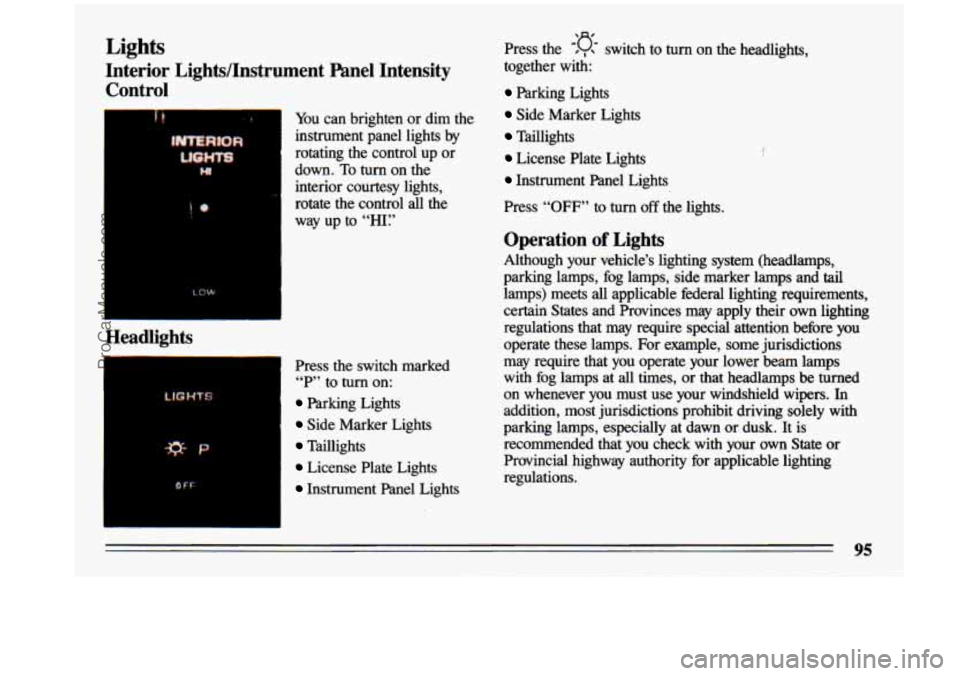
Lights
Interior Lights/Instrument Panel Intensity Control
I+
Headlights
*P
I PF
You can brighten or dim the
instrument panel lights by
rotating the control up or
down. To turn on the
interior courtesy lights,
rotate the control all the
way up to
“HI:’
Press the switch marked “P” to
turn on:
Parking Lights
Side Marker Lights
Taillights
License Plate Lights
Instrument Panel Lights
-‘(J- Press the , switch to turn on the headlights,
together with:
Parking Lights
Side Marker Lights
Taillights
License Plate Lights
Instrument Panel Lights
Press
“OFF” to turn off the lights.
Operation of Lights
Although your vehicle’s lighting system (headlamps,
parking lamps, fog lamps, side marker lamps’and tail
lamps) meets
all applicable federal lighting requirements,
certain States and Provinces may apply their own lighting
regulations that may require special attention before you
operate these lamps. For example, some jurisdictions
may require that you operate your lower beam lamps
with fog lamps at
all times, or that headlamps be turned
on whenever you must use your windshield wipers.
In
addition, most jurisdictions prohibit driving solely with
parking lamps, especially at dawn or dusk.
It is
recommended that you check with your own State Or
Provincial highway authority for applicable lighting
regulations.
95
ProCarManuals.com
Page 98 of 324
Headlight “On” Warning
If you open the door while leaving the lights on, you will
hear a warning chime.
Daytime Running Lights (Canada Only)
The Canadian Federal Government has decided that “Daytime Running Lights” (DRL)
are a useful feature, in
that DIU can make your vehicle more visible to
pedestrians and other drivers during daylight hours. DRL
are required on new vehicles sold in Canada.
Your DRL work with a light sensor on top
of the
instrument panel. Don’t cover it up. The low beam
headlights will come on at reduced brightness
in daylight
when:
The ignition is on
The headlight switch is off, and
The parking brake is released.
At dusk, the exterior. lights will come bn &.nomatically
and the low
beams will change to full brightness. At
dawn, the exterior lights will go out and the low beams
will change to
the reduced brightness of DRL (if the
headlight switch is off).
Of course, you may still turn on the headlights any time
you need to.
To idle your vehicle with DRL off, set the parking brake
while the ignition is in the
“Off’ or “Lock” position.
Then start the vehicle. The
DRL will stay off until you
release the parking brake.
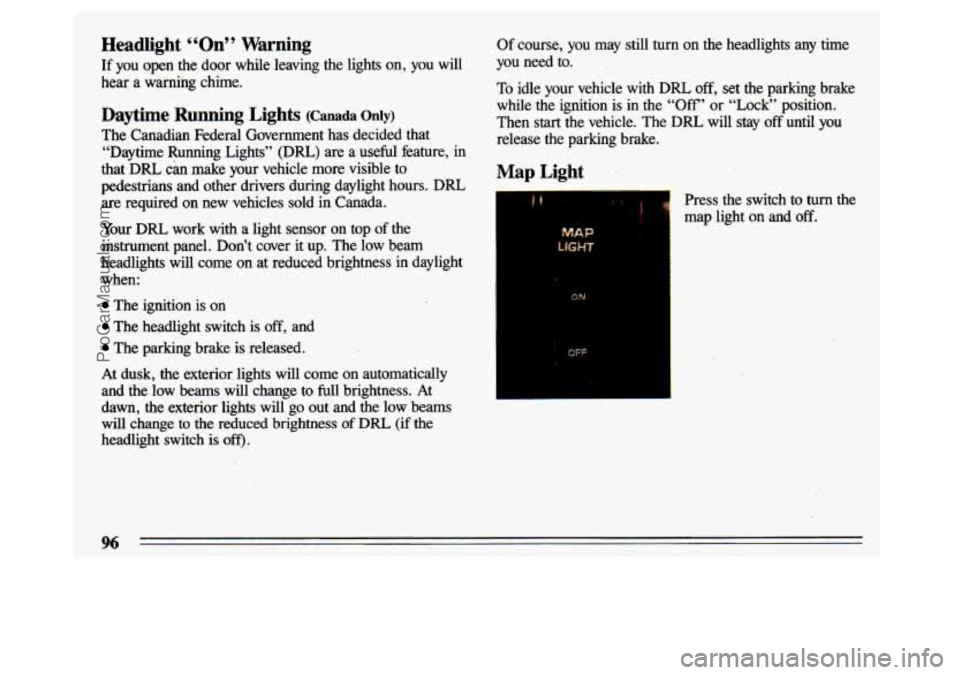
Map Light
& Press the switch to turn the
map light on and
off.
MAP
ON
OFF
96
ProCarManuals.com
Page 100 of 324
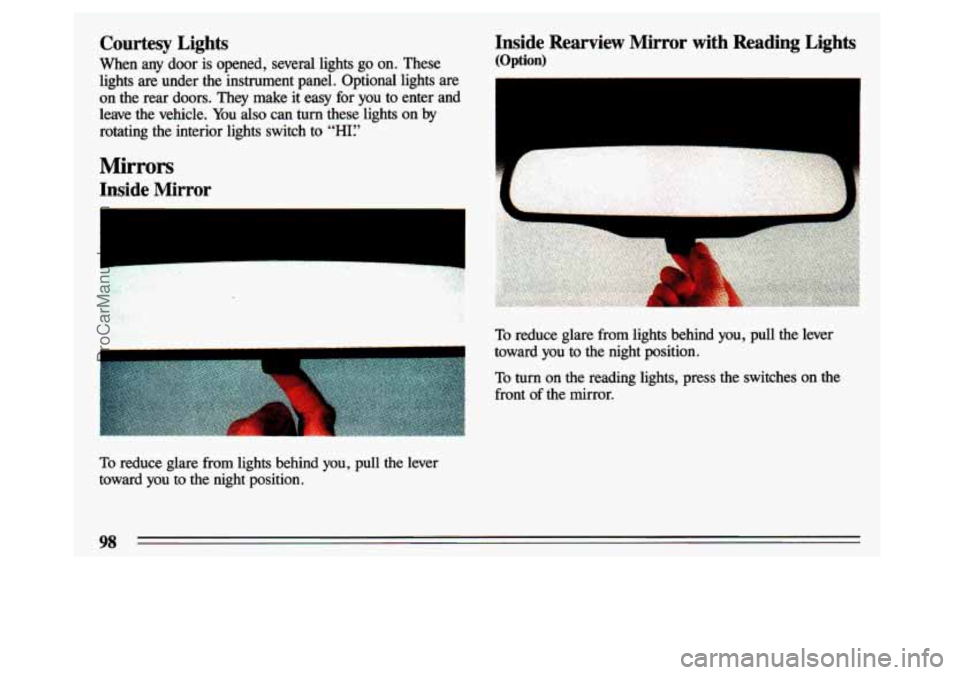
Inside Rearview Mirror with Reading Lights
(Option)
Courtesy Lights
When any door is opened, several lights go on. These
lights are under the instrument panel. Optional lights are on the rear doors. They make it easy for you to enter and
leave the vehicle.
You also can turn these lights on by
rotating the interior lights switch to
‘‘HI:’
Mirrors
Inside Mirror
--
To reduce glare from lights behind you, pull the lever
toward you to the night position.
To turn on the reading lights, press the switches on the - -_ front of the mirror.
To reduce glare from lights behind you, pull the lever
toward you to the night position.
98
ProCarManuals.com
Page 107 of 324
Cigarette Lighter
To use the lighter, push it in all the way and let go. When
it’s ready, it will pop back by itself.
The Instrument Panel:
Your Information System
L
Your instrument panel is designed to let you know at a
glance
how your vehicle is running. You’ll know how fast
you’re going,
how much fuel you’re using, and many
other things you’ll need to drive safely
and economically.
105
ProCarManuals.com
Page 113 of 324
X"' 1 r-l
Malfunction Indicator Lamp
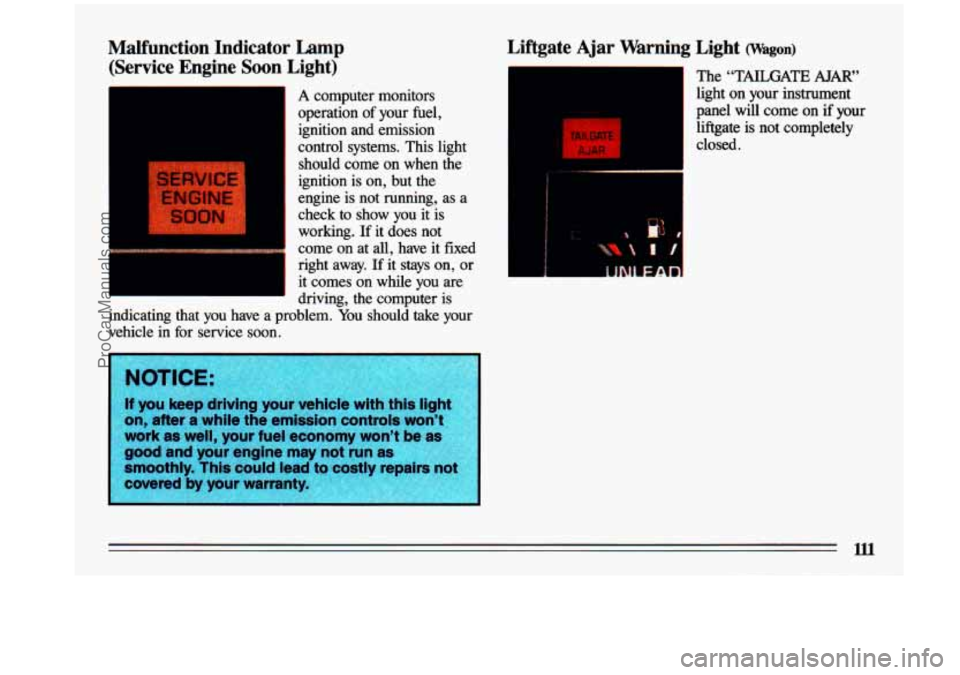
(Service Engine Soon Light)
A computer monitors
I operation of your fuel,
ignition and. emission
control systems. This light should come on when the
ignition is on, but the
engine is not running, as a
check to show
you it is
working.
If it does not
come on at all, have it fixed
right away.
If it stays on, or
it comes on while you are
driving, the computer is
I
indicating that you have a problem. You should take your
vehicle in
for service soon.
Liftgate Ajar Warning Light (Wagon)
.-
- The "TAILGATE AJAR"
~ light on your instrument
panel
will come on if your
I
TAI! GAY E
ALAR
liftgate is not completely
1 closed.
ProCarManuals.com
Page 116 of 324
1
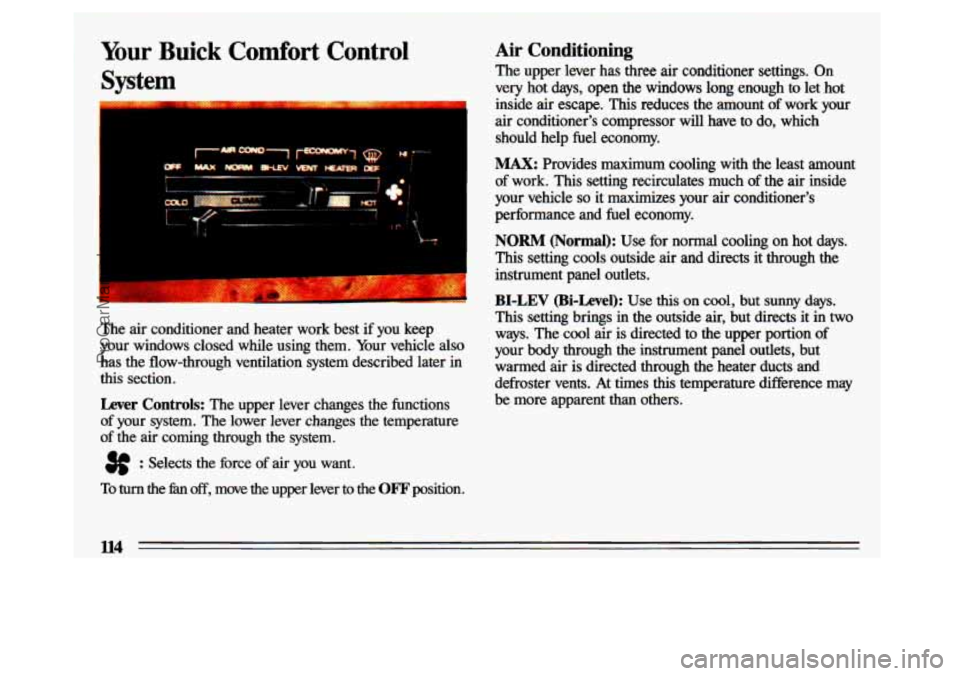
Your Buick Comfort Control
Syst m -
The air conditioner and heater work best if you keep
your windows closed while using them. Your vehicle
also
has the flow-through ventilation system described later in
this section.
Lever Controls: The upper lever changes the functions
of your system. The lower lever changes the temperature
of the air coming through the system.
3f : Selects the force of air you want.
Air Conditioning
The upper lever has three air conditioner settings. On
very hot days, open the windows long enough to let hot
inside air escape.
This reduces the amount of work your
air conditioner's compressor
will have to do, which
should help fuel economy.
MAX: Provides maximum cooling with the least amount
of work. This setting recirculates much of the air inside
your vehicle
so it maximizes your air conditioner's
performance and
fuel economy.
NORM (Normal): Use for normal cooling on hot days.
This setting cools outside air and directs it through the
instrument panel outlets.
BI-LEV (Bi-Level): Use this on cool, but sunny days.
This setting brings in the outside air, but directs it in two\
ways. The cool air
is directed to the upper portion of
your body through the instrument panel
outlets, but
warmed air is directed through the heater ducts and
defroster vents. At times
this temperature difference may
be more apparent than others.
To turn the 5x1 off, move the upper lever to the OF'F position.
ll4
ProCarManuals.com
Page 117 of 324
The air conditioner compressor operates in all AIR COND
positions, and in DEF (Defrost) when the outside
temperature is above about 40°F (4.5"
C).
Ventilation
For mild outside temperatures, when little heating or
cooling is needed, slide the upper lever to
VENT. Air
flow is through the instrument panel outlets. Rotate the
control next to the outlets to turn on, adjust or
turn off
the air flow. Adjust the lower lever on the control panel
to the temperature desired.
Heating
When outside temperatures are cold, sliding the upper
lever to
HEATER and the lower lever to HOT will send
heated air through the heater ducts, and some through the
defroster vents.
VENT and HEAmR are labeled
ECONOMY positions because the air conditioner
compressor doesn't run
in these two settings. This
reduces engine load, resulting
in improved he1 economy.
If either setting fails to keep you comfortable, or causes
your windows
to fog up, slide the upper lever to one of
the
AIR COND positions, or to DEF (Defrost).
Defrosting
The DEF setting directs most of the air through the
defroster vents, and some through the heater ducts.
Defogging Windows with Four Season
Climate Control
To quickly defog the windshield, set the upper lever to
DEF and move the hn switch to HI. Slide the lower
lever
to HOT.
In damp, cool weather (temperatures about 45"-65"F,
7"- 18" C), you can use BI-LEV to defog the side windows.
Set the upper lever to
BI-LEV and the fan switch to HI.
Aim the side vents toward the side windows. For increased
air flow to the side vents, close the center vents.
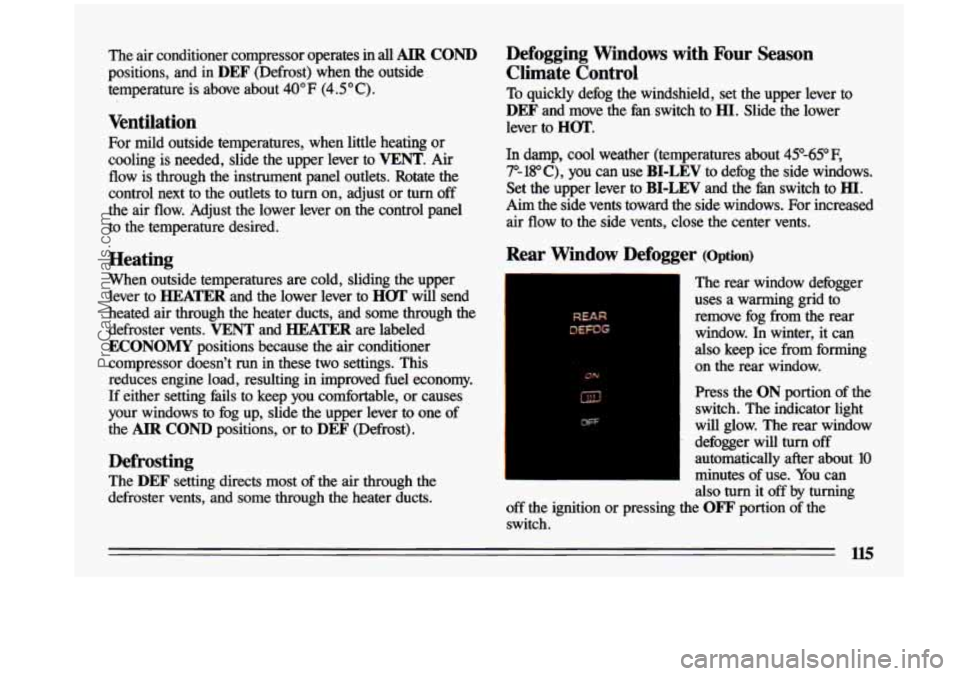
Rear Window Defogger (Option)
--
The rear window defogger
uses
a warming grid to
remove fog from the rear
window.
In winter, it can
also keep ice from forming
on the rear window.
Press the
ON portion of the
switch. The indicator light
will glow. The rear window
defogger will
turn off
automatically after about
10
minutes of use. You can
also turn
it off by turning
off the ignition or pressing the
OFF portion of the
switch.
ProCarManuals.com
Page 181 of 324

Driving with a Trailer
Towing a trailer requires a certain amount of experience.
Before setting out for the open road, you’ll want to get t\
o
know your rig. Acquaint yourself with the
feel of
handling and braking with the added weight of the trailer.
And always keep in mind that the vehicle you
are driving
is now a good deal longer and not nearly
so responsive as
your vehicle is by itself.
Before you
start, check the trailer hitch and platform, safety
chains, electrical connector, lights, tires and mirror
adjustment. If the trailer has electric brakes,
start your vehicle
and trailer moving and then apply the trailer brake controller \
by hand to be sure the brakes
are working. This lets you
check your electrical connection at the same time. During
your trip, check occasionally
to be sure that the load is secure,
and that the lights and any trailer brakes are still working.
Following Distance
Stay at least twice as fit, behind the vehicle ahead as you
would when driving your vehicle without a trailer. This
can help you avoid situations that require heavy braking
and sudden turns.
Passing
You’ll need more passing distance up ahead when you’re
towing
a trailer. And, because you’re a good deal longer,
you’ll
need to go much farther beyond the passed vehicle
before you can return to your lane.
Backing Up
Hold the bottom of the steering wheel with one hand.
Then, to move the trailer to the left, just move that hand
to the left.
To move the trailer to the right, move your
hand to the right. Always back up slowly and, if
possible, have someone guide you.
Making nrns
When you’re turning with a trailer, make wider turns
than normal.
Do this so your trailer won’t strike soft
shoulders, curbs, road signs, trees, or other objects.
Avoid jerky or sudden maneuvers. Signal well in
advance.
Turn Signals When Towing a Mler
When you tow a trailer, your vehicle has to have a
different turn signal flasher and extra wiring. The green arrows on your instrument panel will flash whenever you
signal a turn or lane change. Properly hooked up, the
trailer lights will also flash, telling other drivers you’re \
about to turn, change lanes or stop.
When towing a trailer, the green arrows on your instrument panel will flash for turns even if the bulbs on
the trailer are burned out. Thus, you may think drivers
behind you are seeing your signal when they are not. It’s
important to check occasionally to be sure the trailer
bulbs are still working.
179
ProCarManuals.com
Page 197 of 324
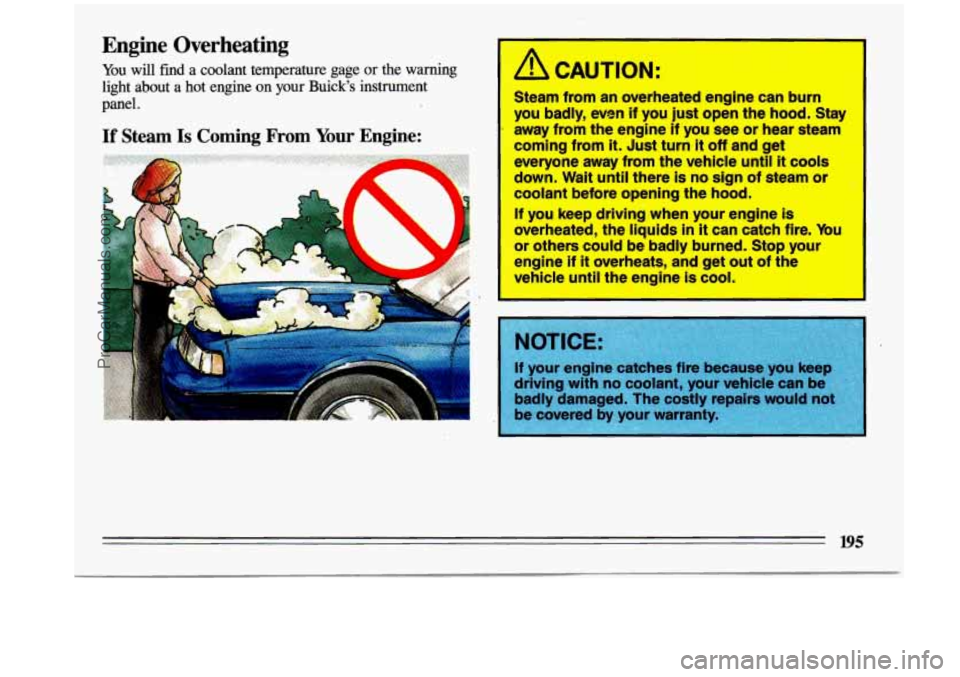
Engine Overheating
You will find a coolant temperature gage or the warning
light about a hot engine on your Buick’s instrument panel. A CAUTION:
Steam from an overheated engine can burn
you badly, even if you
just open the hood. Stay
away from the engine if you see
or hear steam
coming from
it. Just turn it off and get
everyone away from the vehicle until
it cools
down. Wait
until there is no sign of steam or
coolant before opening the hood.
If you keep driving when your engine is
overheated, the liquids
in it can catch fire. You -w others could be badly burned. Stop your
~gine if
it overheats, and get out of the
vehicle until the engine is cool.
195
ProCarManuals.com
Page 228 of 324
--
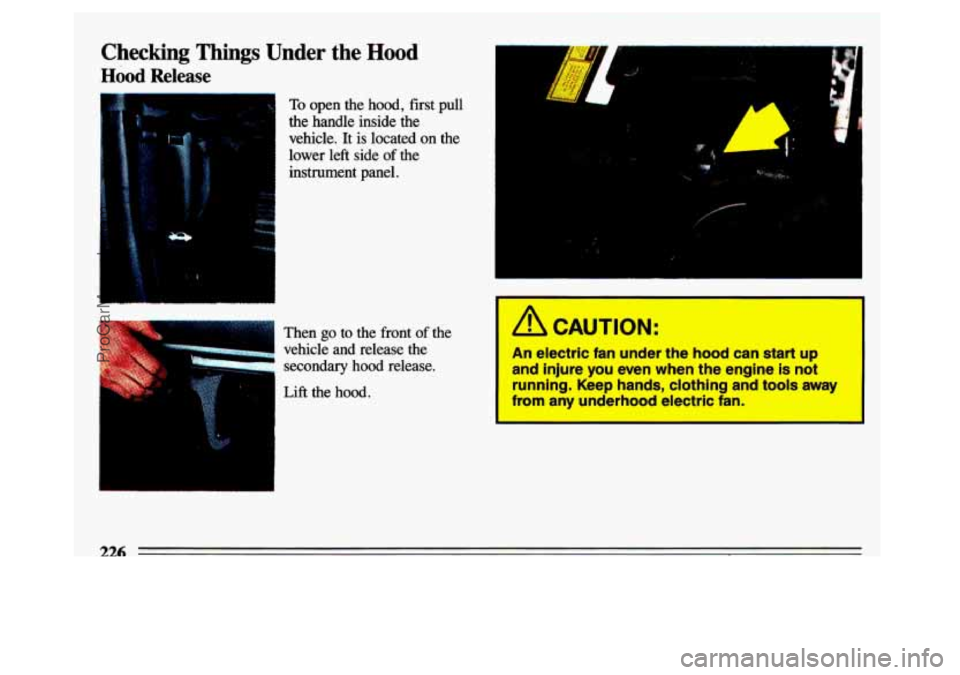
Checking Things Under the Hood
Hood Release
To open the hood, first pull
the handle inside the
vehicle.
It is located on the
lower
left side of the
instrument panel.
Then
go to the front of the
vehicle and release the
secondary
hood release.
Lift the hood.
1
..
4 A
,,,/
c
In ! CAUTION:
An electric fan under the hood can atart up
and hjure you even when the englne is not
running.
Keep hands, elothlng and tools away
from any underhood electric fan.
226
ProCarManuals.com