ignition BUICK CENTURY 1994 Owner's Manual
[x] Cancel search | Manufacturer: BUICK, Model Year: 1994, Model line: CENTURY, Model: BUICK CENTURY 1994Pages: 308, PDF Size: 16.3 MB
Page 120 of 308
NOTICE:
Damage to your engine from neglected oil
problems can be costly and is not covered by
your warranty.
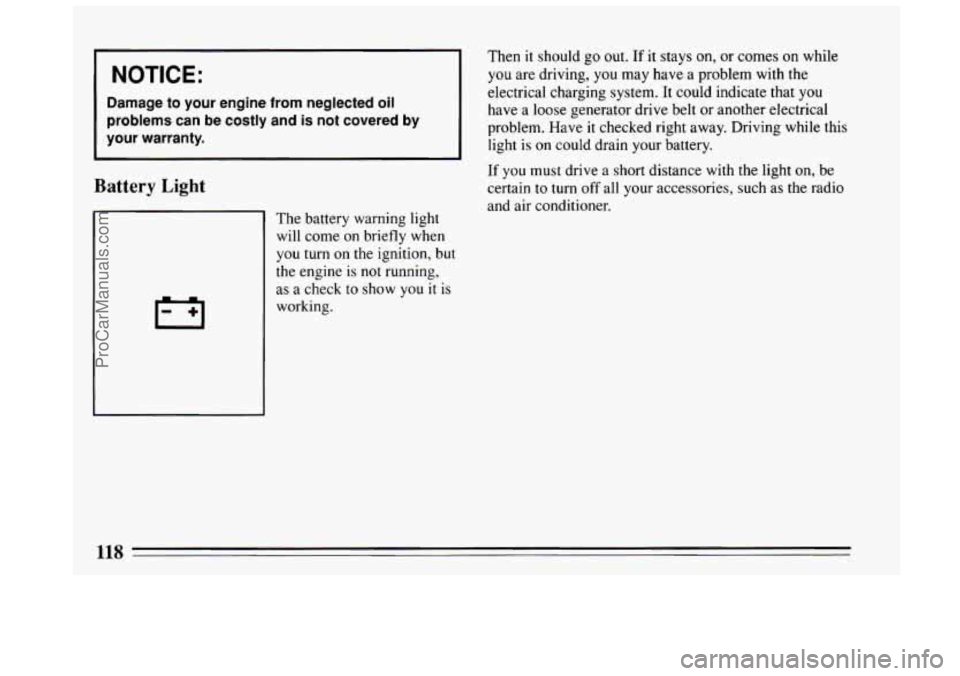
Battery Light
Then it should go out. If it stays on, or corn-es 6n %bile
you are driving, you may have a problem with the
electrical charging system. It could indicate that
you
have a loose generator drive belt or another electrical
problem. Have
it checked right away. Driving while this
light is on could drain your battery.
If you must drive a short distance with the light on, be
certain
to turn off all your accessories, such as the radio
and air conditioner.
The battery warning light
will come on briefly when
you turn on the ignition, but
the engine
is not running,
as a check to
show you it is
working.
118
ProCarManuals.com
Page 121 of 308
Voltage Indicator
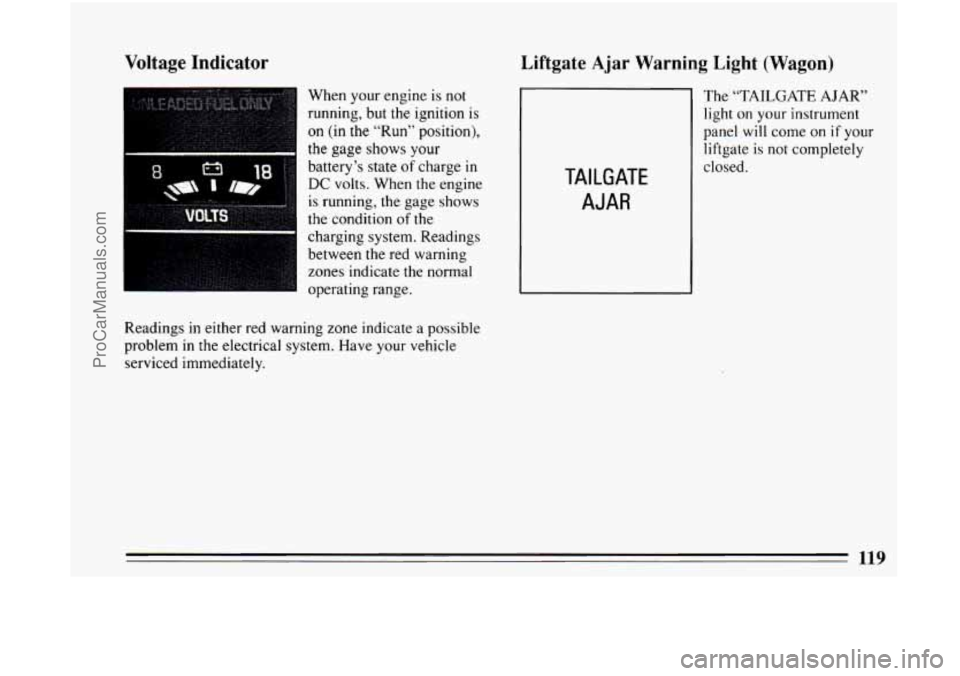
When your engine is not
running, but the ignition is
on (in the “Run” position),
the gage shows your
battery’s
state of charge in
DC volts. When the engine
is running, the gage shows
the condition
of the
charging system. Readings
between
the red warning
zones indicate the normal
operating range.
Readings
in either red warning zone indicate a possible
problem in the electrical system. Have your vehicle
serviced immediately.
Liftgate Ajar Warning Light (Wagon)
The “TAILGATE AJAR”
light on your instrument
panel
will come on if your
liftgate
is not completely
TAILGATE
AJAR
closed.
119
ProCarManuals.com
Page 126 of 308
Press the ON portion of the switch. The indicator light
will glow. The rear window defogger will turn off
automatically after about
10 minutes of use. You can
also turn it off by turning
off the ignition or pressing the
OFF portion of the switch.
I NOTICE:
Don’t use a razor blade or somerning else sharp
on the inside
of the rear window. If you do, you
could cut or damage the warming grid, and the repairs wouldn’t be covered by your warranty.
Flow-Through Ventilation System
Your Buick’s flow-through ventilation system supplies
outside air into the vehicle when it
is moving. Outside
air will also enter the vehicle when the heater or the air
conditioning fan is running.
Ventilation Tips
Keep the hood and front air inlet free of ice, snow, or
any other obstruction (such as leaves). The heater
and defroster will work far better, reducing the
chance of fogging the inside of your windows.
When you enter a vehicle in cold weather, turn the
blower fan
to HI for a few moments before driving
off. This helps clear the intake ducts of snow and
moisture, and reduces
the chance of fogging the
inside of your windows.
Keep the air path under the front seats clear of
objects. This helps air to circulate throughout your
vehicle.
124
ProCarManuals.com
Page 128 of 308
To help avoid hearing loss or damage:
Adjust the volume control to the lowest setting.
Increase volume slowly until you hear comfortably
and clearly.
NOTICE:
Before you add any sound equipment to your
vehicle
-- like a tape player, CB radio, mobile
telephone or two-way radio
-- be sure you can
add what you want. If you can,
it's very important
to do
it properly. Added sound equipment may
interfere with the operation
of your vehicle's
engine, Delco@ radio or other systems, and even
damage them. And, your vehicle's systems may
interfere with the operation of sound equipment
that has been added improperly.
So, before adding sound equipment, check with
your dealer and be sure to check Federal rules
covering mobile radio and telephone units.
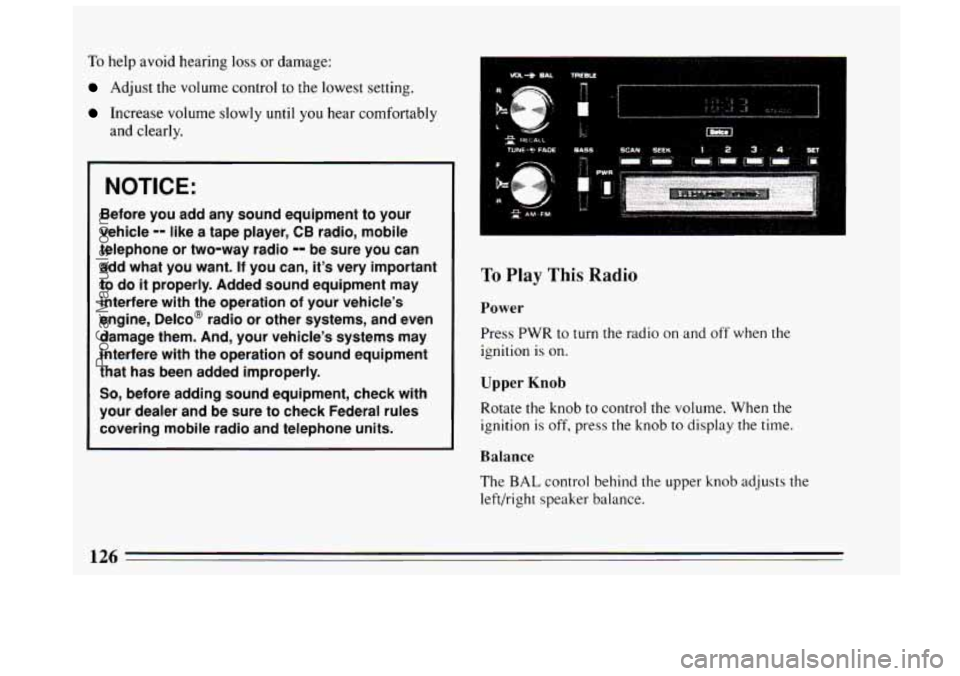
To Play This Radio
Power
Press PWR to turn the radio on and off when the
ignition is on.
Upper Knob
Rotate the knob to control the volume. When the
ignition is off, press the knob to display the time.
Balance
The BAL control behind the upper knob adjusts the
left/right speaker balance.
126
ProCarManuals.com
Page 130 of 308
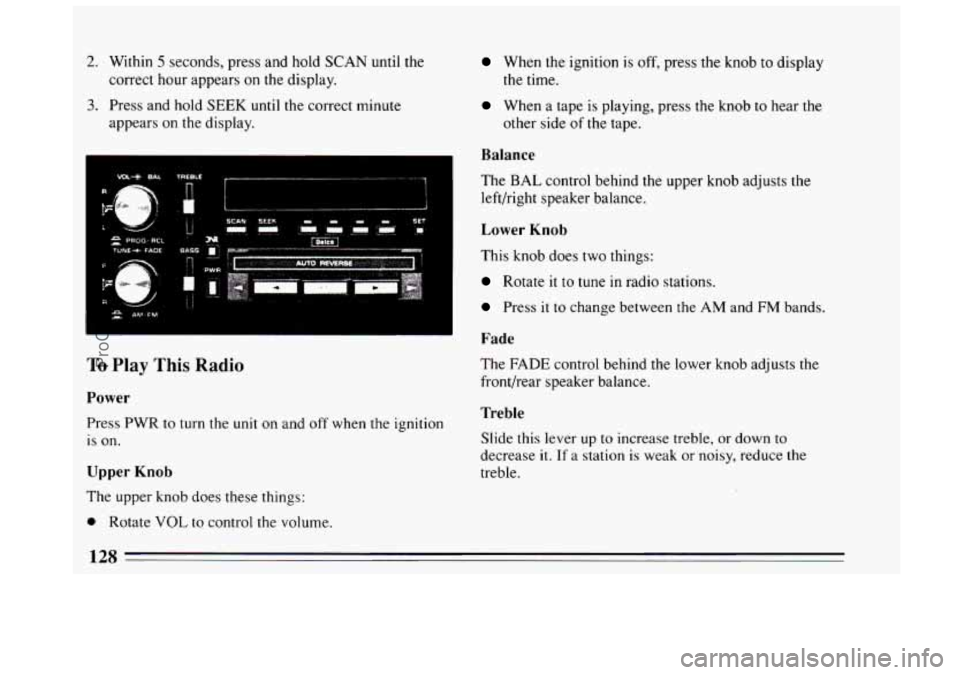
2. Within 5 seconds, press and hold SCAN until the
correct hour appears
on the display.
3. Press and hold SEEK until the correct minute
appears on the display.
...... _.__” ....... ~ ........ .”... .. 7
To Play This Radio
Power
Press PWR to turn the unit on and off when the ignition
is on.
Upper Knob
The upper knob does these things:
0 Rotate VOL to control the volume.
When the ignition is off, press the knob to display
the time.
When a tape is playing, press the knob t.o hear the
other side of the tape.
Balance
The BAL control behind the upper knob adjusts the
left/right speaker balance.
Lower Knob
This knob does two things:
Rotate it to tune in radio stations.
Press it to change between the AM and FM bands.
Fade
The FADE control behind the lower knob adjusts the
front/rear speaker balance.
Treble
Slide this lever up to increase treble, or down to
decrease
it. If a station is weak or noisy, reduce the
treble.
128
ProCarManuals.com
Page 132 of 308
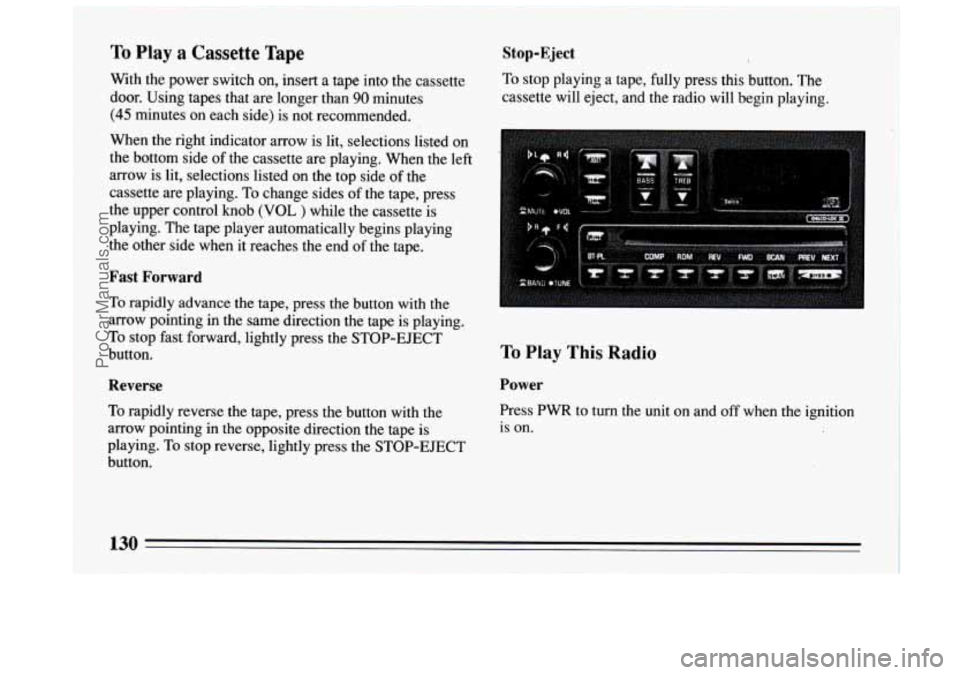
To Play a Cassette Tape
With the power switch on, insert a tape into the cassette
door. Using tapes that are longer than
90 minutes
(45 minutes on each side) is not recommended.
When the right indicator arrow is lit, selections listed on
the bottom side of the cassette are playing. When the left
arrow is lit, selections listed on the top side of the
cassette are playing. To change sides of the tape, press
the upper control
knob (VOL ) while the cassette is
playing. The tape player automatically begins playing
the other side when it reaches the end
of the tape.
Fast Forward
To rapidly advance the tape, press the button with the
arrow pointing in the same direction the tape is playing.
To stop fast forward, lightly press the STOP-EJECT
button.
Reverse
To rapidly reverse the tape, press the button with the
arrow pointing in the opposite direction the tape
is
playing. To stop reverse, lightly press the STOP-EJECT
button.
Stop-Eject
To stop playing a tape, fully press this button. The
cassette will eject, and the radio will begin playing.
To Play This Radio
Power
Press PWR to turn the unit on and off when the ignition
is
on.
130
ProCarManuals.com
Page 133 of 308
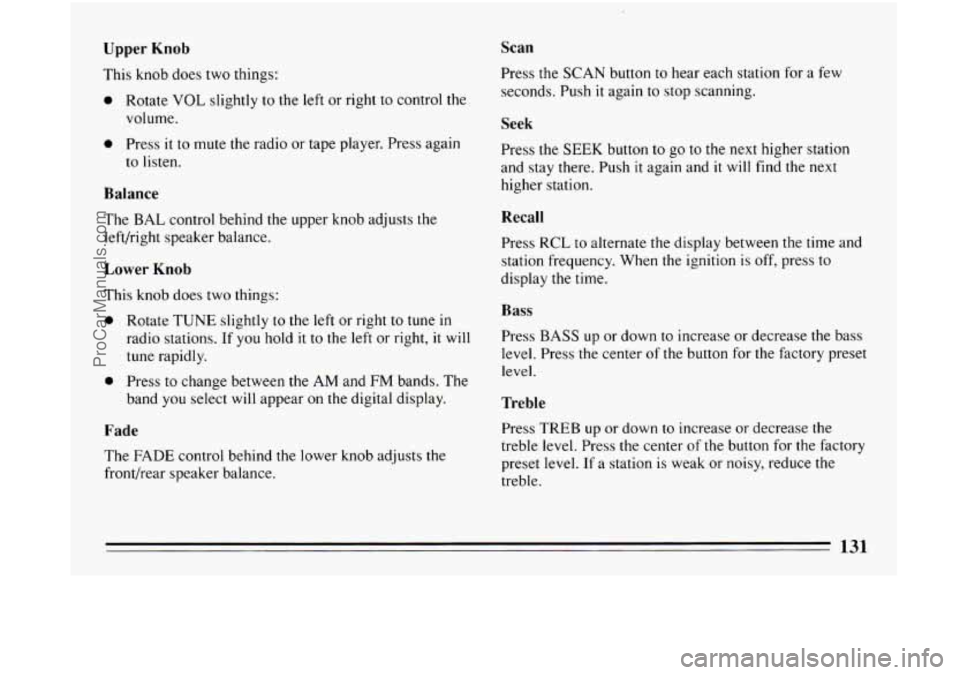
Upper Knob
This knob does two things:
0 Rotate VOL slightly to the left or right to control the
volume.
0 Press it to mute the radio or tape player. Press again
to listen.
Balance
The BAL control behind the upper knob adjusts the
left/right speaker balance.
Lower Knob
This knob does two things:
0 Rotate TUNE slightly to the left or right to tune in
radio stations. If you hold it to the left or right, it will
tune rapidly.
0 Press to change between the AM and FM bands. The
band you select will appear on the digital display.
Fade
The FADE control behind the lower knob adjusts the
front/rear speaker balance.
Scan
Press the SCAN button to hear each station for a few
seconds. Push
it again to stop scanning.
Seek
Press the SEEK button to go to the next higher station
and stay there. Push
it again and it will find the next
higher station.
Recall
Press RCL to alternate the display between the time and
station frequency. When the ignition
is off, press to
display the time.
Bass
Press BASS up or down to increase or decrease the bass
level. Press the center of
the button for the factory preset
level.
Treble
Press TREB up or down to increase or decrease the
treble level. Press
the center of the button for the factory
preset level.
If a station is weak or noisy, reduce the
treble.
131
ProCarManuals.com
Page 135 of 308
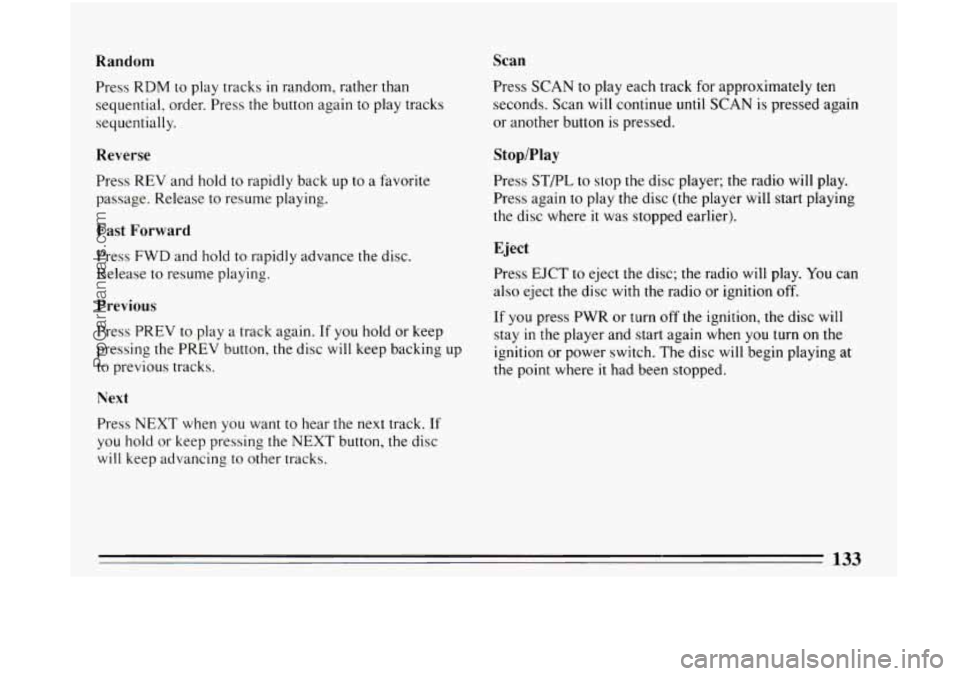
Random Scan
Press
RDM to play tracks in random, rather than
sequential, order. Press the button again to play tracks
sequentially.
Reverse
Press REV and hold to rapidly back up to a favorite
passage. Release to resume playing.
Fast Forward
Press FWD and hold to rapidly advance the disc.
Release to resume playing.
Previous
Press PREV to play a track again. If you hold or keep
pressing the PREV button, the disc will keep backing
up
to previous tracks.
Next
Press NEXT when you want to hear the next track. If
you hold or keep pressing the NEXT button, the disc
will keep advancing to other tracks. Press SCAN
to play each track for approximately ten
seconds. Scan will continue until SCAN is pressed again
or another button is pressed.
Stop/Play
Press STPL to stop the disc player; the radio will play.
Press again
to play the disc (the player will start playing
the disc where
it was stopped earlier).
Eject
Press EJCT to eject the disc; the radio will play. You can
also eject the disc with the radio
or ignition off.
If you press PWR or turn off the ignition, the disc will
stay
in the player and start again when you turn on the
ignition or power switch. The disc will begin playing at
the point where
it had been stopped.
133
ProCarManuals.com
Page 136 of 308
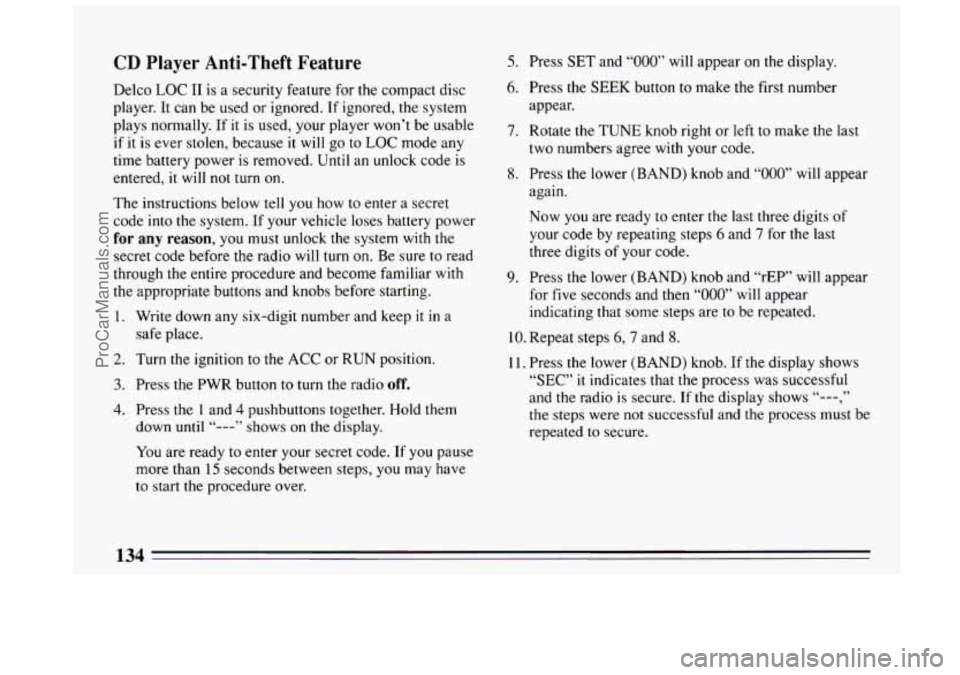
CD Player Anti-Theft Feature
Delco LOC I1 is a security feature for the compact disc
player.
It can be used or ignored. If ignored, the system
plays normally. If it is used, your player won’t be usable
if
it is ever stolen, because it will go to LOC mode any
time battery power
is removed. Until an unlock code is
entered, it will
not turn on.
The instructions below tell you how to enter a secret
code into the system. If your vehicle loses battery power
for any reason, you must unlock the system with the
secret code before the radio will turn on. Be sure to read
through
the entire procedure and become familiar with
the appropriate buttons and knobs before starting.
1. Write down any six-digit number and keep it in
a
safe place.
2. Turn the ignition to the ACC or RUN position.
3. Press the PWR button to turn the radio off.
4. Press the 1 and 4 pushbuttons together. Hold them
down
until “---” shows on the display.
You are ready to enter your secret code. If you pause
more than
15 seconds between steps, you may have
to start the procedure over.
5. Press SET and “000” will appear on the display.
6. Press the SEEK button to make the first number
appear.
7. Rotate the TUNE knob right or left to make the last
two numbers agree with your code.
8. Press the lower (BAND) knob and “000” will appear
again.
Now you are ready to enter the last three digits of
your code by repeating steps
6 and 7 for the last
three digits
of your code.
9. Press the lower (BAND) knob and “rEP” will appear
for
five seconds and then “000” will appear
indicating that some steps are to be repeated.
10. Repeat steps 6,7 and 8.
11. Press the lower (BAND) knob. If the display shows
“SEC” it indicates that the process was successful
and the radio is secure. If
the display shows “---,”
the steps were not successful and the process must be
repeated
to secure.
134
ProCarManuals.com
Page 137 of 308
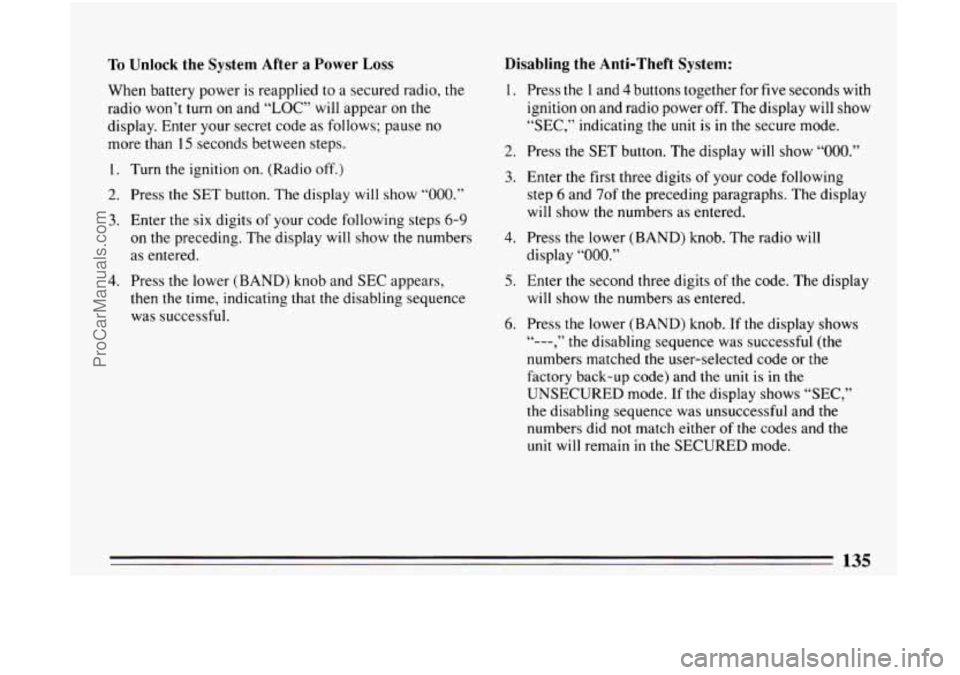
To Unlock the System After a Power Loss
When battery power is reapplied to a secured radio, the
radio won’t turn on and “LOC” will appear on the
display. Enter your secret code as follows; pause no
more than
15 seconds between steps.
1. Turn the ignition on. (Radio off.)
2. Press the SET button. The display will show “000.”
3. Enter the six digits of your code following steps 6-9
on the preceding. The display will show the numbers
as entered.
4. Press the lower (BAND) knob and SEC appears,
then the time, indicating that the disabling sequence
was successful.
Disabling the Anti-Theft System:
1.
2.
3.
4.
5.
6.
Press the I and 4 buttons together for five seconds with
ignition on and radio power off. The display will show
“SEC,” indicating the unit is in the secure mode.
Press the
SET button. The display will show “OOO.”
Enter the first three digits of your code following
step
6 and 7of the preceding paragraphs. The display
will show the numbers as entered.
Press the lower (BAND) knob. The radio will
display
“000.”
Enter the second three digits of the code. The display
will show
the numbers as entered.
Press the lower (BAND) knob.
If the display shows
numbers matched the user-selected code or
the
factory back-up code) and the unit is in the
UNSECURED mode. If
the display shows “SEC,”
the disabling sequence was unsuccessful and the numbers did
not match either of the codes and the
unit will remain in the SECURED mode.
“--- , ” the disabling sequence was successful (the
135
ProCarManuals.com