battery BUICK CENTURY 1997 User Guide
[x] Cancel search | Manufacturer: BUICK, Model Year: 1997, Model line: CENTURY, Model: BUICK CENTURY 1997Pages: 406, PDF Size: 20.64 MB
Page 122 of 406
Battery Rundown Protection
Your vehicle has a feature to help prevent you from
draining the battery in case you accidentally leave the
interior courtesy lamps, reading/map lamps, visor vanity
lamps, trunk lamp, underhood lamp or glove box lamps
on. If you leave any of these lamps on, they will
automatically turn off after
20 minutes, if the ignition is
in
the OFF position. The lamps won’t come back on
again until you:
0 Turn the ignition on,
0 Turn the lamp switch off, then on; or
Open a door.
Note that if your vehicle has less than
15 miles (25 km)
on the odometer, the battery saver will turn off the lamps
after only three minutes.
Retained Accessory Power (If Equipped)
With retained accessory power, your power windows,
audio system and sunroof will continue to work
up to
10 minutes after the ignition key is turned to the OFF
position and none of the doors is opened.
Mirrors
Adjust all the mirrors so you can see clearly when you
are sitting in a comfortable driving position.
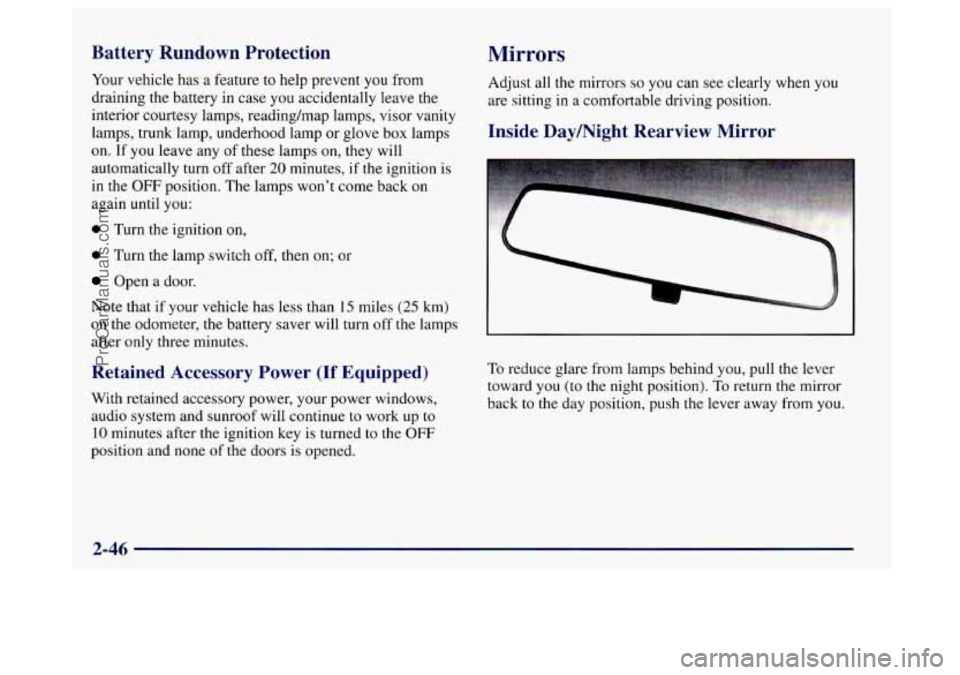
Inside Daymight Rearview Mirror
To reduce glare from lamps behind you, pull the lever
toward you (to the night position).
To return the mirror
back to the day position, push the lever away from you.
2-46
ProCarManuals.com
Page 133 of 406
The air bag readiness light should flash for a few
seconds when you turn the ignition key to RUN.
If the
light doesn’t come
on then, have it fixed so it will be
ready to warn you if there is
a problem.
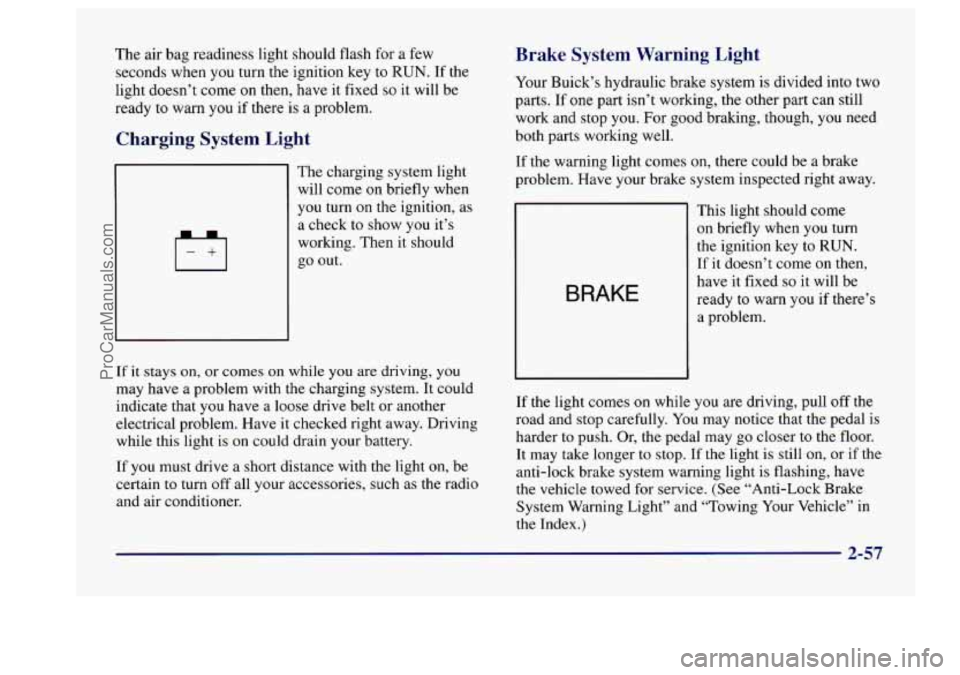
Charging System Light
4
The charging system light
will come on briefly when
you turn
on the ignition, as
a check to show
you it’s
working. Then it should
go out.
If it stays on, or comes on while you are driving, you
may have a problem with the charging system. It could
indicate that you have a loose drive belt or another
electrical problem. Have it checked right away. Driving
while this light is on could drain your battery.
If you must drive a short distance with the light on, be
certain
to turn off all your accessories, such as the radio
and air conditioner.
Brake System Warning Light
Your Buick’s hydraulic brake system is divided into two
parts. If
one part isn’t working, the other part can still
work and stop you. For good braking, though, you need
both parts working well.
If the warning light comes on, there could be
a brake
problem. Have your brake system inspected right away.
BRAKE
This light should come
on briefly when you turn
the ignition key
to RUN.
If it doesn’t come
on then,
have it fixed
so it will be
ready to warn
you if there’s
a problem.
If the light comes
on while you are driving, pull off the
road and stop carefully. You may notice that the pedal is
harder to push. Or, the pedal may go closer to the floor.
It may take longer to stop. If the light is still
on, or if the
anti-lock brake system warning light is flashing, have
the vehicle towed for service. (See “Anti-Lock Brake
System Warning Light” and “Towing Your Vehicle” in
the Index.)
2-57
ProCarManuals.com
Page 175 of 406
AM-FM: Press this button to play the radio when a d
is in the player.
SOURCE: Press this button to change to the disc
function when the radio is on. When a disc is inserted .i
, sc
9
the disc
will play until you press AM-FM. Then the disc
will stop playing and the radio will play. Press SOURCE
again to play a disc again. CD PLAY will show on
the
display.
EJECT Press this button to remove the disc. The radio
will play.
If you turn off the ignition or radio with a disc in the
player, it will stay in the player. When you turn on the
ignition or system, the disc will start playing where it
stopped, if it was the last-selected audio source.
Also,
as a protection feature, if a CD is ejected and left
in the player,
it will be pulled back in the player with the
ignition on or off. If you leave a compact disc in the
player while listening to the radio, it may become warm.
Theft-Deterrent Feature
THEFTLOCK” is designed to discourage theft of your
radio.
It works by using a secret code to disable all radio
functions whenever battery power is removed.
If THEFTLOCK is active, the THEFTLOCK indicator
will
flash when the ignition is off.
The THEFTLOCK feature for the radio may be used
or
ignored. If ignored, the system plays normally and the
radio is not protected by the feature.
If THEFTLOCK is
activated, your radio will
not operate if stolen.
When THEFTLOCK is activated, the radio will display
LOC
to indicate a locked condition anytime battery
power is removed.
If your battery loses power for any
reason,
you must unlock the radio with the secret code
before
it will operate.
Activating the Theft-Deterrent Feature
The instructions which follow, explain how to enter your
secret code to activate the THEFTLOCK system. It is
recommended that you read through all nine steps
before starting the procedure.
3-31
ProCarManuals.com
Page 177 of 406
Disabling the Theft-Deterrent Feature
Enter your secret code as follows; pause no more than
15 seconds between steps:
1. Turn the ignition to ACCESSORY or RUN.
2. Turn the radio off.
3. Press the 1 and 4 buttons together. Hold them down
4. Press MTN and 000 will appear on the display.
5. Press MIN again to make the last two digits agree
6. Press HRS to make the first one or two digits agree
7. Press AM-FM after you have confirmed that the
until
SEC shows on the display.
with your code.
with your code.
code matches the secret code
you have written down.
The display will show
---, indicating that the radio is
no longer secured.
If the code entered is incorrect, SEC will appear on the
display. The radio will remain secured
until the correct
code is entered.
When battery power is removed and later applied to a
secured radio, the radio won’t turn
on and LOC will
appear on the display.
To unlock a secured radio see “Unlocking the
Theft-Deterrent Feature After a Power
Loss” earlier in
this section.
Audio Steering Wheel Controls
(If Equipped)
If your vehicle has this feature, you can control certain
radio functions using the buttons on your steering wheel.
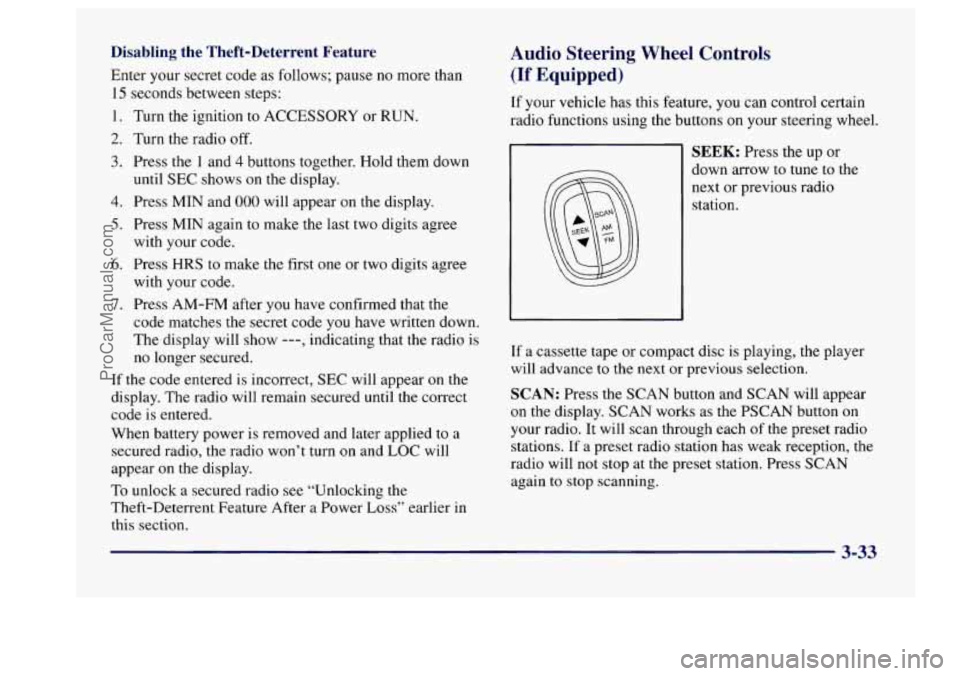
SEEK: Press the up or
down arrow to tune to the
next or previous radio
station.
If a cassette tape or compact disc is playing, the player
will advance to the next or previous selection.
SCAN: Press the SCAN button and SCAN will appear
on the display. SCAN works as the PSCAN button on
your radio. It will scan through each of the preset radio
stations. If a preset radio station has weak reception, the
radio will not stop at the preset station. Press SCAN
again to stop scanning.
3-33
ProCarManuals.com
Page 214 of 406

Run your engine only as long as you must. This saves
fuel. When you run the engine, make it go a little faster
than just idle. That is, push the accelerator slightly. This
uses less
fuel for the heat that you get and it keeps the
battery charged. You will need a well-charged battery to
restart the vehicle, and possibly for signaling later
on
with your headlamps. Let the heater run for a while.
Then, shut the engine
off and close the window almost
all
the way to preserve the heat. Start the engine again
and repeat this only when you feel really uncomfortable
from the cold. But
do it as little as possible. Preserve the
fuel as long as you can.
To help keep warm, you can get
out
of the vehicle and do some fairly vigorous exercises
every half hour or
so until help comes.
Loading Your Vehicle
TIRE-LOADING INFORMATION
VEHICLE CAP. WT.
FRT. CTR.
RR. TOTAL LBS.
MAX. LOADING & GVWR SAME AS VEHICLE
CAPACITY WEIGHT
XXX COLD TIRE
TIRE
SIZE SPEED PRESSURE RTG PSI/KPa
FRT.
RR.
SPA. IF TIRES ARE
HOT, ADD 4PSIi28KPa
SEE OWNER'S MANUAL
FOR ADDITIONAL
INFORMATION
Two labels on your vehicle show how much weight it
may properly carry. The Tire-Loading Information label
is inside the trunk lid. The label tells you the proper size,
speed rating and recommended inflation pressures for
the tires
on your vehicle. It also gives you important
information about the number of people that can
be in
your vehicle and the total weight you can carry. This
weight
is called the vehicle capacity weight and includes
the weight of all occupants, cargo and all
nonfactory-installed options.
4-28
ProCarManuals.com
Page 229 of 406
Jump Starting
If your battery has run down, you may want to use
another vehicle and some jumper cables
to start your
Buick. But please follow the steps below to do it safely.
NOTICE:
Ignoring these steps could result in costly damage
to your vehicle that wouldn’t be covered by your
warranty. Trying to start your Buick by pushing
or pulling
it won’t work, and it could damage
your vehicle.
U
Batteries can hurt you. They can be dangerous
because:
0 They contain acid that can burn you.
0 They contain gas that can explode or ignite.
0 They contain enough electricity to burn you.
If you don’t follow these steps exactly, some or all
of these things can hurt you.
1. Check the other vehicle. It must have a 12-volt
battery with
a negative ground sysl 1.
I NOTICE:
If the other system isn’t a 12-volt system with a
negative ground, both vehicles can be damaged.
5-3
ProCarManuals.com
Page 230 of 406
2. Get the vehicles close enough so the jumper cables
can reach, but be sure the vehicles aren’t touching
each other.
If they are, it could cause a ground
connection you don’t want. You wouldn’t be able
to start your Buick, and the bad grounding could
damage the electrical systems.
To avoid the possibility of the vehicles rolling,
set the parking brake
firmly on both vehicles
involved
in the jump start procedure. Put your
automatic transaxle
in PARK (P) before setting
the parking brake.
3. Turn off the ignition on both vehicles. Unplug
unnecessary accessories plugged into
the cigarette
lighter or accessory power outlet.
Turn off all lamps
that aren’t needed as well as radios. This will avoid
sparks and help save both batteries. In addition, it
could save your radio!
I
NOTICE:
If you leave your radio on, it could be badly
damaged. The repairs wouldn’t be covered by
your warranty.
4. Open the hoods and locate the batteries. (Your
vehicle’s battery is located under the windshield
washer fluid reservoir.)
An electric fan can start up even when the engine
is not running and can injure you. Keep hands,
clothing and tools away from any underhood
electric fan.
ProCarManuals.com
Page 231 of 406
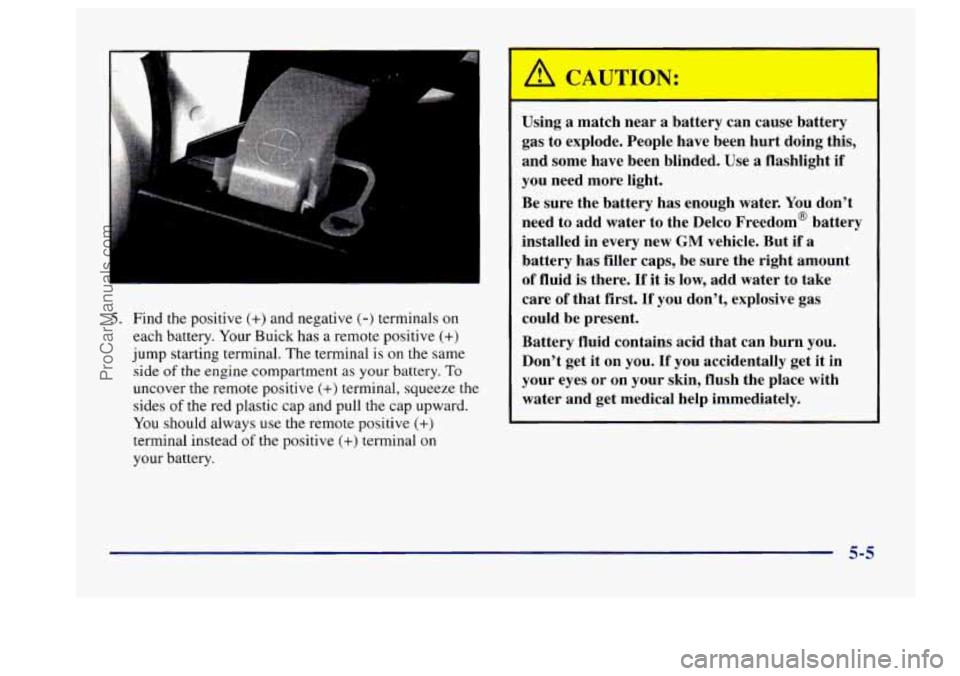
5. Find the positive (+) and negative (-) terminals on
each battery. Your Buick has a remote positive
(+)
jump starting terminal. The terminal is on the same
side
of the engine compartment as your battery. To
uncover the remote positive (+) terminal, squeeze the
sides
of the red plastic cap and pull the cap upward.
You should always use the remote positive
(+)
terminal instead of the positive (+) terminal on
your battery. Using
a match near a battery can cause battery
gas to explode. People have been hurt doing this,
and some have been blinded. Use
a flashlight if
you need more light.
Be sure the battery has enough water. You don’t
need to add water to the Delco Freedom’ battery
installed in every new
GM vehicle. But if a
battery has filler caps, be sure the right amount
of fluid is there. If it is low, add water to take
care of that first.
If you don’t, explosive gas
could be present.
Battery fluid contains acid that can burn you.
Don’t get it on you. If you accidentally get it in
your eyes or
on your skin, flush the place with
water and get medical help immediately.
5-5
ProCarManuals.com
Page 232 of 406
6. Check that the jumper cables don’t have loose or
missing insulation.
If they do, you could get a shock.
The vehicles could be damaged too.
Before you connect the cables, here are some basic
things you should know. Positive
(+) will go to
positive
(+) and negative (-) will go to negative (-)
or a metal engine part. Don’t connect positive (+) to
negative
(-) or you’ll get a short that would damage
b
the battery and maybe other parts too.
r
‘A( J?
-- -
Fans or other moving engine parts can injure you
badly. Keep
your hands away from moving parts
once the engine is running. 7. Connect the red positive (+) cable to the positive (+)
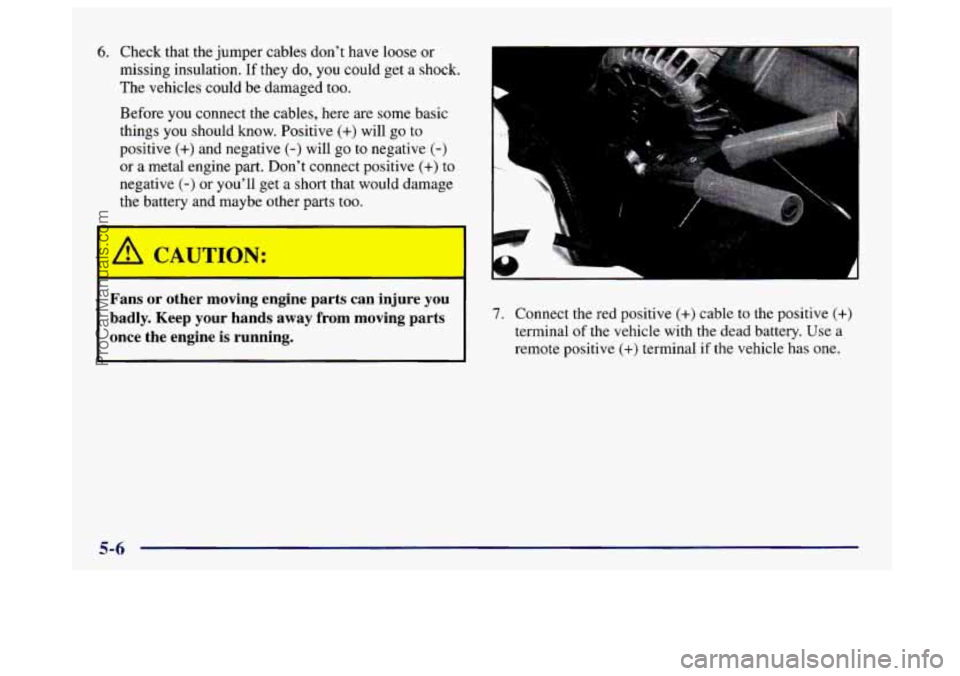
terminal of the vehicle with the dead battery. Use a
remote positive (+) terminal if the vehicle has one.
LI
5-6
ProCarManuals.com
Page 233 of 406
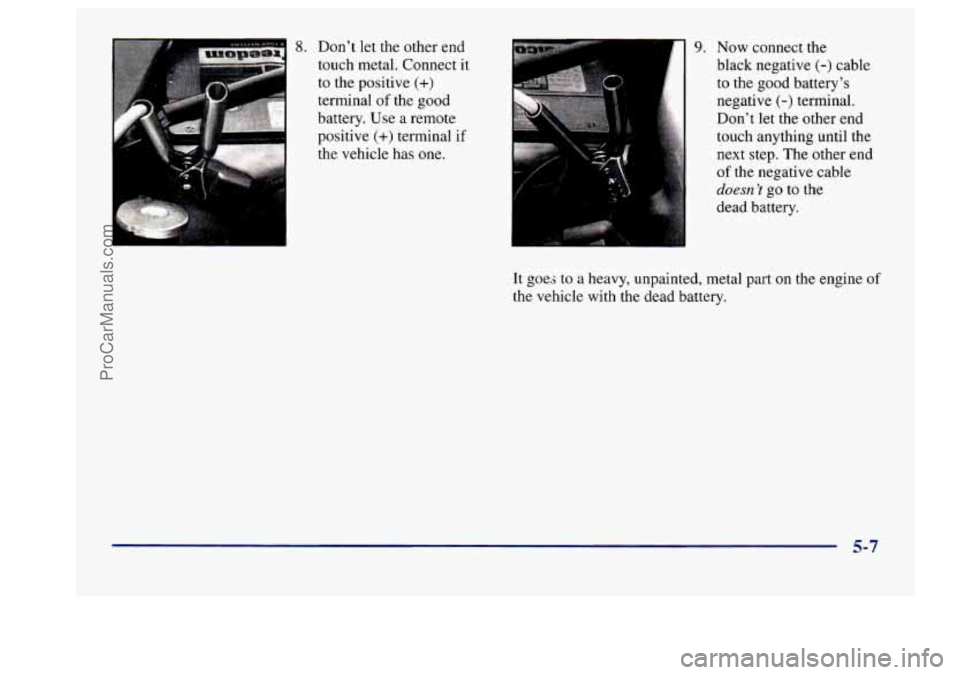
8. Don’t let the other end
touch metal. Connect
it
to the positive (+)
terminal of the good
battery. Use
a remote
positive
(+) terminal if
the vehicle has one.
9. Now connect the
black negative
(-) cable
to the good battery’s
negative
(-) terminal.
Don’t let the other end
touch anything until the
next step. The other end
of the negative cable
duesn ’I go to the
dead battery.
It goes to
a heavy, unpainted, metal part on the engine of
the vehicle with the dead battery.
5-7
ProCarManuals.com