light BUICK CENTURY 1997 Owner's Manual
[x] Cancel search | Manufacturer: BUICK, Model Year: 1997, Model line: CENTURY, Model: BUICK CENTURY 1997Pages: 406, PDF Size: 20.64 MB
Page 120 of 406
Interior Lamps
Instrument Panel Brightness Control
You can brighten or dim the instrument panel lights by
moving the LIGHTS dial.
If you turn the dial past
MAX, your courtesy or interior lamps will come on.
Courtesy Lamps
When any door is opened, several lamps come on. These
lamps are courtesy lamps. They make it easy for you to
enter and leave your vehicle.
You can also turn these
lamps
on by moving the interior lamps dial all the way
to the right.
Illuminated Entry
Your courtesy lamps will come on and stay on for a set
time whenever you press UNLOCK on the remote
keyless entry transmitter.
If you open a door, the lamps will stay on while it’s open
and then turn
off automatically about 25 seconds after
you close it. If you press UNLOCK and don’t open a
door, the lamps will turn off after about 40 seconds.
Illuminated Entry includes
a feature called theater
dimming. With theater dimming, the lamps don’t just
turn off at the end of the delay time. Instead, they slowly dim after the delay time until they go out. The delay
time
is canceled if you turn the ignition key to RUN or
START,
so the lamps will dim right away.
When the ignition is on, Illuminated Entry is inactive,
which means the courtesy lamps won’t come on unless a
door is opened.
Delayed Entry Lighting
Delayed Entry Lighting illuminates your vehicle’s
interior for
a period of time after all the doors have been
closed.
The ignition must be off for Delayed Entry Lighting
to
work. Just after all the doors have been closed, the
Delayed Entry Lighting feature will continue to
work until:
0 The ignition is turned to the RUN position.
The doors are locked.
An illumination period of 25 seconds has elapsed.
If during
the illumination period a door is opened, the
timed illumination period will be canceled and the interior lamps will remain on since a door is open.
2-44
ProCarManuals.com
Page 121 of 406
Delayed Exit Lighting
This feature illuminates your vehicle’s interior for a
period
of time after the ignition key is removed from
the ignition.
The vehicle’s ignition must be
off for Delayed Exit
Lighting to work. When the ignition key is removed,
interior illumination will activate and remain on until:
0 The ignition is turned to the RUN position.
0 The power door locks are activated.
0 An illumination period of 25 seconds has elapsed.
If during the illumination period a door is opened, the
timed illumination period will be canceled and the
interior lamps will remain on since a door is open.
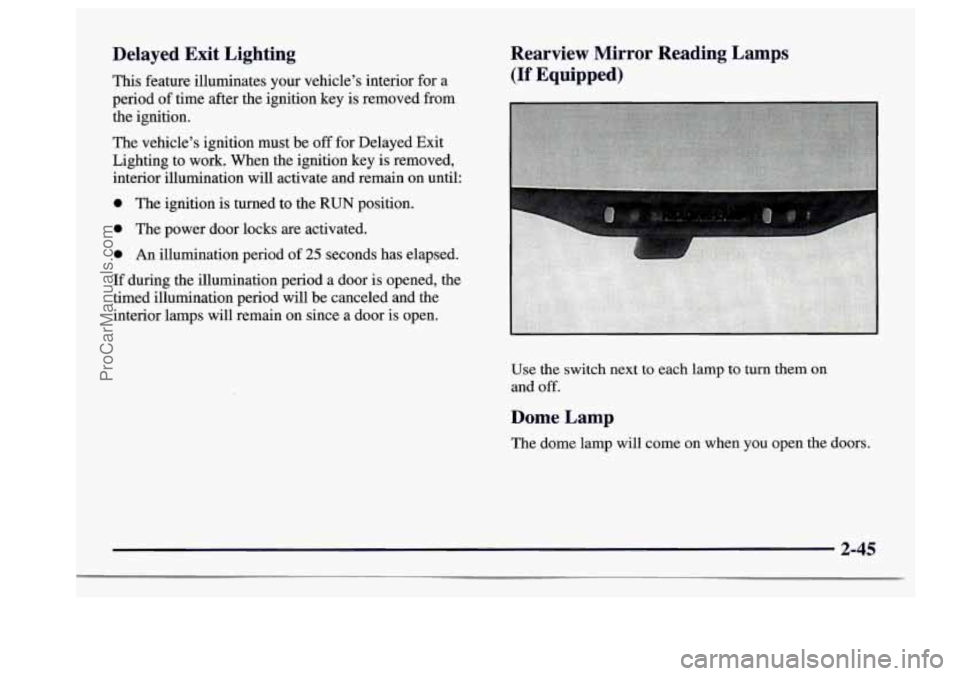
Rearview Mirror Reading Lamps
(If Equipped)
Use the switch next to each lamp to turn them on
and
off.
Dome Lamp
The dome lamp will come on when you open the doors.
2-45
ProCarManuals.com
Page 123 of 406
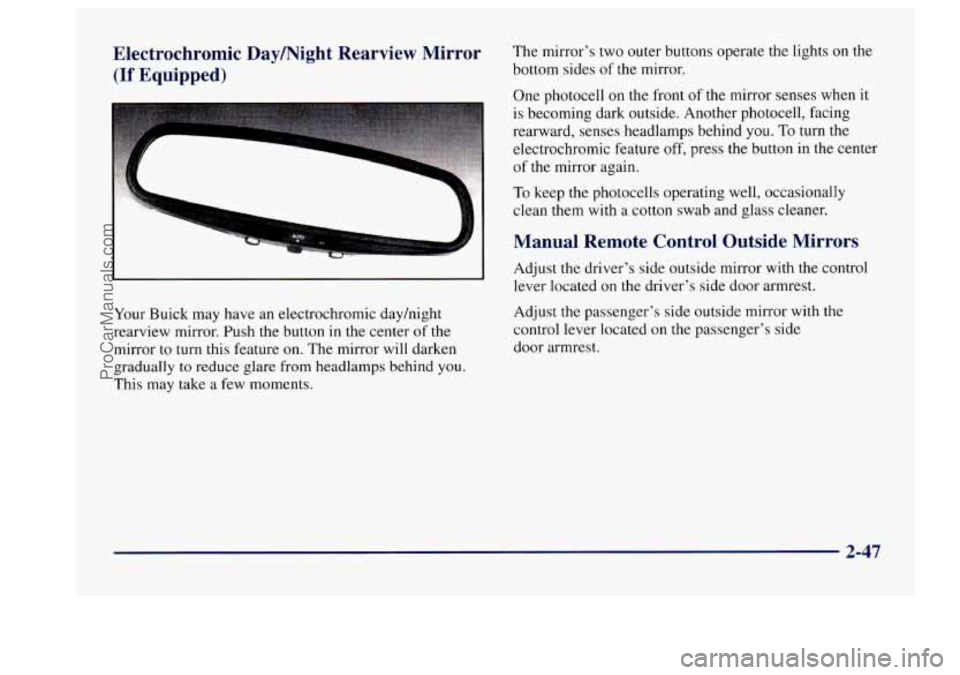
Electrochromic Daymight Rearview Mirror The mirror's two outer buttons operate the lights on the
(If Equipped) bottom sides of the mirror.
One photocell
on the front of the mirror senses when it
is becoming dark outside. Another photocell, facing
rearward, senses headlamps behind you.
To turn the
--
electrochromic feature off, press the button in the center
of the mirror again.
To keep the photocells operating well, occasionally
clean them
with a cotton swab and glass cleaner.
Manual Remote Control Outside Mirrors
Your Buick may have an electrochromic dayhight
rearview mirror. Push the button
in the center of the
mirror to turn this feature on. The mirror will darken
gradually to reduce glare from headlamps behind you.
This may take
a few moments. Adjust
the driver's side outside
mirror with the control
lever located on the driver's side door armrest.
Adjust
the passenger's side outside mirror with the
control lever located on the passenger's side
door armrest.
2-47
ProCarManuals.com
Page 126 of 406
Ashtrays and Lighter
The center front ashtray is located on the instrument
panel, just below the comfort controls. To remove the
ashtray, open the lid and lift it out.
The rear ashtray is located within
a small door at the
back of your vehicle’s front
seat armrest. Push on the
right side of the door. The ashtray will then rotate to the
right for usage.
You can only access the ashtray by
pushing
on the door’s right side. To remove the ashtray,
push down on the snuffer located
in the middle of the
ashtray and lift
it out.
NOTICE:
Don’t put papers and other things that burn into
your ashtrays.
If you do, cigarettes or other
smoking materials could set them on fire,
causing damage.
To use the lighter, just push it in all the way and let go.
When it’s ready, it will pop back by itself. Don’t hold a cigarette lighter in with your
hand
while it is heating.
If you do, it won’t be able to
back away from the heating element when it’s
ready. That can make it overheat, damaging the
lighter and the heating element.
Sun Visors
To block out glare, you can swing down the visors. You
can
also move them from side to side. The visors also
have extenders that
you can pull out for added coverage.
2-50
ProCarManuals.com
Page 127 of 406
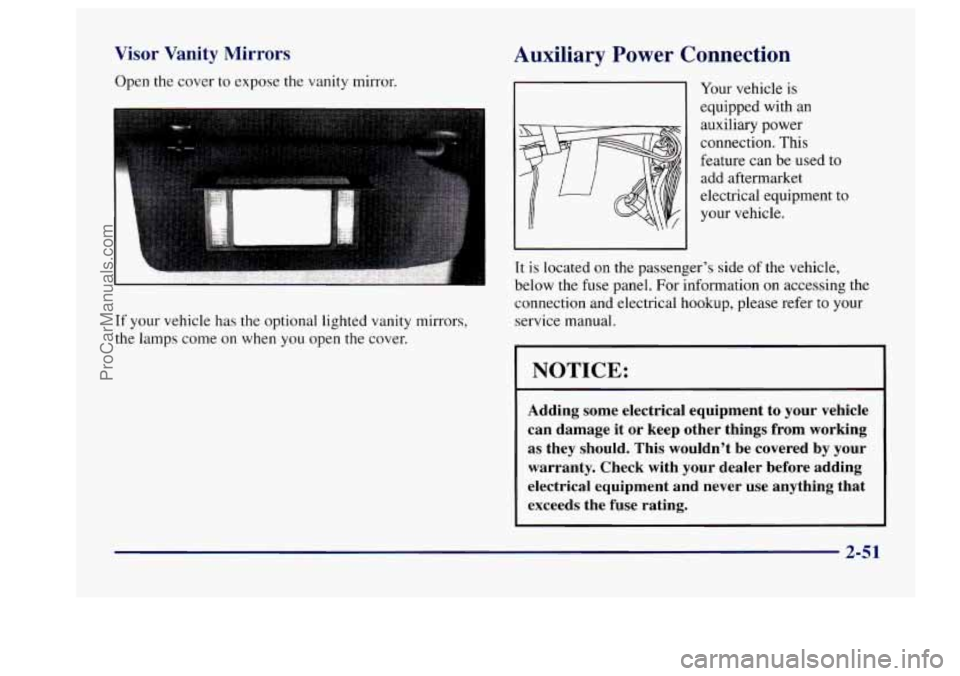
Visor Vanity Mirrors
Open the cover to expose the vanity mirror.
If your vehicle has the optional lighted vanity mirrors,
the lamps come
on when you open the cover.
Auxiliary Power Connection
Your vehicle is
equipped with an
auxiliary power
connection. This
feature can be used to
add aftermarket
electrical equipment
to
your vehicle.
It
is located on the passenger’s side of the vehicle,
below the fuse panel. For information
on accessing the
connection and electrical hookup, please refer to your
service manual.
1 NOTICE:
Adding some electrical equipment to your vehicle
can damage it or keep other things from working
as they should. This wouldn’t be covered by your
warranty. Check with your dealer before adding
electrical equipment and never use anything that
exceeds the fuse rating.
2-51
ProCarManuals.com
Page 131 of 406
Speedometer and Odometer
Your speedometer lets you see your speed in both miles
per hour (mph) and kilometers per hour (kdh). Your
odometer shows how far your vehicle has been driven
in
either miles (used in the United States) or in kilometers
(used
in Canada).
Your Buick has a tamper-resistant odometer.
If you see
ERROR, you’ll know someone has probably tampered
with it and the numbers may not be accurate.
You may wonder what happens if your vehicle needs a
new odometer installed. If the new one can be set to the
mileage total of the old odometer, then that will be done.
But if it can’t, then
it will be set at zero and a label must
be put on the driver’s door
to show the old mileage
reading when the new odometer was installed.
Trip Odometer
Your trip odometer tells how far you have driven since
you last reset it. To set it to zero, press the button on the
right side of the instrument cluster.
Your triphelect reset switch will go back and forth
between the odometer and the trip odometer if the
button
is pressed and released within 1.5 seconds. If the
button is pressed and held for longer than
1.5 seconds
while in the trip odometer mode, it will be reset to zero.
If the button is pressed and held for longer than
I .5 seconds while in the odometer mode, it will have
no effect.
Warning Lights, Gages and Indicators
This part describes the warning lights and gages that
may be on your vehicle. The pictures will help you
locate them.
Warning lights and gages can signal that something is
wrong before it becomes serious enough to cause an
expensive repair or replacement. Paying attention to
your warning lights and gages could also save
you or
others from injury.
Warning lights come on when there may be or
is a
problem with one
of your vehicle’s functions. As you
will see in the details on the next few pages, some
warning lights come on briefly when
you start the
engine just to
let you know they’re working. If you are
familiar with this section, you should not be alarmed
when this happens.
Gages can indicate when there may be or is a problem
with one of your vehicle’s functions. Often gages and
warning lights work together to let you know when
there’s a problem with your vehicle.
2-55
ProCarManuals.com
Page 132 of 406
When one of the warning lights comes on and stays on
when
you are driving, or when one of the gages shows
there may be a problem, check the section that tells you
what to do about
it. Please follow this manual’s advice.
Waiting
to do repairs can be costly -- and even
dangerous.
So please get to know your warning lights
and gages. They’re a big help.
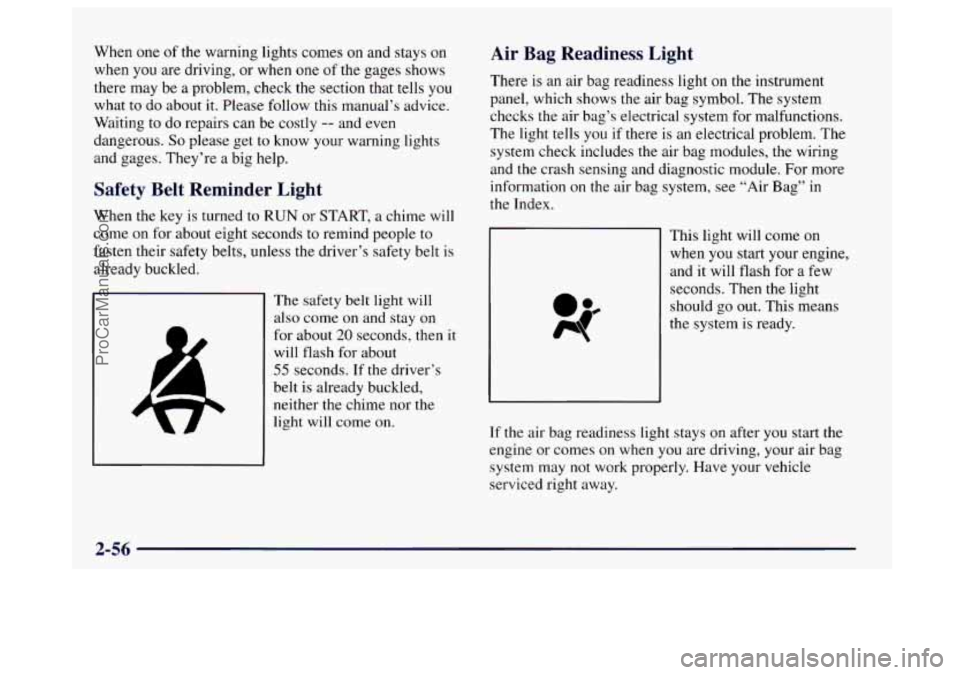
Safety Belt Reminder Light
When the key is turned to RUN or START, a chime will
come on for about eight seconds to remind people to
fasten their safety belts, unless the driver’s safety belt
is
already buckled.
The safety belt light will
also come on and stay on
for about
20 seconds, then it
will flash for about
55 seconds. If the driver’s
belt is already buckled,
neither the chime nor the
light
will come on.
Air Bag Readiness Light
There is an air bag readiness light on the instrument
panel, which shows the air bag symbol. The system
checks the air bag’s electrical system for malfunctions.
The light tells you if there is an electrical problem. The
system check includes the air bag modules, the wiring
and the crash sensing and diagnostic module. For more
information
on the air bag system, see “Air Bag” in
the Index.
This right will come on
when you start your engine,
and it will flash for a few
seconds. Then the light
should
go out. This means
the system is ready.
If the air bag readiness light stays
on after you start the
engine or comes on when
you are driving, your air bag
system may not work properly. Have your vehicle
serviced right away.
2-56
ProCarManuals.com
Page 133 of 406
The air bag readiness light should flash for a few
seconds when you turn the ignition key to RUN.
If the
light doesn’t come
on then, have it fixed so it will be
ready to warn you if there is
a problem.
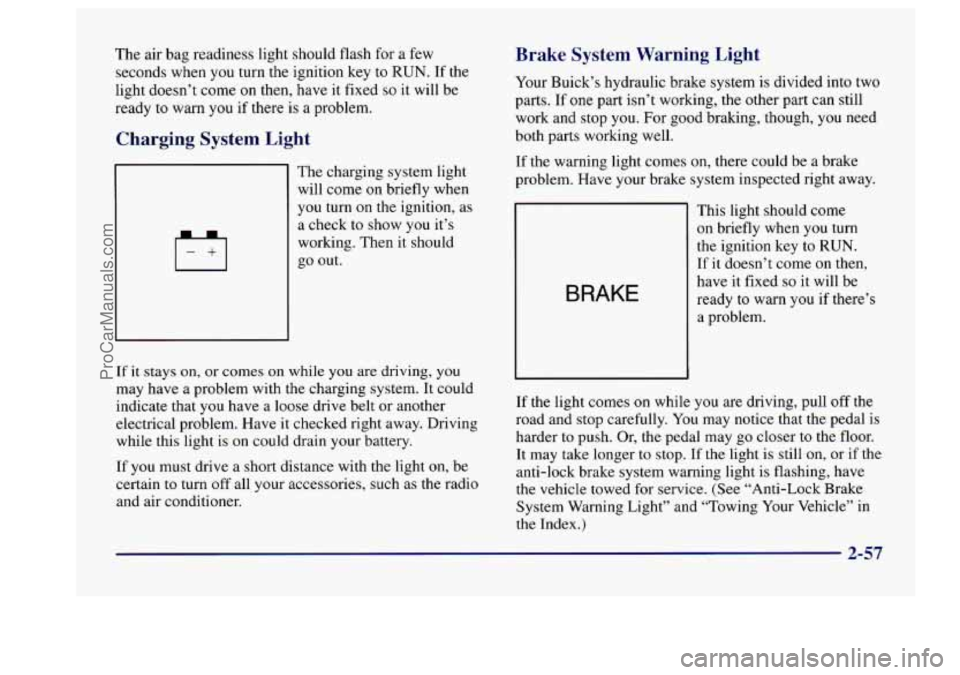
Charging System Light
4
The charging system light
will come on briefly when
you turn
on the ignition, as
a check to show
you it’s
working. Then it should
go out.
If it stays on, or comes on while you are driving, you
may have a problem with the charging system. It could
indicate that you have a loose drive belt or another
electrical problem. Have it checked right away. Driving
while this light is on could drain your battery.
If you must drive a short distance with the light on, be
certain
to turn off all your accessories, such as the radio
and air conditioner.
Brake System Warning Light
Your Buick’s hydraulic brake system is divided into two
parts. If
one part isn’t working, the other part can still
work and stop you. For good braking, though, you need
both parts working well.
If the warning light comes on, there could be
a brake
problem. Have your brake system inspected right away.
BRAKE
This light should come
on briefly when you turn
the ignition key
to RUN.
If it doesn’t come
on then,
have it fixed
so it will be
ready to warn
you if there’s
a problem.
If the light comes
on while you are driving, pull off the
road and stop carefully. You may notice that the pedal is
harder to push. Or, the pedal may go closer to the floor.
It may take longer to stop. If the light is still
on, or if the
anti-lock brake system warning light is flashing, have
the vehicle towed for service. (See “Anti-Lock Brake
System Warning Light” and “Towing Your Vehicle” in
the Index.)
2-57
ProCarManuals.com
Page 134 of 406
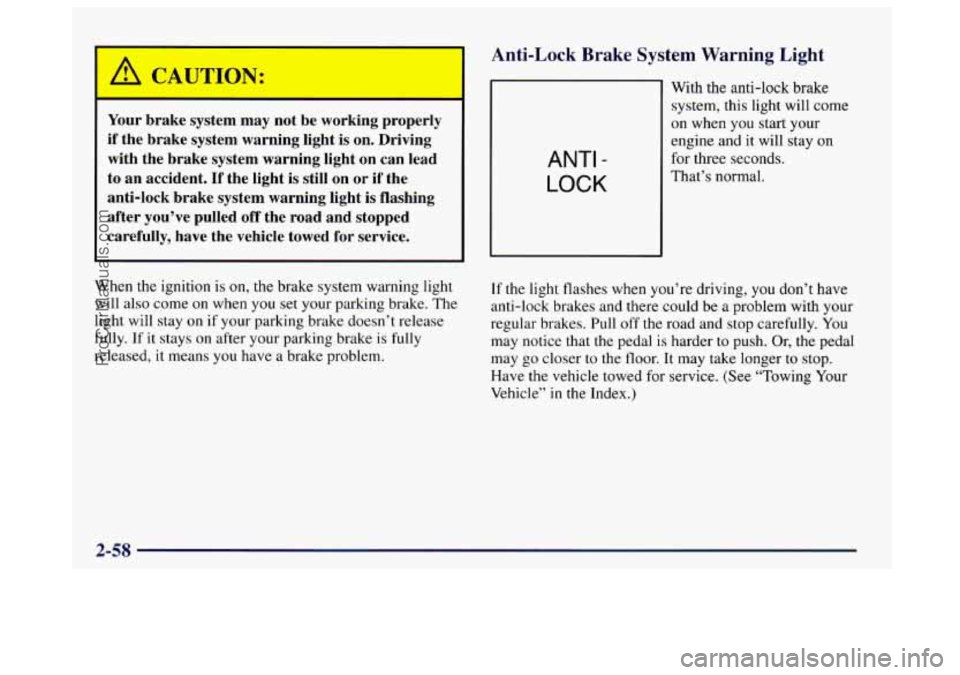
Your brake system may not be working properly
if the brake system warning light is on. Driving
with the brake system warning light on can lead
to an accident.
If the light is still on or if the
anti-lock brake system warning light is flashing
after you’ve pulled
off the road and stopped
carefully, have the vehicle towed for service.
When the ignition is on, the brake system warning light
will also come on when you set your parking brake. The
light will stay
on if your parking brake doesn’t release
fully. If it stays on after your parking brake is
fully
released, it means you have a brake problem.
Anti-Lock Brake System Warning Light
ANTI -
LOCK
With the anti-lock brake
system, this light will come
on when
you start your
engine and it will stay
on
for three seconds.
That’s normal.
If the light flashes when you’re driving, you don’t have
anti-lock brakes and there could be
a problem with your
regular brakes. Pull off the road and stop carefully.
You
may notice that the pedal is harder to push. Or, the pedal
may
go closer to the floor. It may take longer to stop.
Have the vehicle towed for service. (See “Towing Your
Vehicle”
in the Index.)
2-58
ProCarManuals.com
Page 135 of 406
ON:
Your regular brake system may not be working
properly if the anti-lock brake system warning
light is flashing. Driving with the anti-lock brake system warning light flashing can lead
to an
accident. After you’ve pulled off the road and
stopped carefully, have the vehicle towed
for service.
If the anti-lock brake system warning light stays on
longer than normal after you’ve started your engine, turn
the ignition
off. Or, if the light comes on and stays on
when you’re driving, stop as soon as possible and turn
the ignition
off. Then start the engine again to reset the
system. If
the light still stays on, or comes on again
while you’re driving, your Buick needs service, If the
light is
on but not flashing and the regular brake system
warning light isn’t on, you still have brakes, but you
don’t have anti-lock brakes.
The anti-lock brake system warning light should come
on briefly when
you turn the ignition key to RUN. If the
light doesn’t come
on then, have it fixed so it will be
ready to warn you
if there is a problem.
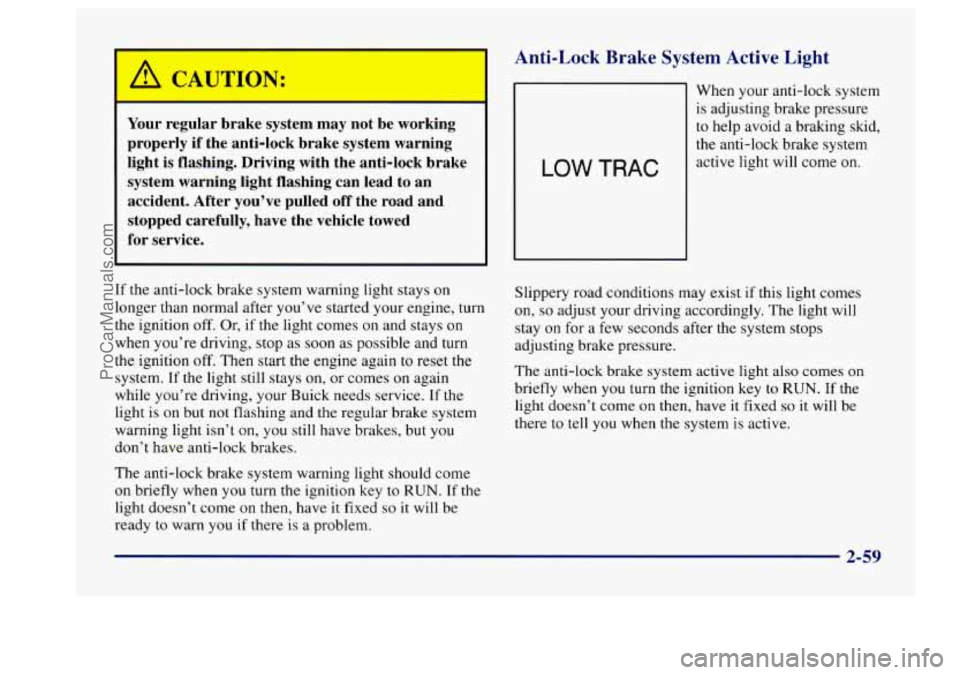
4nti-Lock Brake System Active Light
1
When your anti-lock system
is adjusting brake pressure
to help avoid a braking
skid,
the anti-lock brake system
Slippery road conditions may exist if this light comes
on,
so adjust your driving accordingly. The light will
stay
on for a few seconds after the system stops
adjusting brake pressure.
The anti-lock brake system active light also comes
on
briefly when you turn the ignition key to RUN. If the
light doesn’t come on then, have it fixed
so it will be
there to tell you when the system is active.
2-59
ProCarManuals.com