belt BUICK CENTURY 2003 Workshop Manual
[x] Cancel search | Manufacturer: BUICK, Model Year: 2003, Model line: CENTURY, Model: BUICK CENTURY 2003Pages: 344, PDF Size: 2.57 MB
Page 107 of 344
Instrument Panel Overview...............................3-2
Hazard Warning Flashers................................3-3
Other Warning Devices...................................3-4
Horn.............................................................3-4
Tilt Wheel.....................................................3-4
Turn Signal/Multifunction Lever.........................3-5
Exterior Lamps.............................................3-11
Interior Lamps..............................................3-14
Auxiliary Power Connection
(Power Drop)............................................3-16
Ashtrays and Cigarette Lighter........................3-16
Climate Controls............................................3-17
Dual Climate Control System..........................3-17
Outlet Adjustment.........................................3-20
Passenger Compartment Air Filter...................3-20
Warning Lights, Gages and Indicators.............3-22
Instrument Panel Cluster................................3-23
Speedometer and Odometer...........................3-24
Safety Belt Reminder Light.............................3-24
Air Bag Readiness Light................................3-25
Charging System Light..................................3-26
Brake System Warning Light..........................3-27
Anti-Lock Brake System Warning Light.............3-28
Enhanced Traction System Warning Light.........3-28
Low Traction Light........................................3-29Engine Coolant Temperature Warning Light......3-29
Engine Coolant Temperature Gage..................3-30
Tire Pressure Light.......................................3-30
Malfunction Indicator Lamp.............................3-31
Oil Pressure Light.........................................3-34
Low Oil Level Light.......................................3-35
Change Engine Oil Light................................3-35
Security Light...............................................3-36
Cruise Control Light......................................3-36
Low Washer Fluid Warning Light.....................3-36
Door/Trunk Ajar Warning Light........................3-36
Service Vehicle Soon Light............................3-37
Fuel Gage...................................................3-37
Low Fuel Warning Light.................................3-38
Audio System(s).............................................3-39
Setting the Time...........................................3-39
AM-FM Radio...............................................3-40
Radio with Cassette and CD..........................3-42
Theft-Deterrent Feature..................................3-48
Audio Steering Wheel Controls.......................3-50
Understanding Radio Reception......................3-50
Care of Your Cassette Tape Player.................3-51
Care of Your CDs.........................................3-52
Care of Your CD Player................................3-52
Fixed Mast Antenna......................................3-52
Section 3 Instrument Panel
3-1
Page 130 of 344
Speedometer and Odometer
The speedometer lets you see your speed in both miles
per hour (mph) and kilometers per hour (km/h). The
odometer shows how far your vehicle has been driven
in either miles (used in the United States) or in
kilometers (used in Canada).
Your vehicle has a tamper-resistant odometer. If you
see ERROR, you'll know someone has probably
tampered with it and the numbers may not be accurate.
You may wonder what happens if your vehicle needs
a new odometer installed. If the new one can be set to
the mileage total of the old odometer, then that will
be done. But if it can't, then it will be set at zero and a
label must be put on the driver's door to show the
old mileage reading when the new odometer was
installed.
Trip Odometer
The trip odometer tells how far you have driven since
you last reset it. To set it to zero, press the button on the
right side of the instrument panel cluster.
The trip/select reset button will go back and forth
between the odometer and the trip odometer if the
button is pressed and released within 1.5 seconds.If the button is pressed and held for longer than
1.5 seconds while in the trip odometer mode, it will be
reset to zero. If the button is pressed and held for longer
than 1.5 seconds while in the odometer mode, it will
have no effect.
Safety Belt Reminder Light
When the key is turned to RUN or START, a chime will
come on for several seconds to remind people to
fasten their safety belts, unless the driver's safety belt is
already buckled.
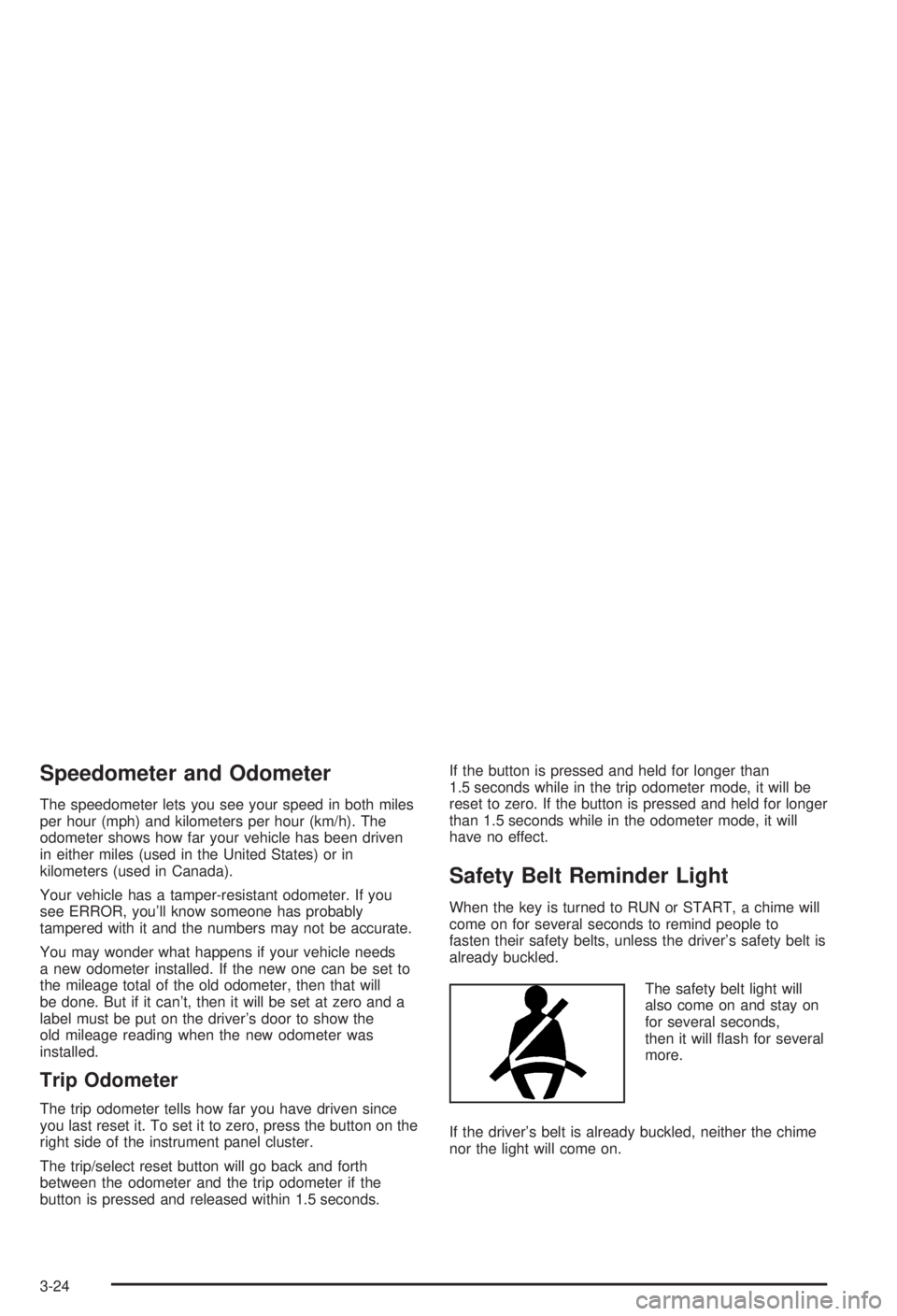
The safety belt light will
also come on and stay on
for several seconds,
then it will ¯ash for several
more.
If the driver's belt is already buckled, neither the chime
nor the light will come on.
3-24
Page 132 of 344
Charging System Light
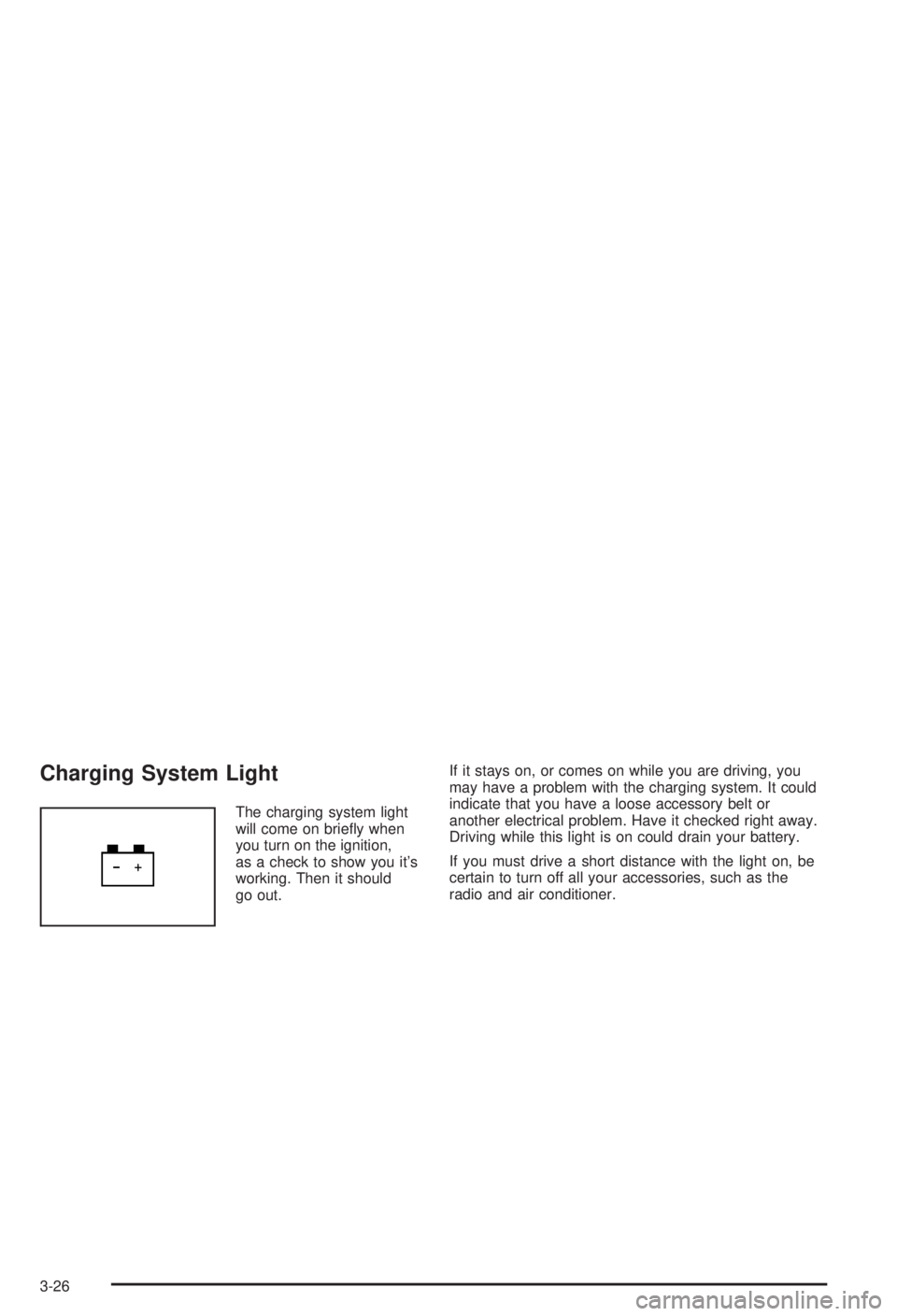
The charging system light
will come on brie¯y when
you turn on the ignition,
as a check to show you it's
working. Then it should
go out.If it stays on, or comes on while you are driving, you
may have a problem with the charging system. It could
indicate that you have a loose accessory belt or
another electrical problem. Have it checked right away.
Driving while this light is on could drain your battery.
If you must drive a short distance with the light on, be
certain to turn off all your accessories, such as the
radio and air conditioner.
3-26
Page 157 of 344

Care of Your Cassette Tape Player
A tape player that is not cleaned regularly can cause
reduced sound quality, ruined cassettes or a damaged
mechanism. Cassette tapes should be stored in their
cases away from contaminants, direct sunlight and
extreme heat. If they aren't, they may not operate
properly or may cause failure of the tape player.
Your tape player should be cleaned regularly after every
50 hours of use. Your radio may display CLEAN
PLAYR to indicate that you have used your tape player
for 50 hours without resetting the tape clean timer. If
this message appears on the display, your cassette tape
player needs to be cleaned. It will still play tapes, but
you should clean it as soon as possible to prevent
damage to your tapes and player. If you notice a
reduction in sound quality, try a known good cassette to
see if the tape or the tape player is at fault. If this
other cassette has no improvement in sound quality,
clean the tape player.
For best results, use a scrubbing action, non-abrasive
cleaning cassette with pads which scrub the tape
head as the hubs of the cleaner cassette turn. The
recommended cleaning cassette is available through
your dealership.The cut tape detection feature of your cassette tape
player may identify the cleaning cassette as a damaged
tape, in error. If the cleaning cassette ejects, insert
the cassette at least three times to ensure thorough
cleaning.
You may also choose a non-scrubbing action, wet-type
cleaner which uses a cassette with a fabric belt to
clean the tape head. This type of cleaning cassette will
not eject on its own. A non-scrubbing action cleaner
may not clean as thoroughly as the scrubbing type
cleaner. The use of a non-scrubbing action, dry-type
cleaning cassette is not recommended.
After you clean the player, press and hold the EJECT
button for ®ve seconds with the ignition on and the radio
power off to reset the CLEAN PLAYR indicator. The
radio will display Ð to show the indicator was reset.
Cassettes are subject to wear and the sound quality may
degrade over time. Always make sure the cassette
tape is in good condition before you have your
tape player serviced.
3-51
Page 160 of 344
Your Driving, the Road, and
Your Vehicle
Defensive Driving
The best advice anyone can give about driving is:
Drive defensively.
Please start with a very important safety device in your
vehicle: Buckle up. See
Safety Belts: They Are for
Everyone on page 1-7.
Defensive driving really means ªbe ready for anything.º
On city streets, rural roads or freeways, it means
ªalways expect the unexpected.º
Assume that pedestrians or other drivers are going to
be careless and make mistakes. Anticipate what
they might do. Be ready for their mistakes.Rear-end collisions are about the most preventable of
accidents. Yet they are common. Allow enough following
distance. It's the best defensive driving maneuver, in both
city and rural driving. You never know when the vehicle in
front of you is going to brake or turn suddenly.
Defensive driving requires that a driver concentrate on
the driving task. Anything that distracts from the
driving task Ð such as concentrating on a cellular
telephone call, reading, or reaching for something on
the ¯oor Ð makes proper defensive driving more difficult
and can even cause a collision, with resulting injury.
Ask a passenger to help do things like this, or pull off the
road in a safe place to do them yourself. These simple
defensive driving techniques could save your life.
4-2
Page 171 of 344

An emergency like this requires close attention and a
quick decision. If you are holding the steering wheel at
the recommended 9 and 3 o'clock positions, you
can turn it a full 180 degrees very quickly without
removing either hand. But you have to act fast, steer
quickly, and just as quickly straighten the wheel
once you have avoided the object.
The fact that such emergency situations are always
possible is a good reason to practice defensive driving
at all times and wear safety belts properly.
Off-Road Recovery
You may ®nd that your right wheels have dropped off the
edge of a road onto the shoulder while you're driving.
If the level of the shoulder is only slightly below the
pavement, recovery should be fairly easy. Ease off the
accelerator and then, if there is nothing in the way,
steer so that your vehicle straddles the edge of
the pavement. You can turn the steering wheel up to
one-quarter turn until the right front tire contacts
the pavement edge. Then turn your steering wheel to go
straight down the roadway.
4-13
Page 199 of 344
When You Are Ready to Leave After
Parking on a Hill
1. Apply your regular brakes and hold the pedal down
while you:
·start your engine,
·shift into a gear, and
·release the parking brake.
2. Let up on the brake pedal.
3. Drive slowly until the trailer is clear of the chocks.
4. Stop and have someone pick up and store
the chocks.
Maintenance When Trailer Towing
Your vehicle will need service more often when you're
pulling a trailer. See the Maintenance Schedule for more
on this. Things that are especially important in trailer
operation are automatic transaxle ¯uid (don't over®ll),
engine oil, drive belt, cooling system and brake system.
Each of these is covered in this manual, and the
Index will help you ®nd them quickly. If you're trailering,
it's a good idea to review this information before you
start your trip.
Check periodically to see that all hitch nuts and bolts
are tight.
Engine Cooling When Trailer Towing
Your cooling system may temporarily overheat during
severe operating conditions. SeeEngine Overheating
on page 5-26.
4-41
Page 202 of 344
Appearance Care............................................5-79
Cleaning the Inside of Your Vehicle.................5-79
Care of Safety Belts......................................5-82
Weatherstrips...............................................5-82
Cleaning the Outside of Your Vehicle..............5-82
Sheet Metal Damage.....................................5-84
Finish Damage.............................................5-84
Underbody Maintenance................................5-85
Chemical Paint Spotting.................................5-85
Vehicle Care/Appearance Materials..................5-85
Vehicle Identi®cation......................................5-87
Vehicle Identi®cation Number (VIN).................5-87
Service Parts Identi®cation Label.....................5-87Electrical System............................................5-88
Add-On Electrical Equipment..........................5-88
Headlamp Wiring..........................................5-88
Windshield Wiper Fuses................................5-88
Power Windows and Other Power Options.......5-88
Fuses and Circuit Breakers............................5-89
Capacities and Speci®cations..........................5-94
Capacities and Speci®cations.........................5-94
Normal Maintenance Replacement Parts..........5-95
Normal Maintenance Replacement Parts..........5-95
Section 5 Service and Appearance Care
5-2
Page 262 of 344
Buying New Tires
To ®nd out what kind and size of tires you need, look at
the Tire-Loading Information label.
The tires installed on your vehicle when it was new had
a Tire Performance Criteria Speci®cation (TPC Spec)
number on each tire's sidewall. When you get new tires,
get ones with that same TPC Spec number. That way
your vehicle will continue to have tires that are designed
to give proper endurance, handling, speed rating,
traction, ride and other things during normal service on
your vehicle. If your tires have an all-season tread
design, the TPC number will be followed by an ªMSº
(for mud and snow).
If you ever replace your tires with those not having a
TPC Spec number, make sure they are the same size,
load range, speed rating and construction type
(bias, bias-belted or radial) as your original tires.{CAUTION:
Mixing tires could cause you to lose control
while driving. If you mix tires of different sizes
or types (radial and bias-belted tires), the
vehicle may not handle properly, and you
could have a crash. Using tires of different
sizes may also cause damage to your vehicle.
Be sure to use the same size and type tires on
all wheels. It's all right to drive with your
compact spare temporarily, it was developed
for use on your vehicle. See ªCompact Spare
Tireº in the index.
{CAUTION:
If you use bias-ply tires on your vehicle, the
wheel rim ¯anges could develop cracks after
many miles of driving. A tire and/or wheel
could fail suddenly, causing a crash. Use only
radial-ply tires with the wheels on your vehicle.
5-62
Page 282 of 344
Care of Safety Belts
Keep belts clean and dry.
{CAUTION:
Do not bleach or dye safety belts. If you do, it
may severely weaken them. In a crash, they
might not be able to provide adequate
protection. Clean safety belts only with mild
soap and lukewarm water.
Weatherstrips
Silicone grease on weatherstrips will make them last
longer, seal better, and not stick or squeak. Apply
silicone grease with a clean cloth at least every six
months. During very cold, damp weather more frequent
application may be required. See
Part D: Recommended
Fluids and Lubricants on page 6-16.
Cleaning the Outside of Your
Vehicle
The paint ®nish on your vehicle provides beauty, depth
of color, gloss retention and durability.
Washing Your Vehicle
The best way to preserve your vehicle's ®nish is to keep it
clean by washing it often with lukewarm or cold water.
Don't wash your vehicle in the direct rays of the sun.
Use a car washing soap. Don't use strong soaps
or chemical detergents. Be sure to rinse the vehicle
well, removing all soap residue completely. You can get
GM-approved cleaning products from your dealer.
See
Vehicle Care/Appearance Materials on page 5-85.
Don't use cleaning agents that are petroleum based,
or that contain acid or abrasives. All cleaning agents
should be ¯ushed promptly and not allowed to dry on the
surface, or they could stain. Dry the ®nish with a soft,
clean chamois or an all-cotton towel to avoid surface
scratches and water spotting.
High pressure car washes may cause water to enter
your vehicle.
5-82