ECU BUICK LACROSSE 2006 Owner's Guide
[x] Cancel search | Manufacturer: BUICK, Model Year: 2006, Model line: LACROSSE, Model: BUICK LACROSSE 2006Pages: 444, PDF Size: 2.66 MB
Page 99 of 444
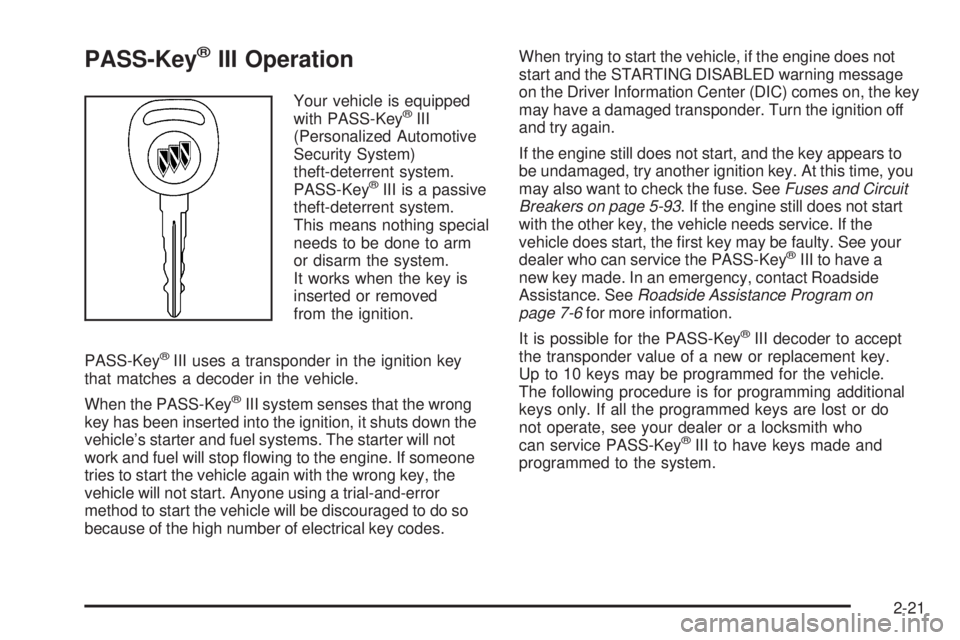
PASS-Key®III Operation
Your vehicle is equipped
with PASS-Key®III
(Personalized Automotive
Security System)
theft-deterrent system.
PASS-Key
®III is a passive
theft-deterrent system.
This means nothing special
needs to be done to arm
or disarm the system.
It works when the key is
inserted or removed
from the ignition.
PASS-Key
®III uses a transponder in the ignition key
that matches a decoder in the vehicle.
When the PASS-Key
®III system senses that the wrong
key has been inserted into the ignition, it shuts down the
vehicle’s starter and fuel systems. The starter will not
work and fuel will stop owing to the engine. If someone
tries to start the vehicle again with the wrong key, the
vehicle will not start. Anyone using a trial-and-error
method to start the vehicle will be discouraged to do so
because of the high number of electrical key codes.When trying to start the vehicle, if the engine does not
start and the STARTING DISABLED warning message
on the Driver Information Center (DIC) comes on, the key
may have a damaged transponder. Turn the ignition off
and try again.
If the engine still does not start, and the key appears to
be undamaged, try another ignition key. At this time, you
may also want to check the fuse. SeeFuses and Circuit
Breakers on page 5-93. If the engine still does not start
with the other key, the vehicle needs service. If the
vehicle does start, the rst key may be faulty. See your
dealer who can service the PASS-Key
®III to have a
new key made. In an emergency, contact Roadside
Assistance. SeeRoadside Assistance Program on
page 7-6for more information.
It is possible for the PASS-Key
®III decoder to accept
the transponder value of a new or replacement key.
Up to 10 keys may be programmed for the vehicle.
The following procedure is for programming additional
keys only. If all the programmed keys are lost or do
not operate, see your dealer or a locksmith who
can service PASS-Key
®III to have keys made and
programmed to the system.
2-21
Page 116 of 444
Outside Power Heated Mirrors
For information on the operation of the outside power
mirrors seeOutside Power Mirrors on page 2-37.
If the vehicle has heated mirrors, they will warm up to
melt ice and snow, and dissolve condensation when the
defroster is turned on. SeeDual Automatic Climate
Control System on page 3-25orClimate Control System
on page 3-22.
Outside Convex Mirror
{CAUTION:
A convex mirror can make things (like other
vehicles) look farther away than they really are.
If you cut too sharply into the right lane, you
could hit a vehicle on your right. Check your
inside mirror or glance over your shoulder
before changing lanes.
The passenger’s side mirror is convex. A convex
mirror’s surface is curved so more can be seen from
the driver’s seat, but it also makes things look farther
away than they really are.
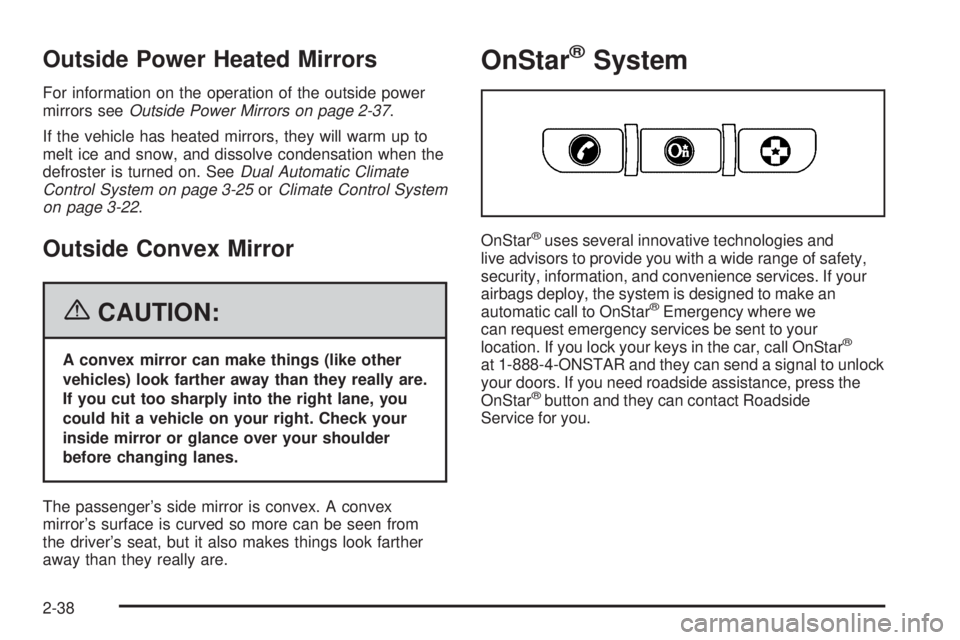
OnStar®System
OnStar®uses several innovative technologies and
live advisors to provide you with a wide range of safety,
security, information, and convenience services. If your
airbags deploy, the system is designed to make an
automatic call to OnStar
®Emergency where we
can request emergency services be sent to your
location. If you lock your keys in the car, call OnStar
®
at 1-888-4-ONSTAR and they can send a signal to unlock
your doors. If you need roadside assistance, press the
OnStar
®button and they can contact Roadside
Service for you.
2-38
Page 118 of 444
OnStar®Virtual Advisor
Your vehicle may have Virtual Advisor. It is a feature of
OnStar®Hands-Free Calling that uses your minutes to
access weather, local traffic reports, and stock quotes.
By pressing the phone button and giving a few simple
voice commands, you can browse through the various
topics. Customize your information prole at
www.myonstar.com. See the OnStar
®Owner’s Guide
for more information.
OnStar®Steering Wheel Controls
Your vehicle may be
equipped with a Talk/Mute
button that can be used to
interact with OnStar
®. See
the Audio Steering Wheel
Control section for your
specic vehicle operation.
When calling into voice mail systems, or to dial directory
numbers, press this button once, wait for the response,
say the number(s) to be dialed, wait for the number(s)
to be repeated and then say “dial”. See the OnStar
®
Owner’s Guide for more information.
Universal Home Remote
System
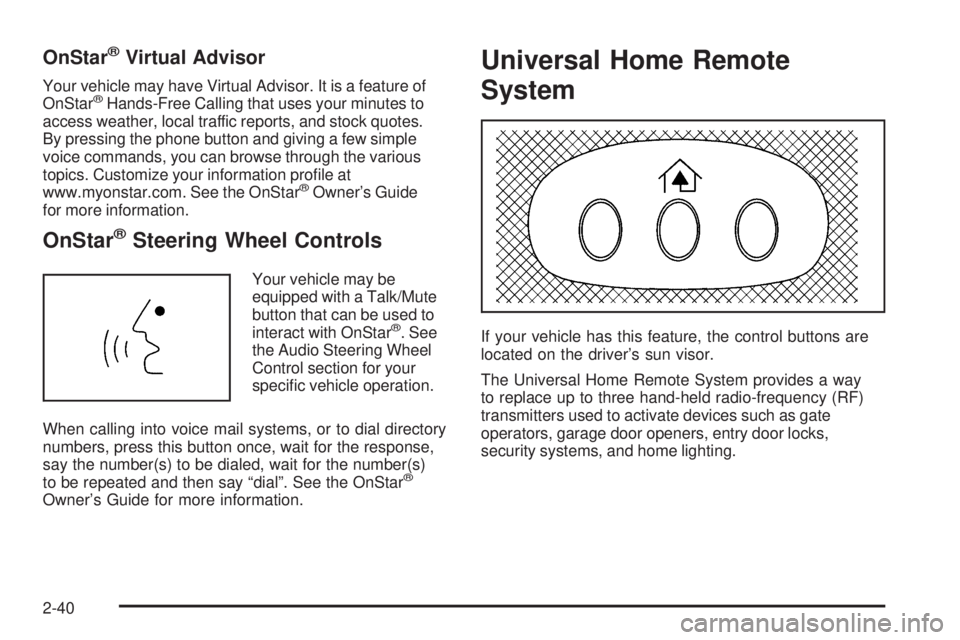
If your vehicle has this feature, the control buttons are
located on the driver’s sun visor.
The Universal Home Remote System provides a way
to replace up to three hand-held radio-frequency (RF)
transmitters used to activate devices such as gate
operators, garage door openers, entry door locks,
security systems, and home lighting.
2-40
Page 119 of 444
This device complies with Part 15 of the FCC Rules.
Operation is subject to the following two conditions:
1. This device may not cause harmful interference.
2. This device must accept any interference received,
including interference that may cause undesired
operation.
This device complies with RSS-210 of Industry Canada.
Operation is subject to the following two conditions:
1. This device may not cause interference.
2. This device must accept any interference received,
including interference that may cause undesired
operation of the device.
Changes or modications to this system by other than
an authorized service facility could void authorization to
use this equipment.Universal Home Remote System
Operation
Do not use the Universal Home Remote with any garage
door opener that does not have the stop and reverse
feature. This includes any garage door opener model
manufactured before April 1, 1982. If you have a newer
garage door opener with rolling codes, please be sure to
follow Steps 6 through 8 to complete the programming of
your Universal Home Remote Transmitter.
Read the instructions completely before attempting to
program the Universal Home Remote. Because of
the steps involved, it may be helpful to have another
person available to assist you in the programming steps.
Keep the original hand-held transmitter for use in other
vehicles as well as for future Universal Home Remote
programming. It is also recommended that upon the sale
of the vehicle, the programmed Universal Home Remote
buttons should be erased for security purposes. See
“Erasing Universal Home Remote Buttons” later in this
section or, for assistance, seeCustomer Assistance
Offices on page 7-4.
2-41
Page 122 of 444
Using Universal Home Remote
Press and hold the appropriate Universal Home Remote
button for at least half of a second. The indicator light
will come on while the signal is being transmitted.
Erasing Universal Home Remote
Buttons
To erase programming from the three Universal Home
Remote buttons do the following:
1. Press and hold down the two outside buttons until
the indicator light begins to ash, after 20 seconds.
Do not hold the two outside buttons for longer
than 30 seconds.
2. Release both buttons.
The Universal Home Remote is now in the training
(learning) mode and can be programmed at any time
beginning with Step 2 under “Programming Universal
Home Remote” shown earlier in this section.
Individual buttons cannot be erased, but they can be
reprogrammed. See “Reprogramming a Single Universal
Home Remote Button” following this section.
Reprogramming a Single Universal
Home Remote Button
To program a device to Universal Home Remote using
a Universal Home Remote button previously trained,
follow these steps:
1. Press and hold the desired Universal Home
Remote button. Do not release the button.
2. The indicator light will begin to ash after
20 seconds. While still holding the Universal Home
Remote button, proceed with Step 2 under
“Programming Universal Home Remote” shown
earlier in this section.
For additional information on Universal Home Remote,
seeCustomer Assistance Offices on page 7-4.
Storage Areas
Glove Box
To open the glove box, lift up on the lever. The glove
box may have a light inside and a shelf located at
the top of the glove box.
2-44
Page 128 of 444
Engine Coolant Temperature Gage..................3-41
Low Coolant Warning Light............................3-41
Malfunction Indicator Lamp.............................3-41
Oil Pressure Light.........................................3-44
Change Engine Oil Light................................3-45
Security Light...............................................3-46
Cruise Control Light......................................3-46
Reduced Engine Power Light.........................3-46
Highbeam On Light.......................................3-47
Headlamps Suggested Light...........................3-47
Low Washer Fluid Warning Light.....................3-47
Door Ajar Light.............................................3-47
Trunk Ajar Light............................................3-48
Service Vehicle Soon Light............................3-48
Fuel Gage...................................................3-48
Low Fuel Warning Light.................................3-49
Check Gas Cap Light....................................3-49Driver Information Center (DIC).......................3-50
DIC Operation and Displays...........................3-51
DIC Compass (Uplevel Only)..........................3-57
DIC Warnings and Messages.........................3-59
DIC Vehicle Personalization............................3-75
Audio System(s).............................................3-84
Setting the Time...........................................3-85
Radio with CD (Base)...................................3-86
Radio with CD (Uplevel)................................3-90
Radio with CD (MP3)....................................3-99
Radio with Six-Disc CD................................3-113
Theft-Deterrent Feature................................3-126
Audio Steering Wheel Controls......................3-126
Radio Reception.........................................3-128
Care of Your CDs.......................................3-128
Care of the CD Player.................................3-129
Backglass Antenna......................................3-129
XM™ Satellite Radio Antenna System............3-130
Chime Level Adjustment...............................3-130
Section 3 Instrument Panel
3-2
Page 147 of 444
Notice:Improper use of the power outlet can cause
damage not covered by your warranty. Do not hang
any type of accessory or accessory bracket from the
plug because the power outlets are designed for
accessory power plugs only.
Notice:Leaving electrical equipment on for
extended periods will drain the battery. Always turn
off electrical equipment when not in use and do not
plug in equipment that exceeds the maximum
amperage rating.
When adding electrical equipment, be sure to follow
the proper installation instructions included with
the equipment.Ashtray(s) and Cigarette Lighter
If your vehicle has a front ashtray and cigarette lighter
it may be located near the center instrument panel or on
the front console. Pull on the ashtray door to open it.
Notice:If you put papers, pins, or other ammable
items in the ashtray, hot cigarettes or other smoking
materials could ignite them and possibly damage
your vehicle. Never put ammable items in the
ashtray.
To remove the ashtray, pull it from the center console.
Slide it back in and push down to be sure it is secure.
To use the cigarette lighter, push it in all the way, and let
go. When the heating element is ready, it will pop back
out by itself.
Notice:Holding a cigarette lighter in while it is
heating will not allow the lighter to back away from
the heating element when it is hot. Damage from
overheating may occur to the lighter or heating
element, or a fuse could be blown. Do not hold a
cigarette lighter in while it is heating.
3-21
Page 162 of 444
If the word ON is lit on the passenger airbag status
indicator, it means that the right front passenger’s frontal
airbag is enabled (may inate).
{CAUTION:
If the on indicator comes on when you have a
rear-facing child restraint installed in the right
front passenger’s seat, it means that the
passenger sensing system has not turned off
the passenger’s frontal airbag. A child in a
rear-facing child restraint can be seriously
injured or killed if the right front passenger’s
airbag inates. This is because the back of the
rear-facing child restraint would be very close
to the inating airbag. Do not use a rear-facing
child restraint in the right front passenger’s seat
if the airbag is turned on.Your vehicle has a rear seat that will accommodate a
rear-facing child restraint. A label on your sun visor says,
“Never put a rear-facing child seat in the front.” This is
because the risk to the rear-facing child is so great, if the
airbag deploys.{CAUTION:
Even though the passenger sensing system is
designed to turn off the passenger’s frontal
airbag if the system detects a rear-facing child
restraint, no system is failsafe, and no one can
guarantee that an airbag will not deploy under
some unusual circumstance, even though it is
turned off. We recommend that rear-facing
child restraints be secured in the rear seat,
even if the airbag is off.
If the word OFF is lit on the airbag status indicator, it
means that the passenger sensing system has turned off
the right front passenger’s frontal airbag. SeePassenger
Sensing System on page 1-65for more on this,
including important safety information.
3-36
Page 172 of 444
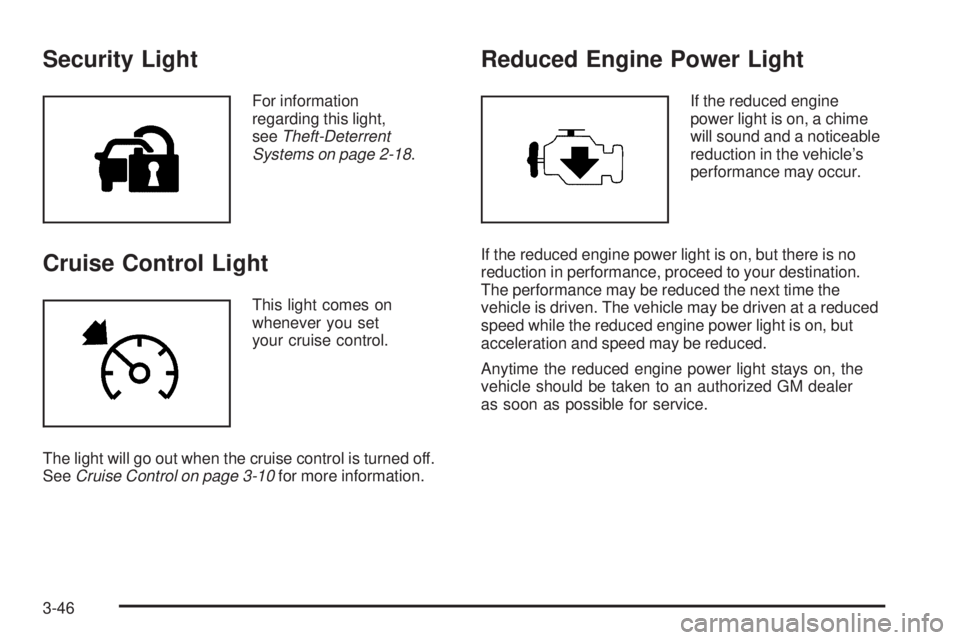
Security Light
For information
regarding this light,
seeTheft-Deterrent
Systems on page 2-18.
Cruise Control Light
This light comes on
whenever you set
your cruise control.
The light will go out when the cruise control is turned off.
SeeCruise Control on page 3-10for more information.
Reduced Engine Power Light
If the reduced engine
power light is on, a chime
will sound and a noticeable
reduction in the vehicle’s
performance may occur.
If the reduced engine power light is on, but there is no
reduction in performance, proceed to your destination.
The performance may be reduced the next time the
vehicle is driven. The vehicle may be driven at a reduced
speed while the reduced engine power light is on, but
acceleration and speed may be reduced.
Anytime the reduced engine power light stays on, the
vehicle should be taken to an authorized GM dealer
as soon as possible for service.
3-46
Page 175 of 444
Low Fuel Warning Light
If the vehicle’s fuel is low, a light on the fuel gage,
if equipped, will come on and a chime will sound
periodically until fuel is added to the fuel tank.
It will also come on for a few seconds when the ignition
is turned on as a check to indicate it is working. If it
does not come on then, have it xed.
For vehicles with a DIC, a LOW FUEL message
will appear. SeeDIC Warnings and Messages
on page 3-59for more information.
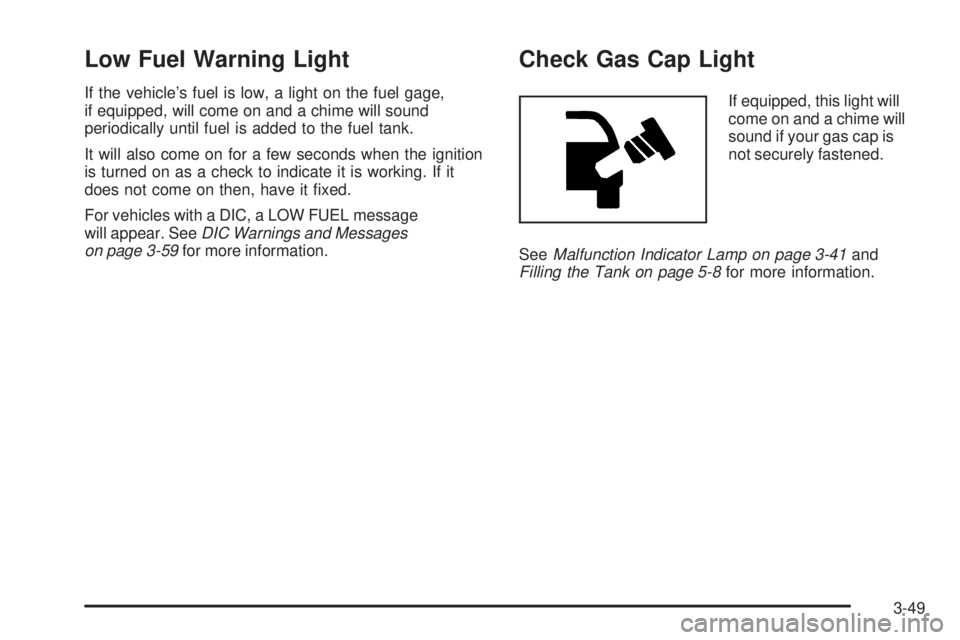
Check Gas Cap Light
If equipped, this light will
come on and a chime will
sound if your gas cap is
not securely fastened.
SeeMalfunction Indicator Lamp on page 3-41and
Filling the Tank on page 5-8for more information.
3-49