check engine light BUICK LACROSSE 2007 User Guide
[x] Cancel search | Manufacturer: BUICK, Model Year: 2007, Model line: LACROSSE, Model: BUICK LACROSSE 2007Pages: 512
Page 194 of 512
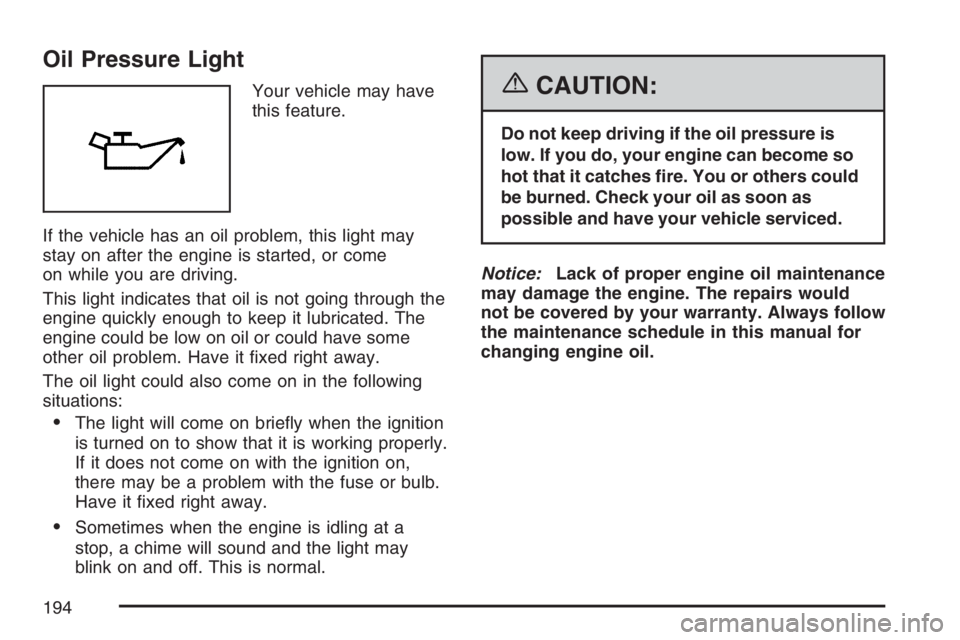
Oil Pressure Light
Your vehicle may have
this feature.
If the vehicle has an oil problem, this light may
stay on after the engine is started, or come
on while you are driving.
This light indicates that oil is not going through the
engine quickly enough to keep it lubricated. The
engine could be low on oil or could have some
other oil problem. Have it xed right away.
The oil light could also come on in the following
situations:
The light will come on briey when the ignition
is turned on to show that it is working properly.
If it does not come on with the ignition on,
there may be a problem with the fuse or bulb.
Have it xed right away.
Sometimes when the engine is idling at a
stop, a chime will sound and the light may
blink on and off. This is normal.
{CAUTION:
Do not keep driving if the oil pressure is
low. If you do, your engine can become so
hot that it catches re. You or others could
be burned. Check your oil as soon as
possible and have your vehicle serviced.
Notice:Lack of proper engine oil maintenance
may damage the engine. The repairs would
not be covered by your warranty. Always follow
the maintenance schedule in this manual for
changing engine oil.
194
Page 199 of 512
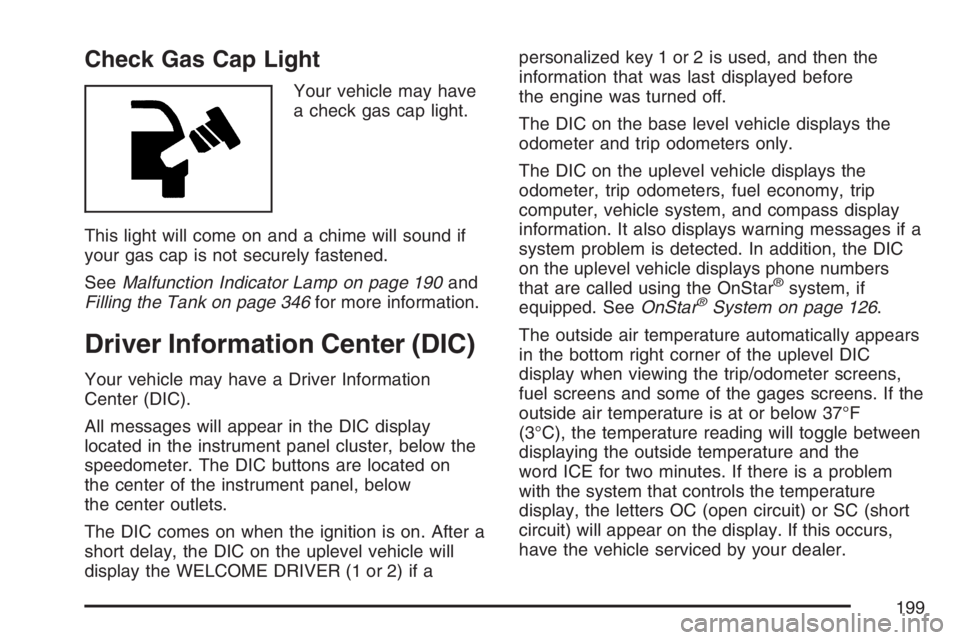
Check Gas Cap Light
Your vehicle may have
a check gas cap light.
This light will come on and a chime will sound if
your gas cap is not securely fastened.
SeeMalfunction Indicator Lamp on page 190and
Filling the Tank on page 346for more information.
Driver Information Center (DIC)
Your vehicle may have a Driver Information
Center (DIC).
All messages will appear in the DIC display
located in the instrument panel cluster, below the
speedometer. The DIC buttons are located on
the center of the instrument panel, below
the center outlets.
The DIC comes on when the ignition is on. After a
short delay, the DIC on the uplevel vehicle will
display the WELCOME DRIVER (1 or 2) if apersonalized key 1 or 2 is used, and then the
information that was last displayed before
the engine was turned off.
The DIC on the base level vehicle displays the
odometer and trip odometers only.
The DIC on the uplevel vehicle displays the
odometer, trip odometers, fuel economy, trip
computer, vehicle system, and compass display
information. It also displays warning messages if a
system problem is detected. In addition, the DIC
on the uplevel vehicle displays phone numbers
that are called using the OnStar
®system, if
equipped. SeeOnStar®System on page 126.
The outside air temperature automatically appears
in the bottom right corner of the uplevel DIC
display when viewing the trip/odometer screens,
fuel screens and some of the gages screens. If the
outside air temperature is at or below 37°F
(3°C), the temperature reading will toggle between
displaying the outside temperature and the
word ICE for two minutes. If there is a problem
with the system that controls the temperature
display, the letters OC (open circuit) or SC (short
circuit) will appear on the display. If this occurs,
have the vehicle serviced by your dealer.
199
Page 210 of 512
CHARGING SYSTEM FAILURE
This message displays when there is a problem
with the generator and battery charging systems.
Driving with this problem could drain the battery.
Turn off all unnecessary accessories. Stop
and turn off the vehicle as soon as it is safe to do
so. Have the electrical system checked by your
dealer immediately.
This message displays and a chime sounds while
the ignition is in RUN. Press any of the DIC
buttons to acknowledge this message and to clear
it from the screen.
This message continues to display for two seconds
if it has not been acknowledged when the engine is
turned off. It also re-displays for two seconds if the
message has been acknowledged, but the
condition still exists when the engine is turned off.
If the condition still exists, the message re-appears
when the engine is turned on.
CHECK GAS CAP
This message may display if the fuel cap is not
on, or is not fully tightened. The check gas
cap light also appears on the instrument panel
cluster. SeeCheck Gas Cap Light on page 199.
Check the fuel cap to ensure that it is on properly.
The diagnostic system can determine if the fuel
cap has been left off or improperly installed.
A loose or missing fuel cap allows fuel to
evaporate into the atmosphere. A few driving trips
with the cap properly installed should turn this
message off. SeeFilling the Tank on page 346for
more information.
This message displays while the ignition is in RUN.
Press any of the DIC buttons to acknowledge this
message and to clear it from the screen.
This message continues to display for two seconds
if it has not been acknowledged when the engine is
turned off. It also re-displays for two seconds if the
message has been acknowledged, but the
condition still exists when the engine is turned off.
If the condition still exists, the message re-appears
when the engine is turned on.
210
Page 211 of 512
CHECK TIRE PRESSURE
This message displays when the tire pressure in
one of the tires needs to be checked. This
message also displays LEFT FRONT, RIGHT
FRONT, LEFT REAR, or RIGHT REAR to indicate
which tire needs to be checked. You can receive
more than one tire pressure message at a time. To
read the other messages that may have been
sent at the same time, press the set/reset button.
If a tire pressure message appears on the
DIC, stop as soon as you can. Have the tire
pressures checked and set to those shown on the
Tire Loading Information label. SeeTires on
page 402,Loading Your Vehicle on page 319, and
Ination - Tire Pressure on page 409. The DIC
display also shows the tire pressure values for the
front and rear tires by pressing the gages
button. SeeDIC Operation and Displays on
page 200. If the tire pressure is low, the low tire
pressure warning light comes on. SeeTire
Pressure Light on page 190.
This message displays while the ignition is in RUN.
Press any of the DIC buttons to acknowledge this
message and to clear it from the screen.This message continues to display for two seconds
if it has not been acknowledged when the engine is
turned off. It also re-displays for two seconds if the
message has been acknowledged, but the
condition still exists when the engine is turned off.
If the condition still exists, the message re-appears
when the engine is turned on.
DELAYED LOCKING
This message displays to inform the driver that
even though a door lock switch or the lock button
on the Remote Keyless Entry (RKE) transmitter
has been pressed, that actual locking of the doors
is being delayed because the delayed locking
feature has been activated in the DIC. See
“DELAYED LOCKING” underDIC Vehicle
Personalization on page 229for more information.
This message appears and a chime sounds
when the ignition is off.
This message cannot be acknowledged.
211
Page 223 of 512
SERVICE BRAKE SYSTEM
This message displays when a problem with the
brake system has been detected. Have your
vehicle serviced by your dealer as soon as
possible.
The brake system warning light also appears on
the instrument panel cluster when this message
appears on the DIC. SeeBrake System Warning
Light on page 186.
This message only displays while the ignition is in
RUN. Press any of the DIC buttons to acknowledge
this message and to clear it from the screen.
This message continues to display for two seconds
if it has not been acknowledged when the engine is
turned off. It also re-displays for two seconds if the
message has been acknowledged, but the
condition still exists when the engine is turned off.
If the condition still exists, the message re-appears
when the engine is turned on.
SERVICE PARK LAMPS
This message displays when there is a problem
with the park lamps. Check to see if the park lamp
fuse is blown and replace the fuse if necessary.
SeeFuses and Circuit Breakers on page 450and
Instrument Panel Fuse Block on page 450for
more information. If changing the fuse does not
correct the problem, see your dealer.
This message only displays while the ignition is in
RUN. Press any of the DIC buttons to acknowledge
this message and to clear it from the screen.
This message continues to display for two seconds
if it has not been acknowledged when the engine is
turned off. It also re-displays for two seconds if the
message has been acknowledged, but the
condition still exists when the engine is turned off.
If the condition still exists, the message re-appears
when the engine is turned on.
223
Page 291 of 512
If you keep pace with the traffic and allow realistic
following distances, you will eliminate a lot of
unnecessary braking. That means better braking
and longer brake life.
If your vehicle’s engine ever stops while you are
driving, brake normally but do not pump the
brakes. If you do, the pedal may get harder to
push down. If the engine stops, you will still have
some power brake assist. But you will use it
when you brake. Once the power assist is used
up, it may take longer to stop and the brake pedal
will be harder to push.
Adding non-GM accessories can affect your
vehicle’s performance. SeeAccessories and
Modications on page 341.Anti-Lock Brake System (ABS)
Your vehicle may have the Anti-Lock Brake
System (ABS), an advanced electronic braking
system that will help prevent a braking skid.
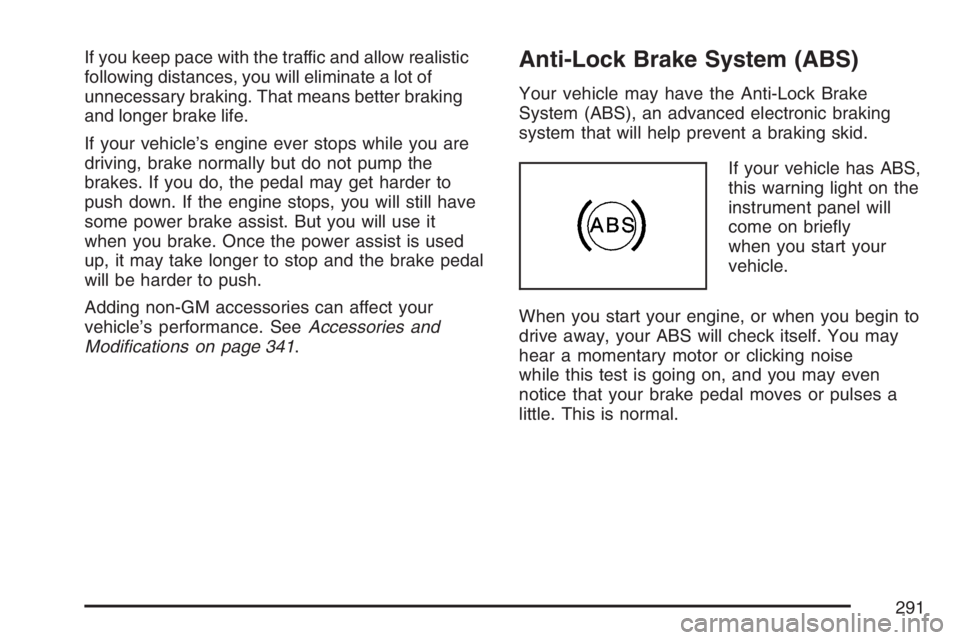
If your vehicle has ABS,
this warning light on the
instrument panel will
come on briey
when you start your
vehicle.
When you start your engine, or when you begin to
drive away, your ABS will check itself. You may
hear a momentary motor or clicking noise
while this test is going on, and you may even
notice that your brake pedal moves or pulses a
little. This is normal.
291
Page 310 of 512
Once you are moving on the freeway, make
certain you allow a reasonable following distance.
Expect to move slightly slower at night.
When you want to leave the freeway, move to the
proper lane well in advance. If you miss your
exit, do not, under any circumstances, stop and
back up. Drive on to the next exit.
The exit ramp can be curved, sometimes quite
sharply. The exit speed is usually posted. Reduce
your speed according to your speedometer, not
to your sense of motion. After driving for any
distance at higher speeds, you may tend to think
you are going slower than you actually are.
Before Leaving on a Long Trip
Make sure you are ready. Try to be well rested. If
you must start when you are not fresh — such
as after a day’s work — do not plan to make too
many miles that rst part of the journey. Wear
comfortable clothing and shoes you can easily
drive in.Is your vehicle ready for a long trip? If you keep it
serviced and maintained, it is ready to go. If it needs
service, have it done before starting out. Of course,
you will nd experienced and able service experts
in GM dealerships all across North America. They
will be ready and willing to help if you need it.
Here are some things you can check before a trip:
Windshield Washer Fluid:Is the reservoir
full? Are all windows clean inside and outside?
Wiper Blades:Are they in good shape?
Fuel, Engine Oil, Other Fluids:Have you
checked all levels?
Lamps:Are they all working? Are the lenses
clean?
Tires:They are vitally important to a safe,
trouble-free trip. Is the tread good enough
for long-distance driving? Are the tires
all inated to the recommended pressure?
Weather Forecasts:What is the weather
outlook along your route? Should you
delay your trip a short time to avoid a major
storm system?
Maps:Do you have up-to-date maps?
310
Page 317 of 512
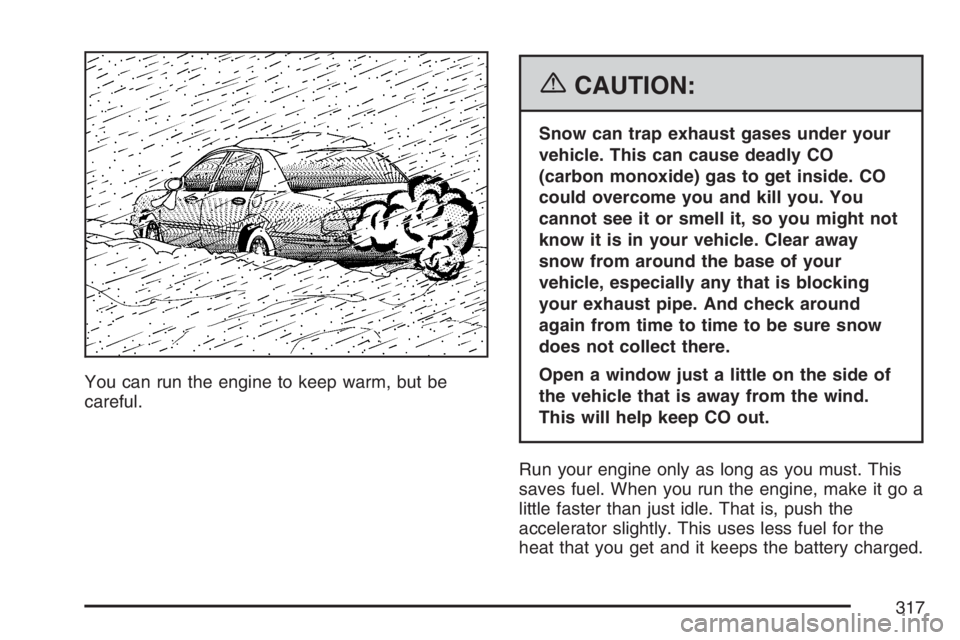
You can run the engine to keep warm, but be
careful.
{CAUTION:
Snow can trap exhaust gases under your
vehicle. This can cause deadly CO
(carbon monoxide) gas to get inside. CO
could overcome you and kill you. You
cannot see it or smell it, so you might not
know it is in your vehicle. Clear away
snow from around the base of your
vehicle, especially any that is blocking
your exhaust pipe. And check around
again from time to time to be sure snow
does not collect there.
Open a window just a little on the side of
the vehicle that is away from the wind.
This will help keep CO out.
Run your engine only as long as you must. This
saves fuel. When you run the engine, make it go a
little faster than just idle. That is, push the
accelerator slightly. This uses less fuel for the
heat that you get and it keeps the battery charged.
317
Page 356 of 512
If you are in an area of extreme cold, where the
temperature falls below−20°F (−29°C), it is
recommended that you use either an SAE 5W-30
synthetic oil or an SAE 0W-30 oil. Both will
provide easier cold starting and better protection
for the engine at extremely low temperatures.
Engine Oil Additives
Do not add anything to the oil. The recommended
oils with the starburst symbol that meet GM
Standard GM6094M are all you will need for
good performance and engine protection.
Engine Oil Life System
When to Change Engine Oil
Your vehicle has a computer system that lets you
know when to change the engine oil and lter.
This is based on engine revolutions and engine
temperature, and not on mileage. Based on driving
conditions, the mileage at which an oil change
will be indicated can vary considerably. For the oil
life system to work properly, you must reset the
system every time the oil is changed.When the system has calculated that oil life has
been diminished, it will indicate that an oil change
is necessary. A change engine oil light or, if
your vehicle has the Driver Information Center
(DIC), a CHANGE OIL SOON message will come
on. SeeChange Engine Oil Light on page 195
orDIC Warnings and Messages on page 208.
Change the oil as soon as possible within the next
600 miles (1 000 km). It is possible that, if you
are driving under the best conditions, the oil
life system may not indicate that an oil change is
necessary for over a year. However, the engine
oil and lter must be changed at least once a
year and at this time the system must be reset.
Your dealer has GM-trained service people
who will perform this work using genuine GM parts
and reset the system. It is also important to
check your oil regularly and keep it at the
proper level.
If the system is ever reset accidentally, you must
change the oil at 3,000 miles (5 000 km) since
the last oil change. Remember to reset the oil life
system whenever the oil is changed.
356
Page 462 of 512
Scheduled Maintenance
When the change engine oil light or CHANGE OIL
SOON DIC message comes on, it means that
service is required for your vehicle. Have
your vehicle serviced as soon as possible within
the next 600 miles (1 000 km). It is possible that, if
you are driving under the best conditions, the
engine oil life system may not indicate that vehicle
service is necessary for over a year. However,
the engine oil and lter must be changed at least
once a year and at this time the system must
be reset. Your GM Goodwrench
®dealer has
GM-trained service technicians who will perform
this work using genuine GM parts and reset
the system.
If the engine oil life system is ever reset
accidentally, you must service your vehicle within
3,000 miles (5 000 km) since the last service.
Remember to reset the oil life system whenever
the oil is changed. SeeEngine Oil Life System on
page 356for information on the Engine Oil Life
System and resetting the system.When the light or message appears, certain
services, checks, and inspections are required.
Required services are described in the following
for “MaintenanceI” and “MaintenanceII.”
Generally, it is recommended that the rst service
be MaintenanceI, the second service be
MaintenanceII, and that you alternate
MaintenanceIand MaintenanceIIthereafter.
However, in some cases, MaintenanceIImay be
required more often.
MaintenanceI— Use MaintenanceIif the light
or message comes on within 10 months since
the vehicle was purchased or MaintenanceII
was performed.
MaintenanceII— Use MaintenanceIIif the
previous service performed was MaintenanceI.
Always use MaintenanceIIwhenever the light
or message comes on 10 months or more since
the last service or if the light or message has
not come on at all for one year.
462