instrument cluster BUICK LACROSSE 2013 User Guide
[x] Cancel search | Manufacturer: BUICK, Model Year: 2013, Model line: LACROSSE, Model: BUICK LACROSSE 2013Pages: 422, PDF Size: 5.74 MB
Page 125 of 422
Black plate (21,1)Buick LaCrosse Owner Manual - 2013 - crc - 9/7/12
Instruments and Controls 5-21
Turn on the TCS and the StabiliTrak
system and the warning light
turns off.
SeeTraction Control System (TCS)
on page 9‑34 andStabiliTrak
®
System on page 9‑35 for more
information.
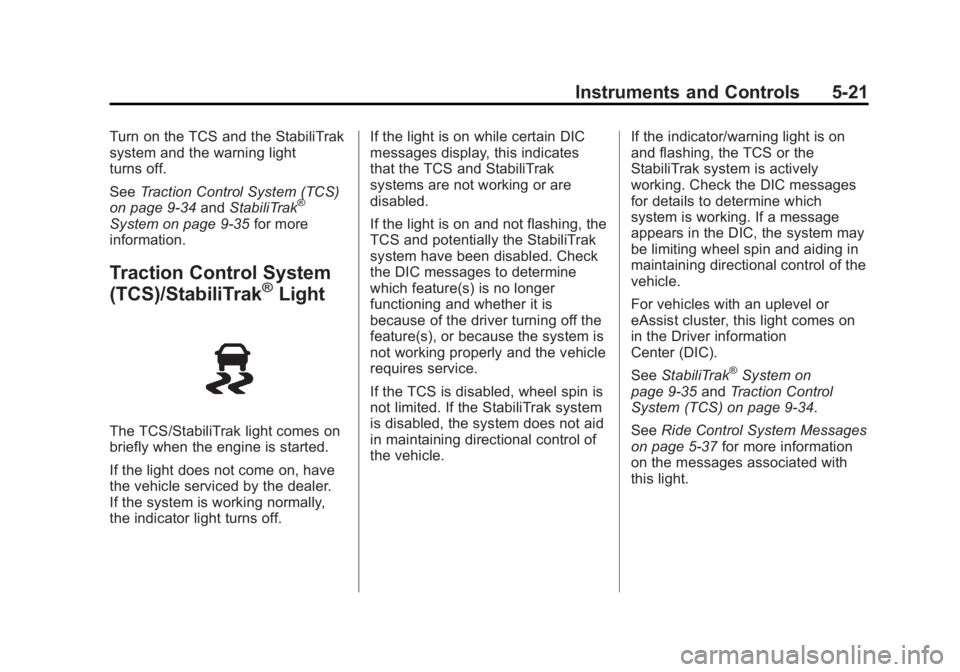
Traction Control System
(TCS)/StabiliTrak®Light
The TCS/StabiliTrak light comes on
briefly when the engine is started.
If the light does not come on, have
the vehicle serviced by the dealer.
If the system is working normally,
the indicator light turns off. If the light is on while certain DIC
messages display, this indicates
that the TCS and StabiliTrak
systems are not working or are
disabled.
If the light is on and not flashing, the
TCS and potentially the StabiliTrak
system have been disabled. Check
the DIC messages to determine
which feature(s) is no longer
functioning and whether it is
because of the driver turning off the
feature(s), or because the system is
not working properly and the vehicle
requires service.
If the TCS is disabled, wheel spin is
not limited. If the StabiliTrak system
is disabled, the system does not aid
in maintaining directional control of
the vehicle.
If the indicator/warning light is on
and flashing, the TCS or the
StabiliTrak system is actively
working. Check the DIC messages
for details to determine which
system is working. If a message
appears in the DIC, the system may
be limiting wheel spin and aiding in
maintaining directional control of the
vehicle.
For vehicles with an uplevel or
eAssist cluster, this light comes on
in the Driver information
Center (DIC).
See
StabiliTrak
®System on
page 9‑35 andTraction Control
System (TCS) on page 9‑34.
See Ride Control System Messages
on page 5‑37 for more information
on the messages associated with
this light.
Page 127 of 422
Black plate (23,1)Buick LaCrosse Owner Manual - 2013 - crc - 9/7/12
Instruments and Controls 5-23
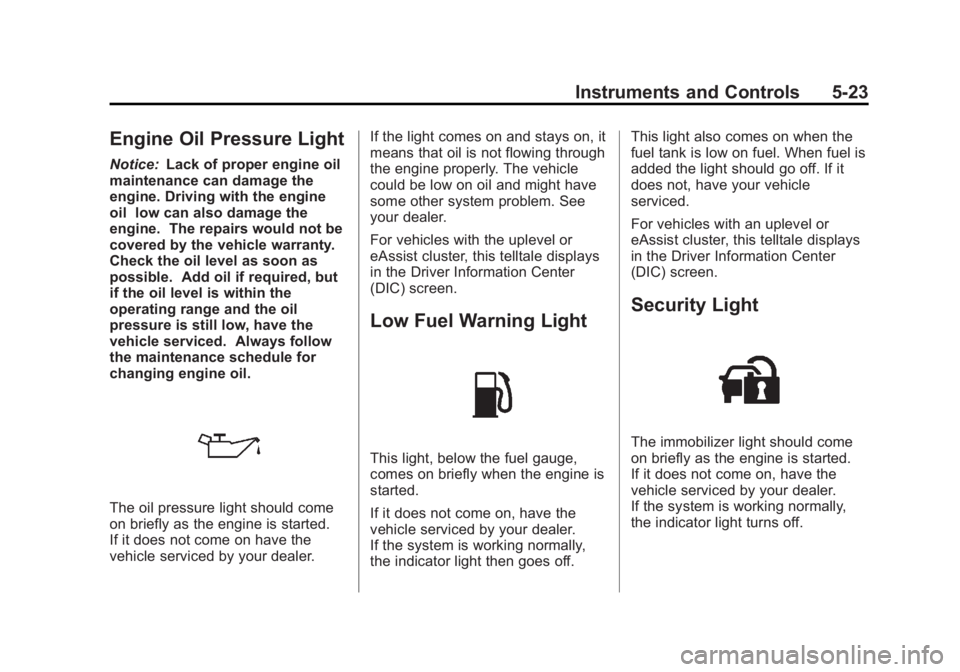
Engine Oil Pressure Light
Notice:Lack of proper engine oil
maintenance can damage the
engine. Driving with the engine
oil low can also damage the
engine. The repairs would not be
covered by the vehicle warranty.
Check the oil level as soon as
possible. Add oil if required, but
if the oil level is within the
operating range and the oil
pressure is still low, have the
vehicle serviced. Always follow
the maintenance schedule for
changing engine oil.
The oil pressure light should come
on briefly as the engine is started.
If it does not come on have the
vehicle serviced by your dealer. If the light comes on and stays on, it
means that oil is not flowing through
the engine properly. The vehicle
could be low on oil and might have
some other system problem. See
your dealer.
For vehicles with the uplevel or
eAssist cluster, this telltale displays
in the Driver Information Center
(DIC) screen.
Low Fuel Warning Light
This light, below the fuel gauge,
comes on briefly when the engine is
started.
If it does not come on, have the
vehicle serviced by your dealer.
If the system is working normally,
the indicator light then goes off.This light also comes on when the
fuel tank is low on fuel. When fuel is
added the light should go off. If it
does not, have your vehicle
serviced.
For vehicles with an uplevel or
eAssist cluster, this telltale displays
in the Driver Information Center
(DIC) screen.
Security Light
The immobilizer light should come
on briefly as the engine is started.
If it does not come on, have the
vehicle serviced by your dealer.
If the system is working normally,
the indicator light turns off.
Page 128 of 422
Black plate (24,1)Buick LaCrosse Owner Manual - 2013 - crc - 9/7/12
5-24 Instruments and Controls
If the light stays on and the engine
does not start, there could be a
problem with the theft-deterrent
system. SeeImmobilizer Operation
(Key Access) on page 2‑13 or
Immobilizer Operation (Keyless
Access) on page 2‑14.
For vehicles with an uplevel or
eAssist cluster, this light displays in
the Driver Information Center (DIC)
screen.
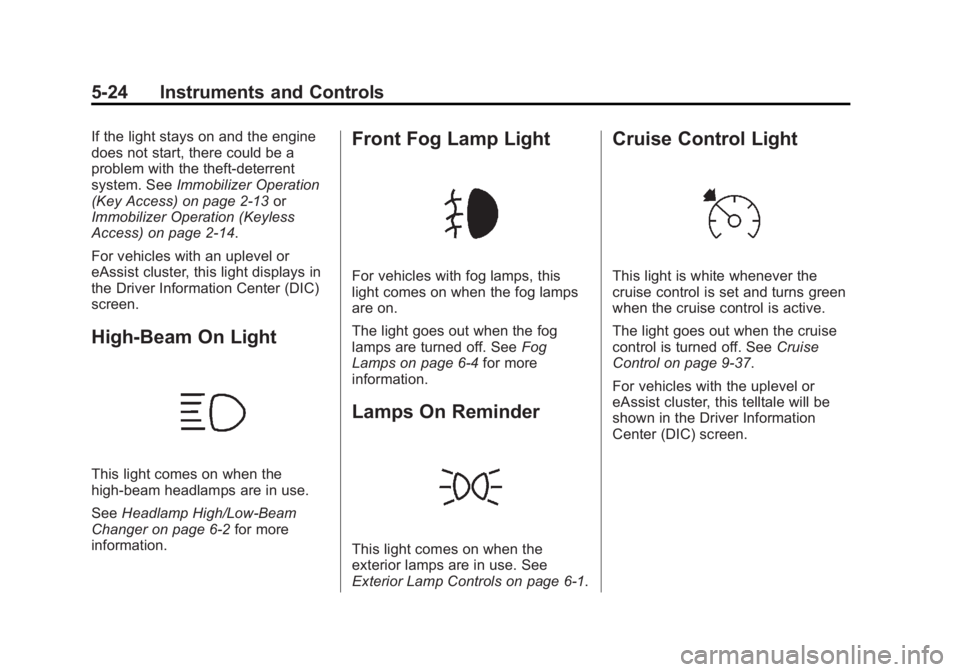
High-Beam On Light
This light comes on when the
high-beam headlamps are in use.
See Headlamp High/Low-Beam
Changer on page 6‑2 for more
information.
Front Fog Lamp Light
For vehicles with fog lamps, this
light comes on when the fog lamps
are on.
The light goes out when the fog
lamps are turned off. See Fog
Lamps on page 6‑4 for more
information.
Lamps On Reminder
This light comes on when the
exterior lamps are in use. See
Exterior Lamp Controls on page 6‑1.
Cruise Control Light
This light is white whenever the
cruise control is set and turns green
when the cruise control is active.
The light goes out when the cruise
control is turned off. See Cruise
Control on page 9‑37.
For vehicles with the uplevel or
eAssist cluster, this telltale will be
shown in the Driver Information
Center (DIC) screen.
Page 129 of 422
Black plate (25,1)Buick LaCrosse Owner Manual - 2013 - crc - 9/7/12
Instruments and Controls 5-25
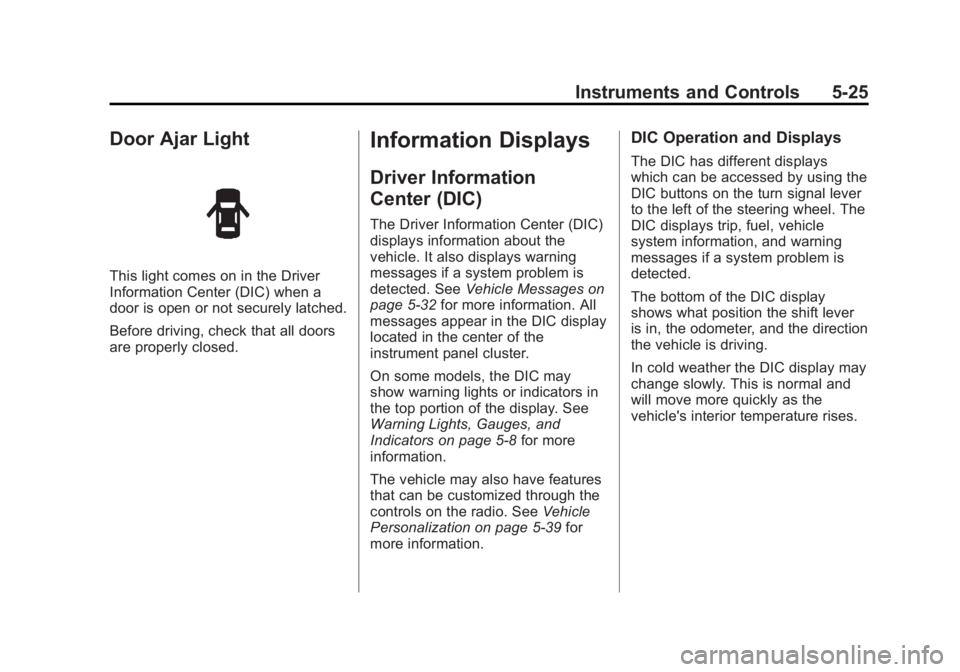
Door Ajar Light
This light comes on in the Driver
Information Center (DIC) when a
door is open or not securely latched.
Before driving, check that all doors
are properly closed.
Information Displays
Driver Information
Center (DIC)
The Driver Information Center (DIC)
displays information about the
vehicle. It also displays warning
messages if a system problem is
detected. SeeVehicle Messages on
page 5‑32 for more information. All
messages appear in the DIC display
located in the center of the
instrument panel cluster.
On some models, the DIC may
show warning lights or indicators in
the top portion of the display. See
Warning Lights, Gauges, and
Indicators on page 5‑8 for more
information.
The vehicle may also have features
that can be customized through the
controls on the radio. See Vehicle
Personalization on page 5‑39 for
more information.
DIC Operation and Displays
The DIC has different displays
which can be accessed by using the
DIC buttons on the turn signal lever
to the left of the steering wheel. The
DIC displays trip, fuel, vehicle
system information, and warning
messages if a system problem is
detected.
The bottom of the DIC display
shows what position the shift lever
is in, the odometer, and the direction
the vehicle is driving.
In cold weather the DIC display may
change slowly. This is normal and
will move more quickly as the
vehicle's interior temperature rises.
Page 132 of 422
Black plate (28,1)Buick LaCrosse Owner Manual - 2013 - crc - 9/7/12
5-28 Instruments and Controls
Unit
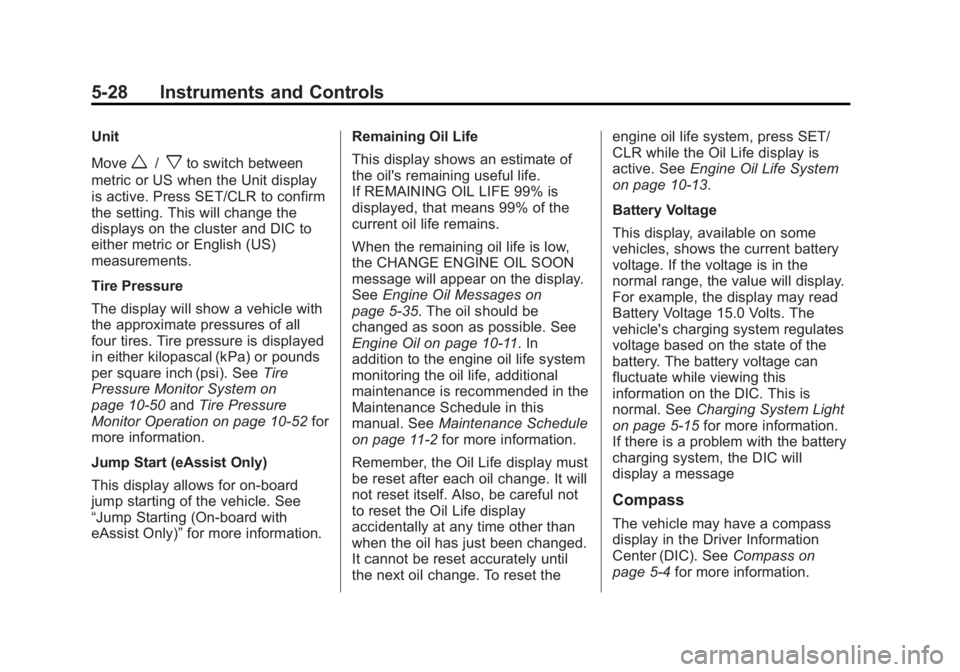
Move
w/xto switch between
metric or US when the Unit display
is active. Press SET/CLR to confirm
the setting. This will change the
displays on the cluster and DIC to
either metric or English (US)
measurements.
Tire Pressure
The display will show a vehicle with
the approximate pressures of all
four tires. Tire pressure is displayed
in either kilopascal (kPa) or pounds
per square inch (psi). See Tire
Pressure Monitor System on
page 10‑50 andTire Pressure
Monitor Operation on page 10‑52 for
more information.
Jump Start (eAssist Only)
This display allows for on-board
jump starting of the vehicle. See
“Jump Starting (On-board with
eAssist Only)” for more information. Remaining Oil Life
This display shows an estimate of
the oil's remaining useful life.
If REMAINING OIL LIFE 99% is
displayed, that means 99% of the
current oil life remains.
When the remaining oil life is low,
the CHANGE ENGINE OIL SOON
message will appear on the display.
See
Engine Oil Messages on
page 5‑35. The oil should be
changed as soon as possible. See
Engine Oil on page 10‑11. In
addition to the engine oil life system
monitoring the oil life, additional
maintenance is recommended in the
Maintenance Schedule in this
manual. See Maintenance Schedule
on page 11‑2 for more information.
Remember, the Oil Life display must
be reset after each oil change. It will
not reset itself. Also, be careful not
to reset the Oil Life display
accidentally at any time other than
when the oil has just been changed.
It cannot be reset accurately until
the next oil change. To reset the engine oil life system, press SET/
CLR while the Oil Life display is
active. See
Engine Oil Life System
on page 10‑13.
Battery Voltage
This display, available on some
vehicles, shows the current battery
voltage. If the voltage is in the
normal range, the value will display.
For example, the display may read
Battery Voltage 15.0 Volts. The
vehicle's charging system regulates
voltage based on the state of the
battery. The battery voltage can
fluctuate while viewing this
information on the DIC. This is
normal. See Charging System Light
on page 5‑15 for more information.
If there is a problem with the battery
charging system, the DIC will
display a message
Compass
The vehicle may have a compass
display in the Driver Information
Center (DIC). See Compass on
page 5‑4 for more information.
Page 156 of 422
Black plate (2,1)Buick LaCrosse Owner Manual - 2013 - crc - 9/7/12
6-2 Lighting
;(Parking Lamps):Turns on the
parking lamps together with the
following:
.Sidemarker Lamps
.Taillamps
.License Plate Lamps
.Instrument Panel Lights
5(Headlamps): Turns on the
headlamps together with the
following:
.Sidemarker Lamps
.Taillamps
.License Plate Lamps
.Instrument Panel Lights
.Parking Lamps
Exterior Lamps Off
Reminder
A warning chime sounds if the driver
door is opened while the ignition is
off and the exterior lamps are on.
Headlamp High/
Low-Beam Changer
2 3
(Headlamp High/Low-Beam
Changer): Push the turn signal
lever away from you and release, to
turn the high beams on. To return to
low beams, push the lever again or
pull it toward you and release.
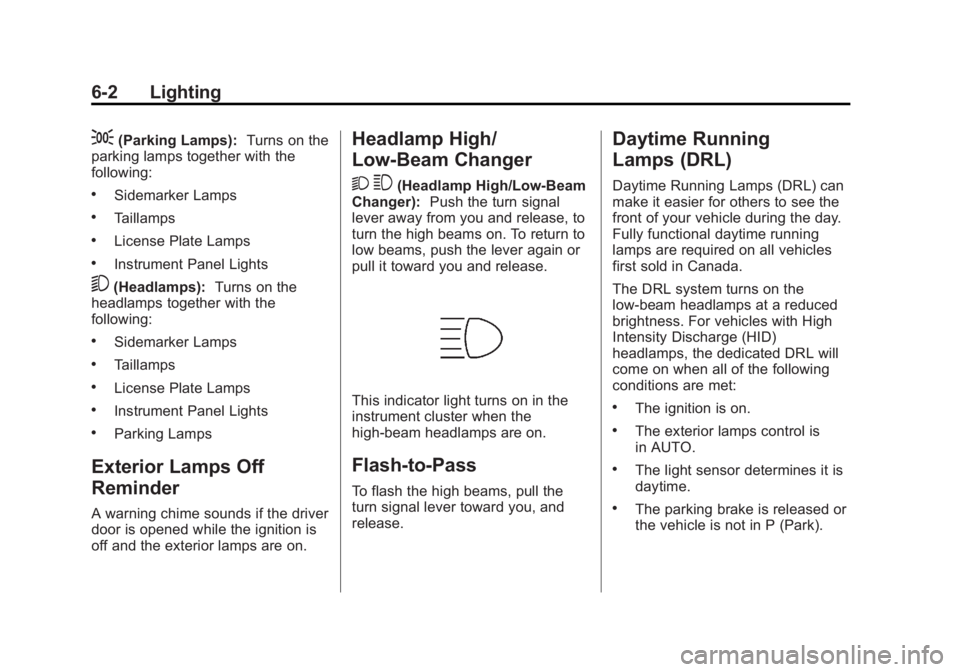
This indicator light turns on in the
instrument cluster when the
high-beam headlamps are on.
Flash-to-Pass
To flash the high beams, pull the
turn signal lever toward you, and
release.
Daytime Running
Lamps (DRL)
Daytime Running Lamps (DRL) can
make it easier for others to see the
front of your vehicle during the day.
Fully functional daytime running
lamps are required on all vehicles
first sold in Canada.
The DRL system turns on the
low-beam headlamps at a reduced
brightness. For vehicles with High
Intensity Discharge (HID)
headlamps, the dedicated DRL will
come on when all of the following
conditions are met:
.The ignition is on.
.The exterior lamps control is
in AUTO.
.The light sensor determines it is
daytime.
.The parking brake is released or
the vehicle is not in P (Park).
Page 158 of 422
Black plate (4,1)Buick LaCrosse Owner Manual - 2013 - crc - 9/7/12
6-4 Lighting
transmission is in R (Reverse). AFL
is not immediately operable after
starting the vehicle; driving a short
distance is required to calibrate the
AFL. SeeExterior Lamp Controls on
page 6‑1.
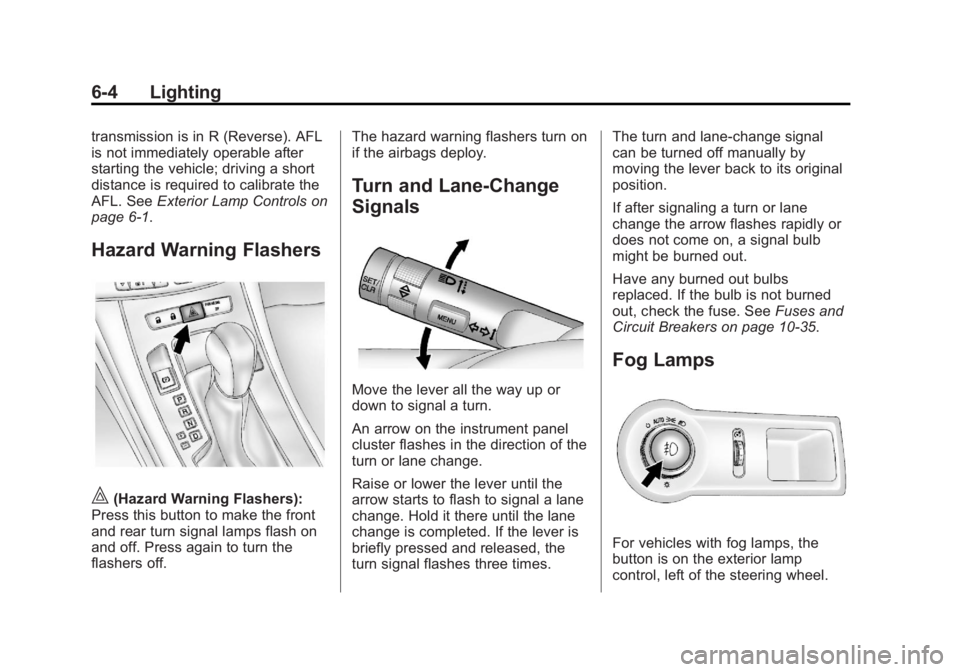
Hazard Warning Flashers
|(Hazard Warning Flashers):
Press this button to make the front
and rear turn signal lamps flash on
and off. Press again to turn the
flashers off. The hazard warning flashers turn on
if the airbags deploy.
Turn and Lane-Change
Signals
Move the lever all the way up or
down to signal a turn.
An arrow on the instrument panel
cluster flashes in the direction of the
turn or lane change.
Raise or lower the lever until the
arrow starts to flash to signal a lane
change. Hold it there until the lane
change is completed. If the lever is
briefly pressed and released, the
turn signal flashes three times.The turn and lane-change signal
can be turned off manually by
moving the lever back to its original
position.
If after signaling a turn or lane
change the arrow flashes rapidly or
does not come on, a signal bulb
might be burned out.
Have any burned out bulbs
replaced. If the bulb is not burned
out, check the fuse. See
Fuses and
Circuit Breakers on page 10‑35.
Fog Lamps
For vehicles with fog lamps, the
button is on the exterior lamp
control, left of the steering wheel.
Page 159 of 422
Black plate (5,1)Buick LaCrosse Owner Manual - 2013 - crc - 9/7/12
Lighting 6-5
To turn on the fog lamps, the ignition
and the headlamps or parking lamps
must be on.
If the fog lamps are turned on while
the exterior lamp switch is in the
AUTO position, the headlamps
come on automatically.
#(Fog Lamps):Press to turn on
or off. An indicator light on the
instrument cluster comes on when
the fog lamps are on.
Some localities have laws that
require the headlamps to be on
along with the fog lamps.
Interior Lighting
Instrument Panel
Illumination Control
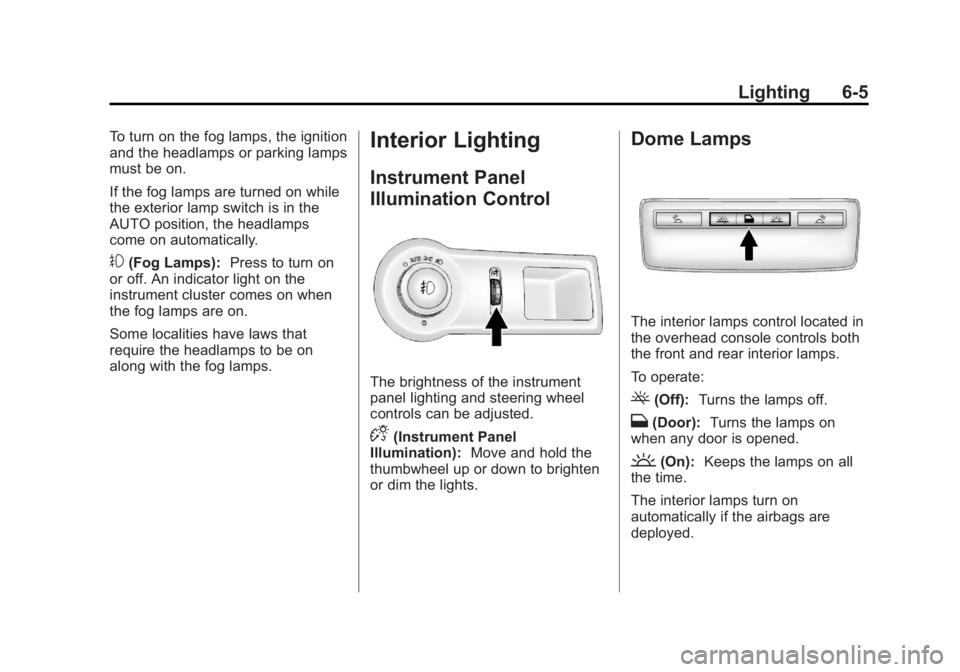
The brightness of the instrument
panel lighting and steering wheel
controls can be adjusted.
D(Instrument Panel
Illumination): Move and hold the
thumbwheel up or down to brighten
or dim the lights.
Dome Lamps
The interior lamps control located in
the overhead console controls both
the front and rear interior lamps.
To operate:
((Off): Turns the lamps off.
H(Door): Turns the lamps on
when any door is opened.
'(On): Keeps the lamps on all
the time.
The interior lamps turn on
automatically if the airbags are
deployed.
Page 232 of 422
Black plate (30,1)Buick LaCrosse Owner Manual - 2013 - crc - 9/7/12
9-30 Driving and Operating
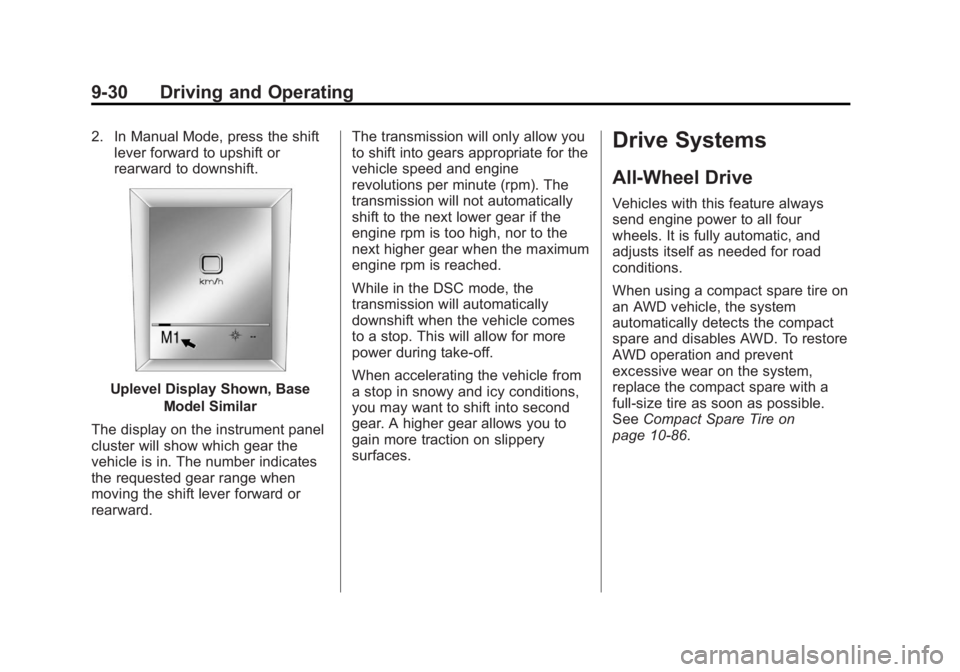
2. In Manual Mode, press the shiftlever forward to upshift or
rearward to downshift.
Uplevel Display Shown, Base
Model Similar
The display on the instrument panel
cluster will show which gear the
vehicle is in. The number indicates
the requested gear range when
moving the shift lever forward or
rearward. The transmission will only allow you
to shift into gears appropriate for the
vehicle speed and engine
revolutions per minute (rpm). The
transmission will not automatically
shift to the next lower gear if the
engine rpm is too high, nor to the
next higher gear when the maximum
engine rpm is reached.
While in the DSC mode, the
transmission will automatically
downshift when the vehicle comes
to a stop. This will allow for more
power during take-off.
When accelerating the vehicle from
a stop in snowy and icy conditions,
you may want to shift into second
gear. A higher gear allows you to
gain more traction on slippery
surfaces.
Drive Systems
All-Wheel Drive
Vehicles with this feature always
send engine power to all four
wheels. It is fully automatic, and
adjusts itself as needed for road
conditions.
When using a compact spare tire on
an AWD vehicle, the system
automatically detects the compact
spare and disables AWD. To restore
AWD operation and prevent
excessive wear on the system,
replace the compact spare with a
full-size tire as soon as possible.
See
Compact Spare Tire on
page 10‑86.
Page 240 of 422
Black plate (38,1)Buick LaCrosse Owner Manual - 2013 - crc - 9/7/12
9-38 Driving and Operating
WARNING (Continued)
Cruise control can be dangerous
on slippery roads. On such roads,
fast changes in tire traction can
cause excessive wheel slip, and
you could lose control. Do not use
cruise control on slippery roads.
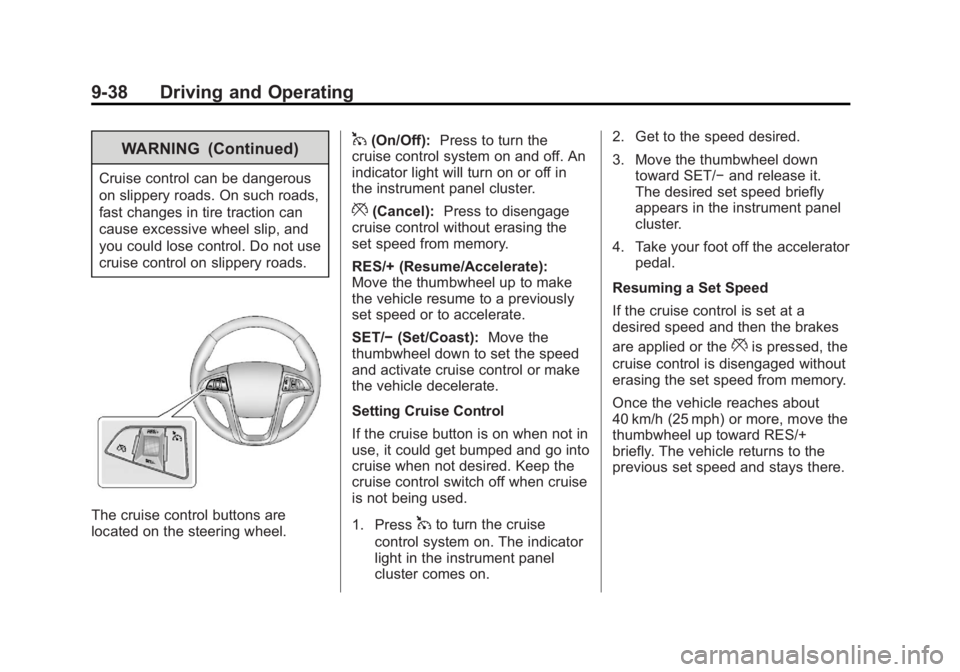
The cruise control buttons are
located on the steering wheel.
1(On/Off):Press to turn the
cruise control system on and off. An
indicator light will turn on or off in
the instrument panel cluster.
*(Cancel): Press to disengage
cruise control without erasing the
set speed from memory.
RES/+ (Resume/Accelerate):
Move the thumbwheel up to make
the vehicle resume to a previously
set speed or to accelerate.
SET/− (Set/Coast): Move the
thumbwheel down to set the speed
and activate cruise control or make
the vehicle decelerate.
Setting Cruise Control
If the cruise button is on when not in
use, it could get bumped and go into
cruise when not desired. Keep the
cruise control switch off when cruise
is not being used.
1. Press
1to turn the cruise
control system on. The indicator
light in the instrument panel
cluster comes on. 2. Get to the speed desired.
3. Move the thumbwheel down
toward SET/− and release it.
The desired set speed briefly
appears in the instrument panel
cluster.
4. Take your foot off the accelerator pedal.
Resuming a Set Speed
If the cruise control is set at a
desired speed and then the brakes
are applied or the
*is pressed, the
cruise control is disengaged without
erasing the set speed from memory.
Once the vehicle reaches about
40 km/h (25 mph) or more, move the
thumbwheel up toward RES/+
briefly. The vehicle returns to the
previous set speed and stays there.