ABS BUICK LESABRE 2003 Owner's Manual
[x] Cancel search | Manufacturer: BUICK, Model Year: 2003, Model line: LESABRE, Model: BUICK LESABRE 2003Pages: 380, PDF Size: 2.75 MB
Page 197 of 380

Anti-lock Brake System (ABS)
Your vehicle has anti-lock brakes. ABS is an advanced
electronic braking system that will help prevent a
braking skid.
When you start your engine, or when you begin to drive
away, your anti-lock brake system will check itself.
You may hear a momentary motor or clicking noise while
this test is going on, and you may even notice that
your brake pedal moves or pulses a little. This is normal.
If there's a problem with
the anti-lock brake system,
this warning light will
stay on. See
Anti-Lock
Brake System Warning
Light on page 3-38
.
Let's say the road is wet and you're driving safely.
Suddenly, an animal jumps out in front of you. You slam
on the brakes and continue braking. Here's what
happens with ABS:
A computer senses that wheels are slowing down. If
one of the wheels is about to stop rolling, the computer
will separately work the brakes at each front wheel
and at both rear wheels.
4-7
Page 205 of 380

Loss of Control
Let's review what driving experts say about what happens
when the three control systems (brakes, steering and
acceleration) don't have enough friction where the tires
meet the road to do what the driver has asked.
In any emergency, don't give up. Keep trying to steer
and constantly seek an escape route or area of
less danger.
Skidding
In a skid, a driver can lose control of the vehicle.
Defensive drivers avoid most skids by taking reasonable
care suited to existing conditions, and by not ªoverdrivingº
those conditions. But skids are always possible.
The three types of skids correspond to your vehicle's
three control systems. In the braking skid, your wheels
aren't rolling. In the steering or cornering skid, too much
speed or steering in a curve causes tires to slip and lose
cornering force. And in the acceleration skid, too much
throttle causes the driving wheels to spin.
A cornering skid is best handled by easing your foot off
the accelerator pedal.
If you have the traction control system, remember: It
helps avoid only the acceleration skid. If you do not have
traction control, or if the system is off, then an
acceleration skid is also best handled by easing your
foot off the accelerator pedal.If your vehicle starts to slide, ease your foot off the
accelerator pedal and quickly steer the way you want
the vehicle to go. If you start steering quickly enough,
your vehicle may straighten out. Always be ready
for a second skid if it occurs.
If you have Stabilitrak
ž, you may see the STABILITY
SYSTEM ACTIVE message on the Driver Information
Center. See ªStability System Active Messageº
under
DIC Warnings and Messages on page 3-49.
Of course, traction is reduced when water, snow, ice,
gravel or other material is on the road. For safety, you'll
want to slow down and adjust your driving to these
conditions. It is important to slow down on slippery
surfaces because stopping distance will be longer and
vehicle control more limited.
While driving on a surface with reduced traction, try
your best to avoid sudden steering, acceleration
or braking (including engine braking by shifting to a
lower gear). Any sudden changes could cause the tires
to slide. You may not realize the surface is slippery
until your vehicle is skidding. Learn to recognize warning
clues Ð such as enough water, ice or packed snow
on the road to make a ªmirrored surfaceº Ð and slow
down when you have any doubt.
Remember: Any anti-lock brake system (ABS) helps
avoid only the braking skid.
4-15
Page 231 of 380
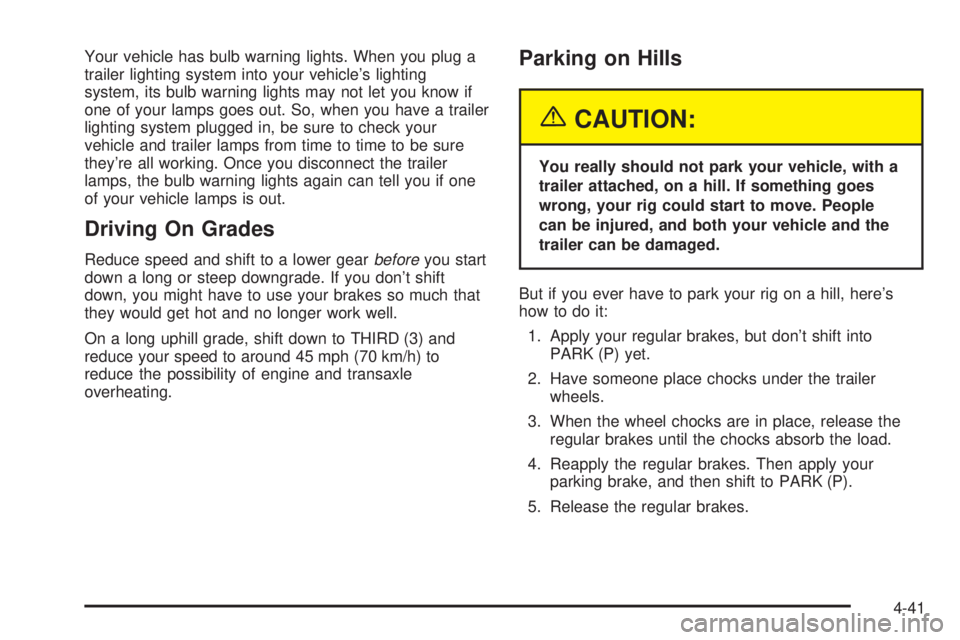
Your vehicle has bulb warning lights. When you plug a
trailer lighting system into your vehicle's lighting
system, its bulb warning lights may not let you know if
one of your lamps goes out. So, when you have a trailer
lighting system plugged in, be sure to check your
vehicle and trailer lamps from time to time to be sure
they're all working. Once you disconnect the trailer
lamps, the bulb warning lights again can tell you if one
of your vehicle lamps is out.
Driving On Grades
Reduce speed and shift to a lower gearbeforeyou start
down a long or steep downgrade. If you don't shift
down, you might have to use your brakes so much that
they would get hot and no longer work well.
On a long uphill grade, shift down to THIRD (3) and
reduce your speed to around 45 mph (70 km/h) to
reduce the possibility of engine and transaxle
overheating.
Parking on Hills
{CAUTION:
You really should not park your vehicle, with a
trailer attached, on a hill. If something goes
wrong, your rig could start to move. People
can be injured, and both your vehicle and the
trailer can be damaged.
But if you ever have to park your rig on a hill, here's
how to do it:
1. Apply your regular brakes, but don't shift into
PARK (P) yet.
2. Have someone place chocks under the trailer
wheels.
3. When the wheel chocks are in place, release the
regular brakes until the chocks absorb the load.
4. Reapply the regular brakes. Then apply your
parking brake, and then shift to PARK (P).
5. Release the regular brakes.
4-41
Page 320 of 380

Relays Usage
27 High-Beam Headlamp
28 Low-Beam Headlamp
29 Fog Lamps
30 Daytime Running Lamps
31 Horn
32 Air Conditioner Clutch
33 HVAC Solenoid
34 Accessory
35 Not Used
36 Starter 1
37 Cooling Fan 1
38 Ignition 1
39 Cooling Fan Series/Parallel
40 Cooling Fan 2Circuit
BreakersUsage
41 Starter
Fuses Usage
42 Not Used
43 Empty
44 ABS
45 Not Used
46 Cooling Fan 1
47 Cooling Fan 2
48 Spare
49 Spare
50 Spare
51 Spare
52 Spare
53 Fuse Puller
5-88
Page 323 of 380

Fuses Usage
1 Fuel Pump
2 HVAC Blower
3 Memory
4 Assembly Line Diagnostic Link
5 Not Used
6 Compact Disc (CD)
7 Driver's Door Module
8 Air Bag System (SIR)
9 Not Used
10 Right Parking Lamp
11 Vent Solenoid
12 Ignition 1
13 Left Parking LampFuses Usage
14 Dimmer
15 Satellite Digital Radio
16 Left Front Heated Seat
17 Not Used
18 Rear Door Module
19 Stoplamp
20 Park/Reverse
21 Audio
22 Retained Accessory Power (RAP)
23 Not Used
24 Not Used
25 Passenger Door Module
26 Body
27 Interior Lamps
28 Not Used
29 Ignition Switch
30 Instrument Panel
31 Right Front Heated Seat
32 Not Used
33 HVAC
34 Ignition 3 Rear
35 Anti-Lock Brake System (ABS)
36 Turn Signal/Hazard
37 HVAC Battery
38 Dimmer
5-91
Page 365 of 380
A
Accessory Power Outlets.................................3-22
Adding Washer Fluid.......................................5-36
Additional Program Information........................... 7-9
Additives, Fuel................................................. 5-6
Add-On Electrical Equipment............................5-85
Adjusting the Speakers (Balance/Fade)......3-57, 3-65
Air Bag Systems.............................................1-46
How Does an Air Bag Restrain?....................1-52
Servicing Your Air Bag-Equipped Vehicle.........1-54
What Makes an Air Bag In¯ate?....................1-51
What Will You See After an Air
Bag In¯ates?...........................................1-52
When Should an Air Bag In¯ate?...................1-50
Where Are the Air Bags?..............................1-49
Air Bag .........................................................3-36
Readiness Light..........................................3-36
Air Cleaner/Filter, Engine.................................5-18
AM ...............................................................3-78
Antenna, Diversity Antenna System...................3-81
Antenna, XMŸ Satellite Radio
Antenna System..........................................3-81
Anti-lock Brake System (ABS)............................ 4-7
Anti-Lock Brake, System Warning Light..............3-38
Appearance Care............................................5-77
Care of Safety Belts....................................5-80
Chemical Paint Spotting...............................5-83Appearance Care (cont.)
Cleaning the Inside of Your Vehicle................5-77
Cleaning the Outside of Your Vehicle..............5-80
Finish Damage............................................5-83
Sheet Metal Damage...................................5-82
Underbody Maintenance...............................5-83
Vehicle Care/Appearance Materials................5-84
Weatherstrips..............................................5-80
Ashtrays........................................................3-23
Audio System(s).............................................3-55
Audio Steering Wheel Controls......................3-78
Care of Your Cassette Tape Player................3-79
Care of Your CD Player...............................3-80
Care of Your CDs........................................3-80
Chime Level Adjustment...............................3-81
Diversity Antenna System.............................3-81
Personal Choice Radio Controls....................3-77
Radio with Cassette and CD.........................3-62
Radio with CD............................................3-56
Setting the Time..........................................3-55
Theft-Deterrent Feature................................3-77
Trunk-Mounted CD Changer..........................3-73
Understanding Radio Reception.....................3-78
XMŸ Satellite Radio Antenna System............3-81
Automatic Door Locks.....................................3-51
Automatic Level Control...................................4-35
Automatic Operation........................................3-27
Automatic Transaxle Check..............................6-18
1