steering wheel BUICK LESABRE 2004 User Guide
[x] Cancel search | Manufacturer: BUICK, Model Year: 2004, Model line: LESABRE, Model: BUICK LESABRE 2004Pages: 392, PDF Size: 4.3 MB
Page 115 of 392
The main components of your instrument panel are the following:
A. Air Outlets. SeeOutlet Adjustment on page 3-30.
B. Driver Information Center (DIC) Buttons (If
Equipped). SeeDIC Controls and Displays on
page 3-46.
C. Turn Signal/Multifunction Lever. SeeTurn
Signal/Multifunction Lever on page 3-7.
D. Steering Wheel Controls (If Equipped). SeeSteering
Wheel Climate Controls on page 3-31andAudio
Steering Wheel Controls on page 3-78.
E. Hazard Warning Flashers. SeeHazard Warning
Flashers on page 3-6.
F. Instrument Panel Cluster. SeeInstrument Panel
Cluster on page 3-33.
G. Traction Control Button (If Equipped). SeeTraction
Control System (TCS) on page 4-9.H. Exterior Lamp Buttons. SeeExterior Lamps on
page 3-14.
I. Head-Up Display (HUD) Controls (If Equipped). See
Head-Up Display (HUD) on page 3-20.
J. Hood Release. SeeHood Release on page 5-11.
K. Parking Brake. SeeParking Brake on page 2-27.
L. Cruise Controls. See “Cruise Control” under
Turn Signal/Multifunction Lever on page 3-7.
M. Audio System. SeeAudio System(s) on page 3-55.
N. Climate Controls. SeeClimate Control System
on page 3-24orDual Automatic Climate Control
System on page 3-26.
O. Glove Box. SeeGlove Box on page 2-42.
3-5
Page 117 of 392
Horn
Press the center area of the steering wheel to sound
the horn.
Tilt Wheel
A tilt wheel allows you to adjust the steering wheel
before you drive. You can also raise it to the highest
level to give your legs more room when you exit
and enter the vehicle.
The lever that allows you to tilt the steering wheel is
located on the left side of the steering column.
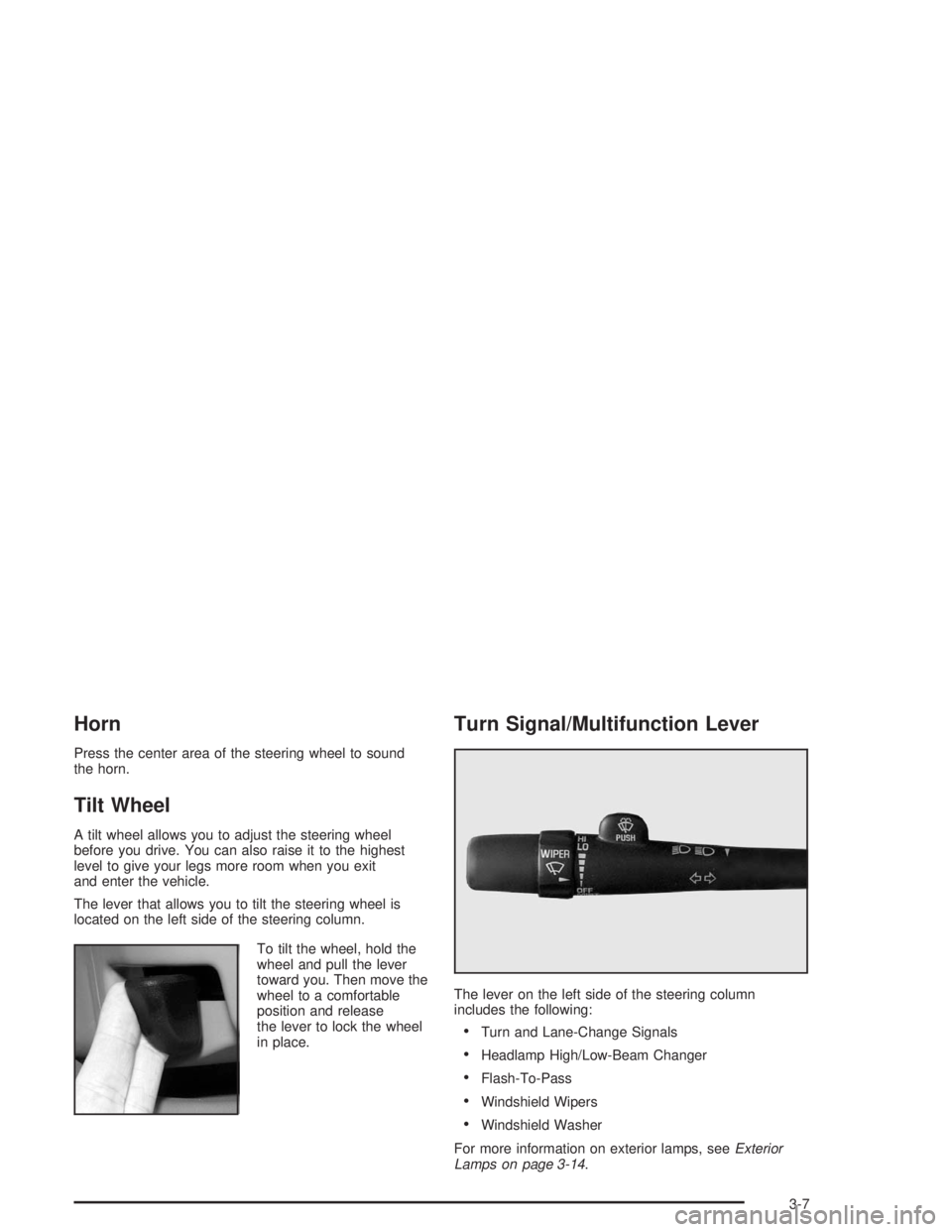
To tilt the wheel, hold the
wheel and pull the lever
toward you. Then move the
wheel to a comfortable
position and release
the lever to lock the wheel
in place.
Turn Signal/Multifunction Lever
The lever on the left side of the steering column
includes the following:
Turn and Lane-Change Signals
Headlamp High/Low-Beam Changer
Flash-To-Pass
Windshield Wipers
Windshield Washer
For more information on exterior lamps, seeExterior
Lamps on page 3-14.
3-7
Page 118 of 392
Turn and Lane-Change Signals
To signal a turn, move the lever on the left side of the
steering wheel all the way up or down. The lever returns
automatically when the turn is complete.
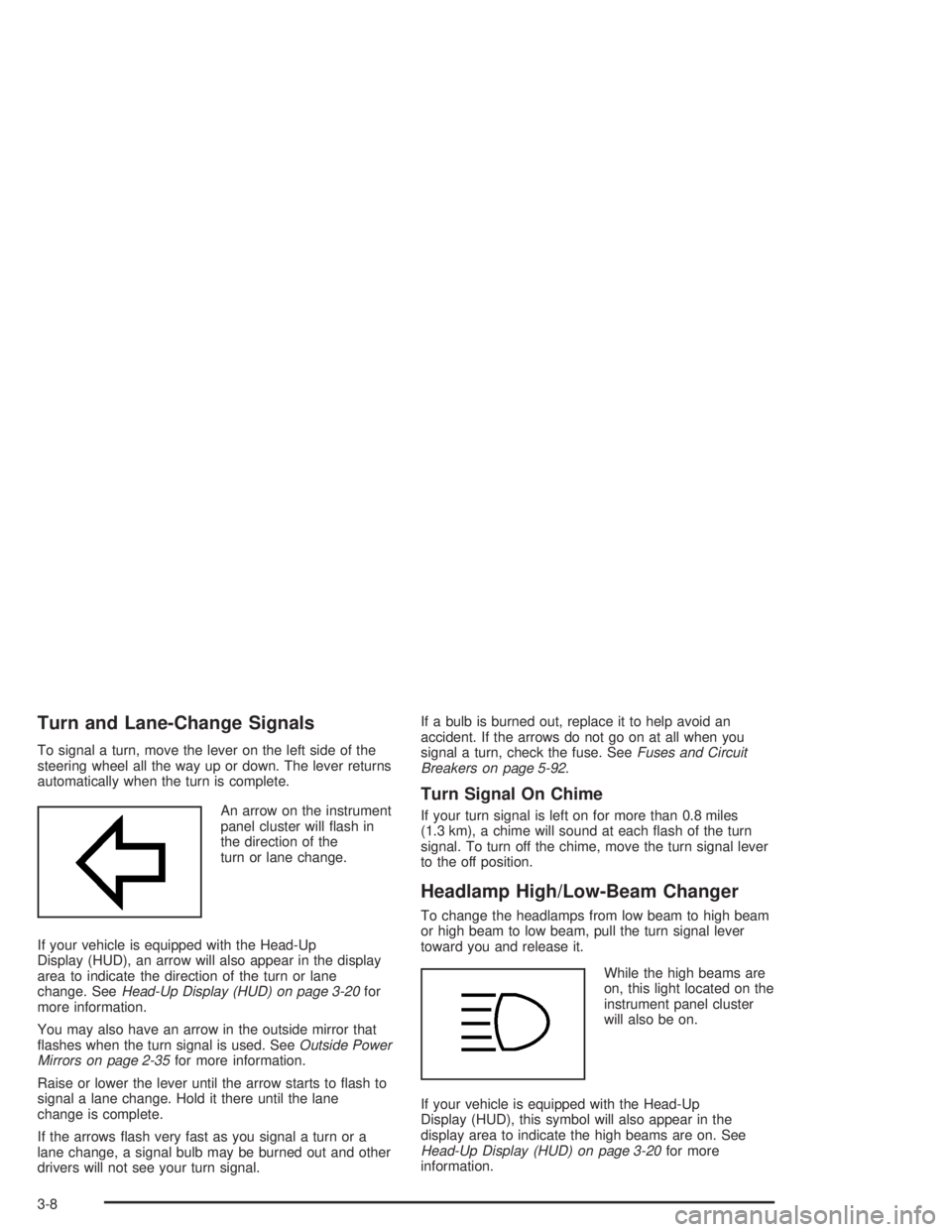
An arrow on the instrument
panel cluster will ash in
the direction of the
turn or lane change.
If your vehicle is equipped with the Head-Up
Display (HUD), an arrow will also appear in the display
area to indicate the direction of the turn or lane
change. SeeHead-Up Display (HUD) on page 3-20for
more information.
You may also have an arrow in the outside mirror that
ashes when the turn signal is used. SeeOutside Power
Mirrors on page 2-35for more information.
Raise or lower the lever until the arrow starts to ash to
signal a lane change. Hold it there until the lane
change is complete.
If the arrows ash very fast as you signal a turn or a
lane change, a signal bulb may be burned out and other
drivers will not see your turn signal.If a bulb is burned out, replace it to help avoid an
accident. If the arrows do not go on at all when you
signal a turn, check the fuse. SeeFuses and Circuit
Breakers on page 5-92.
Turn Signal On Chime
If your turn signal is left on for more than 0.8 miles
(1.3 km), a chime will sound at each ash of the turn
signal. To turn off the chime, move the turn signal lever
to the off position.
Headlamp High/Low-Beam Changer
To change the headlamps from low beam to high beam
or high beam to low beam, pull the turn signal lever
toward you and release it.
While the high beams are
on, this light located on the
instrument panel cluster
will also be on.
If your vehicle is equipped with the Head-Up
Display (HUD), this symbol will also appear in the
display area to indicate the high beams are on. See
Head-Up Display (HUD) on page 3-20for more
information.
3-8
Page 121 of 392
Cruise Control
The switches to operate cruise control are located on
the steering wheel.
With cruise control, you can maintain a speed of about
25 mph (40 km/h) or more without keeping your foot
on the accelerator. This is helpful on long trips.
Cruise control does not work at speeds below about
25 mph (40 km/h).
When you apply your brakes, the cruise control
shuts off.
{CAUTION:
Cruise control can be dangerous where
you can not drive safely at a steady speed.
So, do not use your cruise control on
winding roads or in heavy traffic.
CAUTION: (Continued)
CAUTION: (Continued)
Cruise control can be dangerous on
slippery roads. On such roads, fast
changes in tire traction can cause
needless wheel spinning, and you could
lose control. Do not use cruise control on
slippery roads.
If your vehicle is in cruise control when the optional
traction control system begins to limit wheel spin, the
cruise control will automatically disengage. SeeTraction
Control System (TCS) on page 4-9. When road
conditions allow you to safely use it again, you may turn
the cruise control back on.
3-11
Page 131 of 392
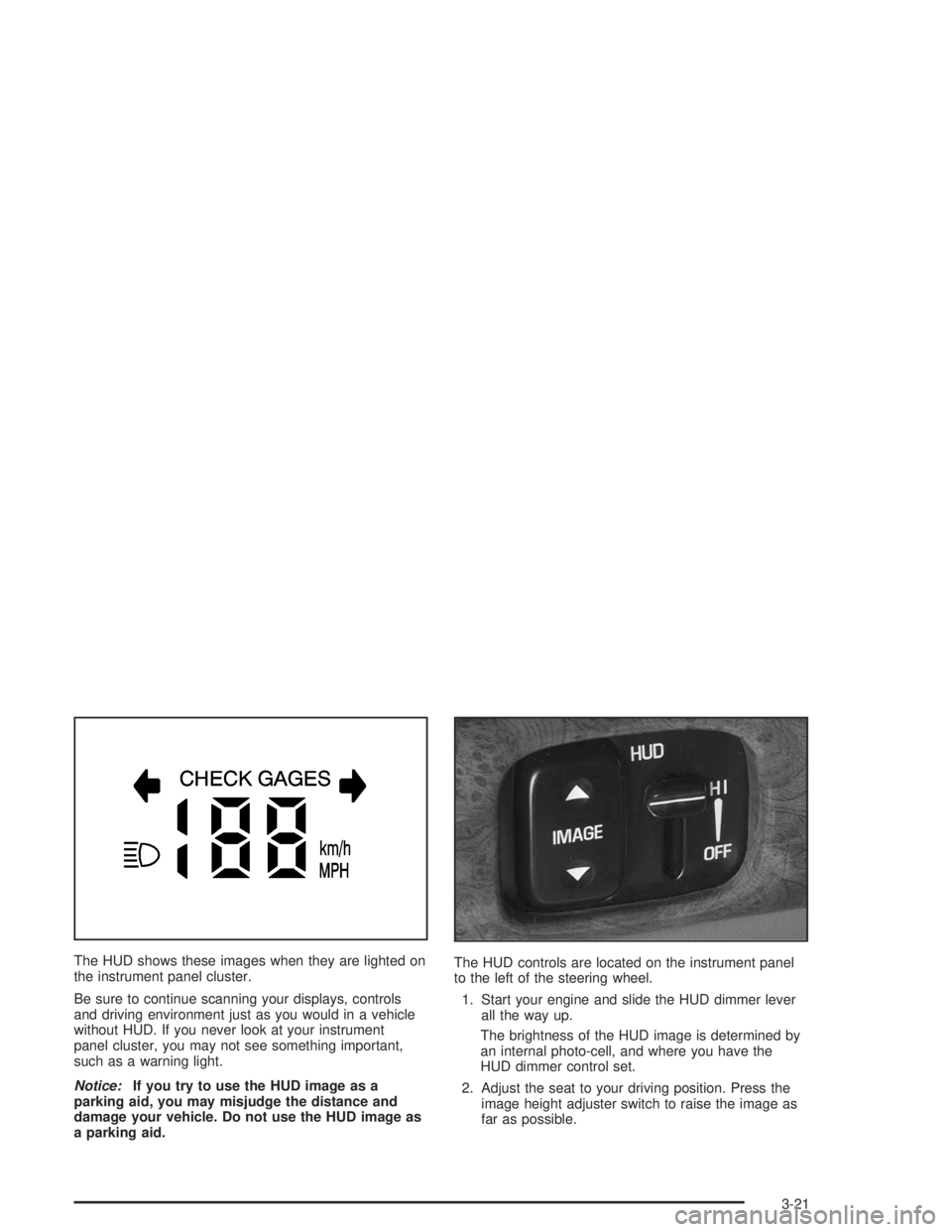
The HUD shows these images when they are lighted on
the instrument panel cluster.
Be sure to continue scanning your displays, controls
and driving environment just as you would in a vehicle
without HUD. If you never look at your instrument
panel cluster, you may not see something important,
such as a warning light.
Notice:If you try to use the HUD image as a
parking aid, you may misjudge the distance and
damage your vehicle. Do not use the HUD image as
a parking aid.The HUD controls are located on the instrument panel
to the left of the steering wheel.
1. Start your engine and slide the HUD dimmer lever
all the way up.
The brightness of the HUD image is determined by
an internal photo-cell, and where you have the
HUD dimmer control set.
2. Adjust the seat to your driving position. Press the
image height adjuster switch to raise the image as
far as possible.
3-21
Page 141 of 392
Operation Tips
Clear away any ice, snow or leaves from the air
inlets at the base of the windshield that may
block the ow of air into your vehicle.
Use of non-GM approved hood deectors may
adversely affect the performance of the system.
Keep the path under the front seats clear of objects
to help circulate the air inside of your vehicle more
effectively.
Steering Wheel Climate Controls
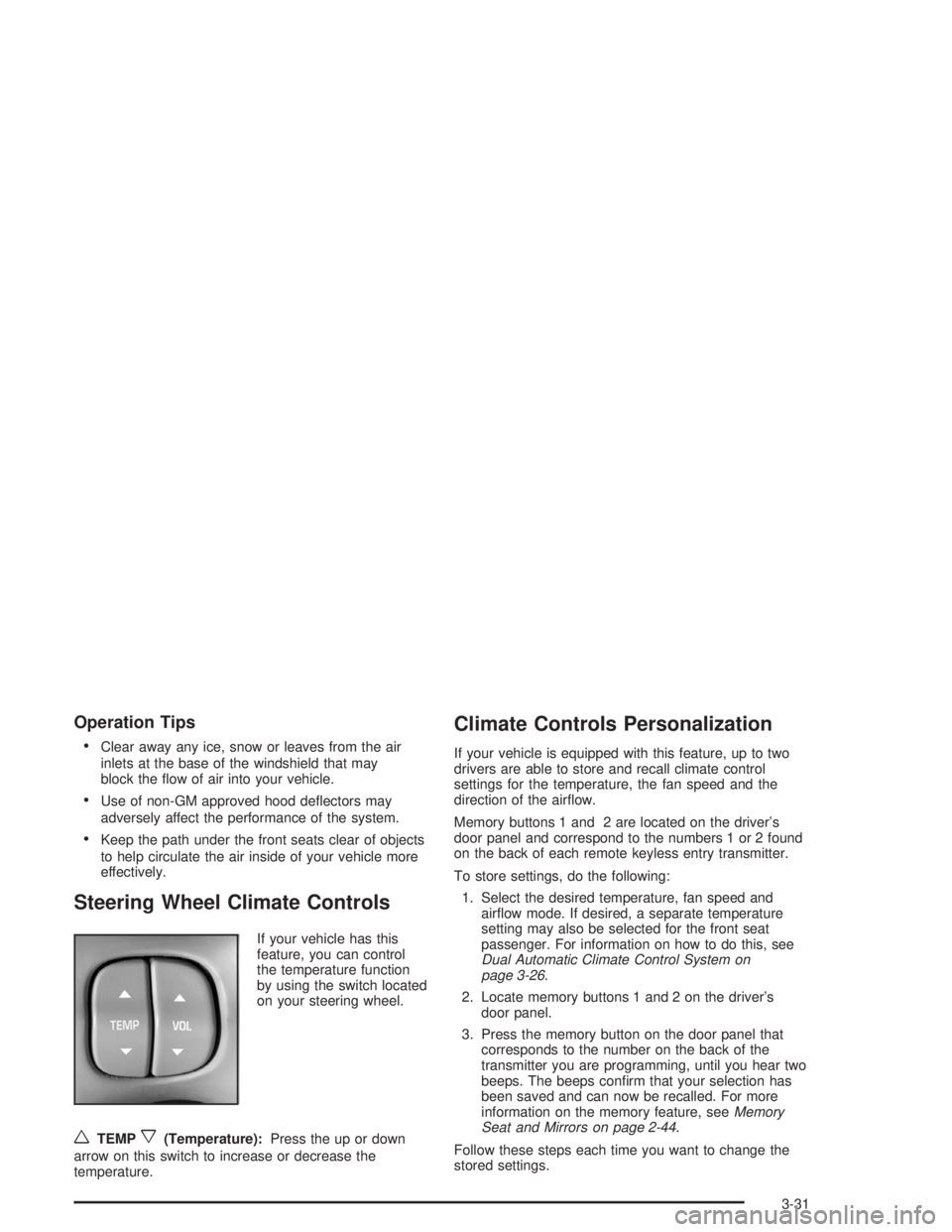
If your vehicle has this
feature, you can control
the temperature function
by using the switch located
on your steering wheel.
wTEMPx(Temperature):Press the up or down
arrow on this switch to increase or decrease the
temperature.
Climate Controls Personalization
If your vehicle is equipped with this feature, up to two
drivers are able to store and recall climate control
settings for the temperature, the fan speed and the
direction of the airow.
Memory buttons 1 and 2 are located on the driver’s
door panel and correspond to the numbers 1 or 2 found
on the back of each remote keyless entry transmitter.
To store settings, do the following:
1. Select the desired temperature, fan speed and
airow mode. If desired, a separate temperature
setting may also be selected for the front seat
passenger. For information on how to do this, see
Dual Automatic Climate Control System on
page 3-26.
2. Locate memory buttons 1 and 2 on the driver’s
door panel.
3. Press the memory button on the door panel that
corresponds to the number on the back of the
transmitter you are programming, until you hear two
beeps. The beeps conrm that your selection has
been saved and can now be recalled. For more
information on the memory feature, seeMemory
Seat and Mirrors on page 2-44.
Follow these steps each time you want to change the
stored settings.
3-31
Page 188 of 392
Theft-Deterrent Feature
THEFTLOCK®is designed to discourage theft of your
radio. It works by using a secret code to disable all radio
functions whenever battery power is removed and the
radio is placed in a different vehicle. This feature
requires no user input to be activated. It is automatically
armed when it is put into the vehicle for the rst time.
When the ignition is turned off, the blinking red light
indicates that THEFTLOCK
®is armed.
If THEFTLOCK
®is activated, your radio will not operate
if stolen. The radio will display LOCKED and a red
LED indicator light will come on above the key symbol
to indicate a locked condition. If this occurs, the radio will
need to be returned to the dealer.
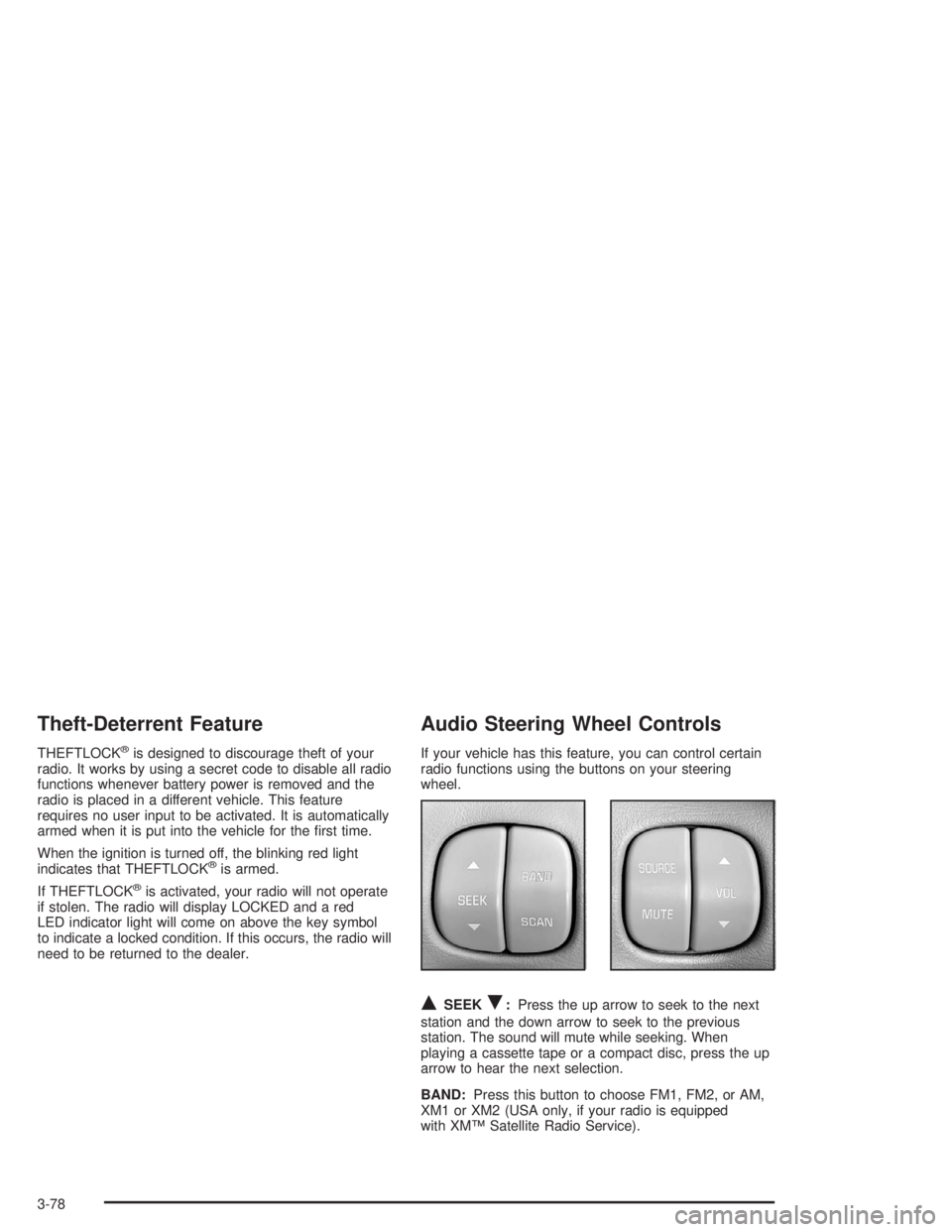
Audio Steering Wheel Controls
If your vehicle has this feature, you can control certain
radio functions using the buttons on your steering
wheel.
QSEEKR:Press the up arrow to seek to the next
station and the down arrow to seek to the previous
station. The sound will mute while seeking. When
playing a cassette tape or a compact disc, press the up
arrow to hear the next selection.
BAND:Press this button to choose FM1, FM2, or AM,
XM1 or XM2 (USA only, if your radio is equipped
with XM™ Satellite Radio Service).
3-78
Page 200 of 392
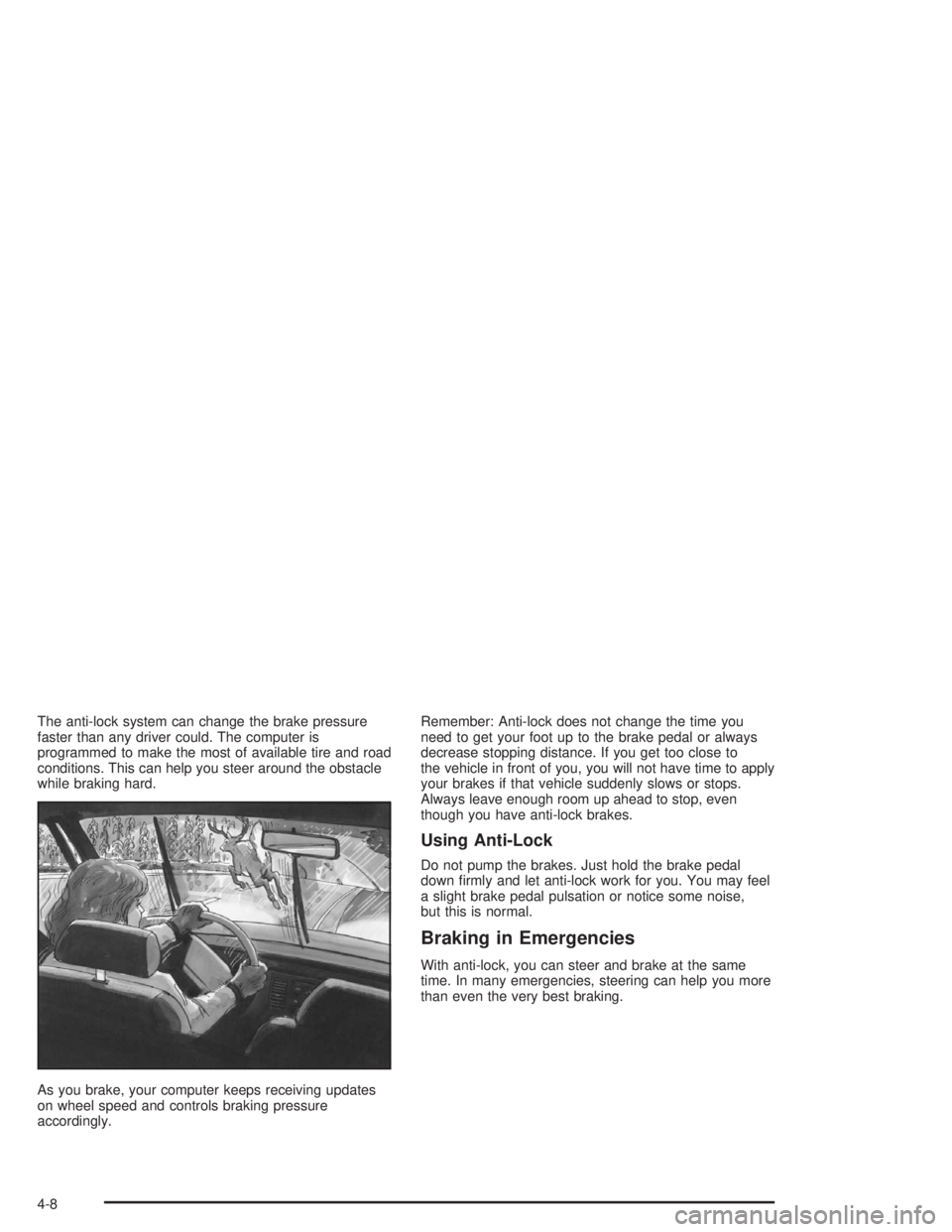
The anti-lock system can change the brake pressure
faster than any driver could. The computer is
programmed to make the most of available tire and road
conditions. This can help you steer around the obstacle
while braking hard.
As you brake, your computer keeps receiving updates
on wheel speed and controls braking pressure
accordingly.Remember: Anti-lock does not change the time you
need to get your foot up to the brake pedal or always
decrease stopping distance. If you get too close to
the vehicle in front of you, you will not have time to apply
your brakes if that vehicle suddenly slows or stops.
Always leave enough room up ahead to stop, even
though you have anti-lock brakes.
Using Anti-Lock
Do not pump the brakes. Just hold the brake pedal
down rmly and let anti-lock work for you. You may feel
a slight brake pedal pulsation or notice some noise,
but this is normal.
Braking in Emergencies
With anti-lock, you can steer and brake at the same
time. In many emergencies, steering can help you more
than even the very best braking.
4-8
Page 202 of 392
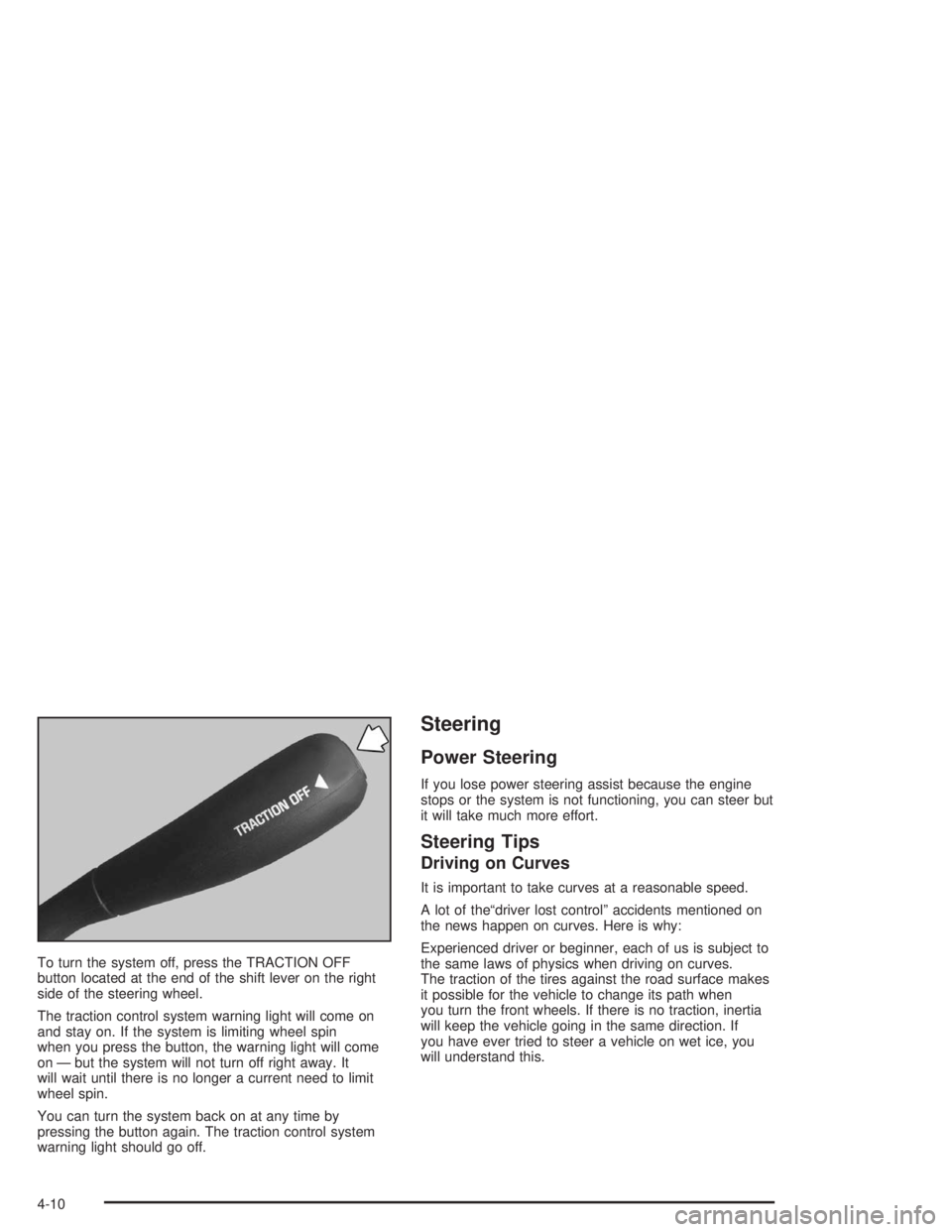
To turn the system off, press the TRACTION OFF
button located at the end of the shift lever on the right
side of the steering wheel.
The traction control system warning light will come on
and stay on. If the system is limiting wheel spin
when you press the button, the warning light will come
on — but the system will not turn off right away. It
will wait until there is no longer a current need to limit
wheel spin.
You can turn the system back on at any time by
pressing the button again. The traction control system
warning light should go off.
Steering
Power Steering
If you lose power steering assist because the engine
stops or the system is not functioning, you can steer but
it will take much more effort.
Steering Tips
Driving on Curves
It is important to take curves at a reasonable speed.
A lot of the“driver lost control” accidents mentioned on
the news happen on curves. Here is why:
Experienced driver or beginner, each of us is subject to
the same laws of physics when driving on curves.
The traction of the tires against the road surface makes
it possible for the vehicle to change its path when
you turn the front wheels. If there is no traction, inertia
will keep the vehicle going in the same direction. If
you have ever tried to steer a vehicle on wet ice, you
will understand this.
4-10
Page 203 of 392
The traction you can get in a curve depends on the
condition of your tires and the road surface, the angle at
which the curve is banked, and your speed. While
you are in a curve, speed is the one factor you
can control.
Suppose you are steering through a sharp curve.
Then you suddenly accelerate. Both control
systems — steering and acceleration — have to do their
work where the tires meet the road. Adding the
sudden acceleration can demand too much of those
places. You can lose control. SeeTraction Control
System (TCS) on page 4-9.
What should you do if this ever happens? Ease up on
the accelerator pedal, steer the vehicle the way you
want it to go, and slow down.If you have Stabilitrak®, you may see the STABILITY
SYSTEM ACTIVE message on the Driver Information
Center. See “Stability System Active Message”
underDIC Warnings and Messages on page 3-49.
Speed limit signs near curves warn that you should
adjust your speed. Of course, the posted speeds
are based on good weather and road conditions. Under
less favorable conditions you will want to go slower.
If you need to reduce your speed as you approach
a curve, do it before you enter the curve, while your front
wheels are straight ahead.
Try to adjust your speed so you can “drive” through the
curve. Maintain a reasonable, steady speed. Wait to
accelerate until you are out of the curve, and then
accelerate gently into the straightaway.
4-11