unlock BUICK LESABRE 2004 User Guide
[x] Cancel search | Manufacturer: BUICK, Model Year: 2004, Model line: LESABRE, Model: BUICK LESABRE 2004Pages: 392, PDF Size: 4.3 MB
Page 73 of 392
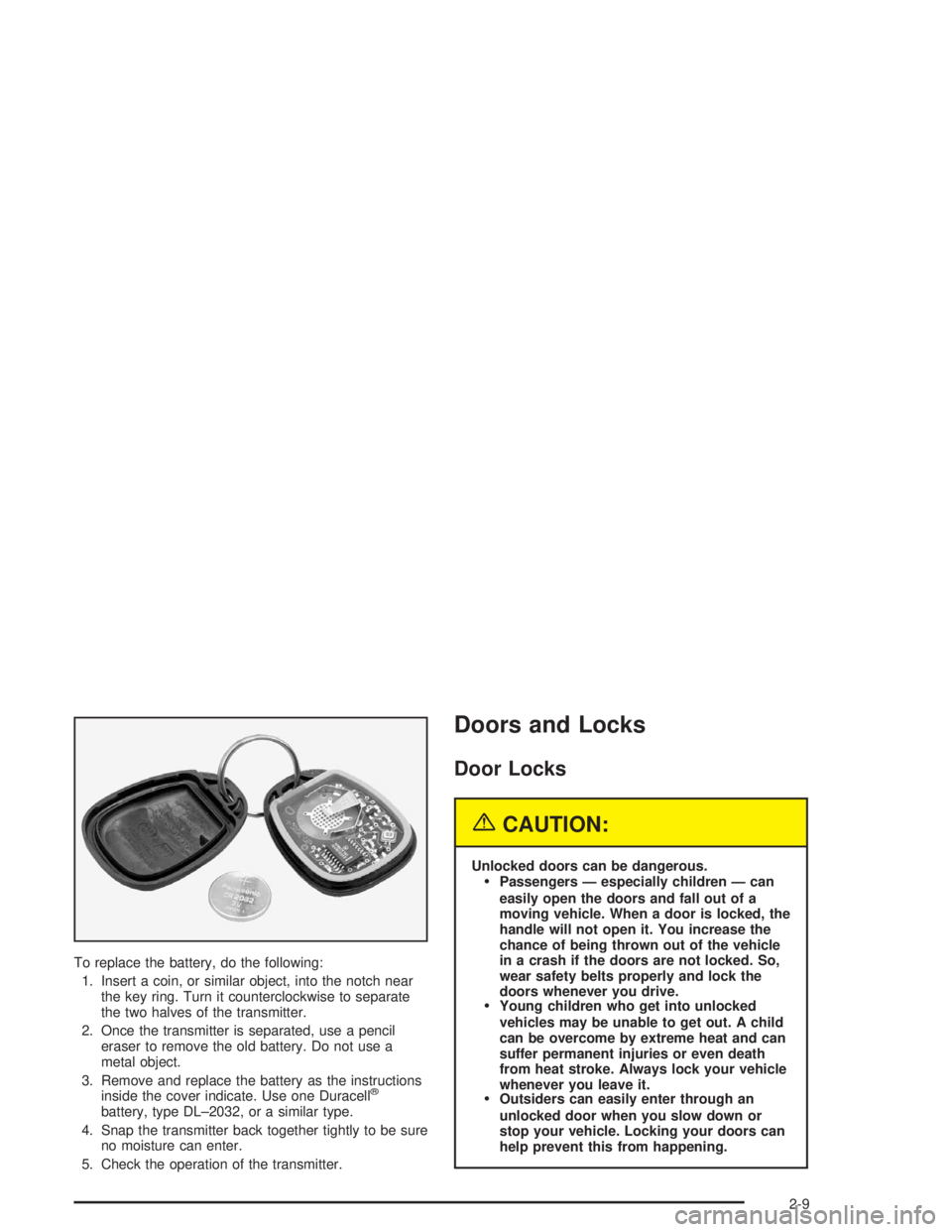
To replace the battery, do the following:
1. Insert a coin, or similar object, into the notch near
the key ring. Turn it counterclockwise to separate
the two halves of the transmitter.
2. Once the transmitter is separated, use a pencil
eraser to remove the old battery. Do not use a
metal object.
3. Remove and replace the battery as the instructions
inside the cover indicate. Use one Duracell
®
battery, type DL–2032, or a similar type.
4. Snap the transmitter back together tightly to be sure
no moisture can enter.
5. Check the operation of the transmitter.
Doors and Locks
Door Locks
{CAUTION:
Unlocked doors can be dangerous.
Passengers — especially children — can
easily open the doors and fall out of a
moving vehicle. When a door is locked, the
handle will not open it. You increase the
chance of being thrown out of the vehicle
in a crash if the doors are not locked. So,
wear safety belts properly and lock the
doors whenever you drive.
Young children who get into unlocked
vehicles may be unable to get out. A child
can be overcome by extreme heat and can
suffer permanent injuries or even death
from heat stroke. Always lock your vehicle
whenever you leave it.
Outsiders can easily enter through an
unlocked door when you slow down or
stop your vehicle. Locking your doors can
help prevent this from happening.
2-9
Page 74 of 392
There are several ways to lock and unlock your vehicle.
If your vehicle has a content theft-deterrent system,
unlock the doors only with the key or remote keyless
entry system. This will avoid setting off the alarm.
To unlock the door from the outside, use your door key
or remote keyless entry transmitter. Turning the door
key toward the front of the vehicle will lock the
door. Turning the door key toward the rear of the
vehicle will unlock it.
To unlock the door from the inside, move the manual
door lock, located above the door handle, rearward. To
lock the door, move the manual door lock forward.Central Door Unlocking System
If your vehicle has a theft-deterrent system, all doors
will unlock if the key is held in the outside key cylinder
unlock position for more than two seconds. The
doors will also unlock if the key is turned to the unlock
position twice in three seconds.
Power Door Locks
With power door locks, you can lock or unlock all the
doors on your vehicle.
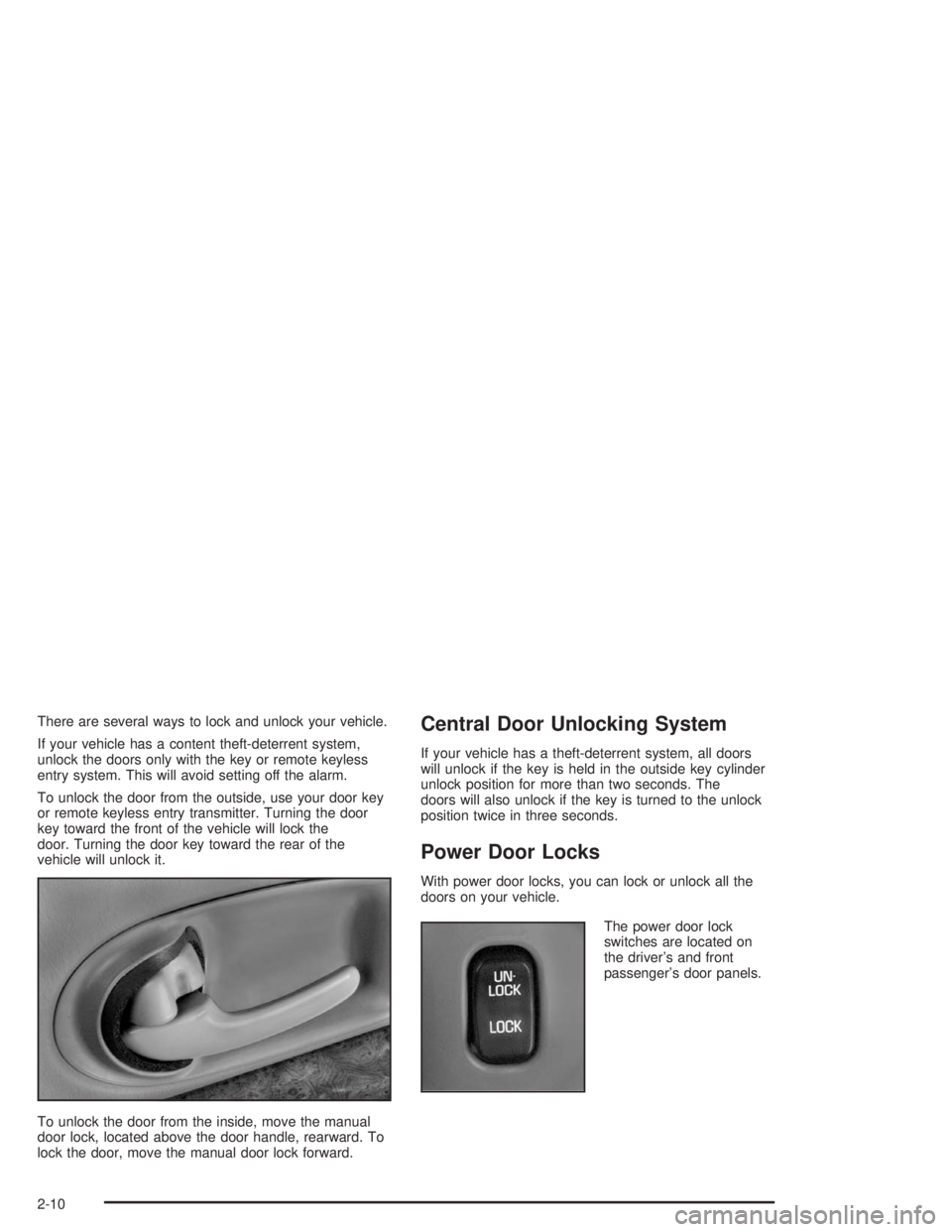
The power door lock
switches are located on
the driver’s and front
passenger’s door panels.
2-10
Page 75 of 392
Door Ajar Reminder
If your vehicle is equipped with the Driver Information
Center (DIC), and a door is not fully closed, the DIC will
display a DOOR AJAR message. SeeDriver Information
Center (DIC) on page 3-45.
Delayed Locking
This feature lets the driver delay the actual locking of
the vehicle. When the driver’s power door lock switch or
remote keyless entry lock button is pressed with the
key removed from the ignition, and the driver’s
door open, a chime will sound three times to signal that
the delayed locking system is active. When all doors
have been closed, the doors will lock automatically after
ve seconds. If any door is opened before this, the
ve-second timer will reset itself once all the doors have
been closed again.
Pressing the driver’s or passenger’s power door lock
switch or the remote keyless entry transmitter button
again will override this feature.
Personal Choice Programming
The delayed locking feature can be turned on or off.
If your vehicle is equipped with the DIC, you must use
it to program this feature. SeeDriver Information
Center (DIC) on page 3-45.
If your vehicle is not equipped with the DIC, use the
following procedure to change modes:
1. Close all the doors and turn the ignition on. Keep
all doors closed throughout this procedure.
2. Press and hold LOCK on the driver’s power door
lock switch throughout this procedure. All the
doors will lock.
3. Press the unlock button on the transmitter. The lock
delay is still off and all doors will remain locked.
4. Press the unlock button on the transmitter again.
Lock delay is now active and all doors will unlock.
5. Release the power door lock switch.
To turn this feature off, repeat the previous procedure.
This procedure only changes the mode for the
transmitter used to change this setting.
2-11
Page 76 of 392
Programmable Automatic
Door Locks
Close the doors and turn on the ignition. Every time you
move the shift lever out of PARK (P), all of the doors
will lock. And, every time you stop and move the
shift lever into PARK (P), the doors will unlock. If
someone needs to get out while you’re not in PARK (P),
have that person use the manual door lock control or
power door lock switch. When the door is closed again,
it will not lock automatically. If you need to lock the
doors before shifting out of PARK (P), use the manual
door lock control or power door lock switch.
Personalization Programming
You can program the automatic door locks feature to
change to the following modes:
Mode 0:No automatic door lock or unlock.
Mode 1:All doors automatically lock when shifted out
of PARK (P). No automatic door unlock.
Mode 2:All doors automatically lock when shifted out
of PARK (P). Only the driver’s door automatically
unlocks when shifted into PARK (P).
Mode 3:All doors automatically lock when shifted out
of PARK (P). All doors automatically unlock when shifted
into PARK (P).If your vehicle is equipped with the DIC, you must use
it to program this feature. SeeDriver Information
Center (DIC) on page 3-45.
If your vehicle is not equipped with the DIC, use the
following procedure to change modes:
1. Close all the doors and turn the ignition on. Keep
all doors closed throughout this procedure.
2. Press and hold LOCK on the driver’s power door
lock switch throughout this procedure. All the
doors will lock.
3. Press the lock button on the remote keyless entry
transmitter. The automatic door locks will remain in
the current mode.
4. Press the lock button on the transmitter again. Each
time this button is pressed, the mode will advance
by one, going from 3 to 0 to 1, etc.
The door locks will cycle according to the mode
entered while customizing the memory door locks.
(Mode 0 has no feedback.)
5. Release the power door lock switch. The automatic
door locks will remain in the most recent mode
selected.
This procedure only changes the mode for the
transmitter used to change this setting.
2-12
Page 77 of 392
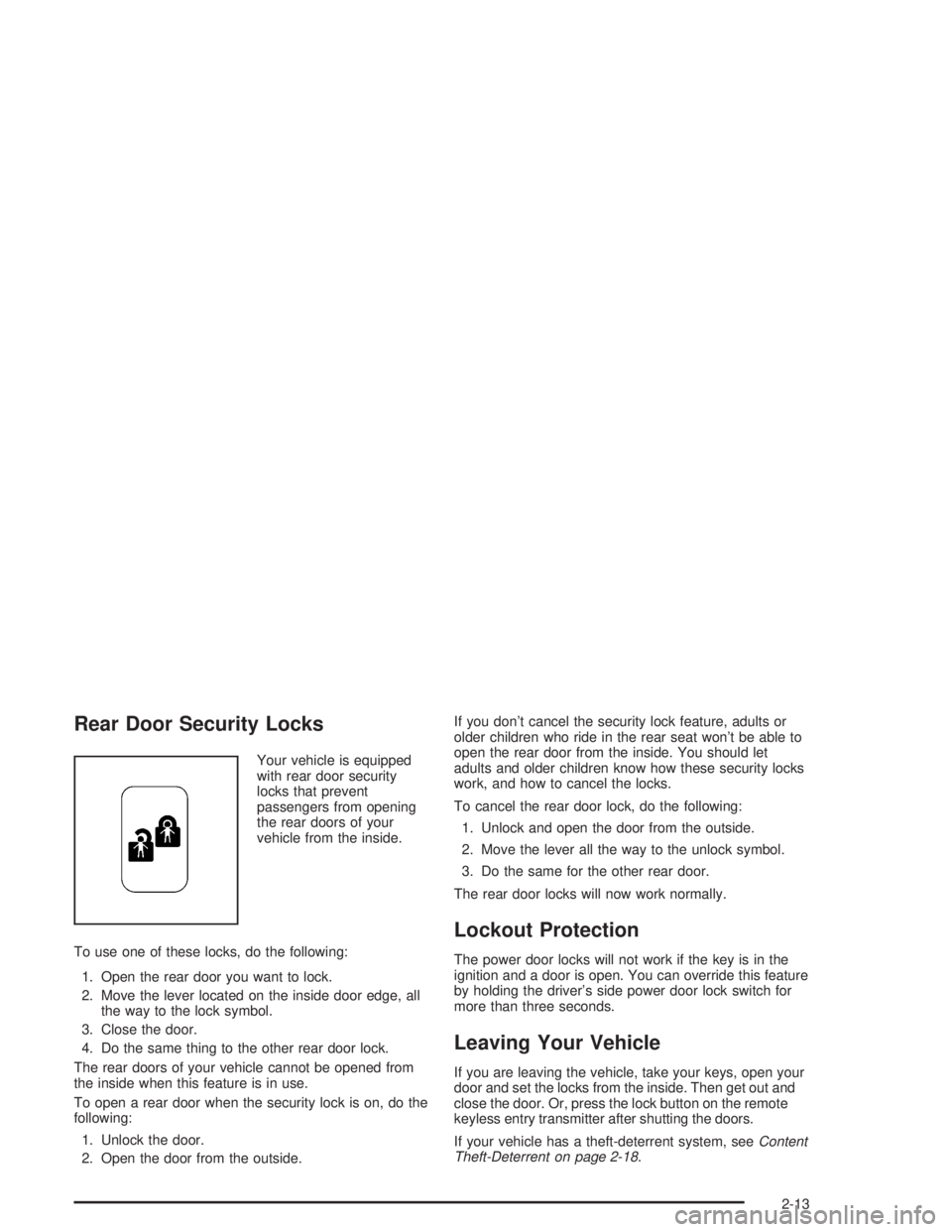
Rear Door Security Locks
Your vehicle is equipped
with rear door security
locks that prevent
passengers from opening
the rear doors of your
vehicle from the inside.
To use one of these locks, do the following:
1. Open the rear door you want to lock.
2. Move the lever located on the inside door edge, all
the way to the lock symbol.
3. Close the door.
4. Do the same thing to the other rear door lock.
The rear doors of your vehicle cannot be opened from
the inside when this feature is in use.
To open a rear door when the security lock is on, do the
following:
1. Unlock the door.
2. Open the door from the outside.If you don’t cancel the security lock feature, adults or
older children who ride in the rear seat won’t be able to
open the rear door from the inside. You should let
adults and older children know how these security locks
work, and how to cancel the locks.
To cancel the rear door lock, do the following:
1. Unlock and open the door from the outside.
2. Move the lever all the way to the unlock symbol.
3. Do the same for the other rear door.
The rear door locks will now work normally.
Lockout Protection
The power door locks will not work if the key is in the
ignition and a door is open. You can override this feature
by holding the driver’s side power door lock switch for
more than three seconds.
Leaving Your Vehicle
If you are leaving the vehicle, take your keys, open your
door and set the locks from the inside. Then get out and
close the door. Or, press the lock button on the remote
keyless entry transmitter after shutting the doors.
If your vehicle has a theft-deterrent system, seeContent
Theft-Deterrent on page 2-18.
2-13
Page 78 of 392
Trunk
{CAUTION:
It can be dangerous to drive with the trunk lid
open because carbon monoxide (CO) gas can
come into your vehicle. You can’t see or smell
CO. It can cause unconsciousness and even
death. If you must drive with the trunk lid open
or if electrical wiring or other cable
connections must pass through the seal
between the body and the trunk lid:
Make sure all other windows are shut.
Turn the fan on your heating or cooling
system to its highest speed and select the
control setting that will force outside air
into your vehicle. See “Climate Control
System” in the Index.
If you have air outlets on or under the
instrument panel, open them all the way.
See “Engine Exhaust” in the Index.
Trunk Lock Release
To unlock the trunk from the outside, insert the master
key and turn it clockwise.
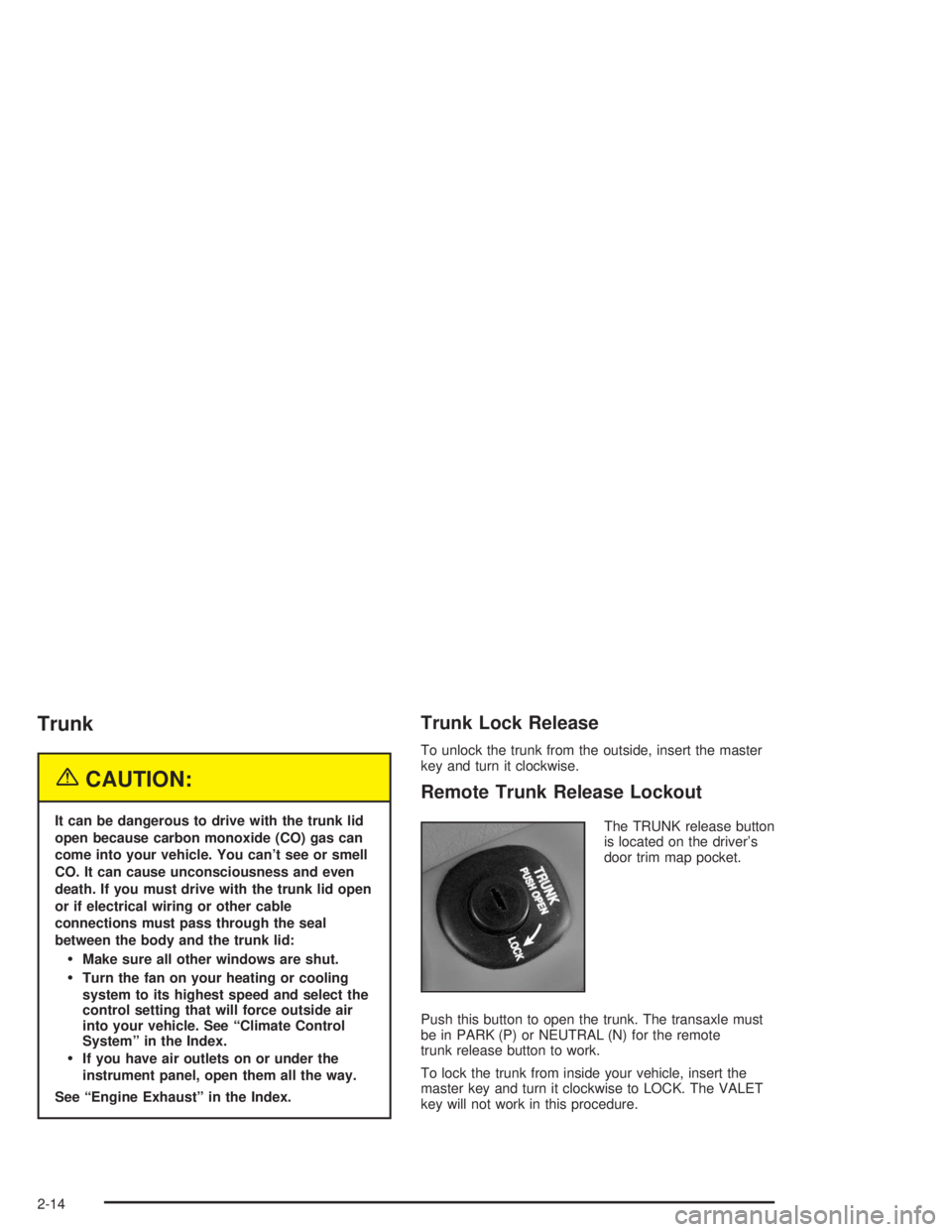
Remote Trunk Release Lockout
The TRUNK release button
is located on the driver’s
door trim map pocket.
Push this button to open the trunk. The transaxle must
be in PARK (P) or NEUTRAL (N) for the remote
trunk release button to work.
To lock the trunk from inside your vehicle, insert the
master key and turn it clockwise to LOCK. The VALET
key will not work in this procedure.
2-14
Page 79 of 392
Trunk Security Override
The remote keyless entry transmitter will unlock the
trunk even if the trunk release lockout switch is in LOCK.
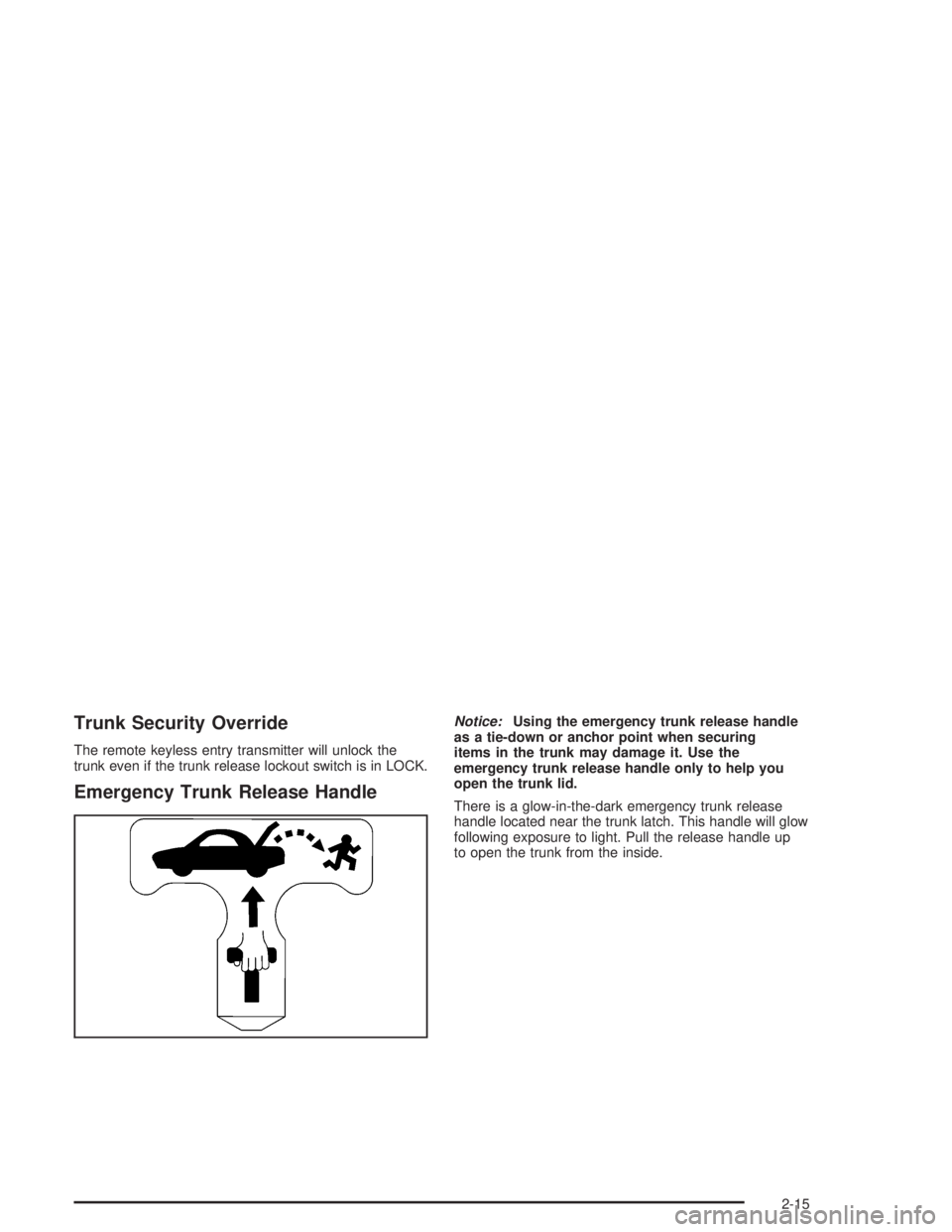
Emergency Trunk Release Handle
Notice:Using the emergency trunk release handle
as a tie-down or anchor point when securing
items in the trunk may damage it. Use the
emergency trunk release handle only to help you
open the trunk lid.
There is a glow-in-the-dark emergency trunk release
handle located near the trunk latch. This handle will glow
following exposure to light. Pull the release handle up
to open the trunk from the inside.
2-15
Page 82 of 392
Theft-Deterrent Systems
Vehicle theft is big business, especially in some cities.
Although your vehicle has a number of theft-deterrent
features, we know that nothing we put on it can make it
impossible to steal.
Content Theft-Deterrent
Your vehicle may have a
content theft-deterrent
alarm system. With
this system, the
SECURITY light will ash
as you open the door
if your ignition is off.
This light reminds you to activate the content
theft-deterrent system when leaving your vehicle.
To activate the system, do the following:
1. Open the door.
2. Lock the door with the power door lock switch or
with the remote keyless entry transmitter. The
SECURITY light should come on and stay on.
3. Close all doors. The SECURITY light should go off
after about 30 seconds. The alarm is not armed
until the SECURITY light goes off.If a door is opened without the key or remote
keyless entry transmitter, the alarm will go off. Your
vehicle’s lamps will ash and the horn will sound
for 30 seconds. The lamps and horn will then turn off to
save battery power.
Remember, the content theft-deterrent system will not
activate if you lock the doors with a key or use the
manual door lock. It activates only if you use a power
door lock switch with a door open, or with the remote
keyless entry transmitter. You should also remember
that you can start your vehicle with the correct ignition
key if the alarm has been set off.
Here is how to avoid setting off the alarm by accident:
If you do not want to activate the theft-deterrent
system, the vehicle should be locked with the
door keyafterthe doors are closed.
Always unlock a door with a key, or use the remote
keyless entry transmitter. Unlocking a door any
other way will set off the alarm.
If you set off the alarm by accident, unlock the driver’s
door with your key. You can also turn off the alarm
by pressing the unlock button on the remote keyless
entry transmitter. The alarm will not stop if you try
to unlock a door any other way.
2-18
Page 83 of 392
Testing the Alarm
The alarm can be tested by following these steps:
1. From inside the vehicle, roll down the driver’s
window and open the driver’s door.
2. Activate the system by locking the doors with the
power door lock switch while the door is open, or
with the remote keyless entry transmitter.
3. Get out of the car, close the door and wait for the
SECURITY light to go out.
4. Then reach in through the window, unlock the door
with the manual door lock and open the door. This
should set off the alarm.
If the alarm does not sound when it should, but the
vehicle’s lamps ash, check to see if the horn works.
The horn fuse may be blown. To replace the fuse,
seeFuses and Circuit Breakers on page 5-92.
If the alarm does not sound or the vehicle’s lamps do
not ash, the vehicle should be serviced by an
authorized service center.
PASS-Key®III
Your PASS-Key®III system operates on a radio
frequency subject to Federal Communications
Commission (FCC) Rules and with Industry Canada.
This device complies with Part 15 of the FCC Rules.
Operation is subject to the following two conditions:
1. this device may not cause harmful interference, and
2. this device must accept any interference received,
including interference that may cause undesired
operation.
This device complies with RSS-210 of Industry Canada.
Operation is subject to the following two conditions:
1. this device may not cause interference, and
2. this device must accept any interference received,
including interference that may cause undesired
operation of the device.
Changes or modications to this system by other than
an authorized service facility could void authorization to
use this equipment.
PASS-Key
®III uses a radio frequency transponder in
the key that matches a decoder in your vehicle.
2-19
Page 101 of 392
OnStar®System
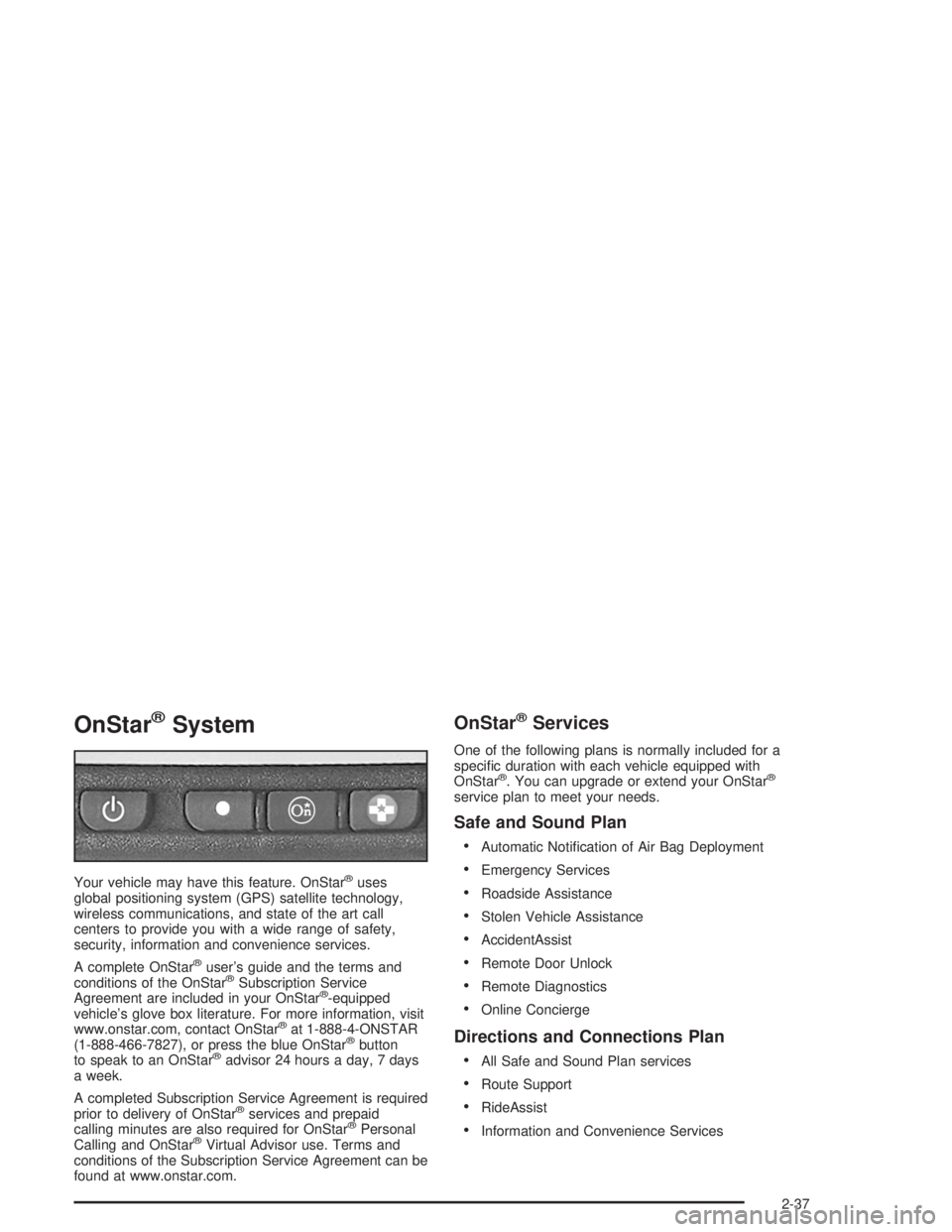
Your vehicle may have this feature. OnStar®uses
global positioning system (GPS) satellite technology,
wireless communications, and state of the art call
centers to provide you with a wide range of safety,
security, information and convenience services.
A complete OnStar
®user’s guide and the terms and
conditions of the OnStar®Subscription Service
Agreement are included in your OnStar®-equipped
vehicle’s glove box literature. For more information, visit
www.onstar.com, contact OnStar
®at 1-888-4-ONSTAR
(1-888-466-7827), or press the blue OnStar®button
to speak to an OnStar®advisor 24 hours a day, 7 days
a week.
A completed Subscription Service Agreement is required
prior to delivery of OnStar
®services and prepaid
calling minutes are also required for OnStar®Personal
Calling and OnStar®Virtual Advisor use. Terms and
conditions of the Subscription Service Agreement can be
found at www.onstar.com.
OnStar®Services
One of the following plans is normally included for a
specic duration with each vehicle equipped with
OnStar
®. You can upgrade or extend your OnStar®
service plan to meet your needs.
Safe and Sound Plan
Automatic Notication of Air Bag Deployment
Emergency Services
Roadside Assistance
Stolen Vehicle Assistance
AccidentAssist
Remote Door Unlock
Remote Diagnostics
Online Concierge
Directions and Connections Plan
All Safe and Sound Plan services
Route Support
RideAssist
Information and Convenience Services
2-37