3-47 BUICK LESABRE 2005 User Guide
[x] Cancel search | Manufacturer: BUICK, Model Year: 2005, Model line: LESABRE, Model: BUICK LESABRE 2005Pages: 392, PDF Size: 2.45 MB
Page 128 of 392
Entry Lighting
If it is dark enough outside when you press the unlock
button on the remote keyless entry transmitter, the
interior courtesy lamps will turn on and stay on for about
40 seconds. The lamps can be turned off immediately
by pressing the lock button on the remote keyless entry
transmitter, turning the ignition key to RUN or activating
the power door locks.
Delayed Entry Lighting
The interior lamps will turn on if you open the door
when it is dark enough outside. When you close the door
with the ignition off, the interior lamps will stay on for
up to 25 seconds or until the ignition is turned to an on
position. When the lamps turn off as a result of the
25 second timer or the ignition switch being turned on,
the lighting will deactivate by way of the theater
dimming effect. Locking the doors will override the
delayed entry lighting feature and the lamps will turn off
right away.
Theater Dimming
This feature allows for a three to ve-second fade out of
the courtesy lamps instead of immediate turn off.
Delayed Exit Lighting
If it is dark enough outside when you remove the key
from the ignition, the interior lamps will turn on and stay
on for about 25 seconds. This will give you time to
nd the door pull handle or lock switches. Once the key
is inserted into the ignition, the exit lighting will be
cancelled and the lighting will fade out.
Perimeter Lighting
If it is dark enough outside when the unlock button on
the remote keyless entry transmitter is pressed, the
DRL, parking lamps and back-up lamps will come on.
Personal Choice Programming
This feature can be programmed in the on or off mode
for each transmitter.
If your vehicle is equipped with the Driver Information
Center (DIC), you must use it to program this feature.
SeeDriver Information Center (DIC) on page 3-47.
To turn the feature off, do the following:
1. Close all the doors and turn the ignition on. Keep
all doors closed throughout this procedure.
2. Press and hold LOCK on the power door lock
switch throughout this procedure. All the doors
will lock.
3-18
Page 143 of 392
Warning Lights, Gages,
and Indicators
This part describes the warning lights and gages that
may be on your vehicle. The pictures will help you
locate them.
Warning lights and gages can signal that something is
wrong before it becomes serious enough to cause
an expensive repair or replacement. Paying attention to
your warning lights and gages could also save you
or others from injury.
Warning lights come on when there may be or is a
problem with one of your vehicle’s functions. As you will
see in the details on the next few pages, some
warning lights come on briey when you start the
engine just to let you know they are working. If you are
familiar with this section, you should not be alarmed
when this happens.
Gages can indicate when there may be or is a problem
with one of your vehicle’s functions. Often gages
and warning lights work together to let you know when
there is a problem with your vehicle.When one of the warning lights comes on and stays on
when you are driving, or when one of the gages
shows there may be a problem, check the section that
tells you what to do about it. Please follow this
manual’s advice. Waiting to do repairs can be
costly — and even dangerous. So please get to know
your warning lights and gages. They are a big help.
Your vehicle may also have a DIC that works along with
the warning lights and gages. SeeDriver Information
Center (DIC) on page 3-47.
The volume of your vehicle’s warning chimes can be
adjusted. For information seeChime Level Adjustment
on page 3-85.
Instrument Panel Cluster
Your instrument panel cluster is designed to let you
know at a glance how your vehicle is running. You’ll
know how fast you’re going, how much fuel you’re
using, and many other things you’ll need to drive safely
and economically.
3-33
Page 146 of 392
Speedometer and Odometer
Your speedometer lets you see your speed in both
miles per hour (mph) and kilometers per hour (km/h).
Your odometer shows how far your vehicle has
been driven, in either miles or kilometers. Press the
ENG/MET button which is located to the left of the
speedometer to change from mph to km/h.
Your vehicle has a tamper resistant odometer.
You may wonder what happens if your vehicle needs a
new odometer installed. If the new one can be set to
the mileage total of the old odometer, then it must
be. But if it cannot, then it is set at zero and a label must
be put on the driver’s door to show the old mileage
reading when the new odometer was installed.
Trip Odometer
A trip odometer can tell you how far you have driven
since you last set it to zero. To reset it, push the TRIP
RESET button. If your vehicle is equipped with a
DIC, seeDriver Information Center (DIC) on page 3-47
for information on resetting the trip odometer.
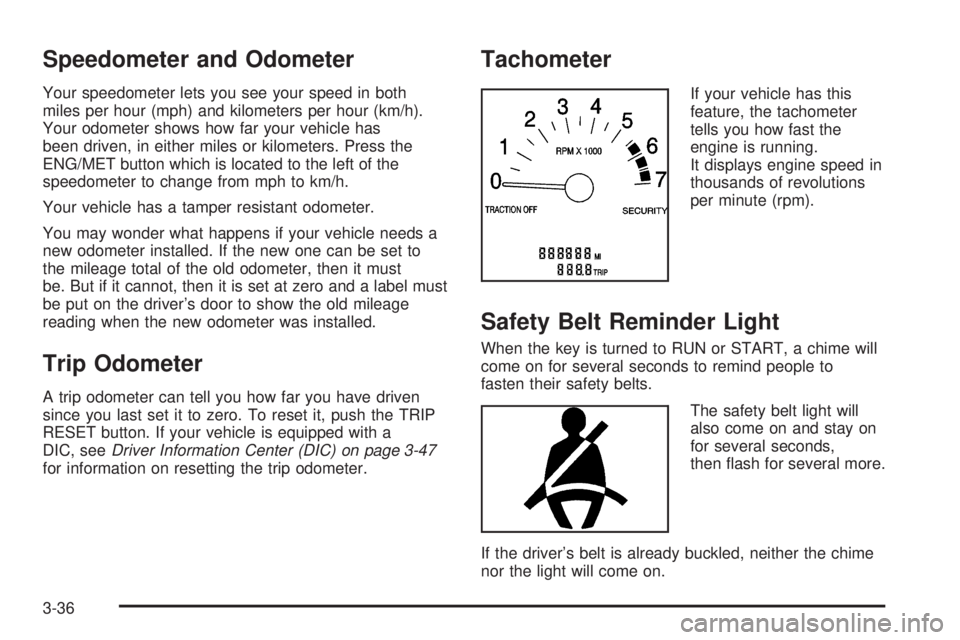
Tachometer
If your vehicle has this
feature, the tachometer
tells you how fast the
engine is running.
It displays engine speed in
thousands of revolutions
per minute (rpm).
Safety Belt Reminder Light
When the key is turned to RUN or START, a chime will
come on for several seconds to remind people to
fasten their safety belts.
The safety belt light will
also come on and stay on
for several seconds,
then ash for several more.
If the driver’s belt is already buckled, neither the chime
nor the light will come on.
3-36
Page 154 of 392
Emissions Inspection and
Maintenance Programs
Some state/provincial and local governments have or
may begin programs to inspect the emission control
equipment on your vehicle. Failure to pass this
inspection could prevent you from getting a
vehicle registration.
Here are some things you need to know in order to help
your vehicle pass an inspection:
Your vehicle will not pass this inspection if the SERVICE
ENGINE SOON light is on or not working properly.
Your vehicle will not pass this inspection if the OBD
(on-board diagnostic) system determines that critical
emission control systems have not been completely
diagnosed by the system. The vehicle would be
considered not ready for inspection. This can happen if
you have recently replaced your battery or if your
battery has run down. The diagnostic system is
designed to evaluate critical emission control systems
during normal driving. This may take several days
of routine driving. If you have done this and your vehicle
still does not pass the inspection for lack of OBD
system readiness, your GM dealer can prepare the
vehicle for inspection.
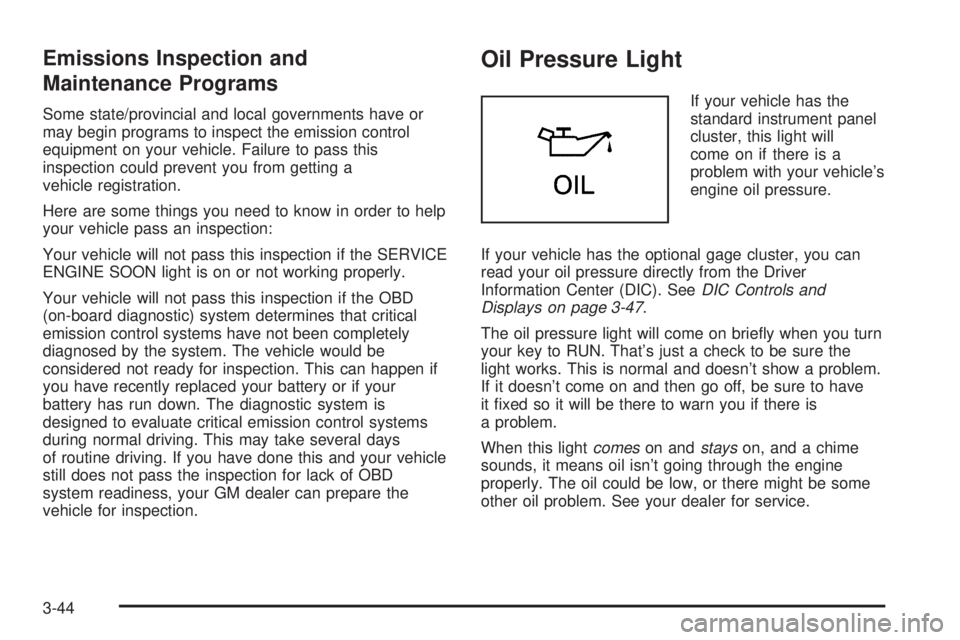
Oil Pressure Light
If your vehicle has the
standard instrument panel
cluster, this light will
come on if there is a
problem with your vehicle’s
engine oil pressure.
If your vehicle has the optional gage cluster, you can
read your oil pressure directly from the Driver
Information Center (DIC). SeeDIC Controls and
Displays on page 3-47.
The oil pressure light will come on briey when you turn
your key to RUN. That’s just a check to be sure the
light works. This is normal and doesn’t show a problem.
If it doesn’t come on and then go off, be sure to have
it xed so it will be there to warn you if there is
a problem.
When this lightcomeson andstayson, and a chime
sounds, it means oil isn’t going through the engine
properly. The oil could be low, or there might be some
other oil problem. See your dealer for service.
3-44
Page 157 of 392
Here are some things that some owners ask about.
None of these show a problem with your fuel gage:
At the service station, the gas pump shuts off before
the gage reads full.
It takes more (or less) fuel to ll up than the gage
indicated. For example, the gage may have
indicated half full, but it took more (or less) than
half the tank’s capacity to ll it.
The gage moves up a little when you turn a corner,
speed up or make a hard stop.
The gage doesn’t go back to empty when you turn
off the ignition.
Driver Information Center (DIC)
Your vehicle may be equipped with a Driver Information
Center (DIC). The DIC will display information about
how your vehicle is functioning, as well as warning
messages if a system problem is detected. This feature
also allows two different drivers to store and recall
their own personal choice settings. SeeDIC Controls
and Displays on page 3-47for more information.
DIC Controls and Displays
When you turn the ignition on, the DIC will display your
DRIVER NUMBER. You can have your GM dealer
program your name to appear on this display line. See
your GM dealer for more information.
The system will then perform a status check and display
any messages if a problem is detected. If there are
no problems detected, the display will return to the mode
selected by that driver the last time the ignition was
turned off.
3-47
Page 382 of 392
Customer Assistance Information (cont.)
Reporting Safety Defects to General Motors....7-11
Reporting Safety Defects to the Canadian
Government............................................7-11
Reporting Safety Defects to the United
States Government...................................7-10
Roadside Assistance Program......................... 7-6
Service Publications Ordering Information........7-11
D
Daytime Running Lamps..................................3-15
Defensive Driving............................................. 4-2
Delayed Entry Lighting.....................................3-18
Delayed Exit Lighting.......................................3-18
Delayed Locking.............................................2-11
Diversity Antenna System.................................3-84
Doing Your Own Service Work........................... 5-4
Door
Central Door Unlocking System.....................2-11
Delayed Locking..........................................2-11
Door Ajar Reminder.....................................2-11
Locks........................................................2-10
Power Door Locks.......................................2-11
Programmable Automatic Door Locks.............2-12
Rear Door Security Locks.............................2-13
Driver
Position, Safety Belt.....................................1-13Driver Information Center (DIC).........................3-47
DIC Controls and Displays............................3-47
DIC Vehicle Personalization..........................3-51
DIC Warnings and Messages........................3-50
Driving
At Night.....................................................4-16
City...........................................................4-20
Defensive..................................................... 4-2
Drunken....................................................... 4-2
Freeway.....................................................4-21
Hill and Mountain Roads..............................4-24
In Rain and on Wet Roads...........................4-17
Rocking Your Vehicle to Get it Out.................4-30
Winter........................................................4-25
Dual Automatic Climate Control System.............3-27
E
Electrical System
Add-On Equipment......................................5-88
Engine Compartment Fuse Block...................5-89
Fuses and Circuit Breakers...........................5-88
Power Windows and Other Power Options......5-88
Rear Underseat Fuse Block..........................5-91
Engine
Air Cleaner/Filter.........................................5-18
Battery.......................................................5-38
Check and Service Engine Soon Light............3-41
4