RADIO BUICK LESABRE 2005 Owner's Guide
[x] Cancel search | Manufacturer: BUICK, Model Year: 2005, Model line: LESABRE, Model: BUICK LESABRE 2005Pages: 392, PDF Size: 2.45 MB
Page 193 of 392
Care of Your Cassette Tape Player
A tape player that is not cleaned regularly can cause
reduced sound quality, ruined cassettes, or a damaged
mechanism. Cassette tapes should be stored in their
cases away from contaminants, direct sunlight, and
extreme heat. If they are not, they may not operate
properly or they may cause failure of the tape player.
The tape player should be cleaned regularly after every
50 hours of use. The radio may display CLEAN
PLAYER to indicate that the tape player has been used
for 50 hours without resetting the tape clean timer. If
this message appears on the display, the cassette tape
player needs to be cleaned. It will still play tapes, but
it should be cleaned as soon as possible to prevent
damage to the tapes and player. If there is a reduction
in sound quality, try a known good cassette to see if
the tape or the tape player is at fault. If this other
cassette has no improvement in sound quality, clean the
tape player.
For best results, use a scrubbing action, non-abrasive
cleaning cassette with pads which scrub the tape
head as the hubs of the cleaner cassette turn. The
recommended cleaning cassette is available through
your dealer.The cut tape detection feature of the cassette tape
player may identify the cleaning cassette tape as
a damaged tape, in error. If the cleaning cassette ejects,
insert the cassette at least three times to ensure
thorough cleaning.
A non-scrubbing action, wet-type cleaner which uses a
cassette with a fabric belt to clean the tape head
can be used. This type of cleaning cassette will not
eject on its own. A non-scrubbing action cleaner may not
clean as thoroughly as the scrubbing type cleaner.
The use of a non-scrubbing action, dry-type cleaning
cassette is not recommended.
After the player is cleaned, press and hold the eject
button for ve seconds to reset the CLEAN PLAYER
indicator. The radio will display --- to show the indicator
was reset.
Cassettes are subject to wear and the sound
quality may degrade over time. Always make sure the
cassette tape is in good condition before the tape player
is serviced.
3-83
Page 194 of 392
Care of Your CDs
Handle CDs carefully. Store them in their original cases
or other protective cases and away from direct
sunlight and dust. If the surface of a CD is soiled,
dampen a clean, soft cloth in a mild, neutral detergent
solution and clean it, wiping from the center to the edge.
Be sure never to touch the side without writing when
handling CDs. Pick up CDs by grasping the outer edges
or the edge of the hole and the outer edge.
Care of Your CD Player
The use of CD lens cleaners for CD players is not
advised, due to the risk of contaminating the lens of the
CD optics with lubricants internal to the CD mechanism.
Diversity Antenna System
The AM-FM antennas are located in the windshield and
rear window. Make sure that the inside surfaces of
the windshield and rear window are not scratched and
that the grid lines on the glass are not damaged. If
the inside surfaces are damaged, they could interfere
with radio reception. Also, for proper radio reception, the
antenna connectors at the top-center of the front and
rear windows need to be properly attached to the posts
on the glass.Notice:Do not apply aftermarket glass tinting with
metallic lm. The metallic lm in some tinting
materials will interfere with or distort the incoming
radio reception. Any damage caused to your
backglass antenna due to metallic tinting materials
will not be covered by your warranty.
Notice:Using a razor blade or sharp object to clear
the inside rear window may damage the rear
window antenna and/or the rear window defogger.
Repairs would not be covered by your warranty.
Do not clear the inside rear window with
sharp objects.
If static is heard on the radio, when the rear window
defogger is turned on, it could mean that a defogger grid
line has been damaged. If this is true, the grid line
must be repaired.
If adding an aftermarket cellular telephone to your
vehicle, and the antenna needs to be attached to the
glass, make sure that the grid lines for the AM-FM
antennas are not damaged. Make sure the cellular
telephone antenna does not touch a grid line.
3-84
Page 195 of 392
XM™ Satellite Radio
Antenna System
The XM™ Satellite Radio antenna is located on the roof
of your vehicle. Keep this antenna clear of snow and
ice build up for clear radio reception.
The performance of the XM system may be affected if
the sunroof is open.
Chime Level Adjustment
The radio is the vehicle’s chime producer. To change
the volume level, press and hold pushbutton 6 with
the ignition on and the radio power off. The chime
volume level will change from the normal level to loud,
and LOUD will appear on the radio display. To
change back to the default or normal setting, press and
hold pushbutton 6 again. The chime level will change
from the loud level to normal, and NORMAL will appear
on the radio display. Removing the radio and not
replacing it with a factory radio or chime will disable
vehicle chimes.
3-85
Page 281 of 392

Notice:If you leave your radio or other accessories
on during the jump starting procedure, they could
be damaged. The repairs would not be covered
by your warranty. Always turn off your radio and
other accessories when jump starting your vehicle.
3. Turn off the ignition on both vehicles. Unplug
unnecessary accessories plugged into the cigarette
lighter or the accessory power outlet(s). Turn off
the radio and all lamps that are not needed. This will
avoid sparks and help save both batteries. And it
could save the radio!
4. Open the hood on the other vehicle and locate the
positive (+) and negative (−) terminal locations on
that vehicle.
You will not see the battery of your vehicle under
the hood. It is located under the rear passenger’s
seat. You will not need to access the battery
for jump starting. The remote positive (+) terminal is
for that purpose. SeeEngine Compartment
Overview on page 5-12for location.Access the remote
positive (+) terminal by
removing the cover.
{CAUTION:
An electric fan can start up even when the
engine is not running and can injure you. Keep
hands, clothing and tools away from any
underhood electric fan.
5-41
Page 321 of 392
Vinyl
Use warm water and a clean cloth.
Rub with a clean, damp cloth to remove dirt. This
may have to be done more than once.
Things like tar, asphalt, and shoe polish will stain if
they are not removed quickly. Use a clean cloth
and vinyl cleaner. See your dealer for this product.
Leather
Use a soft cloth with lukewarm water and a mild soap or
saddle soap and wipe dry with a soft cloth. Then, let
the leather dry naturally. Do not use heat to dry.
For stubborn stains, use a leather cleaner.
Never use oils, varnishes, solvent-based or abrasive
cleaners, furniture polish, or shoe polish on leather.
Soiled or stained leather should be cleaned
immediately. If dirt is allowed to work into the nish,
it can harm the leather.
Instrument Panel
Use only mild soap and water to clean the top surfaces
of the instrument panel. Sprays containing silicones
or waxes may cause annoying reections in the
windshield and even make it difficult to see through the
windshield under certain conditions.
Interior Plastic Components
Use only a mild soap and water solution on a soft cloth
or sponge. Commercial cleaners may affect the
surface nish.
Glass Surfaces
Glass should be cleaned often. GM Glass Cleaner or a
liquid household glass cleaner will remove normal
tobacco smoke and dust lms on interior glass. See
Vehicle Care/Appearance Materials on page 5-86.
Notice:If you use abrasive cleaners when cleaning
glass surfaces on your vehicle, you could scratch
the glass and/or cause damage to the rear window
defogger and the integrated radio antenna. When
cleaning the glass on your vehicle, use only a soft
cloth and glass cleaner.
5-81
Page 332 of 392

Fuses Usage
12 Ignition 1
13 Left Parking Lamp
14 Dimmer
15 Satellite Digital Radio
16 Left Front Heated Seat
17 Not Used
18 Rear Door Module
19 Stoplamp
20 Park/Reverse
21 Audio
22 Retained Accessory Power (RAP)
23 Not Used
24 Not Used
25 Passenger Door Module
26 Body
27 Interior Lamps
28 Not Used
29 Ignition SwitchFuses Usage
30 Instrument Panel
31 Right Front Heated Seat
32 Not Used
33 HVAC
34 Ignition 3 Rear
35 Anti-Lock Brake System (ABS)
36 Turn Signal/Hazard
37 HVAC Battery
38 Dimmer
Relays Usage
39 Fuel Pump
40 Parking Lamp
41 Ignition 1
42 Rear Fog Lamp
43 Not Used
44 Park
45 Reverse
5-92
Page 379 of 392
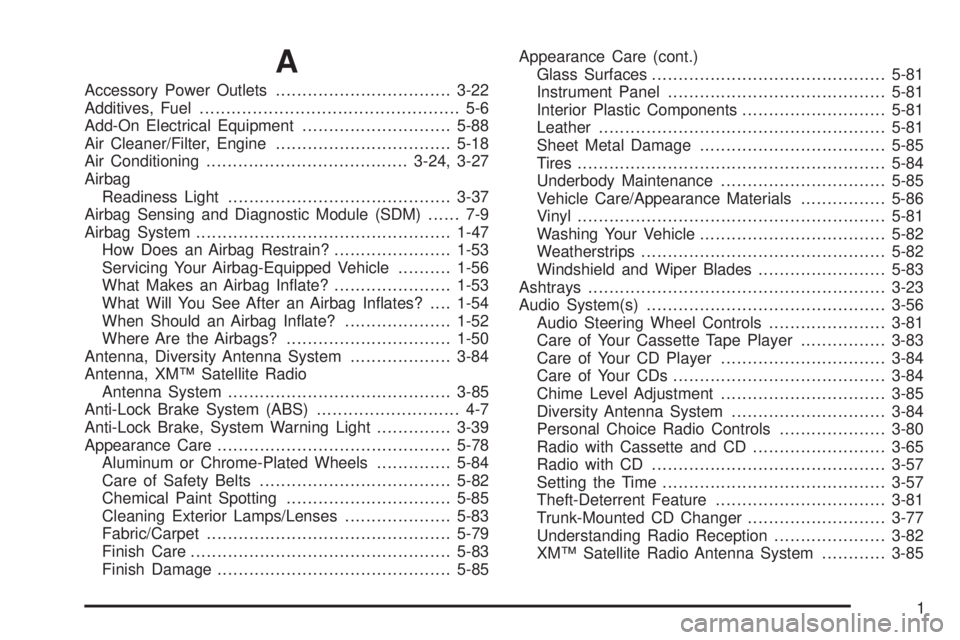
A
Accessory Power Outlets.................................3-22
Additives, Fuel................................................. 5-6
Add-On Electrical Equipment............................5-88
Air Cleaner/Filter, Engine.................................5-18
Air Conditioning......................................3-24, 3-27
Airbag
Readiness Light..........................................3-37
Airbag Sensing and Diagnostic Module (SDM)...... 7-9
Airbag System................................................1-47
How Does an Airbag Restrain?......................1-53
Servicing Your Airbag-Equipped Vehicle..........1-56
What Makes an Airbag Inate?......................1-53
What Will You See After an Airbag Inates?....1-54
When Should an Airbag Inate?....................1-52
Where Are the Airbags?...............................1-50
Antenna, Diversity Antenna System...................3-84
Antenna, XM™ Satellite Radio
Antenna System..........................................3-85
Anti-Lock Brake System (ABS)........................... 4-7
Anti-Lock Brake, System Warning Light..............3-39
Appearance Care............................................5-78
Aluminum or Chrome-Plated Wheels..............5-84
Care of Safety Belts....................................5-82
Chemical Paint Spotting...............................5-85
Cleaning Exterior Lamps/Lenses....................5-83
Fabric/Carpet..............................................5-79
Finish Care.................................................5-83
Finish Damage............................................5-85Appearance Care (cont.)
Glass Surfaces............................................5-81
Instrument Panel.........................................5-81
Interior Plastic Components...........................5-81
Leather......................................................5-81
Sheet Metal Damage...................................5-85
Tires..........................................................5-84
Underbody Maintenance...............................5-85
Vehicle Care/Appearance Materials................5-86
Vinyl..........................................................5-81
Washing Your Vehicle...................................5-82
Weatherstrips..............................................5-82
Windshield and Wiper Blades........................5-83
Ashtrays........................................................3-23
Audio System(s).............................................3-56
Audio Steering Wheel Controls......................3-81
Care of Your Cassette Tape Player................3-83
Care of Your CD Player...............................3-84
Care of Your CDs........................................3-84
Chime Level Adjustment...............................3-85
Diversity Antenna System.............................3-84
Personal Choice Radio Controls....................3-80
Radio with Cassette and CD.........................3-65
Radio with CD............................................3-57
Setting the Time..........................................3-57
Theft-Deterrent Feature................................3-81
Trunk-Mounted CD Changer..........................3-77
Understanding Radio Reception.....................3-82
XM™ Satellite Radio Antenna System............3-85
1
Page 387 of 392

Mirrors (cont.)
Outside Convex Mirror.................................2-36
Outside Curb View Assist Mirror....................2-36
Outside Power Mirrors..................................2-35
MyGMLink.com................................................ 7-3
N
New Vehicle Break-In......................................2-21
Normal Maintenance Replacement Parts............5-97
O
Odometer......................................................3-36
Odometer, Trip...............................................3-36
Off-Road Recovery..........................................4-12
Oil
Engine.......................................................5-13
Pressure Light.............................................3-44
Older Children, Restraints................................1-28
Online Owner Center........................................ 7-3
OnStar
®System.............................................2-37
Other Warning Devices...................................... 3-6
Outlet Adjustment............................................3-31
Outside
Automatic Dimming Heated Mirror..................2-36
Convex Mirror.............................................2-36Outside (cont.)
Curb View Assist Mirror................................2-36
Power Mirrors.............................................2-35
Owners, Canadian............................................... ii
P
Park (P)
Shifting Into................................................2-28
Shifting Out of............................................2-30
Parking
Brake........................................................2-27
Over Things That Burn.................................2-30
Part A - Scheduled Maintenance Services............ 6-4
Part B - Owner Checks and Services................6-18
Part C - Periodic Maintenance Inspections..........6-22
Part D - Recommended Fluids and Lubricants....6-24
Part E - Maintenance Record...........................6-25
Passing.........................................................4-13
PASS-Key
®III ................................................2-19
PASS-Key®III Operation..................................2-20
Perimeter Lighting...........................................3-18
Personal Choice Radio Controls........................3-80
Personalization, Climate Controls......................3-32
Power
Accessory Outlets........................................3-22
Door Locks.................................................2-11
9
Page 388 of 392

Power (cont.)
Electrical System.........................................5-88
Inadvertent Battery Saver.............................3-20
Lumbar Controls........................................... 1-3
Reclining Seatback........................................ 1-6
Retained Accessory (RAP)............................2-23
Seat............................................................ 1-2
Steering Fluid.............................................5-34
Windows....................................................2-17
Programmable Automatic Door Locks.................2-12
Programming the HomeLink
®Transmitter...........2-39
Q
Questions and Answers About Safety Belts.........1-12
R
Radiator Pressure Cap....................................5-26
Radios..........................................................3-56
Care of Your Cassette Tape Player................3-83
Care of Your CD Player...............................3-84
Care of Your CDs........................................3-84
Personal Choice Radio Controls....................3-80
Radio with Cassette and CD.........................3-65
Radio with CD............................................3-57
Setting the Time..........................................3-57
Theft-Deterrent............................................3-81Radios (cont.)
Trunk-Mounted CD Changer..........................3-77
Understanding Reception..............................3-82
Rainsense™ II Wipers....................................... 3-9
Rear Door Security Locks................................2-13
Rear Safety Belt Comfort Guides......................1-25
Rear Seat Passengers, Safety Belts..................1-21
Rearview Mirror, Automatic Dimming..................2-32
Rearview Mirror, Automatic Dimming with
Compass....................................................2-33
Rearview Mirrors.............................................2-32
Reclining Seatback, Power................................. 1-6
Reclining Seatbacks.......................................... 1-4
Recreational Vehicle Towing.............................4-36
Remote Keyless Entry System............................ 2-5
Remote Keyless Entry System, Operation............ 2-6
Removing the Flat Tire and Installing the
Spare Tire..................................................5-72
Removing the Spare Tire and Tools...................5-71
Replacement Bulbs.........................................5-53
Reporting Safety Defects
Canadian Government..................................7-11
General Motors...........................................7-11
United States Government............................7-10
Restraint System Check
Checking Your Restraint Systems...................1-56
Replacing Restraint System Parts
After a Crash..........................................1-57
10
Page 390 of 392
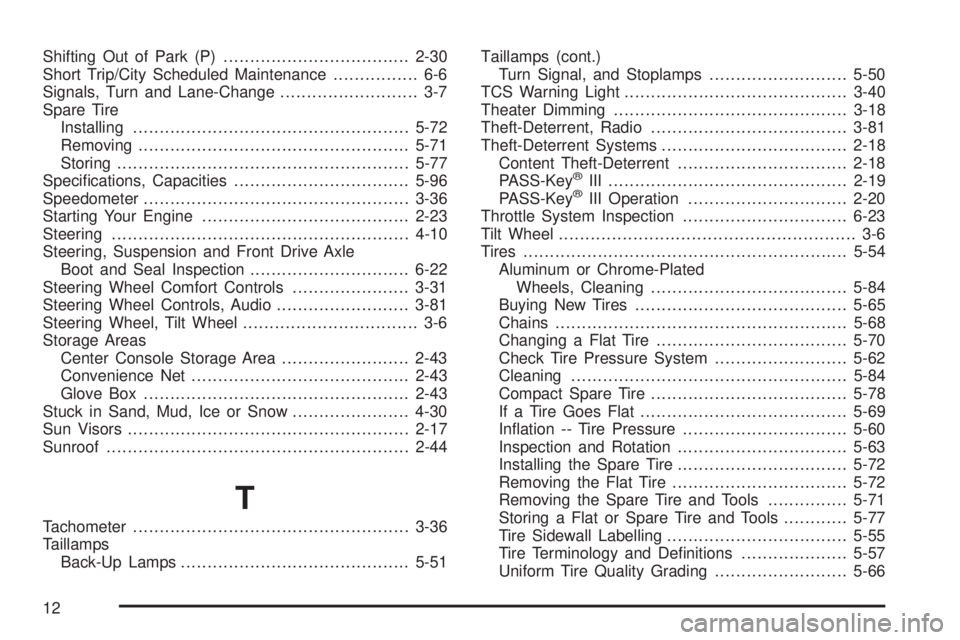
Shifting Out of Park (P)...................................2-30
Short Trip/City Scheduled Maintenance................ 6-6
Signals, Turn and Lane-Change.......................... 3-7
Spare Tire
Installing....................................................5-72
Removing...................................................5-71
Storing.......................................................5-77
Specications, Capacities.................................5-96
Speedometer..................................................3-36
Starting Your Engine.......................................2-23
Steering........................................................4-10
Steering, Suspension and Front Drive Axle
Boot and Seal Inspection..............................6-22
Steering Wheel Comfort Controls......................3-31
Steering Wheel Controls, Audio.........................3-81
Steering Wheel, Tilt Wheel................................. 3-6
Storage Areas
Center Console Storage Area........................2-43
Convenience Net.........................................2-43
Glove Box..................................................2-43
Stuck in Sand, Mud, Ice or Snow......................4-30
Sun Visors.....................................................2-17
Sunroof.........................................................2-44
T
Tachometer....................................................3-36
Taillamps
Back-Up Lamps...........................................5-51Taillamps (cont.)
Turn Signal, and Stoplamps..........................5-50
TCS Warning Light..........................................3-40
Theater Dimming............................................3-18
Theft-Deterrent, Radio.....................................3-81
Theft-Deterrent Systems...................................2-18
Content Theft-Deterrent................................2-18
PASS-Key
®III .............................................2-19
PASS-Key®III Operation..............................2-20
Throttle System Inspection...............................6-23
Tilt Wheel........................................................ 3-6
Tires.............................................................5-54
Aluminum or Chrome-Plated
Wheels, Cleaning.....................................5-84
Buying New Tires........................................5-65
Chains.......................................................5-68
Changing a Flat Tire....................................5-70
Check Tire Pressure System.........................5-62
Cleaning....................................................5-84
Compact Spare Tire.....................................5-78
If a Tire Goes Flat.......................................5-69
Ination -- Tire Pressure...............................5-60
Inspection and Rotation................................5-63
Installing the Spare Tire................................5-72
Removing the Flat Tire.................................5-72
Removing the Spare Tire and Tools...............5-71
Storing a Flat or Spare Tire and Tools............5-77
Tire Sidewall Labelling..................................5-55
Tire Terminology and Denitions....................5-57
Uniform Tire Quality Grading.........................5-66
12