lights BUICK LUCERNE 2007 User Guide
[x] Cancel search | Manufacturer: BUICK, Model Year: 2007, Model line: LUCERNE, Model: BUICK LUCERNE 2007Pages: 496, PDF Size: 2.77 MB
Page 170 of 496
Using Cruise Control on Hills
How well the cruise control will work on hills
depends upon the vehicle speed, load and the
steepness of the hills. When going up steep hills,
you may have to step on the accelerator pedal
to maintain your speed. When going downhill, you
may have to brake or shift to a lower gear to
keep your speed down. Of course, applying the
brake ends the cruise control. Many drivers
nd this to be too much trouble and do not use
cruise control on steep hills.
Ending Cruise Control
There are three ways to end cruise control:
Step lightly on the brake pedal.
Press the[(cancel) button on the steering
wheel.
Press theT(on/off) button on the steering
wheel.
Erasing Speed Memory
The cruise control set speed memory is erased by
turning off the cruise control or the ignition.
Exterior Lamps
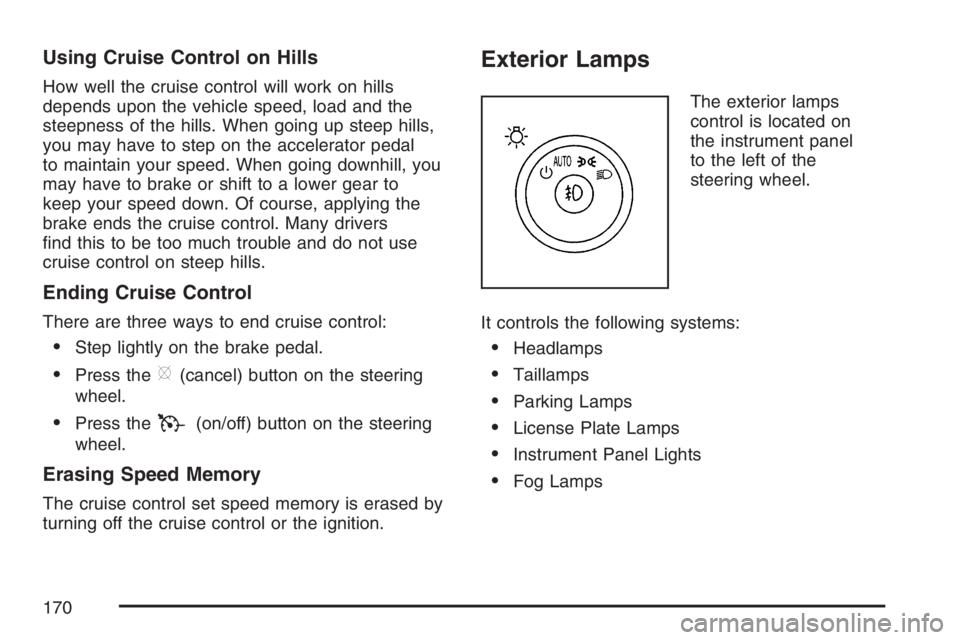
The exterior lamps
control is located on
the instrument panel
to the left of the
steering wheel.
It controls the following systems:
Headlamps
Taillamps
Parking Lamps
License Plate Lamps
Instrument Panel Lights
Fog Lamps
170
Page 171 of 496
The exterior lamps control has four positions:
O(Off):Turn the control to this position to turn
off the exterior lamps.
AUTO (Automatic):Turn the control to this
position to automatically turn on the headlamps at
normal brightness, together with the following:
Parking Lamps
Instrument Panel Lights
;(Parking Lamps):Turn the control to this
position to turn on the parking lamps together with
the following:
Taillamps
License Plate Lamps
Instrument Panel Lights
2(Headlamps):Turn the control to this position
to turn on the headlamps together with the following
lamps listed below. A warning chime will sound if
you open the driver’s door when the ignition switch
is off and the headlamps are on.
Parking Lamps
License Plate Lamps
Instrument Panel Lights
-(Fog Lamps):Push the exterior lamps control
in to turn on the fog lamps.
SeeFog Lamps on page 173.
Wiper Activated Headlamps
This feature activates the headlamps and parking
lamps after the windshield wipers are turned
on and have completed eight wipe cycles within
four minutes.
When the ignition is turned to OFF, the
wiper-activated headlamps immediately turn off.
The wiper-activated headlamps also turn off if the
windshield wipers are turned off.
Headlamps on Reminder
If you leave the exterior lamp buttons for the
headlamps or parking lamps on, remove the key
from the ignition and open the driver’s door,
you will hear a continuous warning chime. The
chime will turn off when the lamps are turned off.
171
Page 174 of 496
Instrument Panel Brightness
D(Instrument Panel Brightness):This feature
controls the brightness of the instrument panel
lights.
The knob for this control is located next to the
exterior lamps control.
Push the knob in and release when it pops out.
Turn the knob clockwise to increase the brightness
of the instrument panel lights and counter clockwise
to decrease the brightness. Turning the knob
completely clockwise to the detent will turn on the
courtesy lamps.
Courtesy Lamps
When any door is opened, several lamps turn on
making it easier for you to enter and exit the
vehicle. Turn the instrument panel brightness
control completely clockwise to manually turn
on these lamps.
Entry Lighting
If it is dark enough outside when you press the
unlock button on the remote keyless entry
transmitter, the interior courtesy lamps will turn on
and stay on for about 40 seconds. The lamps can
be turned off immediately by pressing the lock
button on the remote keyless entry transmitter,
turning the ignition key to RUN or activating the
power door locks.
Delayed Entry Lighting
The interior lamps will turn on if you open the door
when it is dark enough outside. When you close the
door with the ignition off, the interior lamps will stay
on for up to 25 seconds or until the ignition is turned
to an on position. When the lamps turn off as a
result of the 25 second timer or the ignition switch
being turned on, the lighting will deactivate by way
of the theater dimming effect. Locking the doors will
override the delayed entry lighting feature and the
lamps will turn off right away.
174
Page 179 of 496
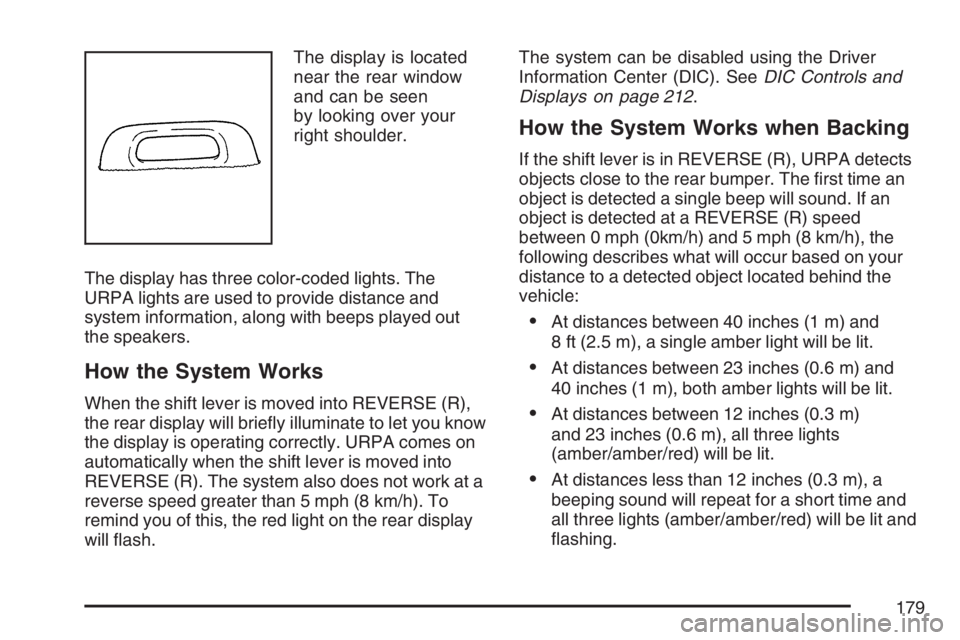
The display is located
near the rear window
and can be seen
by looking over your
right shoulder.
The display has three color-coded lights. The
URPA lights are used to provide distance and
system information, along with beeps played out
the speakers.
How the System Works
When the shift lever is moved into REVERSE (R),
the rear display will briey illuminate to let you know
the display is operating correctly. URPA comes on
automatically when the shift lever is moved into
REVERSE (R). The system also does not work at a
reverse speed greater than 5 mph (8 km/h). To
remind you of this, the red light on the rear display
will ash.The system can be disabled using the Driver
Information Center (DIC). SeeDIC Controls and
Displays on page 212.
How the System Works when Backing
If the shift lever is in REVERSE (R), URPA detects
objects close to the rear bumper. The rst time an
object is detected a single beep will sound. If an
object is detected at a REVERSE (R) speed
between 0 mph (0km/h) and 5 mph (8 km/h), the
following describes what will occur based on your
distance to a detected object located behind the
vehicle:
At distances between 40 inches (1 m) and
8 ft (2.5 m), a single amber light will be lit.
At distances between 23 inches (0.6 m) and
40 inches (1 m), both amber lights will be lit.
At distances between 12 inches (0.3 m)
and 23 inches (0.6 m), all three lights
(amber/amber/red) will be lit.
At distances less than 12 inches (0.3 m), a
beeping sound will repeat for a short time and
all three lights (amber/amber/red) will be lit and
ashing.
179
Page 194 of 496

Warning Lights, Gages, and
Indicators
This part describes the warning lights and gages
that may be on your vehicle. The pictures will
help you locate them.
Warning lights and gages can signal that something
is wrong before it becomes serious enough to
cause an expensive repair or replacement. Paying
attention to your warning lights and gages could
also save you or others from injury.
Warning lights come on when there may be or is a
problem with one of your vehicle’s functions. As you
will see in the details on the next few pages, some
warning lights come on briey when you start the
engine just to let you know they are working. If you
are familiar with this section, you should not be
alarmed when this happens.
Gages can indicate when there may be or is a
problem with one of your vehicle’s functions.
Often gages and warning lights work together to
let you know when there is a problem with
your vehicle.When one of the warning lights comes on and stays
on when you are driving, or when one of the gages
shows there may be a problem, check the section
that tells you what to do about it. Please follow this
manual’s advice. Waiting to do repairs can be
costly — and even dangerous. So please get to
know your warning lights and gages. They are a
big help.
Your vehicle has a DIC that works along with the
warning lights and gages. SeeDriver Information
Center (DIC) on page 212.
Instrument Panel Cluster
Your instrument panel cluster is designed to let
you know at a glance how your vehicle is running.
You will know how fast you are going, how
much fuel you have, and many other things you
will need to drive safely and economically.
194
Page 195 of 496

Your vehicle has this cluster or one very similar to it. It includes indicator warning lights and gages that
are explained on the following pages. Be sure to read about them.
United States shown, Canada similar
195
Page 200 of 496
If, after several seconds, all status indicator lights
remain on, or if there are no lights at all, there
may be a problem with the lights or the passenger
sensing system. See your dealer for service.
{CAUTION:
If the off indicator and the airbag readiness
light ever come on together, it means that
something may be wrong with the airbag
system. If this ever happens, have the
vehicle serviced promptly, because an
adult-size person sitting in the right front
passenger seat may not have the
protection of the airbags. SeeAirbag
Readiness Light on page 197.
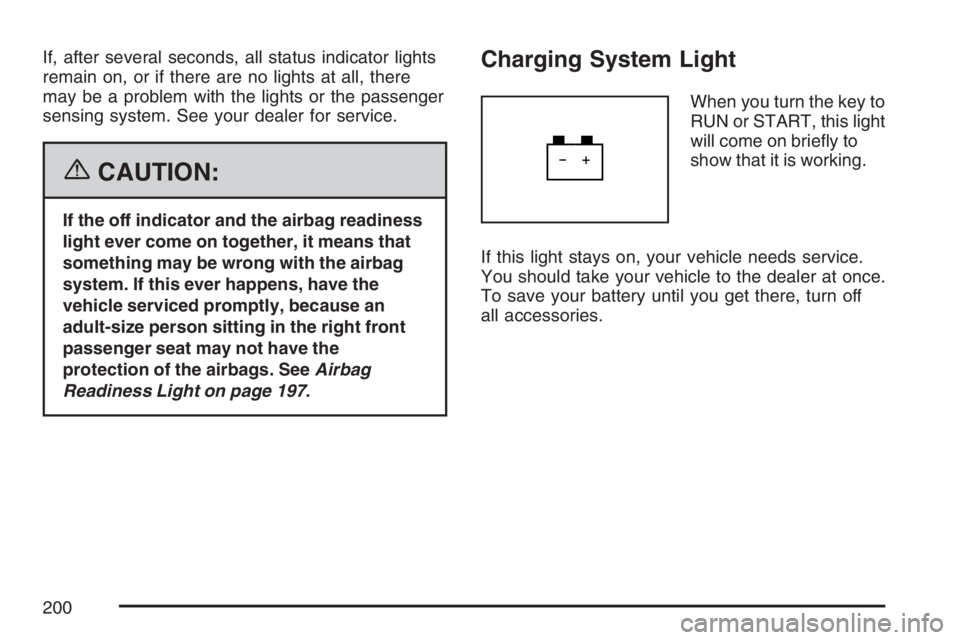
Charging System Light
When you turn the key to
RUN or START, this light
will come on briey to
show that it is working.
If this light stays on, your vehicle needs service.
You should take your vehicle to the dealer at once.
To save your battery until you get there, turn off
all accessories.
200
Page 234 of 496
Select one of the available choices and press the
set/reset button while it is displayed on the DIC to
select it.
REMOTE DOOR LOCK
This feature allows you to select the type of
feedback you will receive when locking the vehicle
with the Remote Keyless Entry (RKE) transmitter.
You will not receive feedback when locking the
vehicle with the RKE transmitter if any of the
doors are open. SeeRemote Keyless Entry (RKE)
System Operation on page 95for more information.
Press the customization button until REMOTE
DOOR LOCK appears on the DIC display. Press
the set/reset button to access the settings for
this feature. Then press the customization button
to scroll through the following choices:
HORN & LIGHTS OFF:There will be no feedback
when you press the lock button on the RKE
transmitter.LIGHTS ONLY:The exterior lamps will ash
when you press the lock button on the RKE
transmitter.
HORN ONLY:The horn will sound on the second
press of the lock button on the RKE transmitter.
HORN & LIGHTS ON (default):The exterior
lamps will ash when you press the lock button
on the RKE transmitter, and the horn will
sound when the lock button is pressed again
within ve seconds of the previous command.
NO CHANGE:No change will be made to
this feature. The current setting will remain.
Select one of the available choices and press
the set/reset button while it is displayed on the
DIC to select it.
234
Page 235 of 496
REMOTE DOOR UNLOCK
This feature allows you to select the type of
feedback you will receive when unlocking the
vehicle with the Remote Keyless Entry (RKE)
transmitter. You will not receive feedback when
unlocking the vehicle with the RKE transmitter
if the doors are open. SeeRemote Keyless Entry
(RKE) System Operation on page 95for more
information.
Press the customization button until REMOTE
DOOR UNLOCK appears on the DIC display.
Press the set/reset button to access the settings
for this feature. Then press the customization
button to scroll through the following choices:
LIGHTS OFF:The exterior lamps will not ash
when you press the unlock button on the RKE
transmitter.
LIGHTS ON (default):The exterior lamps will
ash when you press the unlock button on
the RKE transmitter.
NO CHANGE:No change will be made to this
feature. The current setting will remain.
Select one of the available choices and press the
set/reset button while it is displayed on the DIC to
select it.
DELAY DOOR LOCK
This feature allows you to select whether or not the
locking of the vehicle’s doors will be delayed. The
locking of the vehicle’s doors is delayed for up to
10 seconds after a power door lock switch is
pressed when a door is open, or after the lock
button on the Remote Keyless Entry (RKE)
transmitter is pressed while a door is open. The key
must be out of the ignition for this feature to work.
Press the customization button until DELAY DOOR
LOCK appears on the DIC display. Press the
set/reset button to access the settings for this
feature. Then press the customization button to
scroll through the following choices:
OFF:There will be no delayed locking of the
vehicle’s doors.
ON (default):The locking of the vehicle’s doors
will be delayed by 10 seconds after a power door
lock switch is pressed when a door is open, or the
lock button on the RKE transmitter is pressed while
a door is open.
NO CHANGE:No change will be made to this
feature. The current setting will remain.
235
Page 236 of 496
Select one of the available choices and press the
set/reset button while it is displayed on the
DIC to select it.
EXIT LIGHTING
If it is dark enough outside, this feature allows you
to select the amount of time you want the exterior
lamps to remain on. This happens after the key is
turned from RUN to OFF.
Press the customization button until EXIT
LIGHTING appears on the DIC display. Press
the set/reset button to access the settings for this
feature. Then press the customization button to
scroll through the following choices:
OFF:The exterior lamps will not turn on.
30 SECONDS (default):The exterior lamps will
stay on for 30 seconds.
1 MINUTE:The exterior lamps will stay on for
one minute.
2 MINUTES:The exterior lamps will stay on for
two minutes.
NO CHANGE:No change will be made to this
feature. The current setting will remain.Select one of the available choices and press
the set/reset button while it is displayed on the DIC
to select it.
APPROACH LIGHTING
This feature allows you to select whether or not to
have the exterior lights turn on briey during low
light periods after unlocking the vehicle using the
Remote Keyless Entry (RKE) transmitter.
Press the customization button until APPROACH
LIGHTING appears on the DIC display. Press
the set/reset button to access the settings for this
feature. Then press the customization button
to scroll through the following choices:
OFF:The exterior lights will not turn on when you
unlock the vehicle with the RKE transmitter.
ON (default):If it is dark enough outside, the
exterior lights will turn on briey when you unlock
the vehicle with the RKE transmitter.
The lights will remain on for 20 seconds or until the
lock button on the RKE transmitter is pressed, or
the vehicle is no longer off. SeeRemote Keyless
Entry (RKE) System Operation on page 95for more
information.
236