service BUICK LUCERNE 2010 Owner's Guide
[x] Cancel search | Manufacturer: BUICK, Model Year: 2010, Model line: LUCERNE, Model: BUICK LUCERNE 2010Pages: 474
Page 148 of 474

The SBZA detection zones do not change if the vehicle
is towing a trailer. So be extra careful when changing
lanes while towing a trailer.
How the System Works
Left Side Mirror DisplayRight Side Mirror Display
When the vehicle is started, both outside mirror displays
will briefly come on to indicate that the system is
operating. While driving forward, the left or right side
mirror SBZA display will light up if a vehicle is detected
in that blind zone. If you activate a turn signal and a
vehicle has been detected on the same side, the SBZA
display will flash to give you extra warning not to
change lanes.
SBZA displays do not come on while the vehicle is
approaching or passing other vehicles. At speeds
greater then 20 mph (32 km/h), SBZA displays may
come on when a vehicle you have passed remains in or
drops back into the detection zone. SBZA can be disabled through the Driver Information
Center (DIC). See
Driver Information Center (DIC)
on
page 4‑47for more information. If the SBZA is disabled
by the driver, the SBZA mirror displays will not light up
during normal driving.
When the System Does Not Seem To Work
Properly
Occasional missed alerts can occur under normal
circumstances and will increase in wet conditions.
The system does not need to be serviced due to an
occasional missed alert. The number of missed alerts
will increase with increased rainfall or road spray.
If the SBZA displays do not light up when the system is
on and vehicles are in the blind zone, the system may
need service. Take the vehicle to your dealer.
SBZA is designed to ignore stationary objects; however,
the system may occasionally light up due to guard rails,
signs, trees, shrubs, and other stationary objects. This
is normal system operation, the vehicle does not need
service.
SBZA does not operate when the left or right corners of
the rear bumper are covered with mud, dirt, snow, ice,
slush, or in heavy rainstorms. For cleaning instructions,
see Washing Your Vehicle
on page 6‑104. If the DIC still
displays the SIDE BLIND ZONE SYS. UNAVAILABLE
message after cleaning the bumper, see your dealer.
3-40
Page 149 of 474

The SBZA displays may remain on if a trailer is
attached to the vehicle, or a bicycle or object is
extending out to either side of the vehicle.
When SBZA is disabled for any reason other than the
driver turning it off, the driver will not be able to turn
SBZA back on using the DIC. The SIDE BLIND ZONE
ALERT ON option will not be selectable if the conditions
for normal system operation are not met. Until normal
operating conditions for SBZA are met, you should not
rely upon SBZA while driving.
SBZA Error Messages
The following messages may appear in the DIC:
SIDE BLIND ZONE ALERT SYSTEM OFF:This
message indicates that the driver has turned the
system off.
SIDE BLIND ZONE SYS. UNAVAILABLE: This
message indicates that the SBZA system is disabled
because the sensor is blocked and cannot detect
vehicles in the blind zone. The sensor may be
blocked by mud, dirt, snow, ice, slush, or even heavy rainstorms. This message may also activate during
heavy rain or due to road spray. The vehicle does not
need service. For cleaning, see
Washing Your Vehicle
on page 6‑104.
SERVICE SIDE BLIND ZONE ALERT SYSTEM: If this
message appears, both SBZA displays will remain on
indicating there is a problem with the SBZA system.
If these displays remain on after continued driving, the
system needs service. Take the vehicle to your dealer.
FCC Information
See Radio Frequency Statementon page 8‑20for FCC
information.
Frequency of operation: 24.05GHz –24.25GHz
Field Strength: Not greater than 2.5V/m peak
(0.25V/m average) at a distance of 3 m.
The manufacturer is not responsible for any radio or TV
interference caused by unauthorized modifications to
this equipment. Such modifications could void the user's
authority to operate the equipment.
3-41
Page 151 of 474

How the System Works
LDW uses a camera located between the inside
rearview mirror and the windshield to detect the lane
markings.
@(Lane Departure Warning):To turn LDW on and
off, press the LDW control, located by the exterior
headlamp control. An indicator on the control will light
to indicate that LDW is on.
When the vehicle is started, the LDW symbol, located
in the instrument panel cluster, will briefly come on to
indicate that the light is operational. LDW only operates at speeds of 35 mph (56 km) or
greater. If LDW is turned on when traveling at these
speeds, the LDW symbol will appear green if the
system detects a left or right lane marking. This symbol
will change to amber and flash and three beeps will
sound if you cross a detected lane marking without
using the turn signal.
If the LDW symbol does not appear, LDW is not
currently operating and will not warn you.
To change the volume of the warning chime, see Chime
Volume under
DIC Vehicle Customization
on page 4‑65for more information.
When the System Does Not Seem To Work
Properly
The LDW symbol will not appear when the system is
having difficulty seeing the lines on the road or if the
view of the camera on the windshield is blocked with
mud, dirt, snow, ice, or slush, if the windshield is
damaged, or when weather limits visibility, such as
while driving in fog, rain, or snow conditions. This is
normal operation, the vehicle does not need service.
For cleaning instructions, see Washing Your Vehicle
on
page 6‑104.
3-43
Page 152 of 474

LDW warnings may occasionally occur due to tar
marks, shadows, cracks in the road, or other road
imperfections. This is normal system operation, the
vehicle does not need service.
LDW Error Message
SERVICE LANE DEPARTURE SYSTEM:This
message may appear in the DIC to indicate that LDW is
not working properly. If this message remains on after
continued driving, the system needs service. Take your
vehicle to your dealer.
LANE DEPARTURE SYSTEM UNAVAILABLE: This
message may appear in the DIC if LDW does not
activate due to a temporary condition.
Universal Home Remote
System
See Radio Frequency Statementon page 8‑20for
information regarding Part 15 of the Federal
Communications Commission (FCC) Rules and
RSS-210/211 of Industry Canada.
Universal Home Remote System
Operation (With Three Round LED)
This vehicle may have the Universal Home Remote
System. If there are three round Light Emitting Diode
(LED) indicator lights above the Universal Home
Remote buttons, follow the instructions below.
This system provides a way to replace up to three
remote control transmitters used to activate devices
such as garage door openers, security systems, and
home automation devices.
Do not use this system with any garage door opener
that does not have the stop and reverse feature. This
includes any garage door opener model manufactured
before April 1, 1982.
3-44
Page 193 of 474

Airbag Readiness Light
The system checks the airbag's electrical system for
possible malfunctions. If the light stays on it indicates
there is an electrical problem. The system check
includes the airbag sensor, the pretensioners, the
airbag modules, the wiring and the crash sensing and
diagnostic module. For more information on the airbag
system, seeAirbag System on page 2‑56.
The airbag readiness light
flashes for a few seconds
when the engine is
started. If the light does
not come on then, have it
fixed immediately.
{WARNING:
If the airbag readiness light stays on after the
vehicle is started or comes on while driving, it
means the airbag system might not be working
properly. The airbags in the vehicle might not
inflate in a crash, or they could even inflate
without a crash. To help avoid injury, have the
vehicle serviced right away.
If there is a problem with the airbag system, an airbag
Driver Information Center (DIC) message can also
come on. See DIC Warnings and Messages
on
page 4‑55for more information.
4-33
Page 195 of 474

If, after several seconds, both status indicator lights
remain on, or if there are no lights at all, there may
be a problem with the lights or the passenger sensing
system. See your dealer for service.
{WARNING:
If the airbag readiness light ever comes on and
stays on, it means that something may be wrong
with the airbag system. To help avoid injury to
yourself or others, have the vehicle serviced right
away. SeeAirbag Readiness Light
on page 4‑33
for more information, including important safety
information.
Charging System Light
This light comes on briefly
when the ignition key is
turned to START, but the
engine is not running, as
a check to show it is
working.
If it does not, have the vehicle serviced by your dealer.
The light should go out once the engine starts. If it stays
on, or comes on while driving, there could be a problem
with the charging system. A charging system message
in the Driver Information Center (DIC) can also appear.
See DIC Warnings and Messages
on page 4‑55for
more information. This light could indicate that there are
problems with a generator drive belt, or that there is an
electrical problem. Have it checked right away. If the
vehicle must be driven a short distance with the light
on, turn off accessories, such as the radio and air
conditioner.
4-35
Page 196 of 474
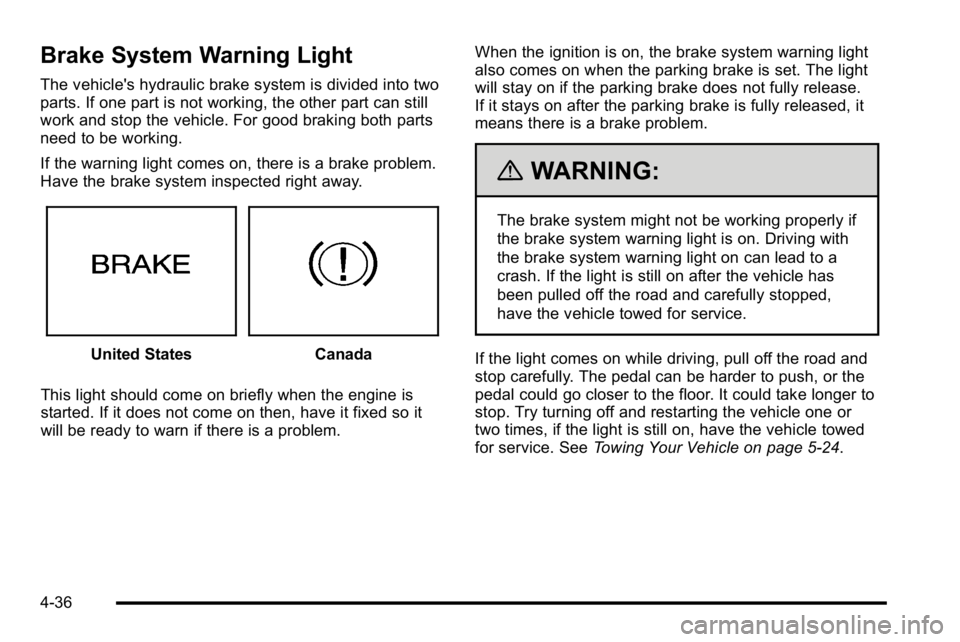
Brake System Warning Light
The vehicle's hydraulic brake system is divided into two
parts. If one part is not working, the other part can still
work and stop the vehicle. For good braking both parts
need to be working.
If the warning light comes on, there is a brake problem.
Have the brake system inspected right away.
United StatesCanada
This light should come on briefly when the engine is
started. If it does not come on then, have it fixed so it
will be ready to warn if there is a problem. When the ignition is on, the brake system warning light
also comes on when the parking brake is set. The light
will stay on if the parking brake does not fully release.
If it stays on after the parking brake is fully released, it
means there is a brake problem.
{WARNING:
The brake system might not be working properly if
the brake system warning light is on. Driving with
the brake system warning light on can lead to a
crash. If the light is still on after the vehicle has
been pulled off the road and carefully stopped,
have the vehicle towed for service.
If the light comes on while driving, pull off the road and
stop carefully. The pedal can be harder to push, or the
pedal could go closer to the floor. It could take longer to
stop. Try turning off and restarting the vehicle one or
two times, if the light is still on, have the vehicle towed
for service. See Towing Your Vehicle on page 5‑24.
4-36
Page 197 of 474
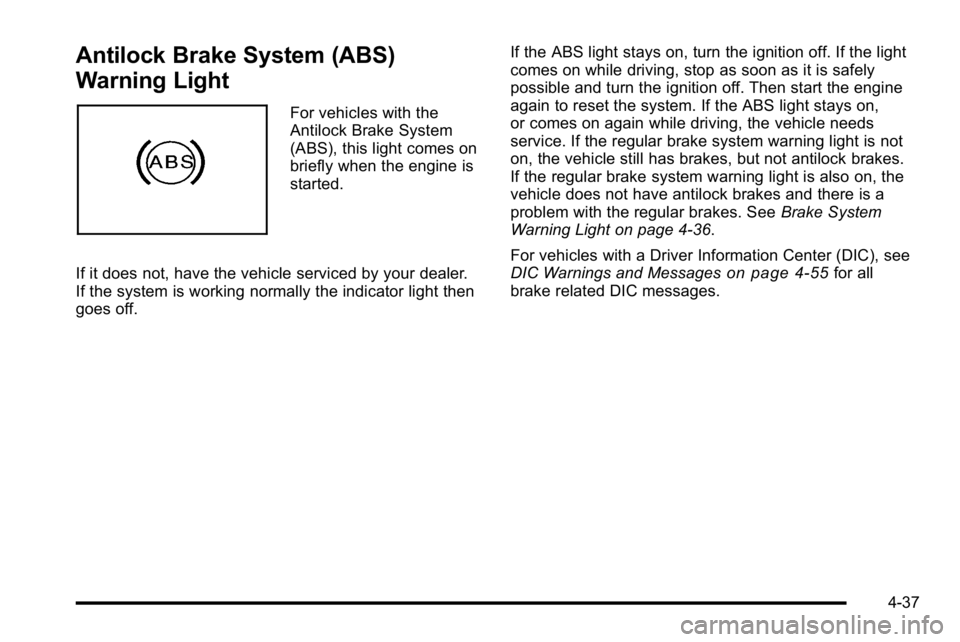
Antilock Brake System (ABS)
Warning Light
For vehicles with the
Antilock Brake System
(ABS), this light comes on
briefly when the engine is
started.
If it does not, have the vehicle serviced by your dealer.
If the system is working normally the indicator light then
goes off. If the ABS light stays on, turn the ignition off. If the light
comes on while driving, stop as soon as it is safely
possible and turn the ignition off. Then start the engine
again to reset the system. If the ABS light stays on,
or comes on again while driving, the vehicle needs
service. If the regular brake system warning light is not
on, the vehicle still has brakes, but not antilock brakes.
If the regular brake system warning light is also on, the
vehicle does not have antilock brakes and there is a
problem with the regular brakes. See
Brake System
Warning Light on page 4‑36.
For vehicles with a Driver Information Center (DIC), see
DIC Warnings and Messages
on page 4‑55for all
brake related DIC messages.
4-37
Page 198 of 474

Traction Control System (TCS)
Warning Light
For vehicles with a
Traction Control System
(TCS) and StabiliTrak
®
warning light, this light
comes on briefly when the
engine is started.
If it does not, have the vehicle serviced by your dealer.
If the system is working normally the indicator light then
goes off. When the system is active, the light flashes while the
system is limiting wheel spin or assisting with controlling
the vehicle.
If it stays on or comes on while driving a SERVICE
TRACTION CONTROL message appears in the Driver
Information Center (DIC). This indicates that there
could be a problem with the traction control system
and the vehicle may need service. When this warning
light is on and the SERVICE TRACTION CONTROL
message appears on the DIC, the system does not limit
wheel spin.
If the traction control system is manually turned off, this
light comes on and the TRACTION CONTROL OFF
message appears on the DIC.
See
Traction Control System (TCS)
on page 5‑6and
DIC Warnings and Messageson page 4‑55for more
information.
4-38
Page 199 of 474
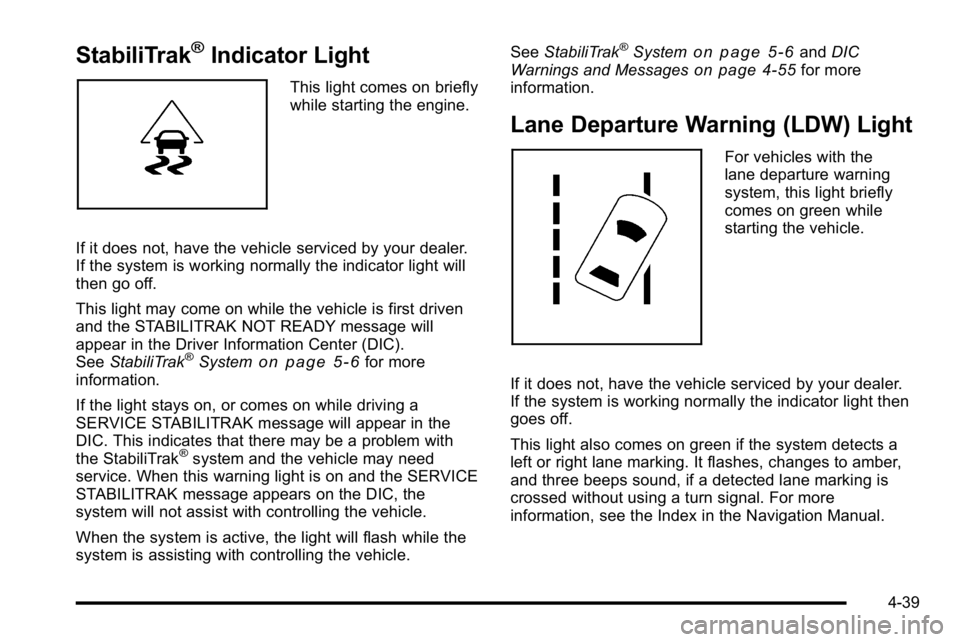
StabiliTrak®Indicator Light
This light comes on briefly
while starting the engine.
If it does not, have the vehicle serviced by your dealer.
If the system is working normally the indicator light will
then go off.
This light may come on while the vehicle is first driven
and the STABILITRAK NOT READY message will
appear in the Driver Information Center (DIC).
See StabiliTrak
®Systemon page 5‑6for more
information.
If the light stays on, or comes on while driving a
SERVICE STABILITRAK message will appear in the
DIC. This indicates that there may be a problem with
the StabiliTrak
®system and the vehicle may need
service. When this warning light is on and the SERVICE
STABILITRAK message appears on the DIC, the
system will not assist with controlling the vehicle.
When the system is active, the light will flash while the
system is assisting with controlling the vehicle. See
StabiliTrak
®Systemon page 5‑6andDIC
Warnings and Messageson page 4‑55for more
information.
Lane Departure Warning (LDW) Light
For vehicles with the
lane departure warning
system, this light briefly
comes on green while
starting the vehicle.
If it does not, have the vehicle serviced by your dealer.
If the system is working normally the indicator light then
goes off.
This light also comes on green if the system detects a
left or right lane marking. It flashes, changes to amber,
and three beeps sound, if a detected lane marking is
crossed without using a turn signal. For more
information, see the Index in the Navigation Manual.
4-39