instrument panel BUICK LUCERNE 2011 Service Manual
[x] Cancel search | Manufacturer: BUICK, Model Year: 2011, Model line: LUCERNE, Model: BUICK LUCERNE 2011Pages: 450, PDF Size: 3.63 MB
Page 207 of 450
Black plate (51,1)Buick Lucerne Owner Manual - 2011
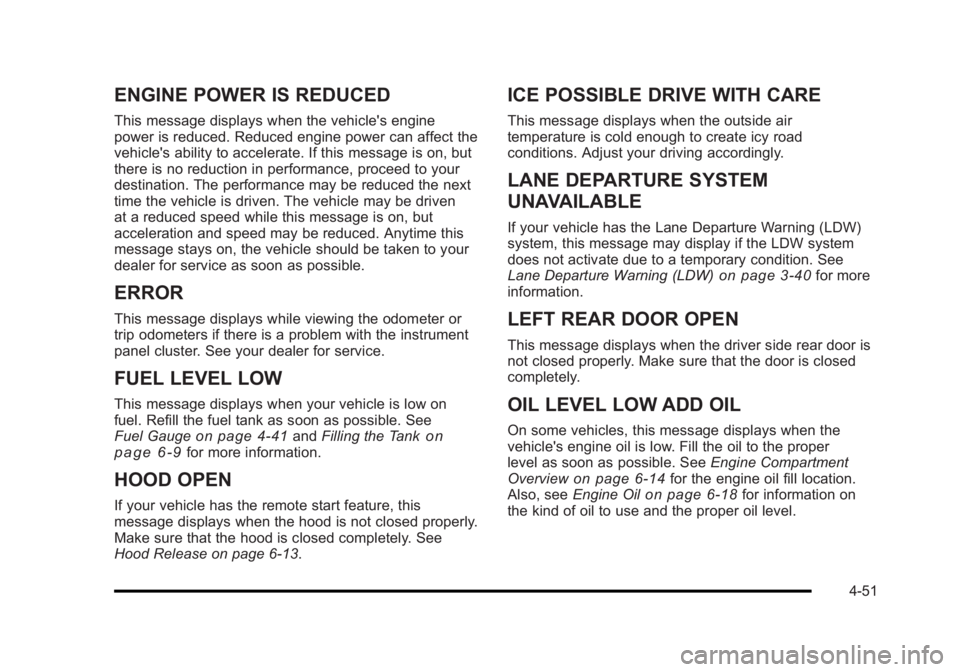
ENGINE POWER IS REDUCED
This message displays when the vehicle's engine
power is reduced. Reduced engine power can affect the
vehicle's ability to accelerate. If this message is on, but
there is no reduction in performance, proceed to your
destination. The performance may be reduced the next
time the vehicle is driven. The vehicle may be driven
at a reduced speed while this message is on, but
acceleration and speed may be reduced. Anytime this
message stays on, the vehicle should be taken to your
dealer for service as soon as possible.
ERROR
This message displays while viewing the odometer or
trip odometers if there is a problem with the instrument
panel cluster. See your dealer for service.
FUEL LEVEL LOW
This message displays when your vehicle is low on
fuel. Refill the fuel tank as soon as possible. See
Fuel Gauge
on page 4‑41andFilling the Tankon
page 6‑9for more information.
HOOD OPEN
If your vehicle has the remote start feature, this
message displays when the hood is not closed properly.
Make sure that the hood is closed completely. See
Hood Release on page 6‑13.
ICE POSSIBLE DRIVE WITH CARE
This message displays when the outside air
temperature is cold enough to create icy road
conditions. Adjust your driving accordingly.
LANE DEPARTURE SYSTEM
UNAVAILABLE
If your vehicle has the Lane Departure Warning (LDW)
system, this message may display if the LDW system
does not activate due to a temporary condition. See
Lane Departure Warning (LDW)
on page 3‑40for more
information.
LEFT REAR DOOR OPEN
This message displays when the driver side rear door is
not closed properly. Make sure that the door is closed
completely.
OIL LEVEL LOW ADD OIL
On some vehicles, this message displays when the
vehicle's engine oil is low. Fill the oil to the proper
level as soon as possible. See Engine Compartment
Overview
on page 6‑14for the engine oil fill location.
Also, see Engine Oilon page 6‑18for information on
the kind of oil to use and the proper oil level.
4-51
Page 208 of 450

Black plate (52,1)Buick Lucerne Owner Manual - 2011
OIL PRESSURE LOW STOP ENGINE
Notice:If you drive your vehicle while the engine
oil pressure is low, severe engine damage may
occur. If a low oil pressure warning appears on
the instrument panel cluster and/or DIC, stop the
vehicle as soon as possible. Do not drive the
vehicle until the cause of the low oil pressure is
corrected. See Engine Oil
on page 6‑18for more
information.
This message displays when the vehicle's engine oil
pressure is low. The oil pressure light also appears on
the instrument panel cluster. See Oil Pressure Light
on
page 4‑40.
Stop the vehicle immediately, as engine damage can
result from driving a vehicle with low oil pressure. Have
the vehicle serviced by your dealer as soon as possible
when this message is displayed.
PARK ASSIST OFF
If your vehicle has this feature, after the vehicle has
been started, this message will reminder the driver
that the Ultrasonic Rear Parking Assist (URPA) system
has been turned off. Press the set/reset button to
acknowledge this message and clear it from the DIC
display. To turn the URPA system back on, see
“Park Assist” underDIC Operation and Displays
on
page 4‑42. See Ultrasonic Rear Parking Assist (URPA)on page 3‑35for more information.
PASSENGER DOOR OPEN
This message displays when the front passenger door
is not closed properly. Make sure that the door is closed
completely.
REMOTE KEY LEARNING ACTIVE
This message displays while you are matching a
Remote Keyless Entry (RKE) transmitter to your
vehicle. See “Matching Transmitter(s) to Your Vehicle”
under Remote Keyless Entry (RKE) System Operation
on page 3‑4andDIC Operation and Displayson
page 4‑42for more information.
REPLACE BATTERY IN REMOTE KEY
This message displays when the battery in the Remote
Keyless Entry (RKE) transmitter needs to be replaced.
To replace the battery, see “Battery Replacement”under
Remote Keyless Entry (RKE) System Operation
on
page 3‑4.
RIGHT REAR DOOR OPEN
This message displays when the passenger side rear
door is not closed properly. Make sure that the door is
closed completely.
4-52
Page 209 of 450
Black plate (53,1)Buick Lucerne Owner Manual - 2011
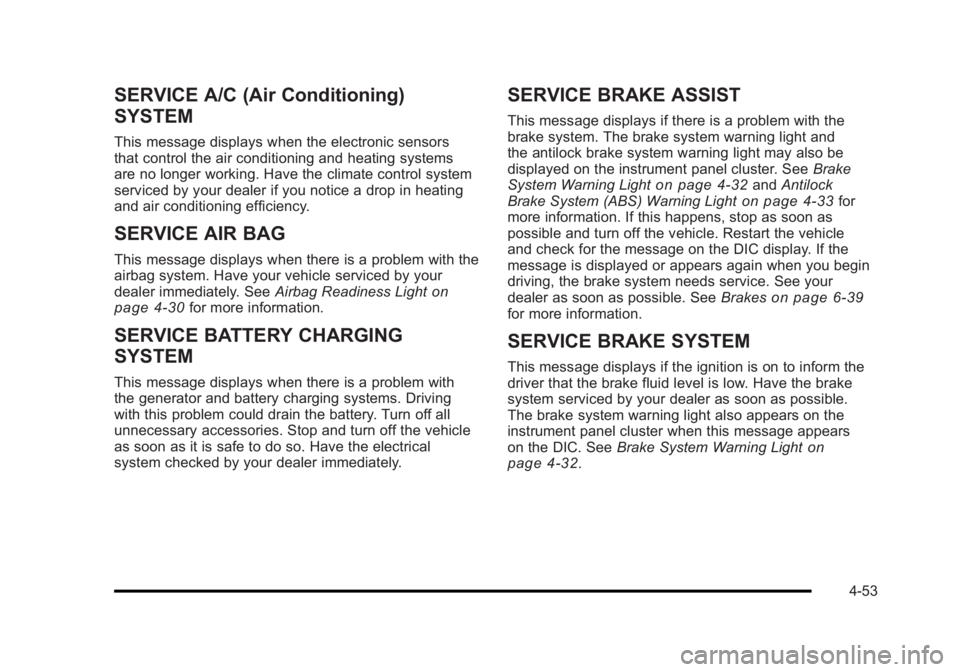
SERVICE A/C (Air Conditioning)
SYSTEM
This message displays when the electronic sensors
that control the air conditioning and heating systems
are no longer working. Have the climate control system
serviced by your dealer if you notice a drop in heating
and air conditioning efficiency.
SERVICE AIR BAG
This message displays when there is a problem with the
airbag system. Have your vehicle serviced by your
dealer immediately. SeeAirbag Readiness Light
on
page 4‑30for more information.
SERVICE BATTERY CHARGING
SYSTEM
This message displays when there is a problem with
the generator and battery charging systems. Driving
with this problem could drain the battery. Turn off all
unnecessary accessories. Stop and turn off the vehicle
as soon as it is safe to do so. Have the electrical
system checked by your dealer immediately.
SERVICE BRAKE ASSIST
This message displays if there is a problem with the
brake system. The brake system warning light and
the antilock brake system warning light may also be
displayed on the instrument panel cluster. See Brake
System Warning Light
on page 4‑32and Antilock
Brake System (ABS) Warning Lighton page 4‑33for
more information. If this happens, stop as soon as
possible and turn off the vehicle. Restart the vehicle
and check for the message on the DIC display. If the
message is displayed or appears again when you begin
driving, the brake system needs service. See your
dealer as soon as possible. See Brakes
on page 6‑39for more information.
SERVICE BRAKE SYSTEM
This message displays if the ignition is on to inform the
driver that the brake fluid level is low. Have the brake
system serviced by your dealer as soon as possible.
The brake system warning light also appears on the
instrument panel cluster when this message appears
on the DIC. SeeBrake System Warning Light
on
page 4‑32.
4-53
Page 210 of 450
Black plate (54,1)Buick Lucerne Owner Manual - 2011
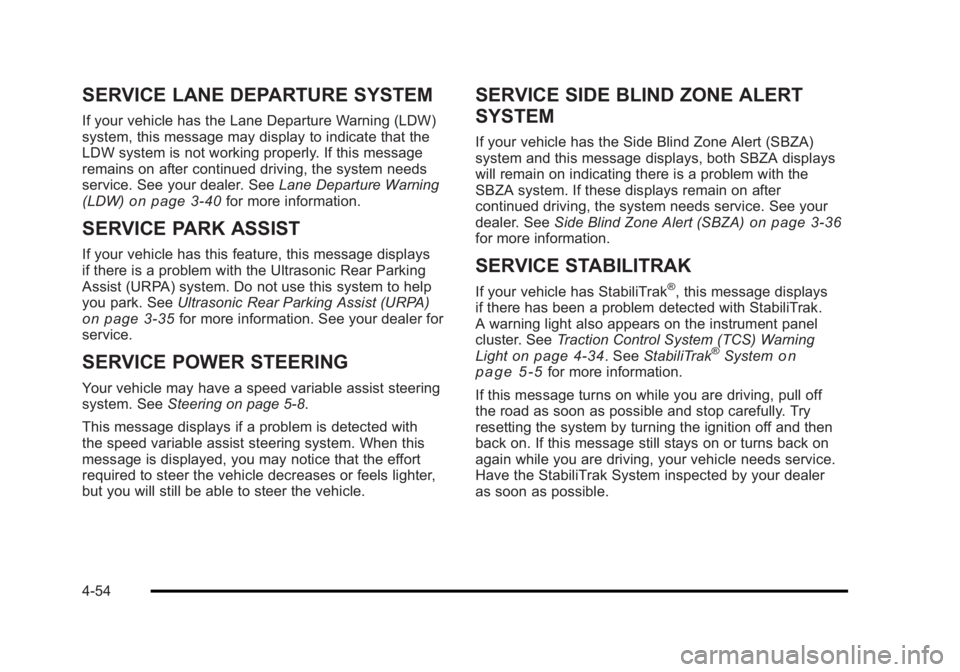
SERVICE LANE DEPARTURE SYSTEM
If your vehicle has the Lane Departure Warning (LDW)
system, this message may display to indicate that the
LDW system is not working properly. If this message
remains on after continued driving, the system needs
service. See your dealer. SeeLane Departure Warning
(LDW)
on page 3‑40for more information.
SERVICE PARK ASSIST
If your vehicle has this feature, this message displays
if there is a problem with the Ultrasonic Rear Parking
Assist (URPA) system. Do not use this system to help
you park. See Ultrasonic Rear Parking Assist (URPA)
on page 3‑35for more information. See your dealer for
service.
SERVICE POWER STEERING
Your vehicle may have a speed variable assist steering
system. See Steering on page 5‑8.
This message displays if a problem is detected with
the speed variable assist steering system. When this
message is displayed, you may notice that the effort
required to steer the vehicle decreases or feels lighter,
but you will still be able to steer the vehicle.
SERVICE SIDE BLIND ZONE ALERT
SYSTEM
If your vehicle has the Side Blind Zone Alert (SBZA)
system and this message displays, both SBZA displays
will remain on indicating there is a problem with the
SBZA system. If these displays remain on after
continued driving, the system needs service. See your
dealer. See Side Blind Zone Alert (SBZA)
on page 3‑36for more information.
SERVICE STABILITRAK
If your vehicle has StabiliTrak®, this message displays
if there has been a problem detected with StabiliTrak.
A warning light also appears on the instrument panel
cluster. See Traction Control System (TCS) Warning
Light
on page 4‑34. See StabiliTrak®Systemon
page 5‑5for more information.
If this message turns on while you are driving, pull off
the road as soon as possible and stop carefully. Try
resetting the system by turning the ignition off and then
back on. If this message still stays on or turns back on
again while you are driving, your vehicle needs service.
Have the StabiliTrak System inspected by your dealer
as soon as possible.
4-54
Page 211 of 450
Black plate (55,1)Buick Lucerne Owner Manual - 2011
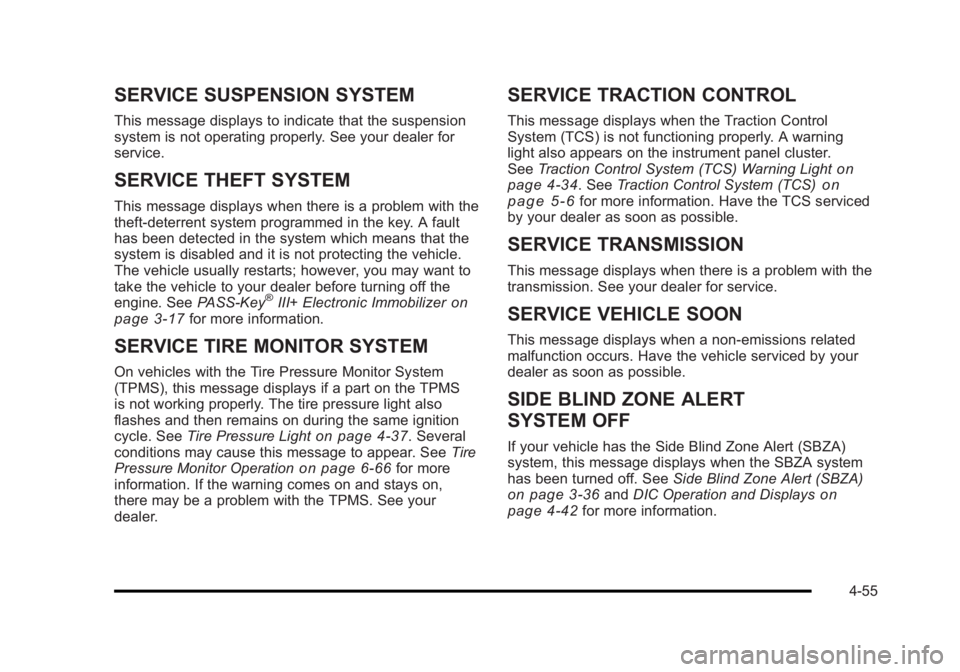
SERVICE SUSPENSION SYSTEM
This message displays to indicate that the suspension
system is not operating properly. See your dealer for
service.
SERVICE THEFT SYSTEM
This message displays when there is a problem with the
theft-deterrent system programmed in the key. A fault
has been detected in the system which means that the
system is disabled and it is not protecting the vehicle.
The vehicle usually restarts; however, you may want to
take the vehicle to your dealer before turning off the
engine. SeePASS-Key
®III+ Electronic Immobilizeron
page 3‑17for more information.
SERVICE TIRE MONITOR SYSTEM
On vehicles with the Tire Pressure Monitor System
(TPMS), this message displays if a part on the TPMS
is not working properly. The tire pressure light also
flashes and then remains on during the same ignition
cycle. See Tire Pressure Light
on page 4‑37. Several
conditions may cause this message to appear. See Tire
Pressure Monitor Operation
on page 6‑66for more
information. If the warning comes on and stays on,
there may be a problem with the TPMS. See your
dealer.
SERVICE TRACTION CONTROL
This message displays when the Traction Control
System (TCS) is not functioning properly. A warning
light also appears on the instrument panel cluster.
See Traction Control System (TCS) Warning Light
on
page 4‑34. See Traction Control System (TCS)on
page 5‑6for more information. Have the TCS serviced
by your dealer as soon as possible.
SERVICE TRANSMISSION
This message displays when there is a problem with the
transmission. See your dealer for service.
SERVICE VEHICLE SOON
This message displays when a non-emissions related
malfunction occurs. Have the vehicle serviced by your
dealer as soon as possible.
SIDE BLIND ZONE ALERT
SYSTEM OFF
If your vehicle has the Side Blind Zone Alert (SBZA)
system, this message displays when the SBZA system
has been turned off. See Side Blind Zone Alert (SBZA)
on page 3‑36andDIC Operation and Displayson
page 4‑42for more information.
4-55
Page 212 of 450
Black plate (56,1)Buick Lucerne Owner Manual - 2011
SIDE BLIND ZONE SYS. UNAVAILABLE
If your vehicle has the Side Blind Zone Alert (SBZA)
system, this message displays when the SBZA system
is disabled because the sensor is blocked and cannot
detect vehicles in your blind zone. The sensor may be
blocked by mud, dirt, snow, ice, or slush. This message
may also display during heavy rain or due to road spray.
It may also come on when driving in isolated areas
with no guardrails, trees, or road signs and light traffic.
Your vehicle does not need service. For cleaning
instructions, seeWashing Your Vehicle
on page 6‑102.
See Side Blind Zone Alert (SBZA)on page 3‑36for
more information.
SPEED LIMITED TO XXX MPH (km/h)
This message displays when your vehicle speed is
limited to 128 km/h (80 mph) because the vehicle
detects a problem in the speed variable assist steering,
magnetic ride control, or automatic leveling control
systems. Have your vehicle serviced by your dealer.
STABILITRAK NOT READY
If your vehicle has StabiliTrak, this message may
display and the Traction Control System and StabiliTrak
Warning Light on the instrument panel cluster may be
on after first driving the vehicle and exceeding 30 km/h
(19 mph) for 30 seconds. The StabiliTrak system is not
functional until the light has turned off. See StabiliTrak
®
Systemon page 5‑5for more information.
STARTING DISABLED SERVICE
THROTTLE
This message displays if the starting of the engine is
disabled due to the electronic throttle control system.
Have your vehicle serviced by your dealer immediately.
This message only appears while the ignition is in
ON/RUN, and will not disappear until the problem is
resolved.
This message cannot be acknowledged.
THEFT ATTEMPTED
This message displays if the content theft-deterrent
system has detected a break-in attempt while you were
away from your vehicle. SeeContent Theft-Deterrent
on
page 3‑16for more information.
TIGHTEN GAS CAP
This message may be displayed if the gas cap is not
on, or is not fully tightened. Check the gas cap to
ensure that it is on properly. See Filling the Tank
on
page 6‑9for more information.
4-56
Page 213 of 450
Black plate (57,1)Buick Lucerne Owner Manual - 2011
TIRE LEARNING ACTIVE
On vehicles with the Tire Pressure Monitor System
(TPMS), this message displays when the TPMS is
re-learning the tire positions on your vehicle. The tire
positions must be re-learned after rotating the tires or
after replacing a tire or sensor. SeeTire Inspection and
Rotation
on page 6‑70, Tire Pressure Monitor Systemon page 6‑65, and Inflation - Tire Pressureon
page 6‑64for more information.
TIRE LOW ADD AIR TO TIRE
On vehicles with the Tire Pressure Monitor System
(TPMS), this message displays when the pressure in
one or more of the vehicle's tires is low. This message
also displays LEFT FRT (left front), RIGHT FRT (right
front), LEFT RR (left rear), or RIGHT RR (right rear)
to indicate the location of the low tire. The low tire
pressure warning light will also come on. See Tire
Pressure Light
on page 4‑37. If a tire pressure
message appears on the DIC, stop as soon as you
can. Have the tire pressures checked and set to those
shown on the Tire Loading Information label. See Tires
on page 6‑57,Loading the Vehicleon page 5‑18, and
Inflation - Tire Pressureon page 6‑64. You can receive
more than one tire pressure message at a time. To read
the other messages that may have been sent at the
same time, press the set/reset button. The DIC also
shows the tire pressure values. See DIC Operation and
Displays
on page 4‑42.
TRACTION CONTROL OFF
This message displays when the Traction Control
System (TCS) is turned off. Adjust your driving
accordingly. See Traction Control System (TCS)
on
page 5‑6for more information.
TRACTION CONTROL ON
This message displays when the Traction Control
System (TCS) is turned on. See Traction Control
System (TCS)
on page 5‑6for more information.
TRANSMISSION HOT IDLE ENGINE
Notice: If you drive the vehicle while the
transmission fluid is overheating and the
transmission temperature warning is displayed
on the instrument panel cluster and/or DIC, you
can damage the transmission. This could lead to
costly repairs that would not be covered by the
warranty. Do not drive the vehicle with overheated
transmission fluid or while the transmission
temperature warning is displayed.
This message displays when the transmission fluid
in your vehicle is too hot. Stop the vehicle and allow
it to idle until it cools down. If the warning message
continues to display, have the vehicle serviced by your
dealer as soon as possible.
4-57
Page 260 of 450
Black plate (6,1)Buick Lucerne Owner Manual - 2011
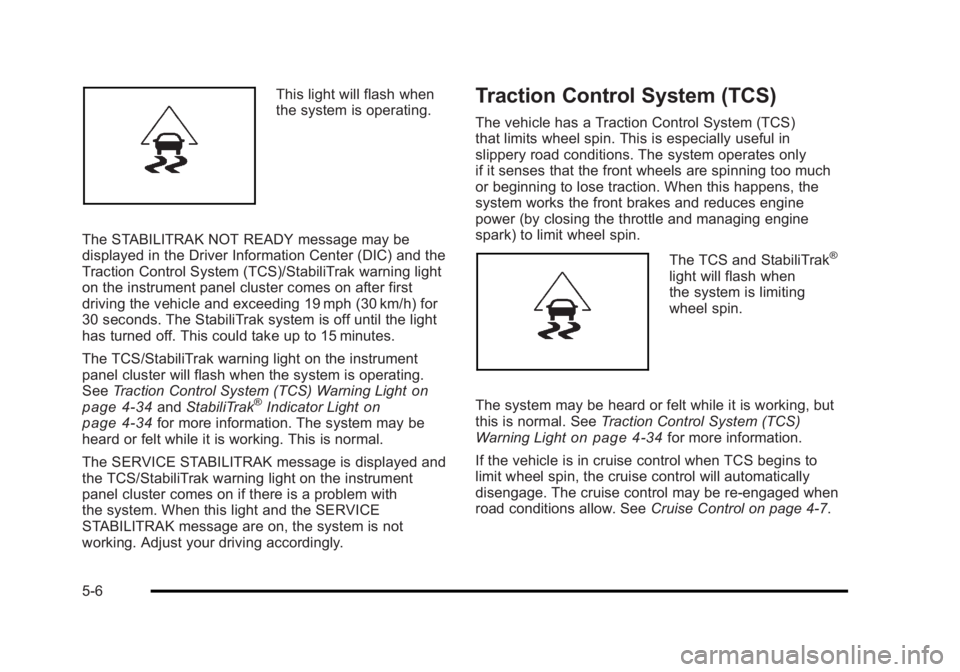
This light will flash when
the system is operating.
The STABILITRAK NOT READY message may be
displayed in the Driver Information Center (DIC) and the
Traction Control System (TCS)/StabiliTrak warning light
on the instrument panel cluster comes on after first
driving the vehicle and exceeding 19 mph (30 km/h) for
30 seconds. The StabiliTrak system is off until the light
has turned off. This could take up to 15 minutes.
The TCS/StabiliTrak warning light on the instrument
panel cluster will flash when the system is operating.
See Traction Control System (TCS) Warning Light
on
page 4‑34and StabiliTrak®Indicator Lighton
page 4‑34for more information. The system may be
heard or felt while it is working. This is normal.
The SERVICE STABILITRAK message is displayed and
the TCS/StabiliTrak warning light on the instrument
panel cluster comes on if there is a problem with
the system. When this light and the SERVICE
STABILITRAK message are on, the system is not
working. Adjust your driving accordingly.
Traction Control System (TCS)
The vehicle has a Traction Control System (TCS)
that limits wheel spin. This is especially useful in
slippery road conditions. The system operates only
if it senses that the front wheels are spinning too much
or beginning to lose traction. When this happens, the
system works the front brakes and reduces engine
power (by closing the throttle and managing engine
spark) to limit wheel spin.
The TCS and StabiliTrak®
light will flash when
the system is limiting
wheel spin.
The system may be heard or felt while it is working, but
this is normal. See Traction Control System (TCS)
Warning Light
on page 4‑34for more information.
If the vehicle is in cruise control when TCS begins to
limit wheel spin, the cruise control will automatically
disengage. The cruise control may be re-engaged when
road conditions allow. See Cruise Control on page 4‑7.
5-6
Page 270 of 450
Black plate (16,1)Buick Lucerne Owner Manual - 2011
Blizzard Conditions
Being stuck in snow can be a serious situation. Stay
with the vehicle unless there is help nearby. If possible,
use theRoadside Assistance Program
on page 8‑7.
To get help and keep everyone in the vehicle safe:
.Turn on the Hazard Warning Flasherson
page 4‑3.
.Tie a red cloth to an outside mirror.
{WARNING:
Snow can trap engine exhaust under the vehicle.
This may cause exhaust gases to get inside.
Engine exhaust contains carbon monoxide (CO)
which cannot be seen or smelled. It can cause
unconsciousness and even death.
If the vehicle is stuck in the snow:
.Clear away snow from around the base of
your vehicle, especially any that is blocking
the exhaust pipe.
.Check again from time to time to be sure
snow does not collect there.
(Continued)
WARNING: (Continued)
.Open a window about 5 cm (2 in) on the side
of the vehicle that is away from the wind to
bring in fresh air.
.Fully open the air outlets on or under the
instrument panel.
.Adjust the Climate Control system to a setting
that circulates the air inside the vehicle and
set the fan speed to the highest setting. See
Climate Control System in the Index.
For more information about carbon monoxide, see
Engine Exhaust on page 3‑30.
Snow can trap exhaust gases under the vehicle.
This can cause deadly CO (carbon monoxide) gas
to get inside. CO could overcome you and kill you.
You cannot see it or smell it, so you might not
know it is in the vehicle. Clear away snow from
around the base of the vehicle, especially any that
is blocking the exhaust.
Run the engine for short periods only as needed to
keep warm, but be careful.
5-16
Page 284 of 450
Black plate (30,1)Buick Lucerne Owner Manual - 2011
Turn Signals When Towing a Trailer
The arrows on the instrument panel flash whenever
signaling a turn or lane change. Properly hooked up,
the trailer lamps also flash, telling other drivers the
vehicle is turning, changing lanes or stopping.
When towing a trailer, the arrows on the instrument
panel flash for turns even if the bulbs on the trailer are
burned out. For this reason you may think other drivers
are seeing the signal when they are not. It is important
to check occasionally to be sure the trailer bulbs are still
working.
Driving on Grades
Notice:Do not tow on steep continuous grades
exceeding 9.6 km (6 miles). Extended, higher than
normal engine and transmission temperatures may
result and damage the vehicle. Frequent stops are
very important to allow the engine and transmission
to cool.
Reduce speed and shift to a lower gear beforestarting
down a long or steep downgrade. If the transmission is
not shifted down, the brakes might have to be used so
much that they would get hot and no longer work well.
On a long uphill grade, shift down and reduce the
vehicle's speed to around 45 mph (70 km/h) to reduce
the possibility of the engine and the transmission
overheating. If the engine does overheat, see Engine
Overheating on page 6‑35.
Parking on Hills
{WARNING:
Parking the vehicle on a hill with the trailer
attached can be dangerous. If something goes
wrong, the rig could start to move. People can be
injured, and both the vehicle and the trailer can be
damaged. When possible, always park the rig on
a flat surface.
If parking the rig on a hill: 1. Press the brake pedal, but do not shift into P (Park) yet. Turn the wheels into the curb if facing downhill
or into traffic if facing uphill.
2. Have someone place chocks under the trailer wheels.
3. When the wheel chocks are in place, release the brake pedal until the chocks absorb the load.
4. Reapply the brake pedal. Then apply the parking brake and shift the transmission into P (Park).
5. Release the brake pedal.
5-30