radio BUICK PARK AVENUE 1998 User Guide
[x] Cancel search | Manufacturer: BUICK, Model Year: 1998, Model line: PARK AVENUE, Model: BUICK PARK AVENUE 1998Pages: 426, PDF Size: 23.59 MB
Page 180 of 426
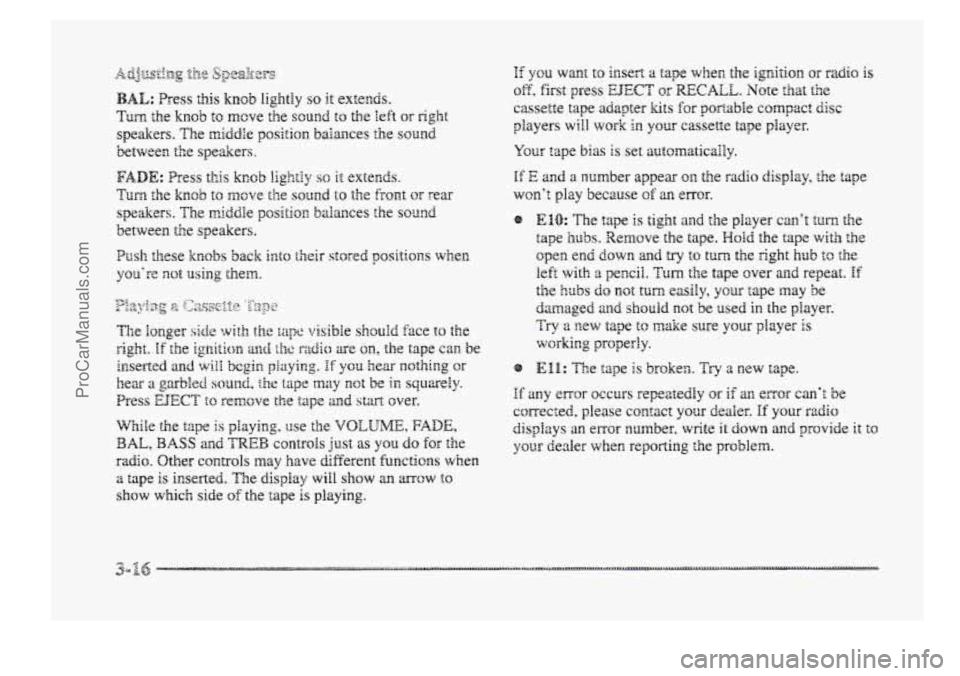
.E yeu want to insert a tape wher?, the igrrition or radio is
of?, first press EJECT or RECALL. Note that the
cassette tape adapter kits for pomhle compact disc
players will \work in your cassette tape player.
Your tape bias is set mtornatica18y.
If‘ E and a number appear ~s, the radio display, the tape
won’t play because sf an ~ITQ~.
e?
If any error occurs repeatedly or if an enor can’t be
corrected, please csntsct your dealer. If your rzdio
displays an error number, write it down and provide it to
your dealer when reporting the problem.
ProCarManuals.com
Page 181 of 426
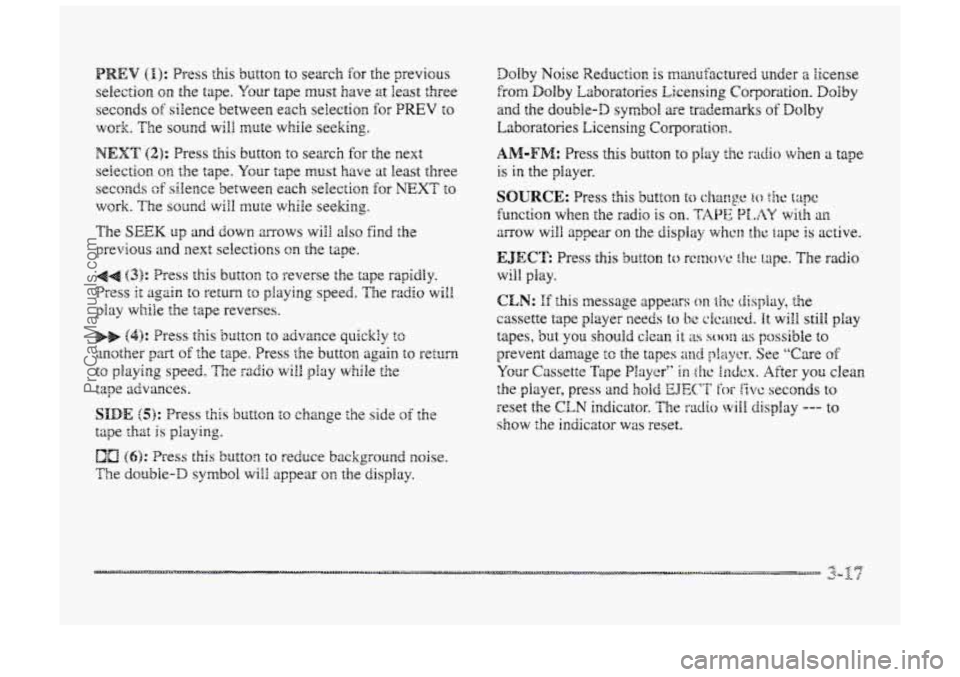
PREV (I): Press this button to search for the previous
selection
on the tape. Your tape must have at least three
seconds
of silence between each selection for PREV to
work. The SQU~C!. wili mute while seeking.
NEXT (2): Press this button to search for the next
selection on the tape. Your tape must have at least three
seconds of silence between each selection for NEXT to
work. The sound will mute while seeking.
The SEEK up and down mows will also find the
previous and
next selections on the tape.
44 (3): Press this button to reverse the tape rapidly.
Press it again KI return to playing speed. The rzdbo will
play while the tape reverses.
bb (4): Press this 5~itcn to advance quickly tc
another part off the tape. Press the button again to return
to playing speed. The radio will play while the
tape advances.
SIDE (5): Press this button to change the side of the
tape that
is playing.
The double-D symbol wiEI appear on the display.
(6): Press this button to reduce background noise.
ProCarManuals.com
Page 185 of 426
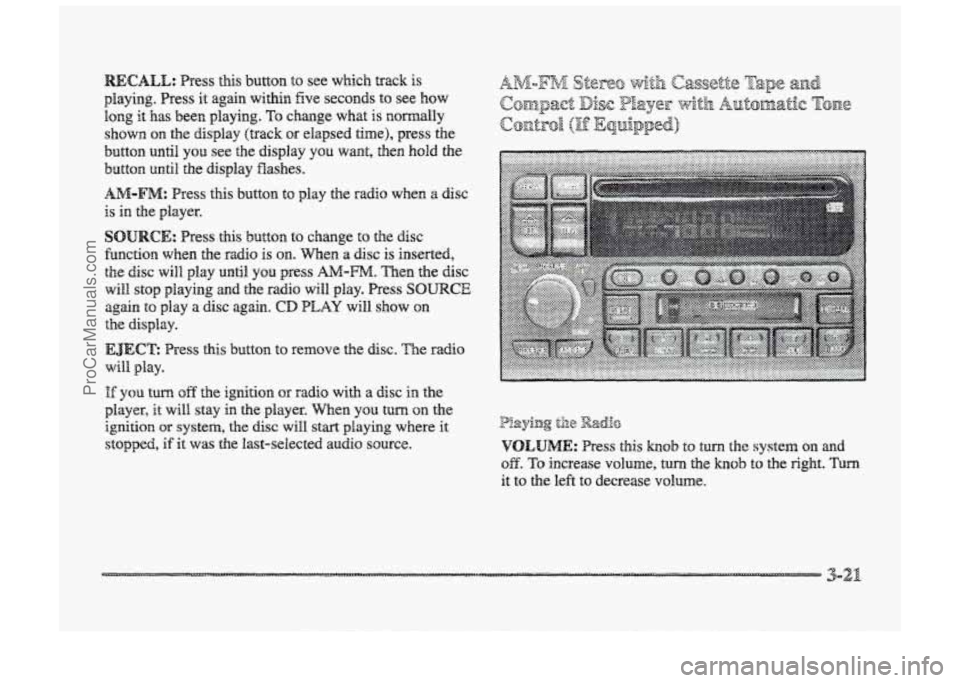
playing. Press it again within five seconds to see how
long it has been playing. TQ change what is normally
shown
on the display (track or elapsed time), press the
button until YOU see the display YOU want, then hold the
button until the display Washes.
AM-FM: Press this button to play the radio when a disc
is in the player.
SOURCE: Press this button to change to the disc
fbnction when he radio is on. When a disc is inserted,
the disc will play until YOU press AA4-m. Then the disc
will stop playing and the radio will play. Press SOURCE
again to play a disc again. CD PLAY will show on
EJECE Press this button to ~~XIIQV~ the disc. The EXI~O
will. play.
the display.
I% you turn off the ignition or radio with a disc in the
player, it will stay in the player. men YOU turn on the
ignition OF system, the disc will start playing where it
stopped, if it was the last-selected audio source.
P!aying til8 Radio
VOLUME: Press this hob to turn the system on md
OB. To increase volume, turn the knob to the right. Turn
it to the left to decrease VO~UIIE.
3-21
ProCarManuals.com
Page 186 of 426
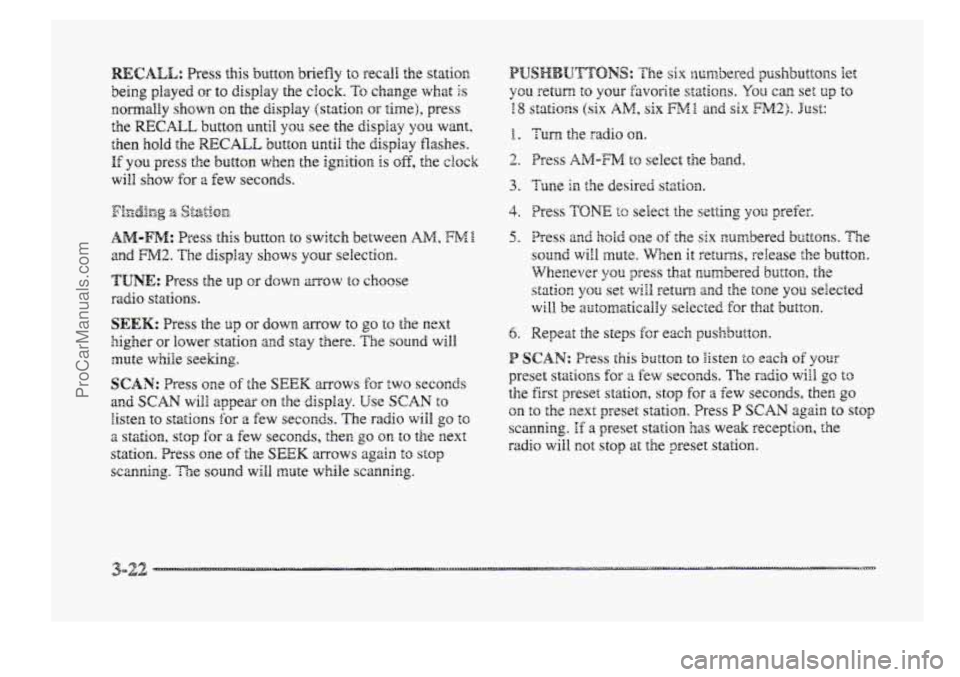
RECALL: Press this button briefly to recal! the statim
being played or to display the clock. To change what Is
EomalEy shown on the display (station or time), press
the RECALL butttorn until yon see the display YSU want.
then hold the RECALL button until the display flashes.
If you press the button when the ignition is off, the ck~k
wiEI show for 8 Eew seconds.
AM-FM: Press this button to switch between AM, FME.
and FM2. The display shows your selection.
TUNE: Press the up OF down mow to choose
sadi~ stations.
SEEK: Press the up or down arrow to go to the next
higher or lower station and stay there. The sound will
mute while seeking.
SCAN: Press one sf the SEEK mows for EWO seconds
and SCAN wiPB appear on the display. Use SCAN to
listen to stations for a few seconds. The radio wiIB go to
2 stzti~n, stop for a few seconds, the^ go on to the next
station. Press one of the SEEK mows again to stop
scanning. Tie sound will mute while scanning.
f . Turn the radio on.
2. Press AIM-FM to select the band.
4. Press TONI2 tc select the set*iing YSU prefer.
5. Press an@ hodd me of the six numbered buttons. The
sound will mute. When it returns, release the button.
Whenever you press that cumbered button, the
station
you set will return and the tone you selected
will be automatically selected for that button.
6. Repeat the steps Ex e3ch pushb~tton.
P SCAN: Press this button BQ Bisten to each of your
preset stations for a fcw seconds. The radio will go to
the first preset station, stop for a €ew seconds, then go
on to the next preset statim. Press P SCAN again to stop
scanning. If a preset station has we& reception, the
radio will not stop at the preset station.
3-22 ....._. -
ProCarManuals.com
Page 187 of 426
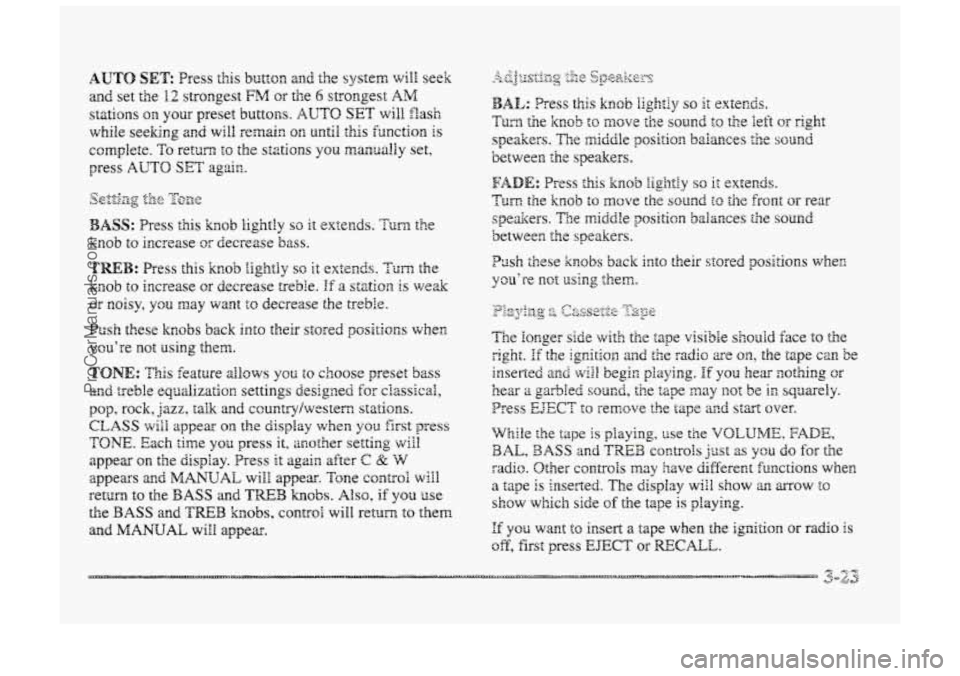
BASS: Press Clis knob lightly so it extends. Turn the
knob to increase or decrease bass.
TREB: Press this knob iightly so it extends. Turn the
knob to increase GT decrease treble. If a sf~tiarn is we&
or noisy, you may want to decrease the treble.
Push these knobs back into their stored positions when
YcLl’re H1Qt Using eheEi.
TONE: This feature allows you to choose preset bass
and treble equalization settings designed for ciassical,
pop, rock, jazz, talk and ccuntrylwestem stations.
CLASS will appear on the display when you firsst press
TONE. Each time you press it, mother setting vdl
appear on the clispiay. Press it agsn after C 22 W
appears a~td MANUAL will appear. Tone corntrol wiil
return to the BASS and TREE3 knobs. Also, if YSU use
the BASS and TWB knobs, control will retwn to them
and
MANUAL will appear.
P~sh these knobs back into their stored positions wher,
you’re not using them.
If YQU want to insert a tape when the ignition or radio is
off, first press EJECT or RECALL.
ProCarManuals.com
Page 188 of 426
dour tape bias is set automaticaliy.
If E and a number appear on the radio display, the tape
won’t play because
of an error.
0 El& The tape is tight and the player can’t turn the
tape
hubs. Remove the tape. Hold the tape with the
open end
down and try to turn the right hub to the
left with a pencil.
Turn the tape over and repeat. If
the hubs do not turn easily, your tape may be
damaged and should not be used in the player.
Try 2 new tape to make sure your player is
working properly.
@ Ell: The tape is broken. Try a new tape.
Hf my emor occurs rcpestedly or if ;UI enor can’t be
corrected,
picase contact your dealer. If your radio
displays 211 error trunmber, write it down md provide it to
your dealer when reporting the problem.
PWEV (1): Press this button to search for the previous
selection on the
tape. Your tape must have at least three
seconds
of silence between each selection for PREV to
work. The sound will mute while seeking.
NEXT 42): Press this button to search for the next
selection on
the tape. Your tape must have at least three
seconds of silence between each selection for NEXT to
work. The sound will mute while seeking. Tine
SEEM down md up mows will also find the
previous
and next selections ow the tape.
44 (3): Press this button to reverse the tape rapidly.
Press it again to return to playing speed. The radio will
play while the tape reverses.
.. (4): Press this button to advance quickly to another
part of the tape. Press the button again to return to
playing speed. The radio will play while the
tape advacces.
SIDE (5): Press this button to change the side of the
tape that is playing.
RAND (6): Press this button to reduce background
noise. The double-D
symbol will appear in the display.
Dolby Noise Reduction
is mankafactrrred under a license
from
Dolby Laboratories Licensing Corporation. Dolby
and
the double-l) symbol are trademarks of Dolby
Laboratories Licensing Corporation.
SOURCE: Press this button to change to the tape or
disc function when the
radio is on. If both a tape and a
disc ape installed, the system will first go to tape play;
TAPE SIDE and an arrow will appear on the display. If
SOURCE is pressed again, the system will go to disc
play;
CD PLAY will appear on the display.
ProCarManuals.com
Page 189 of 426
EJEC’E The system has two EJECT buttons. Press the
button near the
CD slot t~ remove a disc. Press the
button near the tape slot to remove a tape and the radio
will play.
If you’re driving on a very rough road or if it’s very hot,
the disc may not play and an ~EQP code may appear on
the display. When things get back to no~lmal, tbe disc
should play.
If the disc comes out, it could be hat:
CLN: E this message appears on the display, the @ E20: “he disc is upside down.
cassette tape player needs to be cleaned.
It will still play e E20: It is &dy, or wet.
tapes, but you should clean it as SQO~ as possible to
prevent damage to the tapes and player. See
“Care of @ E2& TFhePe’S $00 KlIUCh IIIQiStWe ill he 8k. (wait
Your Cassette Tape Player” in the Endex. After you clean about an hour and try again.)
the player, press and hold EJECT for five seconds to If any enor QCCU~S repeatedly or if an error can’t be
reset the
CLN indicator. The radio will display --- to
corrected, please contact your dealer. If your radio show the indicator was reset.
displays an error number, write it down md provide it to
YQW cassette tape player automatically reduces your dealer when reporting the problem.
background noise from tapes encoded
with Dolby NIX. (1): PSeSS this button t0 g0 to the Still% of the
YOU may turn Dolby off by pressing the number current track, if more than eight seconds have played. E six preset. YOU hold the button or press it more than once, the
player will continue moving back through the disc. The
sound will mute while seeking.
Insert a disc partway into the slot, label
side up. The
player will pull it in. The disc should begin playing. I
you hold the button or press it more than once, the
If you want to insert a CD while the igition or the radio player will c~nthue moving hwad through the disc.
is off, first press EJECT or =CALL. The sound will mute while seeking.
Playbg a c@mpact Disc
NEXT (2): Press this button to go to the next lXXk. If
The SEEK down md up mows will also find the
previous and next selections on the disc.
ProCarManuals.com
Page 192 of 426
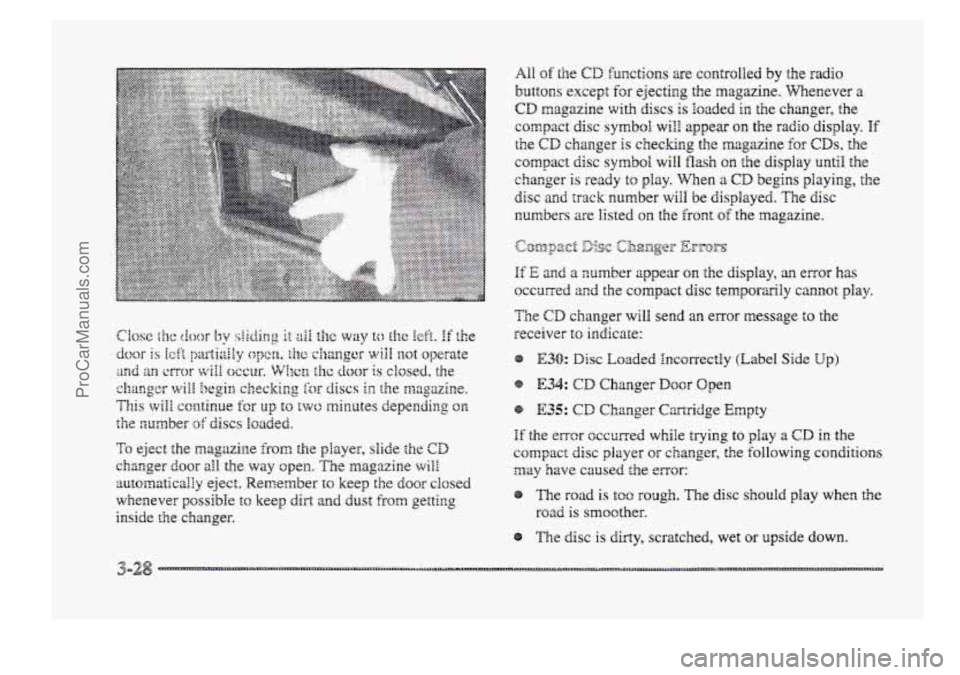
To eject the magazine from the player, slide ;he CD
changer door all the way open. The magazine will
automaticalfry eject. Remember to keep the door closed
whenever possible to keep dirt and dust from getting
inside the changer.
A11 of the CD functions a-e cantrolled by the radio
buttons except fc~r ejecting the magazine. Whenever a
CD magazine with discs is Ioaded in the changer, the
compact disc
S~III~Q~ will appea on the radio display. If
the CD changer is checking the magazine for CDs, the
compact disc
symbol will flash on the display until the
changer is ready
to gray. when a CD begins playing, the
disc and track number will be displayed. The disc
numbers %e listed 03 the front of the magazine.
If E and a number appear on the display, an error has
occm-ed and the compact disc temporarily cannot play.
Tie CD changer will send an error message to the
receiver
to indicate:
E30: Disc Loaded Incorrectly (Label Side Up)
If the error occurred while trying to play a CD in the
compact disc player or changer, the following conditions
may have caused the -Tor:
The road is too rough. The disc should play when the
road is smoother.
The disc
is dirty, scratched, wet or upside down.
ProCarManuals.com
Page 193 of 426
8 me air is very humid. If so, w& about an hour and
try again.
@ The CD changer door is open. Completely close the
@ An empty magazine is inserted in the CD changer.
door
to restore noma1 operation.
Try the magazine again with a disc loaded on one of
the trays.
If any error occurs repeatedly or if an error cannot be
corrected, please contact your dealer.
If your radio
displays
an emor number other than the error codes
listed previously, write it down
and provide it to your
dedes when reporting the problem.
PREV (I): Press this button to go to the start of the
current track, if more than eight seconds have played.
If
you hold the button or press it more than once, the
player will continue moving back through the disc
to the
previous track. The sound will mute whiIe seeking.
NEXT (2): Press this button to go to the next track on the
disc. E you hold the button or press it more than once, the
player
will continue moving forwad through he disc to
the next track. The sound
wili mute while seeking.
44 (3): Press and hold this button to quickly reverse
within
a track. You will hear sound.
bb (4): Press and hold this button to quick!y advance
within a track. You will hear SQU~.
SIDE (5): Press this button to select the next disc in the
magazine.
Each time you press SIDE, the disc number
on the radio display will go to the next available CD. If
a CD cannot be played, its number will be skipped when
selecting discs while
using the SIDE button.
RAND (6): Press this button to enter the random play
rnode.RAND will appear an the display. While in this
mode, tracks
and discs will &e played in random order.
Press the button again to turn off the random feature and
return to noma1 operation.
RECALL: Press this button to see what track is
currently playing. Press RECALL again within five
seconds to see how long the track
has been playing. EL
TM will appear on the display when in elapsed time
mode. When a new track starts to play, the track number
will also appear. Press
RECALL a third time and the
time
of day will be displayed.
SOURCE: Press this button to play a CD if YQU have a
magazine loaded in the changer and the radio is playing.
To return to the radio while a CD is playing, press
AM-FM. You can also press this button to switch
between a cassette tape,
CD or the CD changer if a11
three are loaded.
ProCarManuals.com
Page 194 of 426
With this feature, your vehicle wGl recall the latest radio
settings as adjusted the last time your vehicle was
operated. This feature allows two different drivers to
store and recall their QW~ radio settings for AM 2nd FM
presets, last tuned station, volume, tone and audio
source (radio, cassette or CD). The settings recaiied by
the radio are determined by which transmitter (i'I'' or
"2") was used to enter the vehicle. The number on the
back
of the transmitter corresponds to driver I. or to
driver 2. After the UNLOCK button is pressed orr the
transmitter and the ignition is in RUN. the radio settings
will azmtsmaticalEy adjust to where dzey were last set by
the identified drivcr. ?he settings can also be changed by
briefly pressing one of' the MELMORY seat brattoas ( I or
2) located on the driver's door. Wlzen chsnges are made,
the new settings will be saved for the driver.
THEFTLOCK'" is designed to discourage theft of your
radio. It works by using a secret code to disable ail radio
functions whenever battery power is removed.
If THEFTLOCK is active, the TXEFTLBCK indicator
wili3 Eash when fie ignition is off.
The THEFTLOCK featwe for the radio nay be used 01-
ignored. If igrP,ored, the system plays normai!y and the
radio is not protected by the feature. If THEFTLOCK is
activated, your rdio will not operate if stolen.
Wkn THEmLBCK is activated, :he radio wilS display
LOC to indicate a locked cenditiora anytime battery
power is removed. If your battery loses power br any
reason, you ness8 rrnlock the radio with the secret code
before it will operate.
ProCarManuals.com