reset BUICK PARK AVENUE 1998 User Guide
[x] Cancel search | Manufacturer: BUICK, Model Year: 1998, Model line: PARK AVENUE, Model: BUICK PARK AVENUE 1998Pages: 426, PDF Size: 23.59 MB
Page 187 of 426
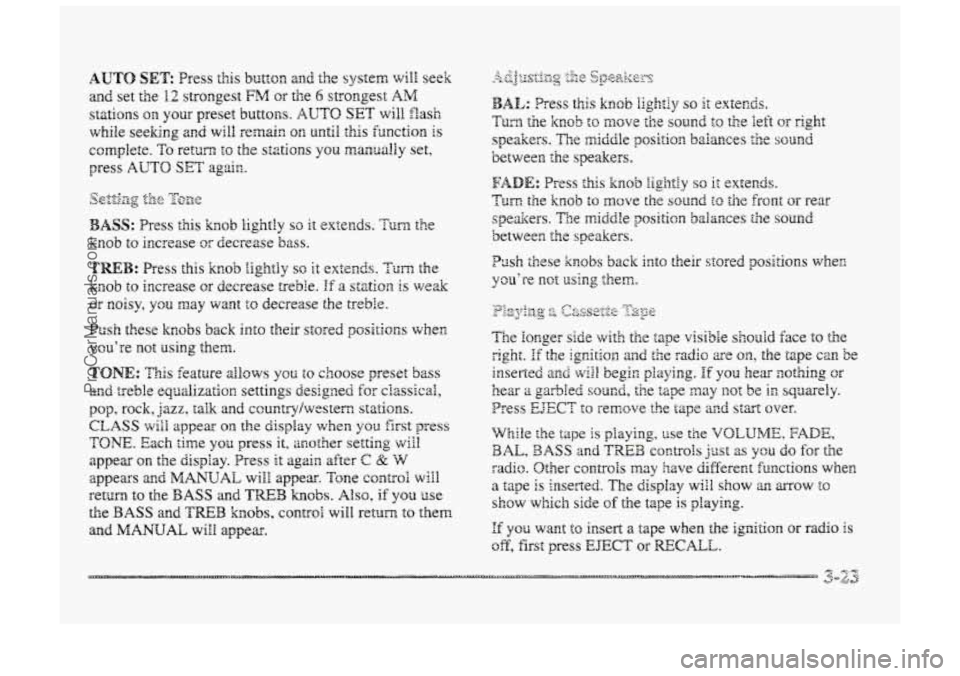
BASS: Press Clis knob lightly so it extends. Turn the
knob to increase or decrease bass.
TREB: Press this knob iightly so it extends. Turn the
knob to increase GT decrease treble. If a sf~tiarn is we&
or noisy, you may want to decrease the treble.
Push these knobs back into their stored positions when
YcLl’re H1Qt Using eheEi.
TONE: This feature allows you to choose preset bass
and treble equalization settings designed for ciassical,
pop, rock, jazz, talk and ccuntrylwestem stations.
CLASS will appear on the display when you firsst press
TONE. Each time you press it, mother setting vdl
appear on the clispiay. Press it agsn after C 22 W
appears a~td MANUAL will appear. Tone corntrol wiil
return to the BASS and TREE3 knobs. Also, if YSU use
the BASS and TWB knobs, control will retwn to them
and
MANUAL will appear.
P~sh these knobs back into their stored positions wher,
you’re not using them.
If YQU want to insert a tape when the ignition or radio is
off, first press EJECT or RECALL.
ProCarManuals.com
Page 189 of 426
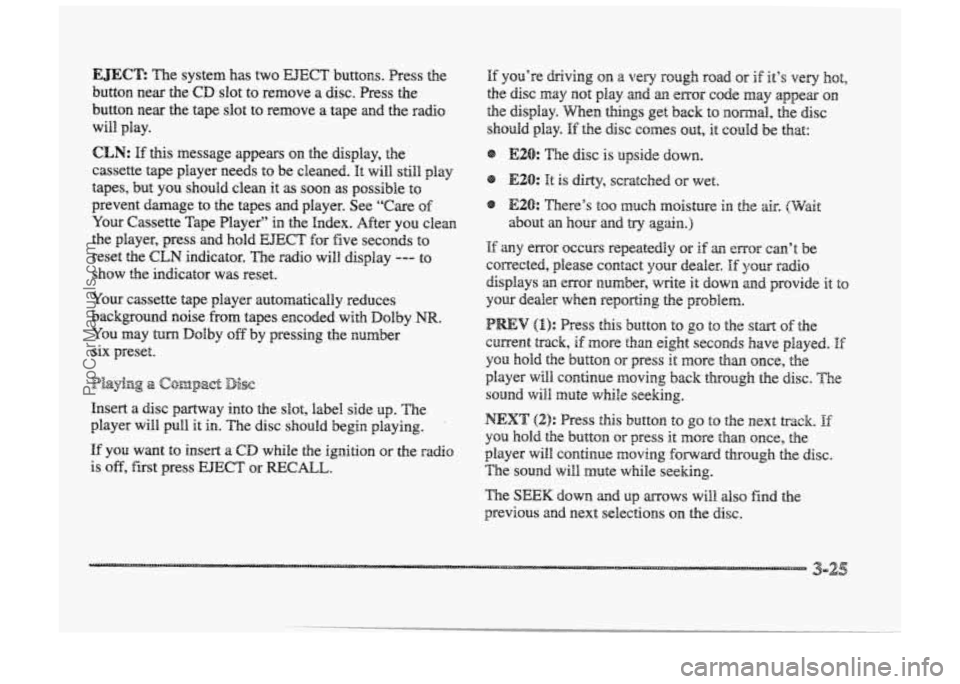
EJEC’E The system has two EJECT buttons. Press the
button near the
CD slot t~ remove a disc. Press the
button near the tape slot to remove a tape and the radio
will play.
If you’re driving on a very rough road or if it’s very hot,
the disc may not play and an ~EQP code may appear on
the display. When things get back to no~lmal, tbe disc
should play.
If the disc comes out, it could be hat:
CLN: E this message appears on the display, the @ E20: “he disc is upside down.
cassette tape player needs to be cleaned.
It will still play e E20: It is &dy, or wet.
tapes, but you should clean it as SQO~ as possible to
prevent damage to the tapes and player. See
“Care of @ E2& TFhePe’S $00 KlIUCh IIIQiStWe ill he 8k. (wait
Your Cassette Tape Player” in the Endex. After you clean about an hour and try again.)
the player, press and hold EJECT for five seconds to If any enor QCCU~S repeatedly or if an error can’t be
reset the
CLN indicator. The radio will display --- to
corrected, please contact your dealer. If your radio show the indicator was reset.
displays an error number, write it down md provide it to
YQW cassette tape player automatically reduces your dealer when reporting the problem.
background noise from tapes encoded
with Dolby NIX. (1): PSeSS this button t0 g0 to the Still% of the
YOU may turn Dolby off by pressing the number current track, if more than eight seconds have played. E six preset. YOU hold the button or press it more than once, the
player will continue moving back through the disc. The
sound will mute while seeking.
Insert a disc partway into the slot, label
side up. The
player will pull it in. The disc should begin playing. I
you hold the button or press it more than once, the
If you want to insert a CD while the igition or the radio player will c~nthue moving hwad through the disc.
is off, first press EJECT or =CALL. The sound will mute while seeking.
Playbg a c@mpact Disc
NEXT (2): Press this button to go to the next lXXk. If
The SEEK down md up mows will also find the
previous and next selections on the disc.
ProCarManuals.com
Page 194 of 426
With this feature, your vehicle wGl recall the latest radio
settings as adjusted the last time your vehicle was
operated. This feature allows two different drivers to
store and recall their QW~ radio settings for AM 2nd FM
presets, last tuned station, volume, tone and audio
source (radio, cassette or CD). The settings recaiied by
the radio are determined by which transmitter (i'I'' or
"2") was used to enter the vehicle. The number on the
back
of the transmitter corresponds to driver I. or to
driver 2. After the UNLOCK button is pressed orr the
transmitter and the ignition is in RUN. the radio settings
will azmtsmaticalEy adjust to where dzey were last set by
the identified drivcr. ?he settings can also be changed by
briefly pressing one of' the MELMORY seat brattoas ( I or
2) located on the driver's door. Wlzen chsnges are made,
the new settings will be saved for the driver.
THEFTLOCK'" is designed to discourage theft of your
radio. It works by using a secret code to disable ail radio
functions whenever battery power is removed.
If THEFTLOCK is active, the TXEFTLBCK indicator
wili3 Eash when fie ignition is off.
The THEFTLOCK featwe for the radio nay be used 01-
ignored. If igrP,ored, the system plays normai!y and the
radio is not protected by the feature. If THEFTLOCK is
activated, your rdio will not operate if stolen.
Wkn THEmLBCK is activated, :he radio wilS display
LOC to indicate a locked cenditiora anytime battery
power is removed. If your battery loses power br any
reason, you ness8 rrnlock the radio with the secret code
before it will operate.
ProCarManuals.com
Page 197 of 426
To unlock a secured radio see ‘6Udock.ing the
Thefi-Deterrent Feature After
a Bower LOSS” earlier in
this section.
Audio Steering W3eel c@ntr@ls
If your vehicle has this feature, can control certain
radio functions using the buttons on your steering wheel.
Some steering wheel controls may operate climate
CO~&Q~S. See “’Steering Wheel Controls for Climate
Contd” earlier in
this section.
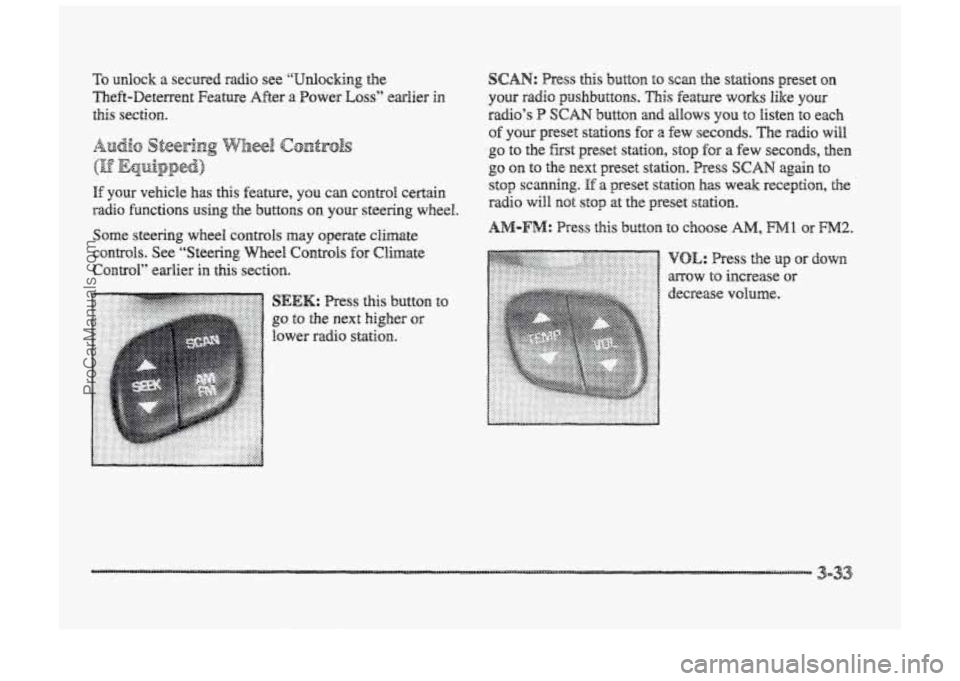
button
to SEEK: Press this
go to the next higher or
lower radio station.
SCAN: Press this button to scan the stations preset on
your radio psaslnbuttons. This feature works like your
radio’s P SCAN button and allows YOU to listen to each
of you preset stations for a few seconds. The radio will
go to the fist preset station, stop for a few seconds, then
go on to the next preset station. Press SCAN again to
stop scanning.
If a preset station has weak reception, the
radio will mot stop at the preset st&hn~.
ProCarManuals.com
Page 199 of 426
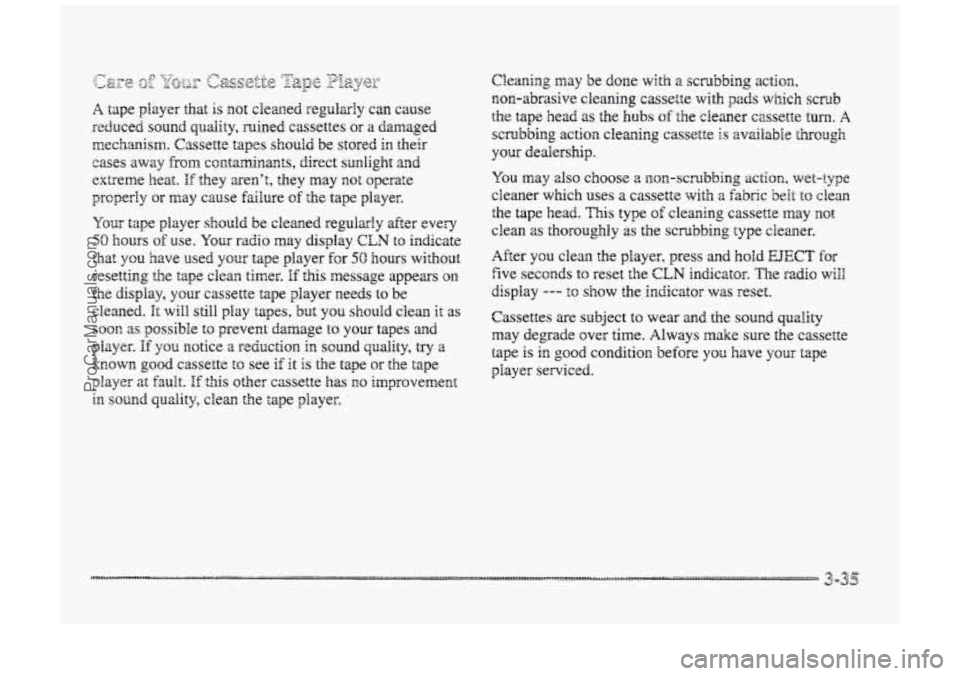
Your tape player should be cleaned regularly after every
50 hours of use. Your raciio may display CLM to indicate
that you have used your tape player €or 50 hours ~ith~ut
resetting the tape clean timer.
€f this message appears om
the display, your cassette tape player needs to be
cleaned.
It will still play tapes, but you should clean it as
SOOR as possible to prevent damage to your tapes and.
known good cassette to see if it is the tape or the tape
player at fault. If this other cassette has EO improvement
in sound quality, clean the tape player.
pkiYLX. If Y0t.i IIOtiCe a redPrCtiOn iEm SOUd quality, &j‘ a
After ycu clean the player, press and hold EJECT for
five seconds to reset the CLN indicator. The rxlio will
display --- to show the indicator was reset.
Cassettes me subject to wear
md the sound quality
may degrade over time. Always make sure the cassette
tape is in good condition before you have YOLK tape
player serviced.
ProCarManuals.com
Page 301 of 426
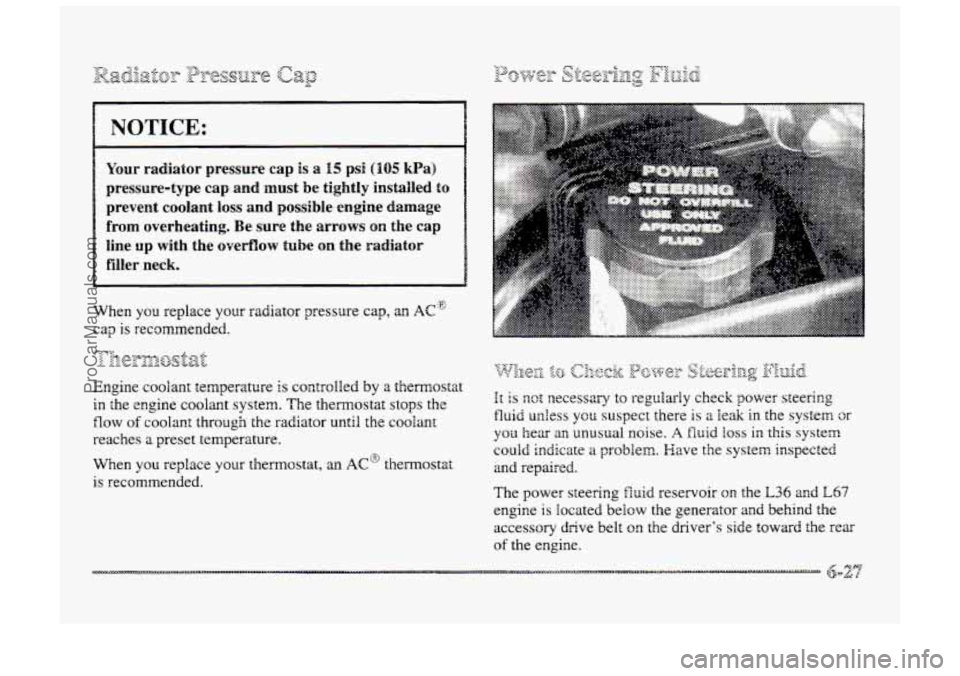
prevent coolant loss and possible engine damage
~ filler neck.
When you replace your radiator pressure cap, an AC~
.t ;trolled by a themosta
in
reaches
a preset temperature.
When you replace your themostat,
an AC@ themostat
is recommended.
ProCarManuals.com
Page 322 of 426
The check tire pressure system detects differences in tire
rotation speeds that are caused
by changes in tire
pressure. The system can alert
you about a OW tire --
but it doesn’t replace normal tire maintenance. See
“Tires”
in the Index.
When the TIRE PRESSURE LOW: CWECK TIRES
message appears on the Driver Information Center,
you should stop as soon as YOU can and check all your
tires
for damage. (If a tire is flat, see ‘‘If a Tire Goes
Flat” in the Index.) Also check the tire pressure in all
four tires as SOOIZ 2s you can. See “Inflati~n-Tire
Pressure”
in the Index.
Any time
you adjust tire’s pressure or have one or
more tires repaired or replaced, you’ll need to reset
(calibrate) tE-ae check
tire pressure system. YOU’BI a~so
Reed to reset the system whenever you rotate the tires,
buy new
rim, install or remove the compact spare, and
whenever the vehicle‘s battery has been disconnected.
Don’t reset the check tire pressure system without first
correcting the
cause of the problem and checking and
adjusting the pressure in all four tires. If you reset the
system when the tire pressures are incorrect, the check
tire presswe system will
not work properly and may ~QB
alert you when a tire is Bow or high.
To reset (calibrate) the system:
3. Press and hold the CIC RESET button for abut
five seconds. After five seconds, the display will
show TIRE PRESSUFE RESET. Hf TIE
PRESSURE RESET does not appear on the display
after about five seconds, see your dealer for service.
After
you release the DIC RESET button, TIRE
PRESSURE NORMAL will appear on the display.
The system completes the calibration process
during
driving. During the first 10 to 25 miles ( I5 to 40 kw) of
drivhg, the system will not alert you if a tire is high or
SOW. After 25 to EOO miles (40 to 160 h>, the system
will oniy alert YOU about pressure differences of 12 psi
(85 Wa) or more. After about 100 miles (160 h) of
driving, the system will alert you if one tire is IO psi
(69 kPaj different from the other thee tires.
ProCarManuals.com
Page 326 of 426
''I+he brcadwear grade is a comparative rating based Q~Z
t tze wcx rate of the tire when tested under controlled
conditions
on a specified government test course.
For example, a tire graded 150 would wear one md a
Mf (I U2) times as well on the government course
:H tire graded 100. The relative performance of tires
depends
upon the actual conditions of their use,
however, and may depart significantly from the norm
tErrc to variations in driving habits, service practices
and differences in road characteristics and climate.
'The traction grades, from highest
to !owest, are A, 3,
and C, and they represent the tire's ability to stop ora
wet pavement as measured mder controlled conditions
on specified government test surfaces of asphalt
2nd concrete. A tire marked &: may have poor
traction performance.
Warning: The traction grade assigned
to this tire is based
on
braking (straight alead) traction tests and does not
ifgcllude cornering (turning) traction. heat
and its ability to dissipate heat when tested under
controlled csndidsns on a specified indoor laboratory
test wheel. Sustained
high temperature can cause the
material of the tire to degenerate and reduce tire life, and
excessive ternperaFure can lead to sudden fire faifwe.
The grade C corresponds to a level of pedomance
which ail passenger cx tires must meet e~nder the
Federal
Motor Vehicle Safety Stmda-d No. i09. Grades
B asci A represent higher levels of perhmance an the
laboratory test wheel than the minimum required by law.
The wheels OR your vehicle were aligned and balanced
careEulIy at the factory to give you the longest tire life
acd best overall performance.
Scheduled wheel alignment
and wheel balancing are not
needed. However, if you notice unusual tire wear or
your vehicle pulling GR~ way OF the other, the akignment
may need
to be reset. If YOU notice your vehicle
vibrating
when driving on a smooth road, your wheels
may need
to be rebalaaaced.
ProCarManuals.com
Page 357 of 426
m. B he services shown in this schedule up to IOO,QQ0 miles
( 166 000 am) should be performed after 100,800 miles
( I. 66 008 km) at the same intervals. The services shown
at 150,000 miles (240 GOO km) shouid be performed at
the same interval after
150,000 riles (240 000 km).
See “Owner Checks and Services” md “Periodic
Maintenance inspections” following.
* The U.S. Environmental Protection Agency or the
California Air Resources
Boxd has determined that the
failure
to perform this maintenance item will not nuIli€y
the elmission wmanty or
limit recall liability prior to
the completion
of the vehicle’s useful life. We, however,
urge
that ail recommended maintenance services be
performed at the indicated intervals
and the
maintenance be recorded.
# Lubricate the transaxle shift linkage, parking brake
cable guides and the underbody contact points
and
linkage.
* If your vehicle has an Engine Oil Life Monitor
(Index), the monitor will show you when to change the
oil
-- usually between 3,000 miles (5 CIOC) kn) and
7,500 miles ( 12 500 lmj since your last oil change.
Under severe conditions, the indicator may come on
before 3,000 wiles (5 000 h). Never drive your vehicle
more than
7,500 miles (12 508 am> or i 2 months,
(whichever occurs first), without an oil change.
Tne
system won‘: detect dust in thc oil. So if you
drive in a dusty area be sure to change pur oil every
3,000 miles (5 008 km) or sooner if: the CHANGE
OIL message appears. Remember to reset the Oil Life
‘Monitor
when the oil has been changed. For more
information, see “Engine
Oil Life ,Monitor (Index)” in
the Index.
+ A good time to check your brakes is during tire
rotation. See
“Brake System Inspection” under “Periodic
Maintenance Inspections” in
Part C of this schedule.
ProCarManuals.com
Page 372 of 426
? The U.S. E~wironrnentd Protection Agency the
Cainiifomire Air R!csources Board has determined that the
failure
to pertc)rm this maintenance item will not nullify
the
emission warranty or limit recall liability prior to the
completion
or‘ the vehicle’s useful life. We, however,
urge
that all recommended maintenance services be
performed
at the indicated intervals and the maintenance
be recorded.
## Lubricate the transaxle shift linkage, parking brake
cable guides and the underbody contact points
and linkage.
* If your vehicle has m Engice Oil Life Monitor
(Index), the monitor will show you when to change the
engine
oil and filter -- usually between 3,000 miles
(5 GOO km> and 7,500 miles (X2 500 krn) since your last
oil change. Under severe conditions. the indicator may
come on before 3,008 miles (5 8064 km). Never drive
your vehicle more than 7,500 miles ( 12 500 km) or
12 months without an oil and filter change.
The system won’t detect
dust in the oil. So if yo2 drive
in a dusty area, be sure to change your oil. and filter
every 3,000 miles (5 000 km) ~r sooner if thms CHANGE
OIL message appears. Remember to reset the Oil Life
Monitor when the oil has been changed. For more
information,
see “Engine Oil Life Monitor (Index)” in
the Index.
+- A good time to check your brakes is during tire
rotation. See “Brake System Inspection” under “Periodic
Maintenance Inspections”
in Part C of this schedule.
ProCarManuals.com