battery BUICK PARK AVENUE 2004 Owner's Guide
[x] Cancel search | Manufacturer: BUICK, Model Year: 2004, Model line: PARK AVENUE, Model: BUICK PARK AVENUE 2004Pages: 410, PDF Size: 4.45 MB
Page 289 of 410
4. Open the hoods and locate the batteries. Find the
positive (+) and negative (–) terminal locations on
each vehicle. SeeEngine Compartment Overview
on page 5-12for more information on location.
{CAUTION:
An electric fan can start up even when the
engine is not running and can injure you.
Keep hands, clothing and tools away from any
underhood electric fan.
{CAUTION:
Using a match near a battery can cause battery
gas to explode. People have been hurt doing
this, and some have been blinded. Use a
ashlight if you need more light.
CAUTION: (Continued)
CAUTION: (Continued)
Be sure the battery has enough water. You do
not need to add water to the ACDelco®battery
installed in your new vehicle. But if a battery
has ller caps, be sure the right amount of
uid is there. If it is low, add water to take care
of that rst. If you do not, explosive gas could
be present.
Battery uid contains acid that can burn you.
Do not get it on you. If you accidentally get it
in your eyes or on your skin, ush the place
with water and get medical help immediately.
{CAUTION:
Fans or other moving engine parts can injure
you badly. Keep your hands away from moving
parts once the engine is running.
5-45
Page 290 of 410
5. Check that the jumper cables do not have loose or
missing insulation. If they do, you could get a
shock. The vehicles could be damaged too.
Before you connect the cables, here are some
basic things you should know. Positive (+) will go to
positive (+) or to a remote positive (+) terminal if
the vehicle has one. Negative (−) will go to a heavy,
unpainted metal engine part or to a remote
negative (–) terminal if the vehicle has one.
Do not connect positive (+) to negative (−)oryou
will get a short that would damage the battery
and maybe other parts too. And do not connect the
negative (−) cable to the negative (−) terminal on
the dead battery because this can cause sparks.
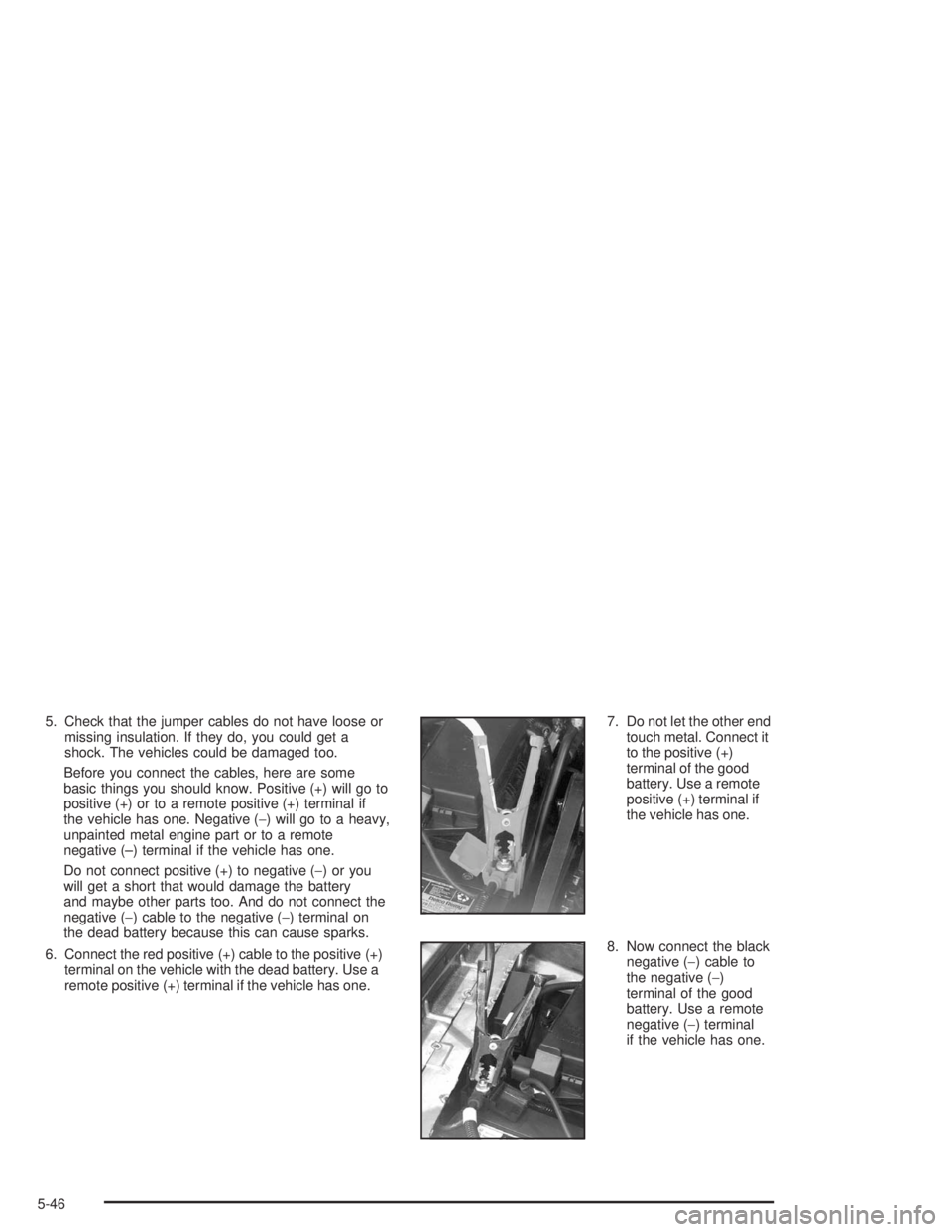
6. Connect the red positive (+) cable to the positive (+)
terminal on the vehicle with the dead battery. Use a
remote positive (+) terminal if the vehicle has one.7. Do not let the other end
touch metal. Connect it
to the positive (+)
terminal of the good
battery. Use a remote
positive (+) terminal if
the vehicle has one.
8. Now connect the black
negative (−) cable to
the negative (−)
terminal of the good
battery. Use a remote
negative (−) terminal
if the vehicle has one.
5-46
Page 291 of 410
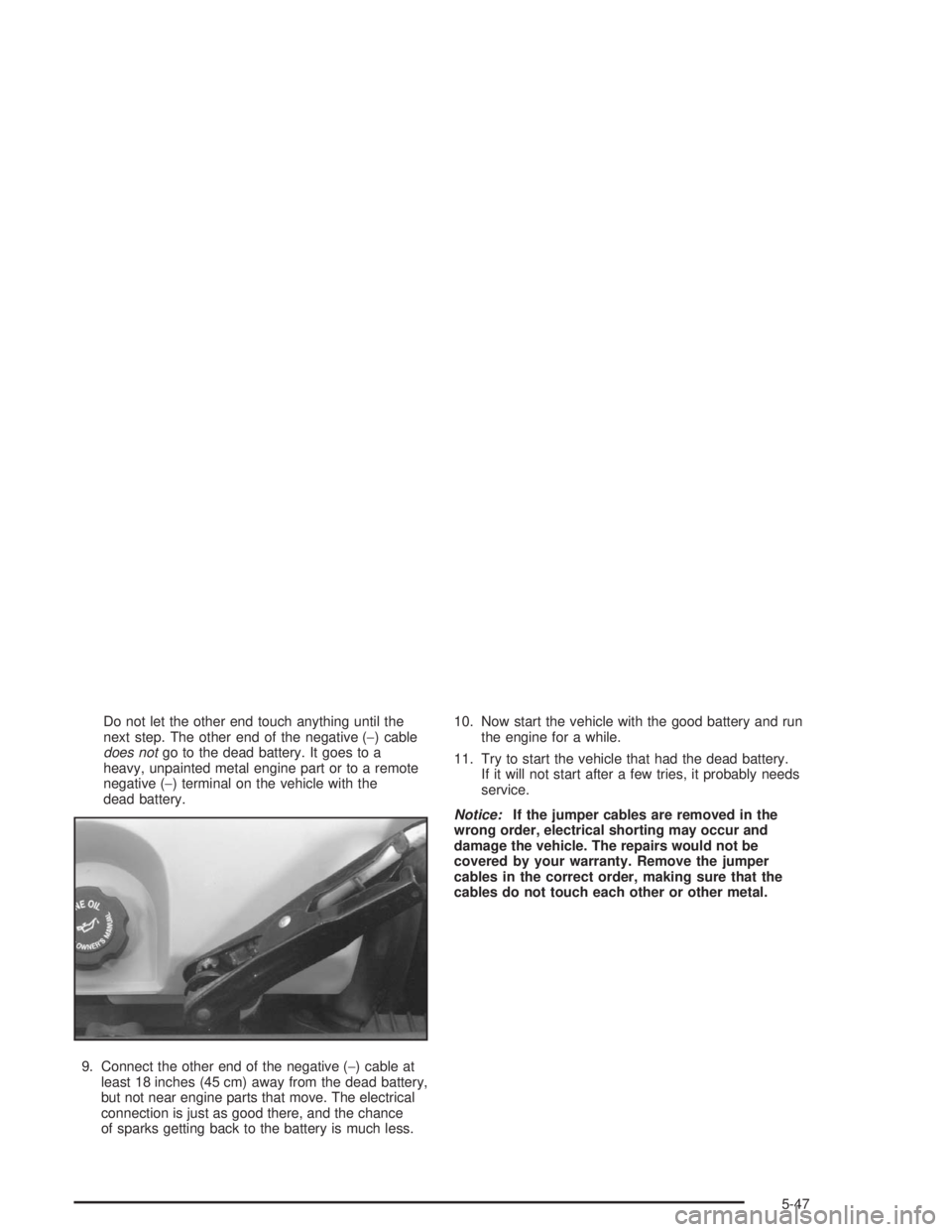
Do not let the other end touch anything until the
next step. The other end of the negative (−) cable
does notgo to the dead battery. It goes to a
heavy, unpainted metal engine part or to a remote
negative (−) terminal on the vehicle with the
dead battery.
9. Connect the other end of the negative (−) cable at
least 18 inches (45 cm) away from the dead battery,
but not near engine parts that move. The electrical
connection is just as good there, and the chance
of sparks getting back to the battery is much less.10. Now start the vehicle with the good battery and run
the engine for a while.
11. Try to start the vehicle that had the dead battery.
If it will not start after a few tries, it probably needs
service.
Notice:If the jumper cables are removed in the
wrong order, electrical shorting may occur and
damage the vehicle. The repairs would not be
covered by your warranty. Remove the jumper
cables in the correct order, making sure that the
cables do not touch each other or other metal.
5-47
Page 292 of 410
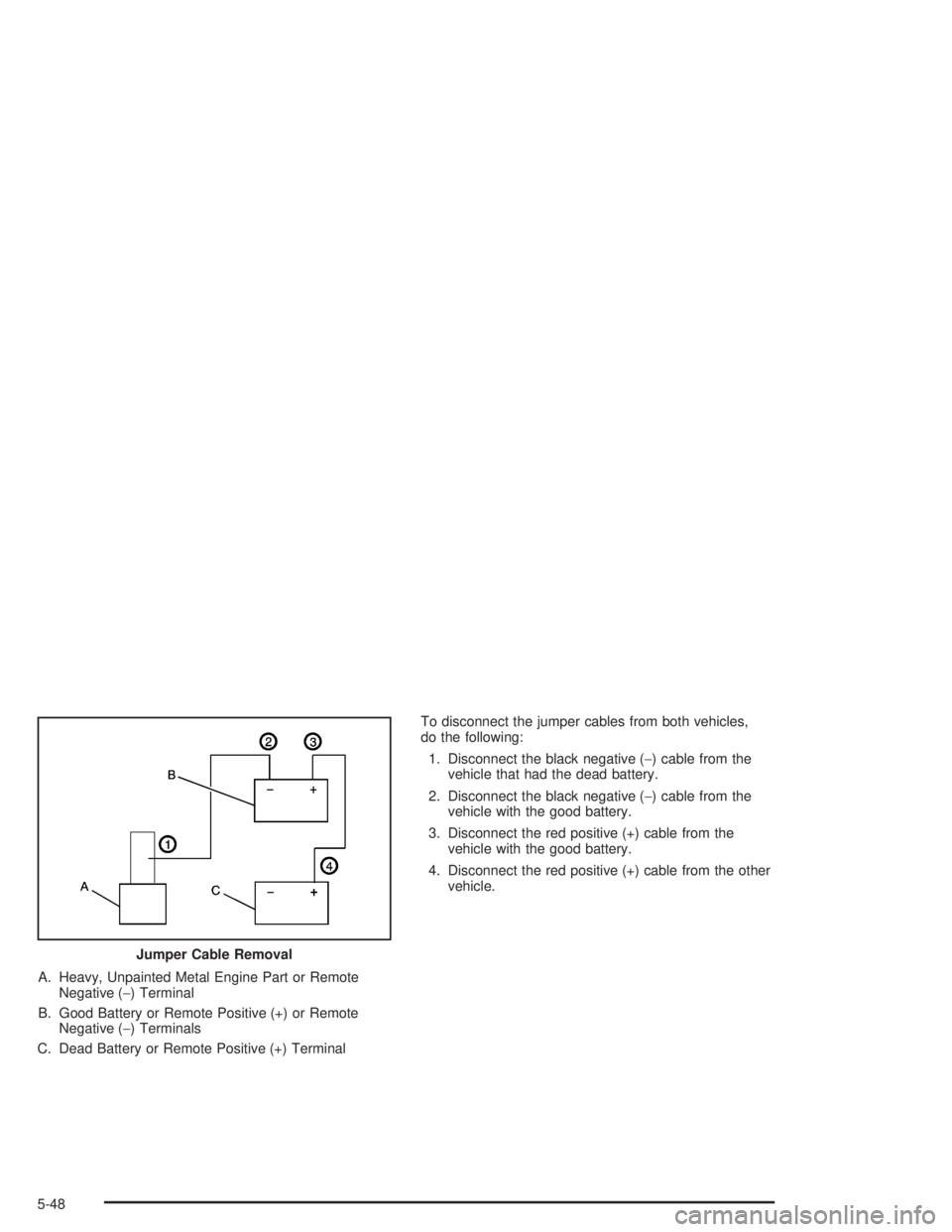
A. Heavy, Unpainted Metal Engine Part or Remote
Negative (−) Terminal
B. Good Battery or Remote Positive (+) or Remote
Negative (−) Terminals
C. Dead Battery or Remote Positive (+) TerminalTo disconnect the jumper cables from both vehicles,
do the following:
1. Disconnect the black negative (−) cable from the
vehicle that had the dead battery.
2. Disconnect the black negative (−) cable from the
vehicle with the good battery.
3. Disconnect the red positive (+) cable from the
vehicle with the good battery.
4. Disconnect the red positive (+) cable from the other
vehicle.
Jumper Cable Removal
5-48
Page 396 of 410
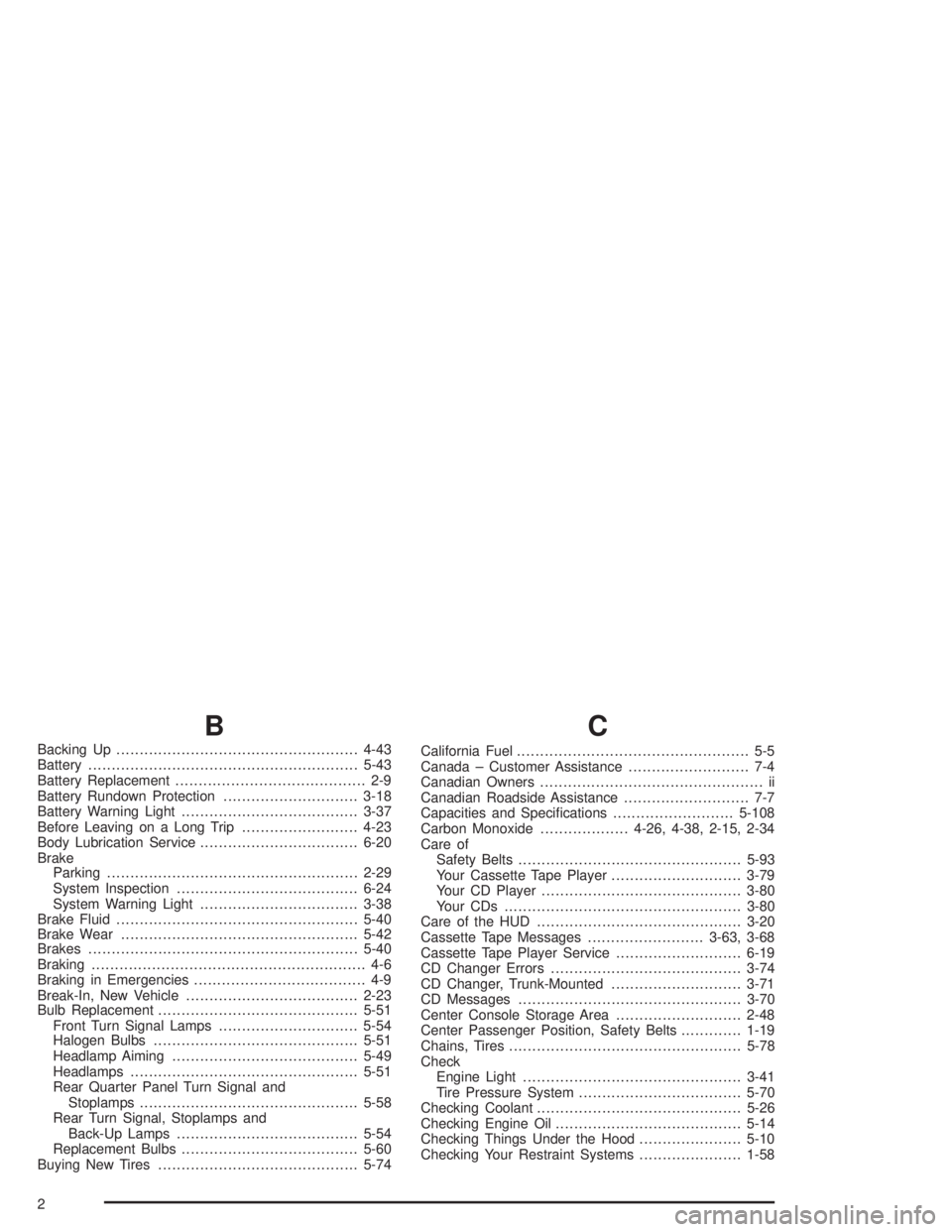
B
Backing Up....................................................4-43
Battery..........................................................5-43
Battery Replacement......................................... 2-9
Battery Rundown Protection.............................3-18
Battery Warning Light......................................3-37
Before Leaving on a Long Trip.........................4-23
Body Lubrication Service..................................6-20
Brake
Parking......................................................2-29
System Inspection.......................................6-24
System Warning Light..................................3-38
Brake Fluid....................................................5-40
Brake Wear...................................................5-42
Brakes..........................................................5-40
Braking........................................................... 4-6
Braking in Emergencies..................................... 4-9
Break-In, New Vehicle.....................................2-23
Bulb Replacement...........................................5-51
Front Turn Signal Lamps..............................5-54
Halogen Bulbs............................................5-51
Headlamp Aiming........................................5-49
Headlamps.................................................5-51
Rear Quarter Panel Turn Signal and
Stoplamps...............................................5-58
Rear Turn Signal, Stoplamps and
Back-Up Lamps.......................................5-54
Replacement Bulbs......................................5-60
Buying New Tires...........................................5-74
C
California Fuel.................................................. 5-5
Canada – Customer Assistance.......................... 7-4
Canadian Owners................................................ ii
Canadian Roadside Assistance........................... 7-7
Capacities and Specications..........................5-108
Carbon Monoxide...................4-26, 4-38, 2-15, 2-34
Care of
Safety Belts................................................5-93
Your Cassette Tape Player............................3-79
Your CD Player...........................................3-80
Your CDs ...................................................3-80
Care of the HUD............................................3-20
Cassette Tape Messages.........................3-63, 3-68
Cassette Tape Player Service...........................6-19
CD Changer Errors.........................................3-74
CD Changer, Trunk-Mounted............................3-71
CD Messages................................................3-70
Center Console Storage Area...........................2-48
Center Passenger Position, Safety Belts.............1-19
Chains, Tires..................................................5-78
Check
Engine Light...............................................3-41
Tire Pressure System...................................5-70
Checking Coolant............................................5-26
Checking Engine Oil........................................5-14
Checking Things Under the Hood......................5-10
Checking Your Restraint Systems......................1-58
2
Page 399 of 410
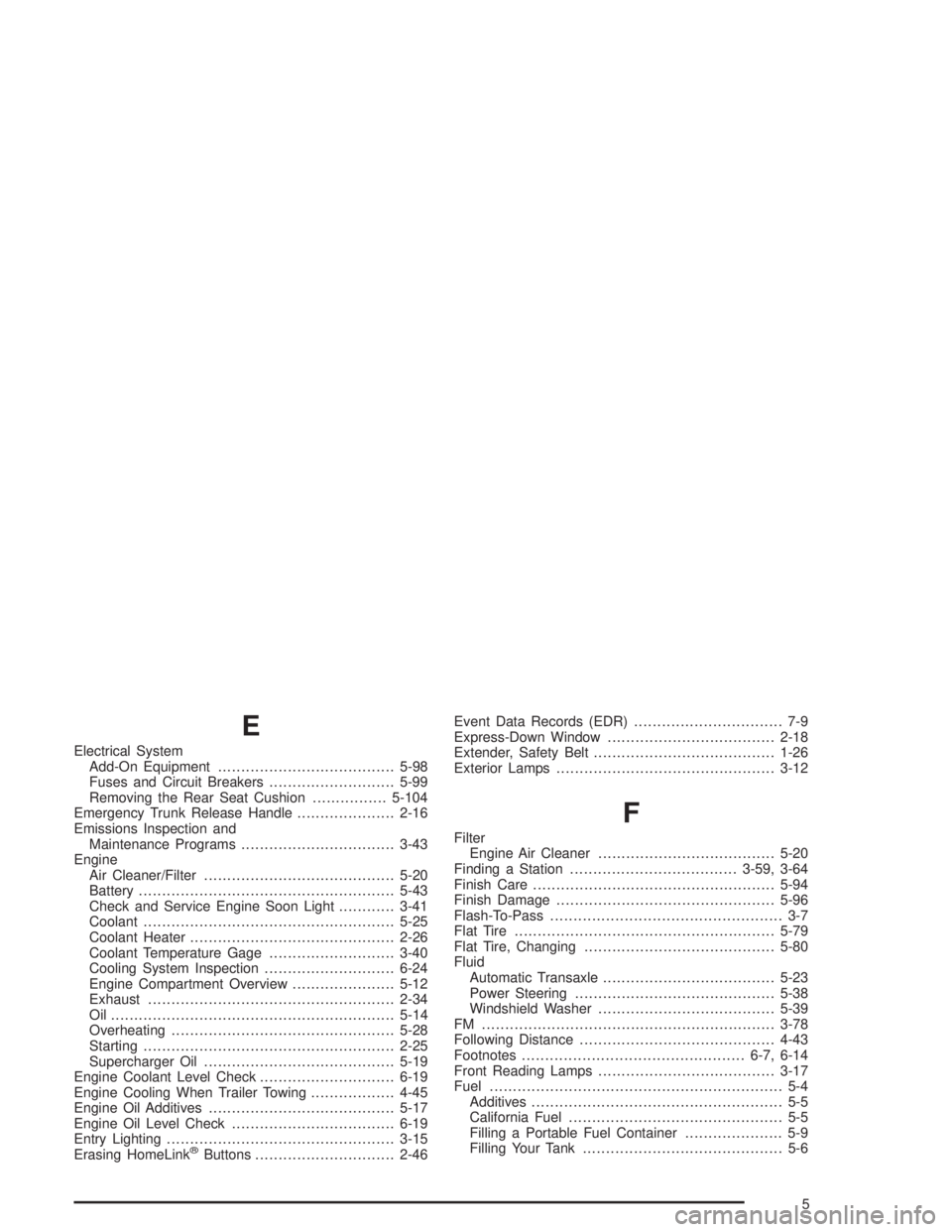
E
Electrical System
Add-On Equipment......................................5-98
Fuses and Circuit Breakers...........................5-99
Removing the Rear Seat Cushion................5-104
Emergency Trunk Release Handle.....................2-16
Emissions Inspection and
Maintenance Programs.................................3-43
Engine
Air Cleaner/Filter.........................................5-20
Battery.......................................................5-43
Check and Service Engine Soon Light............3-41
Coolant......................................................5-25
Coolant Heater............................................2-26
Coolant Temperature Gage...........................3-40
Cooling System Inspection............................6-24
Engine Compartment Overview......................5-12
Exhaust.....................................................2-34
Oil .............................................................5-14
Overheating................................................5-28
Starting......................................................2-25
Supercharger Oil.........................................5-19
Engine Coolant Level Check.............................6-19
Engine Cooling When Trailer Towing..................4-45
Engine Oil Additives........................................5-17
Engine Oil Level Check...................................6-19
Entry Lighting.................................................3-15
Erasing HomeLink
®Buttons..............................2-46Event Data Records (EDR)................................ 7-9
Express-Down Window....................................2-18
Extender, Safety Belt.......................................1-26
Exterior Lamps...............................................3-12
F
Filter
Engine Air Cleaner......................................5-20
Finding a Station....................................3-59, 3-64
Finish Care....................................................5-94
Finish Damage...............................................5-96
Flash-To-Pass.................................................. 3-7
Flat Tire........................................................5-79
Flat Tire, Changing.........................................5-80
Fluid
Automatic Transaxle.....................................5-23
Power Steering...........................................5-38
Windshield Washer......................................5-39
FM ...............................................................3-78
Following Distance..........................................4-43
Footnotes................................................6-7, 6-14
Front Reading Lamps......................................3-17
Fuel............................................................... 5-4
Additives...................................................... 5-5
California Fuel.............................................. 5-5
Filling a Portable Fuel Container..................... 5-9
Filling Your Tank........................................... 5-6
5
Page 402 of 410
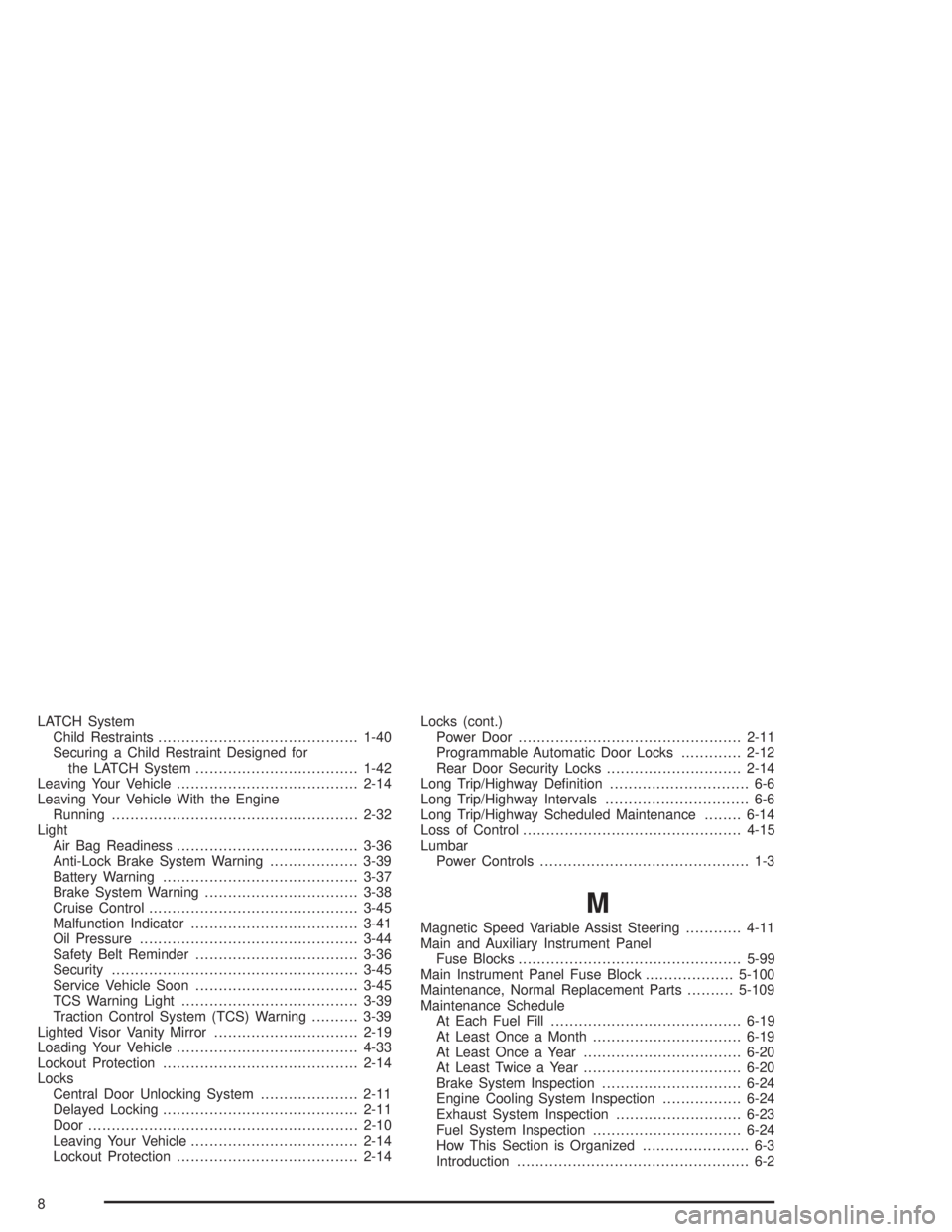
LATCH System
Child Restraints...........................................1-40
Securing a Child Restraint Designed for
the LATCH System...................................1-42
Leaving Your Vehicle.......................................2-14
Leaving Your Vehicle With the Engine
Running.....................................................2-32
Light
Air Bag Readiness.......................................3-36
Anti-Lock Brake System Warning...................3-39
Battery Warning..........................................3-37
Brake System Warning.................................3-38
Cruise Control.............................................3-45
Malfunction Indicator....................................3-41
Oil Pressure...............................................3-44
Safety Belt Reminder...................................3-36
Security.....................................................3-45
Service Vehicle Soon...................................3-45
TCS Warning Light......................................3-39
Traction Control System (TCS) Warning..........3-39
Lighted Visor Vanity Mirror...............................2-19
Loading Your Vehicle.......................................4-33
Lockout Protection..........................................2-14
Locks
Central Door Unlocking System.....................2-11
Delayed Locking..........................................2-11
Door..........................................................2-10
Leaving Your Vehicle....................................2-14
Lockout Protection.......................................2-14Locks (cont.)
Power Door................................................2-11
Programmable Automatic Door Locks.............2-12
Rear Door Security Locks.............................2-14
Long Trip/Highway Denition.............................. 6-6
Long Trip/Highway Intervals............................... 6-6
Long Trip/Highway Scheduled Maintenance........6-14
Loss of Control...............................................4-15
Lumbar
Power Controls............................................. 1-3
M
Magnetic Speed Variable Assist Steering............4-11
Main and Auxiliary Instrument Panel
Fuse Blocks................................................5-99
Main Instrument Panel Fuse Block...................5-100
Maintenance, Normal Replacement Parts..........5-109
Maintenance Schedule
At Each Fuel Fill.........................................6-19
At Least Once a Month................................6-19
At Least Once a Year..................................6-20
At Least Twice a Year..................................6-20
Brake System Inspection..............................6-24
Engine Cooling System Inspection.................6-24
Exhaust System Inspection...........................6-23
Fuel System Inspection................................6-24
How This Section is Organized....................... 6-3
Introduction.................................................. 6-2
8