instrument panel BUICK PARK AVENUE 2004 Owner's Guide
[x] Cancel search | Manufacturer: BUICK, Model Year: 2004, Model line: PARK AVENUE, Model: BUICK PARK AVENUE 2004Pages: 410, PDF Size: 4.45 MB
Page 132 of 410
When it is dark enough outside, your high-beam
headlamps will change to low-beam headlamps at full
brightness. The other lamps that turn on with your
headlamps will also turn on. When it is bright enough
outside, the regular lamps will turn off, and your
high-beam headlamps change to the reduced brightness
of DRL.
To idle your vehicle with the DRL off, shift the transaxle
into PARK (P). The DRL will stay off until you shift
out of PARK (P).
To turn off all exterior lighting at night when you are
parked, turn off the exterior lamp control and slide the
Twilight Sentinel
®control all the way to the left.
When released, the control will return to the Twilight
Sentinel
®minimum delay position and the lights will
turn off.
As with any vehicle, you should turn on the regular
headlamp system when you need it.
Cornering Lamps
The cornering lamps come on when the headlamps or
parking lamps are on and you signal a turn with the
multifunction lever. They provide more light for
cornering.
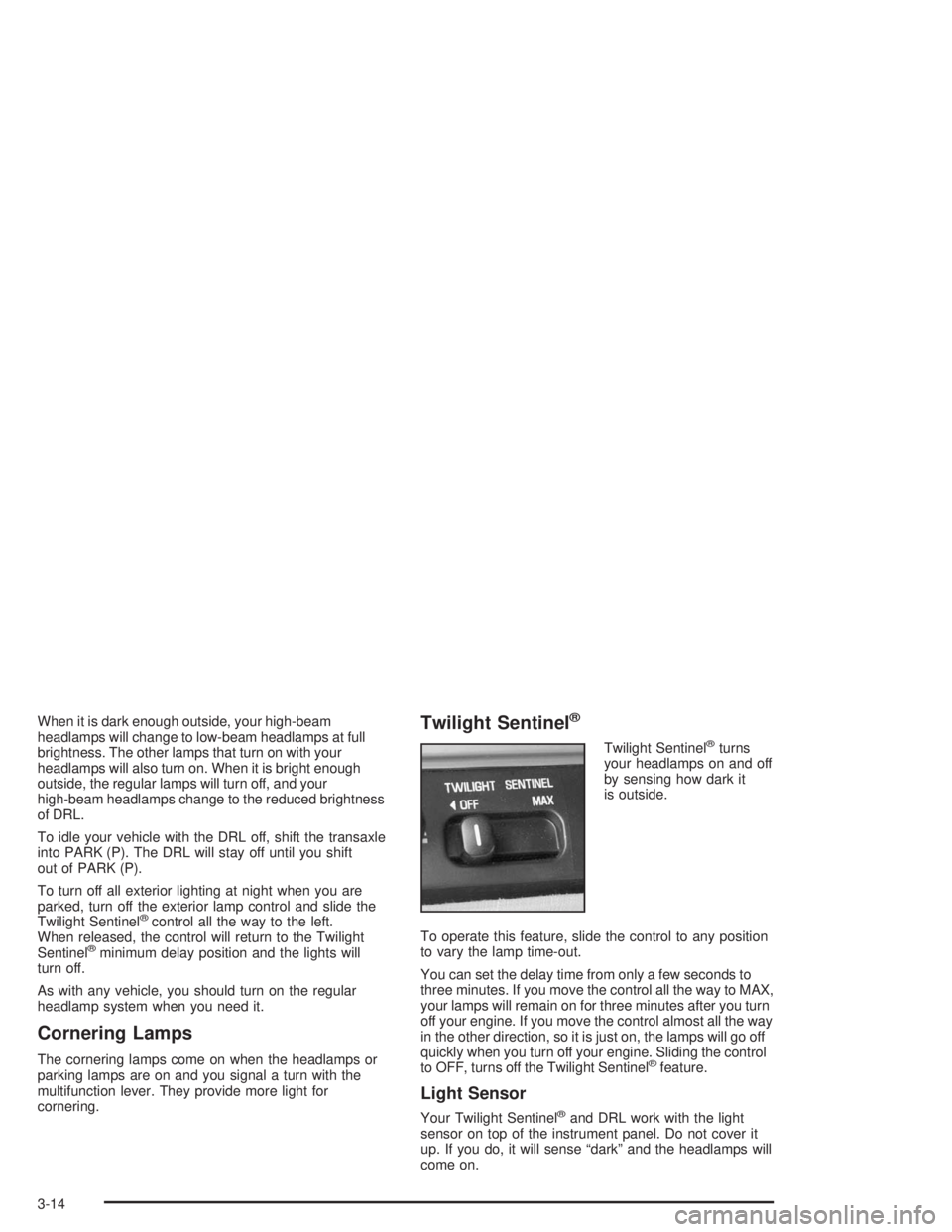
Twilight Sentinel®
Twilight Sentinel®turns
your headlamps on and off
by sensing how dark it
is outside.
To operate this feature, slide the control to any position
to vary the lamp time-out.
You can set the delay time from only a few seconds to
three minutes. If you move the control all the way to MAX,
your lamps will remain on for three minutes after you turn
off your engine. If you move the control almost all the way
in the other direction, so it is just on, the lamps will go off
quickly when you turn off your engine. Sliding the control
to OFF, turns off the Twilight Sentinel
®feature.
Light Sensor
Your Twilight Sentinel®and DRL work with the light
sensor on top of the instrument panel. Do not cover it
up. If you do, it will sense “dark” and the headlamps will
come on.
3-14
Page 133 of 410
Interior Lamps
Instrument Panel Brightness
Adjust the instrument panel light brightness by turning
the exterior lamps control.
Courtesy Lamps
When any door is opened, several lamps go on.
They make it easy for you to enter and leave your vehicle.
You can also turn these lamps on by turning the exterior
lamps control clockwise all the way past the normal stop.
Entry Lighting
When you open either front door or press the unlock
button on the remote keyless entry transmitter, the lamps
inside your vehicle will turn on. These lamps will turn off
after about 40 seconds. These lamps will also turn off if
you start the engine or activate the power door locks.
Delayed Entry Lighting
When you open the door, the interior lamps will come on.
When you close the door with the ignition off, the interior
lamps will stay on for 25 seconds or until the ignition is
turned to an on position. Locking the doors with thepower door lock switch will override the delayed entry
lighting feature and the lamps will turn off right away.
Using the remote keyless entry transmitter to lock the
door will not cancel delayed lighting.
Theater Dimming
This feature allows for a three to ve-second fade out of
the courtesy lamps instead of immediate turn off.
Delayed Exit Lighting
With this feature, the interior lamps will come on for
25 seconds after you remove the key from the ignition.
This will give you time to nd the door handle or
lock switches.
Parade Dimming
This feature prohibits the dimming of your instrument
panel displays during daylight while your headlamps are
on. This feature operates with the light sensor for the
Twilight Sentinel
®and is fully automatic. When the light
sensor reads darkness outside, you will be able to
dim your instrument panel displays once again.
3-15
Page 136 of 410
Glove Box Lamp
When you open the glove box, a lamp will come on
inside the glove box. This will automatically turn off when
the glove box is closed.
Battery Rundown Protection
This feature shuts off all lamps that are left on for more
than 10 minutes when the ignition is off. This will keep
your battery from running down.
Head-Up Display (HUD)
{CAUTION:
If the HUD image is too bright, or too high in
your eld of view, it may take you more time to
see things you need to see when it is dark
outside. Be sure to keep the HUD image dim
and placed low in your eld of view.
If your vehicle is equipped with the Head-Up Display
(HUD), you can see some of the driver information that
appears on your instrument panel cluster.The information may be displayed in English or metric
units and appears as a reection in the windshield.
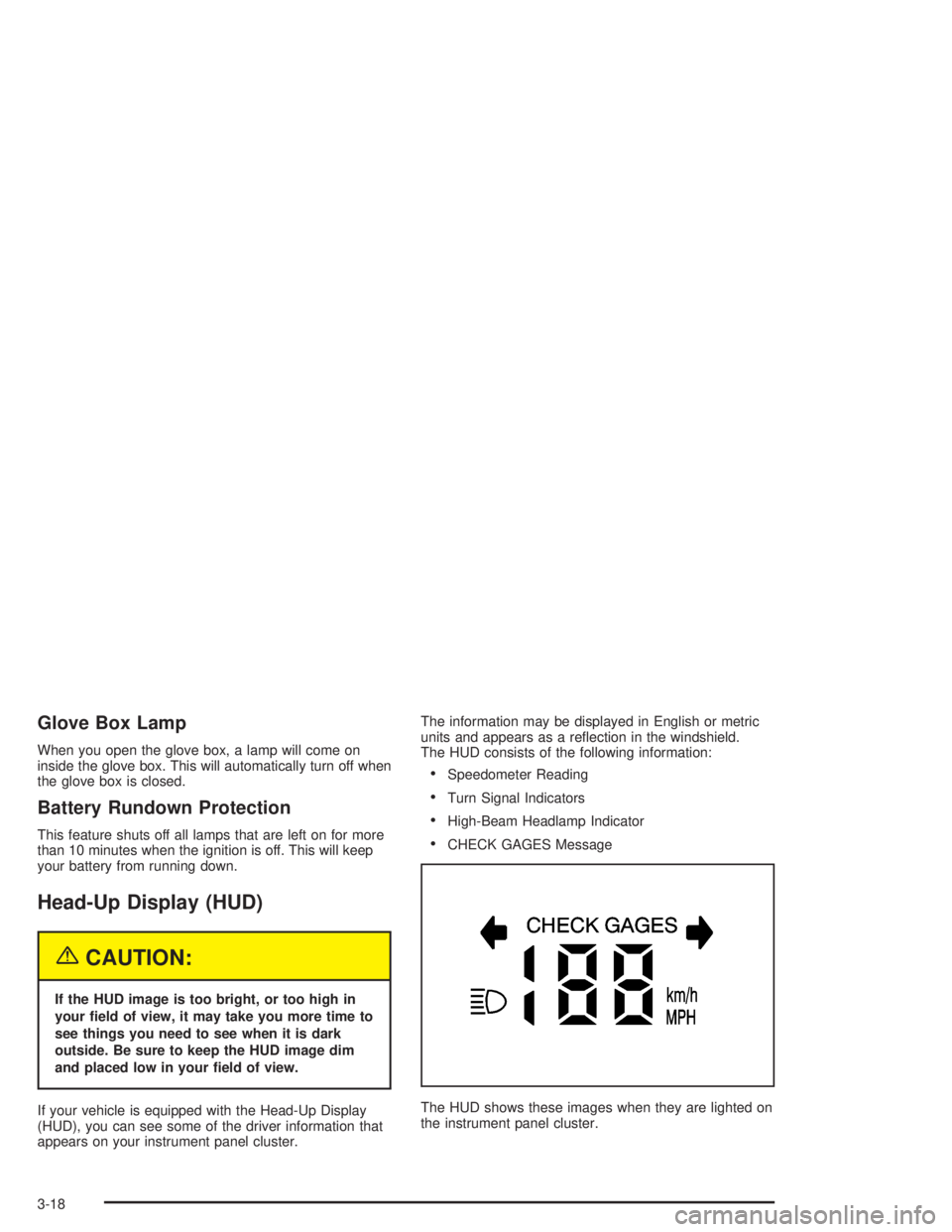
The HUD consists of the following information:
Speedometer Reading
Turn Signal Indicators
High-Beam Headlamp Indicator
CHECK GAGES Message
The HUD shows these images when they are lighted on
the instrument panel cluster.
3-18
Page 137 of 410
Be sure to continue scanning your displays, controls
and driving environment just as you would in a vehicle
without HUD. If you never look at your instrument
panel, you may not see something important, such as a
warning light.
Notice:If you try to use the HUD image as a
parking aid, you may misjudge the distance and
damage your vehicle. Do not use the HUD image as
a parking aid.
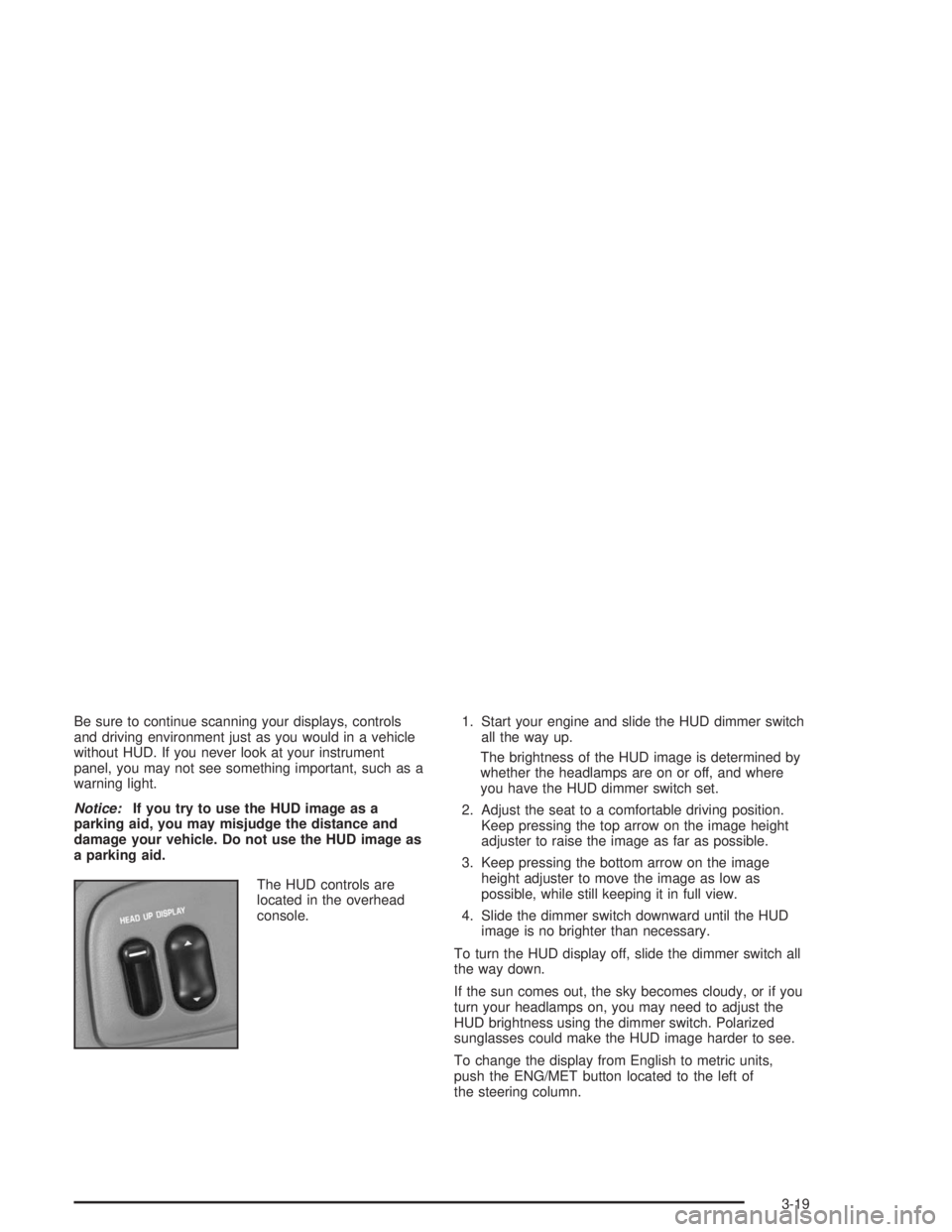
The HUD controls are
located in the overhead
console.1. Start your engine and slide the HUD dimmer switch
all the way up.
The brightness of the HUD image is determined by
whether the headlamps are on or off, and where
you have the HUD dimmer switch set.
2. Adjust the seat to a comfortable driving position.
Keep pressing the top arrow on the image height
adjuster to raise the image as far as possible.
3. Keep pressing the bottom arrow on the image
height adjuster to move the image as low as
possible, while still keeping it in full view.
4. Slide the dimmer switch downward until the HUD
image is no brighter than necessary.
To turn the HUD display off, slide the dimmer switch all
the way down.
If the sun comes out, the sky becomes cloudy, or if you
turn your headlamps on, you may need to adjust the
HUD brightness using the dimmer switch. Polarized
sunglasses could make the HUD image harder to see.
To change the display from English to metric units,
push the ENG/MET button located to the left of
the steering column.
3-19
Page 142 of 410
Climate Controls
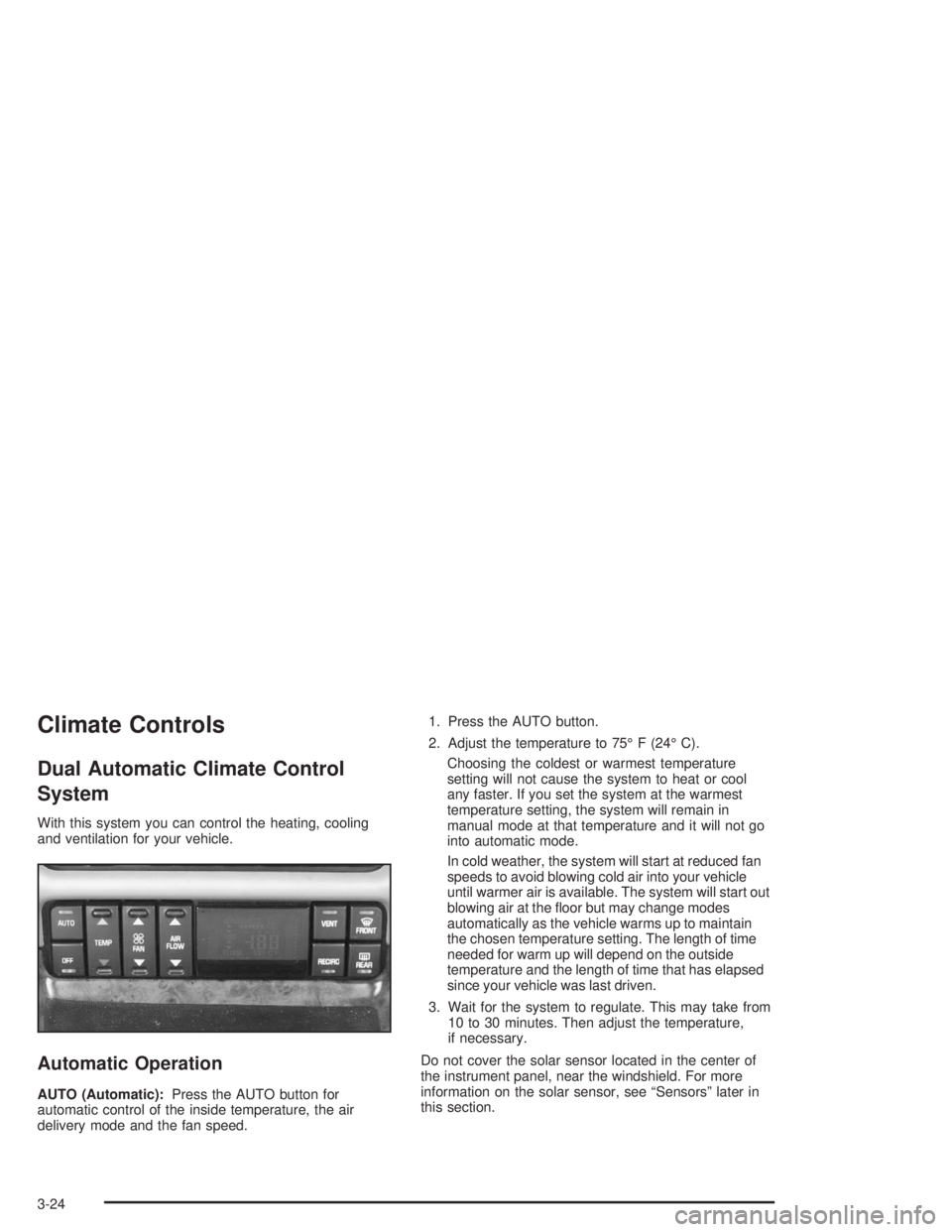
Dual Automatic Climate Control
System
With this system you can control the heating, cooling
and ventilation for your vehicle.
Automatic Operation
AUTO (Automatic):Press the AUTO button for
automatic control of the inside temperature, the air
delivery mode and the fan speed.1. Press the AUTO button.
2. Adjust the temperature to 75° F (24° C).
Choosing the coldest or warmest temperature
setting will not cause the system to heat or cool
any faster. If you set the system at the warmest
temperature setting, the system will remain in
manual mode at that temperature and it will not go
into automatic mode.
In cold weather, the system will start at reduced fan
speeds to avoid blowing cold air into your vehicle
until warmer air is available. The system will start out
blowing air at the oor but may change modes
automatically as the vehicle warms up to maintain
the chosen temperature setting. The length of time
needed for warm up will depend on the outside
temperature and the length of time that has elapsed
since your vehicle was last driven.
3. Wait for the system to regulate. This may take from
10 to 30 minutes. Then adjust the temperature,
if necessary.
Do not cover the solar sensor located in the center of
the instrument panel, near the windshield. For more
information on the solar sensor, see “Sensors” later in
this section.
3-24
Page 143 of 410
Manual Operation
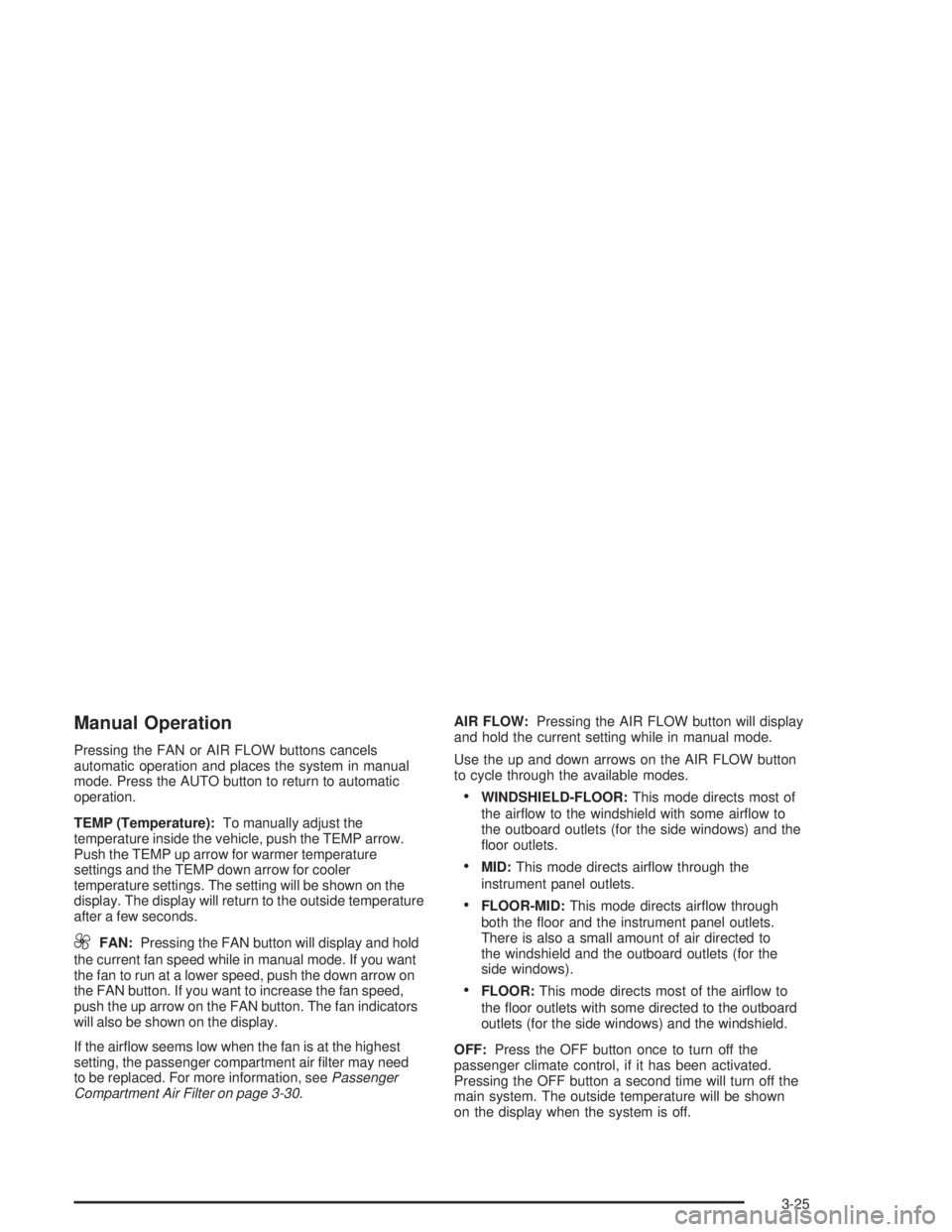
Pressing the FAN or AIR FLOW buttons cancels
automatic operation and places the system in manual
mode. Press the AUTO button to return to automatic
operation.
TEMP (Temperature):To manually adjust the
temperature inside the vehicle, push the TEMP arrow.
Push the TEMP up arrow for warmer temperature
settings and the TEMP down arrow for cooler
temperature settings. The setting will be shown on the
display. The display will return to the outside temperature
after a few seconds.
9FAN:Pressing the FAN button will display and hold
the current fan speed while in manual mode. If you want
the fan to run at a lower speed, push the down arrow on
the FAN button. If you want to increase the fan speed,
push the up arrow on the FAN button. The fan indicators
will also be shown on the display.
If the airow seems low when the fan is at the highest
setting, the passenger compartment air lter may need
to be replaced. For more information, seePassenger
Compartment Air Filter on page 3-30.AIR FLOW:Pressing the AIR FLOW button will display
and hold the current setting while in manual mode.
Use the up and down arrows on the AIR FLOW button
to cycle through the available modes.
WINDSHIELD-FLOOR:This mode directs most of
the airow to the windshield with some airow to
the outboard outlets (for the side windows) and the
oor outlets.
MID:This mode directs airow through the
instrument panel outlets.
FLOOR-MID:This mode directs airow through
both the oor and the instrument panel outlets.
There is also a small amount of air directed to
the windshield and the outboard outlets (for the
side windows).
FLOOR:This mode directs most of the airow to
the oor outlets with some directed to the outboard
outlets (for the side windows) and the windshield.
OFF:Press the OFF button once to turn off the
passenger climate control, if it has been activated.
Pressing the OFF button a second time will turn off the
main system. The outside temperature will be shown
on the display when the system is off.
3-25
Page 144 of 410
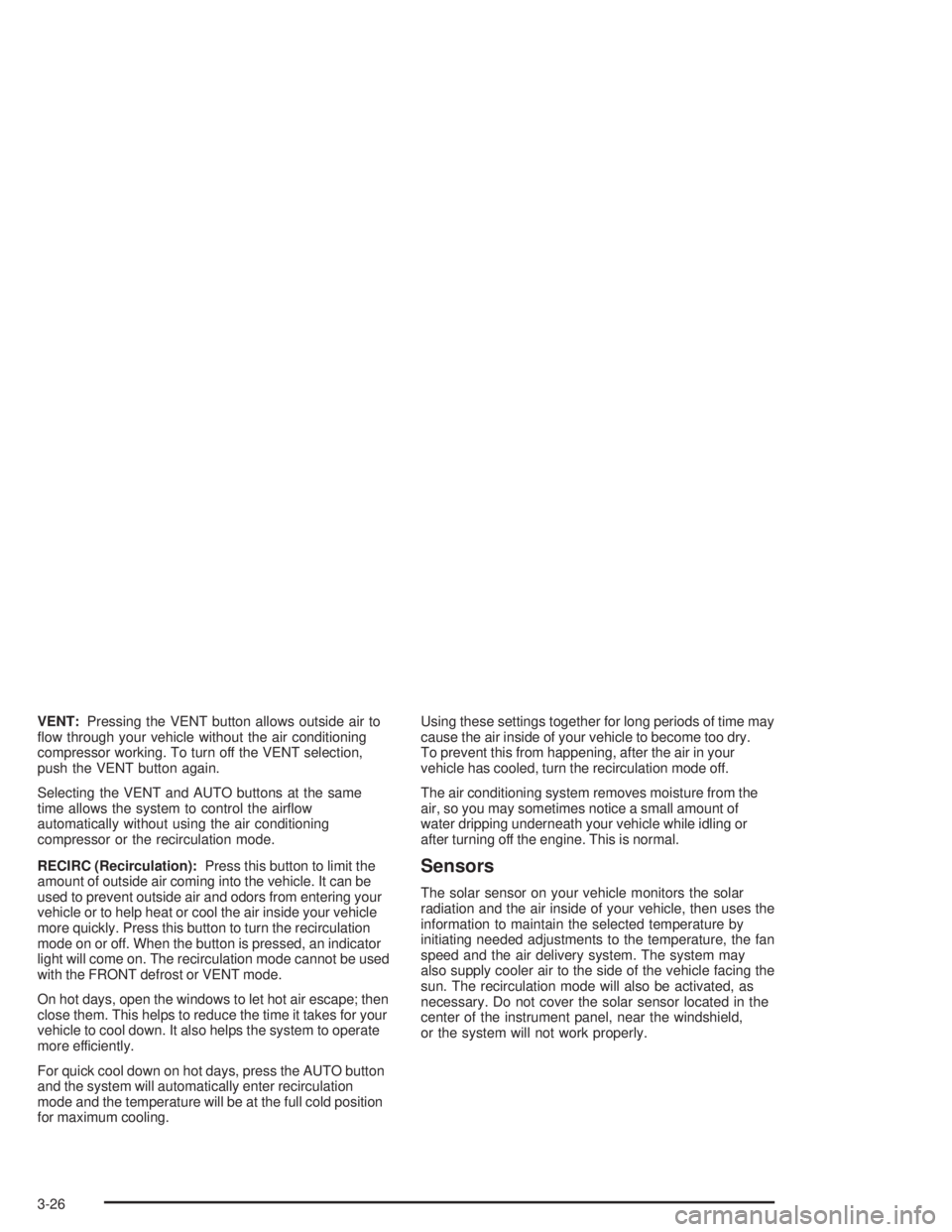
VENT:Pressing the VENT button allows outside air to
ow through your vehicle without the air conditioning
compressor working. To turn off the VENT selection,
push the VENT button again.
Selecting the VENT and AUTO buttons at the same
time allows the system to control the airow
automatically without using the air conditioning
compressor or the recirculation mode.
RECIRC (Recirculation):Press this button to limit the
amount of outside air coming into the vehicle. It can be
used to prevent outside air and odors from entering your
vehicle or to help heat or cool the air inside your vehicle
more quickly. Press this button to turn the recirculation
mode on or off. When the button is pressed, an indicator
light will come on. The recirculation mode cannot be used
with the FRONT defrost or VENT mode.
On hot days, open the windows to let hot air escape; then
close them. This helps to reduce the time it takes for your
vehicle to cool down. It also helps the system to operate
more efficiently.
For quick cool down on hot days, press the AUTO button
and the system will automatically enter recirculation
mode and the temperature will be at the full cold position
for maximum cooling.Using these settings together for long periods of time may
cause the air inside of your vehicle to become too dry.
To prevent this from happening, after the air in your
vehicle has cooled, turn the recirculation mode off.
The air conditioning system removes moisture from the
air, so you may sometimes notice a small amount of
water dripping underneath your vehicle while idling or
after turning off the engine. This is normal.
Sensors
The solar sensor on your vehicle monitors the solar
radiation and the air inside of your vehicle, then uses the
information to maintain the selected temperature by
initiating needed adjustments to the temperature, the fan
speed and the air delivery system. The system may
also supply cooler air to the side of the vehicle facing the
sun. The recirculation mode will also be activated, as
necessary. Do not cover the solar sensor located in the
center of the instrument panel, near the windshield,
or the system will not work properly.
3-26
Page 145 of 410
Defogging and Defrosting
Fog on the inside of windows is a result of high humidity
(moisture) condensing on the cool window glass.
This can be minimized if the climate control system is
used properly.
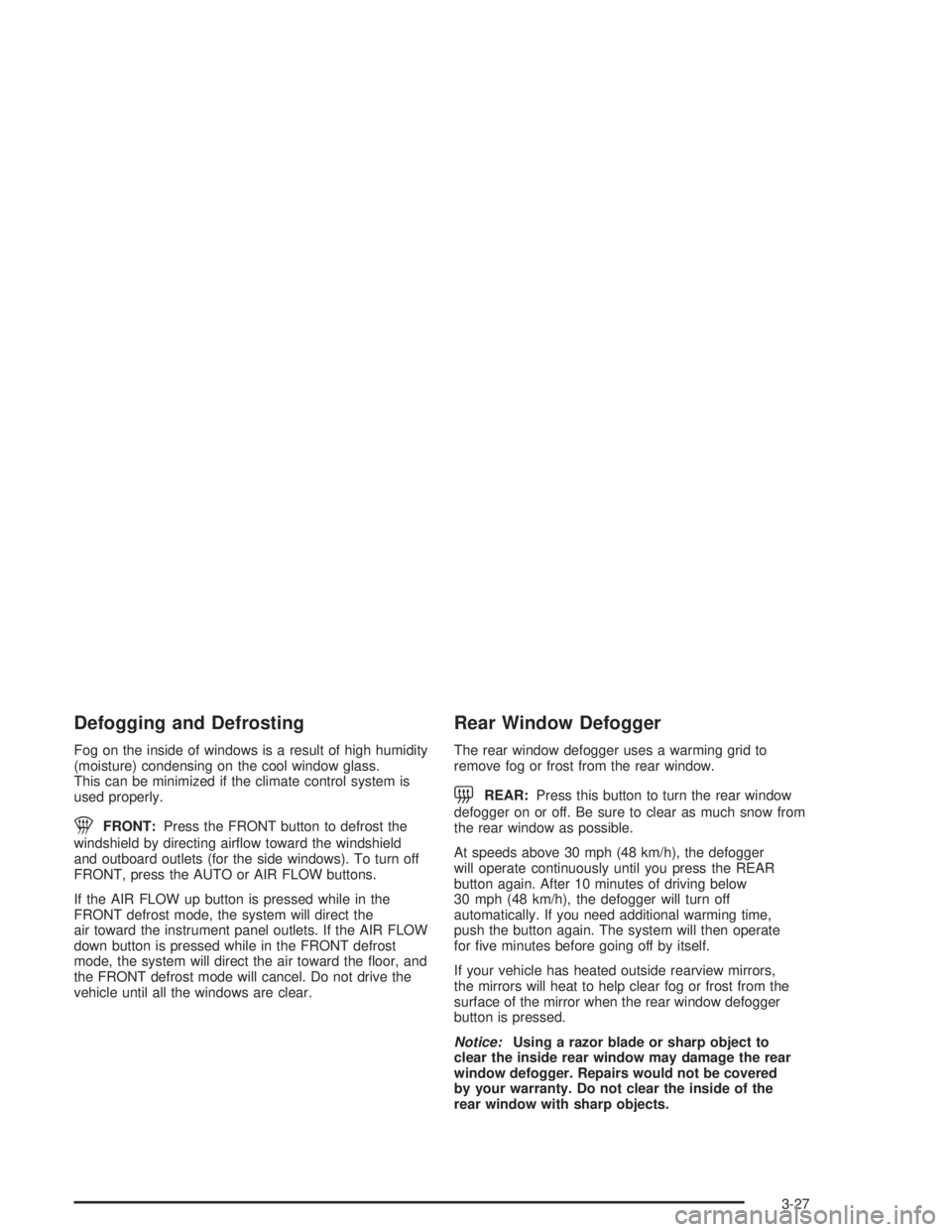
1FRONT:Press the FRONT button to defrost the
windshield by directing airow toward the windshield
and outboard outlets (for the side windows). To turn off
FRONT, press the AUTO or AIR FLOW buttons.
If the AIR FLOW up button is pressed while in the
FRONT defrost mode, the system will direct the
air toward the instrument panel outlets. If the AIR FLOW
down button is pressed while in the FRONT defrost
mode, the system will direct the air toward the oor, and
the FRONT defrost mode will cancel. Do not drive the
vehicle until all the windows are clear.
Rear Window Defogger
The rear window defogger uses a warming grid to
remove fog or frost from the rear window.
=REAR:Press this button to turn the rear window
defogger on or off. Be sure to clear as much snow from
the rear window as possible.
At speeds above 30 mph (48 km/h), the defogger
will operate continuously until you press the REAR
button again. After 10 minutes of driving below
30 mph (48 km/h), the defogger will turn off
automatically. If you need additional warming time,
push the button again. The system will then operate
for ve minutes before going off by itself.
If your vehicle has heated outside rearview mirrors,
the mirrors will heat to help clear fog or frost from the
surface of the mirror when the rear window defogger
button is pressed.
Notice:Using a razor blade or sharp object to
clear the inside rear window may damage the rear
window defogger. Repairs would not be covered
by your warranty. Do not clear the inside of the
rear window with sharp objects.
3-27
Page 146 of 410
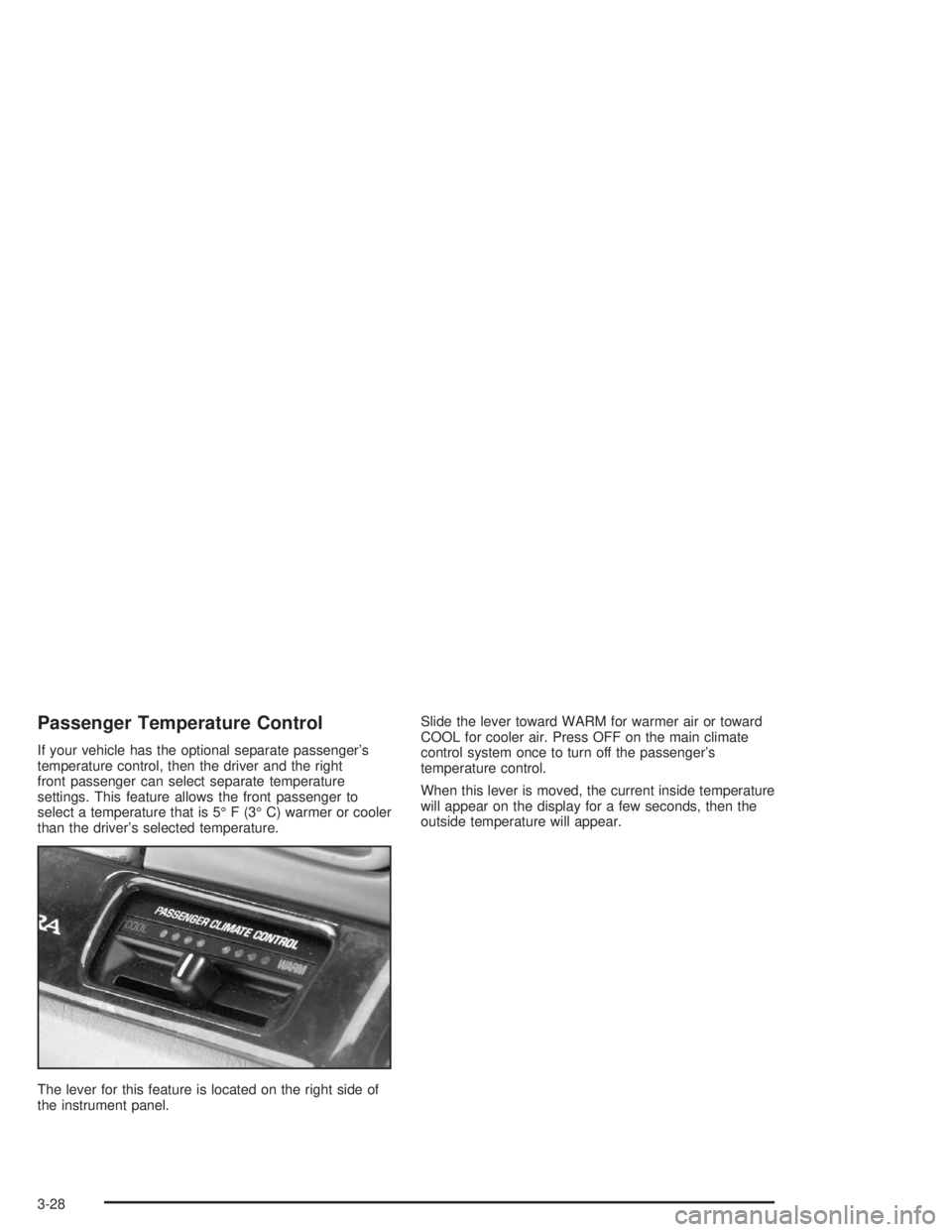
Passenger Temperature Control
If your vehicle has the optional separate passenger’s
temperature control, then the driver and the right
front passenger can select separate temperature
settings. This feature allows the front passenger to
select a temperature that is 5° F (3° C) warmer or cooler
than the driver’s selected temperature.
The lever for this feature is located on the right side of
the instrument panel.Slide the lever toward WARM for warmer air or toward
COOL for cooler air. Press OFF on the main climate
control system once to turn off the passenger’s
temperature control.
When this lever is moved, the current inside temperature
will appear on the display for a few seconds, then the
outside temperature will appear.
3-28
Page 151 of 410

Instrument Panel Cluster
Your vehicle is equipped with one of the following instrument panel clusters. Your instrument panel cluster is
designed to let you know at a glance how your vehicle is running. It includes indicator warning lights and gages that
are explained on the following pages. Be sure to read about those that apply to the instrument panel cluster for
your vehicle.
Base Cluster, Uplevel Similar (United States version shown, Canada similar)
3-33