heating BUICK RANDEZVOUS 2006 Owner's Manual
[x] Cancel search | Manufacturer: BUICK, Model Year: 2006, Model line: RANDEZVOUS, Model: BUICK RANDEZVOUS 2006Pages: 478, PDF Size: 2.97 MB
Page 105 of 478
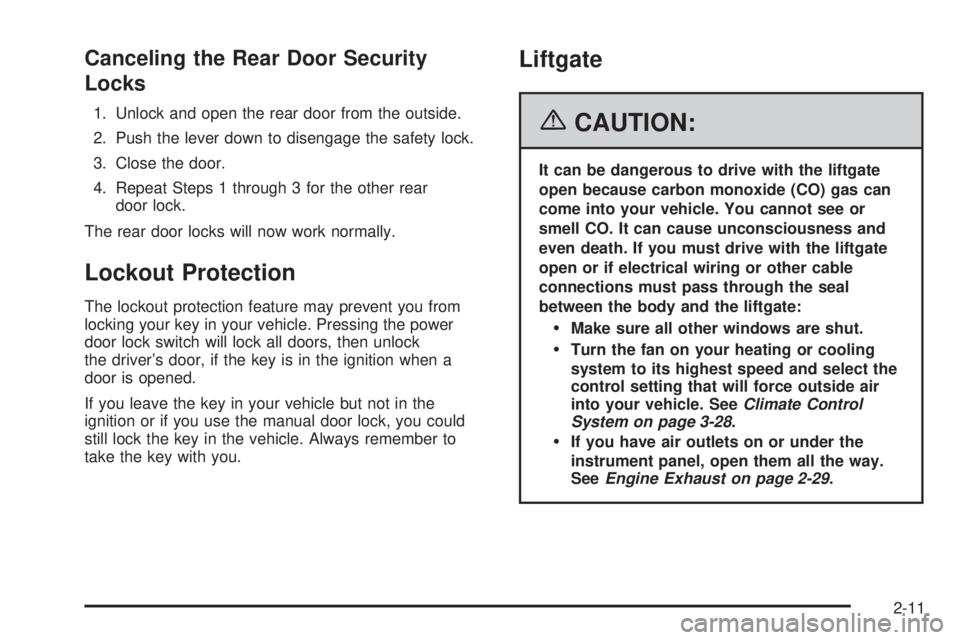
Canceling the Rear Door Security
Locks
1. Unlock and open the rear door from the outside.
2. Push the lever down to disengage the safety lock.
3. Close the door.
4. Repeat Steps 1 through 3 for the other rear
door lock.
The rear door locks will now work normally.
Lockout Protection
The lockout protection feature may prevent you from
locking your key in your vehicle. Pressing the power
door lock switch will lock all doors, then unlock
the driver’s door, if the key is in the ignition when a
door is opened.
If you leave the key in your vehicle but not in the
ignition or if you use the manual door lock, you could
still lock the key in the vehicle. Always remember to
take the key with you.
Liftgate
{CAUTION:
It can be dangerous to drive with the liftgate
open because carbon monoxide (CO) gas can
come into your vehicle. You cannot see or
smell CO. It can cause unconsciousness and
even death. If you must drive with the liftgate
open or if electrical wiring or other cable
connections must pass through the seal
between the body and the liftgate:
Make sure all other windows are shut.
Turn the fan on your heating or cooling
system to its highest speed and select the
control setting that will force outside air
into your vehicle. SeeClimate Control
System on page 3-28.
If you have air outlets on or under the
instrument panel, open them all the way.
SeeEngine Exhaust on page 2-29.
2-11
Page 169 of 478

Certain electrical accessories may not be compatible
with the accessory power outlet and could result
in blown vehicle or adapter fuses. If you experience a
problem, see your dealer for additional information
on the accessory power outlets.
Notice:Adding any electrical equipment to your
vehicle may damage it or keep other components
from working as they should. The repairs would not
be covered by your warranty. Do not use equipment
exceeding maximum amperage rating. Check
with your dealer before adding electrical equipment.
When adding electrical equipment, be sure to follow
the proper installation instructions included with
the equipment.
Notice:Improper use of the power outlet can cause
damage not covered by your warranty. Do not
hang any type of accessory or accessory bracket
from the plug because the power outlets are
designed for accessory power plugs only.Ashtray(s) and Cigarette Lighter
The ashtray is located on the oor console closest to
the instrument panel. Lift the lid to expose the ashtray.
To remove the ashtray, lift it up.
The cigarette lighter is located on the oor console in
the cell phone storage compartment closest to the
driver’s seat. Lift the lid to expose the cigarette lighter.
To use the lighter, push it in all the way and let go.
When it is ready, it will pop back out by itself.
Notice:Holding a cigarette lighter in while it is
heating will not allow the lighter to back away from
the heating element when it is hot. Damage from
overheating may occur to the lighter or heating
element, or a fuse could be blown. Do not hold a
cigarette lighter in while it is heating.
Notice:If you put papers, pins, or other ammable
items in the ashtray, hot cigarettes or other
smoking materials could ignite them and possibly
damage your vehicle. Never put ammable items
in the ashtray.
3-27
Page 170 of 478
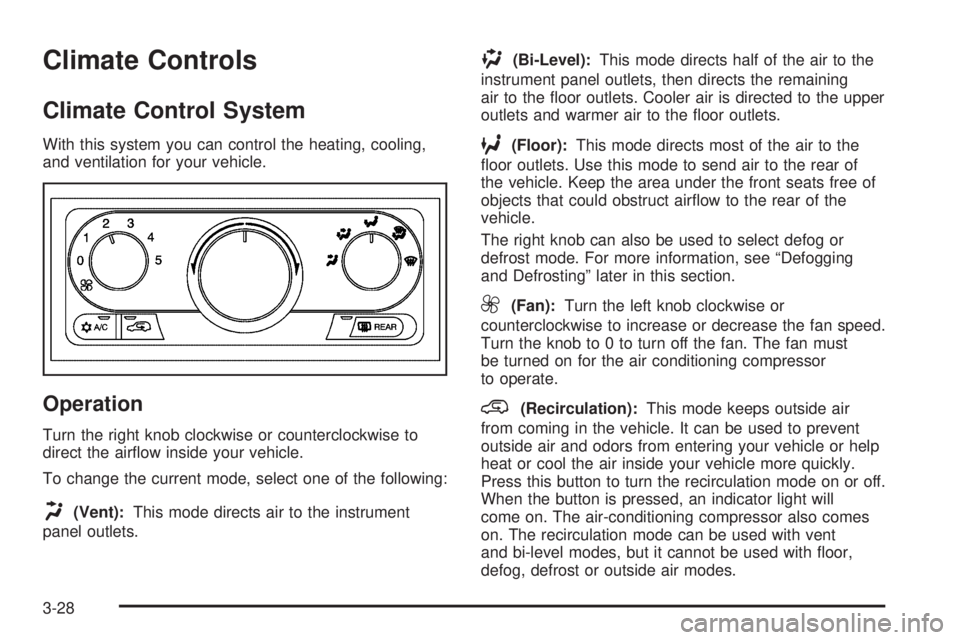
Climate Controls
Climate Control System
With this system you can control the heating, cooling,
and ventilation for your vehicle.
Operation
Turn the right knob clockwise or counterclockwise to
direct the airow inside your vehicle.
To change the current mode, select one of the following:
H(Vent):This mode directs air to the instrument
panel outlets.
)(Bi-Level):This mode directs half of the air to the
instrument panel outlets, then directs the remaining
air to the oor outlets. Cooler air is directed to the upper
outlets and warmer air to the oor outlets.
6(Floor):This mode directs most of the air to the
oor outlets. Use this mode to send air to the rear of
the vehicle. Keep the area under the front seats free of
objects that could obstruct airow to the rear of the
vehicle.
The right knob can also be used to select defog or
defrost mode. For more information, see “Defogging
and Defrosting” later in this section.
9(Fan):Turn the left knob clockwise or
counterclockwise to increase or decrease the fan speed.
Turn the knob to 0 to turn off the fan. The fan must
be turned on for the air conditioning compressor
to operate.
@(Recirculation):This mode keeps outside air
from coming in the vehicle. It can be used to prevent
outside air and odors from entering your vehicle or help
heat or cool the air inside your vehicle more quickly.
Press this button to turn the recirculation mode on or off.
When the button is pressed, an indicator light will
come on. The air-conditioning compressor also comes
on. The recirculation mode can be used with vent
and bi-level modes, but it cannot be used with oor,
defog, defrost or outside air modes.
3-28
Page 172 of 478
Rear Window Defogger
The rear window defogger uses a warming grid to
remove fog from the rear window.
will come on to let you know that the rear window
defogger is activated.
The rear window defogger will turn off approximately
10 minutes after the button is pressed. If turned on
again, the defogger will only run for approximately
ve minutes before turning off. The defogger can also
be turned off by pressing the button again or by turning
off the engine.
Notice:Do not use anything sharp on the inside
of the rear window. If you do, you could cut or
damage the warming grid, and the repairs would
not be covered by your warranty. Do not attach
a temporary vehicle license, tape, a decal or
anything similar to the defogger grid.
Dual Climate Control System
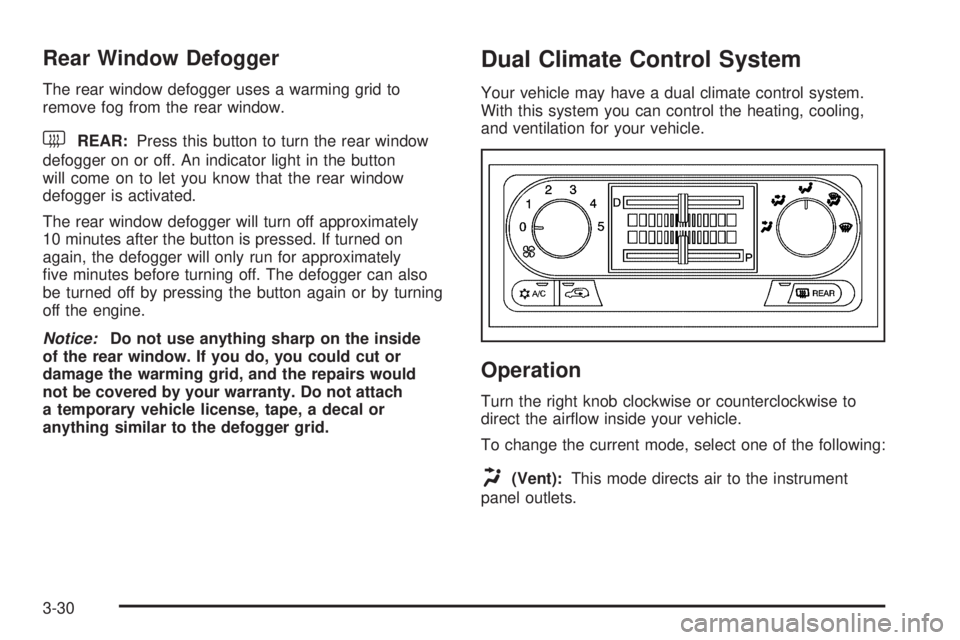
Your vehicle may have a dual climate control system.
With this system you can control the heating, cooling,
and ventilation for your vehicle.
Operation
Turn the right knob clockwise or counterclockwise to
direct the airow inside your vehicle.
To change the current mode, select one of the following:
H(Vent):This mode directs air to the instrument
panel outlets.
3-30
Page 175 of 478

Dual Automatic Climate Control
System
Your vehicle may have the dual automatic climate
control system. With this system you can control the
heating, cooling, and ventilation for your vehicle.
Automatic Operation
AUTO (Automatic):When the driver’s temperature
knob is pressed to select AUTO and the temperature
is set, the system will automatically control the
inside temperature, the air delivery and the fan speed.
AUTO will also appear on the display.To place the entire system in automatic mode, do the
following:
1. Press the driver’s temperature knob to turn the
system on.
2. Adjust the temperature to a comfortable setting.
Choosing the coldest or warmest temperature will
not cause the system to heat or cool any faster.
In cold weather, the system will start at reduced fan
speeds to avoid blowing cold air into your vehicle
until warmer air is available. Then, as the air warms,
it will be delivered through the instrument panel
outlets. The length of time needed for warm up
will depend on the outside temperature and
the length of time that has elapsed since your
vehicle was last driven.
3. Adjust the temperature offset indicator that is located
below the temperature display. If the larger center
bar is only illuminated, the passenger side will be
adjust to the same temperature setting as the driver
side. Each bar that is illuminated to the + side of the
center bar indicates that the passenger side will
control to a warmer setting than the driver side.
Each bar illuminated to the — side of the center bar
indicates that the passenger side will control to a
cooler setting than the driver side.
4. Wait for the system to regulate. This may take from
10 to 30 minutes. Then adjust the temperature as
necessary.
5. To turn the system off, press the passenger’s knob.
3-33
Page 188 of 478

Engine Coolant Temperature Gage
This gage shows the engine coolant temperature.
If the gage pointer moves near the “H”, your engine
is too hot!
It means that your engine coolant has overheated.
If you have been operating your vehicle under normal
driving conditions, you should pull off the road, stop your
vehicle and turn off the engine as soon as possible.
SeeEngine Overheating on page 5-23.
Malfunction Indicator Lamp
Service Engine Soon Light in the
United States or Check Engine Light
in Canada
Your vehicle is equipped with a computer which
monitors operation of the fuel, ignition, and emission
control systems. United States
Canada
United StatesCanada
3-46
Page 194 of 478

Traction Active Message
If your vehicle has the traction control system, the
TRACTION ACTIVE message will appear when the
traction control system is limiting wheel spin. You may
feel or hear the system working, but this is normal.
Slippery road conditions may exist if this message
appears, so adjust your driving accordingly. The
message will stay on for a few seconds after the
traction control system stops limiting wheel spin.
Engine Coolant Temperature
Warning Message
This message will come on when your engine gets
too hot.
If this message comes on, it means that your engine
coolant has overheated. If you have been operating your
vehicle under normal driving conditions, you should
pull off the road, stop your vehicle and turn off the
engine as soon as possible.
SeeEngine Overheating on page 5-23. United States
Canada
United StatesCanada
3-52
Page 195 of 478

Charging System Indicator Message
The charging system
battery symbol will come
on in the message
center when you turn on
the ignition as a check
to show you it is working.
It will remain on as long as the engine is not running.
It should go out once the engine is running. If it stays
on, or comes on while you are driving, you may have
a problem with the charging system. It could indicate
that you have problems with a generator drive belt,
or another electrical problem. Have it checked
right away. Driving while this indicator appears in
the message center could drain your battery.
If you must drive a short distance with the message
on, be certain to turn off all your accessories, such as
the radio and air conditioner.
Reduced Engine Power Message
If your vehicle has this feature, this message will
appear in the message center when a noticeable
reduction in the vehicle’s engine performance is
detected. This message will also appear when your
vehicle is in overheated engine protection operating
mode. SeeEngine Overheating on page 5-23for
more information.
If this message comes on and stays on, see
your dealer.
United StatesCanada
3-53
Page 198 of 478
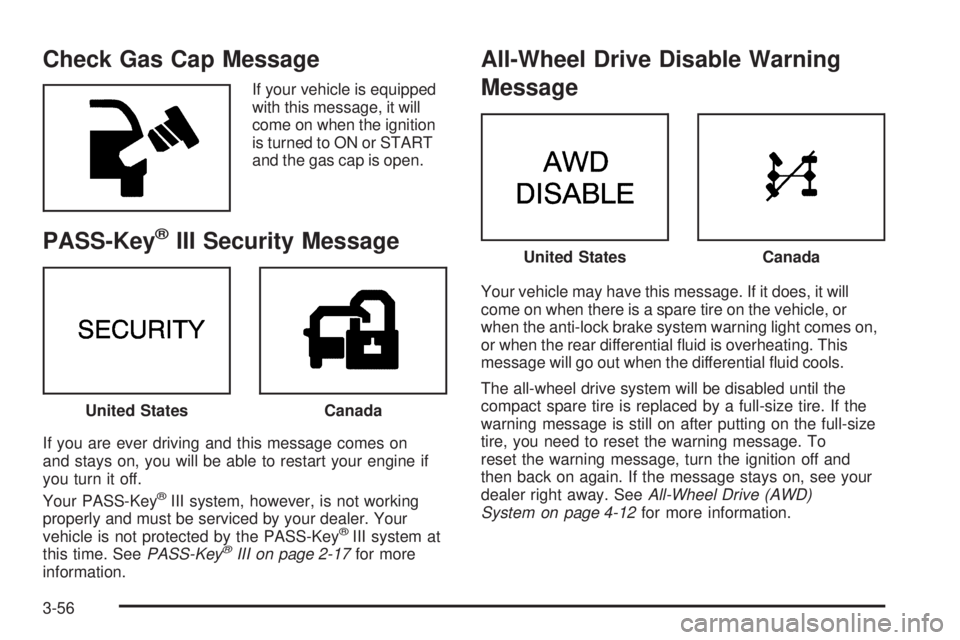
Check Gas Cap Message
If your vehicle is equipped
with this message, it will
come on when the ignition
is turned to ON or START
and the gas cap is open.
PASS-Key®III Security Message
If you are ever driving and this message comes on
and stays on, you will be able to restart your engine if
you turn it off.
Your PASS-Key
®III system, however, is not working
properly and must be serviced by your dealer. Your
vehicle is not protected by the PASS-Key
®III system at
this time. SeePASS-Key®III on page 2-17for more
information.
All-Wheel Drive Disable Warning
Message
Your vehicle may have this message. If it does, it will
come on when there is a spare tire on the vehicle, or
when the anti-lock brake system warning light comes on,
or when the rear differential uid is overheating. This
message will go out when the differential uid cools.
The all-wheel drive system will be disabled until the
compact spare tire is replaced by a full-size tire. If the
warning message is still on after putting on the full-size
tire, you need to reset the warning message. To
reset the warning message, turn the ignition off and
then back on again. If the message stays on, see your
dealer right away. SeeAll-Wheel Drive (AWD)
System on page 4-12for more information.
United StatesCanada
United StatesCanada
3-56
Page 290 of 478

All-Wheel Drive (AWD) System
If your vehicle has all-wheel drive (AWD), the AWD
system operates automatically without any action
required by the driver. If the front drive wheels begin to
slip, the rear wheels will automatically begin to drive
the vehicle as required. There may be a slight
engagement noise during hard use but this is normal.
During heavy AWD applications, the engine torque may
be reduced to protect AWD system components. If
the vehicle is exposed to extended heavy AWD usage,
the AWD system will shut itself off to protect the
system from overheating. When the system cools down,
the AWD system will activate itself again automatically;
this cool-down can take up to 20 minutes depending
on outside temperature and vehicle use. SeeAll-Wheel
Drive Disable Warning Message on page 3-56.
Steering
Power Steering
If you lose power steering assist because the engine
stops or the system is not functioning, you can steer but
it will take much more effort.
Steering Tips
It is important to take curves at a reasonable speed.
A lot of the “driver lost control” accidents mentioned on
the news happen on curves. Here is why:
Experienced driver or beginner, each of us is subject to
the same laws of physics when driving on curves.
The traction of the tires against the road surface makes
it possible for the vehicle to change its path when
you turn the front wheels. If there is no traction, inertia
will keep the vehicle going in the same direction. If
you have ever tried to steer a vehicle on wet ice, you
will understand this.
The traction you can get in a curve depends on the
condition of your tires and the road surface, the angle
at which the curve is banked, and your speed. While you
are in a curve, speed is the one factor you can control.
4-12