engine BUICK REGAL 1994 Owner's Manual
[x] Cancel search | Manufacturer: BUICK, Model Year: 1994, Model line: REGAL, Model: BUICK REGAL 1994Pages: 308, PDF Size: 15.78 MB
Page 121 of 308
Volts Gage
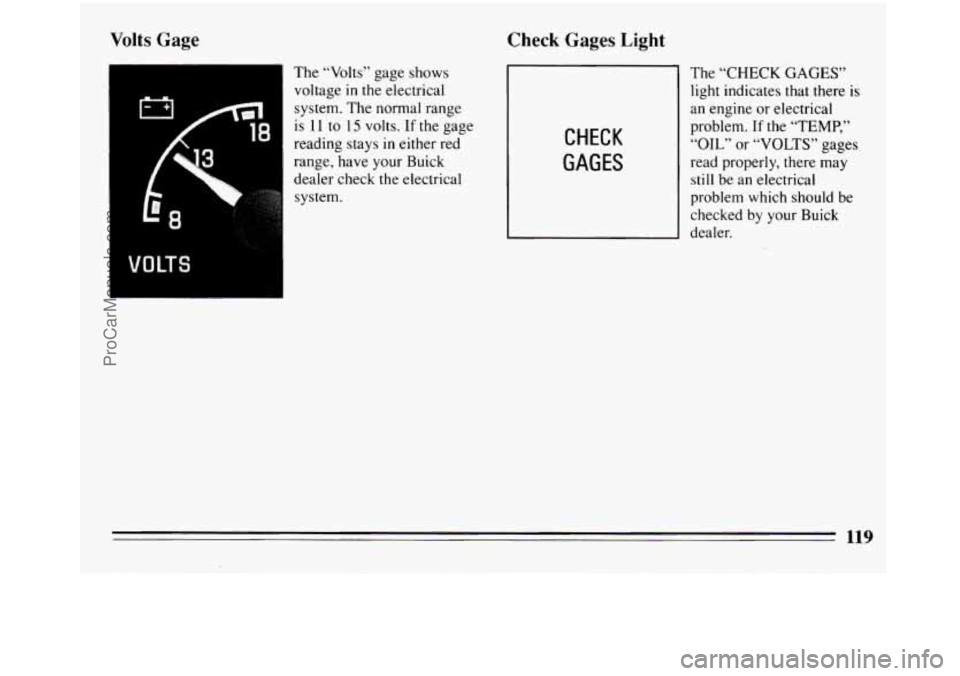
The “Volts” gage shows
voltage in the electrical
system. The normal range
is 11
to 15 volts. If the gage
reading stays
in either red
range, have your Buick
dealer check the electrical
I VOLTS
system.
Check Gages Light
The “CHECK
light indicates
CHECK
GAGES
GAGES”
that there is
an engine or electrical
problem.
If the “TEMP,”
“OIL” or “VOLTS” gages
read properly, there may
still be an electrical
problem which should be
checked by your Buick
dealer.
119
ProCarManuals.com
Page 122 of 308
Malfunction Indicator Lamp (Service Engine
Soon Light)
SERVICE
ENGINE
SOON
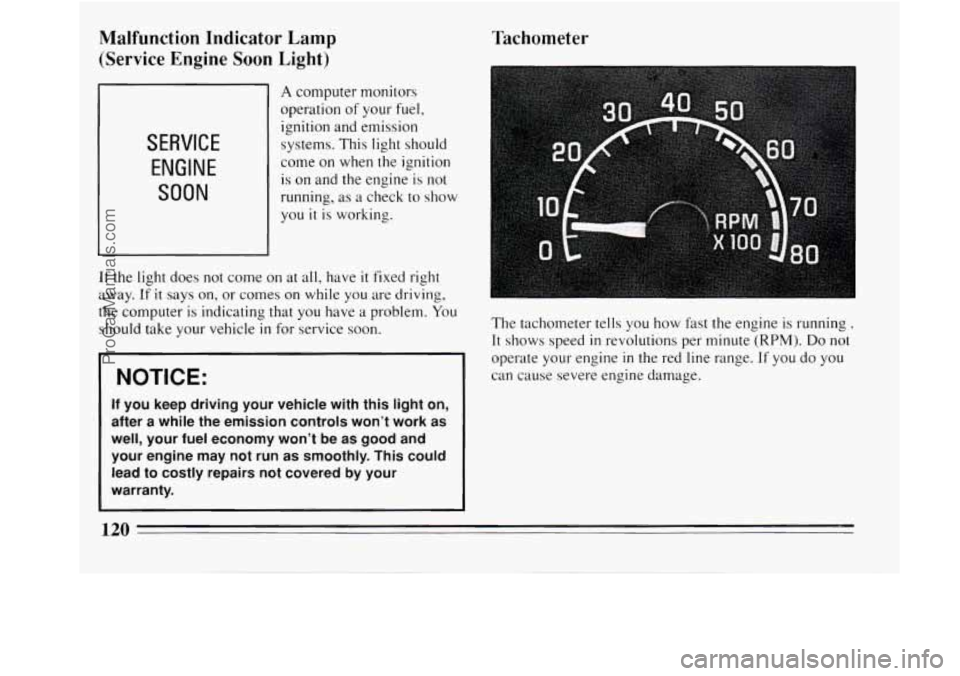
A computer monitors
operation
of your fuel,
ignition and emission
systems. This light should
come on when the ignition
is on and the engine
is not
running, as a check to show
you
it is working.
If the light does not come on at all, have it fixed right
away.
If it says on, or comes on while you are driving,
the computer
is indicating that you have a problem. You
should take your vehicle in for service soon.
NOTICE:
If you keep driving your vehicle with this light on,
after a while the emission controls won’t work as
well, your fuel economy won’t be as good and
your engine may not run as smoothly. This could
lead to costly repairs not covered by your
~ warranty.
rachometer
The tachometer tells you how fast the engine is running .
It shows speed in revolutions per minute (RPM). Do not
operate your engine
in the red line range. If you do you
can cause severe engine damage.
120
ProCarManuals.com
Page 127 of 308
Rear Window Defogger (Option) Audio Systems
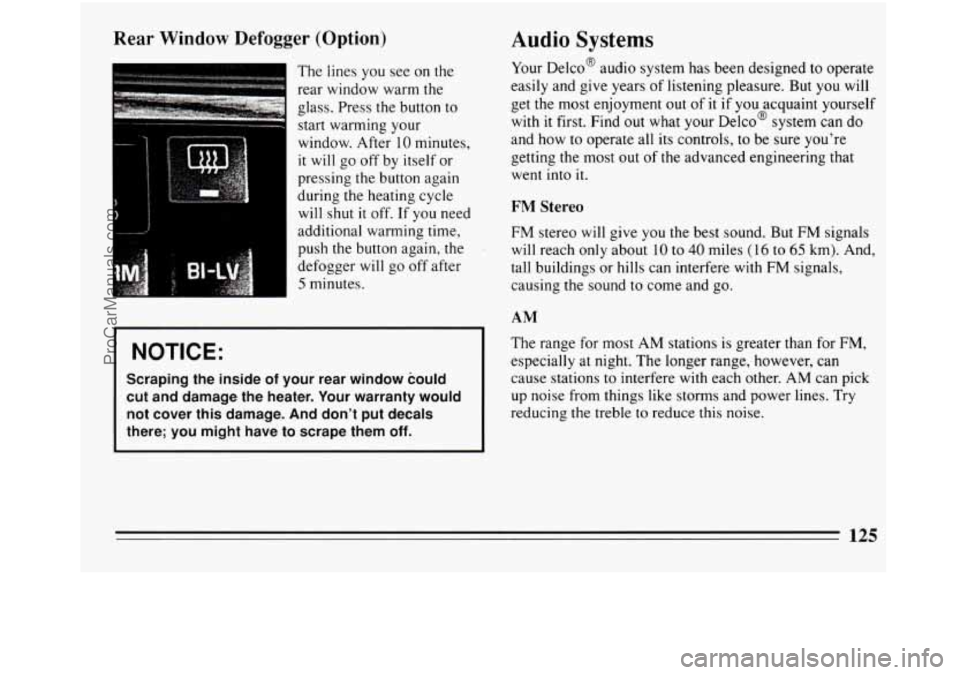
The lines you see on the
rear window warm the
glass. Press the button to
start warming your
window. After
10 minutes,
it
will go off by itself or
pressing the button again
during the heating cycle
will shut it off. If you need
additional warming time,
push the button again, the
defogger will go off after
5 minutes. Your
DelcoB audio system has been designed to operate
easily and give years of listening pleasure. But you will
get the most enjoyment out of it if you acquaint yourself
with
it first. Find out what your Delco@ system can do
and how to operate all its controls, to be sure you’re
getting the most out
of the advanced engineering that
went into it.
FM Stereo
FM stereo will give you the best sound. But FM signals
will reach only about
10 to 40 miles (16 to 65 km). And,
tall buildings or hills can interfere with FM signals,
causing
the sound to come and go.
AM
NOTICE:
Scraping the inside of your rear window could
cut and damage the heater. Your warranty would
not cover this damage. And don’t put decals
there;
you might have to scrape them off.
The range for most AM stations is greater than for FM,
especially at night. The longer range, however, can
cause stations to interfere with each other. AM can pick
up noise from things like storms and power lines. Try
reducing
the treble to reduce this noise.
-
125
ProCarManuals.com
Page 128 of 308
~~ AM Stereo
This
means the Delco@ system can receive C-QUAM@
stereo broadcasts. Many AM stations around the country
use C-QUAM@ to produce stereo, though some do not.
(C-QUAM@ is a registered trademark of Motorola, Inc.)
If your Delco@ system can get C-QUAM@, your
“STEREO” light will come on when you’re receiving it.
Be aware that hearing damage.from loud noise is almost
undetectable until it is too late. Your hearing can adapt
to higher volumes of sound. Sound that seems normal
can be loud and harmful to your hearing. Take
precautions by adjusting the volume control on your
radio to a safe sound level before your hearing adapts to
it.
To help avoid hearing loss or damage:
Adjust the volume control to the lowest setting.
Increase volume slowly until you hear comfortably
and clearly.
NOTICE:
Before you add any sound equipment to your
vehicle
-- like a tape player, CB radio, mobile
telephone or two-way radio
-- be sure you can
add what you want. If you can, it’s very important
to do
it properly. Added sound equipment may
interfere with the operation of your vehicle’s
engine, Delco@ radio or other systems, and even
damage them. And, your vehicle’s systems may
interfere with the operation of sound equipment
that has been added improperly.
So, before adding sound equipment, check with
your dealer and be sure to check Federal rules
covering mobile radio and telephone units.
126
ProCarManuals.com
Page 146 of 308
Braking
Braking action involves perception time and reaction
time.
First, you have to decide
to push on the brake pedal.
That’s perception time. Then you have
to bring up your
foot and do it. That’s reaction time.
Average reaction time is about
3/4 of a second. But
that’s only an average. It might be less with one driver
and as long as two or three seconds or more with
another. Age, physical condition, alertness,
coordination, and eyesight all play a part.
So do alcohol,
drugs and frustration. But
even in 3/4 of a second, a
vehicle moving at
60 mph (100 km/h) travels 66 feet (20
m). That could be a lot of distance in an emergency, so
keeping enough space between your vehicle and others
is important.
And, of course, actual stopping distances vary greatly
with the surface
of the road (whether it’s pavement or
gravel); the condition of
the road (wet, dry, icy); tire
tread; and
the condition of your brakes. Avoid
needless heavy braking. Some people drive in
spurts
-- heavy acceleration followed by heavy braking
-- rather than keeping pace with traffic. This is a
mistake. Your brakes may
not have time to cool between
hard stops. Your brakes
will wear out much faster if you
do a lot of heavy braking. If you keep pace with the
traffic and allow realistic following distances, you will
eliminate a lot of unnecessary braking. That means
better braking and longer brake life.
If your engine ever stops while you’re driving, brake
normally but don’t pump your brakes. If you do, the
pedal may get harder to push down. If your engine
stops, you
will still have some power brake assist. But
you
will use it when you brake. Once the power assist is
used up,
it may take longer to stop and the brake pedal
will be harder to push.
144
ProCarManuals.com
Page 148 of 308
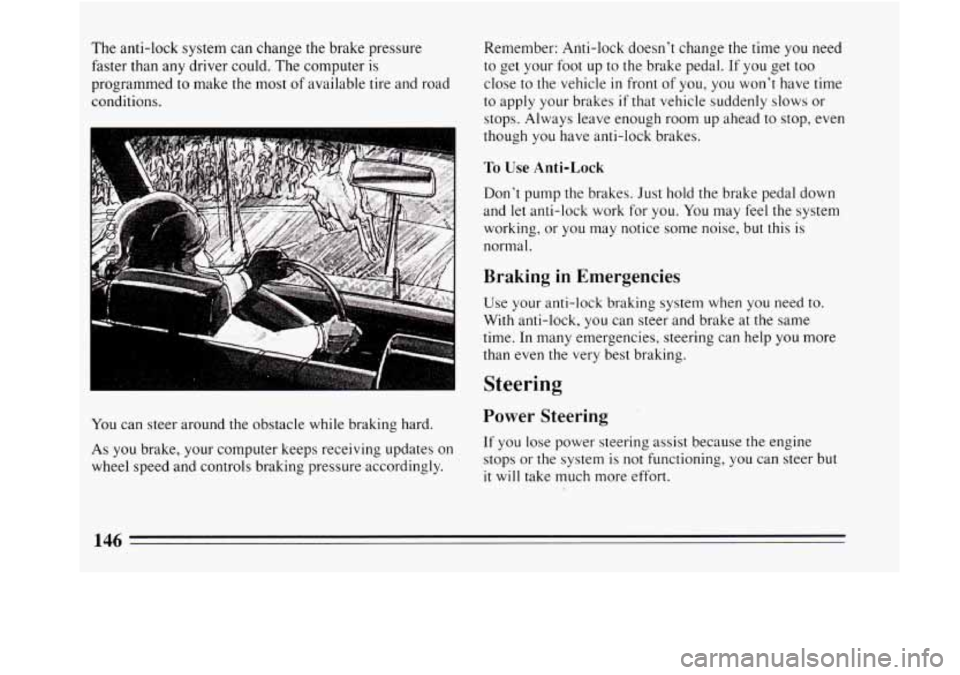
The anti-lock system can change the brake pressure
faster than any driver could. The computer is
programmed
to make the most of available tire and road
conditions.
You can steer around the obstacle while braking hard.
As
you brake, your computer keeps receiving updates on
wheel speed and controls braking pressure accordingly. Remember: Anti-lock doesn’t change the time
you need
to get your foot up to
the brake pedal. If you get too
close to the vehicle
in front of you, you won’t have time
to apply your brakes
if that vehicle suddenly slows or
stops. Always leave enough room up ahead to stop, even
though
you have anti-lock brakes.
To Use Anti-Lock
Don’t pump the brakes. Just hold the brake pedal down
and
let anti-lock work for you. You may feel the system
working, or you may notice some noise, but this is
normal.
Braking in Emergencies
Use your anti-lock braking system when you need to.
With anti-lock, you can steer and brake at the same
time. In many emergencies, steering can help
you more
than even the very best braking.
Steering
Power Steering
If you lose power steering assist because the engine
stops or the system is not functioning, you can steer but
it will take much more effort.
146
ProCarManuals.com
Page 153 of 308
Loss of Control
Let’s review what driving experts say about what
happens when the three control systems. (brakes, steering
and acceleration) don’t have enough friction where the
tires meet the road to do what the driver has asked.
In any emergency, don’t give up. Keep trying to steer
and constantly seek an escape route or area of less
danger.
Skidding
In a skid, a driver can lose control of the vehicle.
Defensive drivers avoid most skids by taking reasonable
care suited to existing conditions, and by not
“overdriving” those conditions. But skids are always
possible.
The three types of skids correspond to your Buick’s
three control systems.
In the braking skid your wheels
aren’t rolling. In the steering or cornering skid, too
much speed or steering in a curve causes tires to slip and
lose cornering force. And
in the acceleration skid too
much throttle causes the driving wheels to spin.
A cornering skid and an acceleration skid are best
handled by easing your foot off the accelerator pedal. If
your vehicle starts to slide, ease your foot off the
accelerator pedal and quickly steer the way you want the
vehicle to go. If you start steering quickly enough, your
vehicle may straighten out. Always be ready for a
second skid
if it occurs.
Of course, traction is reduced when water, snow, ice,
gravel, or other material is on the road. For safety, you’ll
want to slow down and adjust your driving to these
conditions. It is important to slow down on slippery
surfaces because stopping distance will be longer and
vehicle control more limited.
While driving on a surface with reduced traction, try
your best to avoid sudden steering, acceleration, or
braking (including engine braking by shifting
to a lower
gear). Any sudden changes could cause the tires to slide.
You may not realize the surface is slippery
until your
vehicle is skidding. Learn to recognize warning clues
--
such as enough water, ice or packed snow on the road to
make a “mirrored surface”
-- and slow down when you
have any doubt.
Remember: Any anti-lock braking system (ABS) helps
avoid only the braking skid.
151
ProCarManuals.com
Page 160 of 308
Here are some things you can check before a trip:
0
0
0
0
0
0
0
Windshield Washer Fluid: Is the reservoir full? Are
all windows clean inside and outside?
Wiper Blades: Are they
in good shape?
Fuel, Engine Oil, Other Fluids: Have you checked all
levels?
Lights: Are they all working? Are the lenses clean?
Tires: They are vitally important
to a safe,
trouble-free trip. Is the tread good enough for
long-distance driving? Are the tires all inflated to the
recommended pressure?
Weather Forecasts: What’s
the weather outlook along
your route? Should you delay
your trip a short time
to avoid a major storm system?
Maps:
Do you have ur>-to-date maps?
Highway Hypnosis
Is there actually such a condition as “highway hypnosis”?
Or is
it just plain falling asleep at the wheel? Call it
highway hypnosis, lack of awareness, or whatever.
There is something about an easy stretch
of road with the
same scenery, along with the hum of the tires on the road,
the drone of the engine, and the rush of the wind against
the vehicle that can make you sleepy. Don’t let
it happen
to you! If
it does, your vehicle can leave the road in
than a second, and
you could crash and be injured.
What can you do about highway hypnosis? First, be
aware that
it can happen.
Then here are some tips:
0
0
a
Make sure your vehicle is well ventilated, with a
comfortably cool interior.
Keep your eyes moving. Scan the road ahead and to
the sides. Check your rearview mirrors and your
instruments frequently.
If you get sleepy,
pull off the road into a rest, service,
or parking area and take a nap, get some exercise, or
both. For safety, treat drowsiness on the highway as
an emergency.
158
ProCarManuals.com
Page 161 of 308
Hill and Mountain Roads
I
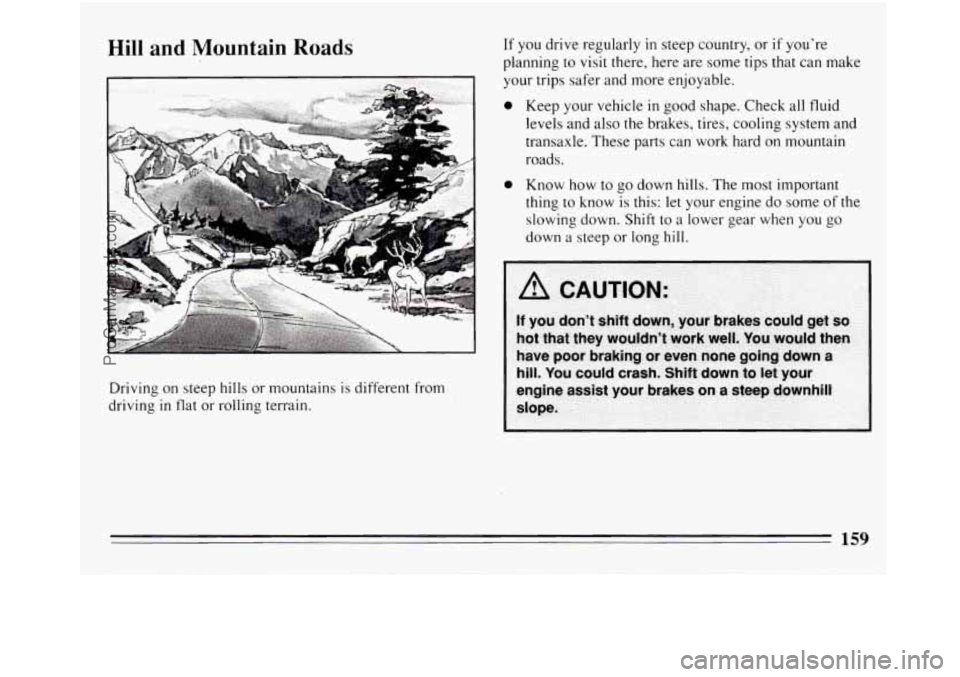
Driving on steep hills or mountains is different from
driving
in flat or rolling terrain. If you
drive regularly in steep country, or
if you're
planning to visit there, here are some tips that can make
your trips safer and more enjoyable.
0 Keep your vehicle in good shape. Check all fluid
levels and
also the brakes, tires, cooling system and
transaxle. These parts can work hard on mountain
roads.
0 Know how to go down hills. The most important
thing to know is this: let your engine do some of the
slowing down. Shift to a lower gear when you go
down a steep or long
hill.
159
ProCarManuals.com
Page 162 of 308
0
0
0
0
Know how to go uphill. You may want to shift down
to a lower gear. The lower gears help cool your engine
and transaxle, and you can climb the hill better.
Stay
in your own lane when driving on two-lane
roads in hills or mountains. Don’t swing wide or cut
across the center of the road. Drive at speeds that let
you stay in your own lane.
As you go over the top of a hill, be alert. There could be
something in your lane, like a stalled car
or an accident.
You may see highway signs on mountains that warn
of special problems. Examples are long grades,
passing or no-passing zones, a falling rocks area, or
winding roads. Be alert
to these and take appropriate
action.
Winter Driving
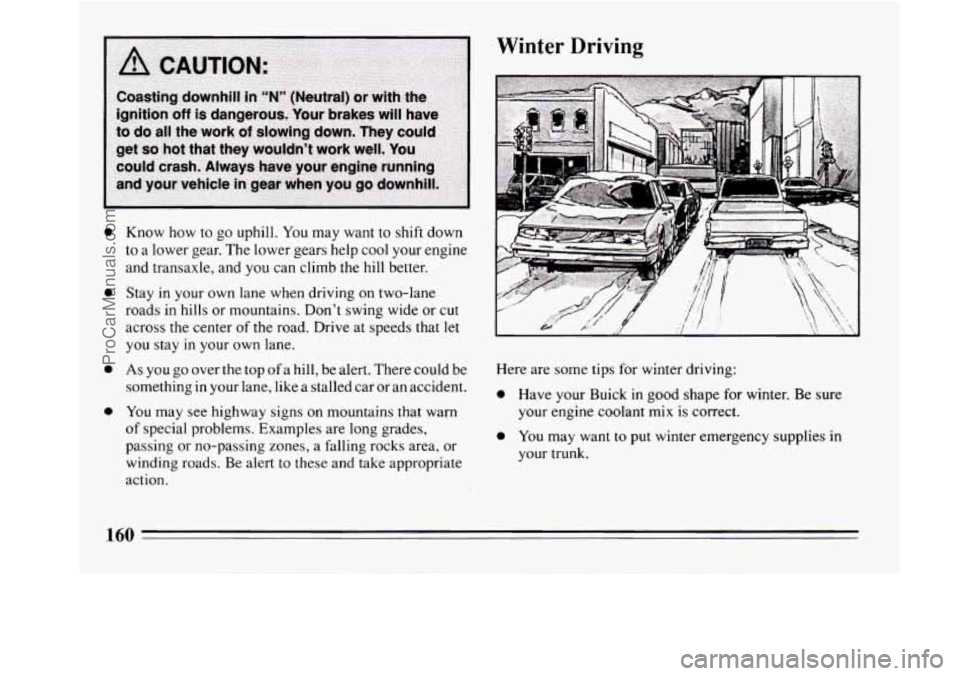
Here are some tips for winter driving:
0 Have your Buick in good shape for winter. Be sure
your engine coolant mix is correct.
0 You may want to put winter emergency supplies in
your trunk.
160
ProCarManuals.com