cruise control BUICK REGAL 1994 Owners Manual
[x] Cancel search | Manufacturer: BUICK, Model Year: 1994, Model line: REGAL, Model: BUICK REGAL 1994Pages: 308, PDF Size: 15.78 MB
Page 71 of 308
Part 2 Features and Controls
Here you can learn about the many standard and optional features on your Buick. and information on starting. shifting
and braking
. Also explained are the instrument panel and the warning systems that tell you if everything is working
properly
.. and what to do if you have a problem .
Part 2 includes:
Keys ........................................................................\
.... 70
DoorLocks
....................................................................... \
71
NewVehicleBreak-In
.............................................................. 79
StartingtheEngine
................................................................. 80
ShiftingtheTransaxle .............................................................. 84
Windows ........................................................................\
. 92
Turn Signal/Headlight Beam Lever
.................................................... 94
Headlight High-Low Beam Changer
.............................................. 96
Windshield Wipermasher
...................................................... 96
CruiseControl
................................................................ 98
Headlights ........................................................................\
103
Mirrors ........................................................................\
.. 106
Instrumentpanel
................................................................... 111
Speedometer and Odometer ..................................................... 111
Warning Lights, Gages and Indicators
............................................. 112
TiltSteeringWheel
................................................................ 93
69
ProCarManuals.com
Page 96 of 308
The Turn Signal/Headlight Beam
Lever Turn Signal
and Lane Change
Indicator
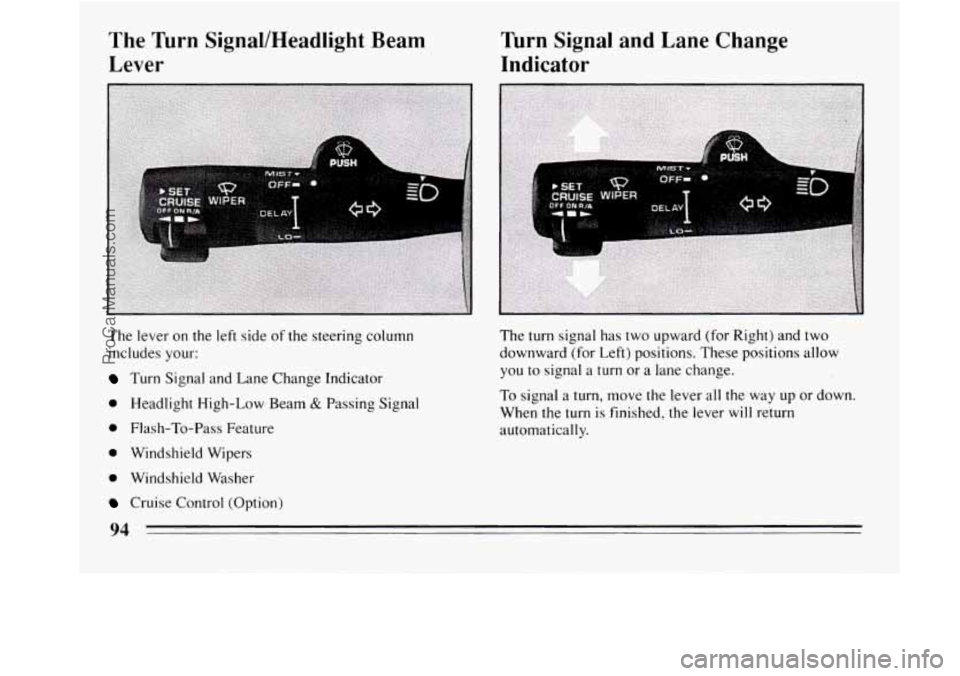
The lever on the left side of the steering column
includes your:
Turn Signal and Lane Change Indicator
0 Headlight High-Low Beam & Passing Signal
0 Flash-To-Pass Feature
0 Windshield Wipers
0 Windshield Washer
Cruise Control (Option) The
turn signal has two upward (for Right) and two
downward (for Left) positions. These positions allow
you to signal a turn or a lane change.
To signal a turn, move the lever all the way up or down.
When the
turn is finished, the lever will return
automatically.
94
ProCarManuals.com
Page 100 of 308
NOTICE:
When using concentrated washer fluid,
follow the manufacturer’s instructions for
adding water.
0 Don’t mix water with ready-to-use washer
fluid. Water can cause the solution to
freeze and damage your washer fluid tank
and other parts of the washer system.
Also,
water doesn’t clean as well as washer fluid.
Fill your washer fluid tank only 314 full
when it’s very cold. This allows for
expansion, which could damage the tank
if
it is completely full.
windshield washer. It can damage your
washer system and paint.
Don’t use radiator antifreeze in your
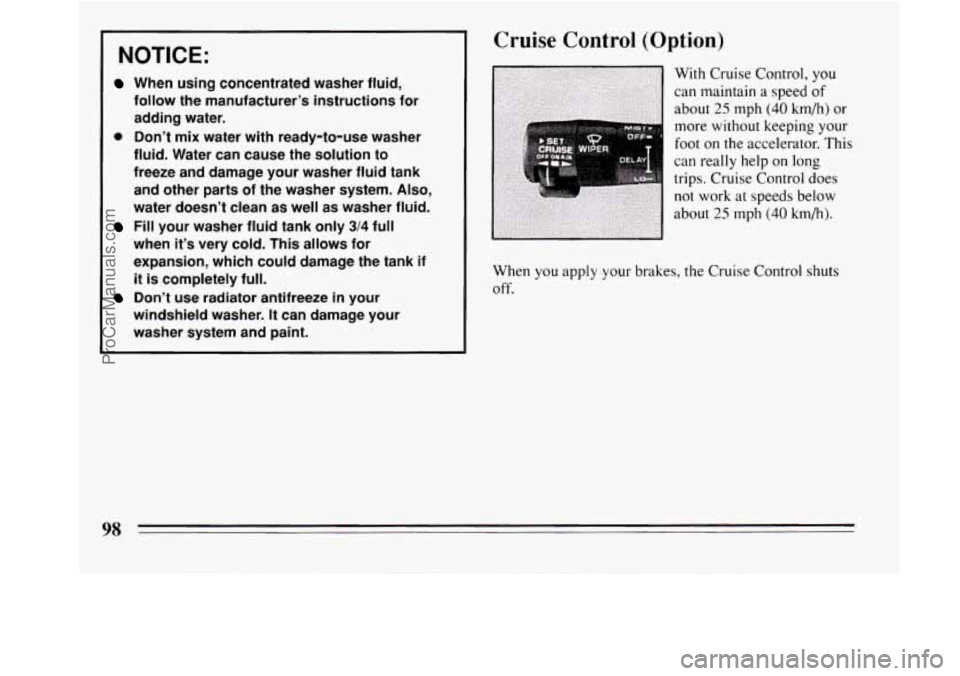
Cruise Control (Option)
When you apply your brakes, the Cruise Control shuts
off.
98
ProCarManuals.com
Page 101 of 308
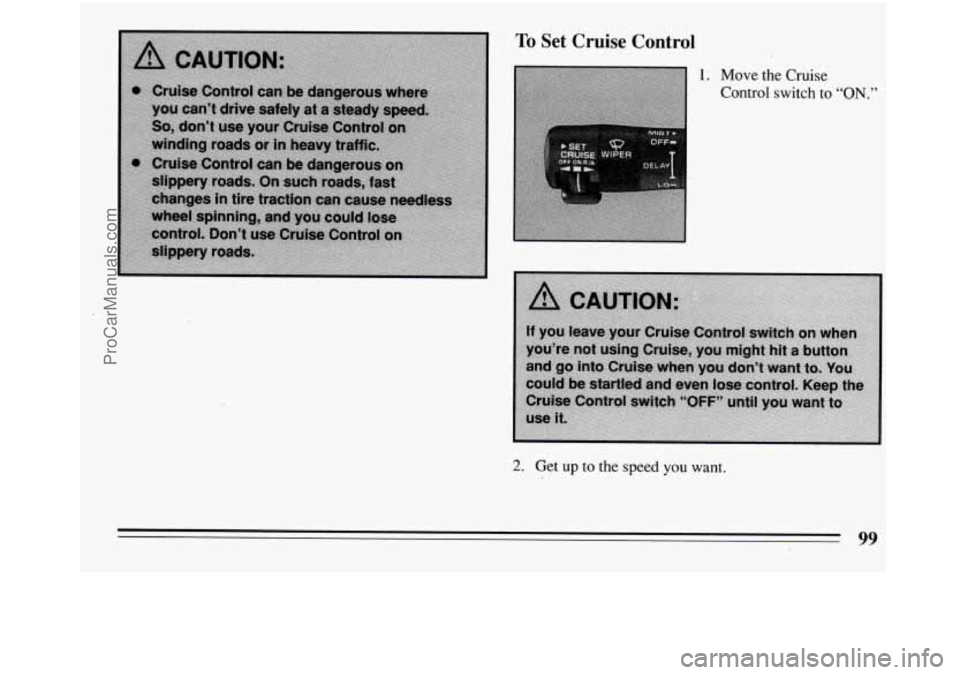
To Set Cruise Control
1. Move the Cruise
Control switch to “ON.”
2. Get up to the speed you want.
99
ProCarManuals.com
Page 102 of 308
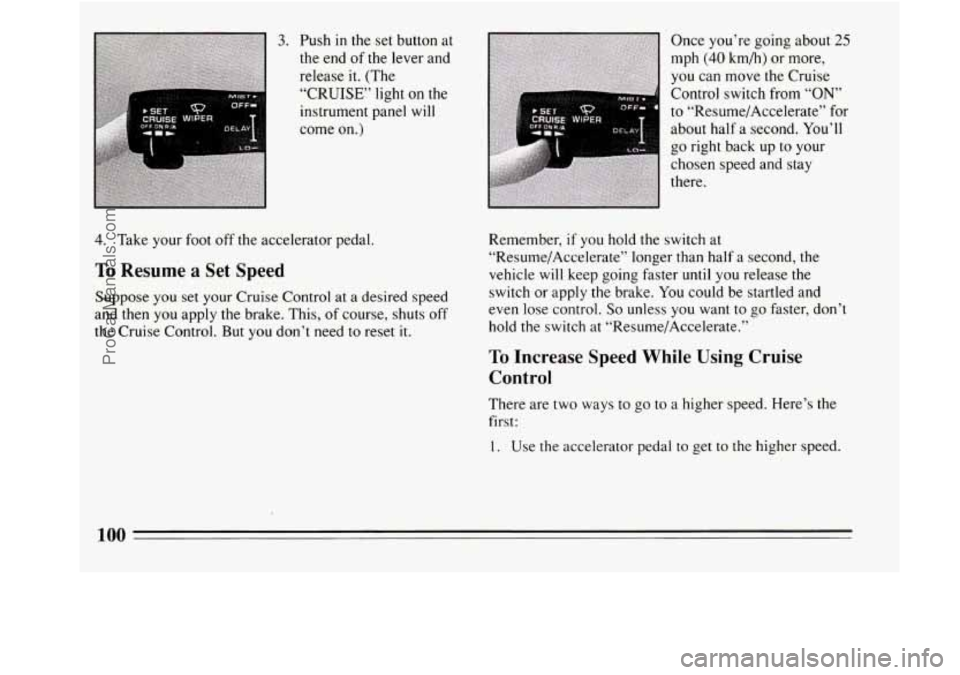
3. Push in the set button at
the end of the lever and
release it. (The
“CRUISE” light
on the
instrument panel will
come
on.)
4. Take your foot off the accelerator pedal.
To Resume a Set Speed
Suppose you set your Cruise Control at a desired speed
and then
you apply the brake. This, of course, shuts off
the Cruise Control. But
you don’t need to reset it. Once
you’re
going about 25
mph (40 km/h) or more,
you can move the Cruise
Control switch from
“ON’
to “Resume/Accelerate” for
about half a second. You’ll
go right back up to your
chosen speed and stay
there.
Remember,
if you hold the switch at
“Resume/Accelerate” longer than half a second, the
vehicle
will keep going faster until you release the
switch or apply the brake.
You could be startled and
even lose control.
So unless you want to go faster, don’t
hold
the switch at “Resume/Accelerate.”
To Increase Speed While Using Cruise
Control
There are two ways to go to a higher speed. Here’s the
first:
1. Use the accelerator pedal to get to the higher speed.
100
ProCarManuals.com
Page 103 of 308
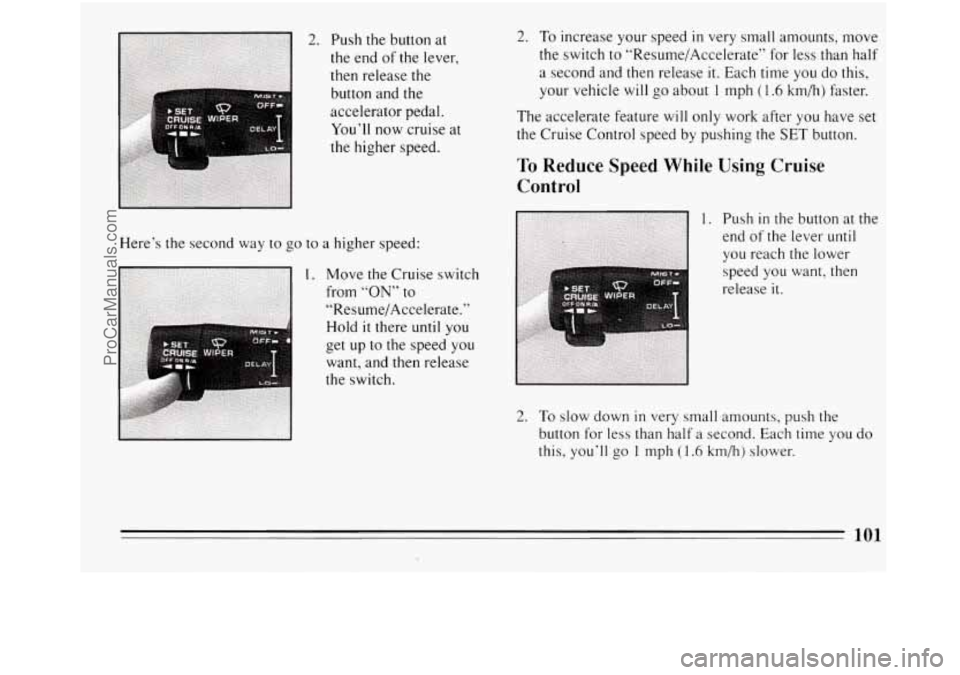
2. Push the button at
the end
of the lever,
then release the
button and the
accelerator pedal.
You’ll now cruise at
the higher speed.
Here’s the second way to go to a higher speed:
want, and then release
the switch.
2. To increase your speed in very small amounts, move
the switch to “Resume/Accelerate7’ for less than half
a second and then release
it. Each time you do this,
your vehicle will
go about 1 mph (1.6 km/h) faster.
The accelerate feature will only work after
you have set
the Cruise Control speed
by pushing the SET button.
To Reduce Speed While Using Cruise
Control
1. Push in the button at the
end of the lever
until
you reach the lower
speed you want, then
release
it.
2. To slow down in very small amounts, push the
button for less than half a second. Each time you do
this, you’ll
go 1 mph (1.6 km/h) slower.
ProCarManuals.com
Page 104 of 308
Passing Another Vehicle While Using
Cruise Control
Use the accelerator pedal to increase your speed. When
you take your foot off the pedal, your vehicle
will slow
down
to the Cruise Control speed you set earlier.
Using Cruise Control on Hills
To Get Out of Cruise Control
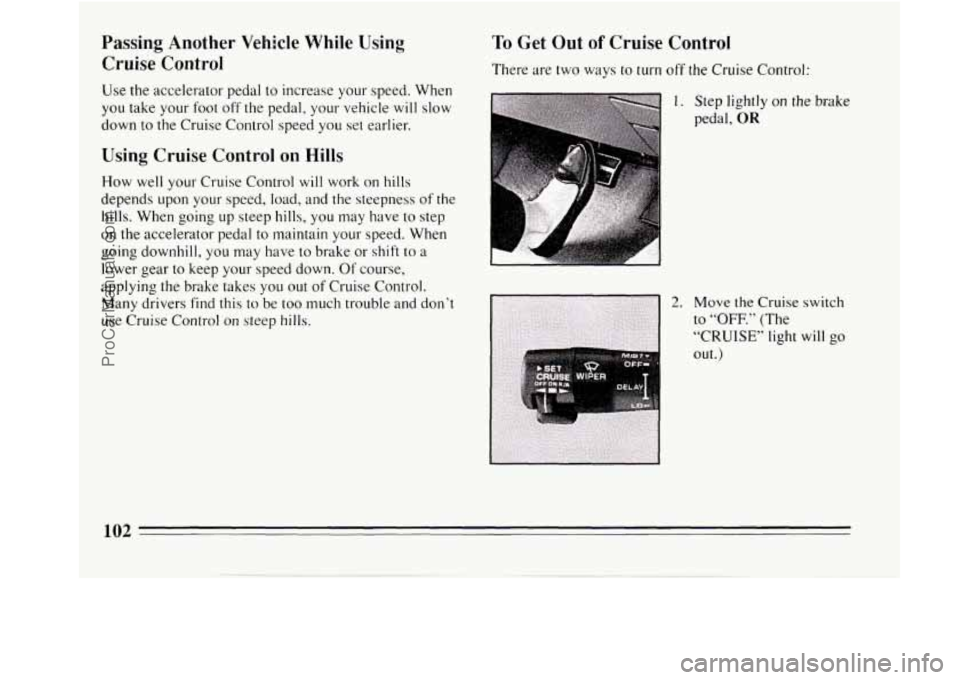
There are two ways to turn off the Cruise Control:
1. Step lightly on the brake
pedal,
OR
102 -
ProCarManuals.com
Page 105 of 308
To Erase Speed Memory
When you turn off the Cruise Control or the ignition, or
shift into
“P” (Park) or “N” (Neutral) your Cruise
Control set speed memory is erased.
Lights
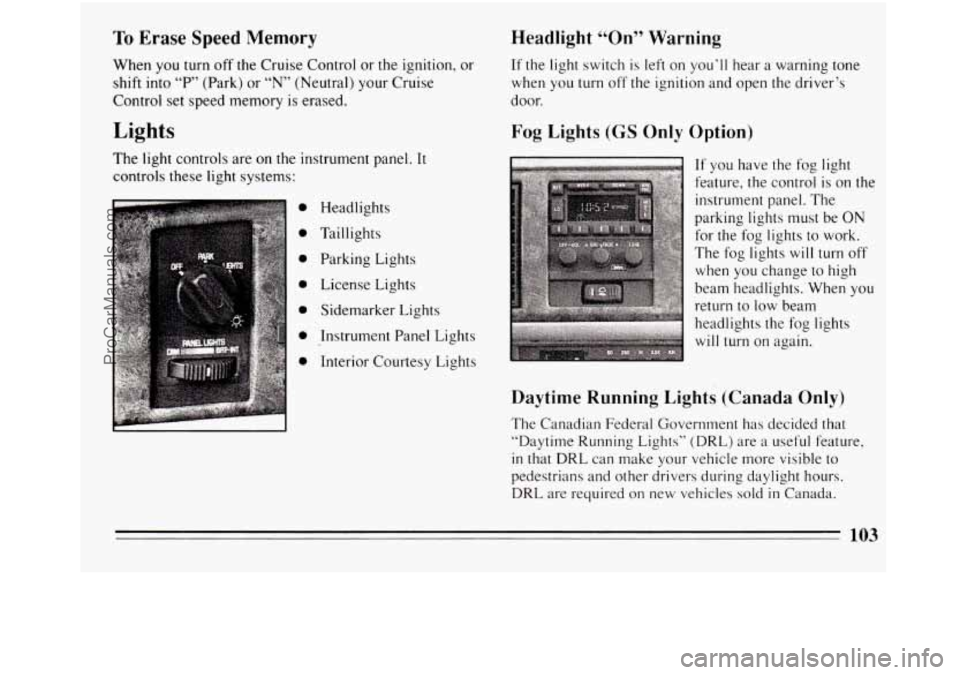
The light controls are on the instrument panel. It
controls these light systems:
0
0
0
0
0
0
0
Headlights
Taillights Parking Lights
License Lights
Sidemarker Lights
Instrument Panel Lights
Interior Courtesy Lights
Headlight “On” Warning
If the light switch is left on you’ll hear a warning tone
when you turn off the ignition and open the driver’s
door.
Fog Lights (GS Only Option)
c
If you have the fog light
feature, the control is on the
instrument panel. The
parking lights must be ON
for the fog lights to work.
The fog lights
will turn off
when you change to high
beam headlights. When you
return to low beam
headlights the fog lights
will turn on again.
Daytime Running Lights (Canada Only)
The Canadian Federal Government has decided that
“Daytime Running Lights” (DRL) are
a useful feature,
in that DRL can make your vehicle more visible to
pedestrians and other drivers during daylight hours.
DRL are required on new vehicles sold in Canada.
103
ProCarManuals.com
Page 257 of 308
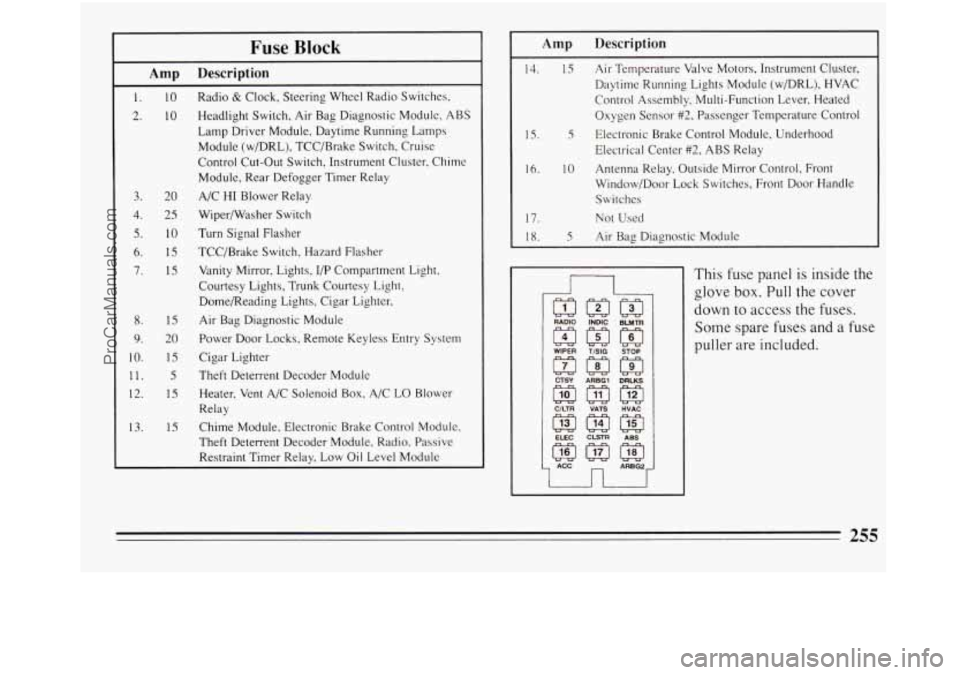
Fuse Block
Amp Description
1.
2.
10
10
3. 20
4.
2s
5. IO
6. 15
7. 15
8. 1s
9. 20
10.
1s
11. 5
12. 1s
13. 15 Radio
& Clock, Steering
Wheel Radio Switches.
Headlight Switch, Air Bag Diagnostic Module, ABS
Lamp Driver Module, Daytime Running Lamps
Module (w/DRL), TCC/Brake Switch, Cruise
Control Cut-Out Switch, Instrument Cluster, Chime
Module, Rear Defogger Timer Relay
A/C HI Blower Relay
Wipermasher Switch
Turn Signal Flasher
TCC/Brake Switch, Hazard Flasher
Vanity Mirror, Lights, I/P Compartment Light,
Courtesy Lights, Trunk Courtesy Light,
Dome/Reading Lights, Cigar Lighter.
Air Bag Diagnostic Module
Power Door Locks, Remote Keyless Entry System
Cigar Lighter
Theft Deterrent Decoder Module
Heater, Vent A/C Solenoid Box, A/C LO Blower
Relay
Chime Module, Electronic Brake Control Module.
Theft Deterrent Decoder Module, Radio, Passive
Restraint Timer Relay, Low Oil Level Module
1s.
Amp Description
14. 15 Air Temperature Valve Motors, Instrument Cluster,
Daytime Running Lights Module (w/DRL), HVAC
Control Assembly, Multi-Function Lever, Heated
Oxygen Sensor
#2, Passenger Temperature Control
Electrical Center
#2, ABS Relay
16. 10 Antenna Relay, Outside Mirror Control, Front
Window/Door Lock Switches, Front Door Handle
Switches
17.
Not Used
18. 5 Air Bag Diagnostic Module
5 Electronic Brake Control Module, Underhood
n
CTSY ARBGl DRLKS
@m@
ClLTR VATS HVAC
This fuse panel is inside the
glove
box. Pull the cover
down to access the
fuses.
Some spare fuses and a fuse
puller are included.
255
ProCarManuals.com
Page 259 of 308
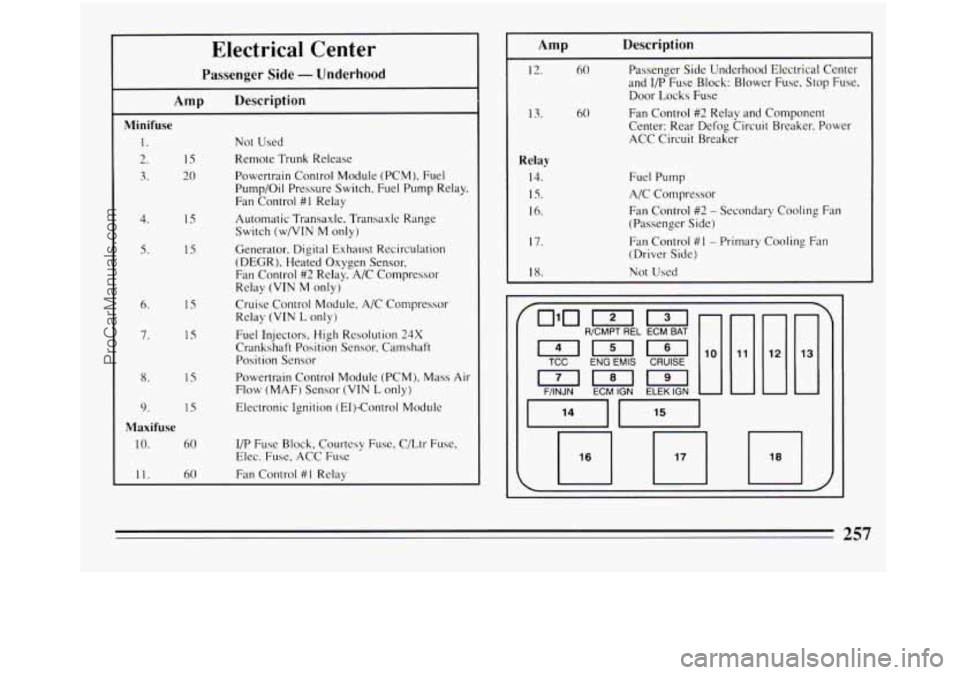
15
20
15
IS
1s
' 1s
Electrical Center
Passenger Side - Underhood
Amp Description
Minifuse
1. Not Used
2. Remote Trunk Release
3. Powertrain Control Module (PCM), Fuel
Pump/Oil Pressure Switch, Fuel Pump Relay.
Fan Control
#I Relay
Switch (w/VIN
M only)
(DEGR), Heated Oxygen Sensor,
Fan Control
#2 Relay, A/C Compressor
Relay
(VIN M only)
Relay
(VIN L only)
Crankshaft Position Sensor, Camshaft
Position Sensor
Flow (MAF) Sensor
(VIN L only)
4. Automatic Transaxle, Transaxle Range
5. Generator. Digital Exhaust Recirc'ulation
6. Cruise Control Module. A/C Compressor
7. Fuel Injectors, High Resolution 24X
8. IS Powertrain Control Module (PCM), Mass Air
9. 1s Electronic Ignition (E1)-Control Module
10. 60 I/P Fuse Block, Courtesy Fuse. C/Ltr Fuse.
11. 60 Fdn Control #I Relay
Maxifuse
Elec. Fuse, ACC Fuse
Description
12.
13.
Relay
14.
1s.
16.
17.
18
60 Passenger Side Underhood Electrical Center
and
I/P Fuse Block: Blower Fuse. Stop Fuse.
Door Locks Fuse
Fan Control
#2 Relay and Component
Center: Rear Defog Circuit Breaker, Power
ACC Circuit Breaker 60
Fuel Pump
A/C Compressor
Fan Control
#2 - Secondary Cooling Fan
(Passenger
Side)
Fan Control #I - Primary Cooling Fan
(Driver Side)
Not Used
~~~~~ ~
[I [I
Erlmm
~~~
TCC ENG EMlS CRUISE
F/INJN
ECM IGN ELEK IGN
257
ProCarManuals.com