battery BUICK REGAL 2003 User Guide
[x] Cancel search | Manufacturer: BUICK, Model Year: 2003, Model line: REGAL, Model: BUICK REGAL 2003Pages: 344, PDF Size: 2.21 MB
Page 114 of 344

Notice:Adding some electrical equipment to your
vehicle can damage it or keep other things from
working as they should. This wouldn’t be covered by
your warranty. Check with your dealer before
adding electrical equipment, and never use anything
that exceeds the amperage rating.
Certain power accessory plugs may not be compatible
to the power accessory outlet and could result in
blown vehicle or adapter fuses. If you experience a
problem, see your dealer.
Notice:Power outlets are designed for accessory
plugs only. Do not hang any type of accessory
or accessory bracket from the plug. Improper use of
the power outlet can cause damage not covered
by your warranty.
Notice:When using an accessory power outlet,
maximum electrical load must not exceed amperage
rating. Always turn off any electrical equipment
when not in use. Leaving electrical equipment on for
extended periods will drain your battery.
When adding electrical equipment, be sure to follow the
proper installation instructions included with the
equipment.Auxiliary Power Connection
(Power Drop)
Your vehicle is equipped with an auxiliary power
connection. This feature provides power, ground and
accessory wires which can be accessed to add
aftermarket electrical equipment to your vehicle.
It is located on the
passenger’s side of the
vehicle, under the
glove box, and is labeled
with a wire function
and fuse rating.
Notice:Adding some electrical equipment to your
vehicle can damage it or keep other things from
working as they should. This wouldn’t be covered by
your warranty. Check with your dealer before
adding electrical equipment, and never use anything
that exceeds the amperage rating.
3-16
2003 - Regal OM
Page 129 of 344

Charging System Light
The charging system light
will come on briefly when
you turn on the ignition,
as a check to show you it’s
working. Then it should
go out.
If it stays on, or comes on while you are driving, you
may have a problem with the charging system. It could
indicate that you have a loose accessory belt or
another electrical problem. Have it checked right away.
Driving while this light is on could drain your battery.
If you must drive a short distance with the light on, be
certain to turn off all your accessories, such as the
radio and air conditioner.
Brake System Warning Light
Your vehicle’s hydraulic brake system is divided into two
parts. If one part isn’t working, the other part can still
work and stop you. For good braking, though, you need
both parts working well.
If the warning light comes on, there is a brake problem.
Have your brake system inspected right away.
This light should come on briefly when you turn the
ignition key to RUN. If it doesn’t come on then, have it
fixed so it will be ready to warn you if there’sa
problem.
United StatesCanada
3-31
2003 - Regal OM
Page 136 of 344
Your vehicle will not pass this inspection if the OBD
(on-board diagnostic) system determines that critical
emission control systems have not been completely
diagnosed by the system. The vehicle would be
considered not ready for inspection. This can happen if
you have recently replaced your battery or if your
battery has run down. The diagnostic system is
designed to evaluate critical emission control systems
during normal driving. This may take several days
of routine driving. If you have done this and your vehicle
still does not pass the inspection for lack of OBD
system readiness, your GM dealer can prepare the
vehicle for inspection.
Oil Pressure Light
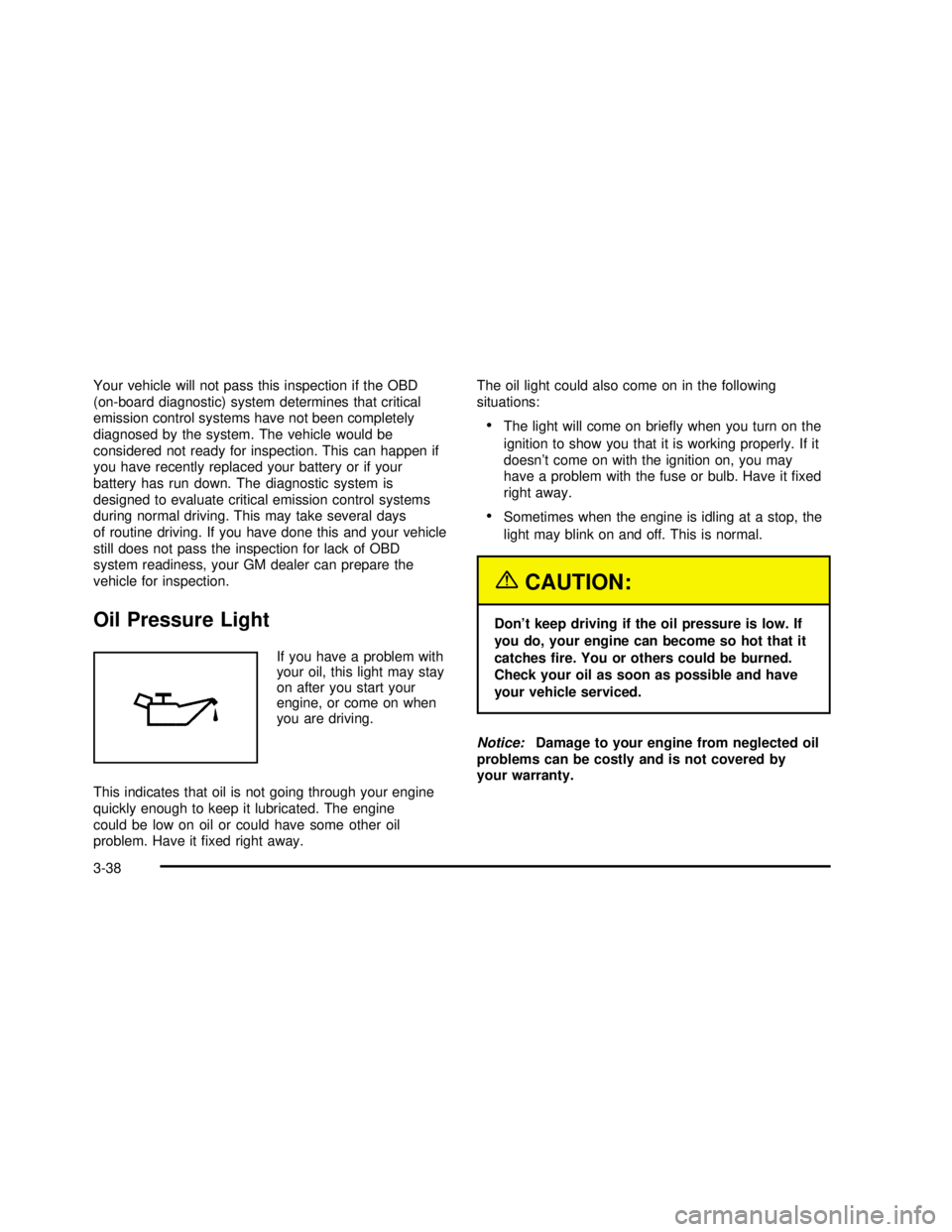
If you have a problem with
your oil, this light may stay
on after you start your
engine, or come on when
you are driving.
This indicates that oil is not going through your engine
quickly enough to keep it lubricated. The engine
could be low on oil or could have some other oil
problem. Have itfixed right away.The oil light could also come on in the following
situations:
•The light will come on briefly when you turn on the
ignition to show you that it is working properly. If it
doesn’t come on with the ignition on, you may
have a problem with the fuse or bulb. Have itfixed
right away.
•Sometimes when the engine is idling at a stop, the
light may blink on and off. This is normal.
{CAUTION:
Don’t keep driving if the oil pressure is low. If
you do, your engine can become so hot that it
catchesfire. You or others could be burned.
Check your oil as soon as possible and have
your vehicle serviced.
Notice:Damage to your engine from neglected oil
problems can be costly and is not covered by
your warranty.
3-38
2003 - Regal OM
Page 153 of 344

Theft-Deterrent Feature
THEFTLOCK®is designed to discourage theft of your
radio. It works by using a secret code to disable all radio
functions whenever battery power is interrupted.
If THEFTLOCK
®is active, the THEFTLOCK®indicator
willflash when the ignition is off.
The THEFTLOCK
®feature for the radio may be used or
ignored. If ignored, the system plays normally and the
radio is not protected by the feature. If THEFTLOCK
®is
activated, your radio will not operate if stolen.
When THEFTLOCK
®is activated, the radio will display
LOC to indicate a locked condition anytime battery
power is removed. If your battery loses power for any
reason, you must unlock the radio with the secret
code before it will operate.
Activating the Theft-Deterrent Feature
The instructions which follow explain how to enter your
secret code to activate the THEFTLOCK®system. Read
through all nine steps before starting the procedure.
If you allow more than 15 seconds to elapse between
any steps, the radio automatically reverts to time
and you must start the procedure over at Step 4.
1. Write down any three or four-digit number from 000
to 1999 and keep it in a safe place separate from
the vehicle.
2. Turn the ignition on.3. Turn the radio off.
4. Press the 1 and 4 pushbuttons at the same time.
Hold them down until --- shows on the display.
Next you will use the secret code number which you
have written down.
5. Press MIN and 000 will appear on the display.
6. Press MIN again to make the last two digits agree
with your code.
7. Press HRS to make thefirst one or two digits agree
with your code.
8. Press AM-FM after you have confirmed that the
code matches the secret code you have written
down. The display will show REP to let you know
that you need to repeat Steps 5 through 7 to confirm
your secret code.
9. Press AM-FM and this time the display will show
SEC to let you know that your radio is secure.
Unlocking the Theft-Deterrent Feature
After a Power Loss
Enter your secret code as follows; pause no more than
15 seconds between steps:
1. Turn the ignition on. LOC will appear on the
display.
2. Press MIN and 000 will appear on the display.
3. Press MIN again to make the last two digits agree
with your code.
3-55
2003 - Regal OM
Page 154 of 344

4. Press HRS to make thefirst one or two digits agree
with your code.
5. Press AM-FM after you have confirmed that the
code matches the secret code you have written
down. The display will show SEC, indicating
the radio is now operable and secure.
If you enter the wrong code eight times, INOP will
appear on the display. You will have to wait an hour
with the ignition on before you can try again. When you
try again, you will only have three more chances
(eight tries per chance) to enter the correct code before
INOP appears.
If you lose or forget your code, contact your dealership.
Disabling the Theft-Deterrent Feature
Enter your secret code as follows; pause no more than
15 seconds between steps:
1. Turn the ignition on.
2. Turn the radio off.
3. Press the 1 and 4 pushbuttons at the same time.
Hold them down until SEC shows on the display.4. Press MIN and 000 will appear on the display.
5. Press MIN again to make the last two digits agree
with your code.
6. Press HRS to make thefirst one or two digits agree
with your code.
7. Press AM-FM after you have confirmed that the
code matches the secret code you have written
down. The display will show ---, indicating that the
radio is no longer secured.
If the code entered is incorrect, SEC will appear on the
display. The radio will remain secured until the correct
code is entered.
When battery power is removed and later applied to a
secured radio, the radio won’t turn on and LOC will
appear on the display.
To unlock a secured radio see“Unlocking the
Theft-Deterrent Feature After a Power Loss”earlier in
this section.
3-56
2003 - Regal OM
Page 187 of 344

Put on extra clothing or wrap a blanket around you.
If you have no blankets or extra clothing, make
body insulators from newspapers, burlap bags, rags,
oor mats—anything you can wrap around
yourself or tuck under your clothing to keep warm.
You can run the engine to keep warm, but be careful.
{CAUTION:
Snow can trap exhaust gases under your
vehicle. This can cause deadly CO (carbon
monoxide) gas to get inside. CO could
overcome you and kill you. You can’t see it or
smell it, so you might not know it is in your
vehicle. Clear away snow from around the
base of your vehicle, especially any that is
blocking your exhaust pipe. And check around
again from time to time to be sure snow
doesn’t collect there.
Open a window just a little on the side of the
vehicle that’s away from the wind. This will
help keep CO out.
Run your engine only as long as you must. This saves
fuel. When you run the engine, make it go a little
faster than just idle. That is, push the accelerator
slightly. This uses less fuel for the heat that you get and
it keeps the battery charged. You will need a
well-charged battery to restart the vehicle, and possibly
for signaling later on with your headlamps. Let the
heater run for a while.
4-29
2003 - Regal OM
Page 201 of 344

Service............................................................5-3
Doing Your Own Service Work.........................5-3
Adding Equipment to the Outside of
Your Vehicle..............................................5-4
Fuel................................................................5-4
Gasoline Octane............................................5-4
Gasoline Specifications....................................5-5
California Fuel...............................................5-5
Additives.......................................................5-5
Fuels in Foreign Countries...............................5-6
Filling Your Tank............................................5-6
Filling a Portable Fuel Container.......................5-8
Checking Things Under the Hood.....................5-8
Hood Release................................................5-9
Engine Compartment Overview.......................5-10
Engine Oil...................................................5-13
Supercharger Oil..........................................5-18
Engine Air Cleaner/Filter................................5-18
Automatic Transaxle Fluid..............................5-20
Engine Coolant.............................................5-22
Radiator Pressure Cap..................................5-25
Engine Overheating.......................................5-25
Cooling System............................................5-28Power Steering Fluid.....................................5-36
Windshield Washer Fluid................................5-38
Brakes........................................................5-39
Battery........................................................5-42
Jump Starting...............................................5-43
Headlamp Aiming...........................................5-48
Bulb Replacement..........................................5-50
Halogen Bulbs..............................................5-50
Headlamps..................................................5-51
Front Turn Signal and Parking Lamps..............5-52
Center High-Mounted
Stoplamp (CHMSL)....................................5-52
Taillamps, Turn Signal, and Stoplamps............5-53
Back-Up Lamps............................................5-54
Replacement Bulbs.......................................5-55
Windshield Wiper Blade Replacement..............5-55
Tires..............................................................5-56
Inflation — Tire Pressure...............................5-57
Tire Pressure Monitor System.........................5-58
Tire Inspection and Rotation...........................5-59
When It Is Time for New Tires.......................5-60
Buying New Tires.........................................5-61
Section 5 Service and Appearance Care
5-1
2003 - Regal OM
Page 211 of 344

A. Windshield Washer Fluid Reservoir
B. Battery
C. Remote Positive (+) Battery Terminal
D. Underhood Fuse Block
E. Radiator Pressure Cap
F. Engine Coolant Recovery Tank
G. Power Steering Fluid Reservoir (Below Generator)H. Electric Cooling Fan
I. Engine Oil Dipstick
J. Engine Oil Fill Cap
K. Automatic Transaxle Fluid Dipstick
L. Brake Fluid Reservoir
M. Engine Air Cleaner/Filter
5-11
2003 - Regal OM
Page 213 of 344
A. Windshield Washer Fluid Reservoir
B. Battery
C. Remote Positive (+) Battery Terminal
D. Underhood Electrical Center
E. Radiator Pressure Cap
F. Engine Coolant Recovery Tank
G. Power Steering Fluid Reservoir (Below Generator)
H. Electric Cooling Fan
I. Engine Oil Dipstick
J. Engine Oil Fill Cap
K. Automatic Transaxle Fluid Dipstick
L. Brake Fluid Reservoir
M. Engine Air Cleaner/FilterEngine Oil
Checking Engine Oil
It’s a good idea to check your engine oil every time you
get fuel. In order to get an accurate reading, the oil
must be warm and the vehicle must be on level ground.
The engine oil dipstick handle is the yellow loop located
near the front of the engine compartment. SeeEngine
Compartment Overview on page 5-10for more
information on location.
5-13
2003 - Regal OM
Page 242 of 344
Replacing Brake System Parts
The braking system on a vehicle is complex. Its many
parts have to be of top quality and work well together if
the vehicle is to have really good braking. Your vehicle
was designed and tested with top-quality GM brake parts.
When you replace parts of your braking system—for
example, when your brake linings wear down and you
need new ones put in—be sure you get new approved
GM replacement parts. If you don’t, your brakes may no
longer work properly. For example, if someone puts in
brake linings that are wrong for your vehicle, the balance
between your front and rear brakes can change–for the
worse. The braking performance you’ve come to expect
can change in many other ways if someone puts in the
wrong replacement brake parts.
Battery
Your new vehicle comes with a maintenance free
ACDelco®battery. When it’s time for a new battery, get
one that has the replacement number shown on the
original battery’s label. We recommend an ACDelco
®
battery. SeeEngine Compartment Overview on
page 5-10for battery location.
Warning:Battery posts, terminals and related
accessories contain lead and lead compounds,
chemicals known to the State of California to cause
cancer and reproductive harm. Wash hands after
handling.If your battery has a very low charge or is dead, you
may not be able to remove the ignition key from
the ignition switch or shift out of Park (P). Refer to
Shifting Out of Park (P) on page 2-27.
Vehicle Storage
If you’re not going to drive your vehicle for 25 days or
more, remove the black, negative (−) cable from
the battery. This will help keep your battery from
running down.
{CAUTION:
Batteries have acid that can burn you and gas
that can explode. You can be badly hurt if you
aren’t careful. See“Jump Starting”next for
tips on working around a battery without
getting hurt.
Contact your dealer to learn how to prepare your
vehicle for longer storage periods.
Also, for your audio system, seeTheft-Deterrent
Feature on page 3-55.
5-42
2003 - Regal OM