reset BUICK SKYLARK 1993 Owners Manual
[x] Cancel search | Manufacturer: BUICK, Model Year: 1993, Model line: SKYLARK, Model: BUICK SKYLARK 1993Pages: 306, PDF Size: 15.84 MB
Page 93 of 306
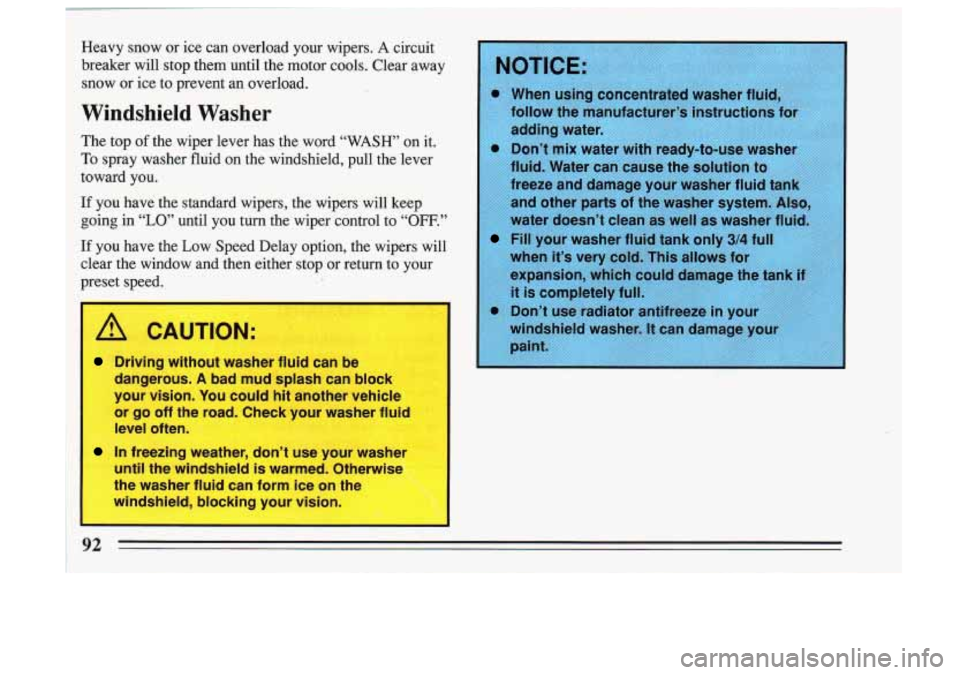
Heavy snow or ice can overload your wipers. A circuit
breaker will stop them until the motor cools. Clear away
snow or ice to prevent an
OVI. ~ ~ J.
Windshield Washer
The top of the wiper lever has the word “WASH’ on it.
’0 spray washer fluid on the windshield, pull the lever
Laward you.
If you have the standard wipers, the wipers will keep
going in
“LO” until you turn the wiper control to “OF’”’’
If you have the Low Speed Delay option, the wipers will
4ear the window and then either stop or return to your
,reset speed.
I A CAUTION:
1 Driving without washer fluid can be
dangerous.
A bad mud splash can block
your vision. You could
hit another vehicle
or
go off the road. Check your washer fluid
level often.
1 In freezing weather, don’t use your washer
until the windshield is warmed. Otherwise
the washer fluid can form ice on the
windshield, blocking your vision.
1
* When usin ated washer fli
Tollow the m turer’s instructions
adding wate
Fill your washer fluid tank only 3/4 f
when it’s very cold. This allows for
expansion, which co
it is completely full.
.. - - , ....,I ,.,,- . . ,/ ,. ,, . .. , .. . I .. ,~ 4’ I 7: ., -:,.. , ,,
92 =
Page 96 of 306
3. Push in the set button at the end of the lever and
release it. (The “CRUISE’ light on the instrument
panel will come on.)
4. Take your foot off the accelerator pedal. You’ll go right back up to your chosen speed and stay
there.
A
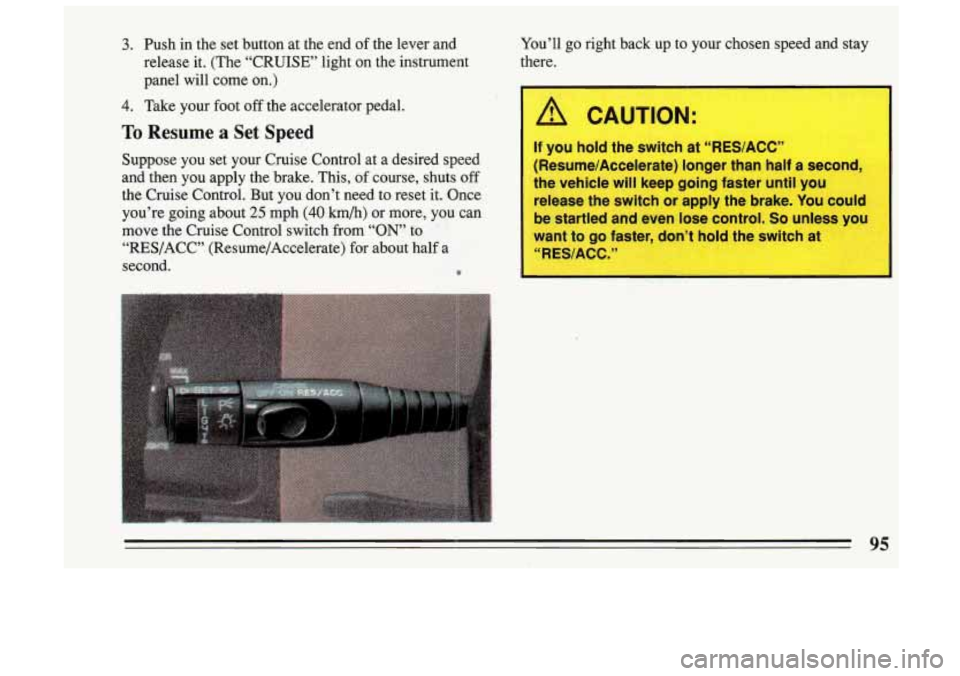
To Resume a Set Speed
Suppose you set your Cruise Control at a desired speed
and then you apply the brake. This,
of course, shuts off
the Cruise Control. But you don’t need to reset it. Once
you’re going about
25 mph (40 km/h) or more, you can
move the Cruise Control switch from
“ON’ to
“RES/ACC” (Resume/Accelerate) for about half a
If you hold the switch at “RES/ACC”
(Resume/Accelerate) longer than half a second,
the vehicle will keep going faster until you
release the switch or apply the brake. You could
be startled and even lose control.
So unless you
want to go faster, don’t hold the switch at
“RES/ACC.”
second. 0
Page 109 of 306
I
1 Speedometer and Odometer Trip Odometer
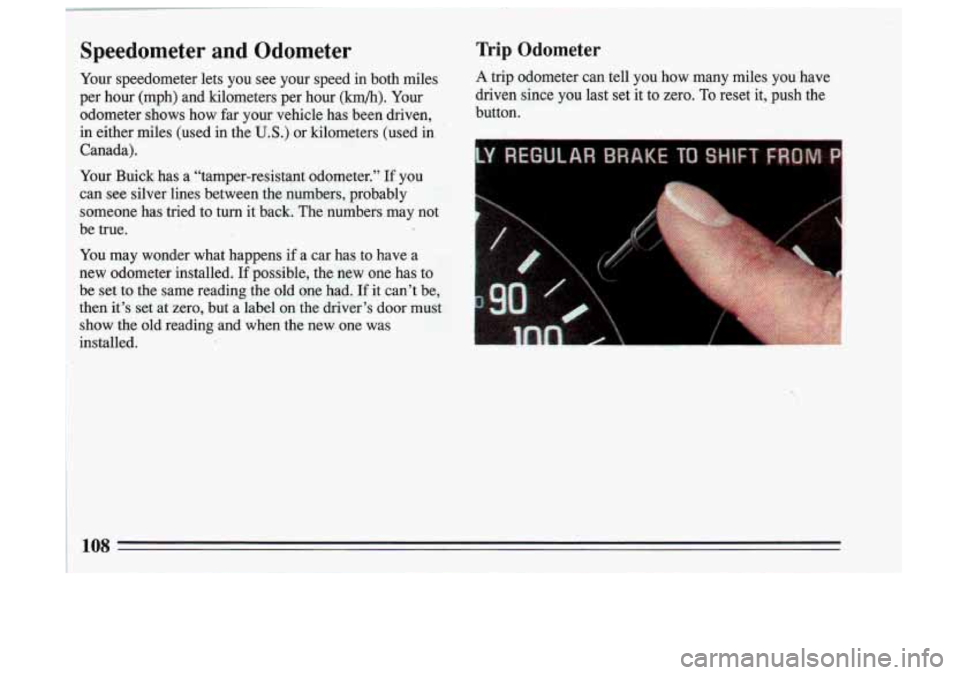
Your speedometer lets you see your speed in both miles A trip odometer can tell you how many miles you have
: per hour (mph) and kilometers per hour (km/h). Your driven since you last set
it to zero. To reset it, push the
i odometer shows how far your vehicle has been driven, button.
in either miles (used in the
U.S.) or kilometers (used in
Canada).
Your Buick has a “tamper-resistant odometer.”
If you
can see silver lines between the numbers, probably
someone has tried to turn it back. The numbers may not
be true.
I
You may wonder what happens if a car has to have a
new odometer installed.
If possible, the new one has to
be set to the same reading the old one had. If it can’t be,
then it’s set at zero,
but a label on the driver’s door must
show the old reading and when the new. one was
installed.
Page 112 of 306
This light will also come on when you set your parking
brake, and will stay on
if your parking brake doesn’t
release fully. If it stays on after your parking brake is
fully released, it means you have a brake problem.
If the
light comes on while driving, pull
off the road and stop
carefully, You may notice that the pedal is harder to
push. Or, the pedal may go closer to the floor. It may
take longer to stop. If the light is still on, have the
vehicle towed for service. (See “Towing Your
Car” in
the Index.)
-
1
I A CAUTION:
Your brake system may not be working properly
if the brake warning light is on. Driving with the
brake warning light on can lead to an accident. If
the light is still on after you’ve pulled off the road
and stopped carefl
r, have the vehicle towed for
service.
I
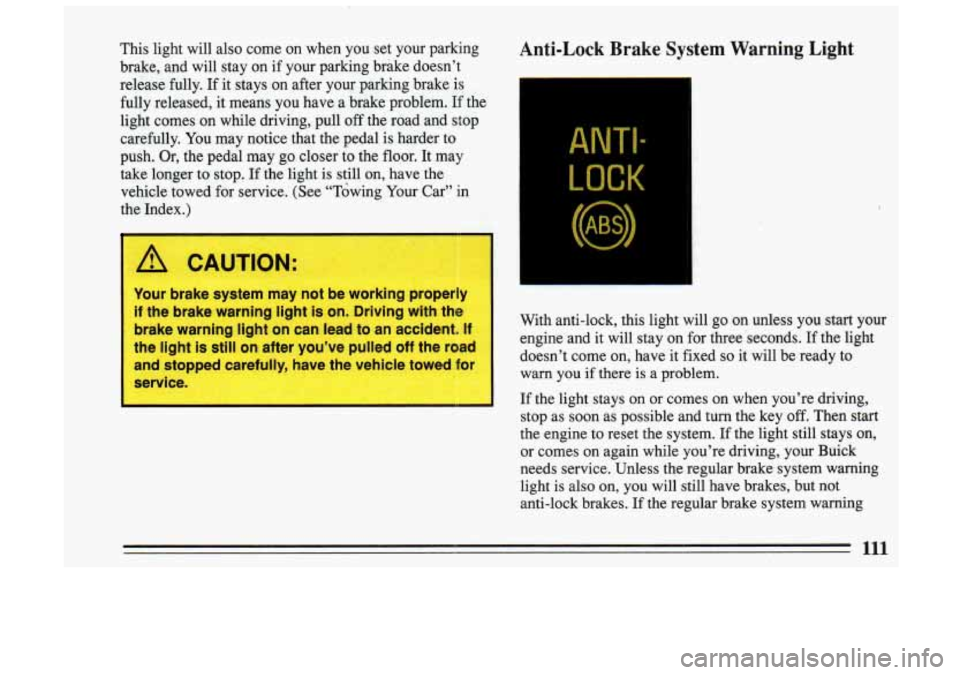
Anti-Lock Brake System Warning Light
ANTI.-
LOCK
With anti-lock, this light will go on unless you start your
engine and it will stay on for three .seconds. If the light
doesn’t come on, have it fixed
so it will be ready to
warn
you if there is a problem.
If the light stays on or comes on when you’re driving,
stop as soon
as possible and turn the key off. Then start
the engine to reset the system. If the light still stays on,
or comes on again while you’re driving, your Buick
needs service. Unless the regular brake system warning
light is also on, you will still have brakes, but not
anti-lock brakes. If the regular brake system warning
111
Page 126 of 306
Pushbuttons
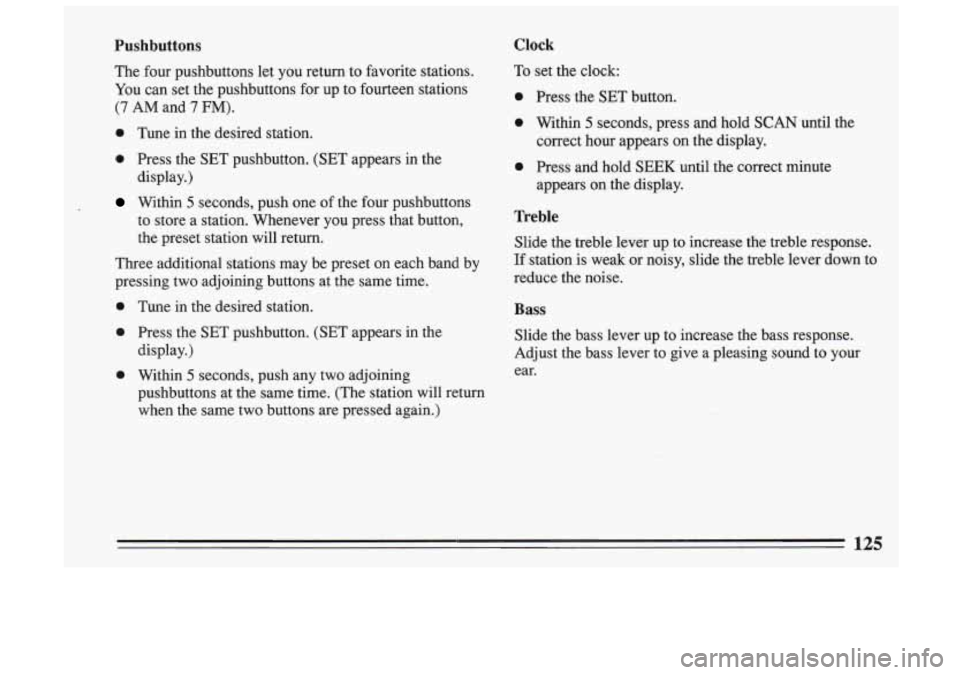
The four pushbuttons let you return to favorite stations.
You can set the pushbuttons for up to fourteen stations
(7 AM and 7 FM).
0 Tune in the desired station.
0 Press the SET pushbutton. (SET appears in the
display.)
Within 5 seconds, push one of the four pushbuttons
to store a station. Whenever you press that button,
the. preset station will return.
Three additional stations may be preset on each band by
pressing two adjoining buttons at the same time.
0 Tune in the desired station.
0 Press the SET pushbutton. (SET appears in the
0 Within 5 seconds, push any two adjoining
display.)
pushbuttons at the same time. (The station will return
when the same two buttons are pressed again.)
Clock
To set the clock:
0 Press the SET button.
0 Within 5 seconds, press and hold SCAN until the
correct hour appears on the display.
0 Press and hold SEEK until the correct minute
appears on the display.
Treble
Slide the treble lever up to increase the treble response.
If station is weak or noisy, slide the treble lever down to
reduce the noise.
Bass
Slide the bass lever up to increase the bass response.
Adjust the bass lever to give a pleasing sound
to your
ear.
Page 128 of 306
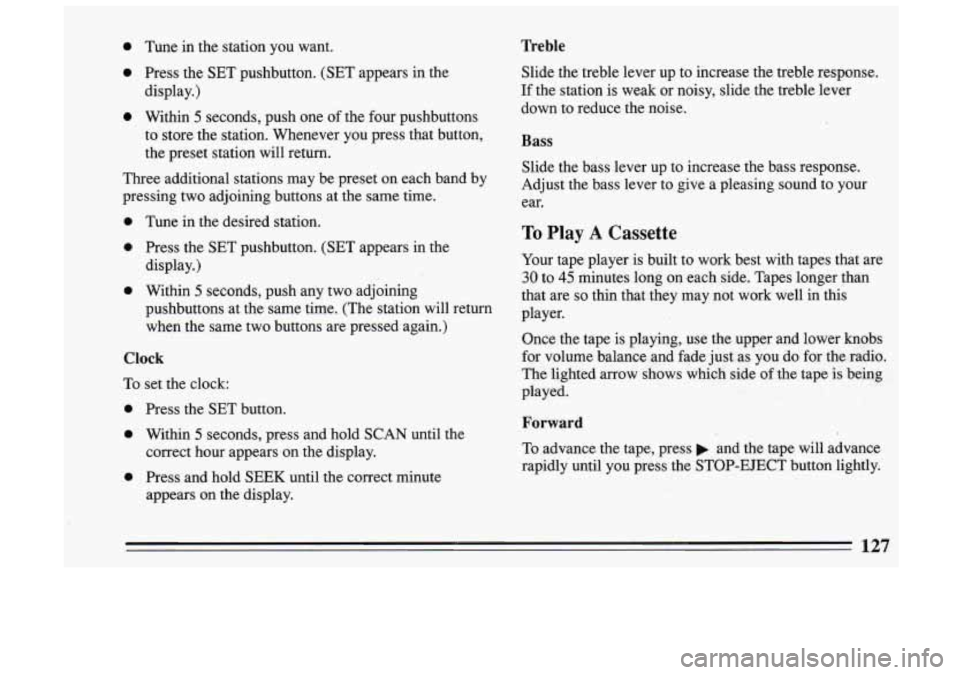
0 Tune in the station you want.
e Press the SET pushbutton. (SET appears in the
display.)
0 Within 5 seconds, push one of the four pushbuttons
to store the station. Whenever you press that button,
the preset station will return.
Three additional stations may be preset on each band by
pressing two adjoining buttons at the same time.
0 Tune in the desired station.
0 Press the SET pushbutton. (SET appears in the
display.)
0 Within 5 seconds, push any two adjoining
pushbuttons at the same time. (The station will return
when the same two buttons are pressed again.)
Clock
To set the clock:
0 Press the SET button.
0 Within 5 seconds, press and hold SCAN until the
0 Press and hold SEEK until the correct minute
correct hour appears on
the display.
appears on the display.
Treble
Slide the treble lever up to increase the treble response.
If the station is weak or noisy, slide the treble lever
down to reduce the noise.
Bass
Slide the bass lever up to increase the bass response.
Adjust the bass lever to give a pleasing sound to your
ear.
To Play A Cassette
Your tape player is built to work best with tapes that are
30 to 45 minutes long on each side. Tapes longer than
that are
so thin that they may not work well in this
player.
Once the tape
is playing, use the upper and lower knobs
for volume balance and fade just as you do for the radio.
The lighted arrow shows which side
of the tape is being
played.
Forward
To advance the tape, press and the tape will advance
rapidly until you press the STOP-EJECT button lightly.
127
Page 130 of 306
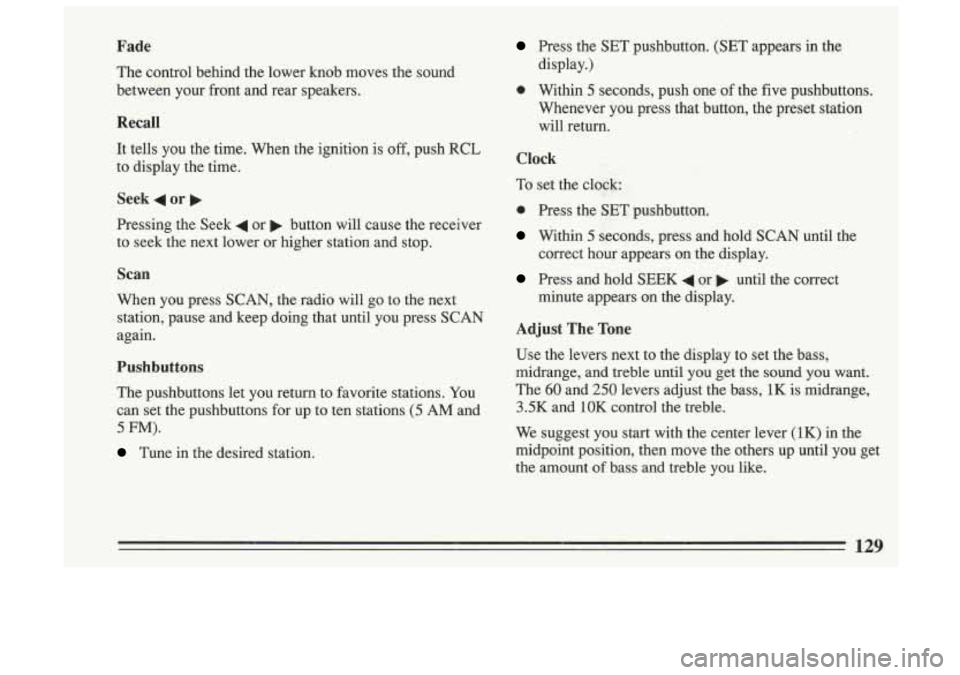
Fade
The control behind the lower knob moves the sound
between your front and rear speakers.
Recall
It tells you the time. When the ignition is off, push RCL
to display the time.
Seek 4 or
Pressing the Seek 4 or b button will cause the receiver
to seek the next lower or higher station and stop.
Scan
When you press SCAN, the radio will go to the next
station, pause and keep doing that until you press
SCAN
again.
Pushbuttons
The pushbuttons let you return to favorite stations. You
can set the pushbuttons for up to ten stations
(5 AM and
5 FM).
Tune in the desired station.
Press the SET pushbutton. (SET appears in the
display.)
0 Within 5 seconds, push one of the five pushbuttons.
Whenever you press that button, the preset station
will return.
Clock
To set the clock; :
0 Press the SET pushbutton.
Within 5 seconds, press and hold SCAN until the
correct
hour appears on the display.
Press and hold SEEK 4 or b until the correct
minute appears on the display.
Adjust The Tone
Use the levers next to the display to set the bass,
midrange, and treble until you get the sound you want.
The
60 and 250 levers adjust the bass, 1K is midrange,
3.5K and 1OK control the treble.
We suggest you start with the center lever (1K) in the
midpoint position, then move the others up until you get
the amount
of bass and treble you like.
129
Page 133 of 306
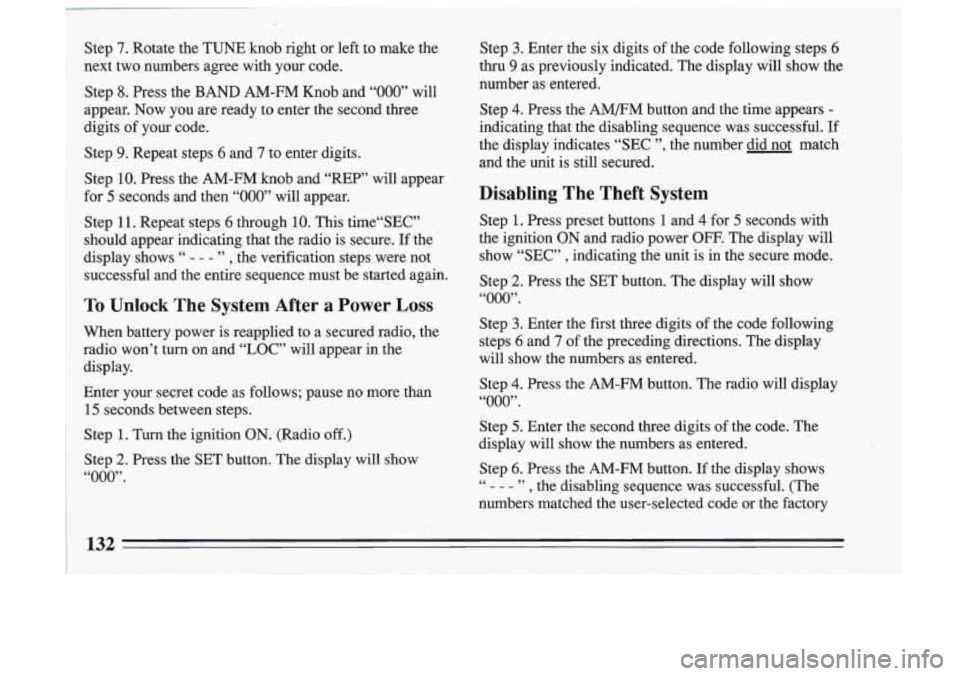
Step 7. Rotate the TUNE knob right or left to make the
next two numbers agree with your code.
Step
8. Press the BAND AM-FM Knob and “000” will
appear. Now you are ready to enter the second
three
digits of your code.
Step
9. Repeat steps 6 and 7 to enter digits.
Step
10. Press the AM-FM knob and “REP” will appear
for
5 seconds and then “000” will appear.
Step
11. Repeat steps 6 through 10. This time“SEC”
should appear indicating that the radio is secure.
If the
display shows
“ - - - ” , the verification steps .were not
successful and the entire sequence must be started again.
To Unlock The System After a Power Loss
When battery power is reapplied to a secured radio, the
radio won’t turn on and
“LOC” will appear in the
display.
Enter your secret code as follows; pause no more than
15 seconds between steps.
Step
1. Turn the ignition ON. (Radio off.)
Step
2. Press the SET button. The display will show
“000”.
Step 3. Enter the six digits of the code following steps 6
thru 9 as previously indicated. The display will show the
number as entered.
Step
4. Press the AM/FM button and the time appears -
indicating that the disabling sequence was successful. If
the display indicates “SEC ”, the number did not match
and the unit is still secured.
Disabling The Theft System
Step 1. Press preset buttons 1 and 4 for 5 seconds with
the ignition
ON and radio power OFF. The display will
show,“SEC”
, indicating the unit is in the secure mode.
Step
2. Press the SET button. The display will show
“000”.
Step 3. Enter the first three digits of the code following
steps
6 and 7 of the preceding directions. The display
will show the numbers as entered.
Step
4. Press the AM-FM button. The radio will display
“000”.
atep 5. Enter the second three digits of the code. The
display will show the numbers as entered.
Step
6. Press the AM-FM button. If the display shows
- - - ” , the disabling sequence was successful. (The
numbers matched the user-selected code or the factory 66
Page 234 of 306
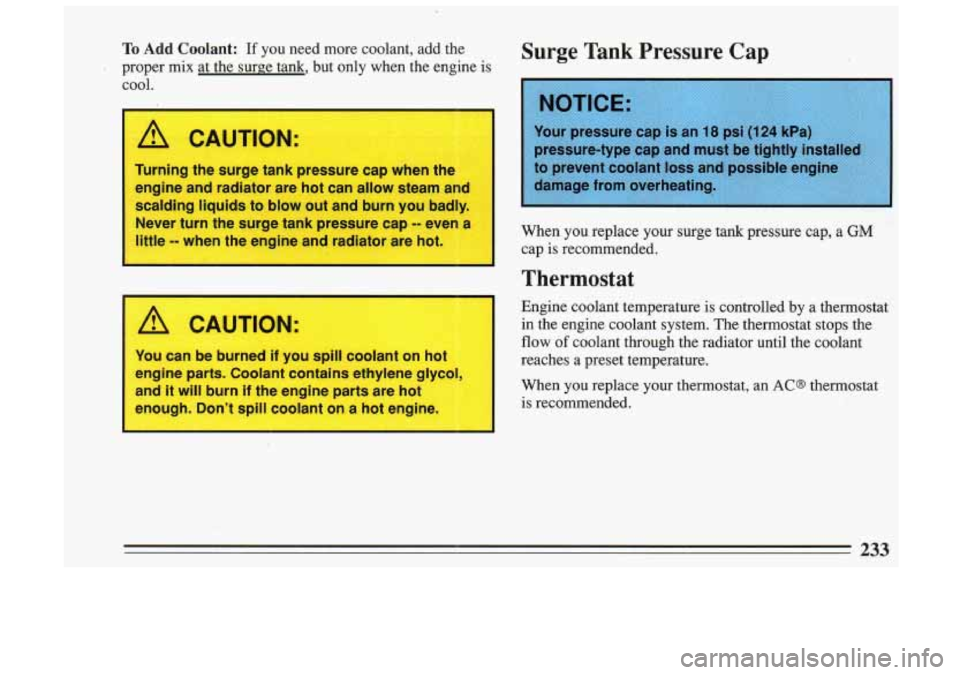
To Add Coolant: If you need more coolant, add the
proper mix at the surge tank, but only when the engine is cool.
A CAUTION:
Turning the surge tank pressure cap when the
engine and radiator are hot can allow steam and
scalding liquids to blow out and burn you badly.
Never turn the surge tank pressure cap
-- even a
little
-- when the engine and radiator are hot.
I
I
1 A CAUTION:
You can be burned if you spill coolant on hot
engine parts. Coolant contains ethylene glycol,
and
it will burn if the engine parts are hot
enough. Don’t spill coolant
on a hot engine.
1
Surge Tank Pressure Cap
pressure-type cap and must be tightly installed
When you replace your surge tank pressure cap, a GM
cap is recommended.
Thermostat
Engine coolant temperature is controlled by a thermostat
in the engine coolant system. The thermostat stops the
flow of coolant through the radiator until the coolant
reaches a preset temperature.
When you replace your thermostat, an
ACS thermostat
is recommended.
233
Page 248 of 306
In most cases, you will not need to have your wheels
. aligned again. However, if you notice unusual tire wear or your vehicle pulling one way or the other, the
alignment may need to be reset. If you notice your
vehicle vibrating when driving on a smooth road, your
wheels may need to be rebalanced.
Wheel Replacement
Replace any wheel that is bent, cracked or badly rusted.
If wheel nuts keep coming loose, the wheel, wheel bolts,
and wheel nuts should be replaced. If the wheel leaks air out, replace it (except some aluminum wheels, which
can sometimes be repaired
-- See your Buick dealer) if
any of these conditions exist.
Your dealer will know the kind of wheel you need.
Each new wheel should have the same load carrying
capacity, diameter, width, offset, and be mounted the
same way
as the one it replaces.
If you need to replace any of your wheels, wheel bolts,
or wheel nuts, replace them only with new
GM original
equipment parts. This way, you will be sure to. have the
right wheel, wheel bolts, and wheel nuts for your Buick
model.
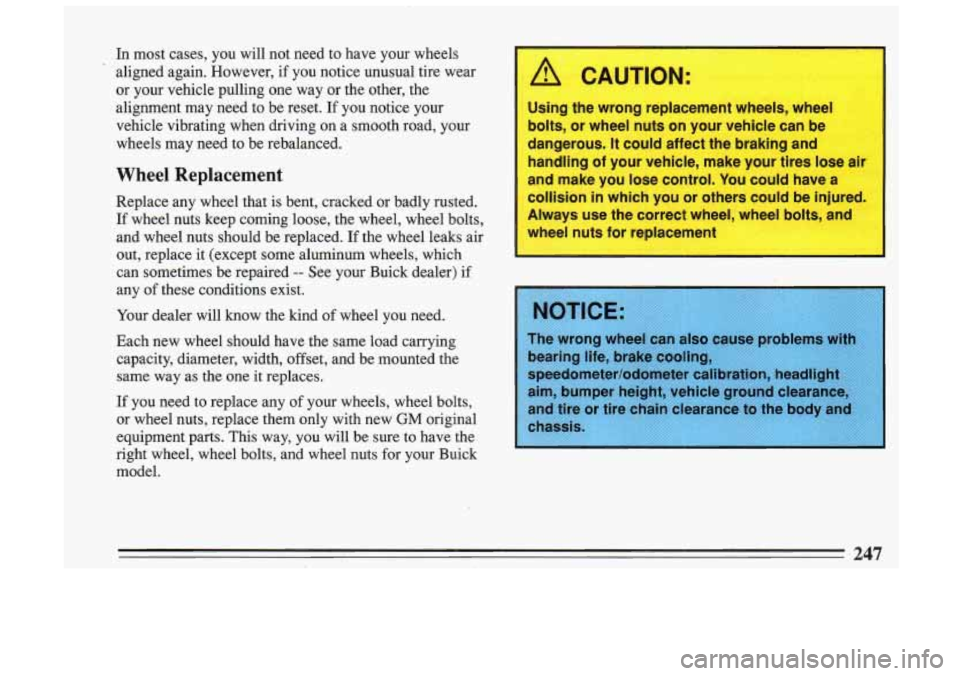
A CAUTION:
Using the wrong replacement wheels, wheel
bolts, or wheel nuts
on your vehicle can be
dangerous.
It could affect the braking and
handling
of your vehicle, make your tires lose
and make you lose control. You could have a
collision
in which you or others could be injured.
Always use the correct wheel, wheel bolts, and
wheel nuts for replacement
earing life, brake cooling,
peedQmeter/Qdometer
cali
im, bumper height, vehicl
nd tire or tire chain clearance to the body an
, 247