instrument panel BUICK TERRAZA 2007 Workshop Manual
[x] Cancel search | Manufacturer: BUICK, Model Year: 2007, Model line: TERRAZA, Model: BUICK TERRAZA 2007Pages: 562, PDF Size: 2.96 MB
Page 243 of 562
RIGHT REAR TURN LAMP OUT
This message displays when the right rear turn
signal bulb needs to be replaced. SeeTaillamps,
Turn Signal, Stoplamps and Back-up Lamps
on page 445.
This message displays while the ignition is in RUN.
Press any of the DIC buttons to acknowledge this
message and to clear it from the screen.
This message continues to display for two seconds
if it has not been acknowledged when the engine
is turned off. It also re-displays for two seconds if
the message has been acknowledged, but the
condition still exists when the engine is turned off.
If the condition still exists, the message re-appears
when the engine is turned on.
SERVICE ABS SYSTEM
This message displays when the vehicle’s
Anti-lock Brake System (ABS) is not functioning
properly. Have the ABS serviced by your dealer
as soon as possible.
The ABS warning light also appears on the
instrument panel cluster when this message
appears on the DIC. SeeAnti-Lock Brake System
Warning Light on page 215.
This message only displays while the ignition is in
RUN. Press any of the DIC buttons to acknowledge
this message and to clear it from the screen.
This message continues to display for two seconds
if it has not been acknowledged when the engine
is turned off. It also re-displays for two seconds if
the message has been acknowledged, but the
condition still exists when the engine is turned off.
If the condition still exists, the message re-appears
when the engine is turned on.
243
Page 244 of 562
SERVICE AIR BAG
This message displays along with the airbag
readiness light if there is a problem with the airbag
system. Have your dealer inspect the system
for problems. SeeAirbag Readiness Light
on page 210andAirbag System on page 76for
more information.
This message only displays while the ignition is in
RUN. Press any of the DIC buttons to acknowledge
this message and to clear it from the screen.
This message continues to display for two seconds
if it has not been acknowledged when the engine
is turned off. It also re-displays for two seconds if
the message has been acknowledged, but the
condition still exists when the engine is turned off.
If the condition still exists, the message re-appears
when the engine is turned on.
SERVICE BRAKE SYSTEM
This message displays when a problem with the
brake system has been detected. Have your
vehicle serviced by your dealer as soon as
possible.
The brake system warning light also appears on
the instrument panel cluster when this message
appears on the DIC. SeeBrake System Warning
Light on page 214.
This message only displays while the ignition is in
RUN. Press any of the DIC buttons to acknowledge
this message and to clear it from the screen.
This message continues to display for two seconds
if it has not been acknowledged when the engine
is turned off. It also re-displays for two seconds if
the message has been acknowledged, but the
condition still exists when the engine is turned off.
If the condition still exists, the message re-appears
when the engine is turned on.
244
Page 245 of 562
SERVICE PARK LAMPS
This message displays when there is a problem
with the park lamps. Check to see if the park lamp
fuse is blown and replace the fuse if necessary.
SeeFuses and Circuit Breakers on page 497and
Instrument Panel Fuse Block on page 498for
more information. If changing the fuse does not
correct the problem, see your dealer.
This message only displays while the ignition is in
RUN. Press any of the DIC buttons to acknowledge
this message and to clear it from the screen.
This message continues to display for two seconds
if it has not been acknowledged when the engine
is turned off. It also re-displays for two seconds if
the message has been acknowledged, but the
condition still exists when the engine is turned off.
If the condition still exists, the message re-appears
when the engine is turned on.
SERVICE STABILITY SYSTEM
If your vehicle has StabiliTrak®, this message
displays if there has been a problem detected with
StabiliTrak
®. SeeStabiliTrak®System on page 355.
If this message turns on while you are driving, pull
off the road as soon as possible and stop
carefully. Try resetting the system by turning the
ignition off and then back on. If this message
still stays on or turns back on again while you are
driving, your vehicle needs service. Have the
StabiliTrak
®System inspected by your dealer as
soon as possible.
This message displays only while the ignition is in
RUN. Press any of the DIC buttons to acknowledge
this message and to clear it from the screen.
This message continues to display for two seconds
if it has not been acknowledged when the engine
is turned off. It also re-displays for two seconds if
the message has been acknowledged, but the
condition still exists when the engine is turned off.
If the condition still exists, the message re-appears
when the engine is turned on.
245
Page 246 of 562
SERVICE TRACTION SYSTEM
If your vehicle has the Traction Control
System (TCS), this message displays when the
system is not functioning properly. A warning light
also appears on the instrument panel cluster.
SeeTraction Control System (TCS) Warning
Light on page 216. SeeTraction Control
System (TCS) on page 353for more information.
Have the TCS serviced by your dealer as soon
as possible.
This message displays only while the ignition is in
RUN. Press any of the DIC buttons to acknowledge
this message and to clear it from the screen.
This message continues to display for two seconds
if it has not been acknowledged when the engine
is turned off. It also re-displays for two seconds if
the message has been acknowledged, but the
condition still exists when the engine is turned off.
If the condition still exists, the message re-appears
when the engine is turned on.
SERVICE VEHICLE SOON
This message displays when a non-emissions
related malfunction occurs. Have the vehicle
serviced by your dealer as soon as possible.
This message displays only while the ignition is in
RUN. Press any of the DIC buttons to acknowledge
this message and to clear it from the screen.
This message continues to display for two seconds
if it has not been acknowledged when the engine
is turned off. It also re-displays for two seconds if
the message has been acknowledged, but the
condition still exists when the engine is turned off.
If the condition still exists, the message re-appears
when the engine is turned on.
STABILITY CONTROL ACTIVE
If your vehicle has StabiliTrak®, this message
displays when StabiliTrak®is actively assisting you
with directional control of the vehicle. Slippery
road conditions may exist when this message is
displayed, so adjust your driving accordingly.
SeeStabiliTrak
®System on page 355.
246
Page 248 of 562
TRACTION CONTROL OFF
If your vehicle has the Traction Control
System (TCS), this message displays when the
TCS turns off. SeeTraction Control System (TCS)
on page 353for more information.
This message only displays while the ignition is in
RUN and disappears after two seconds.
Any of the following conditions may cause the
TCS to turn off:
The TCS is turned off by pressing the traction
control button located on the center of the
instrument panel. SeeTraction Control
System (TCS) on page 353.
The battery is low.
There is a TCS failure. See your dealer
for service.
TRANSMISSION FLUID HOT
This message displays when the transaxle uid
in your vehicle is too hot. Stop the vehicle
and allow it to idle until it cools down. If the
warning message continues to display, have the
vehicle serviced by your dealer as soon as
possible.This message displays and a chime sounds only
while the ignition is in RUN. Press any of the
DIC buttons to acknowledge this message and to
clear it from the screen.
This message continues to display for two seconds
if it has not been acknowledged when the engine
is turned off. It also re-displays for two seconds if
the message has been acknowledged, but the
condition still exists when the engine is turned off.
If the condition still exists, the message re-appears
when the engine is turned on.
TURN SIGNAL ON
This message displays as a reminder to turn off
the turn signal if you drive your vehicle for
more than about 0.75 mile (1.2 km) with a turn
signal on. SeeTurn Signal/Multifunction Lever
on page 173.
This message displays and a chime sounds only
when the ignition is in RUN. This message
clears from the DIC if the turn signal is manually
turned off, a turn is completed, or the message
is acknowledged.
248
Page 354 of 562
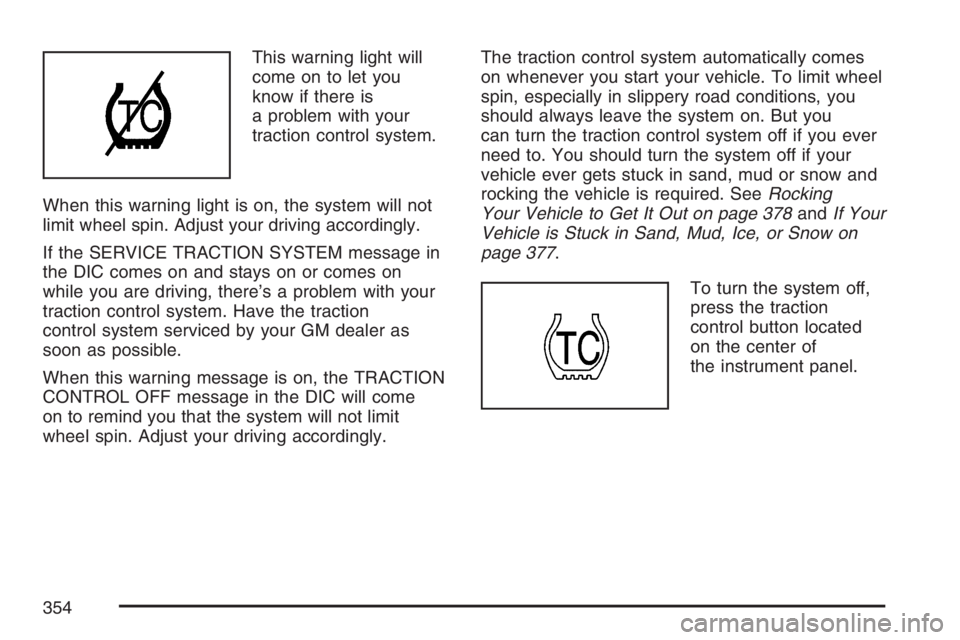
This warning light will
come on to let you
know if there is
a problem with your
traction control system.
When this warning light is on, the system will not
limit wheel spin. Adjust your driving accordingly.
If the SERVICE TRACTION SYSTEM message in
the DIC comes on and stays on or comes on
while you are driving, there’s a problem with your
traction control system. Have the traction
control system serviced by your GM dealer as
soon as possible.
When this warning message is on, the TRACTION
CONTROL OFF message in the DIC will come
on to remind you that the system will not limit
wheel spin. Adjust your driving accordingly.The traction control system automatically comes
on whenever you start your vehicle. To limit wheel
spin, especially in slippery road conditions, you
should always leave the system on. But you
can turn the traction control system off if you ever
need to. You should turn the system off if your
vehicle ever gets stuck in sand, mud or snow and
rocking the vehicle is required. SeeRocking
Your Vehicle to Get It Out on page 378andIf Your
Vehicle is Stuck in Sand, Mud, Ice, or Snow on
page 377.
To turn the system off,
press the traction
control button located
on the center of
the instrument panel.
354
Page 394 of 562
Making Turns
Notice:Making very sharp turns while
trailering could cause the trailer to come in
contact with the vehicle. Your vehicle could be
damaged. Avoid making very sharp turns
while trailering.
When you are turning with a trailer, make wider
turns than normal. Do this so your trailer will
not strike soft shoulders, curbs, road signs, trees,
or other objects. Avoid jerky or sudden
maneuvers. Signal well in advance.
Turn Signals When Towing a Trailer
When you tow a trailer, your vehicle has to have
extra wiring.
The arrows on your instrument panel will ash
whenever you signal a turn or lane change.
Properly hooked up, the trailer lamps will also
ash, telling other drivers you are about to turn,
change lanes, or stop.When towing a trailer, the arrows on your
instrument panel will ash for turns even if the
bulbs on the trailer are burned out. Thus, you may
think drivers behind you are seeing your signal
when they are not. It is important to check
occasionally to be sure the trailer bulbs are still
working.
Driving on Grades
Reduce speed and shift to a lower gear before
you start down a long or steep downgrade. If you
do not shift down, you might have to use your
brakes so much that they would get hot and
no longer work well.
If you are towing a trailer that weighs more than
1,000 lbs (450 kg), you may prefer to drive in
THIRD (3) instead of DRIVE (D) or, as you need
to, a lower gear. This will minimize heat build-up
and extend the life of your transaxle.
394
Page 398 of 562
Windshield Wiper Blade Replacement....... 447
Tires............................................................ 449
Tire Sidewall Labeling............................... 450
Tire Terminology and Denitions............... 453
Ination - Tire Pressure............................. 456
High-Speed Operation............................... 458
Tire Inspection and Rotation...................... 459
When It Is Time for New Tires.................. 461
Buying New Tires...................................... 461
Different Size Tires and Wheels................ 463
Uniform Tire Quality Grading..................... 464
Wheel Alignment and Tire Balance............ 465
Wheel Replacement.................................. 465
Tire Chains............................................... 467
Accessory Inator...................................... 468
If a Tire Goes Flat.................................... 470
Changing a Flat Tire................................. 470
Removing the Spare Tire and Tools.......... 472
Removing the Flat Tire and Installing the
Spare Tire............................................. 474
Secondary Latch System........................... 481
Storing a Flat or Spare Tire and Tools...... 483
Compact Spare Tire.................................. 486Appearance Care........................................ 487
Cleaning the Inside of Your Vehicle.......... 487
Fabric/Carpet............................................. 488
Leather...................................................... 489
Instrument Panel, Vinyl, and Other Plastic
Surfaces................................................ 490
Care of Safety Belts.................................. 490
Weatherstrips............................................ 490
Washing Your Vehicle............................... 491
Cleaning Exterior Lamps/Lenses................ 491
Finish Care............................................... 491
Windshield, Backglass, and
Wiper Blades......................................... 492
Aluminum or Chrome-Plated Wheels......... 492
Tires......................................................... 493
Sheet Metal Damage................................. 493
Finish Damage.......................................... 494
Underbody Maintenance............................ 494
Chemical Paint Spotting............................ 494
Vehicle Care/Appearance Materials............ 495
Vehicle Identication.................................. 496
Vehicle Identication Number (VIN)........... 496
Service Parts Identication Label............... 496
Section 5 Service and Appearance Care
398
Page 399 of 562
Electrical System........................................ 496
Add-On Electrical Equipment..................... 496
Headlamp Wiring....................................... 497
Windshield Wiper Fuses............................ 497
Power Windows and Other Power
Options.................................................. 497Fuses and Circuit Breakers....................... 497
Instrument Panel Fuse Block..................... 498
Underhood Fuse Block.............................. 500
Capacities and Specications.................... 503
Section 5 Service and Appearance Care
399
Page 409 of 562
Hood Release
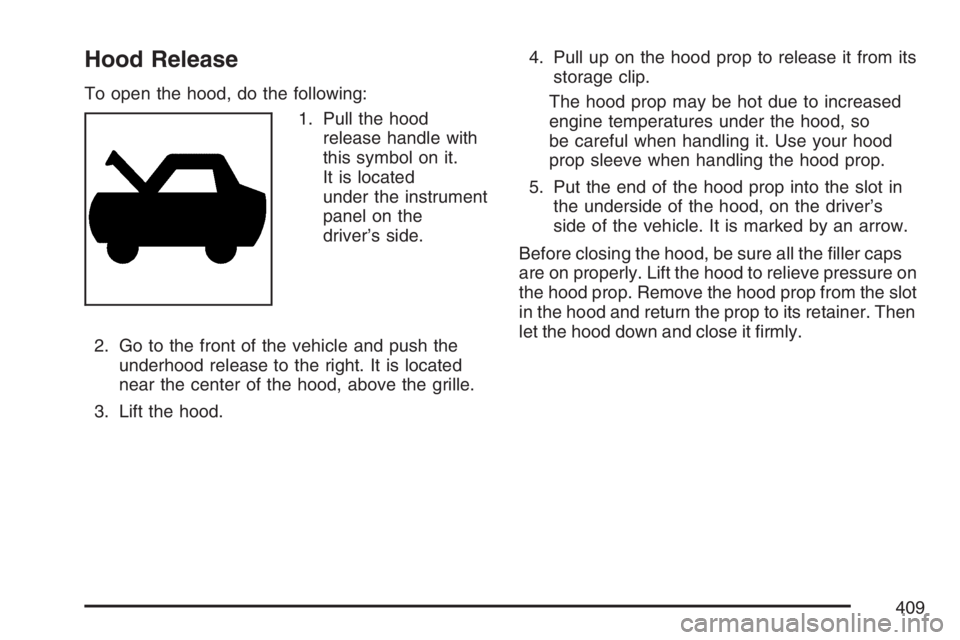
To open the hood, do the following:
1. Pull the hood
release handle with
this symbol on it.
It is located
under the instrument
panel on the
driver’s side.
2. Go to the front of the vehicle and push the
underhood release to the right. It is located
near the center of the hood, above the grille.
3. Lift the hood.4. Pull up on the hood prop to release it from its
storage clip.
The hood prop may be hot due to increased
engine temperatures under the hood, so
be careful when handling it. Use your hood
prop sleeve when handling the hood prop.
5. Put the end of the hood prop into the slot in
the underside of the hood, on the driver’s
side of the vehicle. It is marked by an arrow.
Before closing the hood, be sure all the ller caps
are on properly. Lift the hood to relieve pressure on
the hood prop. Remove the hood prop from the slot
in the hood and return the prop to its retainer. Then
let the hood down and close it rmly.
409