light CADILLAC ATS 2016 1.G Workshop Manual
[x] Cancel search | Manufacturer: CADILLAC, Model Year: 2016, Model line: ATS, Model: CADILLAC ATS 2016 1.GPages: 348, PDF Size: 3.38 MB
Page 137 of 348
Cadillac ATS/ATS-V Owner Manual (GMNA-Localizing-MidEast-9369639) -
2016 - crc - 12/9/15
136 Instruments and Controls
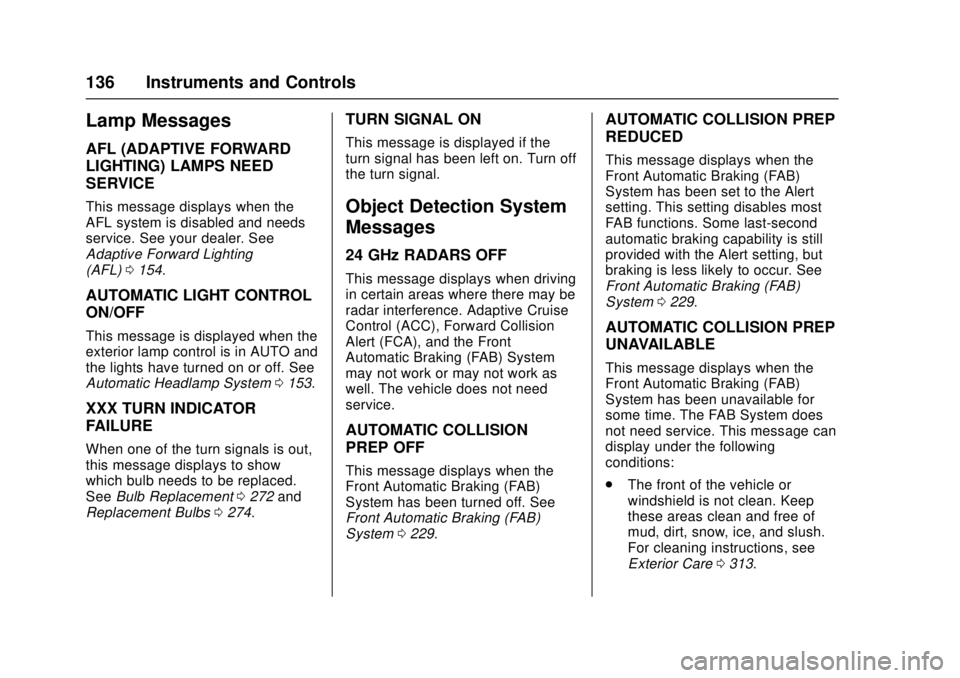
Lamp Messages
AFL (ADAPTIVE FORWARD
LIGHTING) LAMPS NEED
SERVICE
This message displays when the
AFL system is disabled and needs
service. See your dealer. See
Adaptive Forward Lighting
(AFL)0154.
AUTOMATIC LIGHT CONTROL
ON/OFF
This message is displayed when the
exterior lamp control is in AUTO and
the lights have turned on or off. See
Automatic Headlamp System 0153.
XXX TURN INDICATOR
FAILURE
When one of the turn signals is out,
this message displays to show
which bulb needs to be replaced.
See Bulb Replacement 0272 and
Replacement Bulbs 0274.
TURN SIGNAL ON
This message is displayed if the
turn signal has been left on. Turn off
the turn signal.
Object Detection System
Messages
24 GHz RADARS OFF
This message displays when driving
in certain areas where there may be
radar interference. Adaptive Cruise
Control (ACC), Forward Collision
Alert (FCA), and the Front
Automatic Braking (FAB) System
may not work or may not work as
well. The vehicle does not need
service.
AUTOMATIC COLLISION
PREP OFF
This message displays when the
Front Automatic Braking (FAB)
System has been turned off. See
Front Automatic Braking (FAB)
System 0229.
AUTOMATIC COLLISION PREP
REDUCED
This message displays when the
Front Automatic Braking (FAB)
System has been set to the Alert
setting. This setting disables most
FAB functions. Some last-second
automatic braking capability is still
provided with the Alert setting, but
braking is less likely to occur. See
Front Automatic Braking (FAB)
System 0229.
AUTOMATIC COLLISION PREP
UNAVAILABLE
This message displays when the
Front Automatic Braking (FAB)
System has been unavailable for
some time. The FAB System does
not need service. This message can
display under the following
conditions:
.
The front of the vehicle or
windshield is not clean. Keep
these areas clean and free of
mud, dirt, snow, ice, and slush.
For cleaning instructions, see
Exterior Care 0313.
Page 141 of 348
Cadillac ATS/ATS-V Owner Manual (GMNA-Localizing-MidEast-9369639) -
2016 - crc - 12/9/15
140 Instruments and Controls
system. If this message displays
and a reduction in steering
performance or loss of power
steering assistance is noticed, see
your dealer.
SERVICE STEERING
COLUMN LOCK
This message displays if there is a
problem with the steering column
lock. Take the vehicle to your dealer
for service.
SERVICE VEHICLE SOON
This message displays if there is a
problem with the vehicle. Take the
vehicle to your dealer for service.
Starting the Vehicle
Messages
PRESS BRAKE TO START
This message is displayed when
attempting to start the vehicle
without first pressing the brake
pedal.
SERVICE KEYLESS START
SYSTEM
This message is displayed if there is
a problem with the pushbutton start
system. Take the vehicle to your
dealer for service.
TURN STEERING WHEEL
START VEHICLE AGAIN
This message may display when
you try to start the vehicle, but the
column remains locked. Try turning
the steering wheel while starting the
vehicle to unlock the steering
column. If the vehicle still does not
start, turn the steering wheel the
other way, and try starting the
vehicle again.
Tire Messages
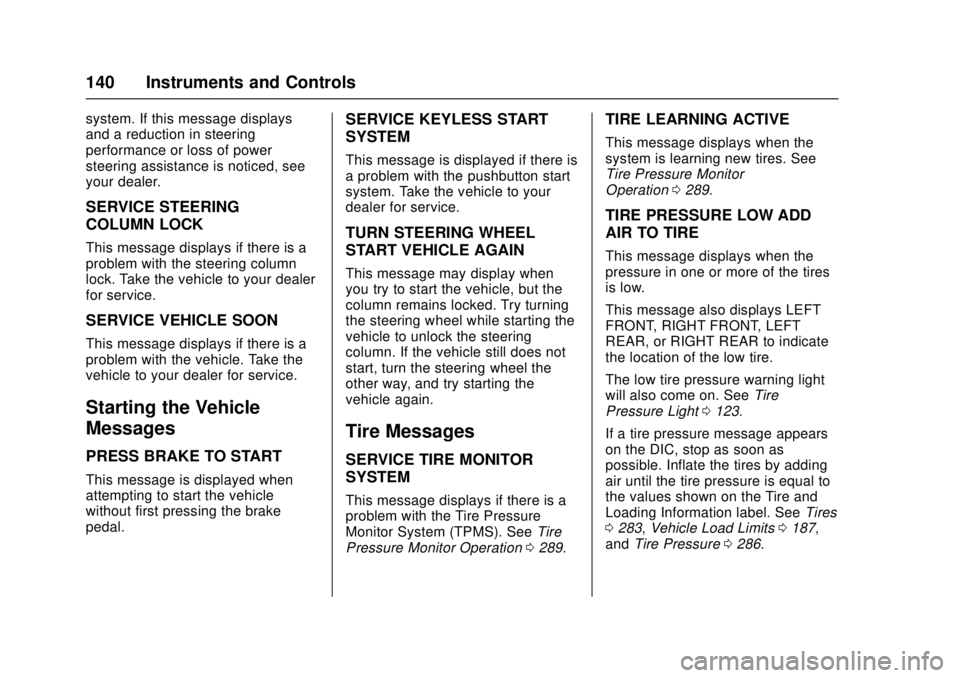
SERVICE TIRE MONITOR
SYSTEM
This message displays if there is a
problem with the Tire Pressure
Monitor System (TPMS). SeeTire
Pressure Monitor Operation 0289.
TIRE LEARNING ACTIVE
This message displays when the
system is learning new tires. See
Tire Pressure Monitor
Operation 0289.
TIRE PRESSURE LOW ADD
AIR TO TIRE
This message displays when the
pressure in one or more of the tires
is low.
This message also displays LEFT
FRONT, RIGHT FRONT, LEFT
REAR, or RIGHT REAR to indicate
the location of the low tire.
The low tire pressure warning light
will also come on. See Tire
Pressure Light 0123.
If a tire pressure message appears
on the DIC, stop as soon as
possible. Inflate the tires by adding
air until the tire pressure is equal to
the values shown on the Tire and
Loading Information label. See Tires
0 283, Vehicle Load Limits 0187,
and Tire Pressure 0286.
Page 144 of 348
Cadillac ATS/ATS-V Owner Manual (GMNA-Localizing-MidEast-9369639) -
2016 - crc - 12/9/15
Instruments and Controls 143
2. Select Enter to go to theconfirmation screen.
3. Re-enter the four-digit code.
Press LOCK or UNLOCK to lock or
unlock the system. Press Back to go
back to the previous menu.
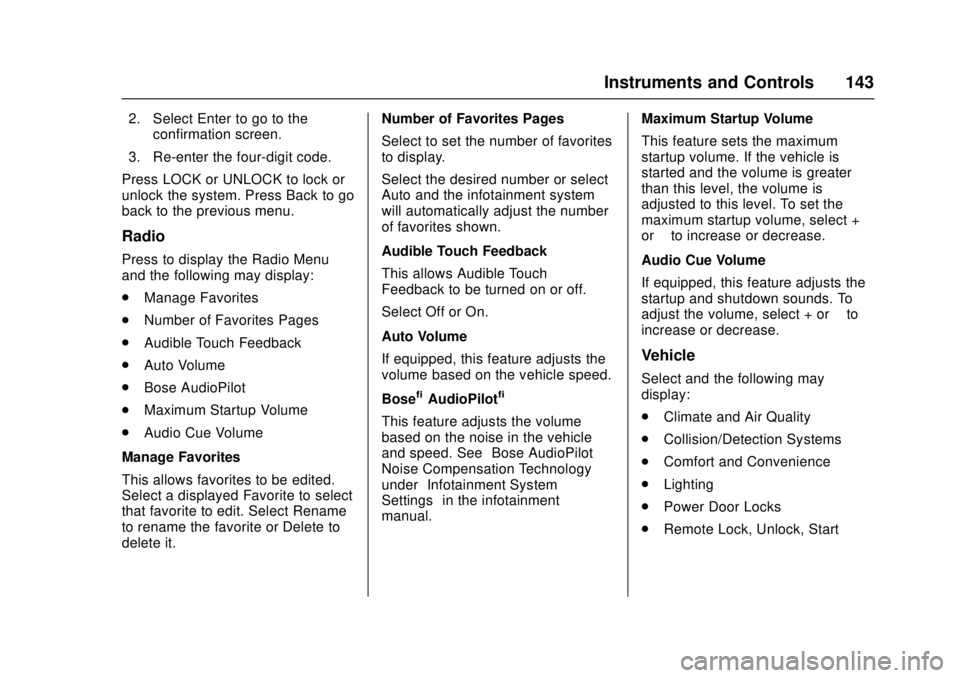
Radio
Press to display the Radio Menu
and the following may display:
. Manage Favorites
. Number of Favorites Pages
. Audible Touch Feedback
. Auto Volume
. Bose AudioPilot
. Maximum Startup Volume
. Audio Cue Volume
Manage Favorites
This allows favorites to be edited.
Select a displayed Favorite to select
that favorite to edit. Select Rename
to rename the favorite or Delete to
delete it. Number of Favorites Pages
Select to set the number of favorites
to display.
Select the desired number or select
Auto and the infotainment system
will automatically adjust the number
of favorites shown.
Audible Touch Feedback
This allows Audible Touch
Feedback to be turned on or off.
Select Off or On.
Auto Volume
If equipped, this feature adjusts the
volume based on the vehicle speed.
Bose
®AudioPilot®
This feature adjusts the volume
based on the noise in the vehicle
and speed. See
“Bose AudioPilot
Noise Compensation Technology”
under “Infotainment System
Settings” in the infotainment
manual. Maximum Startup Volume
This feature sets the maximum
startup volume. If the vehicle is
started and the volume is greater
than this level, the volume is
adjusted to this level. To set the
maximum startup volume, select +
or
−to increase or decrease.
Audio Cue Volume
If equipped, this feature adjusts the
startup and shutdown sounds. To
adjust the volume, select + or −to
increase or decrease.
Vehicle
Select and the following may
display:
. Climate and Air Quality
. Collision/Detection Systems
. Comfort and Convenience
. Lighting
. Power Door Locks
. Remote Lock, Unlock, Start
Page 146 of 348
Cadillac ATS/ATS-V Owner Manual (GMNA-Localizing-MidEast-9369639) -
2016 - crc - 12/9/15
Instruments and Controls 145
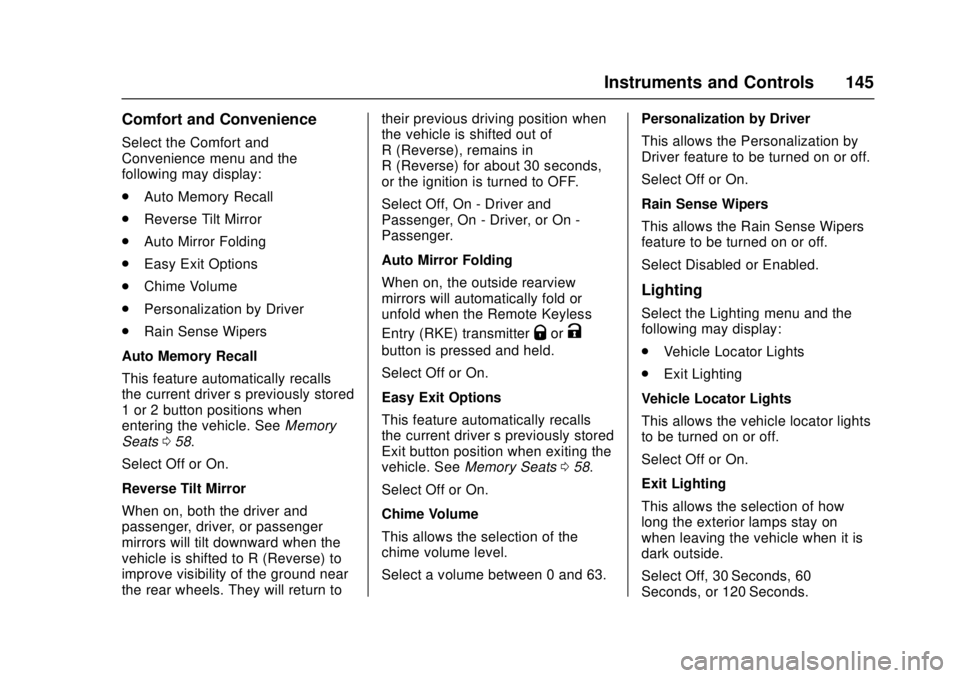
Comfort and Convenience
Select the Comfort and
Convenience menu and the
following may display:
.Auto Memory Recall
. Reverse Tilt Mirror
. Auto Mirror Folding
. Easy Exit Options
. Chime Volume
. Personalization by Driver
. Rain Sense Wipers
Auto Memory Recall
This feature automatically recalls
the current driver ’s previously stored
1 or 2 button positions when
entering the vehicle. See Memory
Seats 058.
Select Off or On.
Reverse Tilt Mirror
When on, both the driver and
passenger, driver, or passenger
mirrors will tilt downward when the
vehicle is shifted to R (Reverse) to
improve visibility of the ground near
the rear wheels. They will return to their previous driving position when
the vehicle is shifted out of
R (Reverse), remains in
R (Reverse) for about 30 seconds,
or the ignition is turned to OFF.
Select Off, On - Driver and
Passenger, On - Driver, or On -
Passenger.
Auto Mirror Folding
When on, the outside rearview
mirrors will automatically fold or
unfold when the Remote Keyless
Entry (RKE) transmitter
QorK
button is pressed and held.
Select Off or On.
Easy Exit Options
This feature automatically recalls
the current driver
’s previously stored
Exit button position when exiting the
vehicle. See Memory Seats 058.
Select Off or On.
Chime Volume
This allows the selection of the
chime volume level.
Select a volume between 0 and 63. Personalization by Driver
This allows the Personalization by
Driver feature to be turned on or off.
Select Off or On.
Rain Sense Wipers
This allows the Rain Sense Wipers
feature to be turned on or off.
Select Disabled or Enabled.
Lighting
Select the Lighting menu and the
following may display:
.
Vehicle Locator Lights
. Exit Lighting
Vehicle Locator Lights
This allows the vehicle locator lights
to be turned on or off.
Select Off or On.
Exit Lighting
This allows the selection of how
long the exterior lamps stay on
when leaving the vehicle when it is
dark outside.
Select Off, 30 Seconds, 60
Seconds, or 120 Seconds.
Page 147 of 348
Cadillac ATS/ATS-V Owner Manual (GMNA-Localizing-MidEast-9369639) -
2016 - crc - 12/9/15
146 Instruments and Controls
Power Door Locks
Select Power Door Locks and the
following may display:
.Unlocked Door Anti-Lockout
. Auto Door Lock
. Delayed Door Lock
Unlocked Door Anti-Lockout
When on, this feature will keep the
driver door from locking when the
door is open. If Off is selected, the
Delayed Door Lock menu will be
available.
Select Off or On.
Auto Door Lock
This allows selection of whether the
doors will automatically lock when
the vehicle is shifted out of P (Park).
Select Off or On.
Delayed Door Lock
When on, this feature will delay the
locking of the doors. To override the
delay, press the power door lock
switch on the doors.
Select Off or On.
Remote Lock, Unlock, Start
Select Remote Lock, Unlock, Start
and the following may display:
. Remote Unlock Light Feedback
. Remote Lock Feedback
. Remote Door Unlock
. Relock Remote Unlocked Doors
. Remote Start
. Remote Start Auto Heat Seats
. Remote Window Operation
. Passive Door Unlock
. Passive Door Lock
. Remote Left in Vehicle Reminder
Remote Unlock Light Feedback
When on, the exterior lamps will
flash when unlocking the vehicle
with the RKE transmitter.
Select Off or Flash Lights.
Remote Lock Feedback
This allows selection of what type of
feedback is given when locking the
vehicle with the RKE transmitter. Select Off, Lights and Horn, Lights
Only, or Horn Only.
Remote Door Unlock
This allows selection of which doors
will unlock when pressing the unlock
button on the RKE transmitter.
Select All Doors or Driver Door.
Relock Remote Unlocked Doors
When on, if the doors are unlocked
from the RKE transmitter and a door
is not opened, the doors will
automatically relock.
Select Off or On.
Remote Start
This allows the remote start feature
to be turned on or off.
Select Off or On.
Remote Start Auto Heat Seats
If equipped and turned on, this
feature will turn the heated seats on
when using remote start on
cold days.
Select Off or On. On some vehicles
select Off, On - Driver and
Passenger, or On - Driver.
Page 151 of 348
Cadillac ATS/ATS-V Owner Manual (GMNA-Localizing-MidEast-9369639) -
2016 - crc - 12/9/15
150 Lighting
Lighting
Exterior Lighting
Exterior Lamp Controls . . . . . . . 150
Exterior Lamps OffReminder . . . . . . . . . . . . . . . . . . . 152
Headlamp High/Low-Beam Changer . . . . . . . . . . . . . . . . . . . . 152
Flash-to-Pass . . . . . . . . . . . . . . . . 152
Daytime Running Lamps (DRL) . . . . . . . . . . . . . . . 152
Automatic Headlamp System . . . . . . . . . . . . . . . . . . . . . . 153
Adaptive Forward Lighting (AFL) . . . . . . . . . . . . . . . 154
Hazard Warning Flashers . . . . . 154
Turn and Lane-Change Signals . . . . . . . . . . . . . . . . . . . . . . 154
Interior Lighting
Instrument Panel IlluminationControl . . . . . . . . . . . . . . . . . . . . . . 155
Courtesy Lamps . . . . . . . . . . . . . . 155
Dome Lamps . . . . . . . . . . . . . . . . . 155
Reading Lamps . . . . . . . . . . . . . . 156
Lighting Features
Entry Lighting . . . . . . . . . . . . . . . . 157
Exit Lighting . . . . . . . . . . . . . . . . . . 157
Battery Power Protection . . . . . 157
Exterior Lighting Battery Saver . . . . . . . . . . . . . . . . . . . . . . . 157
Exterior Lighting
Exterior Lamp Controls
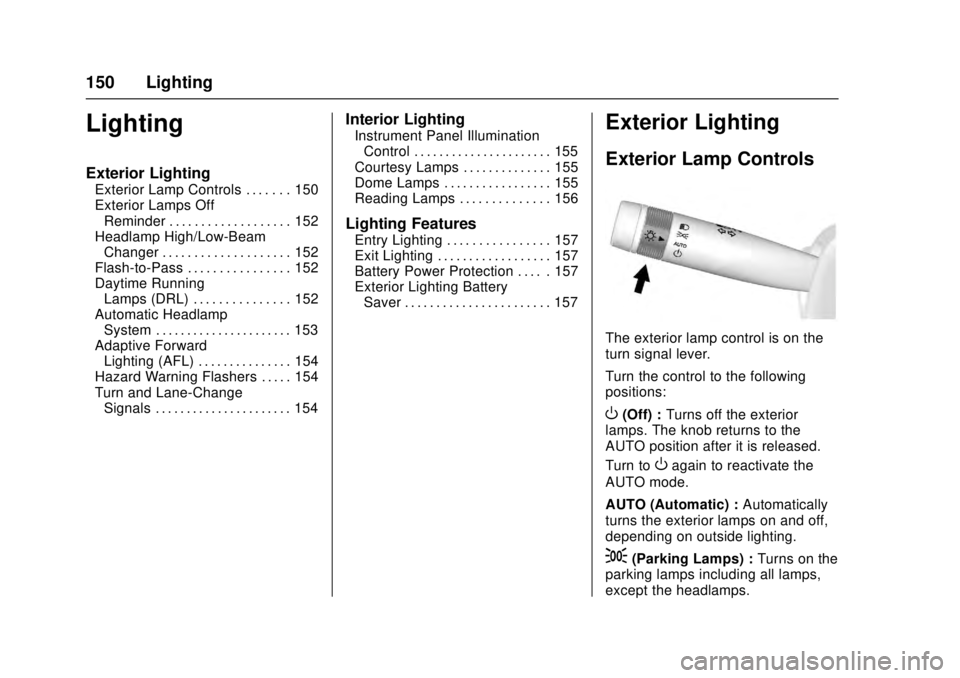
The exterior lamp control is on the
turn signal lever.
Turn the control to the following
positions:
O(Off) : Turns off the exterior
lamps. The knob returns to the
AUTO position after it is released.
Turn to
Oagain to reactivate the
AUTO mode.
AUTO (Automatic) : Automatically
turns the exterior lamps on and off,
depending on outside lighting.
;(Parking Lamps) : Turns on the
parking lamps including all lamps,
except the headlamps.
Page 152 of 348
Cadillac ATS/ATS-V Owner Manual (GMNA-Localizing-MidEast-9369639) -
2016 - crc - 12/9/15
Lighting 151
2(Headlamps) :Turns on the
headlamps together with the parking
lamps and instrument panel lights.
IntelliBeam®System
If equipped, this system turns the
vehicle's high-beam headlamps on
and off according to surrounding
traffic conditions.
The system turns the high-beam
headlamps on when it is dark
enough and there is no other traffic
present.
This light comes on in the
instrument cluster when the
IntelliBeam system is enabled.
Turning On and Enabling
IntelliBeam
To enable the automatic high-beam
system, with the turn signal lever in
the neutral position, turn the exterior lamp control to AUTO. The blue
high-beam on light appears on the
instrument cluster when the high
beams are on.
Driving with IntelliBeam
The system only activates the high
beams when driving over 40 km/h
(25 mph).
There is a sensor near the top
center of the windshield, which
automatically controls the system.
Keep this area of the windshield
clear of debris to allow for best
system performance.
The high-beam headlamps remain
on, under the automatic control,
until one of the following situations
occurs:
.
The system detects an
approaching vehicle's
headlamps.
. The system detects a preceding
vehicle's taillamps.
. The outside light is bright
enough that high-beam
headlamps are not required. .
The vehicle's speed drops below
20 km/h (12 mph).
. The turn signal lever is moved
forward to the high-beam
position or the Flash-to-Pass
feature is used. See Headlamp
High/Low-Beam Changer 0152
and Flash-to-Pass 0152.
. The IntelliBeam system can be
disabled by the High/Low-Beam
Changer or the Flash-to-Pass
feature. If this happens, the
High/Low-Beam Changer must
be activated two times within
five seconds to reactivate the
IntelliBeam system. The
instrument cluster light will come
on to indicate the IntelliBeam is
reactivated.
The high beams may not turn off
automatically if the system cannot
detect other vehicle's lamps
because of any of the following:
. The other vehicle's lamp(s) are
missing, damaged, obstructed
from view, or otherwise
undetected.
Page 153 of 348
Cadillac ATS/ATS-V Owner Manual (GMNA-Localizing-MidEast-9369639) -
2016 - crc - 12/9/15
152 Lighting
.The other vehicle's lamp(s) are
covered with dirt, snow, and/or
road spray.
. The other vehicle's lamp(s)
cannot be detected due to dense
exhaust, smoke, fog, snow, road
spray, mist, or other airborne
obstructions.
. Your vehicle's windshield is dirty,
cracked, or obstructed by
something that blocks the view
of the light sensor.
. Your vehicle's windshield is
covered with ice, dirt, haze,
or other obstructions.
. Your vehicle is loaded such that
the front end points upward,
causing the light sensor to aim
high and not detect headlamps
and taillamps.
. You are driving on winding or
hilly roads.
You may need to manually disable
or cancel the high-beam headlamps
by turning the low-beam headlamps
on, if any of the above conditions
exist.Exterior Lamps Off
Reminder
A warning chime will sound if the
exterior lamp control is left on in
either the headlamp or parking lamp
position and the driver door is
opened with the ignition off.
Headlamp High/
Low-Beam Changer
2 3
(Headlamp High/Low-Beam
Changer) : Push the turn signal
lever away from you and release, to
turn the high beams on. To return to
low beams, push the lever again or
pull it toward you and release.
This indicator light turns on in the
instrument cluster when the
high-beam headlamps are on.
Flash-to-Pass
This feature allows the high-beam
headlamps to be used to signal the
driver in front of you that you want
to pass.
Pull and hold the turn signal lever
toward you to use this feature.
When this is done the following will
occur:
. If the headlamps are off or in
low-beam mode, the high-beam
headlamps will turn on. They will
stay on as long as the lever is
held there. Release the lever to
turn them off.
. If the headlamps are in
high-beam mode, they will go to
low beam.
Daytime Running
Lamps (DRL)
DRL can make it easier for others to
see the front of your vehicle during
the day.
Page 154 of 348
Cadillac ATS/ATS-V Owner Manual (GMNA-Localizing-MidEast-9369639) -
2016 - crc - 12/9/15
Lighting 153
The DRL will come on when all of
the following conditions are met:
.The ignition is on and the engine
is running.
. The exterior lamp control is
in AUTO.
. The light sensor determines it is
daytime.
. The parking brake is released or
the vehicle is not in P (Park).
The taillamps, sidemarker lamps,
instrument panel lights, and other
lamps will not be on.
The DRL turn off when the
headlamps are turned to
;or the
ignition is off.
Automatic Headlamp
System
When the exterior lamp control is
set to AUTO and it is dark enough
outside, the headlamps come on
automatically.
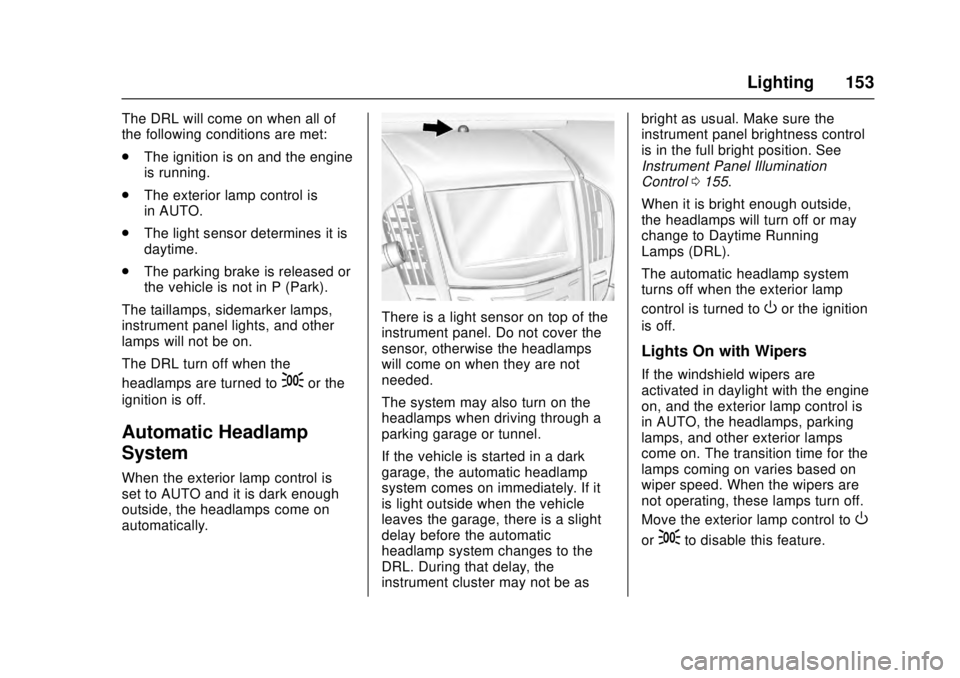
There is a light sensor on top of the
instrument panel. Do not cover the
sensor, otherwise the headlamps
will come on when they are not
needed.
The system may also turn on the
headlamps when driving through a
parking garage or tunnel.
If the vehicle is started in a dark
garage, the automatic headlamp
system comes on immediately. If it
is light outside when the vehicle
leaves the garage, there is a slight
delay before the automatic
headlamp system changes to the
DRL. During that delay, the
instrument cluster may not be as bright as usual. Make sure the
instrument panel brightness control
is in the full bright position. See
Instrument Panel Illumination
Control
0155.
When it is bright enough outside,
the headlamps will turn off or may
change to Daytime Running
Lamps (DRL).
The automatic headlamp system
turns off when the exterior lamp
control is turned toOor the ignition
is off.
Lights On with Wipers
If the windshield wipers are
activated in daylight with the engine
on, and the exterior lamp control is
in AUTO, the headlamps, parking
lamps, and other exterior lamps
come on. The transition time for the
lamps coming on varies based on
wiper speed. When the wipers are
not operating, these lamps turn off.
Move the exterior lamp control to
O
or;to disable this feature.
Page 155 of 348
Cadillac ATS/ATS-V Owner Manual (GMNA-Localizing-MidEast-9369639) -
2016 - crc - 12/9/15
154 Lighting
Adaptive Forward
Lighting (AFL)
On vehicles with the AFL system,
the headlamps pivot horizontally to
provide greater road illumination
while turning. To enable AFL, set
the exterior lamp control on the turn
signal lever to the AUTO position.
Moving the control out of the AUTO
position will deactivate the system.
AFL will operate when the vehicle
speed is greater than 3 km/h
(2 mph). AFL will not operate when
the transmission is in R (Reverse).
AFL is not immediately operable
after starting the vehicle; driving a
short distance is required to
calibrate the AFL. SeeExterior
Lamp Controls 0150.
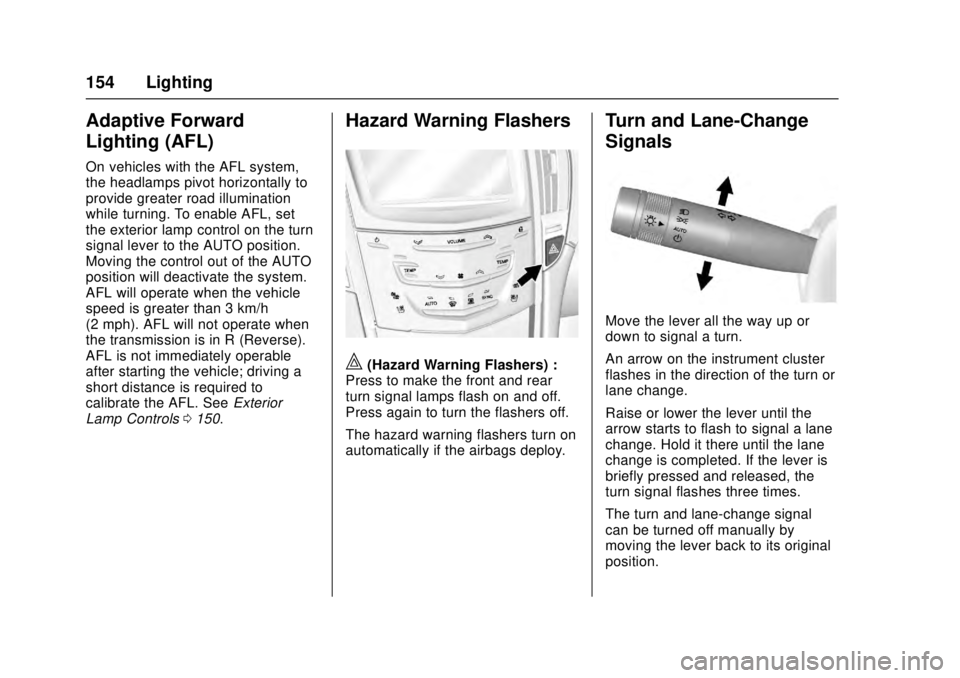
Hazard Warning Flashers
|(Hazard Warning Flashers) :
Press to make the front and rear
turn signal lamps flash on and off.
Press again to turn the flashers off.
The hazard warning flashers turn on
automatically if the airbags deploy.
Turn and Lane-Change
Signals
Move the lever all the way up or
down to signal a turn.
An arrow on the instrument cluster
flashes in the direction of the turn or
lane change.
Raise or lower the lever until the
arrow starts to flash to signal a lane
change. Hold it there until the lane
change is completed. If the lever is
briefly pressed and released, the
turn signal flashes three times.
The turn and lane-change signal
can be turned off manually by
moving the lever back to its original
position.