clock CADILLAC CATERA 1997 1.G User Guide
[x] Cancel search | Manufacturer: CADILLAC, Model Year: 1997, Model line: CATERA, Model: CADILLAC CATERA 1997 1.GPages: 338, PDF Size: 18.02 MB
Page 145 of 338
Downloaded from www.Manualslib.com manuals search engine Air Conditioning Heating
On
hot days, open the windows long enough to let hot
inside air escape. This reduces the time
it takes for your
vehicle to cool down. Then keep your windows closed
for the air conditioner to work its best.
The climate control system will cool and dehumidify the
air inside the vehicle. While
in the automatic operation
mode, the system will use recirculation as necessary to
cool the
air. You may also need to adjust the interior
temperature. Turn either TEMP/AUTO knob clockwise
to increase the temperature and counterclockwise to
decrease temperature. Adjust the fan speed as needed.
In order to obtain the maximum cool setting, both the
driver’s and passenger’s TEMP/AUTO knobs must be
turned to 60°F (16°C).
Adjust the interior temperature to your comfort level
by turning either TEMP/AUTO knob clockwise to
increase temperature
and counterclockwise to decrease
temperature. If the fan speed needs adjusting, press the
up or down arrow.
Outside air will be brought in and sent through the floor
outlets. The heater works best if you keep the windows
closed while using it.
In order to obtain the maximum heat setting, both the
driver’s and passenger’s TEMFVAUTO knobs must be
turned to
90°F (32°C).
3-6
Page 147 of 338

Downloaded from www.Manualslib.com manuals search engine Ventilation Tips
0
0
0
Keep the hood and front air inlet free of ice, snow or
any other obstruction (such as leaves). The heater
and defroster will work far better, reducing the
chance of fogging the inside of the windows.
When you enter a vehicle in cold weather, adjust the
fan to the highest speed for a few moments before
driving
off. This helps clear the intake outlets of
snow and moisture, and reduces the chance of
fogging the inside of the windows.
Keep the air path under the front seats clear of
objects. This helps circulate air throughout
your vehicle.
Passenger Compartment Air Filter
This ventilation system includes an air filter that helps to
remove dust, pollen, etc. from the air flowing into your
vehicle. A restriction in the airflow coming into the
passenger compartment could be the result of dirt
in the filter. For information about changing the filter,
see “Passenger Compartment Air Filter Replacement”
in
the Index. See the Maintenance Schedule booklet for
when to change the filter.
Defrosting
Use defrost to remove fog or ice from the windshield
quickly in extremely humid or cold conditions.
Press the defrost button on the control panel and adjust
the fan speed
to the highest position. Make sure that the
side air vents are opened. Rotate both TEMP/AUTO
knobs clockwise as needed to adjust the temperature.
To warm the foot area while in defrost, press the
MODE button until the heateddefrost symbol appears
(see “Manual Operation” earlier in this section).
Note that recirculation is not available in the
defrost mode.
3-8
Page 148 of 338
Downloaded from www.Manualslib.com manuals search engine Rear Window Defogger
4
The lines you see on the
rear window warm the
glass. With your vehicle’s
engine running, press this
button
to turn on the rear
defogger.
With it, the rear window and both outside rearview
mirrors
are heated. The system will automatically shut
off after about 15 minutes. If further defogging is
desired, press the button again.
Do not attach a temporary vehicle license, tape or decals
across the defogger grid on the rear window.
NOTICE:
Scraping the inside of your rear window could
cut and damage the heating grids. Your warranty
would not cover this damage. And don’t put decals there; you might have
to scrape them off.
A udio Systems
rour Catera audio system has been designed to operate
easily and give years
of listening pleasure. You will get
the most enjoyment out of it if you acquaint yourself
with it first. Find out what your Catera system can do
and how to operate all its controls, to be sure you’re
getting the most out
of the advanced engineering that
went into it.
Setting the Clock
Press and hold HR or MN until the time display begins
to change. Release the button as you get close to the
correct time. The time may be set anytime the clock is
displayed. There
is a two-second delay before the clock
goes into time-set mode.
3-9
Page 149 of 338
Downloaded from www.Manualslib.com manuals search engine AM-FM Stereo with Cassette Tape Player
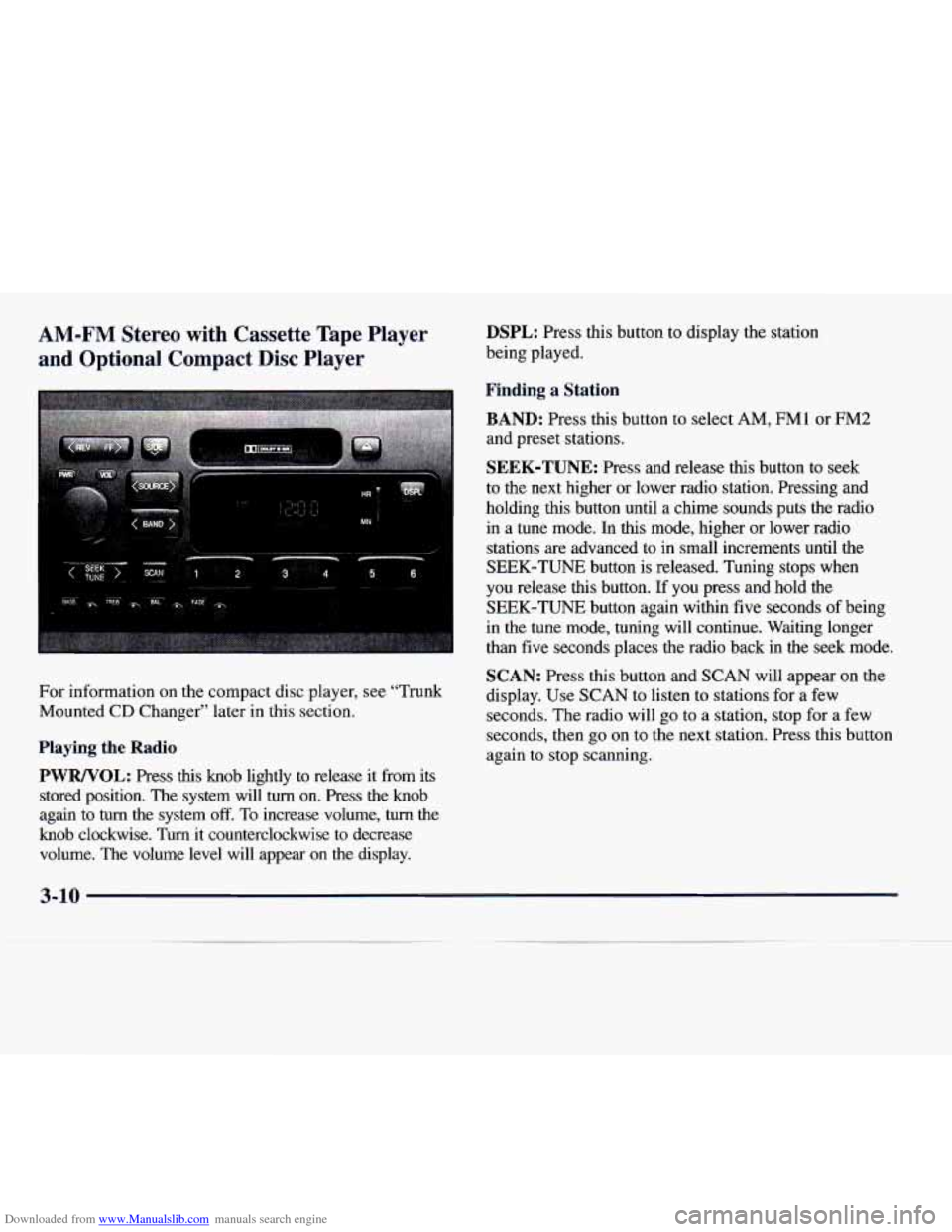
and Optional Compact Disc Player DSPL: Press this button to display the station
being played.
I I Finding a Station
BAND:
Press this button to select AM, FM1 or FM2
and preset stations.
SEEK-TUNE: Press and release this button to seek
to the next higher or lower radio station. Pressing and
holding this button until a chime sounds puts the radio
in a tune mode. In
this mode, higher or lower radio
stations are advanced
to in small increments until the
SEEK-TUNE button is released. Tuning stops when
you release
this button. If you press and hold the
SEEK-TUNE button again within five seconds of being
in the tune mode, tuning will continue. Waiting longer
than five seconds places the radio back in the seek mode.
SCAN: Press this button and SCAN will appear on the
For information on the compact disc player, see "Trunk
display. Use SCAN to listen to stations for a few
Mounted
CD Changer'' later in this section.
seconds. The radio will go to a station, stop for a few
Playing the Radio
PWRNOL:
Press this knob lightly to release it from its
stored position. The system will
turn on. Press the knob
again to
turn the system off. To increase volume, turn the
knob clockwise.
Turn it counterclockwise to decrease
volume. The volume level will appear
on the display. seconds,
then
go on to the next station. Press this button
again
to stop scanning.
3-10
Page 150 of 338
Downloaded from www.Manualslib.com manuals search engine PUSHBUTTONS: The six numbered pushbuttons let
you return
to your favorite stations. You can set up to
18 stations (six AM, six FM1 and six FM2). Just:
1. Turn the radio on.
2. Press BAND to select AM, FM1 or FM2.
3. Tune in the desired station.
4. Press and hold one of the six numbered buttons until
you hear a chime. The sound will mute. When it
returns, release the button. Whenever you press that
numbered button, the station you set will return.
5. Repeat the steps for each pushbutton.
PRESET SCAN: Press and hold SCAN for two to three
seconds until PRESET SCAN appears on the display to
listen to each of your preset stations for a few seconds
(factory presets which have not been reprogrammed
with your stations will be ignored). The radio will go
to the first preset station stored on your pushbuttons,
stop for a few seconds, then go on to the next preset
station. Press SCAN again
to stop scanning. If a preset
station has weak reception, the radio will not stop at the
preset station.
Setting the Tone
BASS: Press this knob lightly so it extends. Turn the
knob clockwise
to increase and counterclockwise to
decrease bass.
TREB: Press this knob lightly so it extends. Turn the
knob clockwise to increase and counterclockwise to
decrease treble.
If a station is weak or noisy, you may
want to decrease the treble.
Push these knobs back into their stored positions
when
you’re not using them.
Adjusting the Speakers
BAL: Press this knob lightly so it extends. Turn the
knob clockwise to adjust sound to the right speakers
and counterclockwise for
the left speakers. The middle
position balances the sound between the speakers.
FADE: Press this knob lightly so it extends. Turn the
knob clockwise to adjust the sound to the front speakers
and counterclockwise for the rear speakers. The middle
position balances the sound between the speakers.
Push these knobs back into their stored positions when
you’re not using them.
3-11
Page 151 of 338
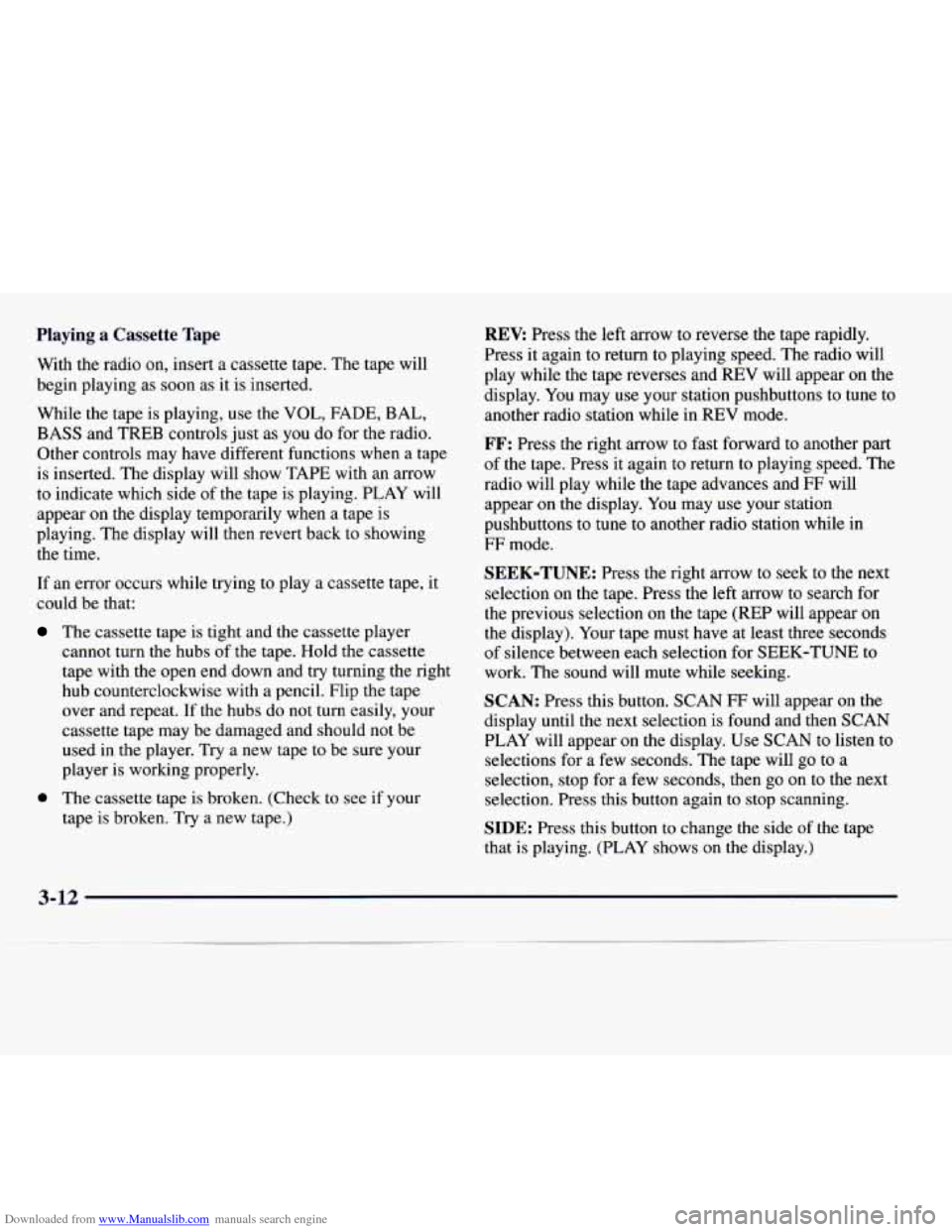
Downloaded from www.Manualslib.com manuals search engine Playing a Cassette Tape
With the radio on, insert a cassette tape. The tape will
begin playing as soon as it is inserted.
While the tape is playing, use the
VOL, FADE, BAL,
BASS and TREB controls just as you do for the radio.
Other controls may have different functions when a tape
is inserted. The display will show TAPE with an arrow
to indicate which side of the tape is playing. PLAY will
appear on the display temporarily when a tape is
playing. The display will then revert back to showing
the time.
If an error occurs while trying to play a cassette tape,
it
could be that:
The cassette tape is tight and the cassette player
cannot turn the hubs of the tape. Hold the cassette
tape with the open end down and
try turning the right
hub counterclockwise with a pencil. Flip the tape
over and repeat.
If the hubs do not turn easily, your
cassette tape may be damaged and should not be
used in the player. Try a new tape to be sure your
player is working properly.
0 The cassette tape is broken. (Check to see if your
tape is broken. Try
a new tape.)
REV: Press the left arrow to reverse the tape rapidly.
Press it again to return to playing speed. The radio will
play while the tape reverses and
REV will appear on the
display. You may use your station pushbuttons to tune to
another radio station while in
REV mode.
FF: Press the right arrow to fast forward to another part
of the tape. Press it again to return to playing speed. The
radio will play while the tape advances and
FF will
appear on the display. You may use your station
pushbuttons to tune to another radio station while in
FF mode.
SEEK-TUNE: Press the right arrow to seek to the next
selection on the tape. Press the left arrow to search for
the previous selection on the tape (REP will appear on
the display). Your tape must have at least three seconds
of silence between each selection for SEEK-TUNE to
work. The sound will mute while seeking.
SCAN: Press this button. SCAN FF will appear on the
display until the next selection is found and then SCAN
PLAY will appear on the display. Use SCAN to listen to
selections for a few seconds. The tape will go to a
selection, stop for a few seconds, then
go on to the next
selection. Press this button again to stop scanning.
SIDE: Press this button to change the side of the tape
that is playing. (PLAY shows on the display.)
3-12
Page 153 of 338
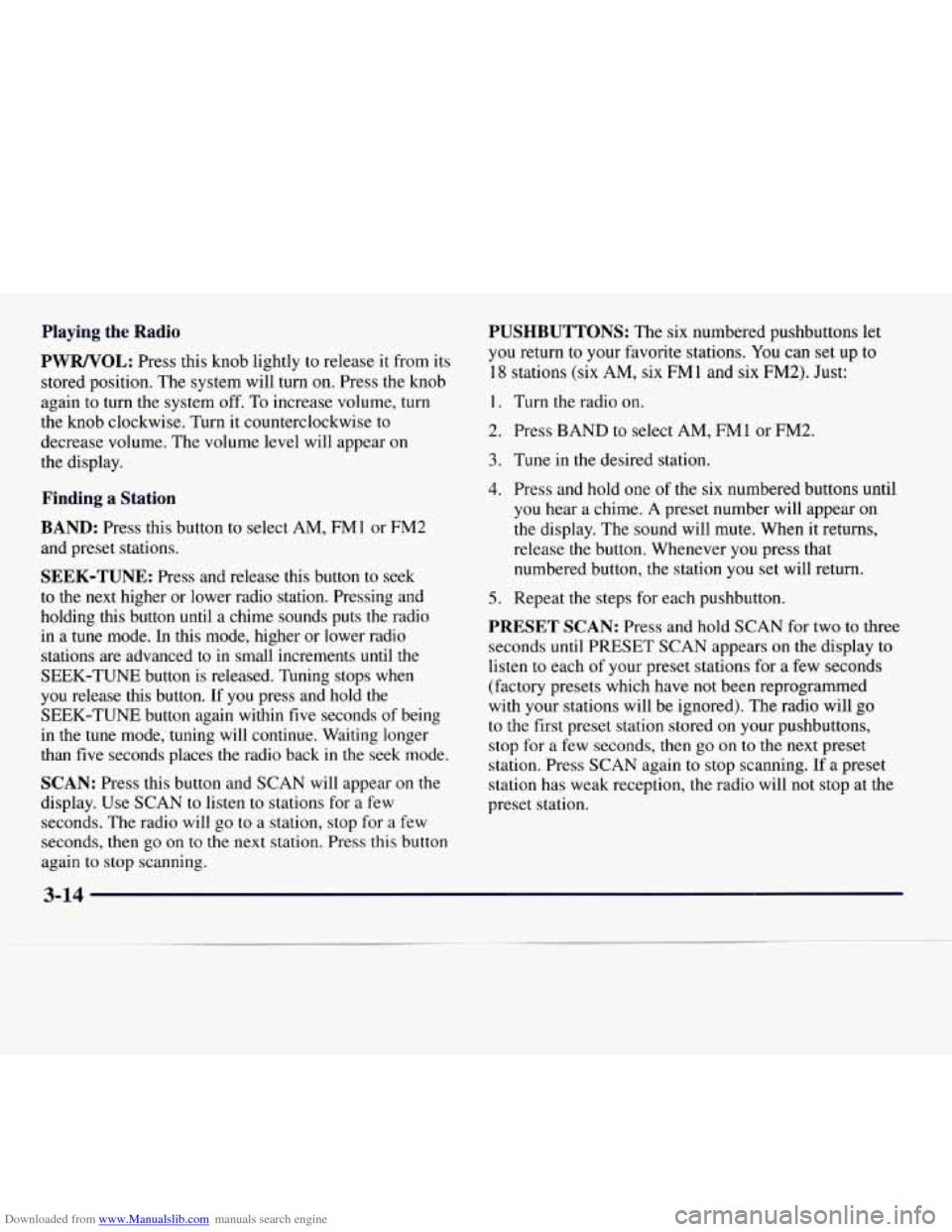
Downloaded from www.Manualslib.com manuals search engine Playing the Radio
PWRNOL:
Press this knob lightly to release it from its
stored position. The system will turn on. Press the knob
again to turn the system off. To increase volume, turn
the knob clockwise. Turn
it counterclockwise to
decrease volume. The volume level will appear on
the display.
Finding a Station
BAND:
Press this button to select AM, FM 1 or FM2
and preset stations.
SEEK-TUNE: Press and release this button to seek
to the next higher or lower radio station. Pressing and
holding this button until
a chime sounds puts the radio
in a tune mode. In this mode, higher or lower radio
stations are advanced to
in small increments until the
SEEK-TUNE button is released. Tuning stops when
you release this button. If
you press and hold the
SEEK-TUNE button again within five seconds
of being
in the tune mode, tuning will continue. Waiting longer
than five seconds places the radio back
in the seek mode.
SCAN: Press this button and SCAN will appear on the
display. Use SCAN to listen to stations for a few
seconds.
The radio will go to a station, stop for a few
seconds, then go on to the next station. Press this button
again to stop scanning.
PUSHBUTTONS: The six numbered pushbuttons let
you return
to your favorite stations. You can set up to
18 stations (six AM, six FM 1 and six FM2). Just:
1. Turn the radio on.
2. Press BAND to select AM, FMl or FM2.
3. Tune in the desired station.
4. Press and hold one of the six numbered buttons until
you hear a chime.
A preset number will appear on
the display. The sound will mute. When it returns,
release the button. Whenever you press that
numbered button, the station
you set will return.
5. Repeat the steps for each pushbutton.
PRESET SCAN: Press and hold SCAN for two to three
seconds until PRESET SCAN appears on the display to
listen to each of your preset stations for a few seconds
(factory presets which have
not been reprogrammed
with your stations will be ignored). The radio will
go
to the first preset station stored on your pushbuttons,
stop for a few seconds, then go
on to the next preset
station. Press
SCAN again to stop scanning. If a preset
station has weak reception,
the radio will not stop at the
preset station.
Page 154 of 338
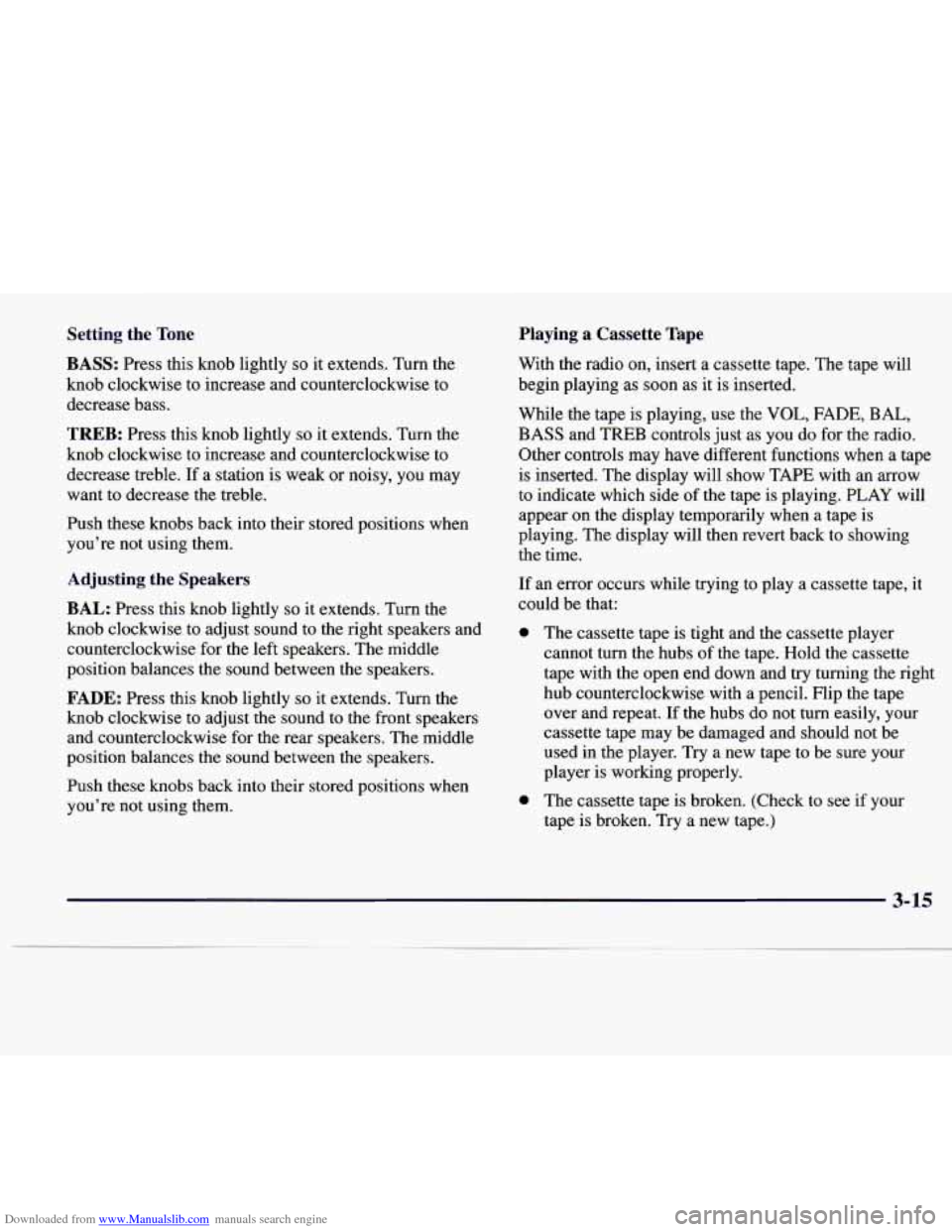
Downloaded from www.Manualslib.com manuals search engine Setting the Tone
BASS:
Press this knob lightly so it extends. Turn the
knob clockwise to increase and counterclockwise to
decrease bass.
TREB: Press this knob lightly so it extends. Turn the
knob clockwise
to increase and counterclockwise to
decrease treble. If a station is weak or noisy, you may
want to decrease the treble.
Push these knobs back into their stored positions when
you’re not using them.
Adjusting the Speakers
BAL:
Press this knob lightly so it extends. Turn the
knob clockwise to adjust sound to the right speakers and
counterclockwise for the left speakers. The middle
position balances the sound between the speakers.
FADE: Press this knob lightly so it extends. Turn the
knob clockwise to adjust the sound to the front speakers
and counterclockwise for the rear speakers. The middle
position balances the sound between the speakers.
Push these knobs back into their stored positions when
you’re not using them.
Playing a Cassette Tape
With the radio on, insert a cassette tape. The tape will
begin playing
as soon as it is inserted.
While the tape is playing, use
the VOL, FADE, BAL,
BASS and TREB controls just as you do for the radio.
Other controls may have different functions when
a tape
is inserted. The display will show TAPE with an arrow
to indicate which side of the tape is playing.
PLAY will
appear on the display temporarily when a tape is
playing. The display will then revert back to showing
the time.
If an error occurs while trying to play
a cassette tape, it
could be that:
a
a
The cassette tape is tight and the cassette player
cannot turn the hubs
of the tape. Hold the cassette
tape with the open end down and try turning the right
hub counterclockwise with a pencil. Flip the tape
over and repeat. If the hubs do not turn easily, your
cassette tape may be damaged and should not be
used in the player.
Try a new tape to be sure your
player is working properly.
The cassette tape is broken. (Check to see if your
tape is broken.
Try a new tape.)
3-15
Page 179 of 338
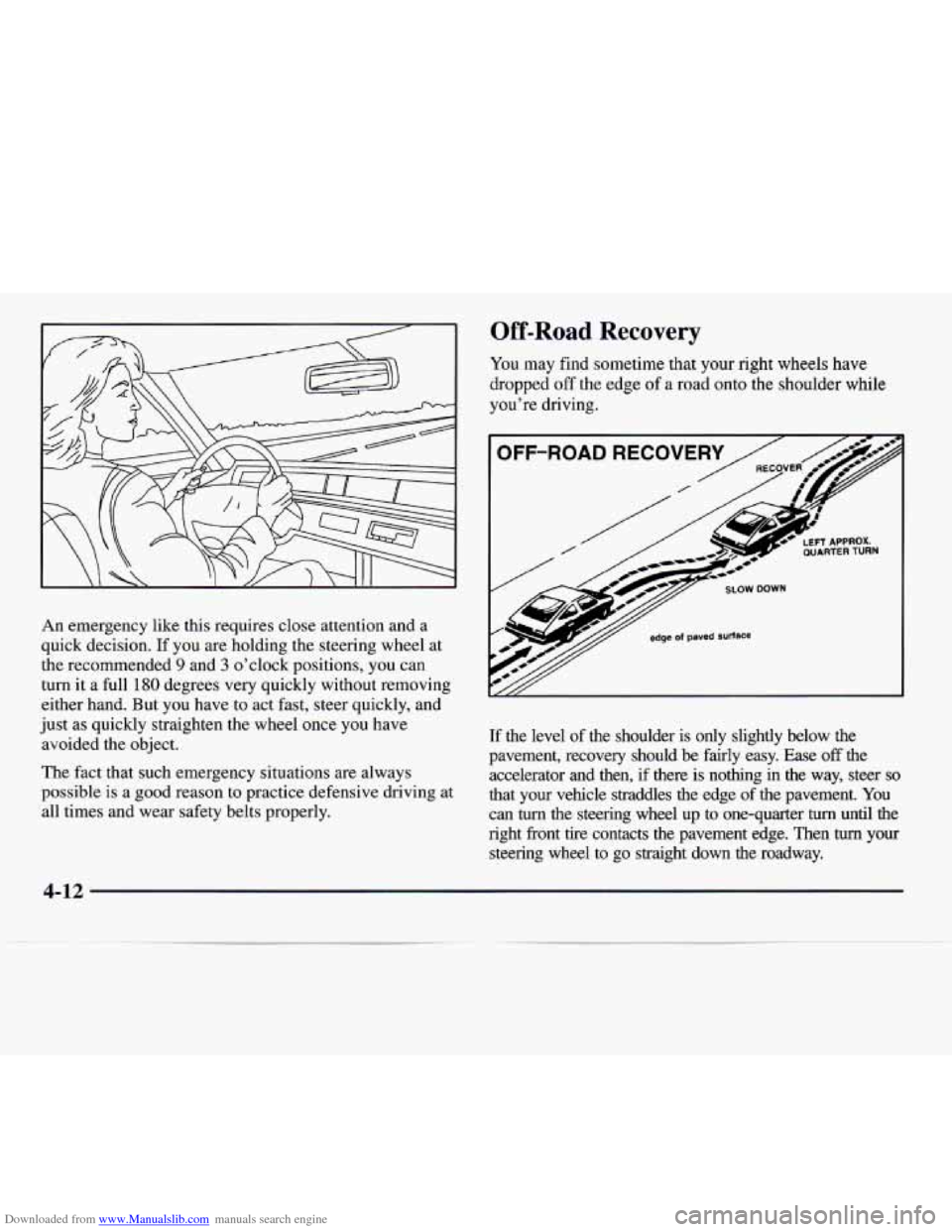
Downloaded from www.Manualslib.com manuals search engine An emergency like this requires close attention and a
quick decision. If you are holding the steering wheel at
the recommended
9 and 3 o’clock positions, you can
turn it a full
180 degrees very quickly without removing
either hand. But you have
to act fast, steer quickly, and
just
as quickly straighten the wheel once you have
avoided the object.
The fact that such emergency situations are always
possible is a good reason to practice defensive driving at
all times and wear safety belts properly.
Off-Road Recovery
You may find sometime that your right wheels have
dropped
off the edge of a road onto the shoulder while
you’re driving.
If the level of the shoulder is only slightly below the
pavement, recovery should be fairly easy. Ease
off the
accelerator and then, if there is nothing in the way, steer so
that your vehicle straddles the edge of the pavement. You
can turn the steering wheel up to one-quarter turn until the
right front tire contacts the pavement edge. Then turn your
steering wheel to go straight down
the roadway.
Page 227 of 338
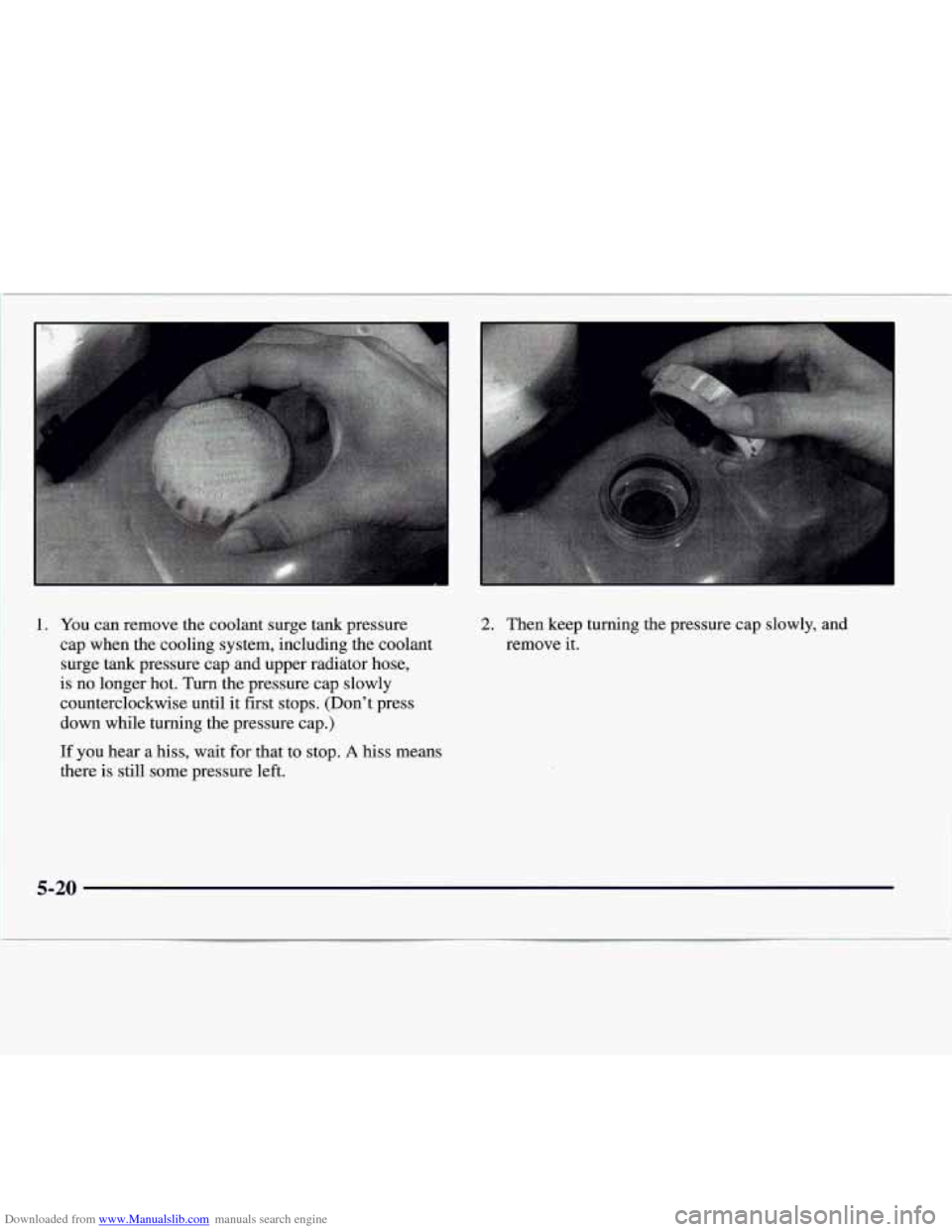
Downloaded from www.Manualslib.com manuals search engine 1. You can remove the coolant surge tank pressure
cap when the cooling system, including the coolant surge tank pressure cap and upper radiator hose,
is no longer hot. Turn the pressure cap slowly
counterclockwise until it first stops. (Don't press
down while turning the pressure cap.)
If you hear a hiss, wait for that to stop.
A hiss means
there is still some pressure left.
2. Then keep turning the pressure cap slowly, and
remove it.
5-20