display CADILLAC CATERA 1997 1.G User Guide
[x] Cancel search | Manufacturer: CADILLAC, Model Year: 1997, Model line: CATERA, Model: CADILLAC CATERA 1997 1.GPages: 338, PDF Size: 18.02 MB
Page 155 of 338
Downloaded from www.Manualslib.com manuals search engine REV: Press the left arrow to reverse the tape rapidly.
Press it again to return to playing speed. The radio will
play while the tape reverses and
REV will appear on the
display. You
may use your station pushbuttons to tune to
another radio station while in REV mode.
FF: Press the right arrow to fast forward to another part
of the tape. Press
it again to return to playing speed. The
radio will play while the tape advances and FWD will
appear on the display. You may
use your station
pushbuttons to tune to another radio station while
in
FF mode.
SEEK-TUNE: Press the right arrow to seek to the next
selection on the tape. Press the left arrow to search for
the previous selection on the tape (REP will appear on
the display). Your tape must have at least three seconds
of silence between each selection for SEEK-TUNE to
work. The sound will mute while seeking.
SCAN: Press this button. SCAN will appear on the
display until the next selection is found and then PLAY
will appear
on the display. Use SCAN to listen to
selections for a few seconds. The tape will go to a
selection, stop for a
few seconds, then go on to the next
station. Press this button again to stop scanning.
SIDE: Press this button to change the side of the tape
that is playing. (PLAY shows on the display.)
SOURCE: Press this button to switch from radio to
cassette tape play. If no cassette tape is in the tape
player,
CASS appears on the display and then the radio
station appears briefly. The display then reverts back to
showing the time of day. Press this button again or
BAND to switch back to the radio.
e EJECT Press the upward triangle button to
remove a tape. The radio will play. Eject may be
activated with the radio
off. Cassette tapes may be
loaded with the radio off but they will not
start playing
until the PWR button is pressed. Press PWR or
turn the
ignition
key off to stop the cassette tape player. The tape
will stay in the player and resume play at the point
where it stopped. If you leave
a cassette tape in the
player while listening to the radio, it may become warm.
CLN: If this message appears on the display, the cassette
tape player needs to be cleaned. It will still play tapes, but
you should clean it as soon as possible to prevent damage
to the tapes and player.
See “Care of Your Cassette Tape
Player” in the Index. After you clean the player, press and\
hold EJECT for five seconds to reset the CLN indicator.
The radio will display
--- to show the indicator was reset.
Dolby@ Noise Reduction
is manufactured under a
license
from Dolby Laboratories Licensing Corporation.
Dolby and
the double-D symbol are trademarks of
Dolby Laboratories Licensing Corporation.
Page 157 of 338
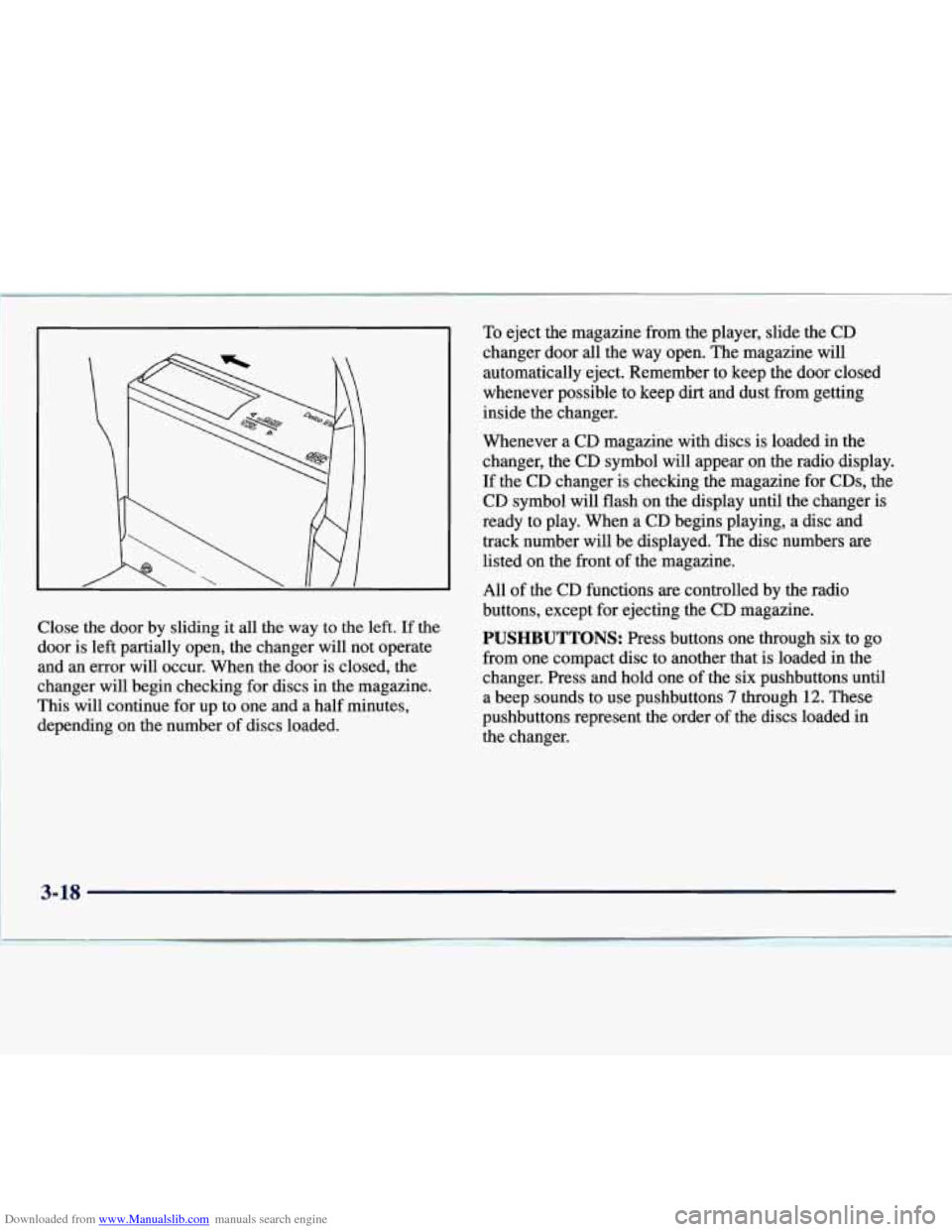
Downloaded from www.Manualslib.com manuals search engine Close the door by sliding it all the way to the left. If the
door is
left partially open, the changer will not operate
and an error will occur. When the door is closed, the
changer will begin checking for discs in
the magazine.
This will continue for up to one and a half minutes,
depending on
the number of discs loaded.
~~~~~~ ~ ~~ ~ ~~~ ~~
To
eject the magazine from the player, slide the CD
changer door all the way open. The magazine will
automatically eject. Remember to keep the door closed
whenever possible to keep dirt and dust from getting
inside the changer.
Whenever a CD magazine with discs is loaded in the
changer, the CD symbol will appear on the radio display.
If the CD changer is checking the magazine for CDs, the
CD symbol will flash on the display until the changer is
ready to play. When a CD begins playing, a disc and
track number will be displayed. The disc numbers
are
listed on the front of the magazine.
All of the CD functions
are controlled by the radio
buttons, except for ejecting the
CD magazine.
PUSHBUTTONS: Press buttons one through six to go
from one compact disc to another that is loaded in the
changer. Press and hold one of the six pushbuttons until
a beep sounds to use pushbuttons
7 through 12. These
pushbuttons represent the order of the discs loaded in
the changer.
Page 158 of 338
Downloaded from www.Manualslib.com manuals search engine DSPL: Press and hold this button to see the track
elapsed time (available on all radios). Press
DSPL again
within five seconds to
see how many compact discs are
loaded in the changer and where they are loaded (not
available on the standard AM-FM Stereo radio).
REV: Press and hold this button to reverse quickly
through a track selection.
FF: Press and hold this button to advance quickly
through a track selection.
SEEK-TUNE: Press the right arrow to seek to the next
selection. Press the left arrow to search for the previous
track selection. The sound will mute while seeking.
SCAN: When you press SCAN while playing a CD, you
will hear the first few seconds of each track on a disc.
Press SCAN again to stop on a CD. The CD will mute
while scanning and SCAN will appear on the display.
RDM: Press this button to hear the tracks in random,
rather than sequential, order. RDM will appear on the
display. Press SEEK-TUNE while RDM is on the
display to randomly seek through discs and tracks. Press
RDM again to turn off random play. (This button is not
available on the standard AM-FM Stereo radio.)
SIDE: Press this button to select the next disc in
the changer. Each time you press this button, DISC
LOADING will appear on the display (does not appear on the standard
AM-FM Stereo radio) and
the disc
number on the radio display will move to the next
available CD.
SOURCE: Press this button if you have a disc loaded in
the changer and the radio is on, to play a compact disc.
To return to playing the radio, press BAND. Pressing
SOURCE also switches between
a tape or compact disc
if both are loaded.
EJECT: Slide the CD changer door all the way open
and the disc holder will automatically eject.
Compact Disc Changer Errors
If ERR or ERROR appears on the display, an error has
occurred and the compact disc temporarily cannot play.
CD CHANGER ERROR could be displayed for
the following:
The road is too rough. The disc should play when the
road is smoother.
The disc is dirty, scratched, wet or loaded label
The air is very humid. If so, wait about an hour and
side up.
try again.
3-19
Page 159 of 338
Downloaded from www.Manualslib.com manuals search engine CHEK DOOR or CD CHANGER DOOR OPEN is
displayed when the
CD changer door is left open.
Completely close the changer door to restore
normal operation.
CD CHANGER
NO DISCS is displayed when an empty
magazine is inserted in the CD changer. Try the
magazine again with a disc loaded on one
of the trays.
(This message does not appear in the display on the
standard
AM-FM Stereo radios.)
If any error occurs repeatedly or if an error cannot be
corrected, please contact your dealer.
If your radio
displays an error number, write
it down and provide it to
your dealer when reporting the problem.
Theft-Deterrent Feature
Your Catera has a “built-in” theft-deterrent feature on
each radio that is automatic
-- there is no programming
required. The radio in your Catera cannot be used in
any other vehicle besides another Catera if
it were to
be removed.
Audio Steering Wheel Controls
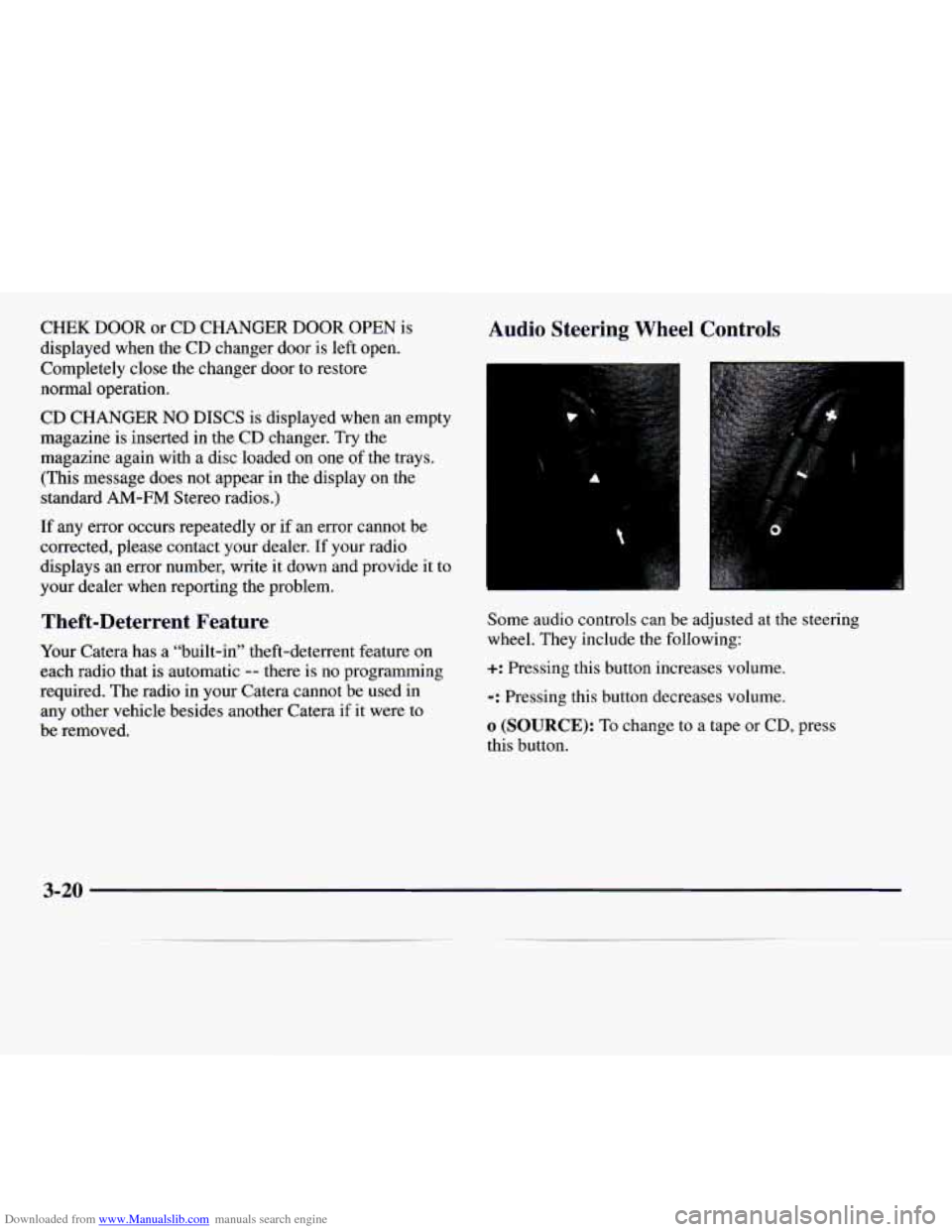
Some audio controls can be adjusted at the steering
wheel. They include the following:
+: Pressing this button increases volume.
-: Pressing this button decreases volume.
o (SOURCE): To change to a tape or CD, press
this button.
3-20
Page 161 of 338
Downloaded from www.Manualslib.com manuals search engine ~
~~~ ~~~
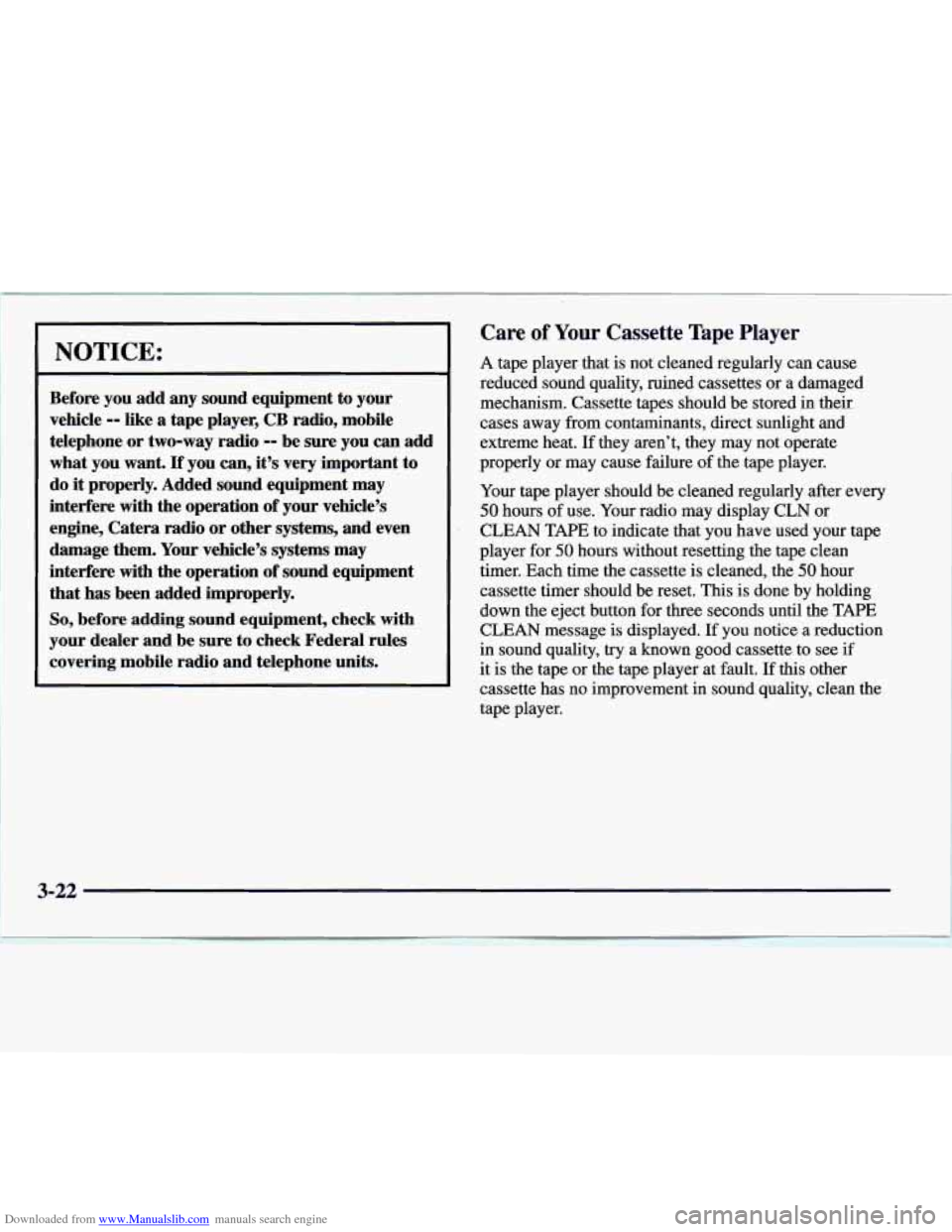
~~ NOTICE:
Before you add any sound equipment to your
vehicle
-- like a tape player, CB radio, mobile
telephone or two-way radio
-- be sure you can add
what you want.
If you can, it’s very important to
do
it properly. Added sound equipment may
interfere with the operation of your vehicle’s
engine, Catera radio or other systems, and even
damage them. Your vehicle’s systems may
interfere with the operation
of sound equipment
that has been added improperly.
So, before adding sound equipment, check with
your dealer and be sure to check Federal rules
covering mobile radio and telephone units.
~~ -~ ~~ ~
Care of Your Cassette Tape Player
A tape player that is not cleaned regularly can cause
reduced sound quality, ruined cassettes or a damaged
mechanism. Cassette tapes should be stored in their.
cases away from contaminants, direct sunlight and
extreme heat. If they aren’t, they may not operate
properly or may cause failure of the tape player.
Your tape player should be cleaned regularly after every
50 hours of use. Your radio may display CLN or
CLEAN TAPE to indicate that you have used your tape
player for
50 hours without resetting the tape clean
timer. Each time the cassette
is cleaned, the 50 hour
cassette timer should be reset. This is done by holding
down the eject button for three seconds until the TAPE
CLEAN message is displayed. If you notice a reduction
in sound quality, try a known good cassette to see if
it is the tape or the tape player at fault. If this other
cassette has no improvement in sound quality, clean the
tape player.
3-22
Page 329 of 338
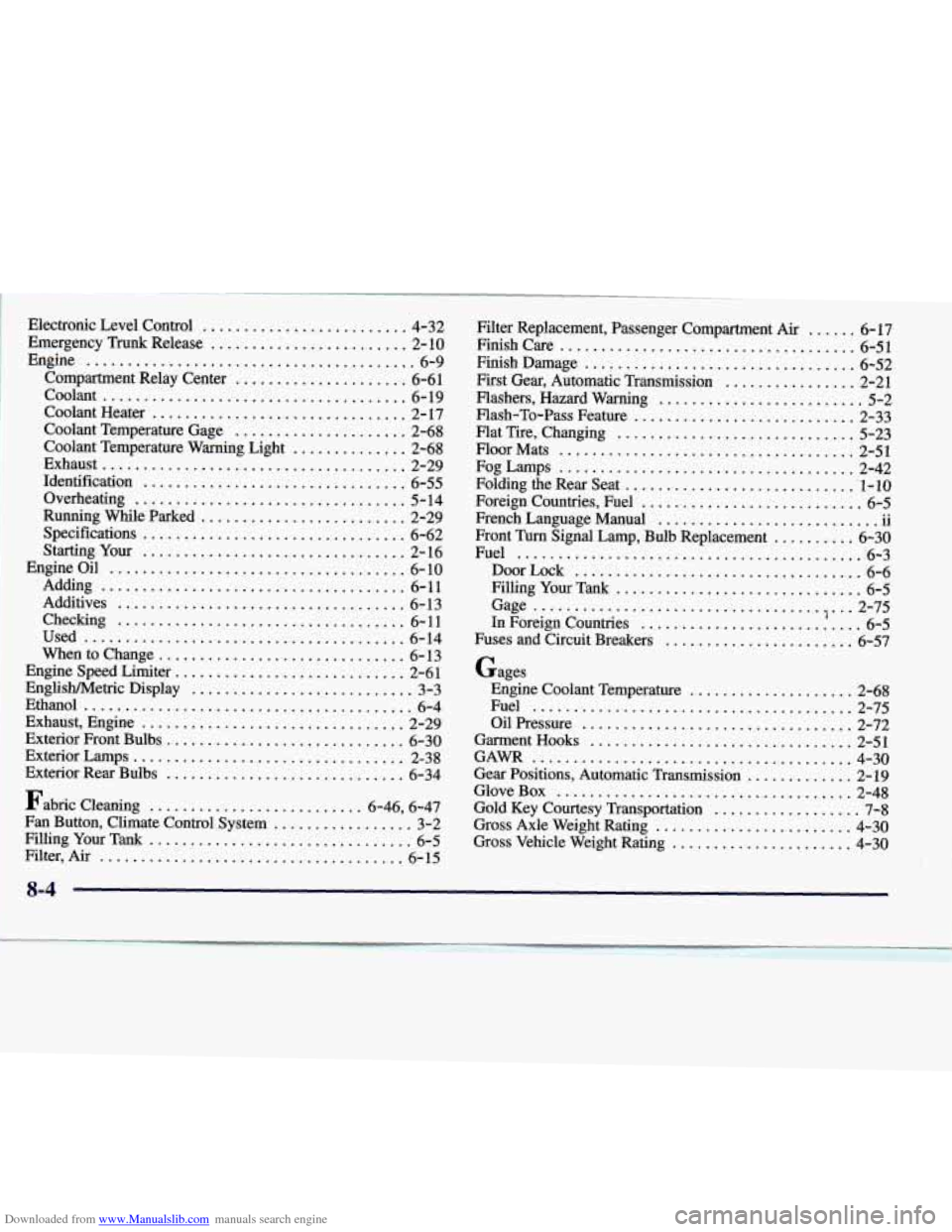
Downloaded from www.Manualslib.com manuals search engine Electrmic Level Control ......................... 4-32
Emergency
Trunk Release ........................ 2-10
Compartment Relay Center
..................... 6-61
Caolant Heater
............................... 2- 17
Coolant Temperature Gage
..................... 2-68
Coolant Temperature Warning
Light .............. 2-68
Identification
................................ 6-55
Overheating ................................. 5-14
Running
While Parked ......................... 2-29
Spscificatio
ns ................................ 6-62
Smg YOU ................................ 2-16
Engine
......................................... 6-9
..................................... CoOltUlt
6-19
Exh~
st ..................................... 2-29
Engine Oil
.................................... 6-10
Adding 6-11
Additives 6- 13
Checking
................................... 6- 11
Used 6-14
.....................................
...................................
.......................................
When to Change .............................. 6-13
Engine
Speed Limiter ............................ 2-61
FmglishMetric Display
........................... 3-3
Ethan01
........................................ 6-4
Exhaust, Engine
................................ 2-29
Exteri~ Frat Bulbs ............................. 6-30
Exterior
Lamps ................................. 2-38
Exterior
RW Bulbs ............................. 6-34
Fabric
cleaning .......................... 6.46. 6.47
Fan Button. Climate Control System
................. 3-2
FillingYourTank
................................ 6-5
Filter. Air 6-15 .....................................
Filter Replacement. Passenger Compartment Air ...... 6- 17
Finish Care 6-51 ....................................
Fish Damage ................................. 6-52
First Gear. Automatic Transmission ................ 2-21
Flashers.
Hazard Warning ......................... 5-2
Flat Tire. Changing ............................. 5-23
Fog Latsps .................................... 2-42
Folding the Rear Seat
............................. 1-10
Foreign Countries. Fuel
........................... 6-5
French Language Manual
........................... ii
Front Turn Signal Lamp. Bulb Replacement .......... 6-30
Filling
Your Tank .............................. 6-5
Gage .................................. . ., ... 2-75
In Foreign Countries ........................... 6-5
Fuses and Circuit Breakers ....................... 6-57
Gages
Engine Coolant Temperature .................... 2-63
Flash-To-PassFeature
........................... 2-33
Floor Mats 2-51
....................................
Fuel .......................................... 6-3
DoorLock ................................... 6-6
....................................... Fuel 2-75 OilPressure
................................. 2-72
GarmentHooks
................................ 2-51
GAM 4-30
Glove Box 2-48
.......................................
Gear Positions. Automatic Transmission ............. 2-19
Gold
Key Courtesy Transportation .................. 7-8
Gross Axle Weight Rating ........................ 4-30
Gross Vehicle Weight Rating ...................... 4-30
....................................
8-4
Page 332 of 338
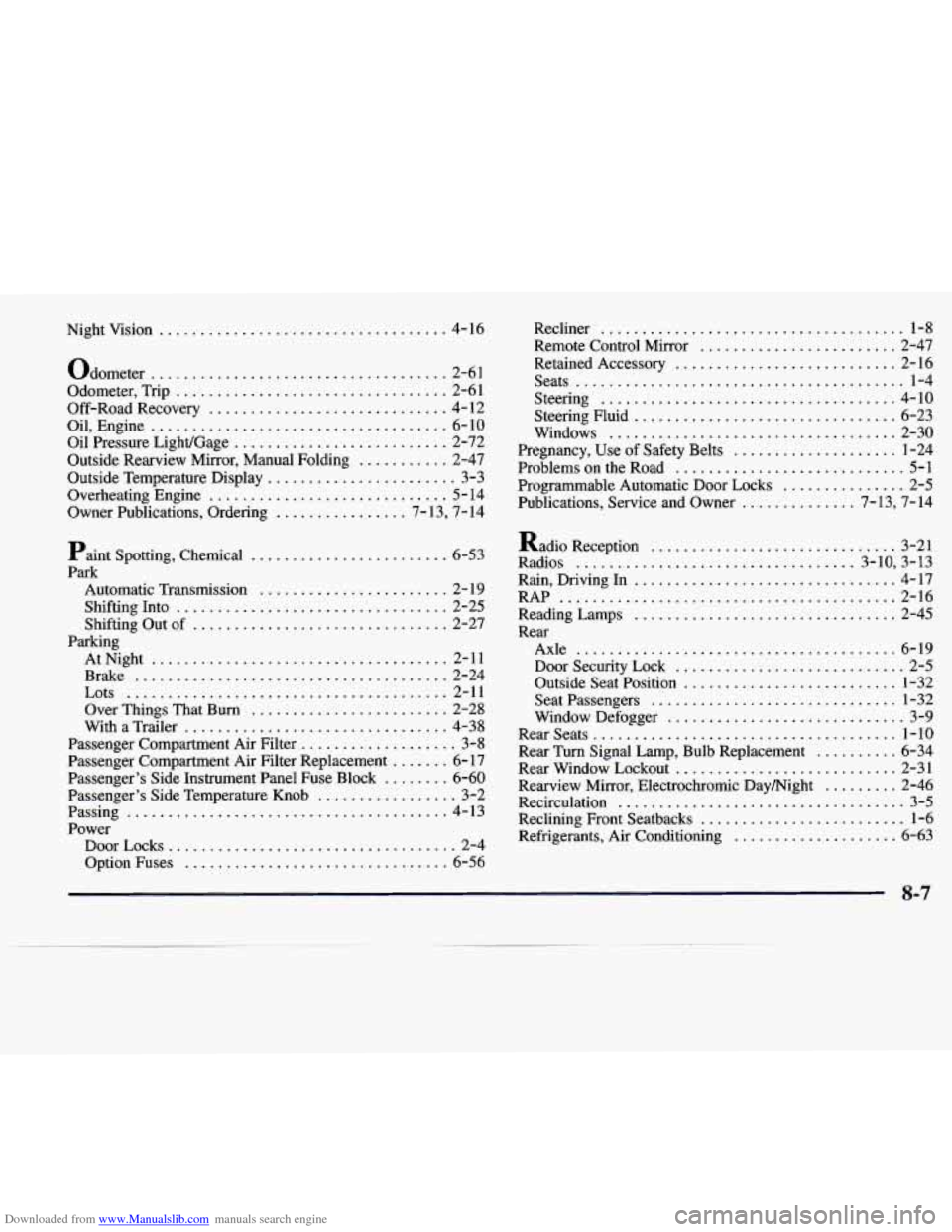
Downloaded from www.Manualslib.com manuals search engine Nightvision ................................... 4-16
Odometer
.................................... 2-6 1
Odometer. Trip
................................. 2-61
Off-Road Recovery
............................. 4- 12
Oil. Engine
.................................... 6-10
Oil Pressure LighVGage
.......................... 2-72
Outside Temperature Display
....................... 3-3
Overheating Engine
............................. 5- 14
Owner Publications. Ordering
................ 7- 13. 7- 14
Outside Rearview Mirror. Manual Folding
........... 2-47
Paint Spotting. Chemical
........................ 6-53
Park
Automatic Transmission
....................... 2- 19
Shifting Into
................................. 2-25
Shifting Out of
............................... 2-27
Parking AtNight
.................................... 2-11
Brake
...................................... 2-24
Lots
....................................... 2-11
Over Things That Burn
........................ 2-28
With a Trailer
................................ 4-38
Passenger Compartment Air Filter
................... 3-8
Passenger Compartment Air Filter Replacement
....... 6-17
Passenger’s Side Instrument Panel
Fuse Block ........ 6-60
Passenger’s Side Temperature Knob
................. 3-2
Passing
....................................... 4-13
Power DoorLocks
................................... 2-4
Option Fuses
................................ 6-56 Recliner
..................................... 1-8
Remote Control Mirror ........................ 2-47
Retained Accessory
........................... 2-16
Seats
........................................ 1-4
Steering
.................................... 4-10
Steering Fluid
................................ 6-23
Windows
................................... 2-30
Pregnancy. Use of Safety Belts
.................... 1-24
Problems
on the Road ............................ 5-1
Programmable Automatic Door Locks
............... 2-5
Publications. Service and Owner
.............. 7- 13. 7- 14
Radio Reception .............................. 3-21
Radios
.................................. 3.10. 3.13
Rain. Driving
In ................................ 4-17
RAP
......................................... 2-16
ReadingLamps
................................ 2-45
Rear Axle
....................................... 6-19
Door Security Lock
............................ 2-5
Outside Seat Position
.......................... 1-32
Seatpassengers
.............................. 1-32
Window Defogger
............................. 3-9
RearSeats ..................................... 1-10
Rear Turn Signal Lamp, Bulb Replacement
.......... 6-34
Rear Window Lockout
........................... 2-31
Recirculation
................................... 3-5
Reclining Front Seatbacks
......................... 1-6
Refrigerants, Air Conditioning
.................... 6-63
Rearview Mirror, Electrochromic
Daymight
......... 2-46
8-7