trunk CADILLAC CATERA 1998 1.G User Guide
[x] Cancel search | Manufacturer: CADILLAC, Model Year: 1998, Model line: CATERA, Model: CADILLAC CATERA 1998 1.GPages: 346, PDF Size: 19.13 MB
Page 88 of 346
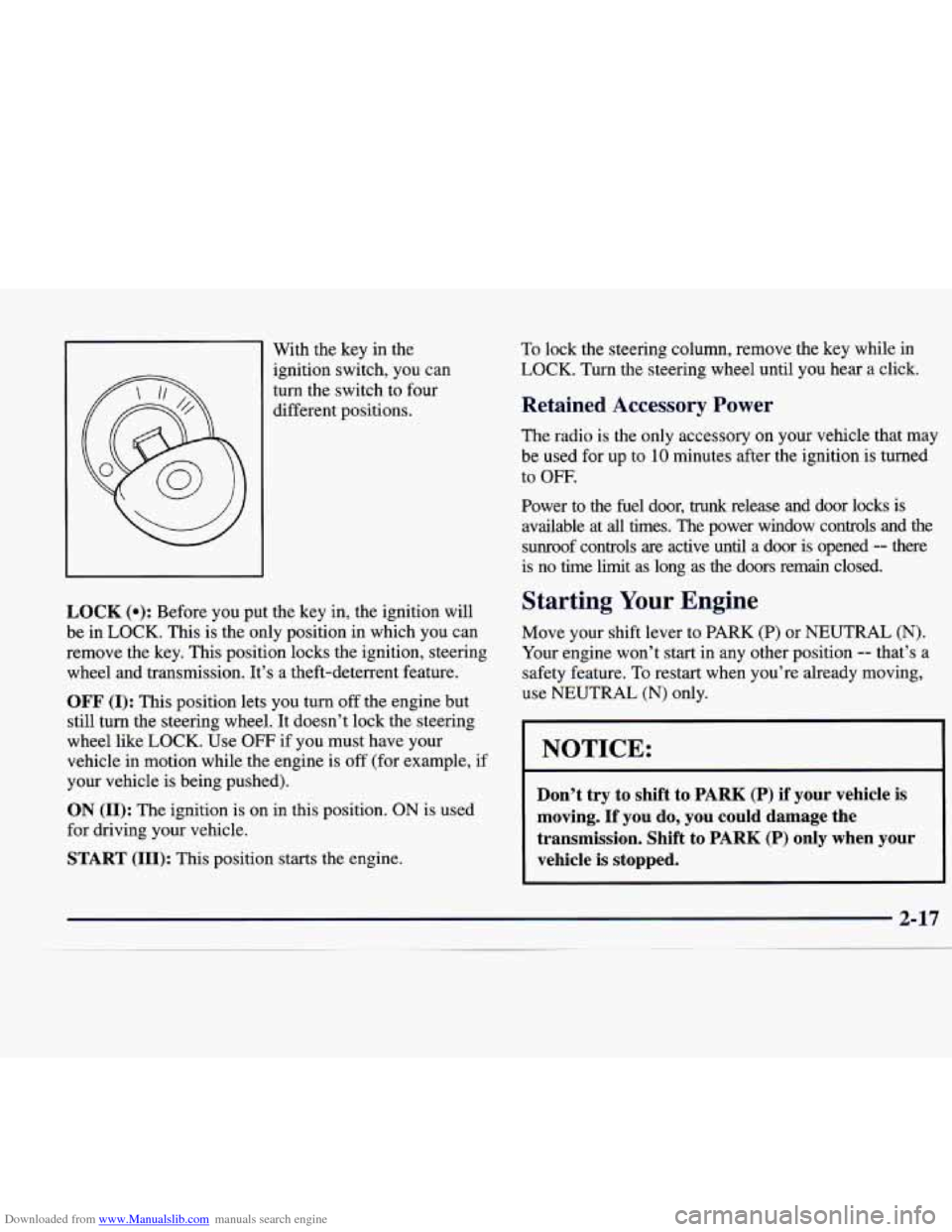
Downloaded from www.Manualslib.com manuals search engine With the key in the
ignition switch, you can
turn the switch to four
different positions.
LOCK (e): Before you put the key in, the ignition will
be in LOCK. This is the only position in which you can
remove the key. This position locks the ignition, steering
wheel and transmission. It’s
a theft-deterrent feature.
OFF (I): This position lets you turn off the engine but
still turn the steering wheel.
It doesn’t lock the steering
wheel like LOCK. Use
OFF if you must have your
vehicle in motion while the engine is off (for example,
if
your vehicle is being pushed).
ON (11): The ignition is on in this position. ON is used
for driving your vehicle.
START (111): This position starts the engine. To
lock the steering column, remove the key while
in
LOCK. Turn the steering wheel until you hear a click.
Retained Accessory Power
The radio is the only accessory on your vehicle that may
be used for up to
10 minutes after the ignition is turned
to
OFF.
Power to the fuel door, trunk release and door locks is
available at all times. The power window controls and the sunroof controls are active until a door is opened
-- there
is
no time limit as long as the doors remain closed.
Starting Your Engine
Move your shift lever to PARK (P) or NEUTRAL (N).
Your engine won’t start in any other position -- that’s a
safety feature.
To restart when you’re already moving,
use NEUTRAL
(N) only.
NOTICE:
Don’t try to shift to PARK (P) if your vehicle is
moving. If you do, you could damage the
transmission. Shift to PARK
(P) only when your
vehicle is stopped.
2-17
Page 120 of 346
Downloaded from www.Manualslib.com manuals search engine Convenience Net
The convenience net is on the floor of the trunk. Put
small loads, like grocery bags, under the net. It can help
keep them from moving around during sharp turns or
quick starts and stops.
The net is not for larger, heavier loads. Store them in the
trunk as far forward as you can. When not using the net,
hook it to the metal loops, securing it to the floor.
Ashtrays and Cigarette Lighter
The front ashtray is located below the radio. Press on the
cover to access it. To clean the ashtray, press the black
tab to the right of the tray to release it. Now pull up on
the tray to remove and clean it.
To replace the tray after cleaning, follow these steps.
1. Hold the cover (flap) on top of the tray down so it is
not in the way.
2. Insert the tray downward and forward into the
3. Press down on the tray t6 ‘slidp it into place.
To use the rear ashtray, lift the lid.
ashtray holder.
NOTICE:
Don’t put papers or other flammable items
into the ashtrays. Hot cigarettes or other
smoking materials could ignite them, causing
a
damaging fire.
The cigarette lighter is located next to the ashtray. Press
it all the way in and release. It will pop back by itself
when it’s ready to light.
You also have a lighter on the
back of the center console near the rear seat air outlet.
These lighters (receptacles) work at all times, even when
your vehicle’s ignition has been turned off.
NOTICE:
Don’t hold a cigarette lighter in with your hand
while it is heating. If
you do, it won’t be able to
back away from the heating element when it’s
ready. That can make it overheat, damaging the
lighter and the heating element.
Page 124 of 346
Downloaded from www.Manualslib.com manuals search engine Anti-Pinch Feature
If a hand, an arm or another object is in the way of
the power sunroof closing, the glass panel will
immediately stop at the obstruction and open to
a
preset factory position.
Pressing and holding the power sunroof control
dial in the up position
will turn off the anti-pinch
feature.
If this happens, the sunroof won’t stop if
something gets in the way. You or others could be
injured, and your sunroof could be damaged. Be
careful not to press and hold the power sunroof
control dial in the up position.
Manual Operation
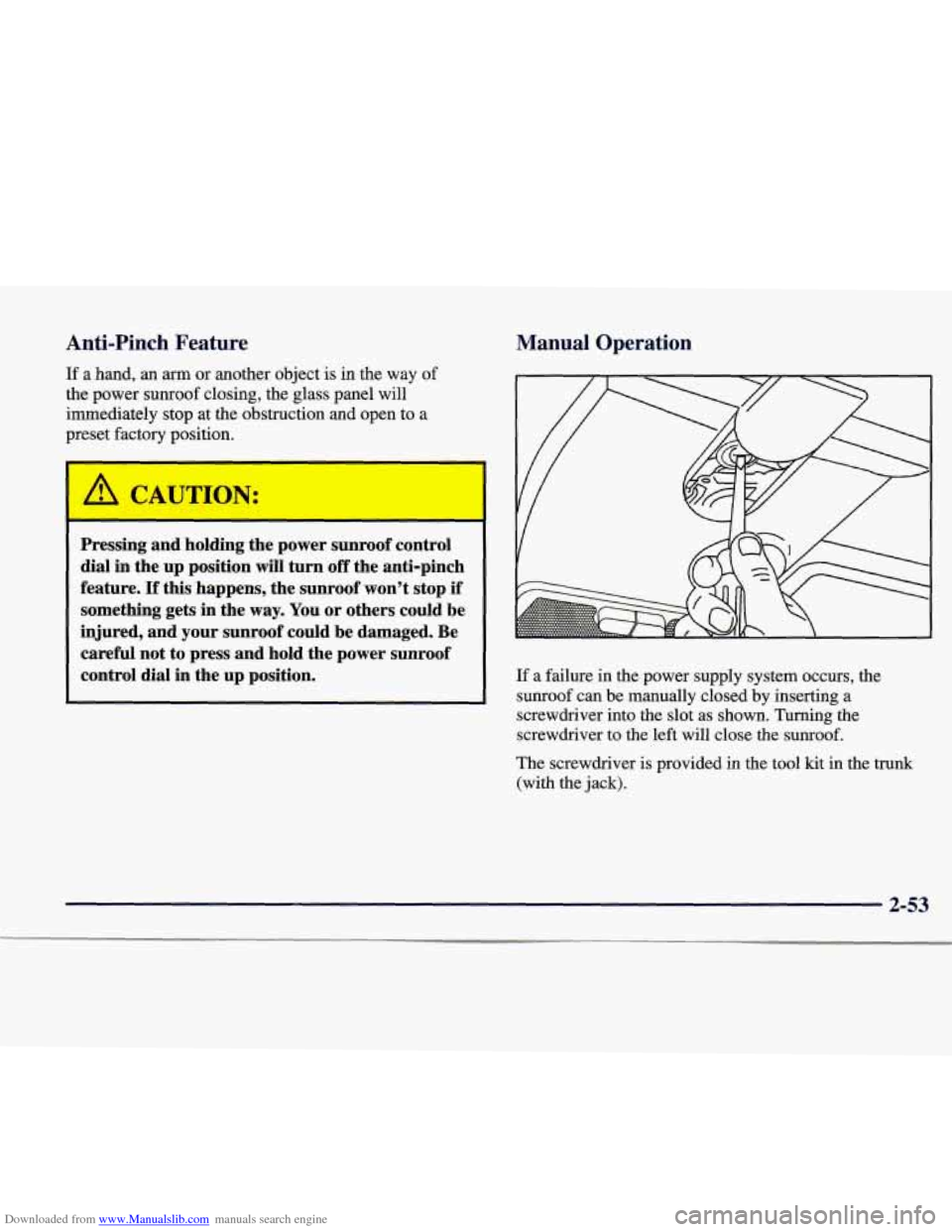
If a failure in the power supply system occurs, the
sunroof can be manually closed by inserting a
screwdriver into the slot as shown. Turning the
screwdriver to the left will close the sunroof.
The screwdriver
is provided in the tool kit in the trunk
(with the jack).
2-53
Page 132 of 346
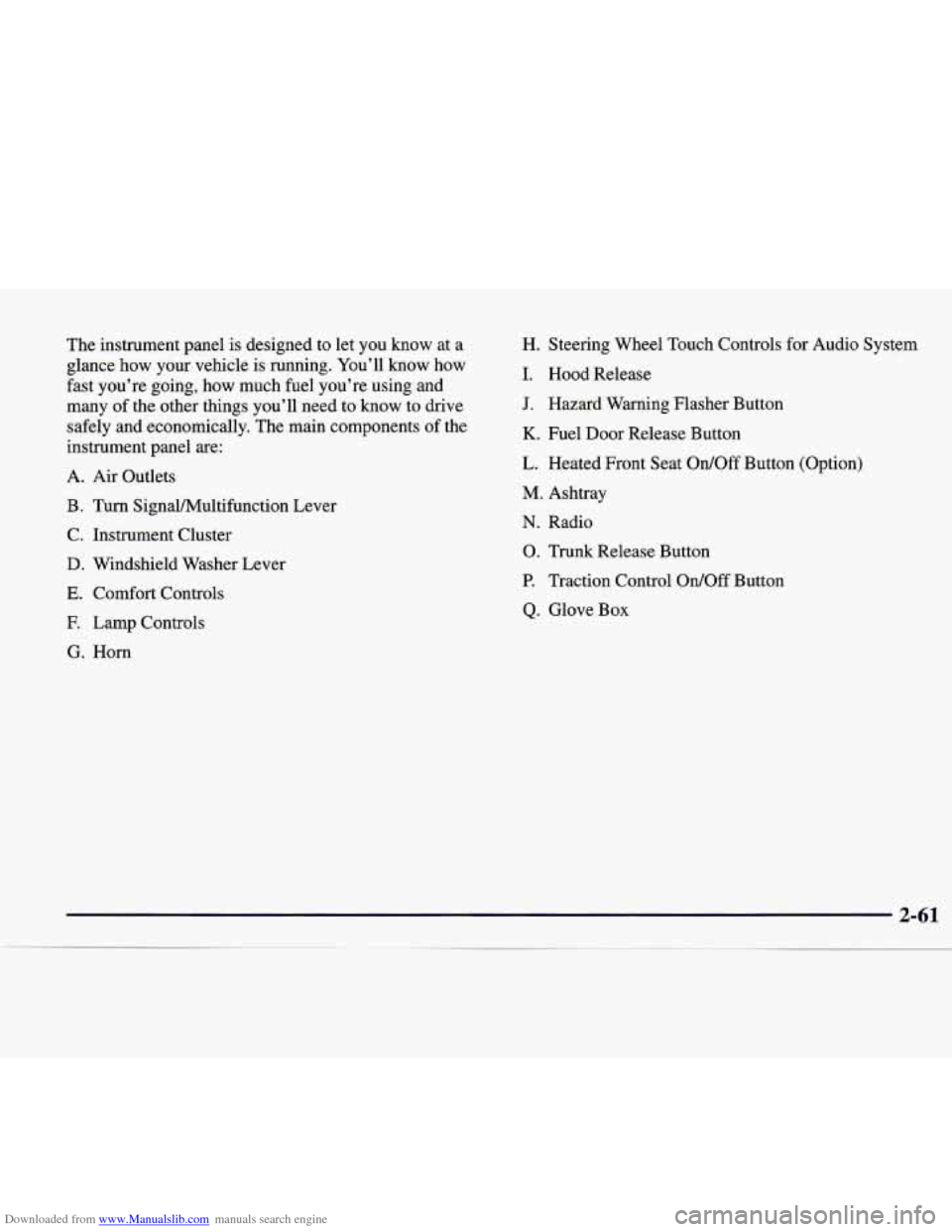
Downloaded from www.Manualslib.com manuals search engine The instrument panel is designed to let you know at a
glance how your vehicle is running. You’ll know how
fast you’re going, how much fuel you’re using and
many of the other things you’ll need to know to drive
safely and economically. The main components of the
instrument panel are:
A. Air Outlets
B. Turn SignalMultifunction Lever
C. Instrument Cluster
D. Windshield Washer Lever
E. Comfort Controls
E Lamp Controls
G. Horn H. Steering Wheel Touch Controls
for Audio System
I. Hood Release
J. Hazard Warning Flasher Button
K. Fuel Door Release Button
L. Heated Front Seat
Ordoff Button (Option)
M. Ashtray
N. Radio
0. Trunk Release Button
P. Traction Control OdOff Button
Q. Glove Box
Page 146 of 346
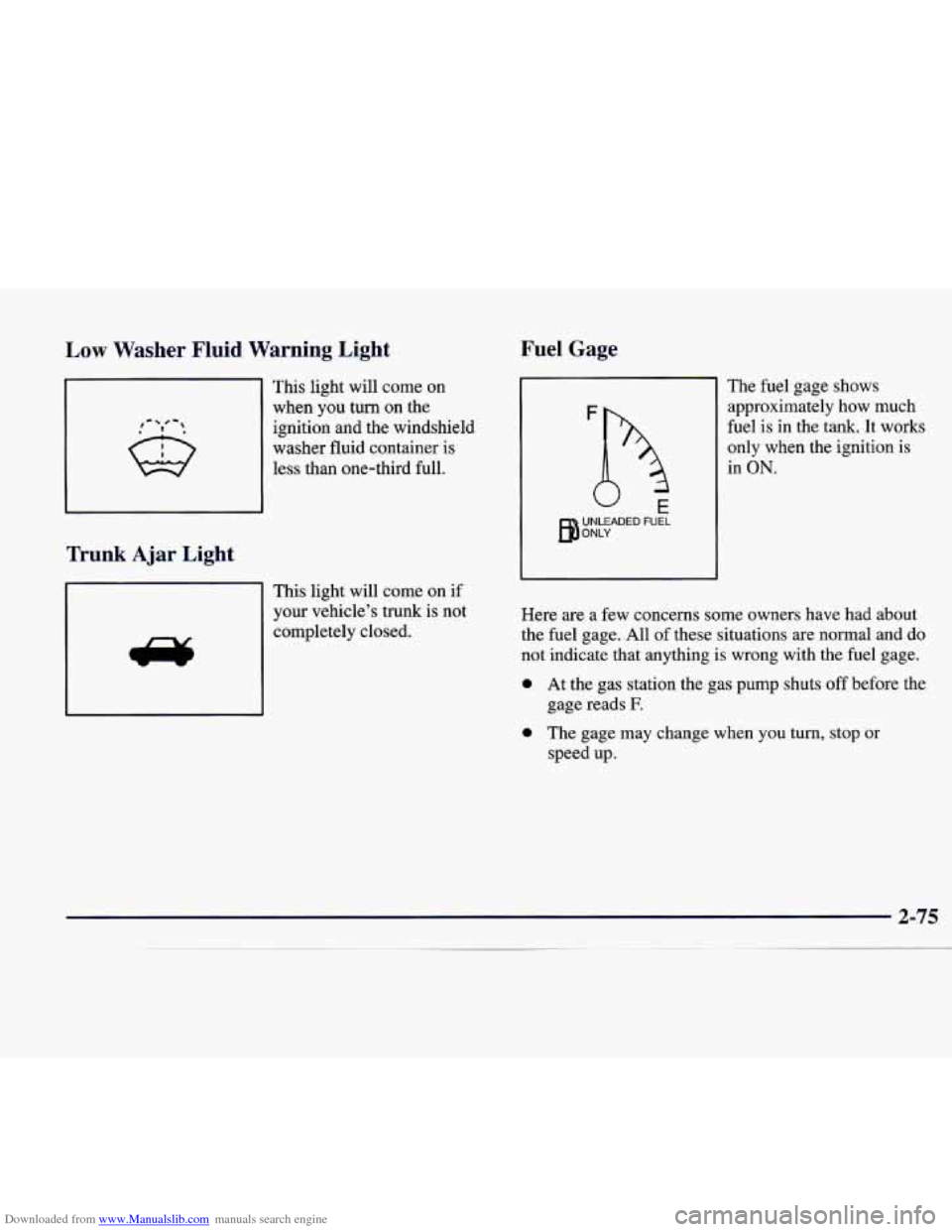
Downloaded from www.Manualslib.com manuals search engine Low Washer Fluid Warning Light
,- # -,
This light will come on
when you turn on the
ignition and the windshield
washer fluid container is
less than one-third full.
Trunk Ajar Light
This light will come on if
your vehicle’s trunk is not
completely closed.
Fuel Gage
The fuel gage shows
approximately how much
fuel is in the tank.
It works
only when the ignition
is
in ON.
Here are a few concerns some owners have had about
the fuel gage. All of these situations are normal and do
not indicate that anything
is wrong with the fuel gage.
0 At the gas station the gas pump shuts off before the
0 The gage may change when you turn, stop or
gage
reads
E
speed up.
2-75
Page 148 of 346
Downloaded from www.Manualslib.com manuals search engine Section 3 Comfort Controls and Audio Systems
In this section, you’ll find out how to operate the comfort control and audio systems offered with your vehicle. Be
sure to read about the particular systems supplied with your vehicle.
3 -2
3-2 3-3
3-4
3-6
3-6 3 -7
3-8
3-8 3-9
3-9
3-9 3-13 Comfort
Controls
Electronic Climate Control (ECC)
Automatic Operation
Manual Operation Air Conditioning
Heating
Ventilation System
Defrosting
Rear Window Defogger
Audio Systems
Setting the Clock
AM-FM Stereo with Cassette Tape Player
AM-FM Stereo with Cassette Tape and
Compact Disc Player with Radio Data
Systems (RDS)(If Equipped) 3-21
3-22
3-25 3-26
3
-26
3-27 3-27
3-28
3-30
3-30 3-30 Radio Data Systems
(RDS) Program Type
(PTY) Selections
Trunk Mounted CD Changer (Option) CD Adapter Kits
Theft-Deterrent Feature
Audio Steering Wheel Controls
Understanding Radio Reception Tips About Your Audio System
Care of Your Cassette Tape Player
Care of Your Compact Discs
Care
of Your Compact Disc Player
Heated Backlite Antenna
3-1
Page 169 of 346
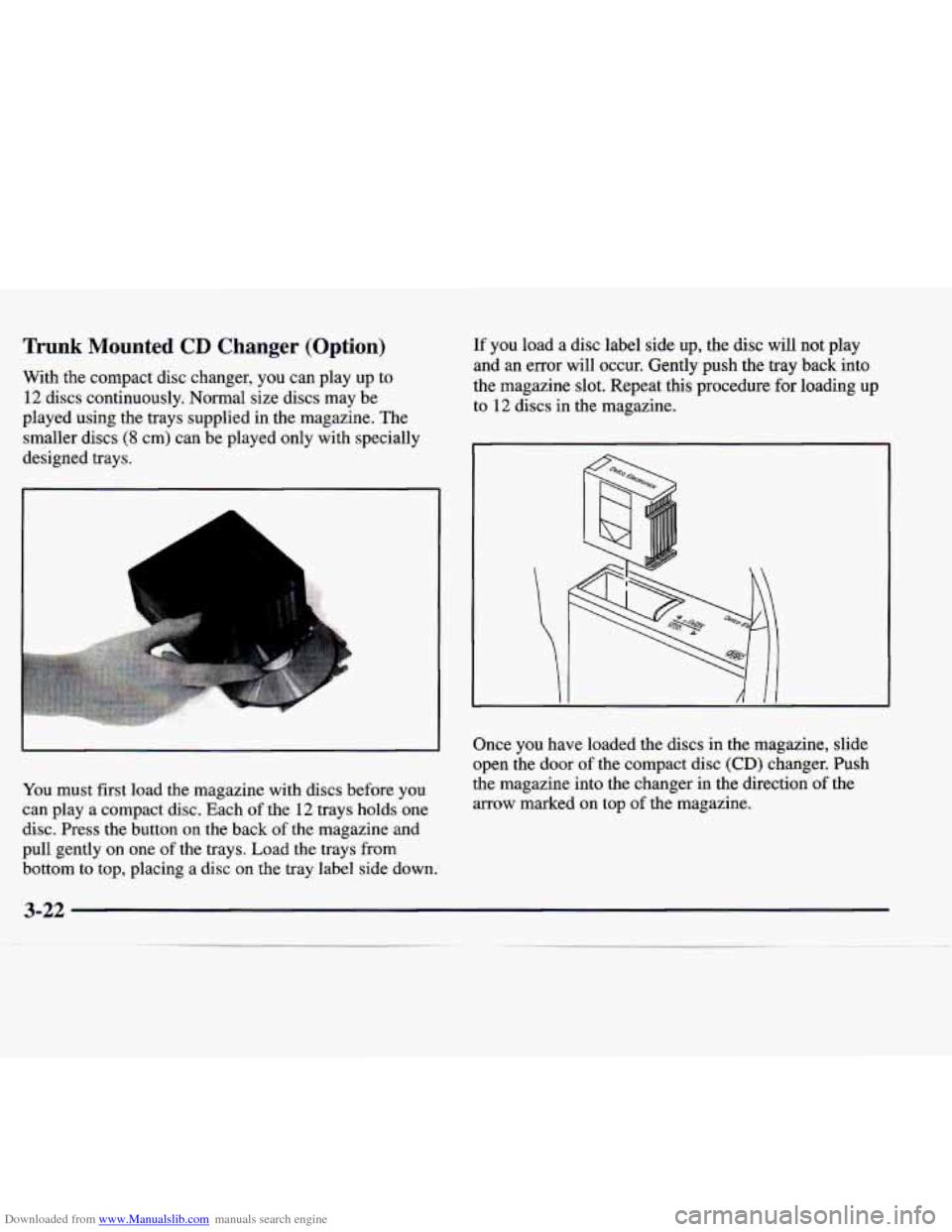
Downloaded from www.Manualslib.com manuals search engine Trunk Mounted CD Changer (Option)
With the compact disc changer, you can play up to
12 discs continuously. Normal size discs may be
played using the trays supplied in the magazine. The
smaller discs
(8 cm) can be played only with specially
designed trays.
1 L
.. .... . ..... . ..... . . ". ...... .. . . , .. ..:. :~::::::::. .. , .
1 .-.
You must first load the magazine with discs before you
can play a compact disc. Each
of the 12 trays holds one
disc. Press the button on
the back of the magazine and
pull gently on one of the trays. Load the trays from
If you load a disc label side up, the disc will not play
and an error will occur. Gently push the tray back into
the magazine slot. Repeat this procedure for loading
up
to 12 discs in the magazine.
Once you have loaded the discs in the magazine, slide
open the door of the compact disc
(CD) changer. Push
the magazine into the changer in the direction of the
arrow marked on top
of the magazine.
bottom to top, placing a disc
on the tray label side down.
3-22
~_____ ~
Page 173 of 346
Downloaded from www.Manualslib.com manuals search engine Theft-Deterrent Feature
THEFTLOCK@ is designed to discourage theft of your
radio. Your vehicle has a “built-in” theft-deterrent
feature
on each radio that is automatic -- there is no
programming required. The radio in your vehicle cannot
be used in any other vehicle. When the radio was
originally installed in your vehicle at the factory, it
stored the Vehicle Identification Number (VIN). Each
time the ignition is turned on, the VIN is verified. If the
vehicle’s VIN does
not match the VIN stored in the
radio, the radio/audio system will not play. If the radio is
removed from your vehicle, the original
VIN in the
radio can be used to trace the radio back to your vehicle.
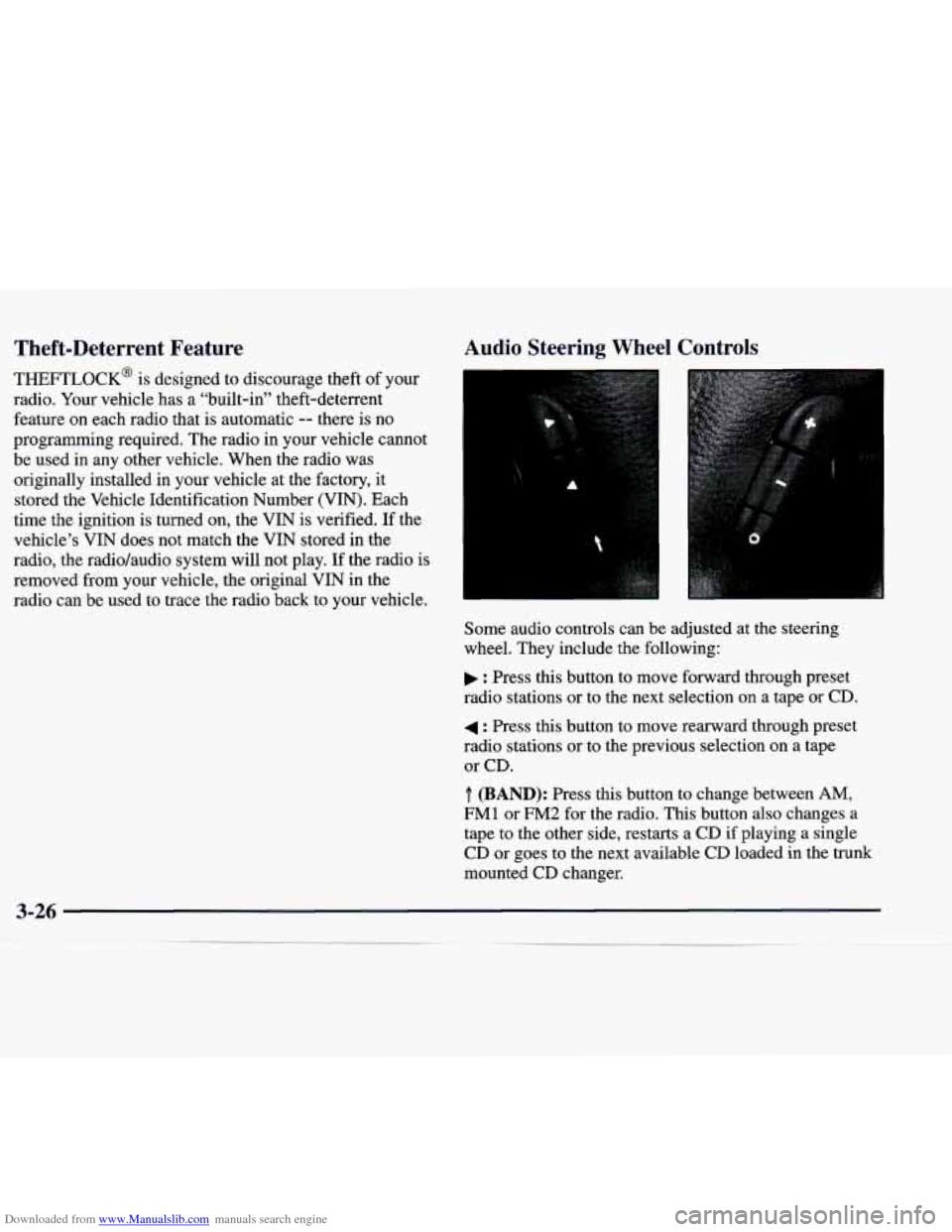
Audio Steering Wheel Controls
Some audio controls can be adjusted at the steering
wheel. They include the following:
: Press this button to move forward through preset
radio stations or to the next selection on a tape
or CD.
4 : Press this button to move rearward through preset
radio stations or to the previous selection
on a tape
or CD.
.T. (BAND): Press this button to change between AM,
FM1 or FM2 for the radio. This button also changes a
tape to the other side, restarts a
CD if playing a single
CD or goes to the next available
CD loaded in the trunk
mounted CD changer.
Page 208 of 346
Downloaded from www.Manualslib.com manuals search engine MFD BY GENERAL MOTORS CORP
DATE
GVWR GAWR FRT GAWR RR
THIS VEHICLE CONFORMS TO ALL APPLI-
CABLE
U.S. FEDERAL MOTOR VEHICLE
SAFETY, BUMPER, AND
THEFT PREVENTION
STANDARDS
IN EFFECT ON THE DATE OF
MANUFACTURE SHOWN ABOVE.
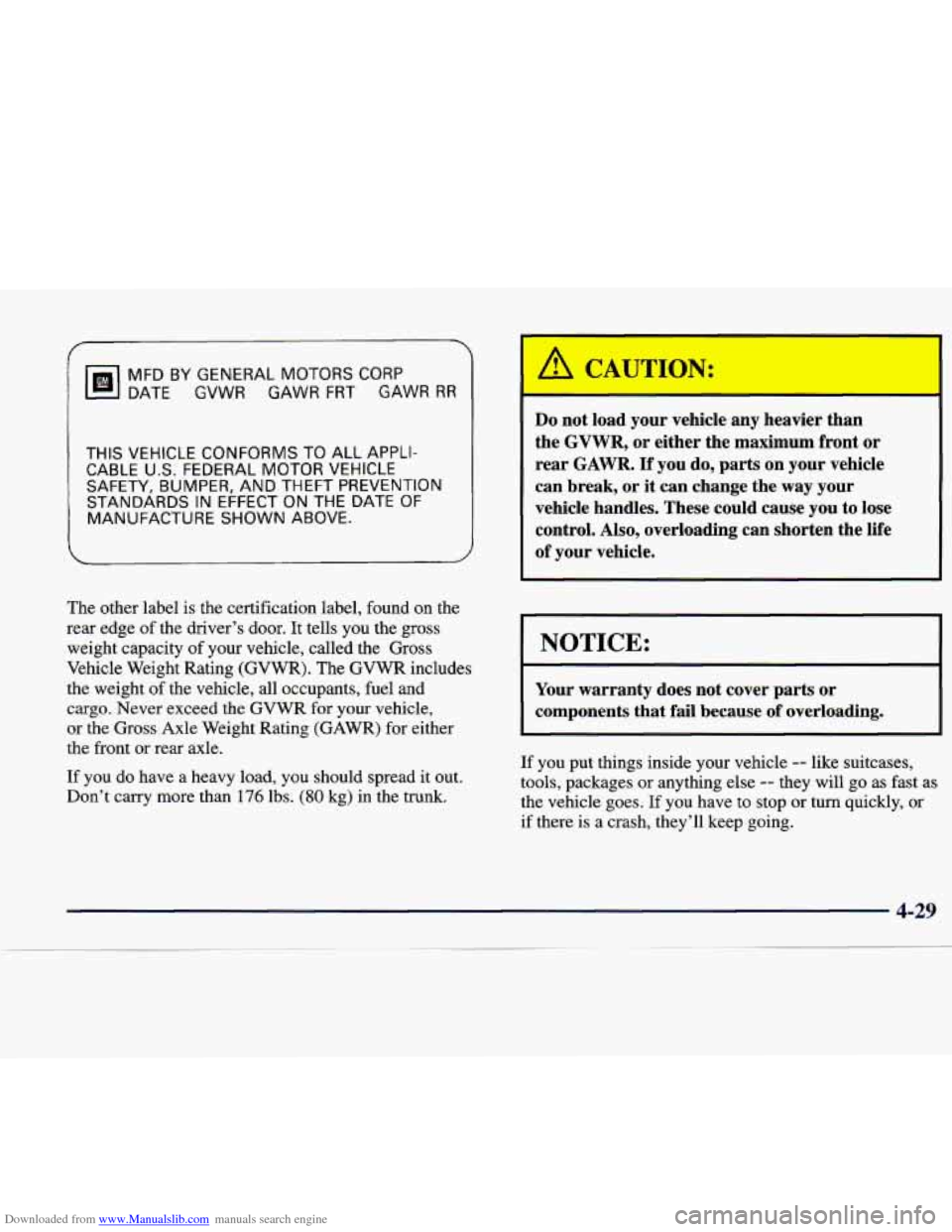
The other label is the certification label, found on the
rear edge
of the driver’s door. It tells you the gross
weight capacity
of your vehicle, called the Gross
Vehicle Weight Rating (GVWR). The GVWR includes
the weight
of the vehicle, all occupants, fuel and
cargo. Never exceed
the GVWR for your vehicle,
or the Gross Axle Weight Rating (GAWR) for either
the front or rear axle.
If you do have a heavy load, you should spread it out.
Don’t carry more than
176 lbs. (80 kg) in the trunk.
A Cr‘ TJTION:
Do not load your vehicle any heavier than
the
GVWR, or either the maximum front or
rear
GAWR. If you do, parts on your vehicle
can break, or it can change the way your
vehicle handles. These could cause you to lose
control. Also, overloading can shorten the life
of your vehicle.
NOTICE:
Your warranty does not cover parts or
components that
fail because of overloading.
If you put things inside your vehicle -- like suitcases,
tools, packages or anything else
-- they will go as fast as
the vehicle goes. If you have to stop or turn quickly, or
if there
is a crash, they’ll keep going.
Page 209 of 346
Downloaded from www.Manualslib.com manuals search engine CAUTION:
Things you put inside your vehicle can strike
and injure people in
a sudden stop or turn, or
in
a crash.
0 Put things in the trunk of your vehicle. In a
trunk, put them as far forward as you can.
Try to spread the weight evenly.
0 Never stack heavier things, like suitcases,
inside the vehicle
so that some of them are
above the tops of the seats.
Don’t leave an unsecured child restraint in
your vehicle.
When you carry something inside the
vehicle, secure
it whenever you can.
Don’t leave a seat folded down unless you
need to.
Electronic Level Control
This feature keeps the sf your vehicle level as
the load changes. It’s automatic
-- you don’t need to
adjust anything.
Towing a Trailer
: CAUTION:
If you don’t use the correct”equipment and drive
properly, you can lose control when you pull a
trailer. For example, if the trailer is too heavy, the
brakes may not work well
-- or even at all. You
and your passengers could be seriously injured.
You may also damage your vehicle; the resulting
repairs would not be covered by your warranty.
Pull a trailer only if you have followed all the
steps in this section.
Ask your dealer for advice
and information about towing a trailer with
your vehicle.
4-30