warning CADILLAC CTS 2006 1.G Owner's Manual
[x] Cancel search | Manufacturer: CADILLAC, Model Year: 2006, Model line: CTS, Model: CADILLAC CTS 2006 1.GPages: 442, PDF Size: 2.57 MB
Page 177 of 442
Message Center
Message Center (CTS-V)
Your vehicle may have a message center that can
display information relating to powertrain uids,
tire pressures, vehicle dynamics, speedometer and
odometer information, and transmission status. It also
displays warning messages. There are two different
areas where message center information will be
displayed. One display is inside of the tachometer and
the other is inside of the speedometer.
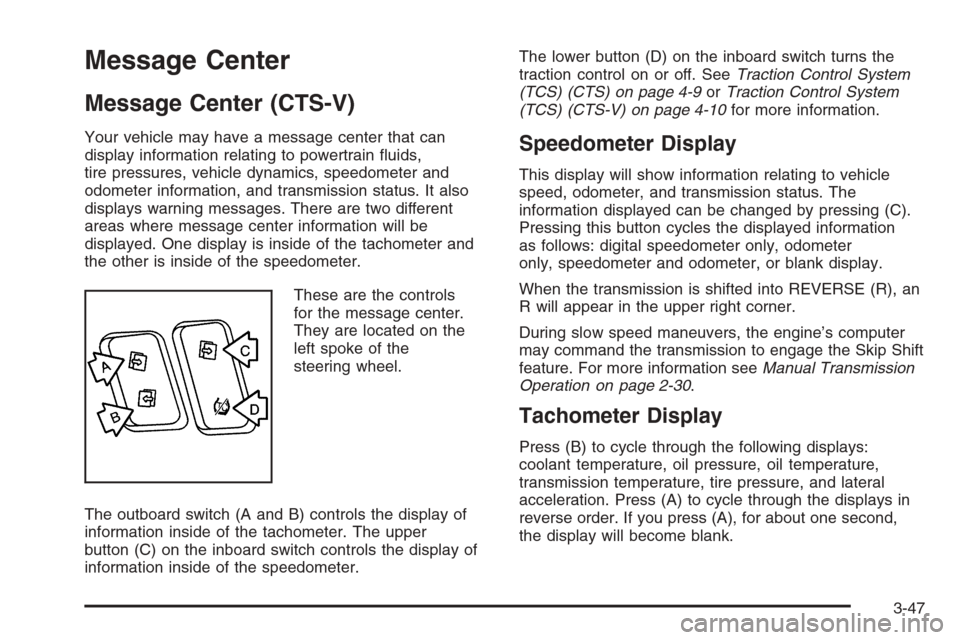
These are the controls
for the message center.
They are located on the
left spoke of the
steering wheel.
The outboard switch (A and B) controls the display of
information inside of the tachometer. The upper
button (C) on the inboard switch controls the display of
information inside of the speedometer.The lower button (D) on the inboard switch turns the
traction control on or off. SeeTraction Control System
(TCS) (CTS) on page 4-9orTraction Control System
(TCS) (CTS-V) on page 4-10for more information.Speedometer Display
This display will show information relating to vehicle
speed, odometer, and transmission status. The
information displayed can be changed by pressing (C).
Pressing this button cycles the displayed information
as follows: digital speedometer only, odometer
only, speedometer and odometer, or blank display.
When the transmission is shifted into REVERSE (R), an
R will appear in the upper right corner.
During slow speed maneuvers, the engine’s computer
may command the transmission to engage the Skip Shift
feature. For more information seeManual Transmission
Operation on page 2-30.
Tachometer Display
Press (B) to cycle through the following displays:
coolant temperature, oil pressure, oil temperature,
transmission temperature, tire pressure, and lateral
acceleration. Press (A) to cycle through the displays in
reverse order. If you press (A), for about one second,
the display will become blank.
3-47
Page 178 of 442
Coolant Temperature
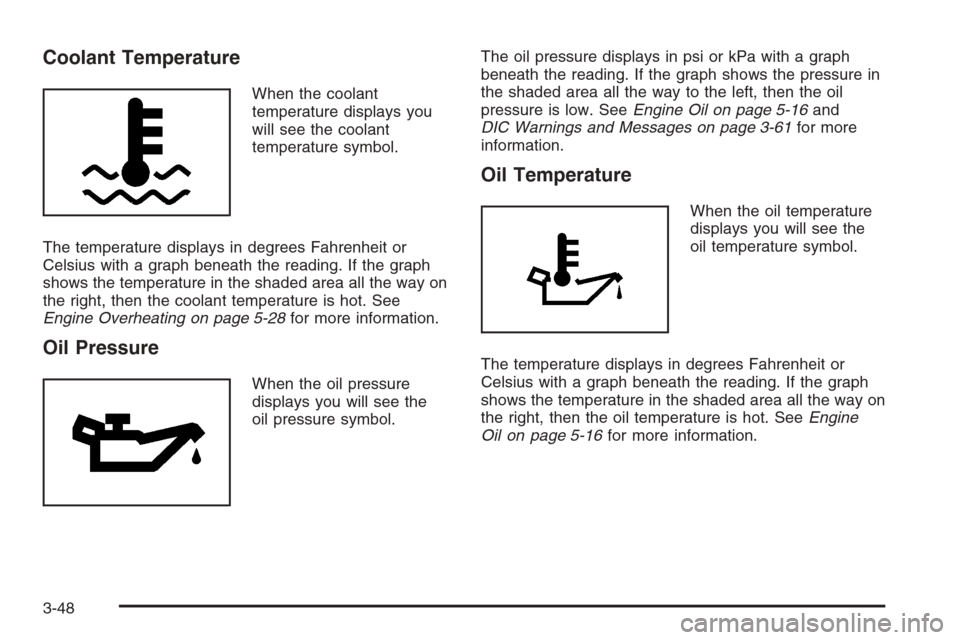
When the coolant
temperature displays you
will see the coolant
temperature symbol.
The temperature displays in degrees Fahrenheit or
Celsius with a graph beneath the reading. If the graph
shows the temperature in the shaded area all the way on
the right, then the coolant temperature is hot. See
Engine Overheating on page 5-28for more information.
Oil Pressure
When the oil pressure
displays you will see the
oil pressure symbol.The oil pressure displays in psi or kPa with a graph
beneath the reading. If the graph shows the pressure in
the shaded area all the way to the left, then the oil
pressure is low. SeeEngine Oil on page 5-16and
DIC Warnings and Messages on page 3-61for more
information.
Oil Temperature
When the oil temperature
displays you will see the
oil temperature symbol.
The temperature displays in degrees Fahrenheit or
Celsius with a graph beneath the reading. If the graph
shows the temperature in the shaded area all the way on
the right, then the oil temperature is hot. SeeEngine
Oil on page 5-16for more information.
3-48
Page 179 of 442
Transmission Temperature
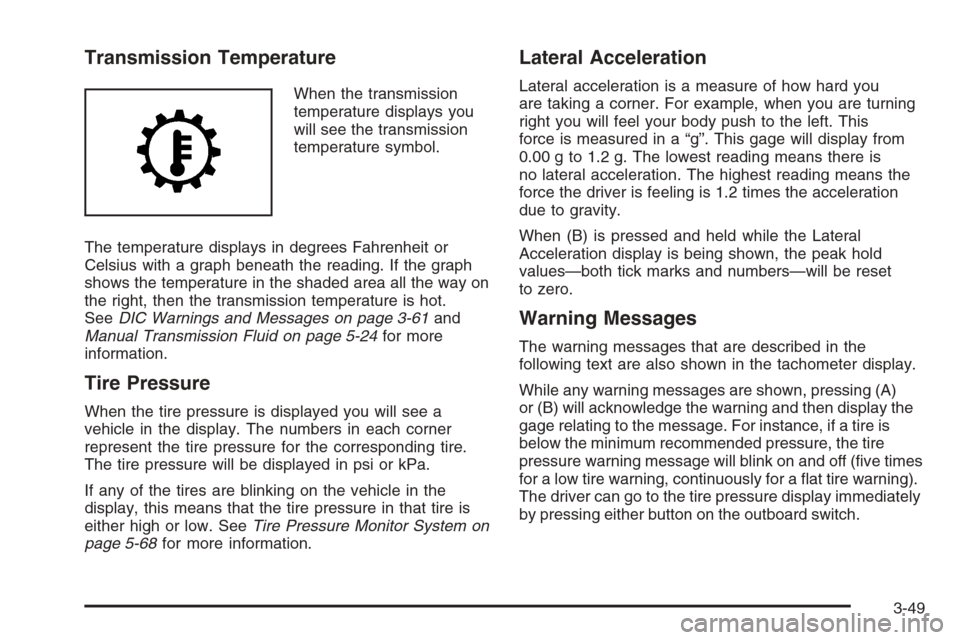
When the transmission
temperature displays you
will see the transmission
temperature symbol.
The temperature displays in degrees Fahrenheit or
Celsius with a graph beneath the reading. If the graph
shows the temperature in the shaded area all the way on
the right, then the transmission temperature is hot.
SeeDIC Warnings and Messages on page 3-61and
Manual Transmission Fluid on page 5-24for more
information.
Tire Pressure
When the tire pressure is displayed you will see a
vehicle in the display. The numbers in each corner
represent the tire pressure for the corresponding tire.
The tire pressure will be displayed in psi or kPa.
If any of the tires are blinking on the vehicle in the
display, this means that the tire pressure in that tire is
either high or low. SeeTire Pressure Monitor System on
page 5-68for more information.
Lateral Acceleration
Lateral acceleration is a measure of how hard you
are taking a corner. For example, when you are turning
right you will feel your body push to the left. This
force is measured in a “g”. This gage will display from
0.00 g to 1.2 g. The lowest reading means there is
no lateral acceleration. The highest reading means the
force the driver is feeling is 1.2 times the acceleration
due to gravity.
When (B) is pressed and held while the Lateral
Acceleration display is being shown, the peak hold
values—both tick marks and numbers—will be reset
to zero.
Warning Messages
The warning messages that are described in the
following text are also shown in the tachometer display.
While any warning messages are shown, pressing (A)
or (B) will acknowledge the warning and then display the
gage relating to the message. For instance, if a tire is
below the minimum recommended pressure, the tire
pressure warning message will blink on and off (ve times
for a low tire warning, continuously for a at tire warning).
The driver can go to the tire pressure display immediately
by pressing either button on the outboard switch.
3-49
Page 180 of 442
Transmission Fluid Hot Message
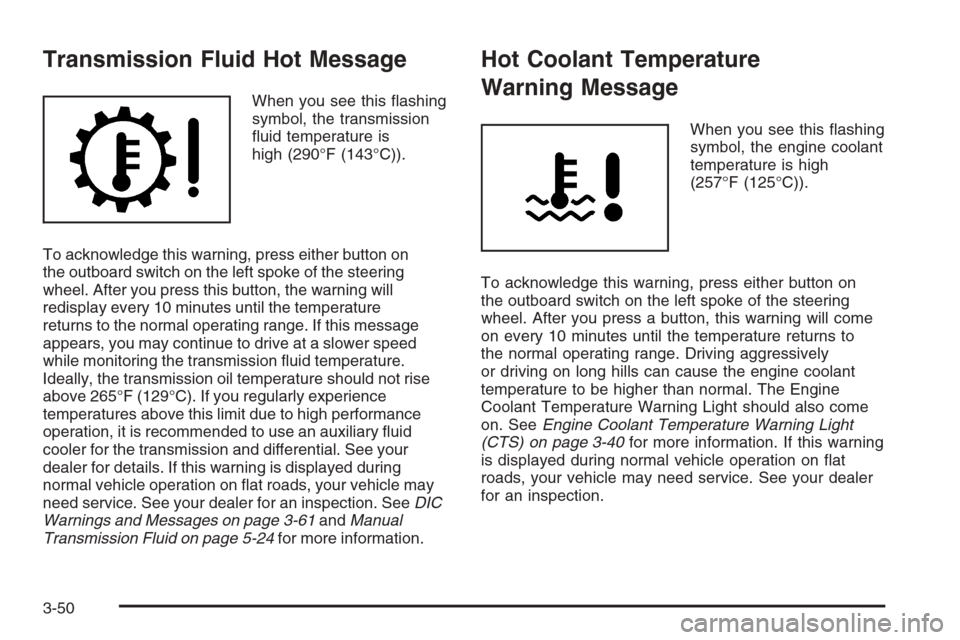
When you see this ashing
symbol, the transmission
uid temperature is
high (290°F (143°C)).
To acknowledge this warning, press either button on
the outboard switch on the left spoke of the steering
wheel. After you press this button, the warning will
redisplay every 10 minutes until the temperature
returns to the normal operating range. If this message
appears, you may continue to drive at a slower speed
while monitoring the transmission uid temperature.
Ideally, the transmission oil temperature should not rise
above 265°F (129°C). If you regularly experience
temperatures above this limit due to high performance
operation, it is recommended to use an auxiliary uid
cooler for the transmission and differential. See your
dealer for details. If this warning is displayed during
normal vehicle operation on at roads, your vehicle may
need service. See your dealer for an inspection. SeeDIC
Warnings and Messages on page 3-61andManual
Transmission Fluid on page 5-24for more information.
Hot Coolant Temperature
Warning Message
When you see this ashing
symbol, the engine coolant
temperature is high
(257°F (125°C)).
To acknowledge this warning, press either button on
the outboard switch on the left spoke of the steering
wheel. After you press a button, this warning will come
on every 10 minutes until the temperature returns to
the normal operating range. Driving aggressively
or driving on long hills can cause the engine coolant
temperature to be higher than normal. The Engine
Coolant Temperature Warning Light should also come
on. SeeEngine Coolant Temperature Warning Light
(CTS) on page 3-40for more information. If this warning
is displayed during normal vehicle operation on at
roads, your vehicle may need service. See your dealer
for an inspection.
3-50
Page 181 of 442
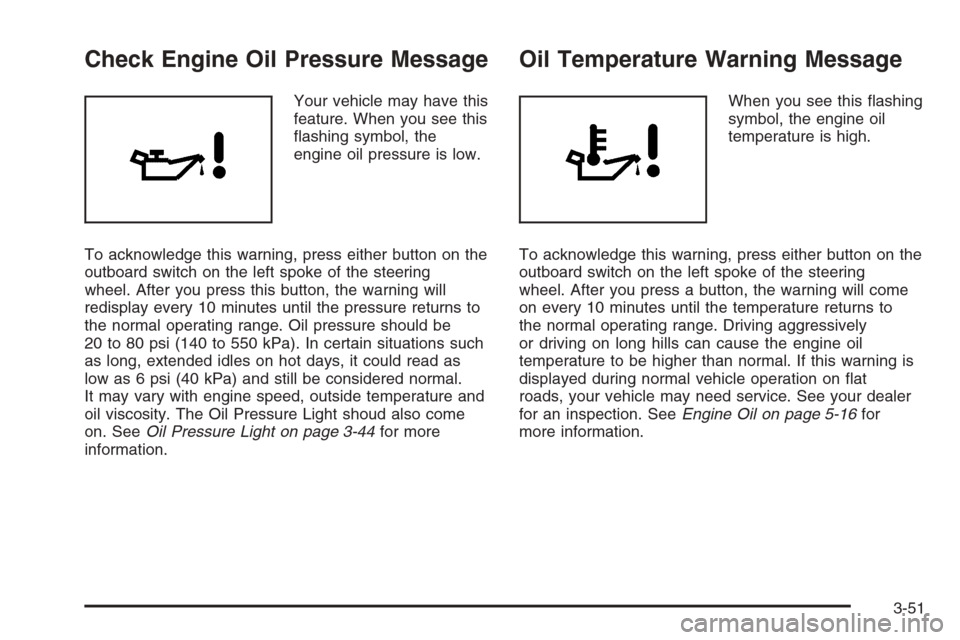
Check Engine Oil Pressure Message
Your vehicle may have this
feature. When you see this
ashing symbol, the
engine oil pressure is low.
To acknowledge this warning, press either button on the
outboard switch on the left spoke of the steering
wheel. After you press this button, the warning will
redisplay every 10 minutes until the pressure returns to
the normal operating range. Oil pressure should be
20 to 80 psi (140 to 550 kPa). In certain situations such
as long, extended idles on hot days, it could read as
low as 6 psi (40 kPa) and still be considered normal.
It may vary with engine speed, outside temperature and
oil viscosity. The Oil Pressure Light shoud also come
on. SeeOil Pressure Light on page 3-44for more
information.
Oil Temperature Warning Message
When you see this ashing
symbol, the engine oil
temperature is high.
To acknowledge this warning, press either button on the
outboard switch on the left spoke of the steering
wheel. After you press a button, the warning will come
on every 10 minutes until the temperature returns to
the normal operating range. Driving aggressively
or driving on long hills can cause the engine oil
temperature to be higher than normal. If this warning is
displayed during normal vehicle operation on at
roads, your vehicle may need service. See your dealer
for an inspection. SeeEngine Oil on page 5-16for
more information.
3-51
Page 182 of 442
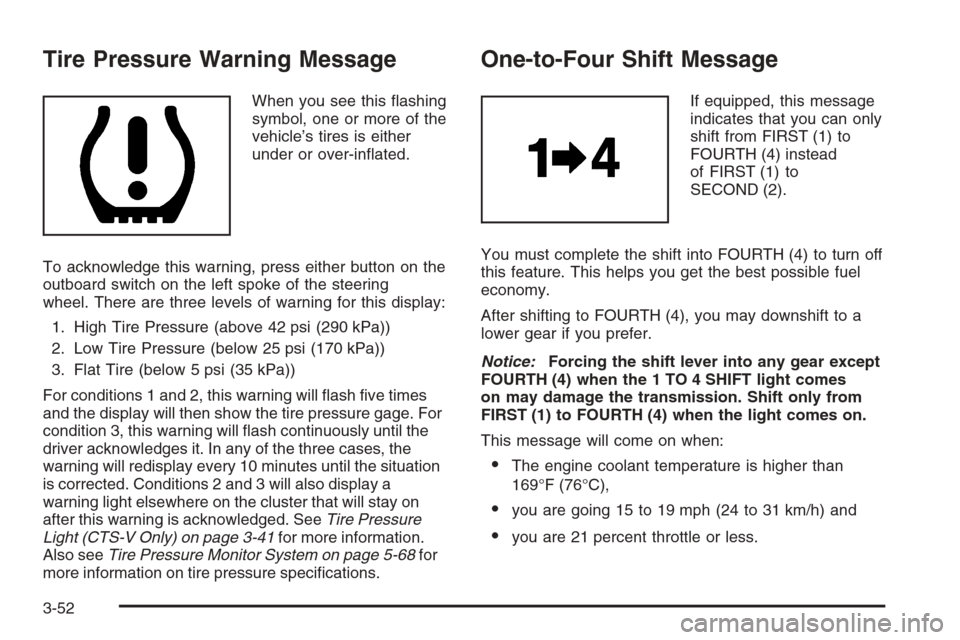
Tire Pressure Warning Message
When you see this ashing
symbol, one or more of the
vehicle’s tires is either
under or over-inated.
To acknowledge this warning, press either button on the
outboard switch on the left spoke of the steering
wheel. There are three levels of warning for this display:
1. High Tire Pressure (above 42 psi (290 kPa))
2. Low Tire Pressure (below 25 psi (170 kPa))
3. Flat Tire (below 5 psi (35 kPa))
For conditions 1 and 2, this warning will ash ve times
and the display will then show the tire pressure gage. For
condition 3, this warning will ash continuously until the
driver acknowledges it. In any of the three cases, the
warning will redisplay every 10 minutes until the situation
is corrected. Conditions 2 and 3 will also display a
warning light elsewhere on the cluster that will stay on
after this warning is acknowledged. SeeTire Pressure
Light (CTS-V Only) on page 3-41for more information.
Also seeTire Pressure Monitor System on page 5-68for
more information on tire pressure specications.
One-to-Four Shift Message
If equipped, this message
indicates that you can only
shift from FIRST (1) to
FOURTH (4) instead
of FIRST (1) to
SECOND (2).
You must complete the shift into FOURTH (4) to turn off
this feature. This helps you get the best possible fuel
economy.
After shifting to FOURTH (4), you may downshift to a
lower gear if you prefer.
Notice:Forcing the shift lever into any gear except
FOURTH (4) when the 1 TO 4 SHIFT light comes
on may damage the transmission. Shift only from
FIRST (1) to FOURTH (4) when the light comes on.
This message will come on when:
The engine coolant temperature is higher than
169°F (76°C),
you are going 15 to 19 mph (24 to 31 km/h) and
you are 21 percent throttle or less.
3-52
Page 183 of 442

Driver Information Center (DIC)
The DIC gives you the status of many of your vehicle’s
systems. It is also used to display driver personalization
features and warning/status messages. All messages
will appear on the audio system display.
If your vehicle has the Base audio system, use the
information contained in this manual for instructions on
operating the DIC for your vehicle.
If your vehicle has the Navigation system, see the
Navigation system manual for instructions on operating
the DIC for your vehicle.
System Controls
Use the following controls located on the audio system
to operate the DIC:
INFO (Information):Press the up or down arrows on
this switch, located on the right side of the audio system,
to scroll through the system status information.
CLR (Clear):Press this button, located on the right
side of the audio system, to clear DIC messages and to
reset some DIC displays to zero. This button is also
used to exit out of a menu. SeeDIC Warnings and
Messages on page 3-61andStatus of Vehicle Systems
on page 3-54for more information.
3-53
Page 185 of 442

MI TRIP A and B (KM TRIP A and B):For information
on the trip odometers, seeTrip Odometers on page 3-33.
MILES RANGE (KM RANGE):If you select this item,
the approximate number of remaining miles or
kilometers you can drive without refueling is displayed.
This estimate is based on the current driving conditions
and will change if the driving conditions change. For
example, if you are driving in traffic making frequent
stops, the display may read one number, but if you enter
the freeway, the number may change even though
you still have the same amount of gas in the gas tank.
This is because different driving conditions produce
different fuel economies. Generally, freeway driving
produces better fuel economy than city driving.
If your vehicle is low on fuel, the Fuel Level Low
message will be displayed. See “Fuel Level Low” under
DIC Warnings and Messages on page 3-61for more
information.
MPG AVG (L/100 KM AVG):If you select this item, the
approximate average miles per gallon (mpg) or liters
per 100 kilometers (L/100 km) is displayed. This number
is calculated based on the number of mpg (L/100 km)
recorded since the last time this menu item was reset.
To reset the MPG AVG (L/100 KM AVG), press the CLR
button located to the right of the screen. The display
will return to zero.MPG INST (L/100 KM INST):If you select this item,
the current fuel economy is displayed. This number
reects only the fuel economy that the vehicle has right
now and will change frequently as driving conditions
change. Unlike average fuel economy, this menu item
cannot be reset.
GAL FUEL USED (L FUEL USED):If you select this
item, the number of gallons or liters of fuel used
since the last reset of this menu item is displayed.
To reset GAL FUEL USED (L FUEL USED), press the
CLR button located to the right of the screen. The
display will return to zero.
AVG MPH (AVG KM/H):If you select this item, the
average speed of the vehicle is displayed in miles per
hour (mph) or kilometers per hour (km/h). This average
is calculated based on the various vehicle speeds
recorded since the last reset of this menu item.
To reset AVG MPH (AVG KM/H), press the CLR button
located to the right of the screen. The display will
return to zero.
TIMER:If you select this item, a timing feature is
displayed. The timer functions like a stopwatch in that
you can record the time it takes to travel from one point
to another.
To turn on the timer, press the CLR button located to
the right of the screen once. The display will read
00:00:00 TIMER ON and begin counting.
3-55
Page 186 of 442
To turn off the timer, press the CLR button again. When
the timer is off, the display will show the timer value
and TIMER OFF. The timing feature will stop.
To reset the timer, turn off the timer and then press and
hold the CLR button. The display will return to zero.
BATTERY VOLTS:If you select this item, the current
battery voltage is displayed. If the voltage is in the normal
range, the display will have OK after it. For example, the
display may read 13.2 BATTERY VOLTS OK.
If there is a problem with the battery charging system,
there are four possible DIC messages that may be
displayed. SeeDIC Warnings and Messages on
page 3-61for more information.
ENGINE OIL LIFE:If you select this item, the
percentage of remaining oil life is displayed. If you see
99% ENGINE OIL LIFE on the display, that means
that 99% of the current oil life remains.
When the oil life is depleted, the Change Engine Oil
message will appear on the display. See your dealer for
service. In addition to the engine oil life system
monitoring the oil life, additional maintenance is
recommended in the Maintenance Schedule in this
manual. SeeScheduled Maintenance on page 6-4and
Engine Oil on page 5-16for more information.When you reset the Change Engine Oil message by
clearing it from the display, you still must reset the
engine oil life system separately. For more information
on resetting the engine oil life system, see “How to
Reset the Engine Oil Life System and the Oil Life
Indicator” underEngine Oil Life System on page 5-20.
If you clear the Change Engine Oil message from
the display, it will not re-appear.
TRANS FLUID LIFE (Automatic Transmission):
If you select this item, the percentage of remaining
transmission uid life is displayed. If you see
99% TRANS FLUID LIFE on the display, that means
that 99% of the current transmission uid life remains.
When the transmission uid life is depleted, the Change
Trans Fluid message will appear on the display. You
should change the transmission uid as soon as
possible. Be sure to keep a written record of the mileage
and date of the uid change so you will have it for
future reference. SeeScheduled Maintenance on
page 6-4andRecommended Fluids and Lubricants on
page 6-13for more information.
When you reset the Change Trans Fluid message by
clearing it from the display, you still must reset the
transmission uid life monitor separately. For more
information on resetting the transmission uid life
monitor, seeAutomatic Transmission Fluid on
page 5-23.
3-56
Page 190 of 442
TCS (Traction Control System):You can enable or
disable the Traction Control System (TCS) using
this menu item. Press the TUNE/SEL knob to switch
between on and off.
You can also turn the TCS off using the traction control
button located in the glove box (CTS) or on the
steering wheel (CTS-V), or by programming one of the
steering wheel controls (1, 2, 3, or 4) or audio system
soft keys to enable/disable the TCS. SeeRecongurable
Steering Wheel Controls (SWC) (CTS) on page 3-7
and “Congurable Radio Display Keys” underRadio with
CD on page 3-85for more information.
When you disable the TCS, the traction control system
warning light on the instrument panel cluster will
come on. SeeTraction Control System (TCS) Warning
Light on page 3-39for more information.
8(Clock):Use this menu item to set the time on
the clock.
SeeSetting the Time on page 3-85for more information.
8/4(Clock/Information Display):Use this menu
item to toggle between the clock display and the XM™
Information (Song, Artist, Album), if available.SeeSetting the Time on page 3-85and “XM™ Satellite
Radio Service” underRadio with CD on page 3-85
for more information.
SETUP:When you select this menu item, the following
submenu is available:
LANGUAGE
PERSONALIZATION
CONFIGURE DISPLAY KEYS
CONFIGURE SWC (Steering Wheel Control) KEYS
To change the language displayed on the radio, select
LANGUAGE by pressing the TUNE/SEL knob. Turn the
TUNE/SEL knob to scroll through the available languages
and press the knob to make your selection. If you
accidentally select a language that you did not want,
ENGLISH is always at the top of the language list.
For more information on the other items in the SETUP
menu, seeDIC Vehicle Personalization on page 3-70
andRecongurable Steering Wheel Controls (SWC)
(CTS) on page 3-7.
3-60