lock CADILLAC DEVILLE 1993 7.G Service Manual
[x] Cancel search | Manufacturer: CADILLAC, Model Year: 1993, Model line: DEVILLE, Model: CADILLAC DEVILLE 1993 7.GPages: 406, PDF Size: 20.78 MB
Page 155 of 406
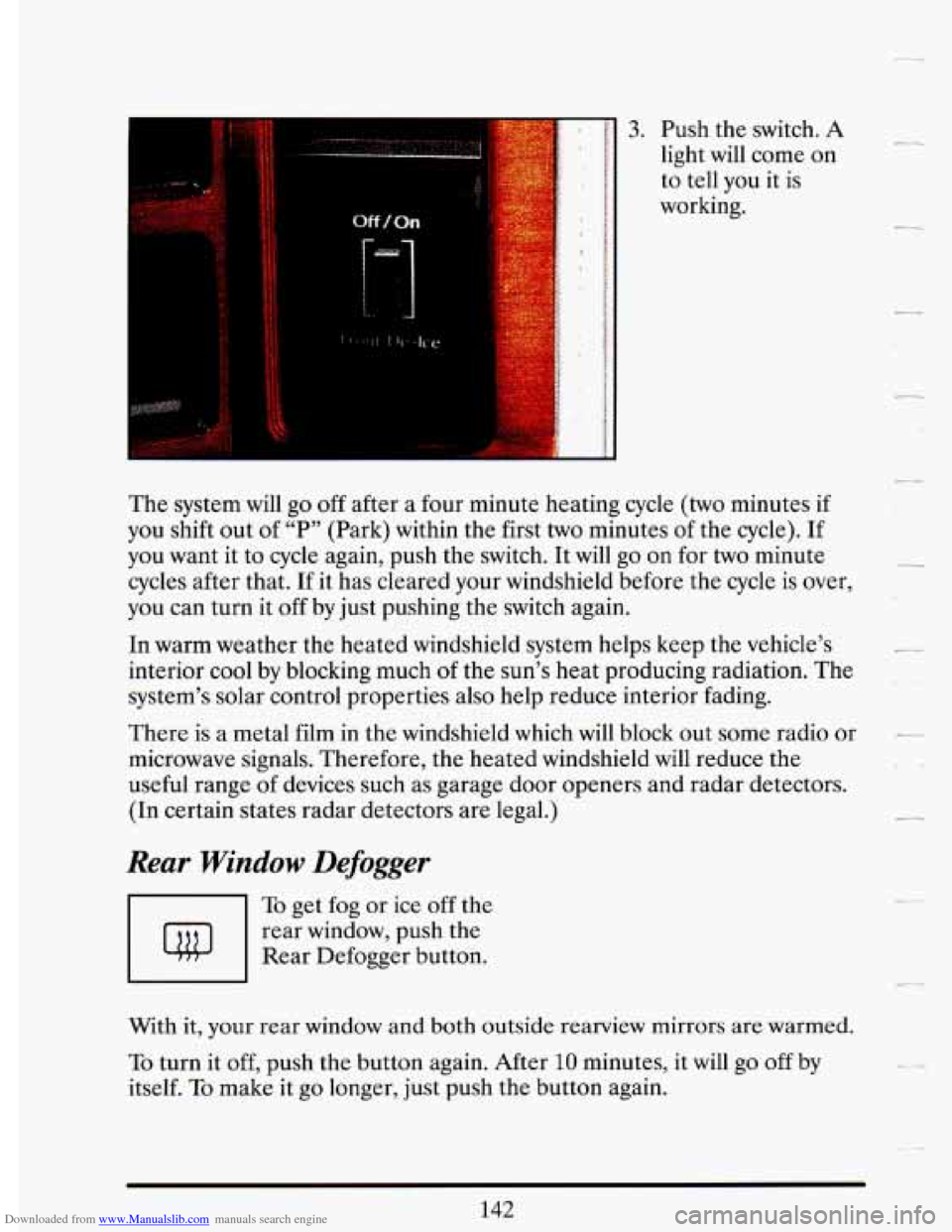
Downloaded from www.Manualslib.com manuals search engine 3. Push the switch. A
light will come on
to tell you it is
working.
The system will go off after a four minute heating cycle (two minutes if
you shift out
of “P” (Park) within the first two minutes of the cycle). If
you want it to cycle again, push the switch. It will go
on for two minute
cycles after that.
If it has cleared your windshield before the cycle is over,
you can turn it
off by just pushing the switch again.
In warm weather the heated windshield system helps keep the vehicle’s
interior cool by blocking much
of the sun’s heat producing radiation. The
system’s solar control properties also help reduce interior fading.
There is a metal film in the windshield which will block out some radio or
microwave signals. Therefore, the heated windshield will reduce the
useful range of devices such as garage door openers and radar detectors.
(In certain states radar detectors are legal.)
Rear Window Defogger
To get fog or ice off the
rear window, push the
Rear Defogger button.
With it, your rear window and both outside rearview mirrors are warmed.
To turn it off, push the button again. After 10 minutes, it will go off by
itself.
To make it go longer, just push the button again.
-
L .I
.-
...
Page 171 of 406

Downloaded from www.Manualslib.com manuals search engine To stop the disc player:
Press the Dower button or turn the ignition key off. The disc stays in
the player and will resume playing at the point where
it stopped.
OR
I
L
.. . ._
I . -. - . .^.
Press St/Pl
(Stop/Play). The
disc will stop and
the radio will play.
Press St/Pl to
restart the disc.
It
will resume playing
at the point where
it stopped.
0
OR
Press Ejct. The disc will eject and the radio will play. The disc will start
at track 1 when yuu insert it again.
Settiplg T%e Clock (Cussette Player)
Have the radio CJ~ ignition on. Then:
TO Set the Hour:
Push Set, and within 5 seconds,
Push Scan. Hold it in until the clock gets to the correct hour. Then let
ro Set Minutes:
Push Set, and within 5 seconds,
Push Seek. Hold it in until the clock gets to the correct minute. Then
let go.
Your clock is set.
158 I
Page 172 of 406

Downloaded from www.Manualslib.com manuals search engine Setting The Clock (CD Player)
Have the radio or ignition on. Then:
To Set the Hour:
Push Set, and within 5 seconds,
0 Push Seek. Hold it in until the clock gets to the correct hour. Then let
go*
To Set Minutes:
e Push Set, and within 5 seconds,
0 Push Scan. Hold it in until the clock gets to the correct minute. Then
Your clock is set.
let
go.
To Play This Radio (Export Only)
PWR
To turn the radio on, press the PWR button. _-
159
Page 174 of 406
Downloaded from www.Manualslib.com manuals search engine - Pushbuttons
The five pushbuttons let you return to favorite stations. You can set the
pushbuttons for up to ten favorite stations
(5 AM and 5 FM). Just:
Tune in the station you want to listen to.
Press the SET pushbutton. (NOTE: The display will show SET for
Within the 5 seconds, push one of the five pushbuttons. SET will
-
about 5 seconds.)
disappear from the display with the station set.
-_
0 Whenever you press that button, the preset station will return.
Clock
To set the clock, just:
0 Press the SET button.
0 Within 5 seconds, press and hold SCAN until the correct hour appears
0 Press and hold SEEK A or until the correct minute appears on the
.~
-.
on the display.
display.
- To Adjust The Tone
Use the levers next to the display to set the bass, midrange, and treble
until you get the sound you want. The
60 and 250 levers adjust the bass;
We suggest you start with the center lever
(E) in the midpoint position.
Then move the others up or down until you get the amount
of bass and
treble you like.
-- 1K is midrange; and 3.5K and 10K control the treble.
c_
To Play a Cassette (Export Only)
Your tape player is built to work best with tapes that are 30 to 45 minutes
long on each side. Tapes longer than that are
so thin they may not work
well in this player.
With the radio on, press a tape into the slot marked
AUTO REVERSE
(tape side goes in first).
161
Page 195 of 406
Downloaded from www.Manualslib.com manuals search engine If you keep pace with the traffic and allow realistic following distances,
you
will eliminate a lot of unnecessary braking. That means better
braking and longer brake life.
If your engine ever stops while you’re driving, brake normally but
don’t pump your brakes.
If you do, the pedal may get harder to push
down. If your engine stops, you will still have some power brake assist.
But you will use
it when you brake. Once the power assist is used up, it
may take longer
to stop and the brake pedal will be harder to push.
Anti-Lock Brakes (ABS)
Your Cadillac has an advanced electronic braking system that will help
prevent skidding.
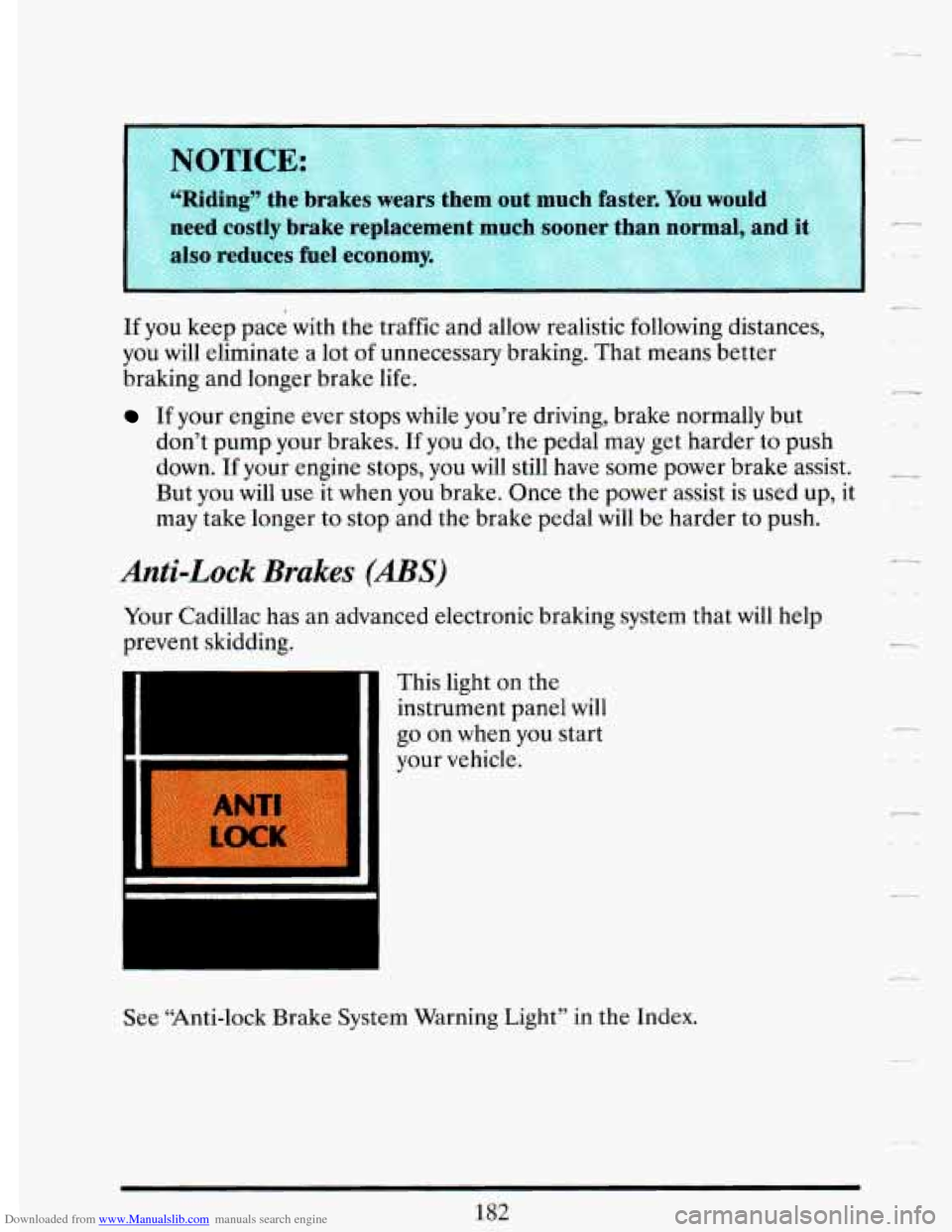
This light on the
instrument panel will
go on when you start
your vehicle.
I
Lr
See “Anti-lock Brake System Warning Light” in the Index.
Page 196 of 406
Downloaded from www.Manualslib.com manuals search engine -
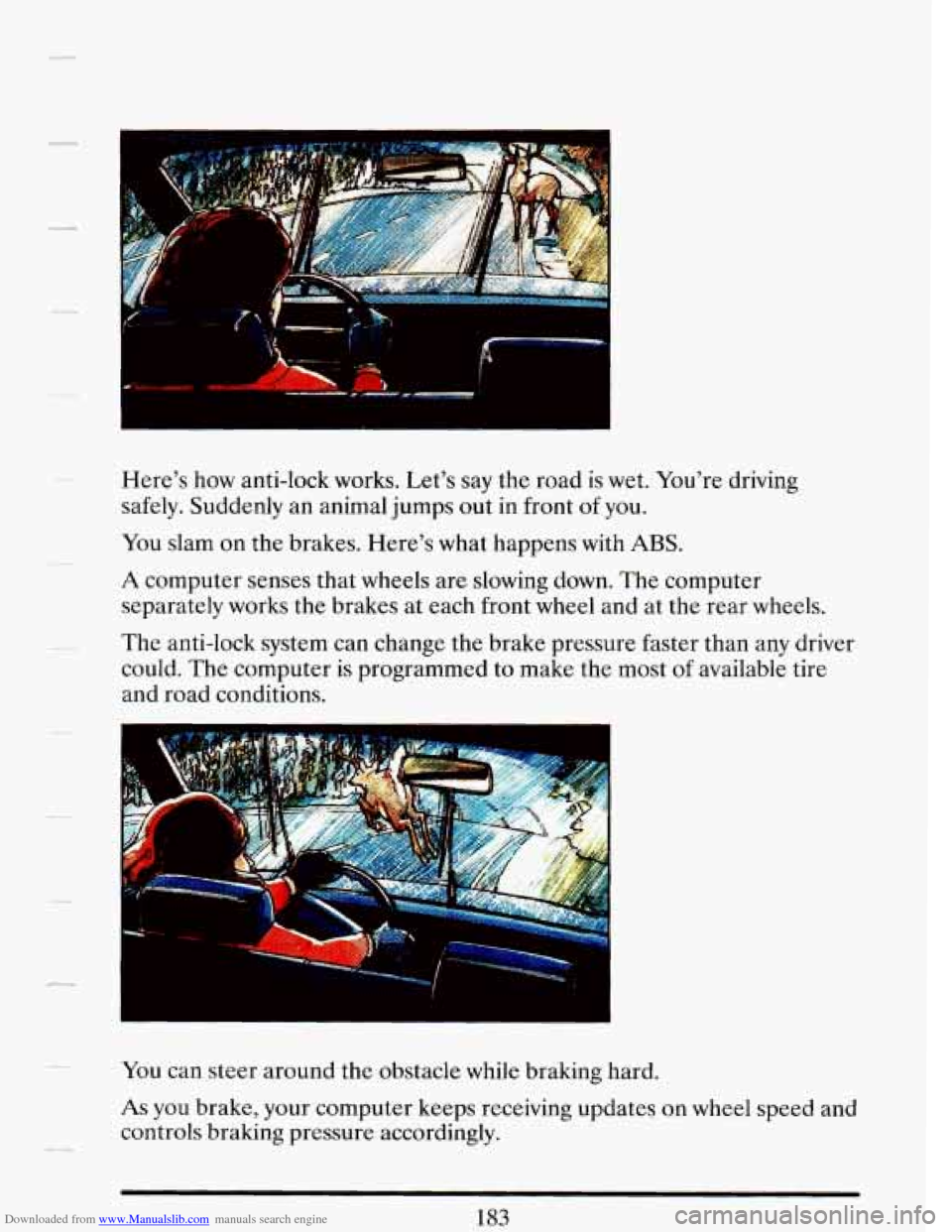
Here's how anti-lock works. Let's say the road is wet. You're driving
safely. Suddenly an animal jumps out in front
of you.
You slam on the brakes. Here's what happens with ABS.
A computer senses that wheels are slowing down. The computer
separately works the brakes at each front wheel and at the rear wheels.
The anti-lock system can change the brake pressure faster than any driver
could. The computer
is programmed to make the most of available tire
and road conditions.
-You can steer around the obstacle while braking hard.
As you brake, your computer keeps receiving updates on wheel speed and
controls braking pressure accordingly.
Page 197 of 406
Downloaded from www.Manualslib.com manuals search engine A CAUTION:
I Anti-lock doesn’t change the time you need to get your foot up to
the brake pedal.
If you get too close to the vehicle in front of
you, you won’t have time to apply your brakes if that vehicle
suddenly slows
or stops. Always leave enough room up ahead to.
stop, even
t- lug ~OU have anti-lock brakes. ..
To Use Anti-Lock:
Don’t pump the brakes. Just hold the brake pedal down and let anti-lock
work for you.
When you start your vehicle and begin to drive away,
you may hear a
momentary motor or clicking noise. And you may even notice that your
brake pedal moves a little while this is going
on. This is the ABS system
testing itself. You may also hear this during
a hard stop.
Traction Control System (Option)
Your vehicle may have a traction control system that limits wheel spin.
This is especially useful in slippery road conditions. The traction control
system works at low speeds only, such as when you accelerate from
a stop.
It applies brake pressure to an individual wheel that the system senses is
about to spin.
ITER
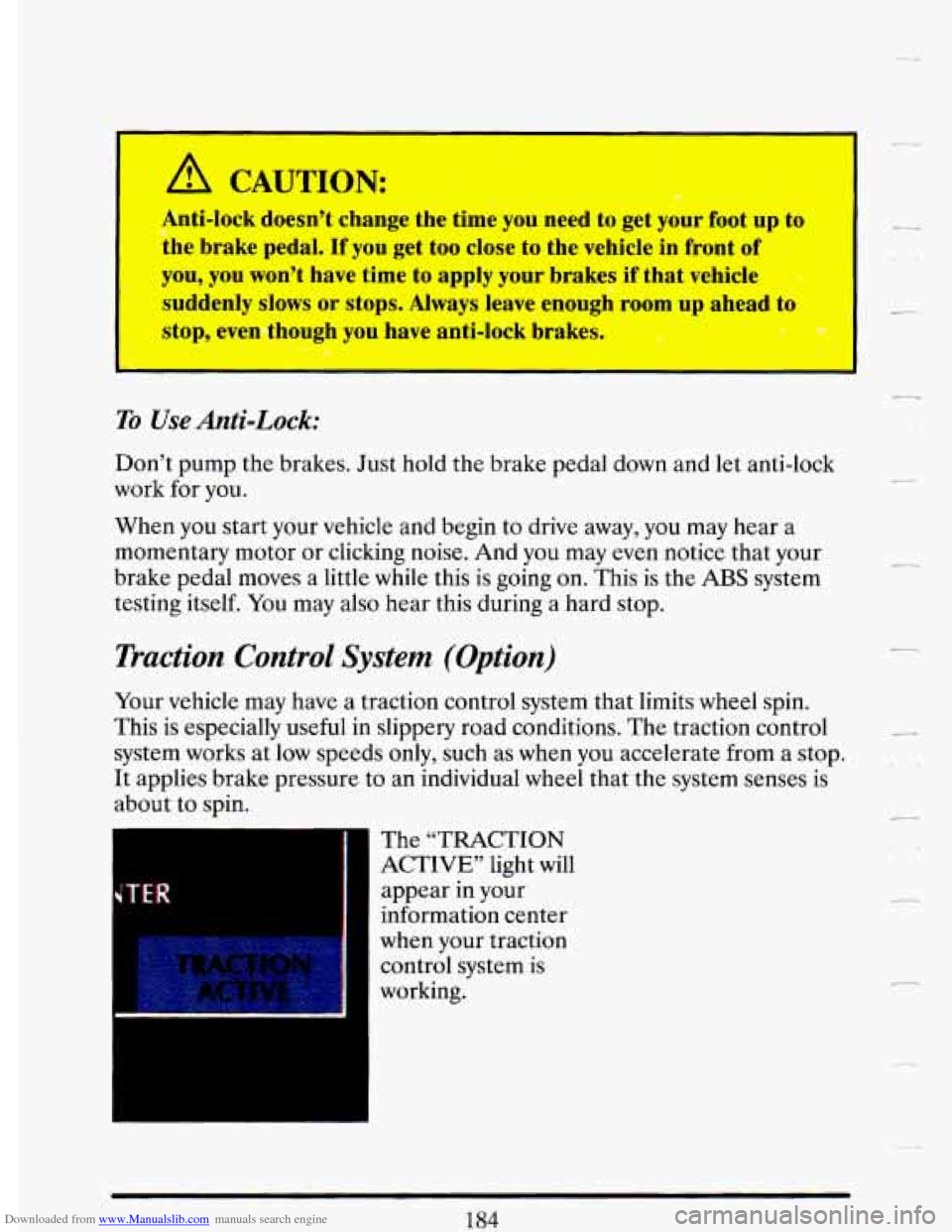
The “TRACTION
ACTIVE’’ light will
appear in your
information center
when your traction
control system is
working.
r
184
Page 199 of 406
Downloaded from www.Manualslib.com manuals search engine VOTICE:
Cmtinuing to drive with worn-out brake pads could result in
I
costly brake repair
Some driving conditions or climates may cause a brake squeal when the
brakes are first applied or lightly applied. This does not mean something
is wrong with your brakes.
Rear Drum Brakes
Your rear drum brakes don’t have wear indicators, but if you ever hear a
rear brake rubbing noise, have the rear brake linings inspected.
Also, the
rear brake drums should be removed and inspected each time the tires
are removed for rotation or changing. When
you have the front brakes
replaced, have the rear brakes inspected, too.
Brake linings should always be replaced as complete axle sets.
Brake Pedal Travel
See your dealer if the brake pedal does not return to normal height, or if
there is a rapid increase in pedal travel. This could be a sign of brake
trouble.
Brake Adjustment
Every time you make a moderate brake stop, your brakes adjust for wear.
If you rarely make a moderate or heavier stop, then your brakes might
not adjust correctly. If you drive in that way, then
-- very carefully -- make
a
few moderate brake stops about every 1000 miles (1600 km), so your
brakes will adjust properly.
Braking in Emergencies
Use your anti-lock braking system when you need to. With anti-lock, you
can steer and brake at the same time.
In many emergencies, steering can
help you more than
even the very best braking.
186
- i
c
r
Page 201 of 406

Downloaded from www.Manualslib.com manuals search engine Try to adjust your speed so you can “drive” through the curve. Maintain a
reasonable, steady speed. Wait to accelerate until you are out of
the
curve, and then accelerate gently into the straightaway.
When you drive into a curve at night, it’s harder to see the road ahead
of
you because it bends away from the straight beams of your lights. This is
one good reason to drive slower.
Steering in Emergencies
There are times when steering can be more effective than braking. For
example, you come over a hill and find a truck stopped in your lane, or a
car suddenly pulls out from nowhere, or a child darts out from between
parked cars and stops right in front of you. You can avoid these problems
by braking
-- if you can stop in time. But sometimes you can’t; there isn’t
room. That’s the time for evasive action
-- steering around the problem.
Your Cadillac can perform
very well in emergencies like these. First apply
your brakes. It is better to remove as much speed as you can from a
possible collision. Then steer around the problem, to the left or right
depending on the space available.
An emergency like this requires close attention and a quick decision. If
you are holding the steering wheel at the recommended 9 and 3 o’clock
positions, you can turn it a
full 180 degrees very quickly without removing
either hand. But you have to act fast, steer quickly, and just as quickly
straighten the wheel once you have avoided the object. You must then be
prepared to steer back to your original lane and then brake to a
controlled stop.
Depending on your speed, this can be rather violent for an unprepared
driver. This is one of the reasons driving experts recommend that you use
your safety belts and keep both hands on the steering wheel.
188
-‘ I
-
I cc
-.
r
)--r
-
LL
Page 206 of 406
Downloaded from www.Manualslib.com manuals search engine surfaces because stopping distance will be longer and vehicle control
more limited.
While driving on a surface with reduced traction, try your best to avoid
sudden steering, acceleration, or braking (including engine braking by
shifting to
a lower gear). Any sudden changes could cause the tires to
slide. You may not realize the surface is slippery until your vehicle is
skidding. Learn to recognize warning clues
-- such as enough water, ice or
packed snow on the road to make a “mirrored surface”
-- and slow down
when you have any doubt.
Remember: Any anti-lock braking system
(ABS) helps avoid only the
braking skid. Steer the way you want to go.
DRIPTNG AT NIGHT
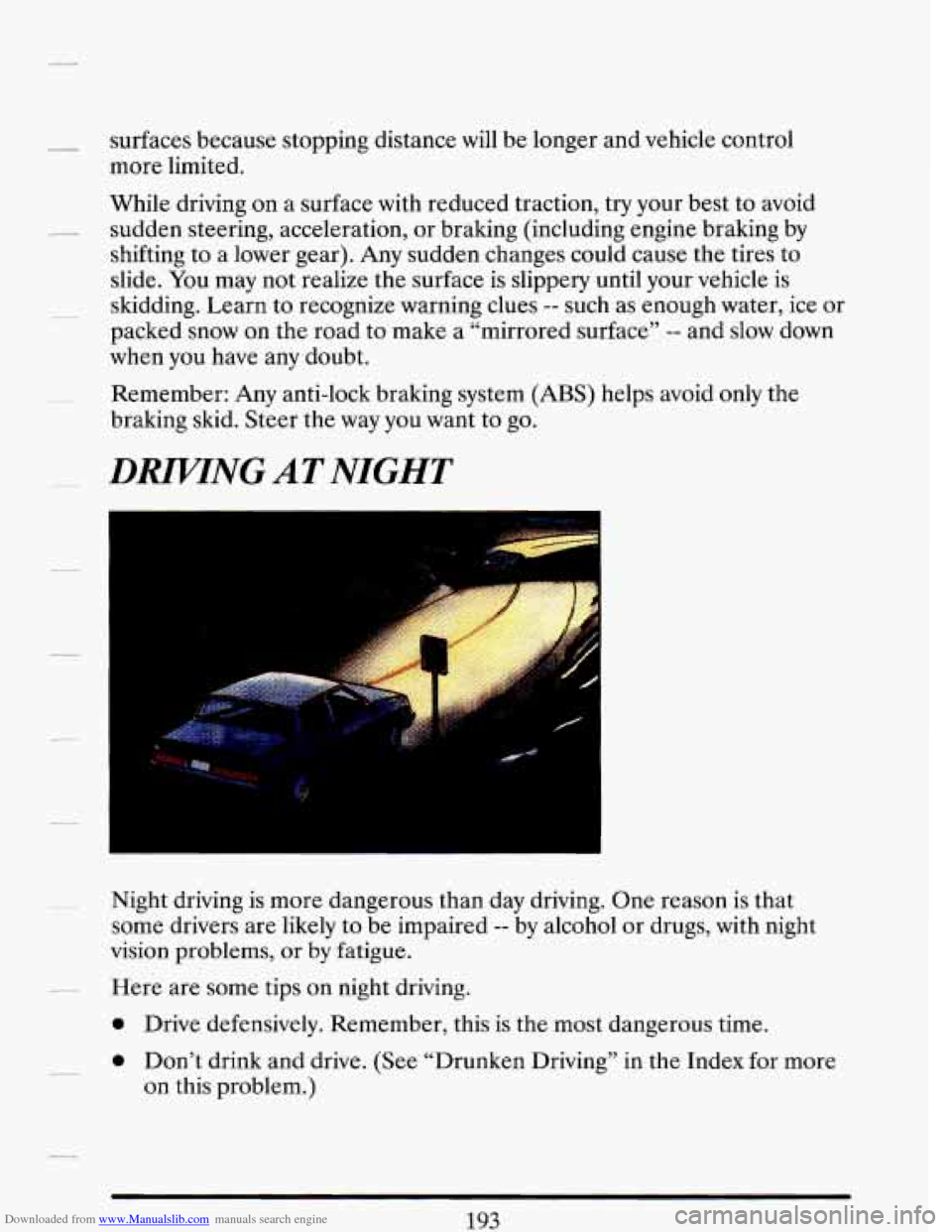
Night driving is more dangerous than day driving. One reason is that
some drivers are likely to be impaired
-- by alcohol or drugs, with night
vision problems, or
by fatigue.
Here are some tips on night driving.
0 Drive defensively. Remember, this is the most dangerous time.
0 Don’t drink and drive. (See “Drunken Driving” in the Index for more
on this problem.)
193