lock CADILLAC DEVILLE 1995 7.G Owner's Manual
[x] Cancel search | Manufacturer: CADILLAC, Model Year: 1995, Model line: DEVILLE, Model: CADILLAC DEVILLE 1995 7.GPages: 403, PDF Size: 20.69 MB
Page 110 of 403
Downloaded from www.Manualslib.com manuals search engine r
i
h
r I
I
r
6:
Express Down Window (Auto)
The driver's POMW wiidow has this feature. Just prcss the switch rearward
for half a secolld 01- morc and then let go. The window will lower
completely. If you want to stop the window as it is lowering, press the
switch again.
To raise the window, press and hold the switch forward.
Rear Window Lock Out
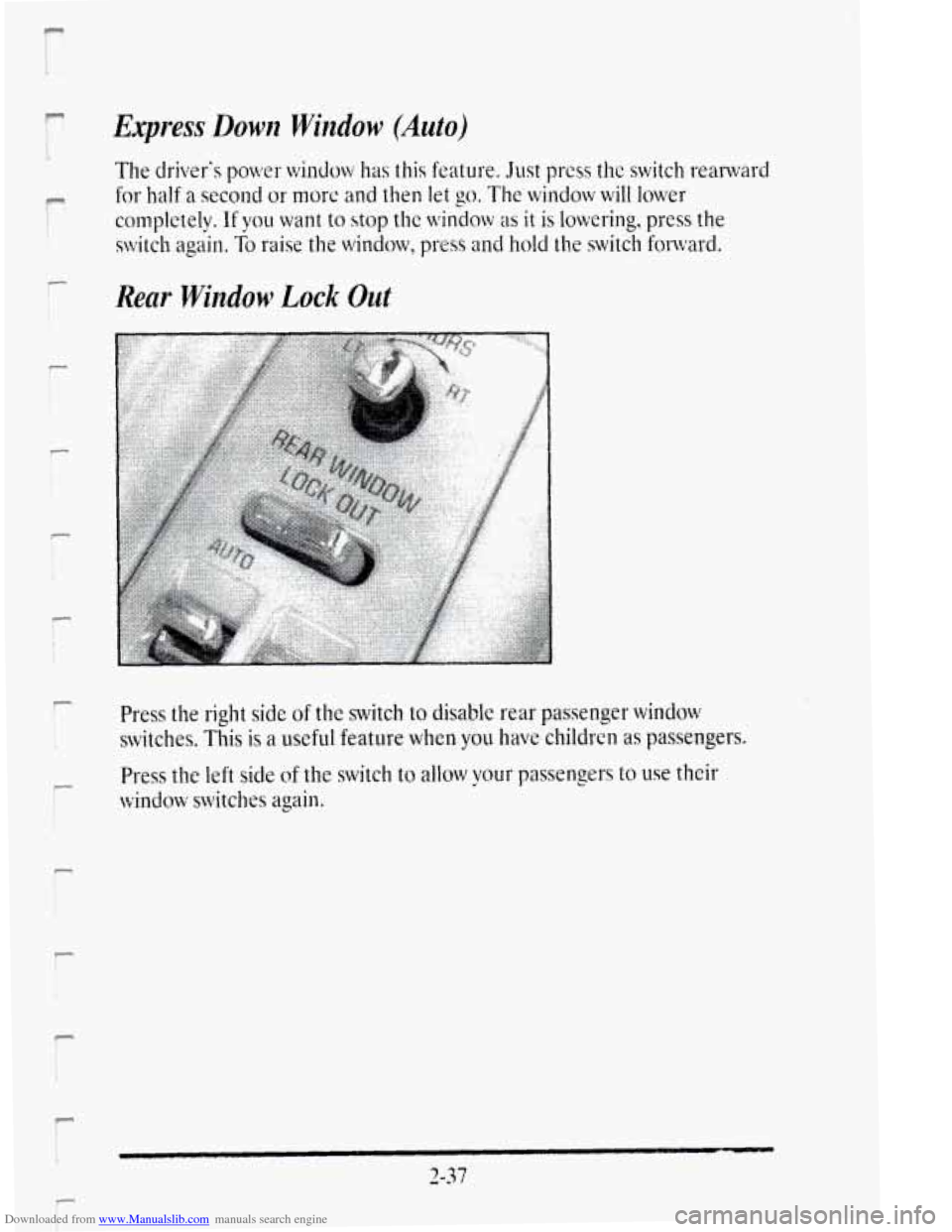
Press the right side of the switch to disable rear passenger window
switches. This is a useful feature when you have children as passengers.
Press the
left side of the switch to allow your passengers to use their
window switches again.
Page 111 of 403
Downloaded from www.Manualslib.com manuals search engine HORN
To sound the horn just press a corner of the air bag located in the center
of the steering wheel.
TILT WHEEL
A tilt steering wheel allows you to adjust the steering wheel before you
drive.
You can also raise the steering wheel to the highest level to give your legs
more room when
you exit and enter the vehicle.
I
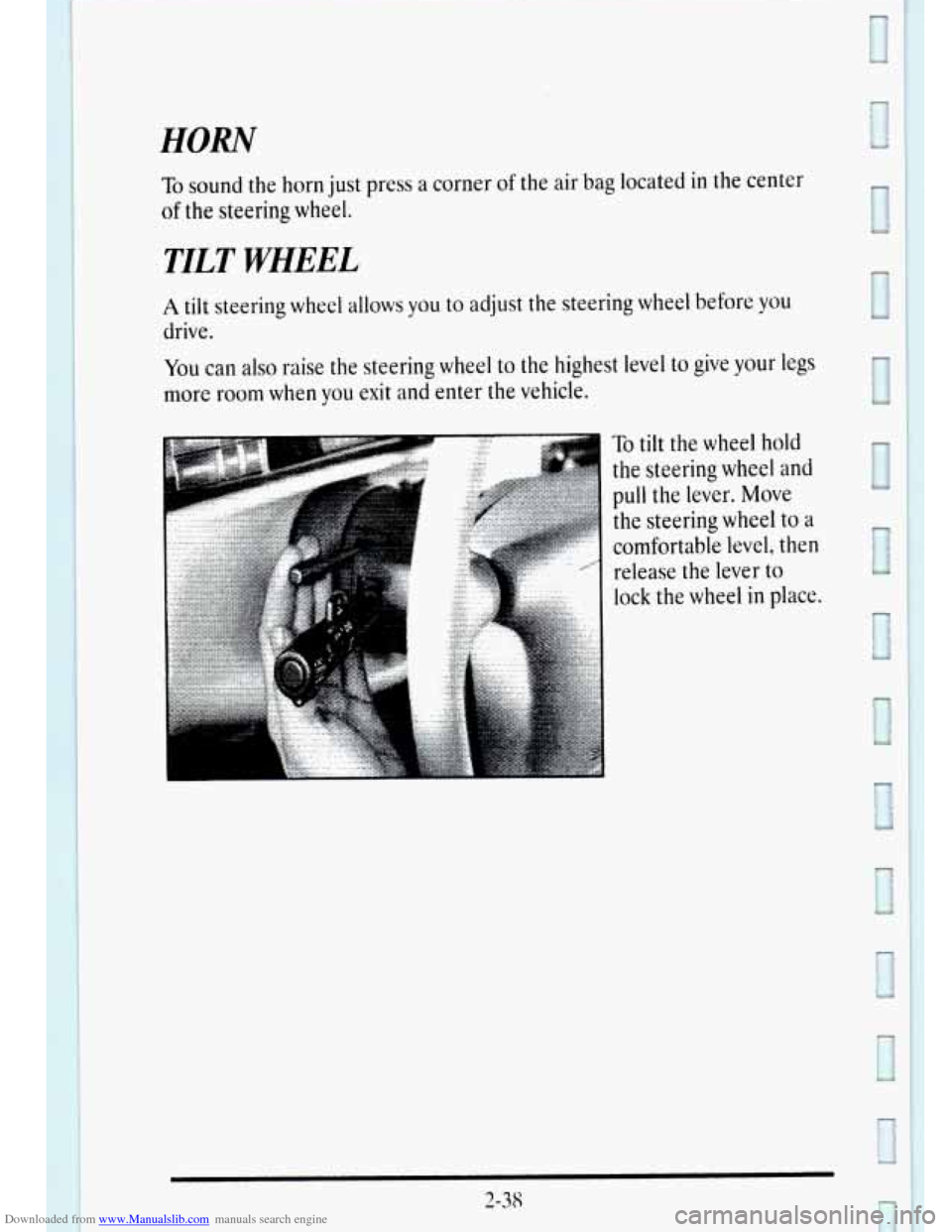
To tilt the wheel hold
the steering wheel
and
pull the lever. Move
the steering wheel
to a
comfortable level, then
release the lever
to
lock the wheel in place.
2-38
Page 138 of 403
Downloaded from www.Manualslib.com manuals search engine r
I L.
r
P
P
r
I
P r
c
P
P
Front Visor and Auxiliary Sunshade System
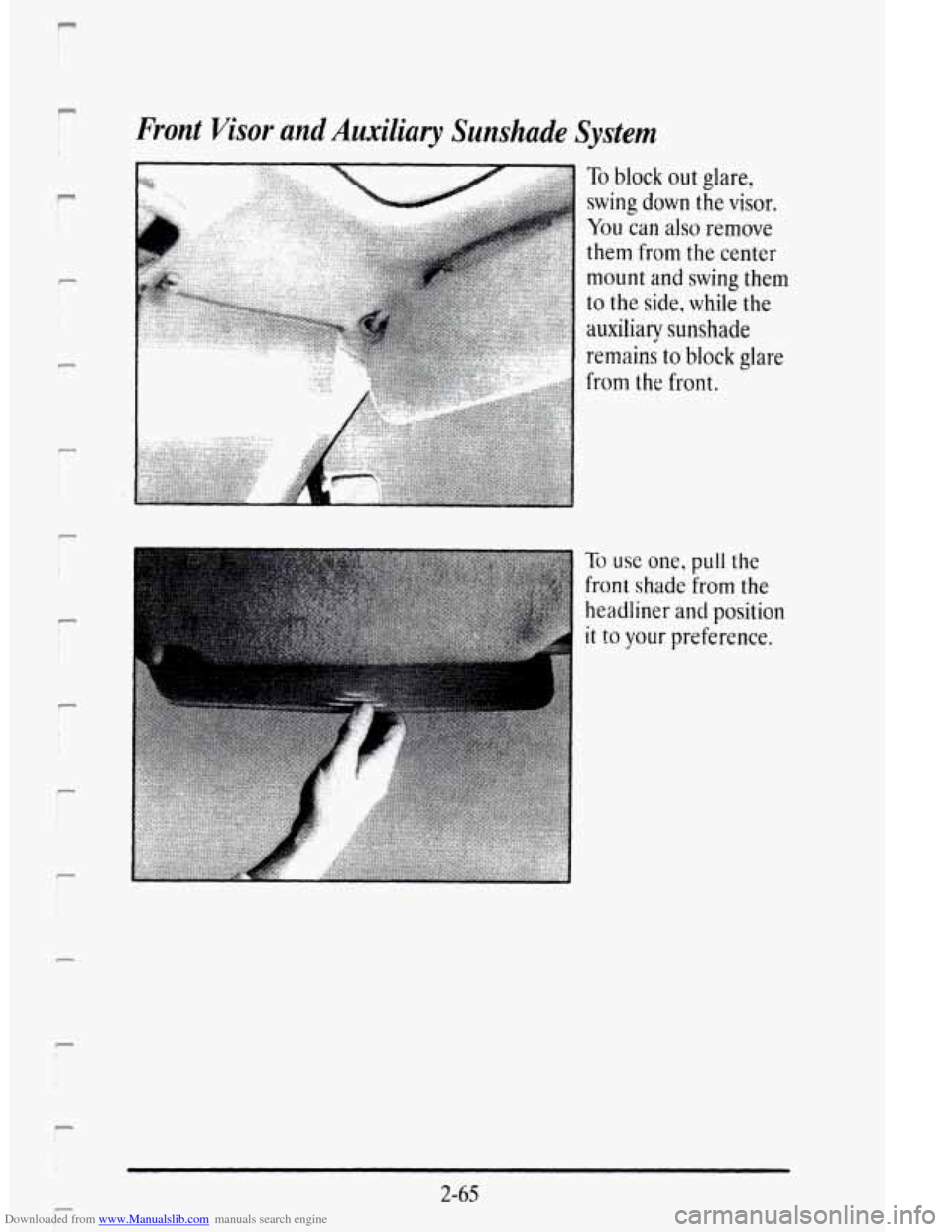
To block out glare,
swing down the visor.
You can also remove
them from the center
mount and swing them
to the side, while the
auxiliarqr sunshade
remains to block glare
from the front.
To use one, pull the
front shade from the
headliner
and position
it to your preference.
2-65
i- i
Page 151 of 403
Downloaded from www.Manualslib.com manuals search engine Anti-Lock Brake System Warning Light
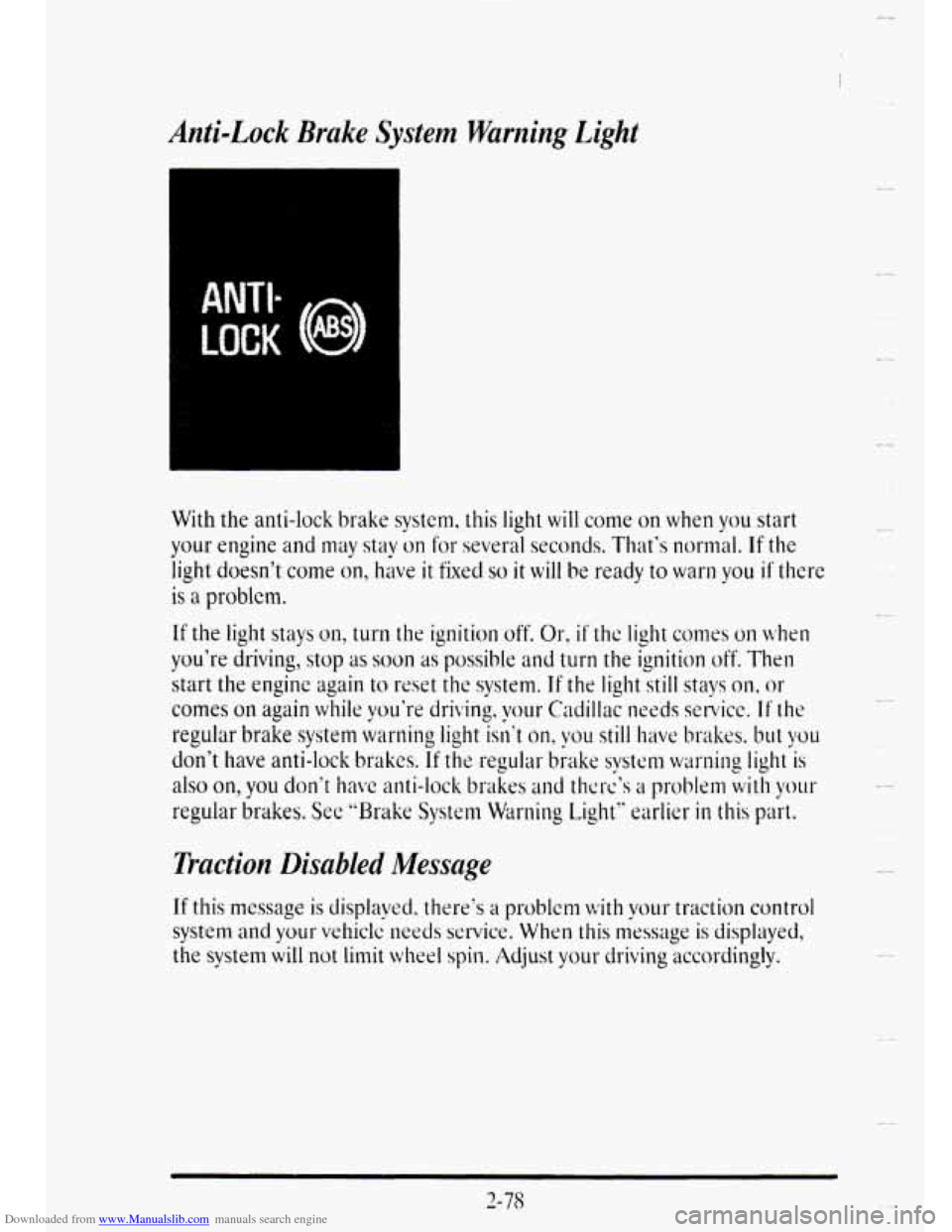
With the anti-lock brake system, this light will come on when you start
your engine and may stay on for several seconds. That‘s normal. If the
light doesn’t come on, hiwe it fixed so it will be ready to war11 you if there
is a problcm.
If the light stays on, turn the ignition off. Or, if’ the light comes on when
you’re driving, stop as soon as possible and turn the ignition off. Then
start the engine again
to reset the system. If the light still stays on, or
comes on again while you’re driving. your Cadillac needs setvicc. If the
regular brake system warning light isn’t on, vou still have brakes. but you
don‘t have anti-lock brakes. If the regular biake systm warning light is
also on,
you don’t have anti-lock brakes and thcrc’s a problem with yo~u
regular brakes. See “Brake System Warning Light” earlier in this part.
Traction Disabled Message
If this message is displayed. there‘s a problem with vo~~r traction control
system and your vehiclc needs service. When this message is displayed,
the system will not limit wheel spin. Adjust your driving accordingly.
2-7s
u
Page 158 of 403
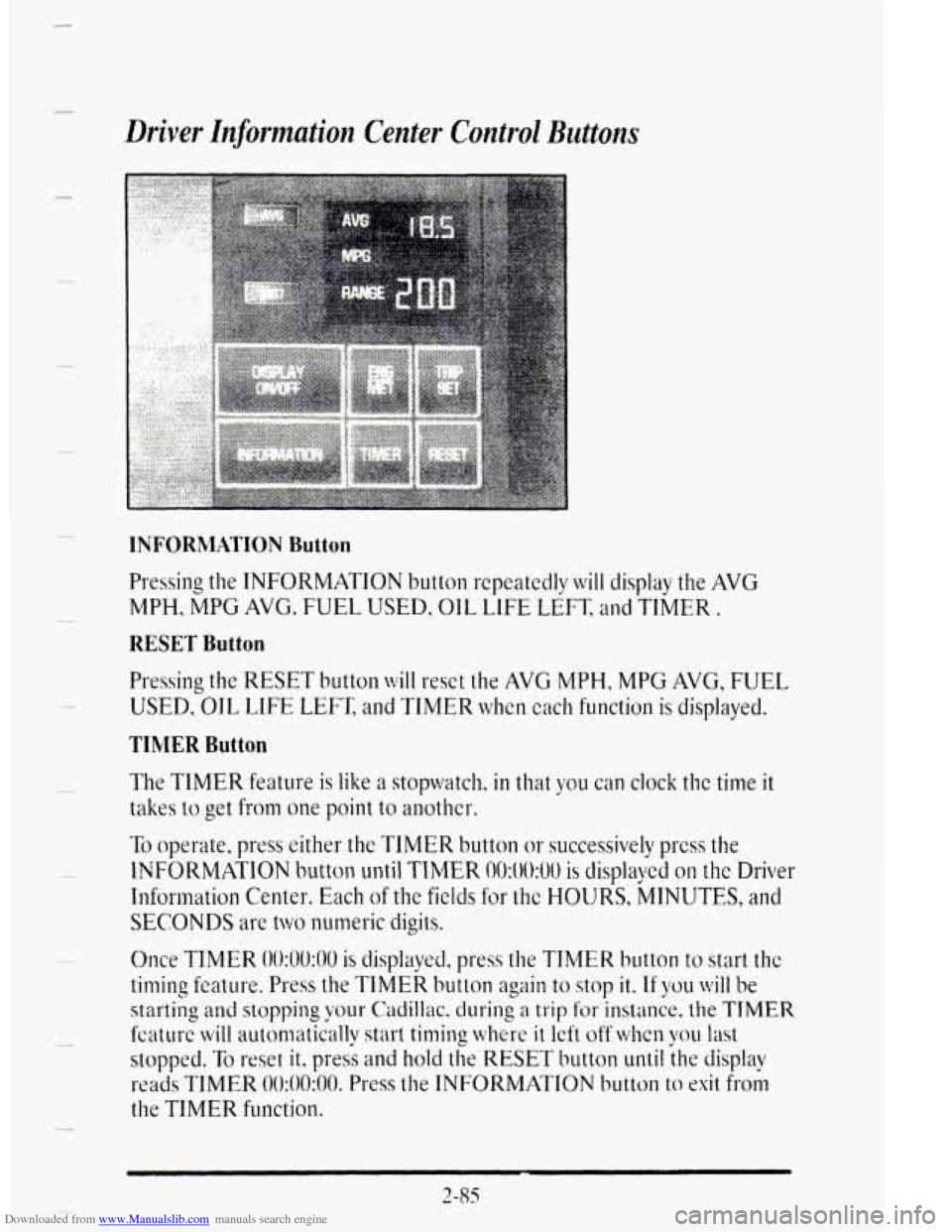
Downloaded from www.Manualslib.com manuals search engine Driver Information Center Control Buttons
INFORMATION Button
Pressing the INFORMATION button rcpeatcdly will display the AVG
MPH,
MPG AVG. FUEdL USED, OIL LIFE LEFT, and TIMER,
RESET Button
Pressing the RESET button will reset the AVG MYH, MPG AVG, FUE-L
USED, OIL LIFE LEFT, alld TIMER when cach functioll is displayed.
TIMER Button
The TIMER feature is like a stopwatch. in that you can clock the time it
takes to get from one point to another..
To operate, press either the TIMER button or successively press the
11VFORMATION button until TIMER 00:OO:UU is displayed on the Driver
Information Ce.nter. Each of the fields for the HOURS, MINUTES, and
SECONDS are two numeric digits.
2-85
Page 170 of 403

Downloaded from www.Manualslib.com manuals search engine 1 SECTION 3
I
COMFORT CONTROLS AND AUDIO SYSTEMS
In this section you'll find out how to operate the comfort control systems
and audio systenx offered
with your Cadillac. Be sure to read about the
particular system supplied
with your vehicle.
YOUR CADILLACAIR SYSTEM
Outside Air
Outside air flows through your vehicle when it is moving. It enters your
vehicle through an inlet at
the base of the windshield. Keep this area clear
of dcbris. Under most operating conditions this system uses outside air
when heating or cooling your vehicle. If you select the 60" F (16' C)
AUTO setting, a door will close to stop the flow of most outside air
allowing recirculated interior air to cool your vehicle. Your vehicle can
also use this recirculate mode during normal auto air conditioning if
maximum cooling is needed to maintain the selected temperature.
Air Outlets
.. , . .. .
Air outlets are located
in the center and at
each side of the
instrument panel.
You
can adjust the direction
of airflow by moving
the center cbntrol
levers
or stop the
airflow bv moving the
lever locked
on each
side of the outlets
downward.
3- 1
Page 177 of 403
Downloaded from www.Manualslib.com manuals search engine The system will go off after a four-minute heating cycle. If you shift out of
PARK (P), the system will only cyclc for two minutes. If you want it to
cycle again? press the switch. It will go on for two-minute cycles after that.
If it has cleared your windshield before the cycle is over, you can turn it
off by just pressing the switch again.
Use
the defroster or defog features of the Electronic Climate Control to
clear fog from the windshield as previously described. In warm weather
the heated windshield system helps keep the vehicle's interior cool by
blocking much of the sun's heat producing radiation. The system's solar
control properties
also help reduce intcrior fading.
There
is a metal film in the windshield which will block out some radio or
microwave signals. Therefore,
the hcated windshield will reduce the
useful range of devices such as garage door openers and radar detectors.
(In certain states radar detectors are legal.)
AUDIO SYSTEMS
Your Delco"' audio system has been designed to operate easily and give
years of listening pleasure. You will get the most cnjoyment out of your
audio system
if you acquaint vourselfwith it first. Find out what your
Delco" system can
do and f& to opcrate all its controls, to be sure
you're getting the most out of the advanced engineering cj that went into it.
-.7
H
FM Stereo
FM stereo will give you the best sound, however, FM signals will only
rclich about 10 to 40 miles ( 16 to 65 km), Ell1 buildings or hills may
interfere with
FM signals causing sounds to fade and may also cause
popping. crackling
or momentary hissing noises.
Y
AM
The range for most AM stations is greater than for FM, especially at
night. The longer
range, however, can cause stations to interfere with
each other. (FCC regdations require some AM radio stations to reduce
signal strength
at nieh to mhimize interference.) AM can pick up noise
from things like
stohs and powcr lines. Try reciucing the treble to reduce
this noise if you ever gct it.
3-8
Page 178 of 403
Downloaded from www.Manualslib.com manuals search engine I
AM Stereo
0 Press and hold SCAN. When the clock gets to the correct minute,
release.
Your clock is set.
!
3-9
Page 183 of 403
Downloaded from www.Manualslib.com manuals search engine PUSH-PROG: Press this button (upper knob) to switch from playing one
side
of the tape to the other.
STOP-EJECT Press this button to stop or remove the tape.
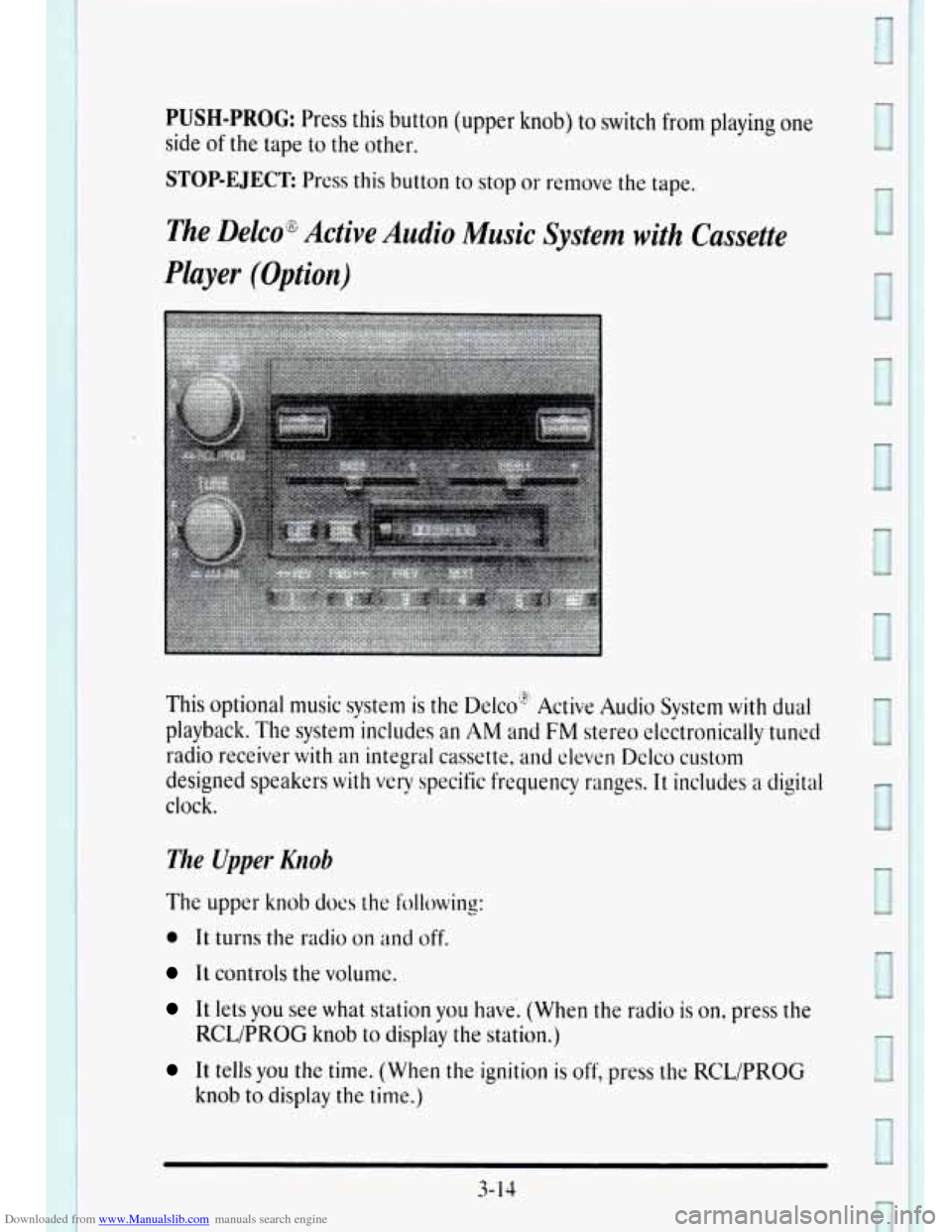
The Delco% Active Audio Music System with Cassette
Player (Option)
I
This optional music system is the Delco" Active Audio System with dual
playback. The system includes an AM and FM stereo elcctronically tuned
radio receiver
with an integral cassette, and eleven Delco custom
designed speakers
with very specific frequency ranges. It includes a digital
clock.
The Upper. Knob
The upper knob does the following:
0 It turns the radio on and off.
It controls the volume.
It lets you see what station you have. (When the radio is on, press the
It tells you the time. (When the ignition is off, press the RCL/PROG
RCL/PROG
knob to display
the station.)
knob
to display the time.)
Page 186 of 403
Downloaded from www.Manualslib.com manuals search engine I
r
!
r
1
I
r
r
P
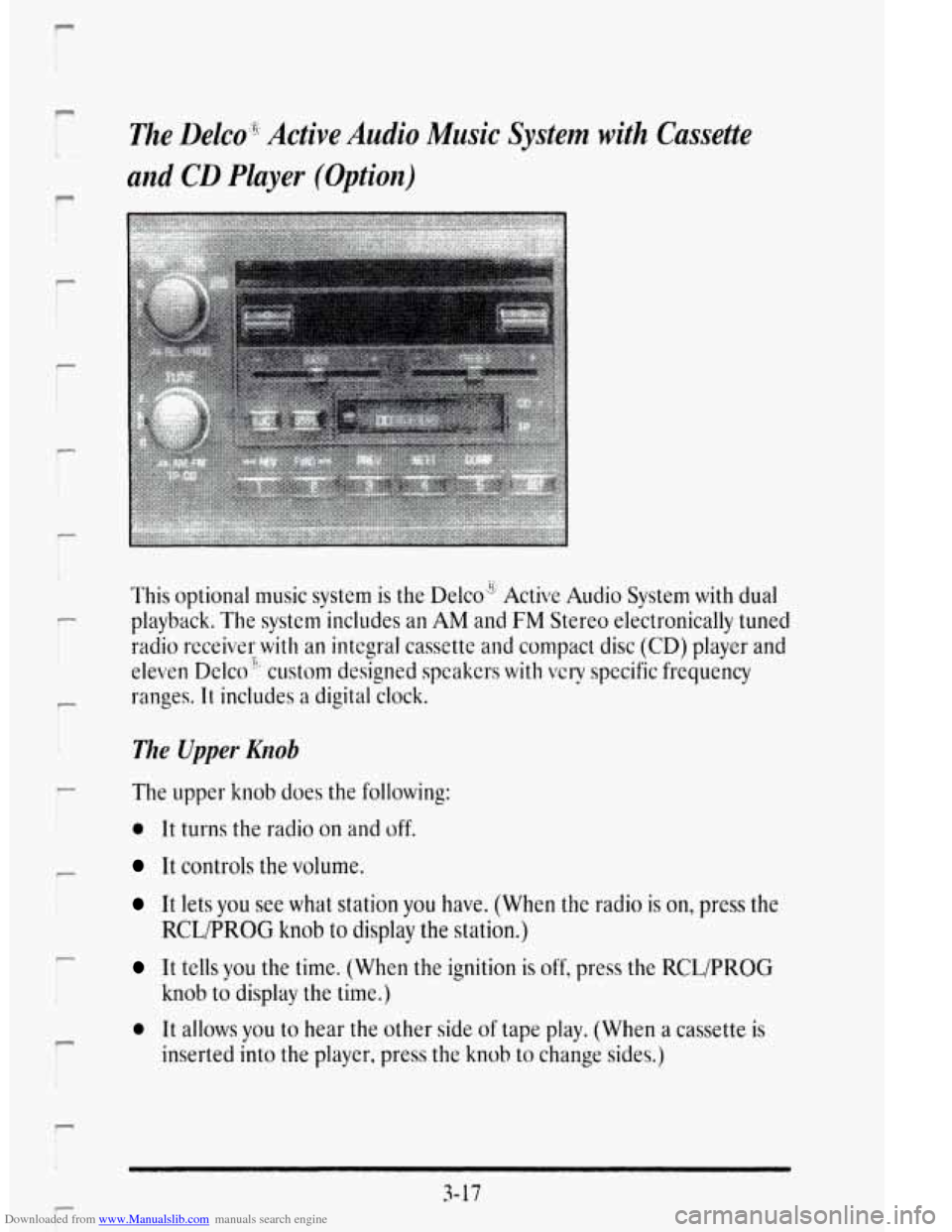
The Delco'g;8 Active Audio Music System with Cassette
and
CD Player (Option)
This optional music system is the Delco" Active Audio System with dual
playback. The system includes an AM and
FM Stereo el&tronically tuned
radio rece,ivsr
with an integral cassette and compact disc (CD) player and
eleven Delco", custom designed speakers with
very specific frequency
ranges.
It includes a digital clock.
?.
The Upper Knob
The upper knob does the following:
0 It turns the radio on and off.
It controls the volume.
It lets you see what station you have. (When the radio is on, press the
It tells you the time. (When the ignition is off, press the RCL/PROG
0 It allows you to hear the other side of tape play. (Whe.n a cassette is
RCLPROG knob to display the station.)
knob to display the time.)
inserted
into the player, press the knob to change sides.)
3-17