door lock CADILLAC DEVILLE 1998 7.G User Guide
[x] Cancel search | Manufacturer: CADILLAC, Model Year: 1998, Model line: DEVILLE, Model: CADILLAC DEVILLE 1998 7.GPages: 386, PDF Size: 22.36 MB
Page 79 of 386
Downloaded from www.Manualslib.com manuals search engine Operation
When you press this symbol to unlock the driver’s
door, the parking lamps on your vehicle will blink twice.
(You can program your vehicle
so the parking lamps
will not flash. For more information, see “LocMUnlock
Confirmation” later in
this section.) Pressing this
symbol again within five seconds will unlock the other
doors. Pressing
this symbol will also disarm the optional
theft-deterrent system and turn on the interior lamps
at night.
8 When you press this symbol to lock the doors, the
parking lamps will blink once. (You can program your
vehicle
so the parking lamps will not flash. For more
information, see “LocMUnlock Confirmation”
later in this section.) This also arms the optional
theft-deterrent system.
Press this symbol to open the trunk. (The valet
lockout button must be
off for this feature to work.)
Press this button to open the fuel door.
(The valet lockout button must be
off for this feature
to work.) The
remote keyless entry transmitter can also be used to
recall the memory settings for up to two drivers.
For
more information, see “Memory Seat and Mirrors” in
the Index.
Note that pressing the transmitter buttons numerous
times (approximately
500 times) out of the vehicle’s
operating range may cause the transmitter not to work.
Replacing the battery and pressing the transmitter
buttons 10 or more times out of range will also cause the
transmitter not to work. To reset the transmitter, you
must be within the vehicle’s operating range. Press and
hold the trunk button, and within one second, press and
hold the lock button. Continue to hold both buttons for
approximately three seconds. See your dealer for service
if your transmitter still doesn’t work properly.
Matching Transmitter(s) To Your Vehicle
Each remote keyless entry transmitter is coded to
prevent another transmitter from unlocking your vehicle.
If a transmitter is lost or stolen, a replacement can be
purchased through your dealer. Once your dealer has
coded the new transmitter, the lost transmitter will not
unlock your vehicle. Each vehicle can have only two
transmitters matched to it.
2-8
Page 85 of 386
Downloaded from www.Manualslib.com manuals search engine Theft Parking Lots
Vehicle theft is big business, especially in some cities.
Although your vehicle has a number of theft-deterrent
features, we know that nothing we put on it can make
it impossible to steal. However, there are ways you
can help.
Key in the Ignition
If you leave your vehicle with the keys inside, it’s an
easy target for joy riders or professional thieves -- so
don’t do it.
When you park your vehicle and open the driver’s door, you’ll hear a chime reminding you to remove your key
from the ignition and take
it with you. Always do this.
Your steering wheel will be locked, and
so will your
ignition and transaxle. And remember to lock the doors.
Parking at Night
Park in a lighted spot, close all windows and lock your
vehicle. Remember to keep your valuables out of sight.
Put them in a storage area,
or take them with you. If you park in
a lot where someone will be watching
your vehicle, it’s best to lock it
up and take your keys.
But what if you have to leave your ignition key?
0
0
0
0
0
0
If possible, park in a busy, well lit area.
Put your valuables
in a storage area, like your
trunk or glove
box. Be sure to close and lock the
storage area.
Close all windows.
Lock the glove
box.
Lock all the doors except the driver’s.
Then take the door key and remote keyless entry
transmitter with you.
2-14
Page 86 of 386
Downloaded from www.Manualslib.com manuals search engine Theft-Deterrent System (If Equipped) Remember, the theft-deterrent system won’t activate if
you lock the doors with a key or use the manual door
If the ignition
is off and lock.
It activates only if you use a power door lock
any door
is open, the switch or the remote keyless entry transmitter.
SECURITY
SECURITY
light will flash,
reminding you to activate
the system. To
0
The light will also flash if the battery has been
disconnected and reconnected. To arm the system, do
the following:
1. Open the door.
2. Lock the door using the power door lock or the
remote keyless entry transmitter. The SECURITY
light should come on and stay on.
3. Close all the doors. The SECURITY light should go
The horn will sound and the lamps will flash for about
30 seconds when the door or trunk is opened without the
key or the remote keyless entry transmitter. The horn
also sounds if the locks
are damaged.
off within about
30 seconds. avoid activating
the alarm by accident:
Always unlock a door with a key or use the remote
keyless entry transmitter. (Pressing the unlock button
on the remote keyless entry transmitter disables the
theft-deterrent system.) Unlocking a door any other
way will activate the alarm. Cycling the ignition
without disarming the theft-deterrent system will
also activate the alarm.
The vehicle should be locked with the door key
after
the doors are closed if you don’t want to activate the
theft-deterrent system.
If you activate the alarm by accident, unlock any door with your key. You can also
turn off the alarm by using
the unlock button of the remote keyless entry
transmitter. The alarm won’t stop if you try to unlock a
door any other way.
2-15
Page 87 of 386
Downloaded from www.Manualslib.com manuals search engine Testing the Alarm
1. From inside the vehicle, roll down the window, then get out of the vehicle, keeping the door open.
2. From outside of the vehicle, with the door open, lock
the vehicle using the power door lock or the remote
keyless entry transmitter and close the door. Wait
30
seconds until the SECURITY light goes off.
3. Reach in and unlock the door using the manual lock
and open the door. The horn
will sound and the
headlamps will flash.
If the alarm does not sound when it should, check to see
if the horn works. The horn fuse may be blown. To
replace the fuse, see “Fuses and Circuit Breakers” in the
Index.
If the fuse does not need to be replaced, you may
need to have your vehicle serviced.
To reduce the possibility of theft, always activate the
theft-deterrent system when leaving your vehicle.
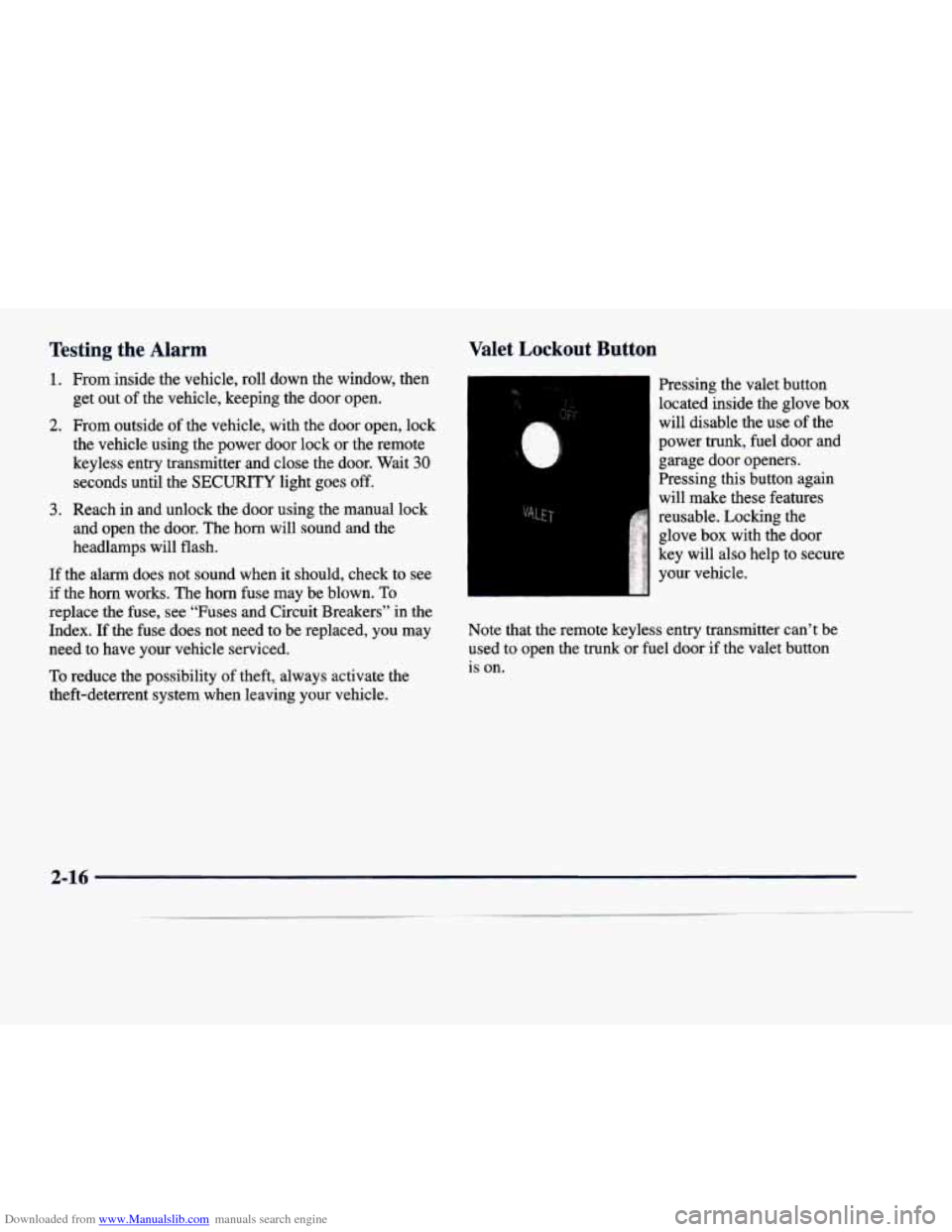
Valet Lockout Button
Pressing the valet button
located inside the glove box
will disable the use of the
power trunk, fuel door and
garage door openers.
Pressing this button again
will make these features
reusable. Locking the
glove box with the door
key will also help to secure
your vehicle.
Note that the remote keyless entry transmitter can’t be used to open the
trunk or fuel door if the valet button
is on.
2-16
Page 90 of 386
Downloaded from www.Manualslib.com manuals search engine LOCK (B): Before you put the key in, the ignition will
be in LOCK. This is the only position in which you can
remove the key. This position locks the ignition, steering
wheel and transaxle. It’s a theft-deterrent feature.
NOTICE:
If your key seems stuck in LOCK and you can’t
turn
it, be sure you are using the correct key; if
so, is it all the way in? If it is, then turn the
steering wheel left and right while you turn the
key hard. But turn the key only with your hand.
Using
a tool to force it could break the key or the
ignition switch.
If none of this works, then your
vehicle needs service.
Retained Accessory Power (RAP)
The following accessories on your vehicle may be used
for up to
10 minutes after the ignition key is turned from
RUN to OFF:
Radio
Power Windows
Astroroof
Power to these accessories stops after
10 minutes or
if any door is opened. If you want power for another
10 minutes, turn the ignition key to RUN, then back
to
OFF, then to LOCK. Always leave your key in
LOCK when using RAP.
If you leave your key in
any other position than LOCK, your battery will
discharge prematurely.
OFF (C): This position lets you turn off the engine but
still turn the steering wheel. It doesn’t lock the steering
wheel like LOCK does. Use
OFF if you must have your
vehicle in motion while the engine is off (for example, if
your vehicle is being pushed).
RUN (D): This is the position for driving.
START (E): This position starts the engine.
2-19
Page 102 of 386
Downloaded from www.Manualslib.com manuals search engine Shifting Out of PARK (P) Parking Over Things That Burn
2. Apply and hold the brake until the end of Step 4.
3. Shift to NEUTRAL (N).
4. Start the vehicle and then shift to the drive gear
you want.
5. Have the vehicle fixed as soon as you can.
.. . .. -
Your vehicle has a Brake-Transaxle Shift Interlock
(BTSI).
You have to fully apply your regular brakes
before you can shift from PARK (P) when the ignition is
in RUN. See "Automatic Transaxle" in the Index.
If you cannot shift out of PARK
(P), ease pressure on
the shift lever
-- push the shift lever all the way into
PARK
(P) and also release the shift lever button on floor
shift models as you maintain brake application. Then
move the shift lever into the gear you want. (Press the
shift lever button before moving the shift lever.) If
you
ever hold the brake pedal down but still can't shift out of
PARK (P), try this:
1. Turn the key to OFF. Open and close the driver's
door to turn
off the Retained Accessory Power
(RAP) feature.
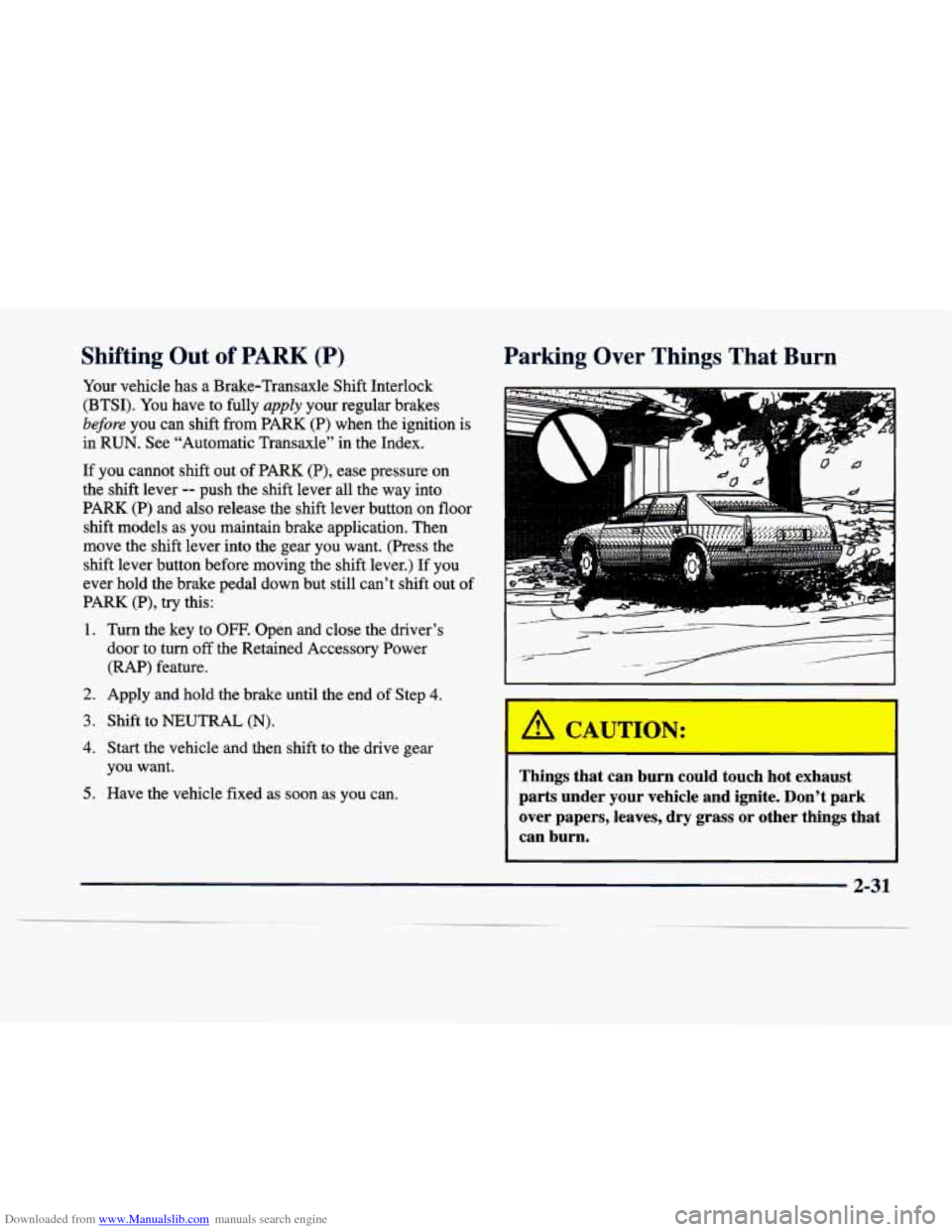
Things that can burn could touch hot exhaust
parts under your vehicle and ignite. Don't park over papers, leaves, dry grass
or other things that
can burn.
2-31
Page 117 of 386
Downloaded from www.Manualslib.com manuals search engine -
Exterior Lighting Battery Saver
If the manual parking lamp control has been left on, the
exterior lamps will
turn off approximately 10 minutes
after the ignition is turned to
LOCK or ACCESSORY.
This protects draining the battery in case yoihave
accidently left the headlamps or parking lamps on. If
you need to purposely leave the lamps on for more than
10 minutes with the ignition in LOCK or ACCESSORY,
turn the manual control knob off and then back on. To
delay the lahps from turning off, see "Twilight
Sentinel" earlier in this section.
Interior Lamps
Instrument Panel Brightness Control
Cluster lighting as well as instrument panel lighting
.automatically dims when it becomes dark outside and
your lights are on. When it's dark, the brightness control
can be manually adjusted by turning the lamp control
knob to the left to dimand
to the right to brighten the
lighting. Cluster lighting and instrument panel lighting automatically brighten when
it becomes light outside.
Courtesy Lamps (DeVille Only)
The courtesy lamps are located in the roof in the rear
seat. These lamps come
ofi with the lamp knob or when
any door is opened and it
is dark outside.
Illuminated Entry
The illuminated eptry system turns on the courtesy
lamps and the backlighting to, the 'door switches
and to
the lamp control
knob when a door is opened or if you
press
a remote keyless entry transmitter button. Since
the illuminated entry system has a photocell,
this means
that it must be dark outside
in order for the courtesy
lamps or backlighting to
turn on. The courtesy lamps
turn off approximately 20 seconds after the last door is
closed
or after the ignition key is placed in the ignition.
2-46
Page 125 of 386
Downloaded from www.Manualslib.com manuals search engine Storage Compartments
Glove Box
The glove box is located in front of the passenger’s seat.
To lock the glove box door, insert the oval key into
the
lock cylinder and turn it to the right. Turn the key to the
left
to unlock the door.
Map Pocket
The maphtorage pockets are located on each
front door as well as on the passenger’s and driver’s
front seatbacks.
Front Storage Armrest
(DeVille and DeVille d’Elegance Only)
The front storage area comes with a coinholder, a
storage compartment for CDs or tapes, an optional
phone and a dual cupholder that unfolds for use.
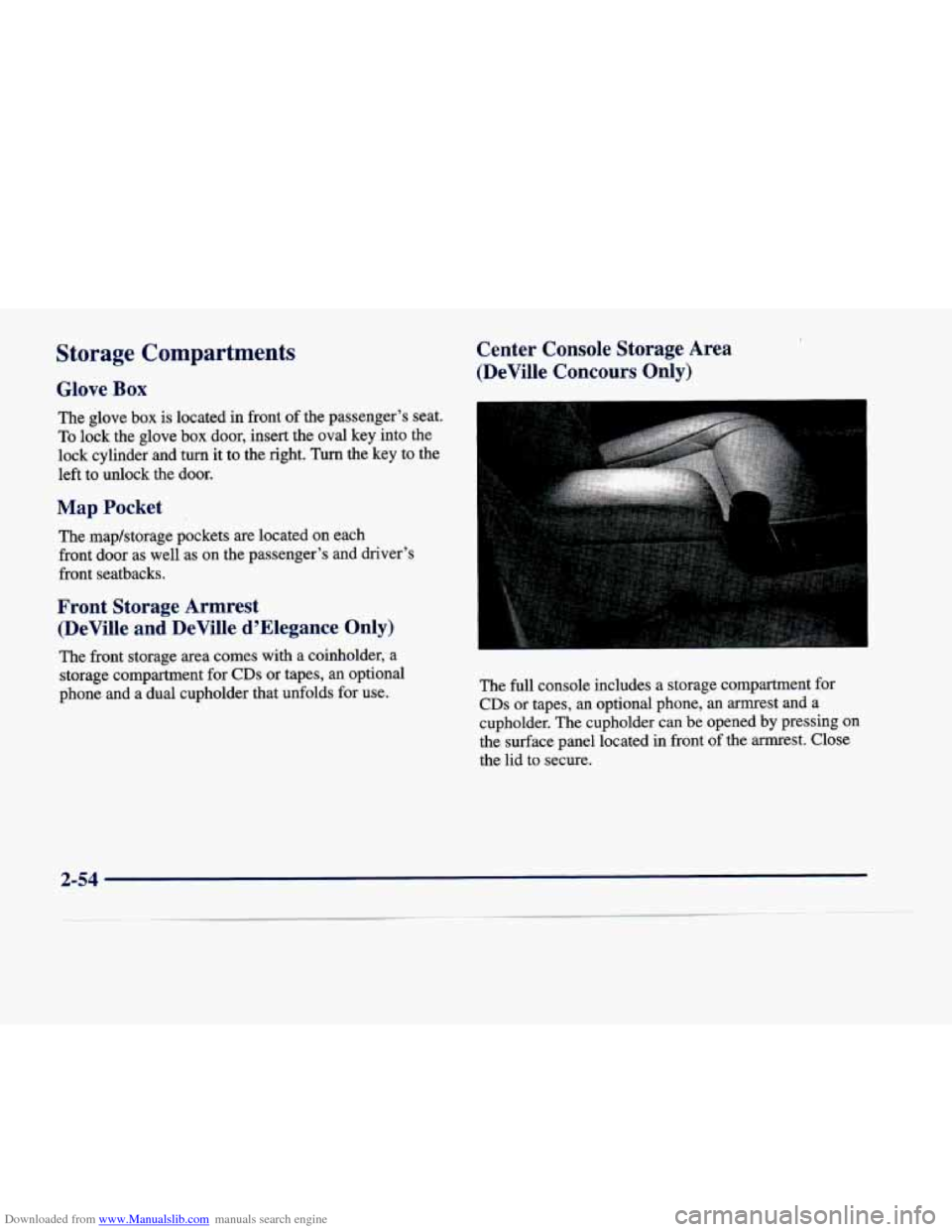
Center Console Storage Area
(DeVille Concours Only)
The full console includes a storage co,mpartment for
CDs or tapes, an optional phone, an armrest and a
cupholder. The cupholder can
be opened by pressing on
the surface panel located in front of the armrest. Close
the lid
to secure.
2-54
Page 128 of 386

Downloaded from www.Manualslib.com manuals search engine OnStar System (Option)
This system may be ordered through your dealer and
will include the optional fixed cellular telephone. The
following services are available
24 hours a day:
Roadside Service with Location
0 Emergency Services Button
Remote Door Unlock
Theft DetectiodNotification and
S tolen-Vehicle Tracking
Bag Deployment
Automatic Notification of Front Air
0 Concierge/Customer Convenience Services
For more information, contact your dealer.
Assist Handles
A handle above each door can be used when getting out
of your vehicle.
Umbrella Holder
(DeVille d’Elegance Only)
The driver’s front seat cushion comes equipped
with an umbrella holder. Gently slide the umbrella into
the slot located under the front portion of the driver’s
seat cushion.
Floor Mats
Your vehicle is equipped with rubber-backed front and
rear floor mats. Keep them clean by vacuuming and
using a spot cleaner, if necessary.
Do not machine wash.
2-57
Page 131 of 386
Downloaded from www.Manualslib.com manuals search engine 3.
4.
5.
Hold the end of the hand-held transmitter against the
front surface of the universal transmitter
so that you
can still see the amber light.
Using both hands, press the hand-held transmitter button and the desired button on the universal
transmitter. Continue to. press both buttons through
Step
5.
Hold down both buttons until you see the amber light
on the universal transmitter flash slowly and then
rapidly. The rapid flashing, which could take up to
90 seconds, indicates that the universal transmitter
has been programmed. Release both buttons once the
light starts to flash rapidly.
If you have trouble programming the universal
transmitter, make sure that you have followed the
directions exactly as described and that the battery in the
hand-held transmitter is not dead.
If you still cannot
program it, rotate the hand-held transmitter end over end
and
try again. The universal transmitter may not work
with older garage door openers that do not meet current
Federal Consumer Safety Standards. If you cannot
program the transmitter after repeated attempts, consult
your dealer.
Be sure to keep the original hand-held transmitter
in case
you need to erase and reprogram the universal transmitter. on
Note to Canadian Owners: During programming, the
hand-held transmitter may stop transmitting after one or
two seconds. If
you are programming from one of these
transmitters, you should press and re-press the button
the hand-held transmitter every two seconds without
ever releasing the button on the universal transmitter.
Release both buttons
when the amber light on the
universal transmitter begins to flash rapidly.
Operating the Transmitter
Press and hold the appropriate button on the universal
transmitter. The amber light comes on while the signal is
being transmitted.
Note that the universal transmitter is disabled when the
valet button inside the glove
box is activated. For more
information, see “Valet Lockout Button” earlier
in
this section.
Also note that if the hand-held transmitter appears to
program the universal transmitter but does not open
your garage door, and if the garage door opener was
manufactured after
1995, the garage door opener may
have a “rolling code” system.
A rolling code system
changes the code
of the garage door opener every time
you open
or close the garage door.
To determine if you have this system, press the button
on the universal transmitter that you have programmed
2-60