mirror CADILLAC DEVILLE 1998 7.G User Guide
[x] Cancel search | Manufacturer: CADILLAC, Model Year: 1998, Model line: DEVILLE, Model: CADILLAC DEVILLE 1998 7.GPages: 386, PDF Size: 22.36 MB
Page 124 of 386
Downloaded from www.Manualslib.com manuals search engine Curb View Assist Mirror (If Equipped)
If your vehicle is equipped with memory mirrors, it will
. also be equipped with the curb view assist mirror
feature.
This featbre, will cause the passenger mirror to
tilt when the vehicle is in REVERSE (R). This feature
may be useful
in allowing you to view the curb when
you are parallel
parking.
When the vehicle is shifted out of REVERSE (R) and a,
five second delay has occurred, the passenger.mirror
,
will return to its original position.
If mer adjustment is needed after the mirror is tilted,
the mirror switch may be used.
,,
Convex Outside Mirror
Your passenger’s side mirror is convex. A convex
mirror’s surface is curved
so you can see more from the,
driver’s seat.
A convex mirror can make things (like other
vehicles) look farther away than they really are.
If you cut too sharply into the right lane, you
could hit a vehicle on your right. Check your
inside mirror
or glance over your shoulder before
changing lanes.
L
2-53
Page 127 of 386
Downloaded from www.Manualslib.com manuals search engine NOTICE:
Illuminated Visor Vanity Mirror
Turn the sunshade down and lift the cover to see the
mirror. Move the slide switch
up or down to brighten or
Don’t hold a cigarette lighter in with your hand
while it is heating.
If you do, it won’t be able to
dim the lamp.
lighter and the heating element. Turn the sunshade down and lift the cover to see the
(If Equipped) ready. That can make it overheat, damaging the
Illuminated Rear Seat Visor Vanity Mirror back away from the heating element when it’s
mirror. Move the slide switch up or down to brighten or
dim the lamp.
ur 7isors
awing down the visor to block out glare. It can also be Cellular Telephone (Option)
detached from the center mount and moved to the side
Your vehicle has been prewired for dealer installation of
while the auxiliary sunshade remains to block glare a Cadillac dual-mode (analog/digital) cellular telephone.
from the front.
hll the front shade from the headliner A fixed mobile or a portable hand-heid system is
and position it to your preference.
available. Either system has steering wheel telephone
The driver’s sunshade is
also equipped with a storage controls and information output through the Driver
flap that can be used for maps or toll tickets. Information Center (DIC). Voice activation and
hands-free operation are standard features. For more
information, contact your dealer.
A user’s guide is
provided with the telephone.
2-56
Page 161 of 386
Downloaded from www.Manualslib.com manuals search engine Programmable, Memory and Personalization
r atures (If Equipped)
Your vehicle may be equipped with the following
features that can be individually programmed,
memorized or personalized for up to two drivers. For a
brief description of each feature (except for climate
control and radio personalization), see each feature
in
the Index.
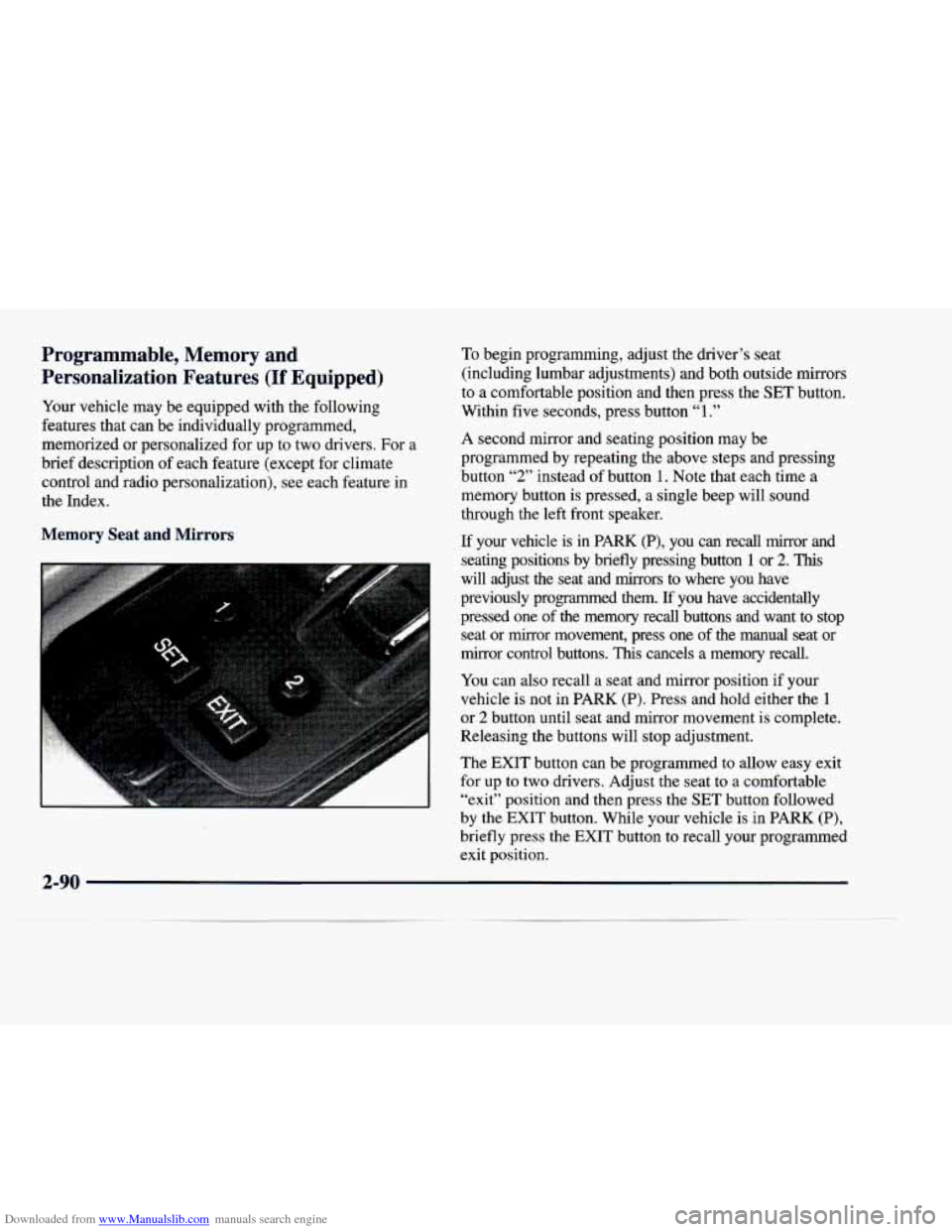
Memory Seat and Mirrors
To begin programming, adjust the driver’s seat
(including lumbar adjustments) and both outside mirrors
to a comfortable position and then press the SET button.
Within five seconds, press button
“1.”
A second mirror and seating position may be
programmed by repeating the above steps and pressing
button
“2” instead of button 1. Note that each time a
memory button is pressed, a single beep will sound
through the left front speaker.
If your vehicle is in PARK (P), you can recall mirror and
seating positions by briefly pressing button
1 or 2. This
will adjust the seat and mirrors to where you have
previously programmed them.
If you have accidentally
pressed one of the memory recall buttons
and want to stop
seat or mirror movement, press one of the manual seat or
mirror control buttons.
This cancels a memory recall.
You can also recall a seat and mirror position if your
vehicle is not in PARK (P). Press and hold either the
1
or 2 button until seat and mirror movement is complete.
Releasing the buttons will stop adjustment.
The EXIT button can be programmed to allow easy exit
for up to two drivers. Adjust the seat to a comfortable
“exit” position and then press the
SET button followed
by the EXIT button.
While your vehicle is in PARK (P),
briefly press the EXIT button to recall your programmed
exit position.
Page 164 of 386
Downloaded from www.Manualslib.com manuals search engine Remote Recall Memory (If Equipped with
Memory Personalization)
Memory settings that have been previously programmed
(climate control settings, radio preset settings, exterior
lighting choices, lockhnlock confirmation choices and
programmable automatic door lock choices)
can be
recalled by using the remote keyless entry transmitter or
by placing the key in your vehicle’s ignition.
Before you begin programming, make sure that
your
vehicle’s ignition is in RUN. To begin programming,
press the INFORMATION
(INFO) and RESET (INFO
RESET) buttons at the same time for about two seconds.
As mentioned, remote recall memory is the third feature
to appear. To “skip” past the first two personalization
features, press the INFORMATION
(INFO) button.
When REMOTE RECALL MEMORY appears, the
driver is able to recall memory settings when the unlock
button on the remote keyless entry transmitter is
pressed. Press the TRIP SET (TRIP RESET) button to
select or press the RESET (INFO RESET) button to
answer no and to continue on to the next prompt.
FEATURE ON displays when a yes response is made. If
a no response was made, the
KEY IN RECALL
MEMORY prompt will show next. This choice recalls
memory settings when the key is placed in your
vehicle’s ignition. FEATURE ON displays for a yes
response and FEATURE
OFF for a no response. A yes
or no response is required.
Curb View Mirror (If Equipped with
Memory Personalization)
If your vehicle has this personalization feature,
MIRROR TILT
IN REV will be the fourth
personalization prompt to display on the Driver
Information Center (DIC).
To program your vehicle, press the INFORMATION
(INFO) and RESET (INFO RESET) buttons at the same
time for about two seconds. When MIRROR TILT
IN
REV appears, a “yes” or “no” response is needed. Press
the TRIP SET (TRIP RESET) button to answer yes or
the RESET
(INFO RESET) button to answer no.
FEATURE ON displays when a yes response is made
and FEATURE
OFF shows after a no response. If
you
do not want to change the setting of this feature,
press the INFORMATION (INFO) button to skip to
the next personalization feature which is Storage
Mode Personalization.
Page 179 of 386
Downloaded from www.Manualslib.com manuals search engine ~~~
~~
~ Ventilation Tips
Keep the hood and front air inlet free of ice, snow
or any other obstruction (such as leaves). The
heater and defroster will work far better, reducing
the chance of fogging the inside of the windows.
of objects. This helps circulate
air throughout
your vehicle.
Keep the air path under the front seats clear
Defogging and Defrosting
On cool, humid days, use DEFOG (digital cluster
climate control panel only) to keep the windshield
and side windows clear. Use DEFROST to remove fog or ice from the windshield quickly in extremely humid
or cold conditions.
With the digital cluster climate control panel, press
the DEFOG button and adjust the fan speed by pressing the fan button up or down.
If you use DEFROST,
adjust the fan speed the same way.
If you select
DEFROST from AUTO, the system will control the
fan speed. The temperature will also need to be
adjusted to your comfort level. Press the blue button
to decrease the temperature and the red button
to
increase the temperature. If your vehicle has a climate control panel (which
is
standard with the analog cluster). If you select
DEFROST, adjust the fan speed by pressing the fan
button up or down. If you select DEFROST from
AUTO, the system will control the fan speed. The
temperature also needs to be adjusted by turning the
TEMP/AUTO knob.
Note that recirculation is not available in the defiost
or defog modes.
Rear Window Defogger
The lines you see on the
rear window warm the glass. Press
this button to
turn on the rear defogger.
With it, the rear window
and both outside rearview
mirrors are heated.
The system will automatically shut
off after 10 minutes.
If further defogging is desired, press the button again.
Do not attach a temporary vehicle license, tape or decals
across the defogger grid on the rear window.
3-12
Page 225 of 386
Downloaded from www.Manualslib.com manuals search engine Check your mirrors, glance over your shoulder, and start your left lane change signal before moving out
of the right
lane to pass. When you are far enough
ahead of the passed vehicle to see its front in your
inside mirror, activate your right lane change signal and move back into the right lane. (Remember that
your right outside mirror is convex. The vehicle you
just passed may seem to be farther away from you
than it really is.)
Try not to pass more than one vehicle at a time
on two-lane roads. Reconsider before passing the
next vehicle.
Don’t overtake a slowly moving vehicle too rapidly.
Even though the brake lamps are not flashing, it may
be slowing down or starting to turn.
following driver to get ahead of you. Perhaps you
can ease a little to the right.
If you’re being passed, make it easy for the
Loss of Control
Let’s review what driving experts say about what
happens when the three control systems (brakes, steering
and acceleration) don’t have enough friction where
the
tires meet the road to do what the driver has asked.
In any emergency, don’t give up. Keep trying to steer and
constantly seek an escape route or area of less danger.
Skidding
In a skid, a driver can lose control of the vehicle. Defensive
drivers avoid most
skids by taking reasonable care suited to
existing conditions, and by not “overdriving” those
conditions. But
skids are always possible.
The three types of skids correspond to your vehicle’s
three control systems. In the braking skid, your wheels aren’t rolling. In the steering or cornering skid, too
much speed or steering in a curve causes tires to slip and
lose cornering force. And in the acceleration skid, too
much throttle causes the driving wheels to spin.
A cornering skid is best handled by easing your foot off
the accelerator pedal.
Remember: Any traction control system helps avoid
only the acceleration skid.
If your traction control system is
off, then an
acceleration skid is
also best handled by easing your
foot
off the accelerator pedal.
4-14
Page 226 of 386
Downloaded from www.Manualslib.com manuals search engine If your vehicle starts to slide, ease your foot off the
accelerator pedal and quickly steer the way you want the
vehicle to go. If you start steering quickly enough, your
vehicle may straighten out. Always be ready for a
second skid if it occurs.
If you have Stabilitrak, you may see the STABILITY
ENGAGED message on the Driver Information Center. See “Stability Engaged Message” in the Index.
Of course, traction is reduced when water, snow, ice,
gravel or other material is on the road. For safety, you’ll
want to slow down and adjust your driving to these
conditions. It
is important to slow down on slippery
surfaces because stopping distance will be longer and
vehicle control more limited.
While driving on a surface with reduced traction, try
your best to avoid sudden steering, acceleration or
braking (including engine braking by shifting to a lower gear). Any sudden changes could cause the tires
to
slide. You may not realize the surface is slippery until
your vehicle is skidding. Learn to recognize warning
clues
-- such as enough water, ice or packed snow on
the road to make a “mirrored surface”
-- and slow down
when you have any doubt.
Remember: Any anti-lock brake system
(ABS) helps
avoid only the braking skid.
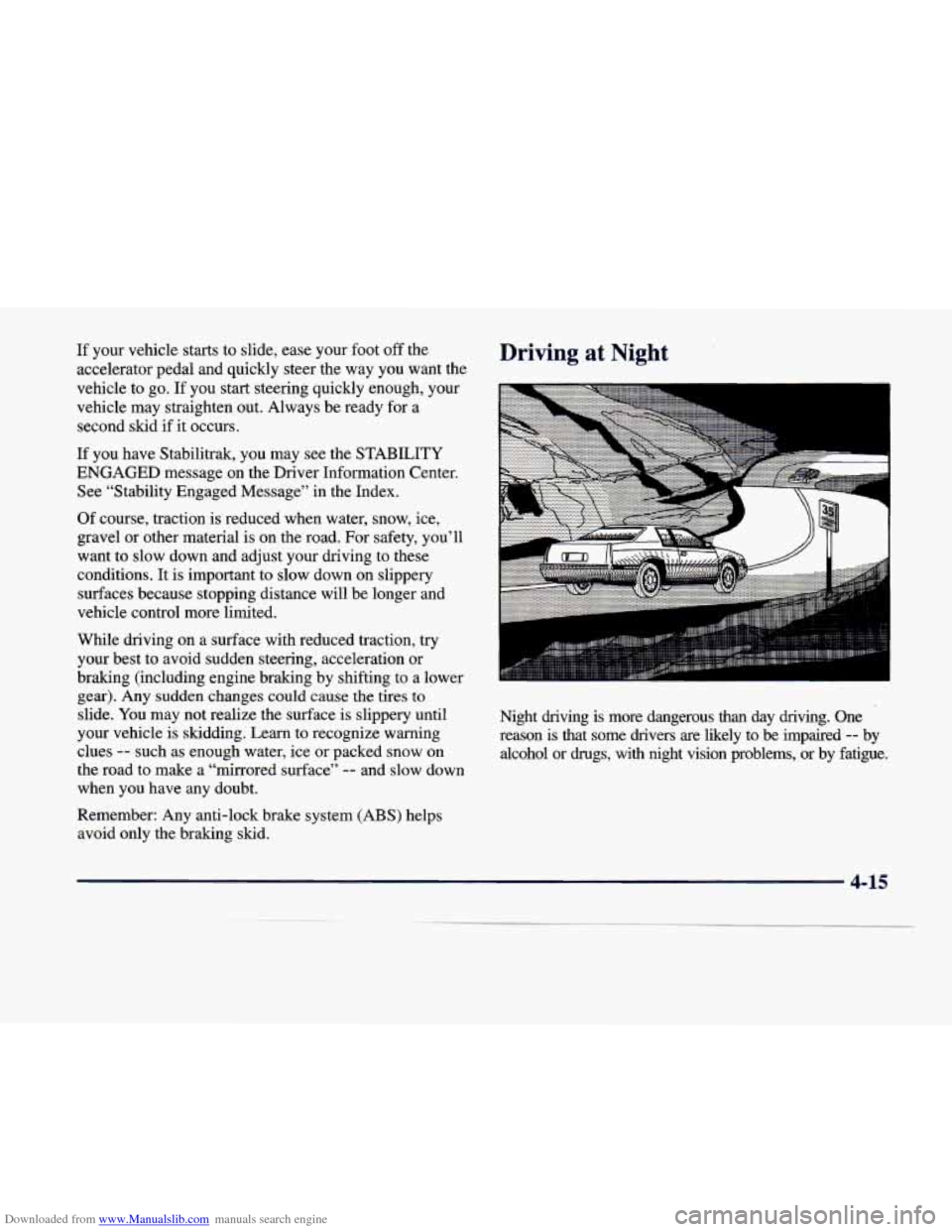
Driving at Night
Night driving is more dangerous than day driving. One
reason is that some drivers are likely to
be impaired -- by
alcohol or drugs, with night vision problems, or by fatigue.
4-15
Page 232 of 386
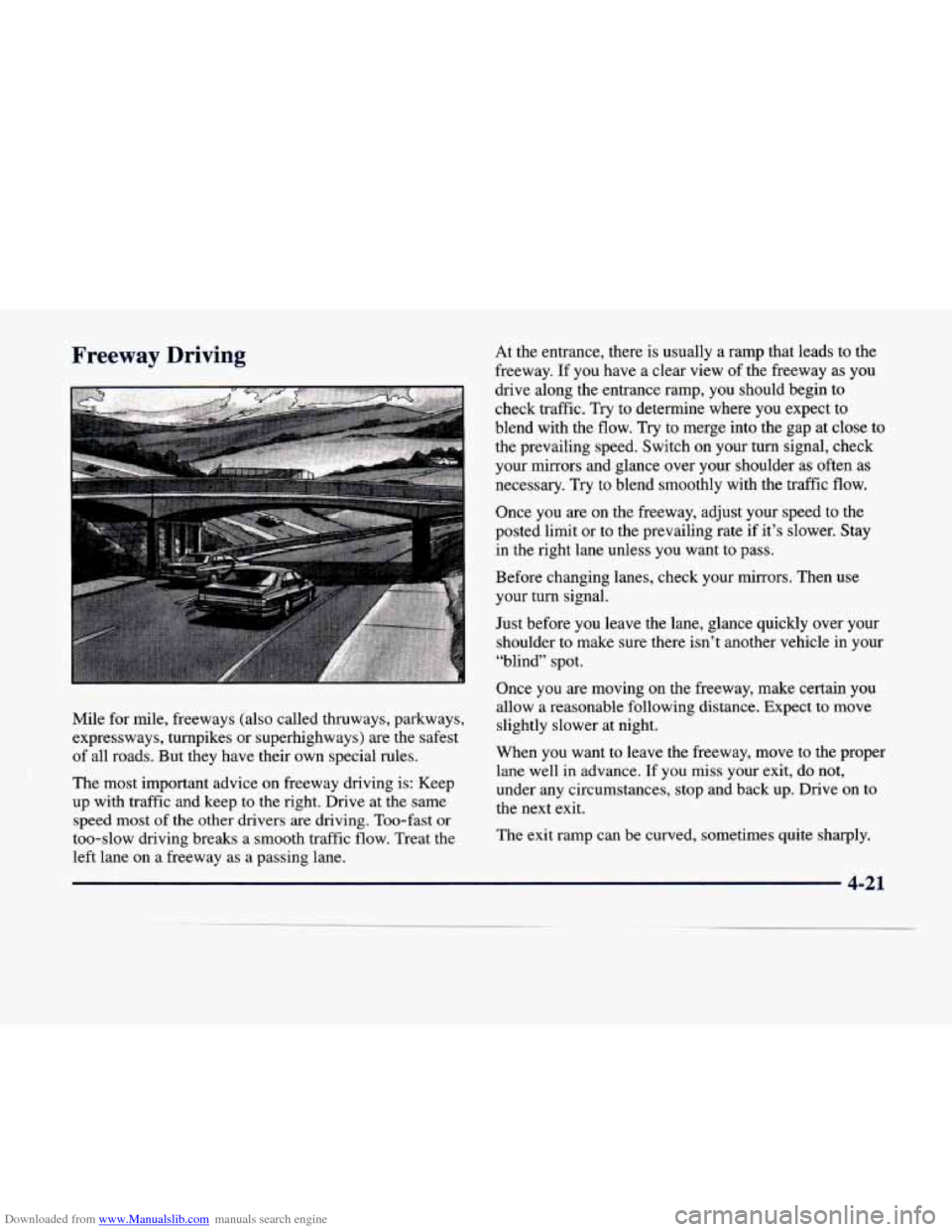
Downloaded from www.Manualslib.com manuals search engine Freeway Driving
Mile for mile, freeways (also called thruways, parkways,
expressways, turnpikes or superhighways) are the safest
of all roads. But they have their own special rules.
The most important advice on freeway driving is: Keep
up with traffic and keep to the right. Drive at the same
speed most
of the other drivers are driving. Too-fast or
too-slow driving breaks a smooth traffic flow. Treat the left lane on a freeway as a passing lane. At
the entrance, there is usually a ramp that leads to the
freeway.
If you have a clear view of the freeway as you
drive along the entrance ramp, you should begin to
check traffic. Try
to determine where you expect to
blend with the flow.
Try to merge into the gap at close to
the prevailing speed. Switch on your turn signal, check
your mirrors and glance over your shoulder
as often as
necessary. Try to blend smoothly with the traffic flow.
Once you
are on the freeway, adjust your speed to the
posted limit or to the prevailing rate if it’s slower. Stay
in the right lane unless you want to pass.
Before changing lanes, check your mirrors. Then use
your turn signal.
Just before
you leave the lane, glance quickly over your
shoulder to make sure there isn’t another vehicle in your
“blind” spot.
Once you are moving on the freeway, make certain you
allow a reasonable following distance. Expect
to move
slightly slower at night.
When you want to leave the freeway, move to the proper lane well
in advance. If you miss your exit, do not,
under any circumstances, stop and back up. Drive on to
the next exit.
The exit ramp can be curved, sometimes quite sharply.
Page 234 of 386
Downloaded from www.Manualslib.com manuals search engine Highway Hypnosis
Is there actually such a condition as “highway hypnosis”?
Or is it just plain falling asleep at the wheel? Call it
highway hypnosis, lack of awareness, or whatever.
There is something about an easy stretch
of road with
the same scenery, along with the hum
of the tires on the
road, the drone of the engine, and the rush
of the wind
against the vehicle that can make you sleepy. Don’t let it
happen to you!
If it does, your vehicle can leave the
road in
less than a second, and you could crash
and be injured.
What can you do about highway hypnosis? First, be
aware that
it can happen.
Then here are some tips:
0 Make sure your vehicle is well ventilated, with a
comfortably cool interior.
0 Keep your eyes moving. Scan the road ahead and to
the sides. Check your rearview mirrors and your
instruments frequently.
0 If you get sleepy, pull off the road into a rest, service
or parking area and take a nap, get some exercise, or
both. For safety, treat drowsiness on the highway as
an emergency.
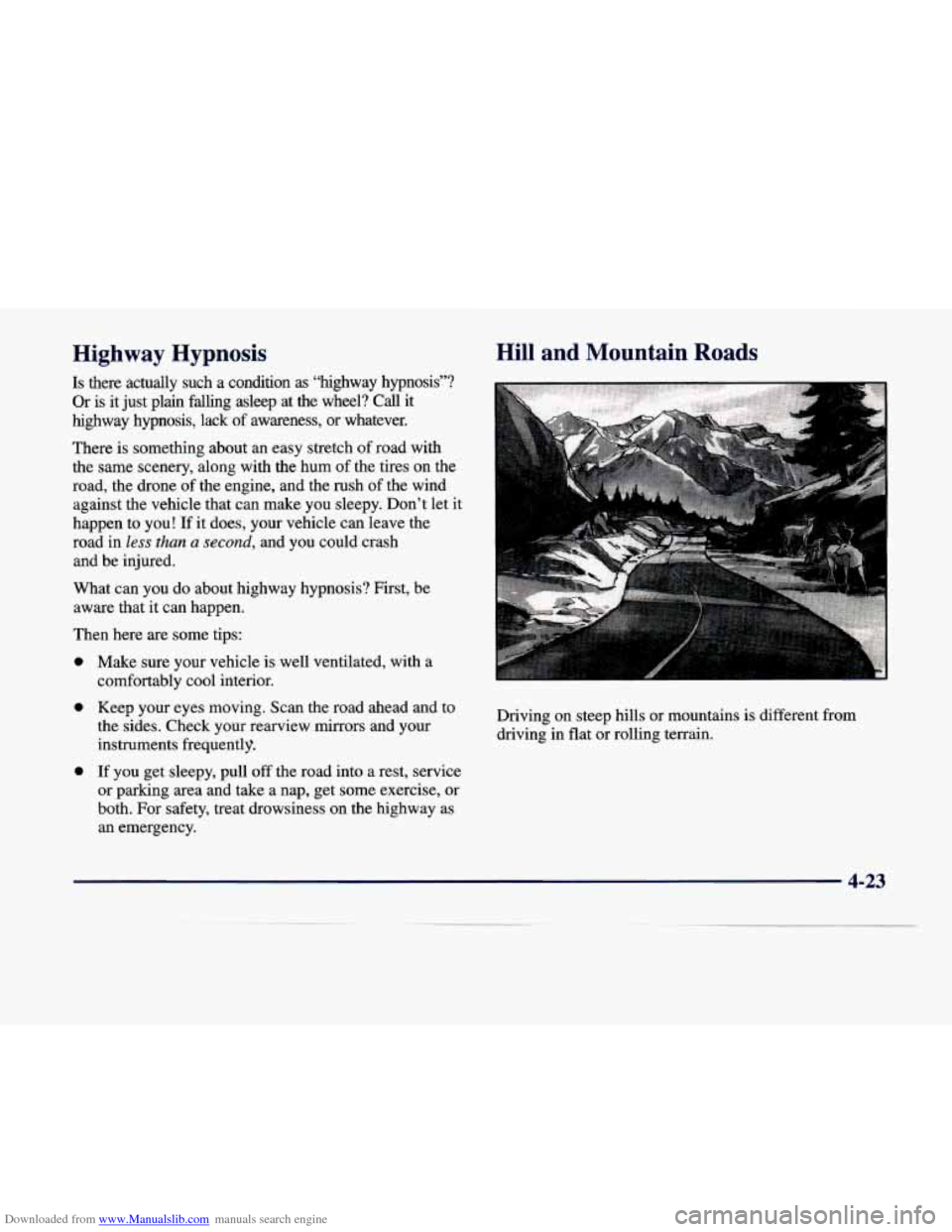
Hill and Mountain Roads
Driving on steep hills or mountains is different from
driving in flat or rolling terrain.
4-23
Page 247 of 386
Downloaded from www.Manualslib.com manuals search engine Trailer Wiring Harness
If your vehicle is equipped with the 3,000-lb. (1 360 kg)
trailer towing package option, you will have
a wiring
harness located under the
trunk trim. The harness is a
five-wire harness, with connector.
These trailer-wiring harness color codes should be
followed when connecting it
to your trailer:
WHITE: Direct trailer ground for trailer lamps.
BROWN: Parking lamps.
0 YELLOW Left turn and stoplamps.
GREEN: Right turn and stoplamps.
0 BLUE: Auxiliary circuit.
Driving with a Trailer
Towing a trailer requires a certain amount of experience.
Before setting out for the open road, you’ll want to get
to know your
rig. Acquaint yourself with the feel of
handling and braking with the added weight of the
trailer. And always keep in mind that the vehicle you are driving is now a good deal longer and not nearly as
responsive as your vehicle
is by itself. Before
you start, check the trailer hitch and platform
(and attachments), safety chains, electrical connector,
lamps, tires and mirror adjustment. If the trailer has
electric brakes, start your vehicle
and trailer moving and
then apply the trailer brake controller by hand to be sure
the brakes are working.
This lets you check your
electrical connection at the same time.
During your trip, check occasionally to be sure that the load is secure, and that the lamps and any trailer brakes
are still working.
Following Distance
Stay at least twice as far behind the vehicle ahead as you
would when driving your vehicle without a tr$ler. This
can help you avoid situations that require heavy braking
and sudden turns.
Passing
You’ll need more passing distance up ahead when
you’re towing a trailer. And, because you’re a good deal \
longer, you’ll need to go much farther beyond the
passed vehicle before you can return to your lane.
4-36