display CADILLAC ELDORADO 1993 10.G User Guide
[x] Cancel search | Manufacturer: CADILLAC, Model Year: 1993, Model line: ELDORADO, Model: CADILLAC ELDORADO 1993 10.GPages: 398, PDF Size: 20.66 MB
Page 153 of 398
Downloaded from www.Manualslib.com manuals search engine TURN SIGNAL ON
This message is a reminder, after driving about a mile that you have your
turn
signal on.
TRUNK OPEN
This message indicates that your trunk is opcn when the Ignition is ON.
VERY LOW REFRIGERANT
This message means that the Air Conditioning system detects a
refrigerant level that is low enough to cause damage to the A/C
compressor.
To avoid damage, the A/C compressor automatically turns
off and the Electronic Climate Control will automatically switch from
“AUTO” to “ECON” and remain there. Have your
A/C system serviced if
this message appears.
Speed Sensitive Steering (SSS)
This system varies the amount of steering effort proportionate to your
vehicle speed. Steering is easier at
a lower speed for increased
maneuverability and parking ease.
As your vehicle speed increases, the
steering effort
is also increased proportionately. At highway speeds the
amount
of steering effort is greatly increased to provide a manual like
steering feel for maximum control
an enhanced vehicle stability.
Road Sensing Suspension (Northstar Only)
The Road Sensing Suspension automatically controls the ride of your
vehicle.
The system controls damping forces in the shock absorbers and
struts in response to various road and driving conditions. The system is
capable
of making these changes within milli-seconds.
The
Road Sensing Suspension controller is a computer used to control
and monitor the system. The computer receives inputs from vertical
acceleration sensors, wheel
to body position sensors, vehicle speed
sensor, lift and dive signals, and determines optimum strut valving or
(suspension stiffness) for your current operating conditions.
The
computer also receives feedback from the various components to
determine proper system operation. If the computer receives an incorrect
feedback from the system, an error code will be
set in memory and a
“SERVICE RIDE CONTROC’ message will display on the Driver
139
Page 154 of 398
Downloaded from www.Manualslib.com manuals search engine Information Center. If this message should appear, have your vehicle
serviced at your Cadillac dealer at your earliest convenience.
Oil Life Indicator
Your Cadillac has a Driver Information Cente.r with an Oil Change
Indicator feature. This tclls you when
you need to change your engine oil.
It’s based upon the engine oil temperatures and your driving patterns.
. ...
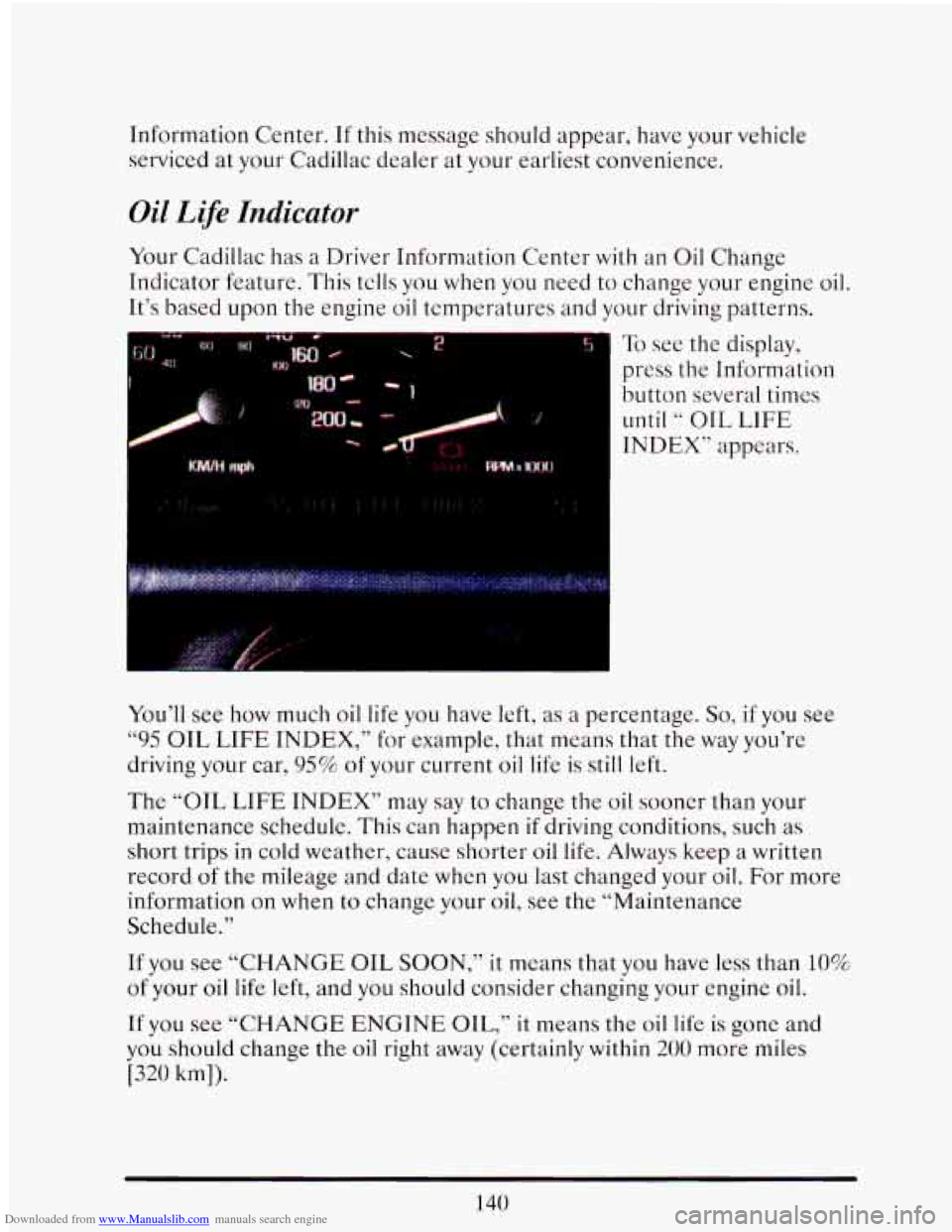
I To see the display,
press
the Information
button several times
until “ OTL LIFE
INDEX” appears.
You’ll see how much oil life you have left,
as a percentage. So, if you see
“95 OIL LIFE INDEX,” for example, that means that the way you’re
driving your car,
95% of your current oil life is still left.
The
“OIL LIFE INDEX” may say to change the oil sooner than your
maintenance schedule. This can happen
if driving conditions, such as
short trips
in cold weather, cause shorter oil life. Always keep a written
record
of the mileage and date when you last changed your oil. For more
information on when to change your
oil, see the “Maintenance
Schedule.”
If you see
“CHANGE OIL SOON,” it means that you have less than 10%.
of your oil life left, and you should consider changing your engine oil.
If you see
“CHANGE ENGINE OIL,” it means the oil life is gone and
you should change the oil right away (certainly within
200 more miles
[320 km]).
140
Page 155 of 398
Downloaded from www.Manualslib.com manuals search engine The system probably will say to change the oil between 3000 miles (5000
km) and 7500 miles (12500
km), but it may even say to change it before
3000 under
very severe conditions. It all depends on your driving
patterns. If it’s been 7500 miles
(12500 km) it will say to change oil.
There are two things the system doesn’t do:
It can’t sense heavy dust in the places whcre you drive. If you drive in
a dusty area, you should change your oil every 3000 miles (5000 krn)
or
3 months (whichever comes first), unless thc display says to change
it even sooner than that.
0 It doesn’t check how much oil you have, so you’ll still have to check
Also, for the system
to work right, it is important that you use SG oil, as
discussed earlier.
for that.
To see
how, see Index under “Engine Oil.”
When You’ve Changed the Oil
When new oil is put in, you‘ll need to reset your system. To do it, display
the
“OIL LIFE INDEX” by pressing the “Information” button. Then
press and hold the “STORE/RECALL? buttons
until the display shows
6‘ 100. 77
Speed Sensitive Suspension
The Speed Sensitive Suspension automatically controls the firmness of
your Cadillads ride. An actuator in each of the four struts will change
ride firmness depending
on vehicle speed and other driving conditions.
As
the vehicle speed increases, the firmness of the suspension changes to
one or three damping modes “Comfort”, for speeds !ess than 40 mph,
“Normal” for speeds between
40 and 60 rnph, and “Firm” for speeds
greater than 60 mph.
The system also stiffens damping during hard
acceleration, braking and cornering ,for increased control,
A computer is used to control and monitor the system. The computer
receives speed, acceleration and determines optimum mode strut valving
(or suspension stiffness) for your current operating conditions. The
computer also receives feedback from the struts to determine proper
system operation.
If the computer receives an incorrect feedback from
the system, an error code will
be set in memory and a message
“SERVICE RIDE CONTROL? will be displayed until the problem is
141
Page 158 of 398
Downloaded from www.Manualslib.com manuals search engine Electronic Climate Control (ECC)
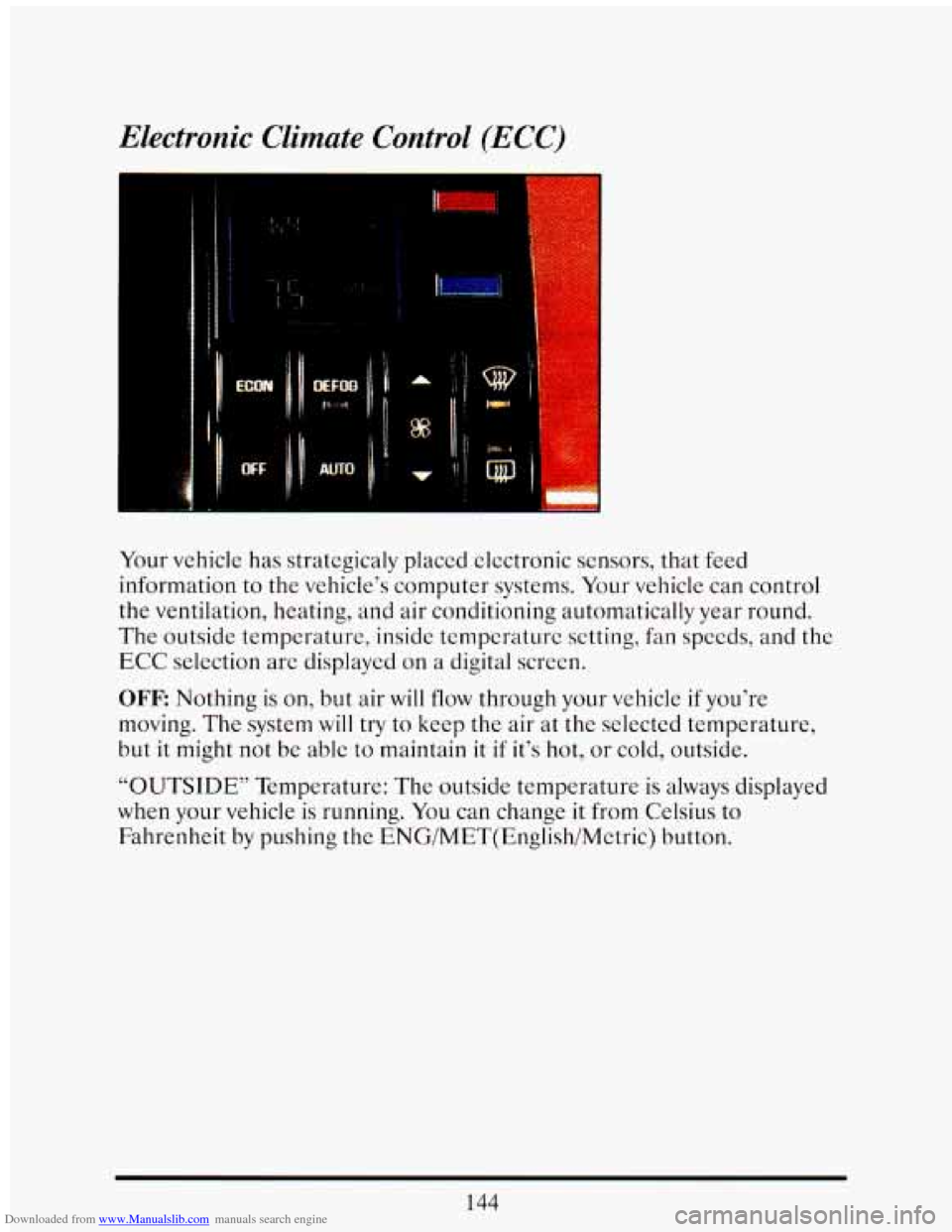
Your vehicle has strategicaly placed clectronic sensors, that feed
information to the vehicle’s computer systems. Your vehicle can control
the ventilation, heating, and air conditioning automatically year round.
The outside temperature, inside temperature setting, fan speeds, and the
ECC selection are displayed on a digital screen.
OFF: Nothing is on, but air will flow through your vehicle if you’re
moving. The system
will try to keep the air at the selected temperature,
but it
might not be able to maintain it if it’s hot, or cold, outside.
“OUTSIDE’’ Temperature: The outside temperature is always displayed
when your vehicle is running. You can change
it from Celsius to
Fahrenheit by pushing the ENG/MET(English/Metric) button.
144
Page 159 of 398
Downloaded from www.Manualslib.com manuals search engine Temperature
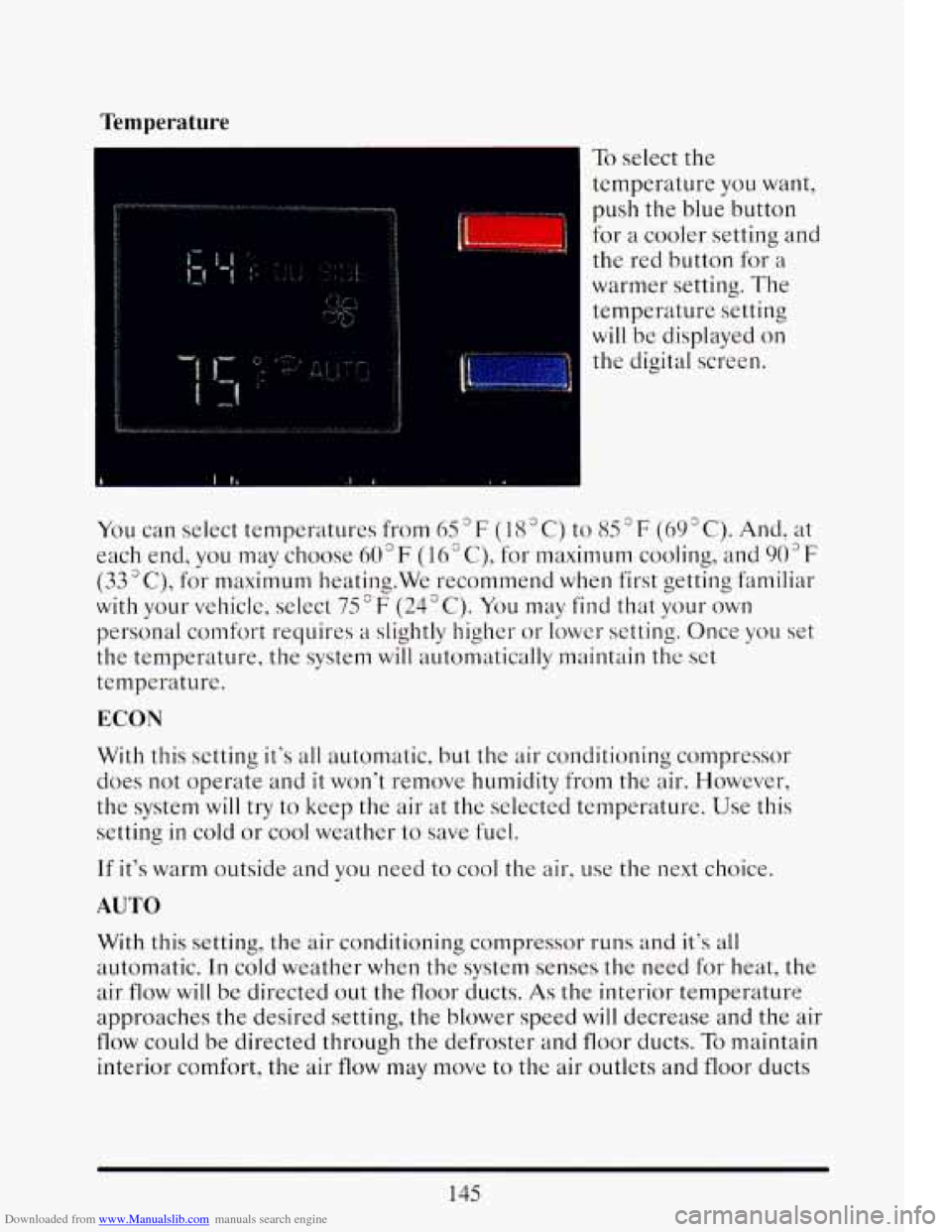
To select the
temperature
you want,
push
the blue button
for a cooler setting and
the red button for a
warmer setting.
The
temperature setting
will be displayed
on
the digital screen.
I
You can select temperatures from 65 F ( 18 " C) to 85 F (69 " C). And, at
each end,
you may choose 60°F (16" C), for maximum cooling, and 903F
(33"C), for maximum heating.We recommend when first getting familiar
with your vehicle, select
75°F (24°C). You may find that your own
personal comfort requires a slightly higher or lower setting. Once you set
the temperature, the system will automatically maintain the set
temperature.
ECON
With this setting it's all automatic, but the air conditioningcorupressor
does not operate and
it won't remove humidity from the alr. However,
the system will try
to keep the air at the selected temperature. Use this
setting
in cold or cool weather to save fuel.
If it's warm outside and you need to cool the air, use the next choice.
AUTO
With this setting, the air conditioning compressor runs and it's all
automatic. In cold weather when the system senses the need for heat, the
air
flow will be directed out the floor ducts. As the interior temperature
approaches
the desired setting, the blower speed will decrease and the air
flow could be directed through the defroster and floor ducts. To maintain
interior comfort, the air
flow may move to the air outlets and floor ducts
145
Page 161 of 398
Downloaded from www.Manualslib.com manuals search engine Fan Speeds
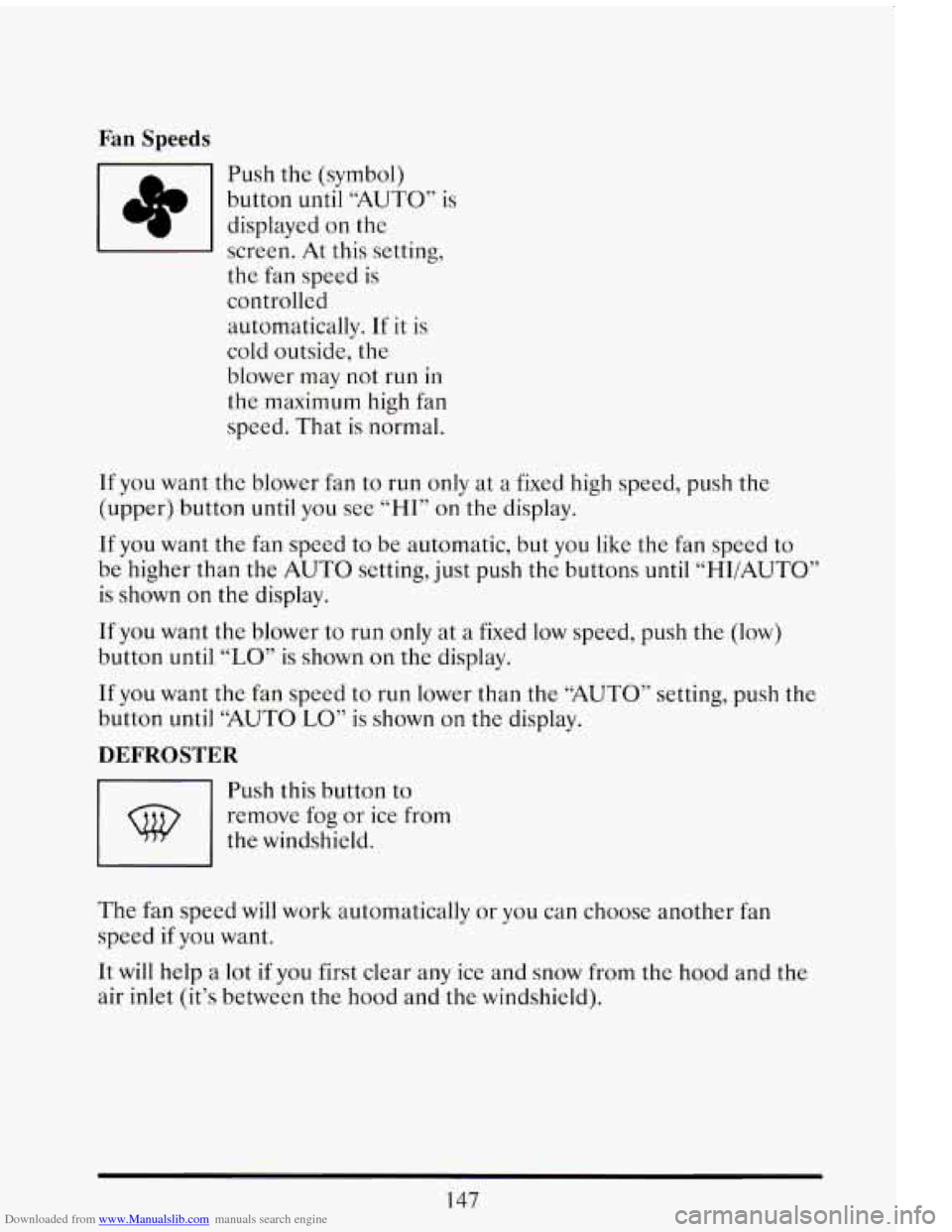
rn Push the (symbol)
button until
“AUTO” is
displayed on the
screen. At this setting,
the fan speed is
controllcd
automatically. If it is
cold outside, the
blower may not run in
the maximum high fan
speed. That is normal.
If you want the blower fan to run only at a fixed high speed, push the
(upper) button until you see
“HI” on the display.
If you want the fan speed to be automatic, but you like the fan speed to
be higher than the AUTO setting, just push
the buttons until “HI/AUTO”
is shown on the display.
If you want the blower to run only at a fixed low speed, push the (low)
button until
“LO” is shown on the display.
If you want the
fan speed to run lower than the “AUTO” setting, push the
button until “AUTO LO” is shown on the display.
DEFROSTER
rn
Push this button to
remove fog or ice from
the windshield.
The fan speed will work automatically or you can choose another
fan
speed if you want.
It will help a lot
if you first clear any ice and snow from the hood and the
air inlet (it’s between the hood and
the windshield).
147
Page 168 of 398
Downloaded from www.Manualslib.com manuals search engine 1
1
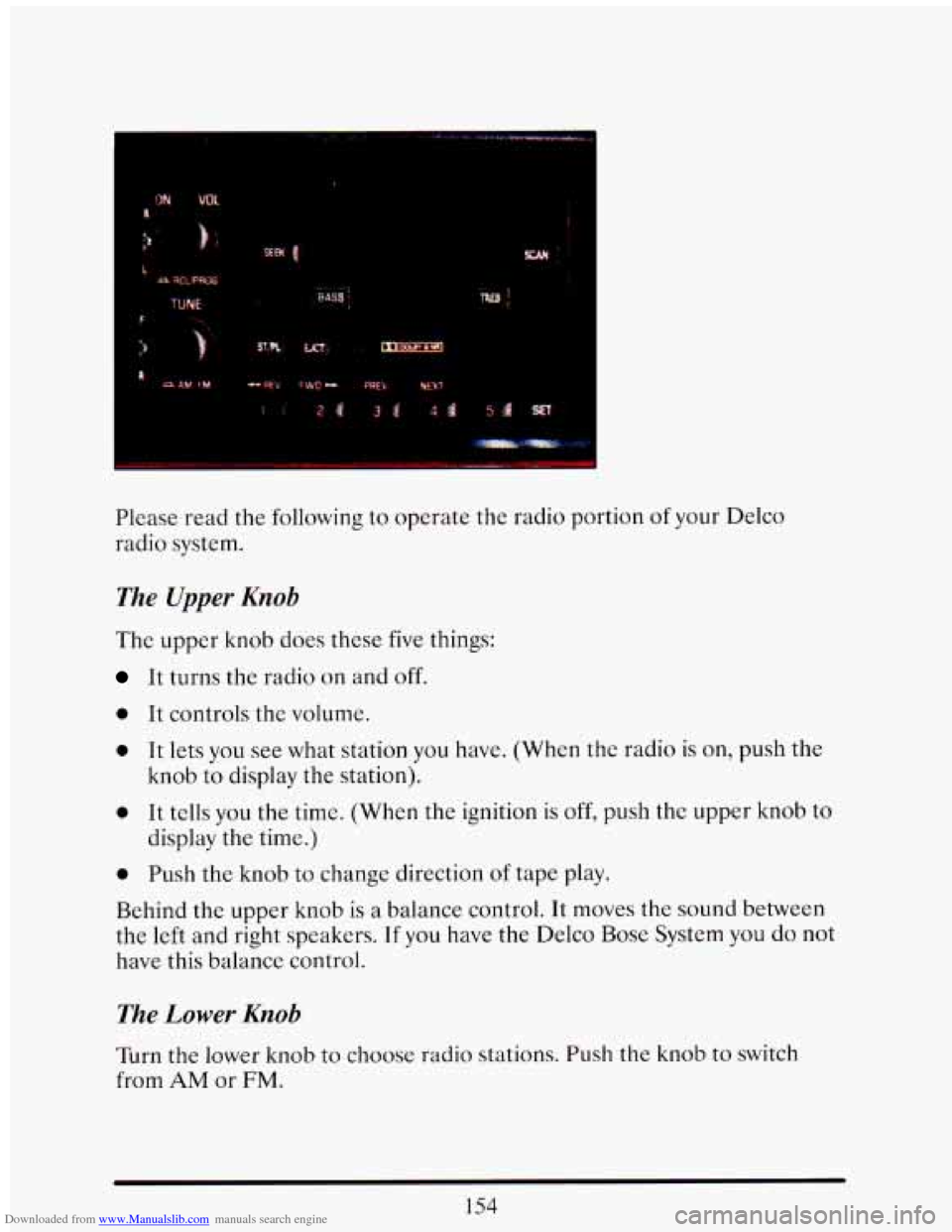
Please read the following to operate the radio portion of your Delco
radio system.
The Upper Knob
The upper knob does these five things:
It turns the radio on and off.
0 It controls the volume.
0 It lets you see what station you have. (When the radio is on, push the
knob to display the station).
0 It tells you the time. (When the ignition is off, push the upper knob to
0 Push the knob to change direction of tape play.
display
the time.)
Behind the upper knob
is a balance control. It moves the sound between
the left
and right speakers. If you have the Delco Bose System you do not
have this balance control.
The Lower Knob
Turn the lower knob to choose radio stations. Push the knob to switch
from AM or FM.
154
Page 169 of 398
Downloaded from www.Manualslib.com manuals search engine If you have the Delco Bose Gold Series Music System, it lets you switch
from
CD (Compact Disc) to TP (Tape player).
The control behind the lower knob moves the sound between your front
and rear speakers.
When you push this button either up or down,
the SCAN indicator in the
display will light and the radio will find the next station and stay there
about
5 seconds. Then it will go to the next station and pause, and keep
doing that until you push either the SCAN or upper knob.
SEEK
This button selects stations, but it doesn’t keep moving as SCAN does.
When you push SEEK
up or down, the radio will automatically go to the
next strongest station and stay there.
Export Radio Only
The SCAN and SEEK function selects station only in one direction.
Push Buttons
You can set the push buttons to get up to ten favorite. stations (Five on
AM and five more on FM). Just:
Choose either AM or FM
Tune in the station.
Push the SET button.
Within 5 seconds, push one of the five push buttons.
Repeat these steps for each of the five push buttons.
BASS
The slide control increases or decreases the bass response tone. Moving
the control to the right increases bass while moving it to the
left decreases
it.
155
Page 170 of 398
Downloaded from www.Manualslib.com manuals search engine TREBLE
The slide control increases or decreases the treble response tone. Moving
the control to the right increases the treble
while moving it to the left
decreases it.
Your Cassette Tape Player
Your cassette tape player works best with tapes that are 30 to 45 minutes
long on each side. Tapes longer than that are
so thin that they may not
work well in this player.
If you look at the tape, or on its label or box, it should say whether its
bias, ("equalization" is 70 microseconds (70
U ) or 120 microseconds (120
U ). Chrome and metal tapes are 70 u scc and standard iron tapes are 120
U sec. Your tape player will adjust automatically for either type of
cassette tape.
To Play A Cassette Tape
0 Turn the radio on.
0 Insert the cassette through the tapc door. (The "TAPE" indicator in
the display will light.)
If you hear nothing or hear just a garbled sound, the cassette may not be
in squarely. Push the EJCT button to remove the tape and start over. The
tape equalization is automatically sensed and set. Inserting the cassette
also automatically disables
DNR""'" and activates DOLBY"' noise
reduction.
DNR" is the Dynamic Noise Reduction. It helps remove background hiss
noise from the radio.
@ Once the tape is playing, use the upper and lower knobs to adjust the
volume and balance, just as you do
for the radio. Push the upper knob
to change tape direction. The arrow in the display show which
direction the tape is being played.
'"DNR" is a registered trademark of National Semiconductor
Corporation.
156
Page 172 of 398
Downloaded from www.Manualslib.com manuals search engine EJCT (Eject Tape)
Press this button to remove the tape.
The Delco Bose Gold Series Music System
This optional sound system combines an AM/FM stereo radio with a
cassette tape player and a compact disc player
in a single unit.
To operate the radio and cassette tape player portion of this music
system, please read the beginning
of this section. “How To Operate Your
Sound System” and “Your Cassette Tape Player.”
To Play the Disc Player
Before you begin, please note: don’t use the mini-discs that are called
“singles” (even with an adapter). They won’t eject.
Use full-size compact
discs only.
Turn the radio on.
Insert a disc (label side up) partway into the slot. The player will pull
it in. Wait a few seconds and the disc will play. Then only the time
of
day and “CD” will display.
If the disc comes back out, check to see if:
The disc is upside down.
The disc is dirty, scratched, or wet.
There’s too much moisture in the air. (If there is, wait about one hour
and try again).
“Err” (Error Detection)
If this message is displayed, you have a condition of either extreme
temperature, moisture,
or an incorrect disc. The disc will automatically be
ejected. When conditions are back to normal, the disc should play again.
RCLIPROG (RecalllProgram)
0 Press once to see what track is being played.
158