battery CADILLAC ELDORADO 1995 10.G User Guide
[x] Cancel search | Manufacturer: CADILLAC, Model Year: 1995, Model line: ELDORADO, Model: CADILLAC ELDORADO 1995 10.GPages: 395, PDF Size: 20.17 MB
Page 146 of 395
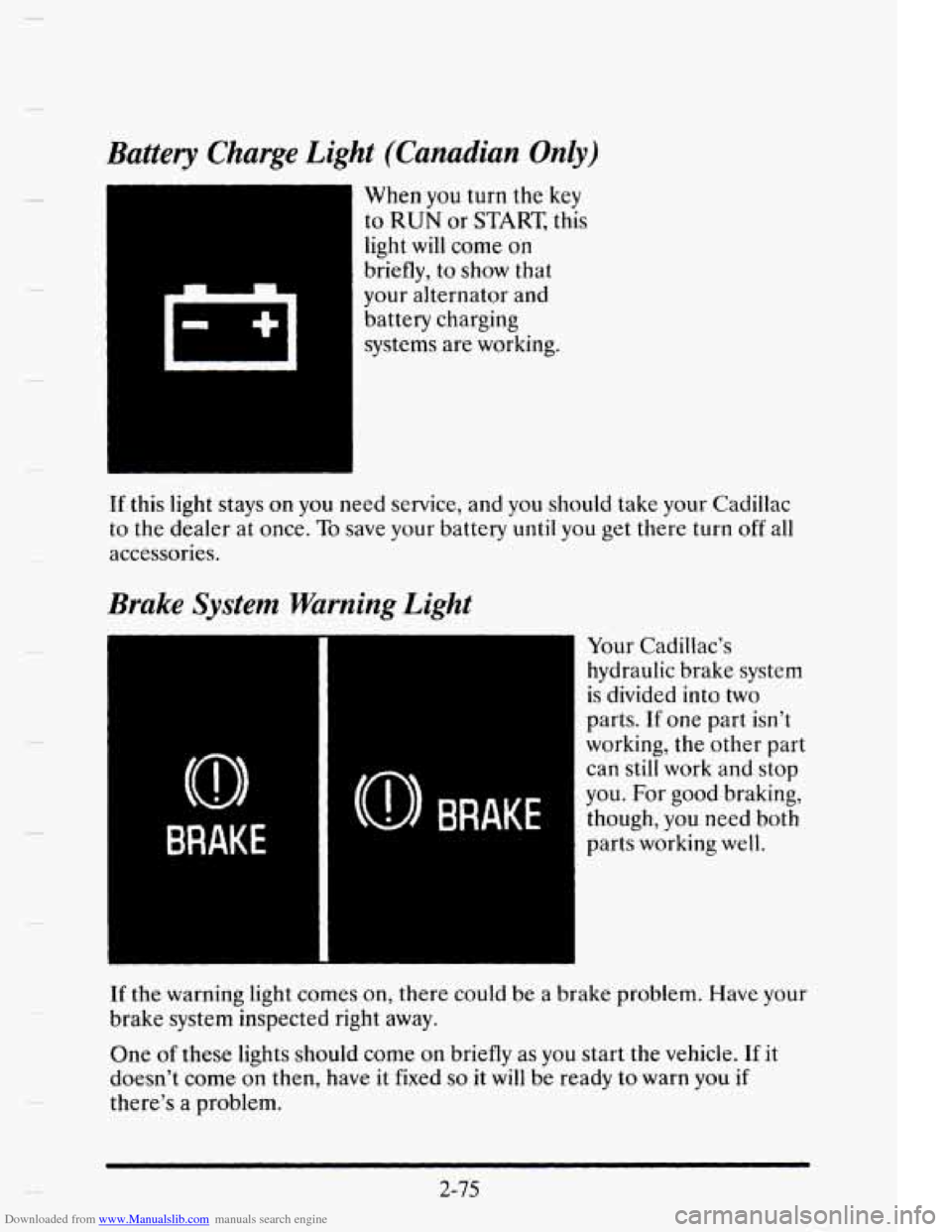
Downloaded from www.Manualslib.com manuals search engine Battery Charge Light (Canadian Only)
When you turn the key
to
RUN or START, this
light will come on
briefly, to show that
your alternator and
battery charging
systems are working.
(0) BRAKE
1)
BRAKE
If this light stays on you need service, and you should take your Cadillac
to the dealer at once.
To save your battery until you get there turn off all
accessories.
Brake System Warning Light
1 Your Cadillac’s
hydraulic brake system
is divided into two
parts.
If one part isn’t
working, the other part
can still work
and stop
you. For
good braking,
though,
you need both
parts working well.
If the warning light comes on, there could be a brake problem. Have your
brake system inspected right away.
One
of these lights should come on briefly as you start the vehicle. If it
doesn’t come on then, have it fixed so it will be ready to warn you if
there’s a problem.
2-75
Page 154 of 395
Downloaded from www.Manualslib.com manuals search engine When the INST button (Instantaneous Fuel Economy) is selected, you
will see what your fuel economy is at that instant. The computer takes a
new reading twice every second. It will show economy up to
70 miles per
gallon (or
2 liters per 100 kilometers).
To reset the average fuel economy, press the INFORMATION button
until the AVG MPG
is displayed on the Driver Information Center
(DIC). Press and hold the RESET button until both the Fuel Data Center
and DIC display reads
0.0. Another method to reset the average fuel
economy
is to press the AVG button to display the average miles per
gallon. Then press the
RESET button followed by the AVG button to
reset this calculation.
The RANGE display shows how far the computer thinks you can travel
with the
fuel that is in your tank. The computer does not know what
driving conditions will be like for the rest
of your trip, so the range is
estimated based on your recent fuel economy. Therefore, your range
reading may change as your driving habits change. (Going from city to
highway driving may increase the range reading.)
If the range display shows
LO, you should stop for fuel as soon as
possible.
Your computer needs enough data for the
RANGE reading to work,
however,
so it will read LO when your vehicle is brand new (under
25 miles). It may also show LO if your battery has been disconnected.
Driver Information Center
Your Driver Information Center (DIC) display gives you the status of
many of your vehicle’s systems.
The DIC is used to display driver selectable information and
warnindstatus messages.
If more than one problem is detected, the Driver Information Center
will
automatically display all current messages.
2-83
Page 155 of 395
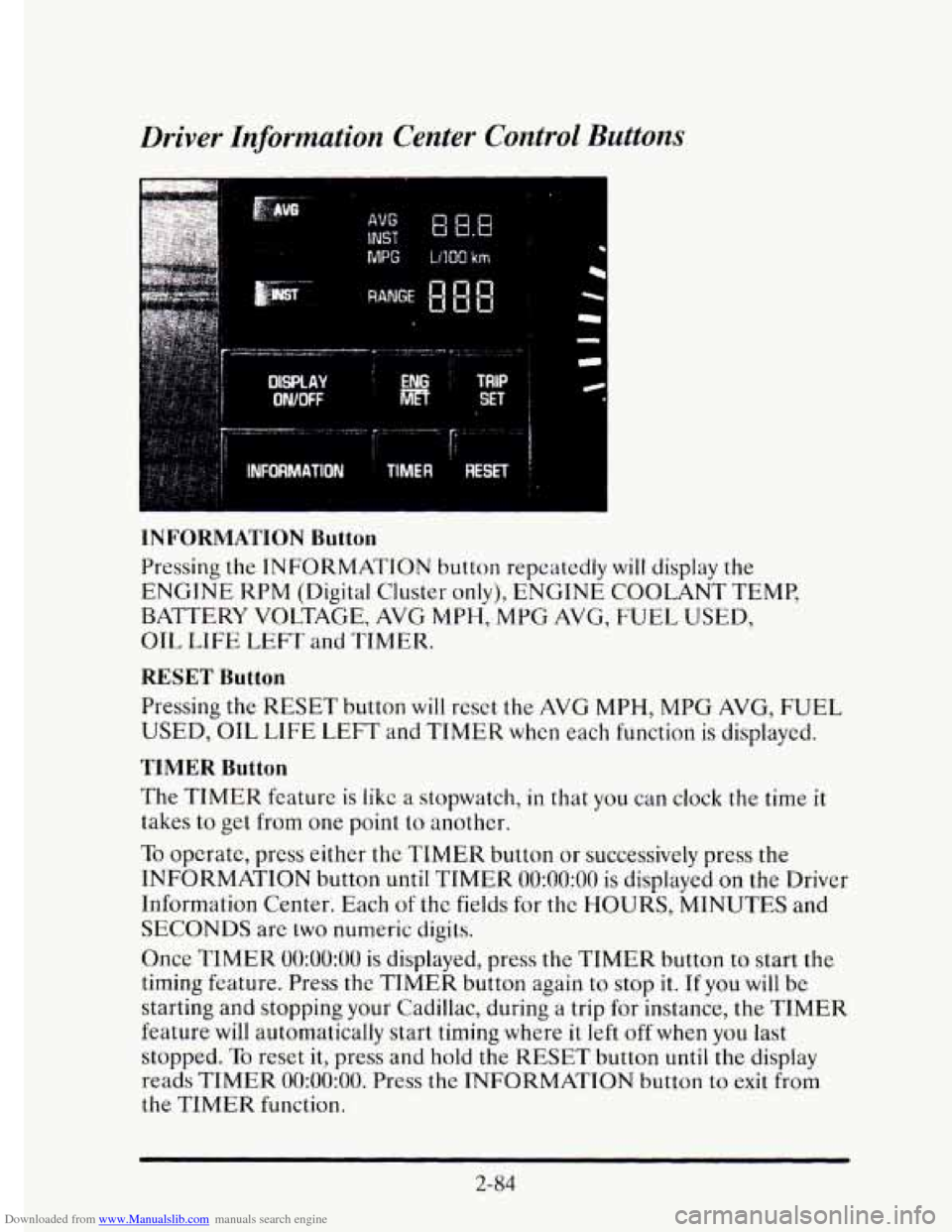
Downloaded from www.Manualslib.com manuals search engine Driver Information Center Control Buttons
MPG LlIQO km
INFORMATION Button
Pressing the INFORMATION button repeatedly will display the
ENGINE KPM (Digital Cluster only), ENGINE COOLANT TEMP,
BATTERY VOLTAGE, AVG
MPH, MPG AVG, FUEL USED,
OIL
LIFE LEFT and TIMER.
RESET Button
Pressing the RESET button will reset the AVG MPH, MPG AVG, FUEL
USED, OIL LIFE LEFT and TIMER when each function is displayed.
TIMER Button
The TIMER feature is like a stopwatch, in that you can clock the time it
takes to get from one point to another.
To opcrate, press either the TIMER button or successively press the
INFORMATION button
until TIMER 0O:OO:OO is displayed on the Driver
Information Center. Each
of the fields for the HOURS, MINUTES and
SECONDS are two numeric digits.
Once
TIMER 0O:OO:OO is displayed, press the TIMER button to start the
timing feature. Press the TIMER button again to stop
it. If you will be
starting and stopping your Cadillac, during a trip for instance, the
TIMER
feature will automatically start timing where it left off when you last
stopped.
To reset it, press and hold the RESET button until the display
reads
TIMER 0O:OO:OO. Press the INFORMATION button to exit from
the TIMER function.
2-84
Page 157 of 395
Downloaded from www.Manualslib.com manuals search engine Driver Information Center Messages
These messages will appear if there is a problem sensed in one of your
vehicle’s systems. Vehicles
that are first sold in Canada will have a number
after each message.
This number hclps to identify the message which is
only displayed in English.
APPLY BRAKE TO SHIFT - 46
This message will appear if your vehicle is in PARK (P) for about
15 seconds and
the brake is not pressed in. If you do not want this
message
to appear, you can cancel it by holding the OFF and the blue
(cooler) button on
the Electronic Climate Control panel for about five
seconds. Hold the same
two buttons again to have this message displayed
again.
A/C OVERHEATED - A/C COMPRESSOR OFF - 15
If the refrigerant system ever rcaches an over-pressure condition, this
message
will appear to tell you that the air conditioning compressor has
been turned off. Air conditioned air
will not be delivered to cool your
vehicle.
If the pressure returns to a normal operating range, you must
select AUTO,
DEFOG or DEFROST to start the compressor. If this
message continues to appear, have the system repaired
as soon as possible
to avoid compressor damage.
BATTERY NO CHARGE - 07
This message will appear if your battery is not being charged. Have your
electrical system checked
by your Cadillac dealership at your earliest
convenience.
BATTERY VOLTS HIGH - OS
This message shows that the electrical charging system is overcharging
(more than
16 volts). To avoid being stranded have the electrical system
checked by your Cadillac dealership.
You can reduce the charging
overload by using the accessories.
Turn on the lamps and radio, set the
climate control
on AUTO and the fan speed on HI, and turn the rear
window defogger on.
You can monitor battery voltage on the Driver
information Center by toggling the INFORMATION button. The normal
range is 1 1.5
to 15.5 volts when the engine is running.
2-86
Page 158 of 395
Downloaded from www.Manualslib.com manuals search engine BATTERY VOLTS LOW - 06
This message will appear when the electrical system is charging less than
10 volts or if the battery has been drained. If this message appears
immediately after starting,
it is possible that the generator can still
recharge the battery. The battery should recharge after driving a few miles
and the message should go out. If this message appears while driving or
after starting your vehicle and stays on, have
it checked immediately to
determine the cause
of this problem. To help the generator recharge the
battery quickly you can reduce the load on the electrical system by turning
off your accessories. You can monitor battery voltage on
the Driver
Information Center by toggling the
INFORMATION button. The normal
range
is 11.5 to 15.5 volts.
CHANGE TRANS FLUID - 47
This message will appear when it is time to replace the transaxle fluid. See
your maintenance schedule booklet for the proper fluid and change
intervals.
CHECK BRAKE FLUID - 37
This message is displayed to inform the driver that the brake reservoir
fluid level is low. Check
the brake reservoir level and add as needed. Have
the brake system serviced by a Cadillac technician as soon as possible.
If the brake warning light is on, follow the directions in that part.
CHECK COOLANT LEVEL - 04
This message will appear when there is a low level of engine coolant.
Have the cooling system serviced by a Cadillac technician as soon as
possible.
CHECK FUEL GAGE - 39
This message will appear when your fuel supply is less than four gallons
and your display is turned off.
2-87
Page 216 of 395
Downloaded from www.Manualslib.com manuals search engine I
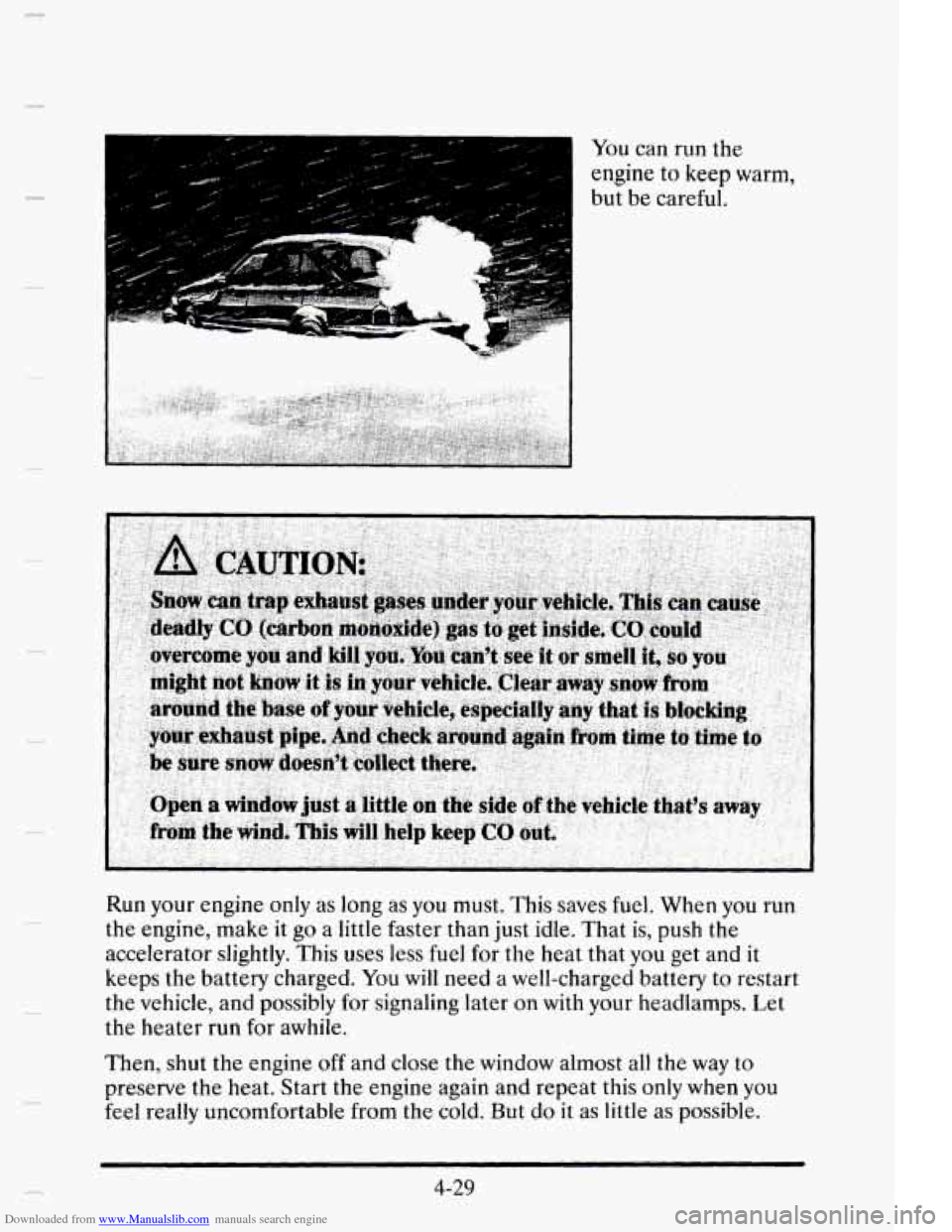
You can run the
engine to keep warm,
but be careful.
Run your engine only as long as
you must. This saves fuel. When you run
the engine, make it go a little faster than just idle. That is, push the
accelerator slightly. This uses less fuel for the heat that you get and it
keeps the battery charged. You
will need a well-charged battery to restart
the vehicle, and possibly
for signaling later on with your headlamps. Let
the heater run
for awhile.
Then, shut the engine off and close the window almost all the way to
preserve the heat. Start the engine again and repeat this only when you
feel really uncomfortable from the cold. But
do it as little as possible.
4-29
Page 230 of 395
Downloaded from www.Manualslib.com manuals search engine OTHER WMING DEUCES
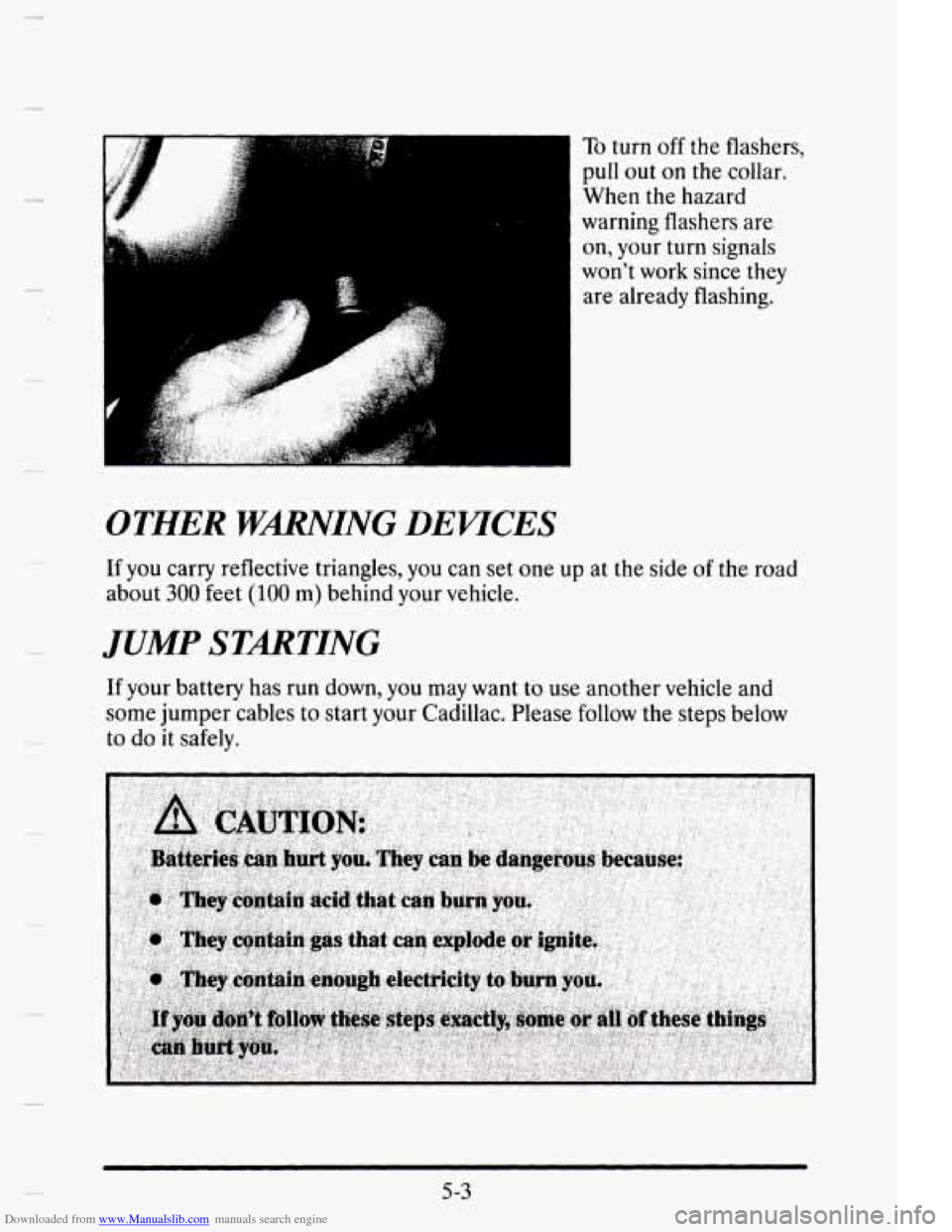
To turn off the flashers,
pull
out on the collar.
When
the hazard
warning flashers are on, your turn signals
won't work since
they
are already flashing.
If you carry reflective triangles, you can set one up at the side of the road
about
300 feet (100 m) behind your vehicle.
JUMP STARTING
If your battery has run down, you may want to use another vehicle and
some jumper cables to start your Cadillac. Please follow
the steps below
to
do it safely.
5-3
Page 231 of 395
Downloaded from www.Manualslib.com manuals search engine Ignoring these steps could result in costly damage to your
vehicle that wouldn’t be covered by your warranty.
wing to start your Cadillac by pushing or pulling it won’t
work
and it could damage your vehicle.
TO JUMP START YOUR CADILLAC
1. Check the other vehicle. It must have a 12-volt battery with a negative
ground system.
NOTICE:
If the other system isn’t a 12-volt system with a negative ground,
both vehicles can be damaged.
2. Get the vehicles close enough so the jumper cables can reach, but be
sure the vehicles aren’t touching each other.
If they are, it could cause
a ground connection you don’t want. You wouldn’t be able to start
your Cadillac and
the bad grounding could damage the electrical
systems.
3. Turn off the ignition on both vehicles. Turn off all lamps that aren’t
needed and radios. This will avoid sparks and help save both batteries
as well as avoiding damage to any of the accessories.
5-4
Page 232 of 395
Downloaded from www.Manualslib.com manuals search engine 4. Open the hoods and locate the batteries.
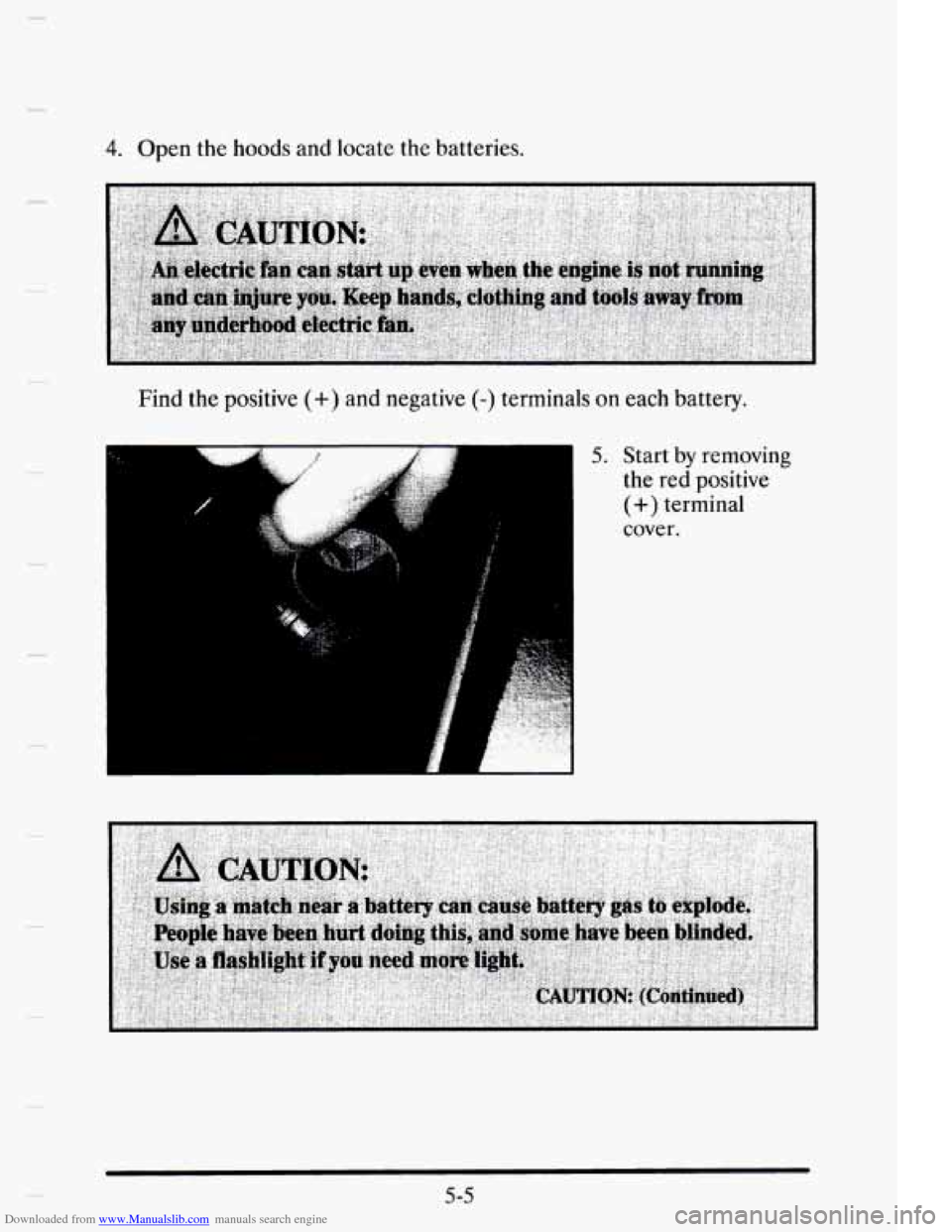
Find the positive
(+) and negative (-) terminals on each battery.
5. Start by removing
the red positive
(+) terminal
cover.
5 -5
Page 233 of 395
Downloaded from www.Manualslib.com manuals search engine 6. Check that the jumper cables don’t have loose or missing insulation. If
they do, you could get a shock. The vehicles could also be damaged.
Before
you connect the cables, here are some things you should know.
Positive (+ )will go to positive (+) and negative (-) will go to negative (-)
or a metal engine part. Don’t connect positive (+) to negative (-) or you’ll
get a
short that would damage the battery and maybe other parts, too.
5-6
I
I