cruise control CADILLAC ELDORADO 1995 10.G Owners Manual
[x] Cancel search | Manufacturer: CADILLAC, Model Year: 1995, Model line: ELDORADO, Model: CADILLAC ELDORADO 1995 10.GPages: 395, PDF Size: 20.17 MB
Page 8 of 395
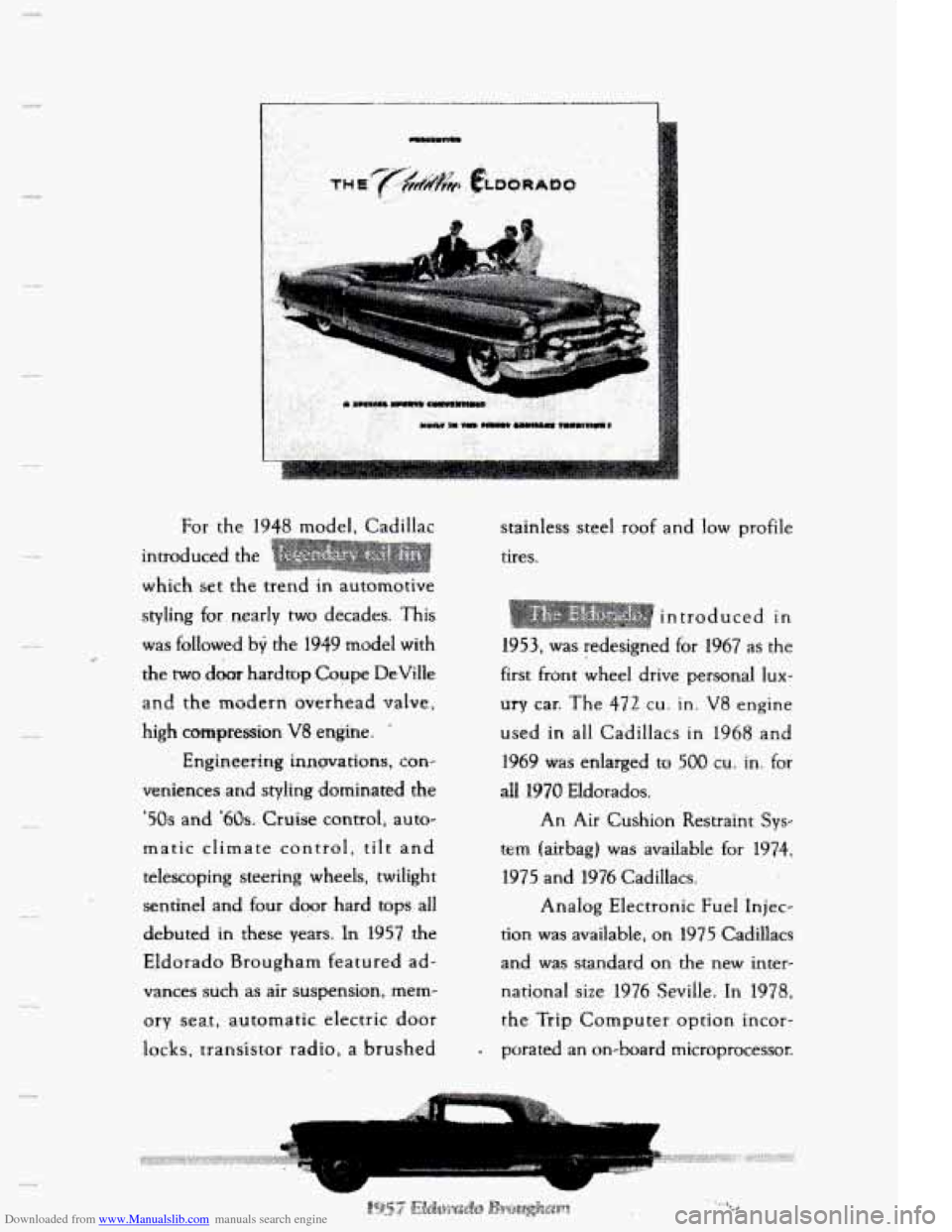
Downloaded from www.Manualslib.com manuals search engine For the 1948 model. Cadillac
introduced the
which set
the trend in automotive
styling for nearly
two decades. This
was followed by the 1949 model with
the
rwo door hardiop Coupe DeVilIe
and the modern overhead valve,
high co-pression
V8 engine.
Engineering
innervations, con-
veniences and styling dotninated
the
'50s and '60s. Cruise controli auto-
matic climate control,
tiit and
telescoping steering wheels, twilight
sentinel and four door hard tops
all
debuted in these years. In 1957 the
Eldorado Brougham featured
ad-
vances such as air suspension, mem-
ory
seat, automatic electric d.oor
locks, transistor radio, a brushed stainless steel
roof and
low profile
tires.
introduced in
1953, was redesigned for t967 as the
first front wheel drive personal
lux-
ury car. The 472 cu. in. V8 engine
used-
in all Cadillacs in 1968 and
1969 was enlarged to 500 cu. in. for
all 1970 Eldorados.
An
Air Cushion Restraint Sys-
tem (airbag) was available for 1974,
1975 and
1976 Cadillacs.
Analog Electronic Fu.el Injec-
tion was available, on
1975 Cadillacs
and was standard on the new inter-
national size 1976 Sevifle. In
1978,
the Trip Computer option incor-
. porated an on-board microprocessor.
Page 109 of 395
Downloaded from www.Manualslib.com manuals search engine TURN SIGNLIMULTIFUNCTION LEVER
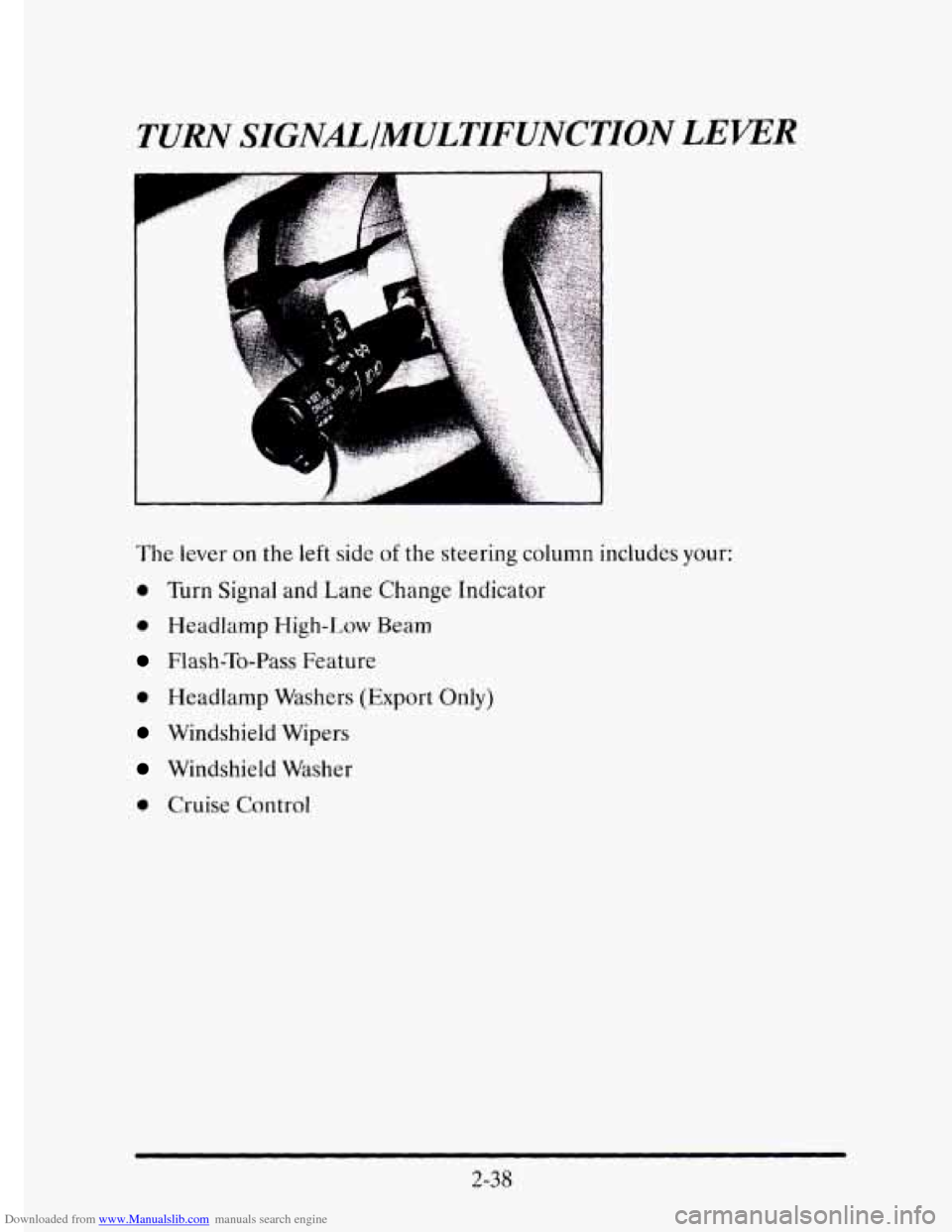
The lever on the left side of the steering column includes your:
0 Turn Signal and Lane Change Indicator
0 Headlamp High-Low Beam
Flash-To-Pass Feature
0 Headlamp Washers (Export Only)
Windshield Wipers
Windshield Washer
0 Cruise Control
2-38
Page 115 of 395
Downloaded from www.Manualslib.com manuals search engine CRUISE CONTROL
With cruise control, you can maintain a speed of about 25 rnph (40 km/h)
or more without keeping your foot on the accelerator. This can really help
on long trips. Cruise control does
not work at speeds below about 25 rnph
(40 km/h).
When
you apply your brakes, the cruise control shuts off.
A CAUTION:
Cruise control can be dangerous where you can’t drive safely
at a steady speed. So, don’t use your cruise control on
winding roads or
in heavy traf‘fic.
Cruise control can be dangerous on slippery roads. On such
roads, fast changes in tire traction can cause needless wheel
spinning, and you could lose control. Don’t use cruise control
on slippery roads.
If your vehicle is in cruise control when the traction control system begins
to limit wheel spin, the cruise control will automatically disengage. (See
“Traction Control System”
in the Index.) When road conditions allow you
to safely use it again, you may turn the cruise control back on.
2-44
Page 116 of 395
Downloaded from www.Manualslib.com manuals search engine To Set Cruise Control
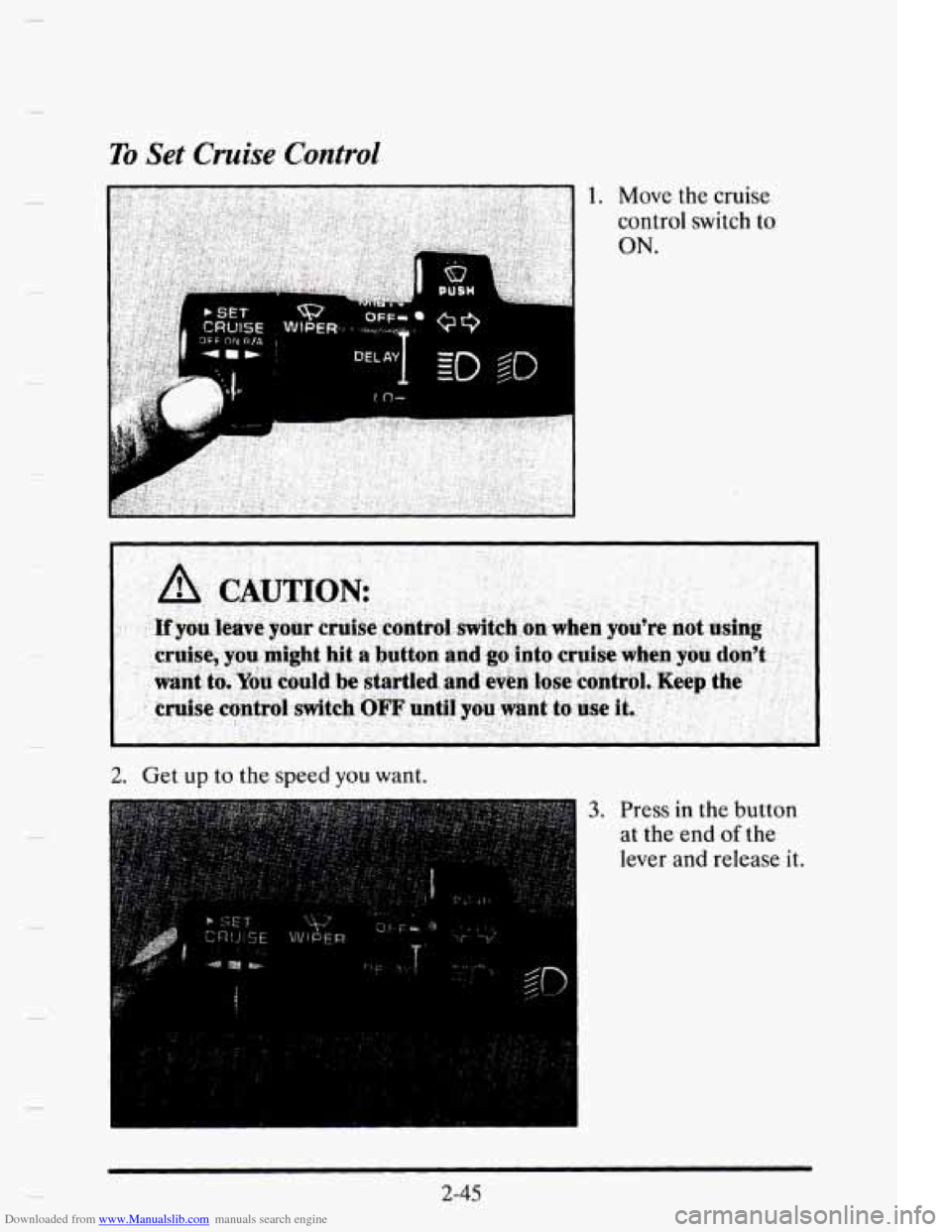
1. Move the cruise
control switch to
ON.
- ~~ ~- __
2. Get up to the speed you want.
3. Press in the button
at the end
of the
lever and release
it.
2-45
Page 117 of 395
Downloaded from www.Manualslib.com manuals search engine CRUISE ENGAGED
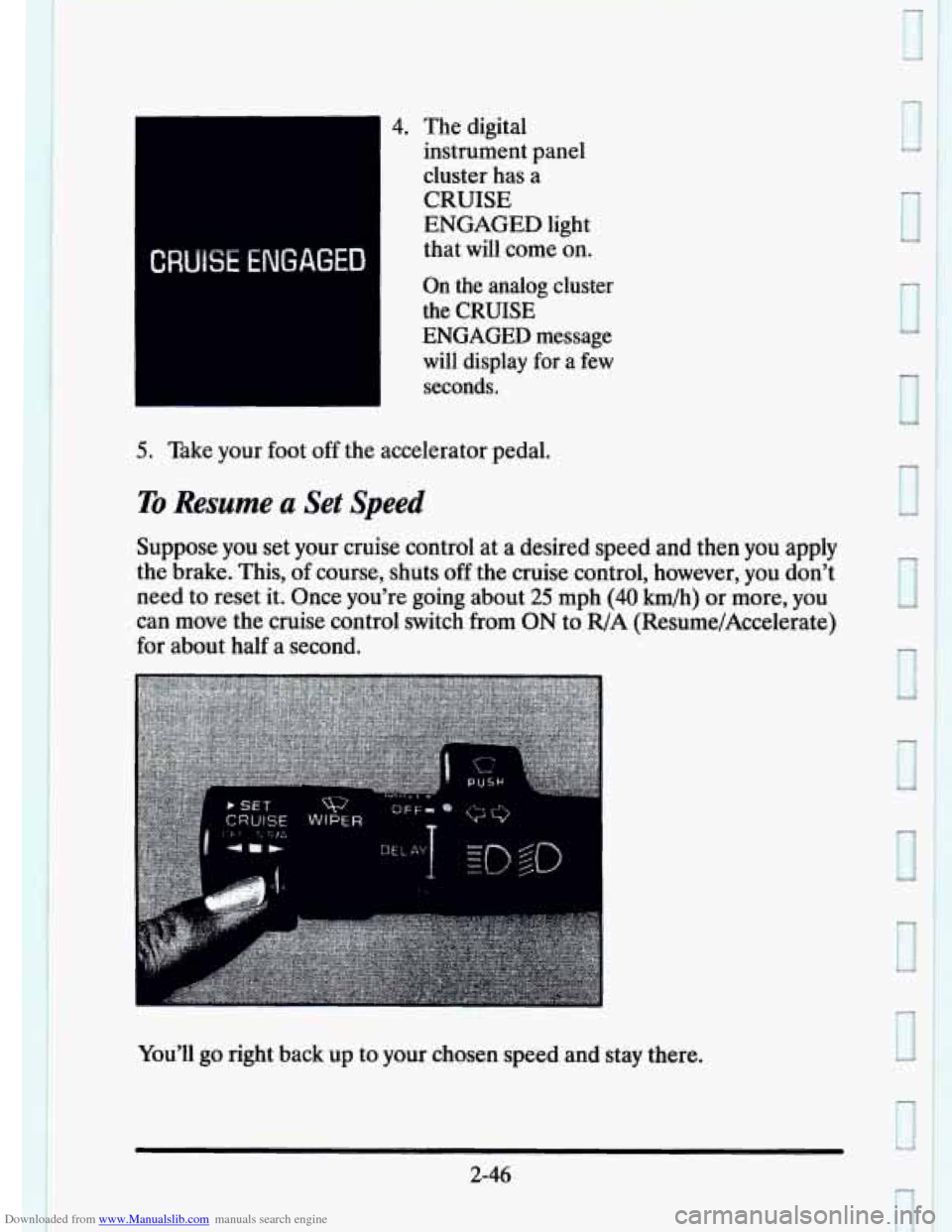
4. The digital
instrument panel
cluster has a
CRUISE
ENGAGED light
that will come on.
On the analog cluster
the
CRUISE
ENGAGED
message
~ will display for a few
~ seconds.
5. Take your foot off the accelerator pedal.
To Resume a Set Speed
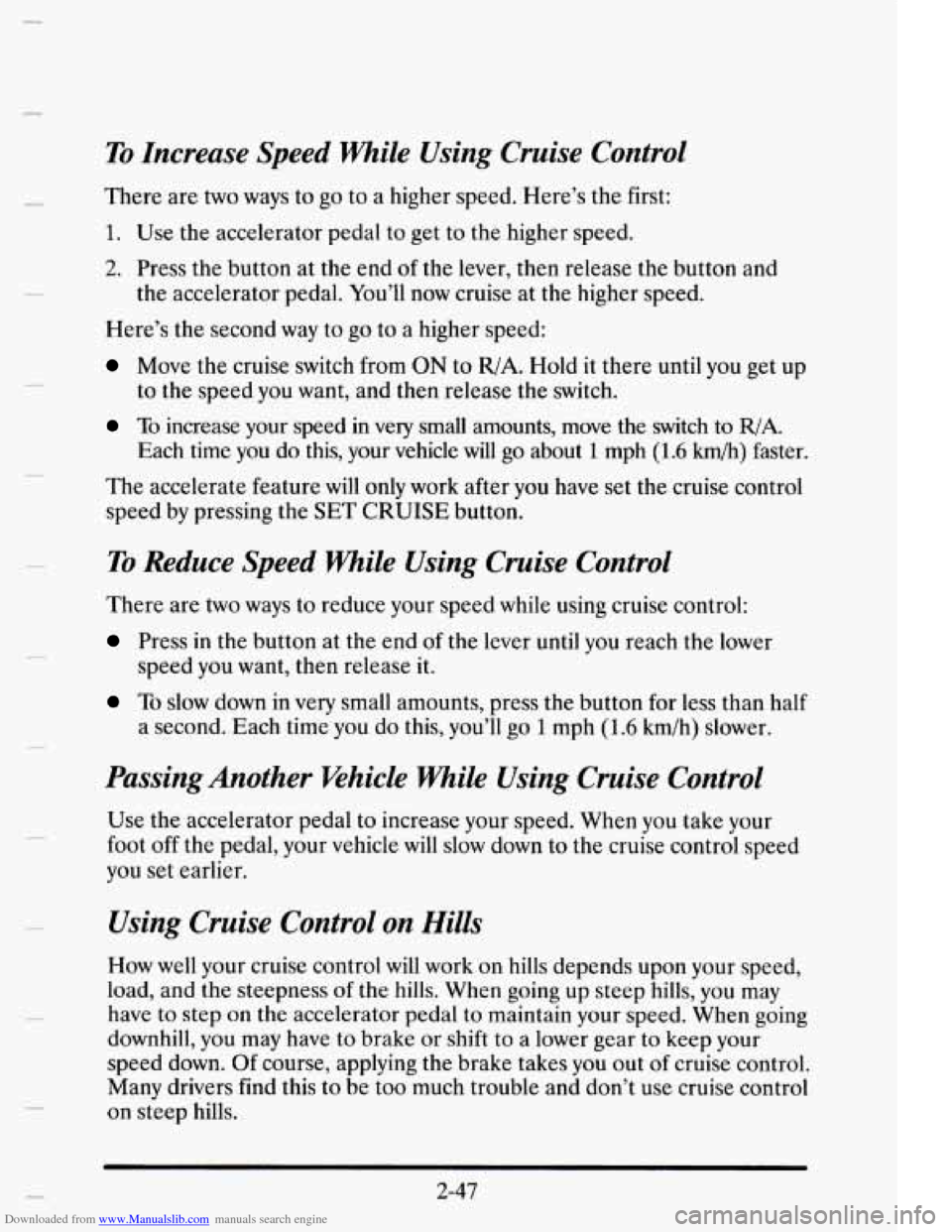
Suppose you set your cruise control at a desired speed and then you apply
the brake. This,
of course, shuts off the cruise control, however, you don’t
need
to reset it. Once you’re going about 25 mph (40 km/h) or more, you
can move the cruise control switch from
ON to R/A (ResumelAccelerate)
for about half a second.
You’ll
go right back UD to your chosen speed and stay there.
2-46
J
U
0
3
Page 118 of 395
Downloaded from www.Manualslib.com manuals search engine c
To Increase Speed While Using Cruise Control
There are two ways to go to a higher speed. Here’s the first:
1. Use the accelerator pedal to get to the higher speed.
2. Press the button at the end of the lever, then release the button and
the accelerator pedal. You’ll now cruise at the higher speed.
Here’s
the second way to go to a higher speed:
Move the cruise switch from ON to R/A. Hold it there until you get up
to the speed you want, and then release the switch.
To increase your speed in very small amounts, move the switch to R/A.
Each time you do this, your vehicle will go about 1 mph (1.6 km/h) faster.
The accelerate feature
will only work after you have set the cruise control
speed by pressing the SET CRUISE button.
To Reduce Speed while Using Cruise Control
There are two ways to reduce your speed while using cruise control:
Press in the button at the end of the lever until you reach the lower
speed you want,
then release it.
To slow down in very small amounts, press the button for less than half
a second. Each time you do this, you’ll go
1 mph (1.6 km/h) slower.
Passing Another Whicle While Using Cruise Control
Use the accelerator pedal to increase your speed. When you take your
foot off the pedal,
your vehicle will slow down to the cruise control speed
you set earlier.
Using Cruise Control on Hills
How well your cruise control will work on hills depends upon your speed,
load, and
the steepness of the hills. When going up steep hills, you may
have
to step on the accelerator pedal to maintain your speed. When going
downhill, you may have to brake or shift to a lower gear
to keep your
speed down. Of course, applying the brake takes
you out of cruise control.
Many drivers find this to be too much trouble and don’t use cruise control
on steep
hills.
2-47
Page 119 of 395
Downloaded from www.Manualslib.com manuals search engine To Get Out of Cruise Control
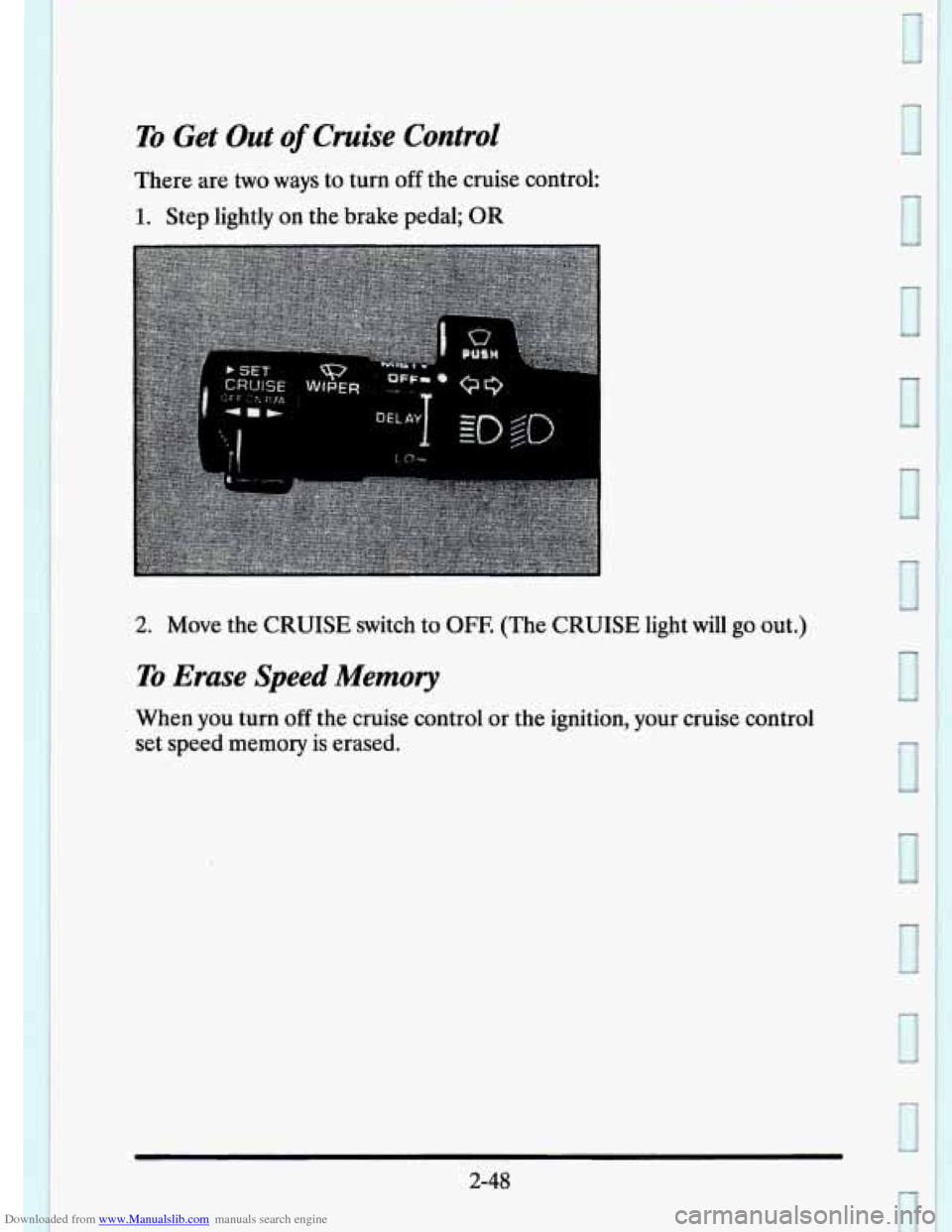
There are two ways to turn off the cruise control:
1. Step lightly on the brake pedal; OR
2. Move the CRUISE switch to OFF. (The CRUISE light will go out.)
To Erase Speed Memory
When you turn off the cruise control or the ignition, your cruise control
set speed memory is erased.
2-48
1
Page 159 of 395
Downloaded from www.Manualslib.com manuals search engine LOW OIL LEVEL - 36
For correct operation of the low oil sensing system, the vehicle should be
on a level surface. A false LOW OIL LEVEL message may appear if the
vehicle is parked
on grades. The oil level sensing system does not check
for actual oil
level if the engine has been off for a short period of time,
and the
oil level is never sensed while the engine is running. If the LOW
OIL LEVEL message appears, and your vehicle has been parked on level
ground with
the engine off for at least 30 minutes, your oil level should be
checked by observing the oil dipstick. Prior to checking your oil level be
sure your engine has
been off for five minutes and your vehicle is on a
level surface. Then check your dipstick and add oil if necessary. See
“Engine
Oil” in the Index.
CHECK WASHER FLUID - 25
This message will appear for a few seconds indicating that you need
washer solvent.
CHANGE OIL SOON - 40
This message will appear when you have used 90% of the engine oil’s
expected life, based on your driving patterns.
CHANGE ENGINE OIL - 82
This means that the life of your engine oil has expired and it should be
changed within 200 miles. See “Engine Oil” and “Filter
Recommendations”
in the Maintenance Schedule. After an oil change the
Oil Life Index must be resct. See “Oil Life Indicator” in the Index on how
to reset it.
CRUISE ENGAGED - 43
This message will appear for a few seconds when you select a speed at
which to cruise.
ENGINE COOLANT HOT - 44
This message will appear when your engine coolant temperature is over
248’ F (126’ C). To avoid added strain on a hot cngine turn off your
Climate Control system. Stop and allow your vehicle
to idle until it cools
down or the message is removed.
If it does not cool down, turn off your
engine and have it serviced before driving
it again. Severe engine damage
can result from an overheated engine. See “Engine Overheating” in the
Index.
2-88
Page 196 of 395
Downloaded from www.Manualslib.com manuals search engine Traction Control System
Your vehicle has a traction control system that limits wheel spin. This is
especially useful in slippery road conditions.
The system operates only if it
senses that one or both of the front wheels are spinning or beginning to
lose traction. When this happens, the system works the front brakes and
reduces engine power (by shutting off
fuel injectors) to limit wheel spin.
c
The TRACTION ACTIVE message will display on the Driver
Information Center when the traction control system is limiting wheel
spin. See “Driver Information Center Messages”
in the Index. You may
feel
the system working, or you may notice some noise, but this is normal.
If your vehicle is
in cruise control when the traction control system begins
to
limit wheel spin, the cruise control will automatically disengage. When
road conditions allow you to safely use
it again, you may re-engage the
cruise control. (See “Cruise Control”
in the Index.)
The TRACTION DISABLED message
will display on the Driver
Information Center to let
you know if there’s a problem with your traction
control system. See “Driver Information Center Messages”
in the Index.
When this message is displayed, the system will not limit wheel spin.
Adjust your driving accordingly.
Braking in Emergencies
Use your anti-lock braking system when you need to. With anti-lock, you
can steer and brake at the same time. In many emergencies, steering can
help you more than even the very best braking.
4-9
Page 324 of 395
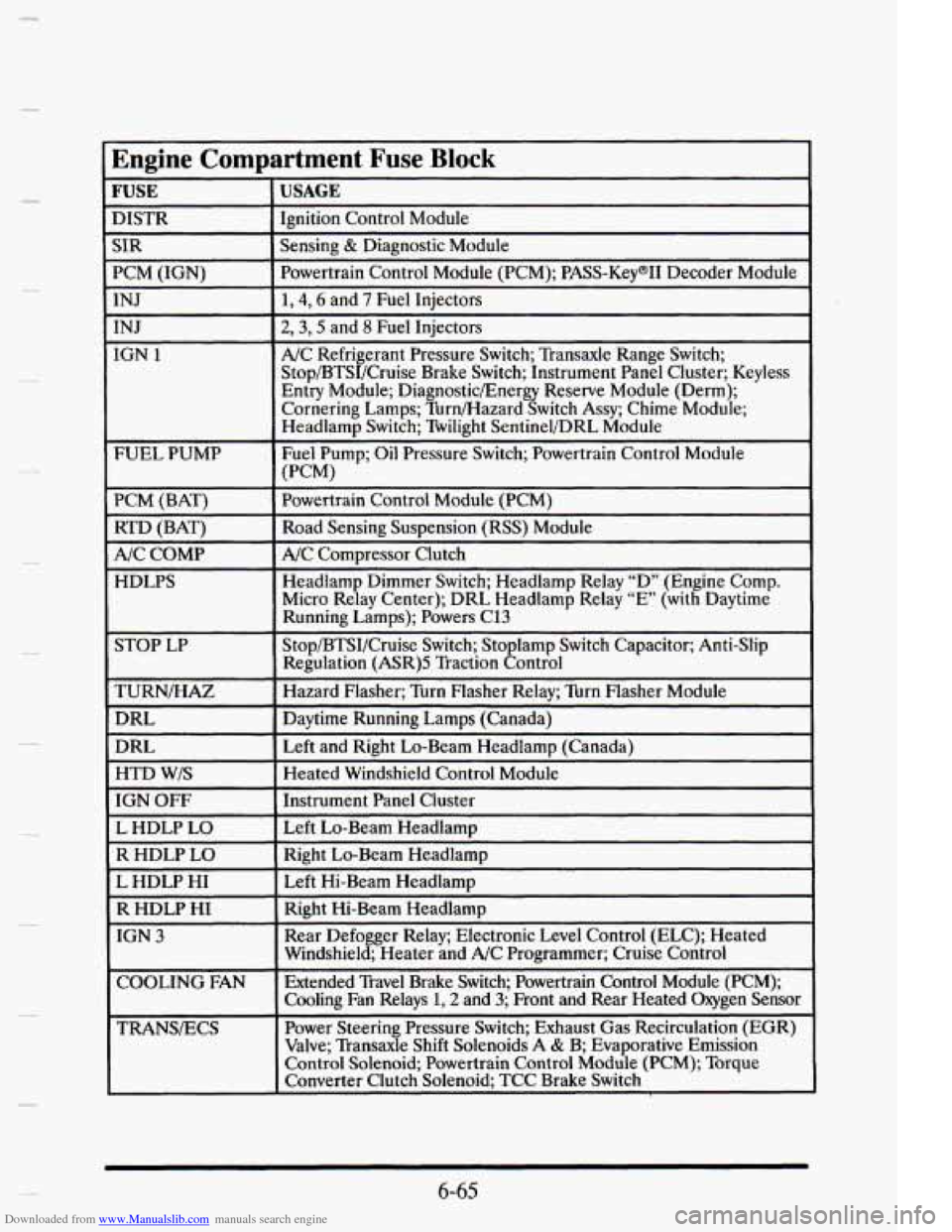
Downloaded from www.Manualslib.com manuals search engine [Engine Compartment Fuse Block
~~~
E DISTR
USAGE I
INJ
IGN 1
FUEL PUMP
PCM (BAT) RTD (BAT)
F
A/C COMP
HDLPS
TURN/HAZ
DRL
DRL
HTD W/S
IGN OFF
L HDLP
LO
I R HDLP LO Ignition
Control Module
I
L HDLP HI
R HDLP HI
I
I
TRANSECS Sensing
& Diagnostic Module
Powertrain Control Module (PCM); PASS-KeymII Decode llodule
1,4,6 and 7 Fuel Injectors
2,3,5 and 8 Fuel Injectors
A/C Refrigerant Pressure Switch; Transaxle Range Switch;
Stop/BTSI/Cruise Brake Switch; Instrument Panel Cluster; Keyless
Entry Module; DiagnosticEnergy Reserve Module (Derm);
Cornering Lamps; Tbrn/Hazard Switch Assy; Chime Module;
Headlamp Switch; Twilight Sentinel/DRL Module
Fuel Pump; Oil Pressure Switch; Powertrain Control Module
Powertrain Control Module (PCM)
Road Sensing Suspension (RSS) Module
NC Compressor Clutch
Headlamp Dimmer Switch; Headlamp Relay “D” (Engine Comp.
Micro Relay Center); DRL Headlamp Relay
“E’ (with Daytime
Running Lamps); Powers C13
Stop/BTSI/Cruise Switch; Sto lamp Switch Capacitor; Anti-Slip
Regulation (ASR)S Traction 8ontrol
Hazard Flasher; Turn Flasher Relay; Turn Flasher Module
Daytime Running Lamps (Canada)
Left and Right Lo-Beam Headlamp (Canada)
Heated Windshield Control Module
Instrument Panel Cluster
Left Lo-Beam Headlamu
(PCM)
Right Lo-Beam Headlamp
Left Hi-Beam Headlamp
Right Hi-Beam Headlamp
Rear Defogger Relay; Electronic Level Control (ELC); Heated
Windshield; Heater and A/C Programmer; Cruise Control
Extended Travel Brake Switch; Powertrain Control Module (PCM); \
Cooling Fan Relays
1,2 and 3; Front and Rear Heated Oxygen Sensor
Power Steering Pressure Switch; Exhaust Gas Recirculation (EGR)
Valve; Transaxle Shift Solenoids A
& B; Evaporative Emission
Control Solenoid; Powertrain Control Module (PCM); Torque
Converter Clutch Solenoid; TCC Brake Switch
6-65