steering CADILLAC ELDORADO 1996 10.G User Guide
[x] Cancel search | Manufacturer: CADILLAC, Model Year: 1996, Model line: ELDORADO, Model: CADILLAC ELDORADO 1996 10.GPages: 354, PDF Size: 19.33 MB
Page 85 of 354
Downloaded from www.Manualslib.com manuals search engine YYiif“rg Into PARK (P)
It can be dangerous to get out of your vehicle if
the shift lever is not fully in PARK (P) with the
parking brake firmly set. Your vehicle can
roll.
If you have left the engine running, the vehicle
can move suddenly. You
or others could be
injured.
To be sure your vehicle won’t move, even
when you’re on
fairly level ground, use the steps
that follow. If you’re pulling a trailer, see
“Towing
a Trailer” in the Index.
Steering Column Shift Lever
1. Hold the brake pedal down with your right foot.
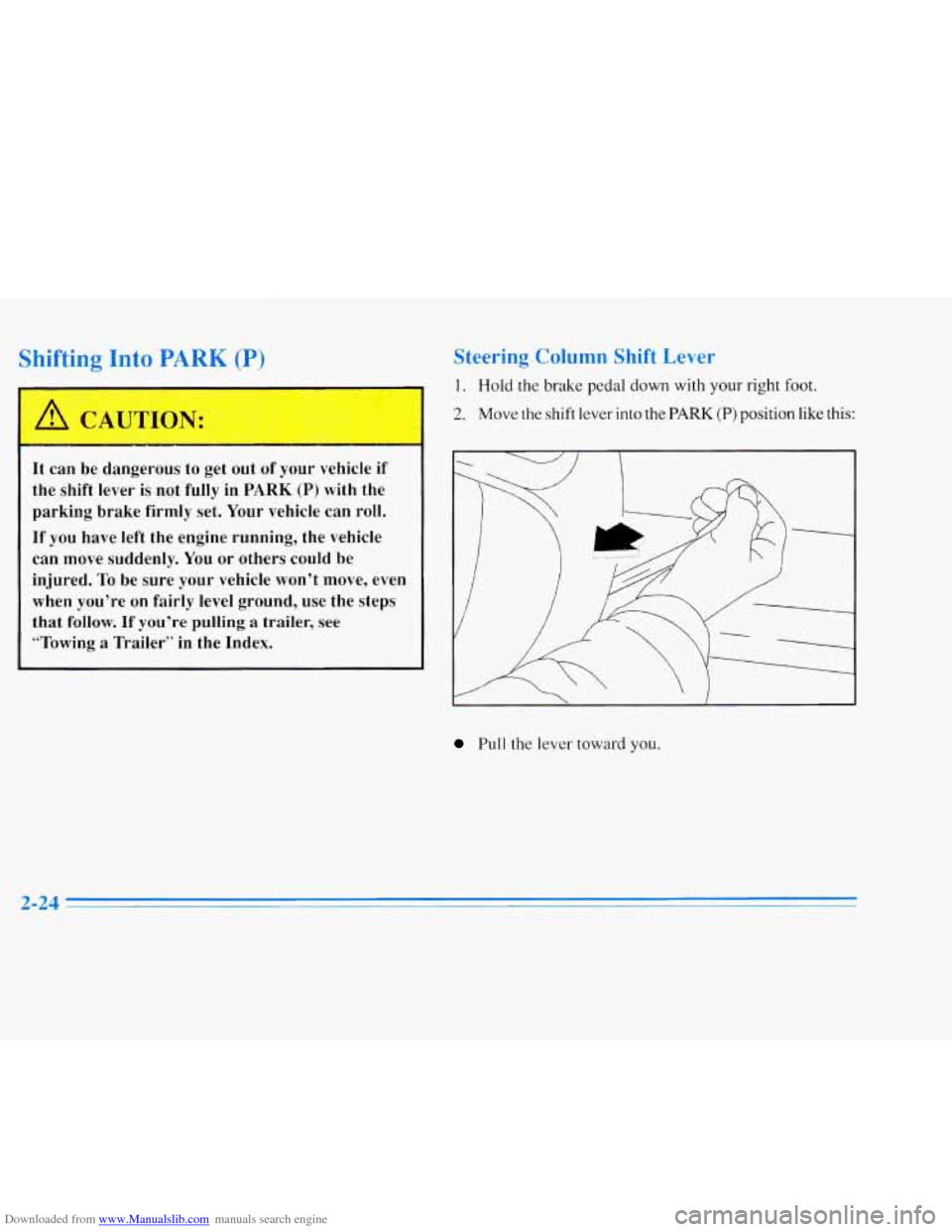
2. Move the shift lever into the PARK (P) position like this:
I ~~~
Pull the lever toward you.
Page 91 of 354
Downloaded from www.Manualslib.com manuals search engine 111 vv heel
This feature is present on the driver's power window.
Pressing the control rearward into
the second position
then releasing it will lower the window completely. If
you want to stop the window as it is lowering, press
the control forward. Press the control forward to raise
the window.
Note that the first position on the control operates the
driver's power window.
Horn
The horn can be sounded by pressing any surface on the
center steering wheel pad.
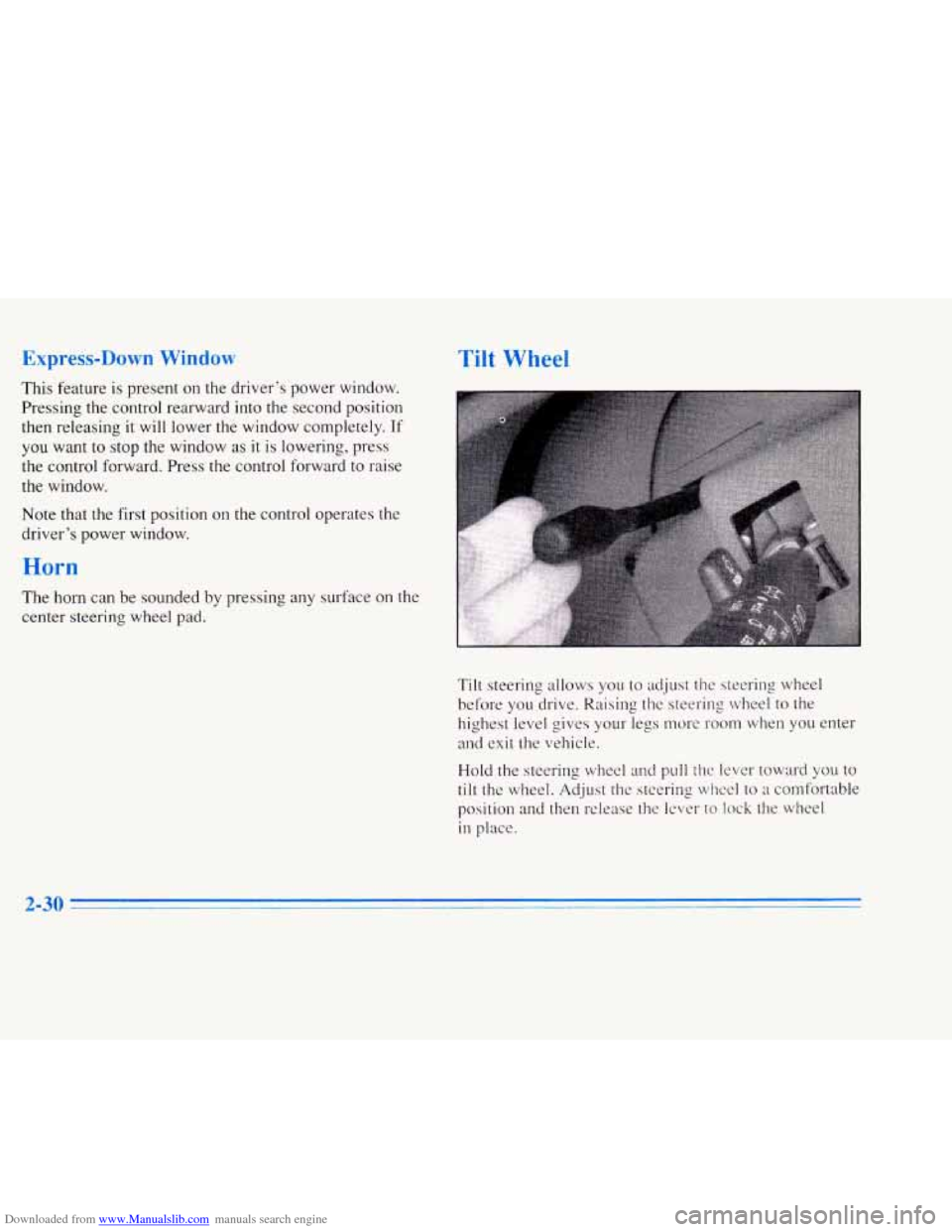
Tilt steering allows you to adjust the steering wheel
before you drive. Raising the steering wheel to the
highest level gives your legs nwre room when
you enter
and exit the vehicle.
Hold the steering wheel and pull
the lever toward you to
tilt the wheel. Adjust the steering wheel to a comfortable
position
and then release the lever to lock the wheel
in place.
Page 115 of 354
Downloaded from www.Manualslib.com manuals search engine Cellular Telephone (Option)
Your vehicle has been prewired for dealer installation of
a Cadillac cellular dual-mode (analog/TDMA)
telephone.
A fixed mobile or a portable hand-held
system may be available for purchase. Either system
will have steering wheel telephone controls and will
have information output through the DIC. Voice
activation and hands-free operation are standard
features. For more information, contact your Cadillac
dealer. A user’s guide is provided with the telephone.
Assist Handles
A folding handle, located on each side pillar, can be
used when getting out
of your vehicle.
Floor Mats
Your Cadillac is equipped with rubber-backed front and
rear floor mats. Keep them clean by vacuuming and
using a spot cleaner, if necessary.
Do not machine wash.
Astroroof (Option)
f
f
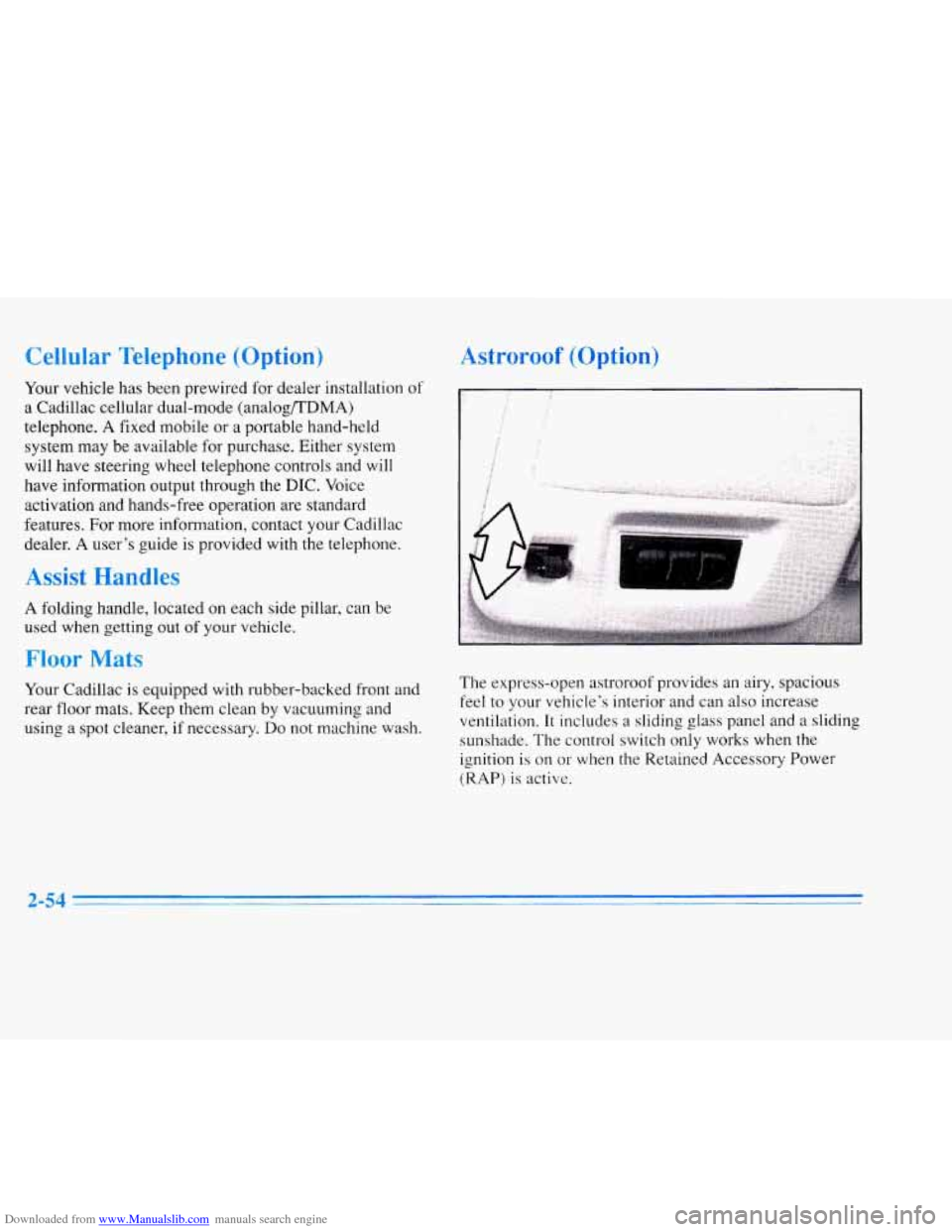
The express-open astroroof provides an airy, spacious
feel
to your vehicle’s interior and can also increase
ventilation. It includes a sliding
glass panel and a slidinq
sunshade. The control switch only works when the
ignition is on
or when the Retained Accessory Power
(RAP)
is active.
2-54
Page 120 of 354
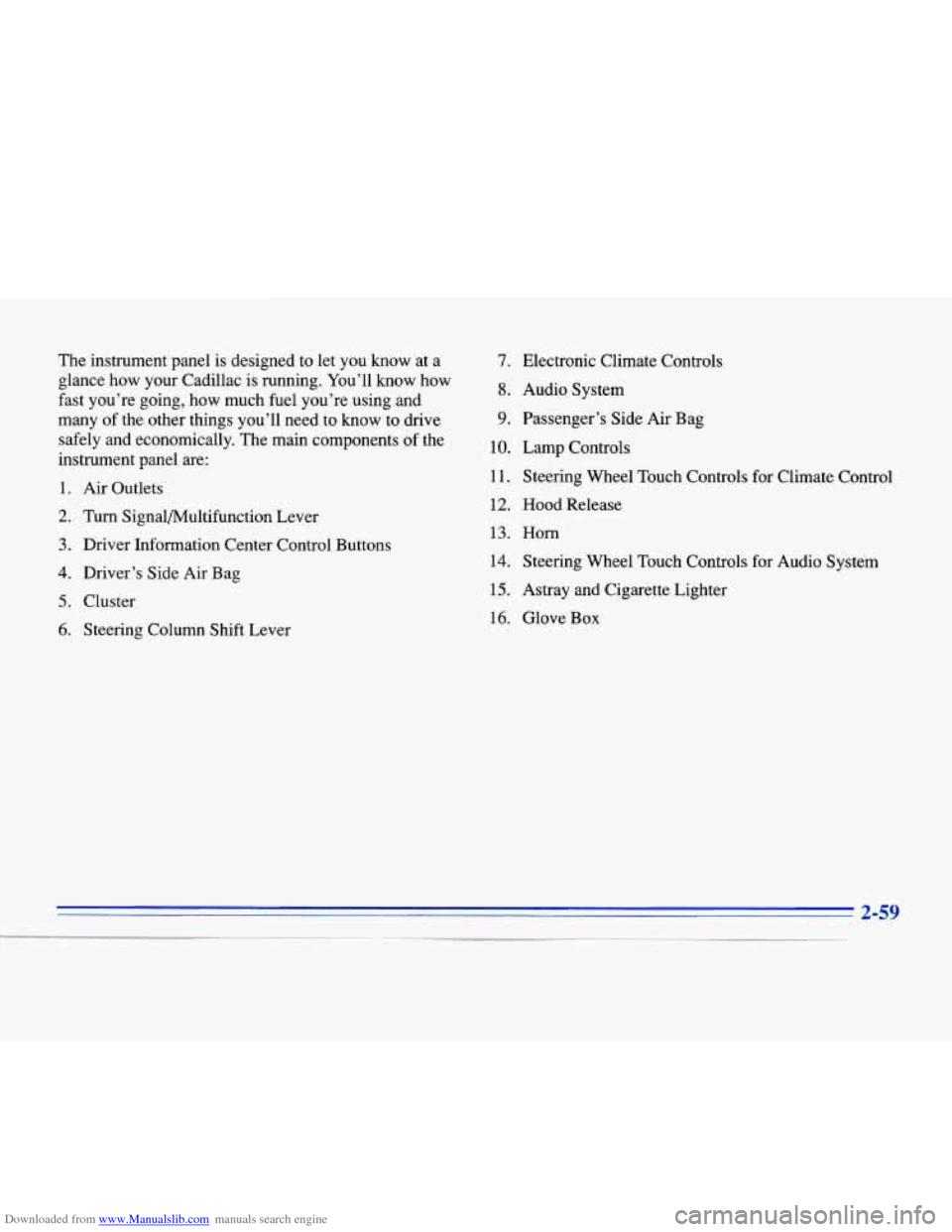
Downloaded from www.Manualslib.com manuals search engine The instrument panel is designed to let you know at a
glance how your Cadillac is running. You’ll know how
fast you’re going, how much fuel you’re using and
many of the other things you’ll need to know to drive
safely and economically. The main components of the
instrument panel are:
1. Air Outlets
2. Turn Signal/Multifunction Lever
3. Driver Information Center Control Buttons
4. Driver’s Side Air Bag
5. Cluster
6. Steering Column Shift Lever
7. Electronic Climate Controls
8. Audio System
9. Passenger’s Side Air Bag
10. Lamp Controls
11. Steering Wheel Touch Controls for Climate Control
12.
Hood Release
13. Horn
14. Steering Wheel Touch Controls for Audio System
15. Astray and Cigarette Lighter
16. Glove Box
Page 160 of 354
Downloaded from www.Manualslib.com manuals search engine Steering Wheel Controls for
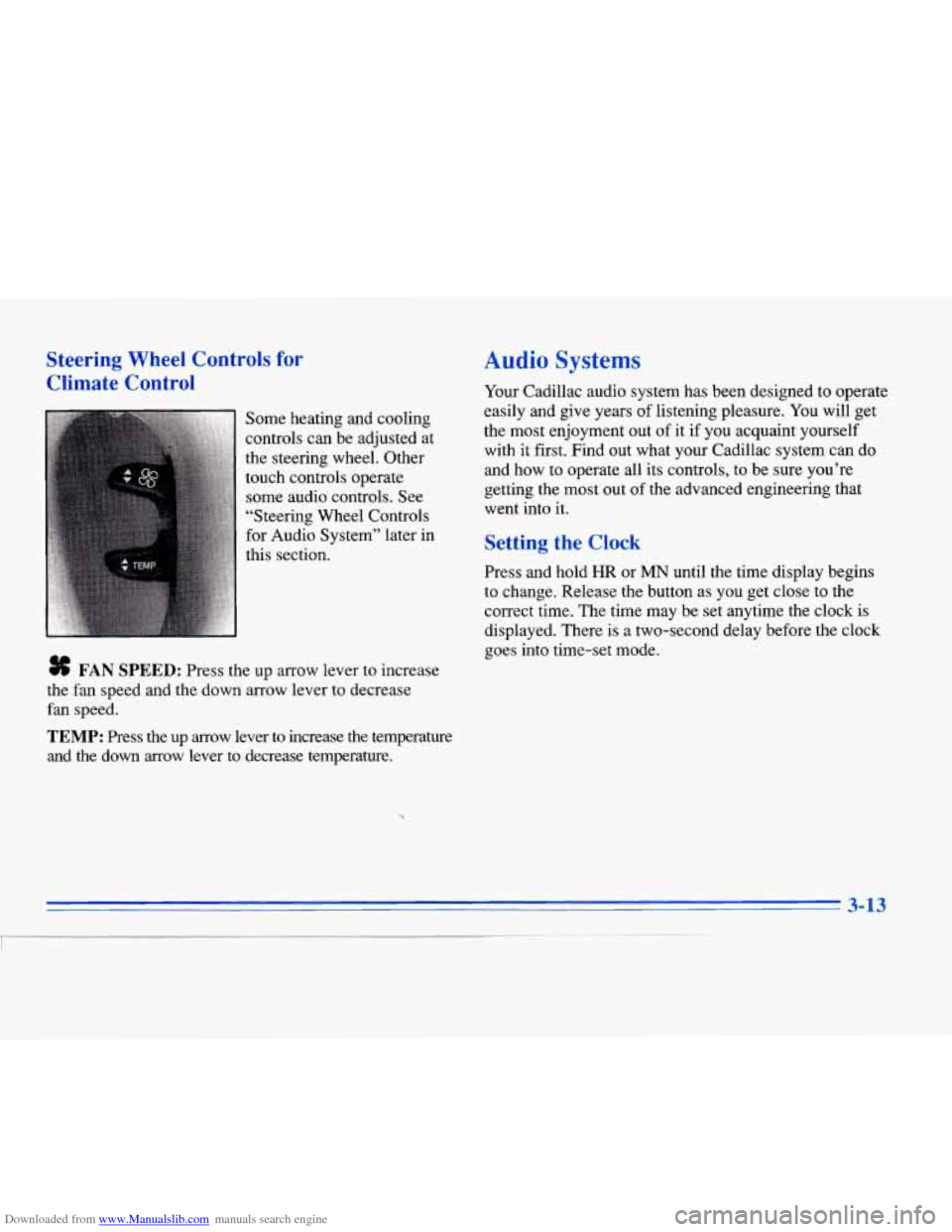
Climate Control
Some heating and cooling
controls can be adjusted at
the steering wheel. Other
touch controls operate some audio controls. See
“Steering Wheel Controls
for Audio System” later in
this section.
# FAN SPEED: Press the up arrow lever to increase
the fan speed and the down arrow lever to decrease
fan speed.
TEMP: Press the up arrow lever to increase the temperature
and the down arrow lever
to decrease temperature.
Audio Systems
Your Cadillac audio system has been designed to operate
easily and give years of listening pleasure.
You will get
the most enjoyment out of
it if you acquaint yourself
with it first. Find out what your Cadillac system can do
and how to operate all its controls, to be sure you’re
getting the most out of the advanced engineering that
went into
it.
Setting the Clock
Press and hold HR or MN until the time display begins
to change. Release the button as you get close to the
correct time. The time may be set anytime the clock
is
displayed. There is a two-second delay before the clock
goes into time-set mode.
3-13
I
Page 180 of 354
Downloaded from www.Manualslib.com manuals search engine CD CHANGER DOOR OPEN is displayed when the
CD changer door is left open. Completely close the
changer door to restore normal operation.
CD CHANGER
NO DISCS is displayed when an empty
magazine is inserted in the CD changer. Try the
magazine again with a disc loaded on one of the trays.
If any error occurs repeatedly or if an error cannot be
corrected, please contact your dealer. If your radio
displays an error number, write
it down and provide it to
your dealer when reporting the problem.
Theft-Deterrent Feature
Your Cadillac has a “built-in” theft-deterrent feature on
each radio that is automatic -- there is no programming
required. The radio in your Cadillac cannot be used in
any other vehicle besides another Cadillac
if it were to
be removed.
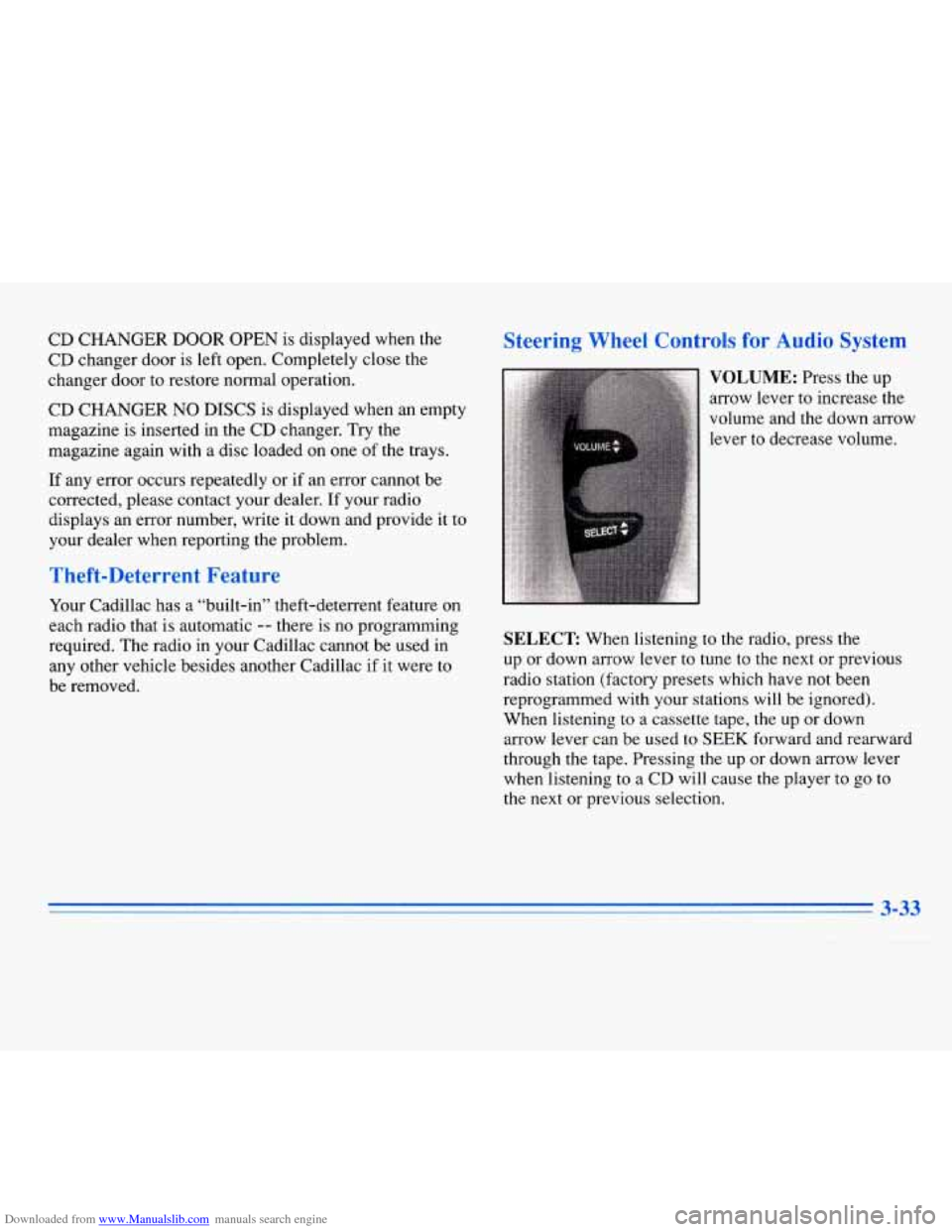
Steering Wheel Controls for Audio System
SELECT: When listening to the radio, press the
up or down arrow lever to tune to the next or previous
radio station (factory presets which have not been
reprogrammed with your stations will be ignored).
When listening to a cassette tape, the up
or down
arrow lever can be used to
SEEK forward and rearward
through the tape. Pressing the up or down arrow lever
when listening to
a CD will cause the player to go to
the next or previous selection.
3-33
Page 188 of 354
Downloaded from www.Manualslib.com manuals search engine Control of a Vehicle
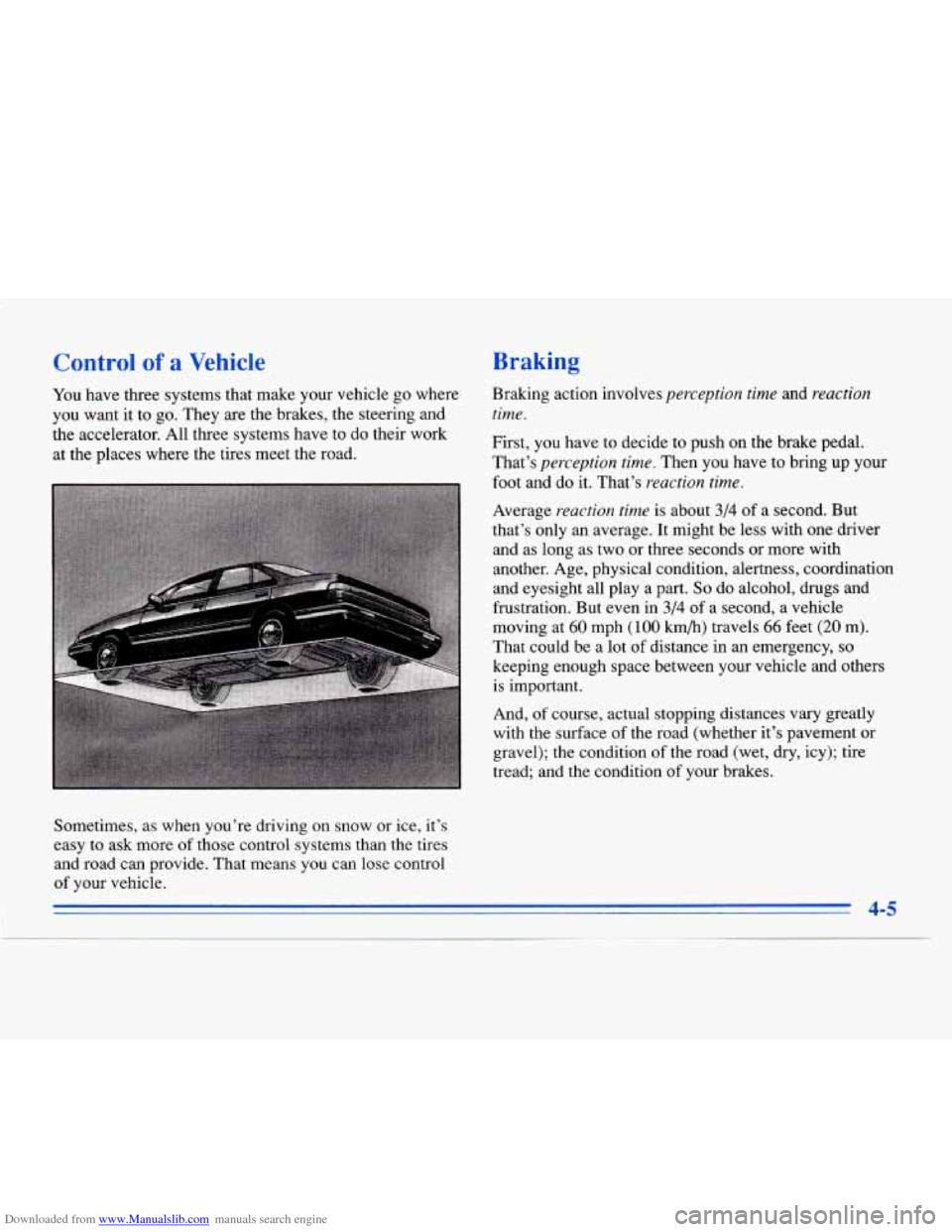
You have three systems that make your vehicle go where
you want it to go. They
are the brakes, the steering and
the accelerator. All three systems have to do their work
at the places where the tires meet the road.
Braking
Braking action involves perception time and reaction
time.
First, you have to decide to push on the brake pedal.
That’s
perception time. Then you have to bring up your
foot and do it. That’s reaction time.
Average reaction time is about 3/4 of a second. But
that’s only
an average. It might be less with one driver
and as long as two or
three seconds or more with
another. Age, physical condition, alertness, coordination
and eyesight all play a part.
So do alcohol, drugs and
frustration. But even
in 3/4 of a second, a vehicle
moving at
60 mph (100 km/h) travels 66 feet (20 m).
That could be a lot of distance in an emergency, so
keeping enough space between your vehicle and others is important.
And,
of course, actual stopping distances vary greatly
with the surface of the road (whether it’s pavement or
gravel); the condition of the road (wet, dry, icy); tire
tread; and the condition of your brakes.
aometimes, as when you’re driving on snow
or ice, it’s
easy to ask more
of those control systems than the tires
and road can provide. That means you can lose control
of your vehicle.
i 4-5
Page 193 of 354
Downloaded from www.Manualslib.com manuals search engine Braking in Emergencies
Use your anti-lock braking system when you need to.
With anti-lock, you can steer and brake at the same
time. In many emergencies, steering can help you more
than even the very best braking.
Steering
Power Stewing
If you lose power steering assist because the engine
stops or the system is not functioning, you can steer but
it will take much more effort.
MAGNASTEER * (ETC Only)
Your vehicle may be equipped with GM MAGNASTEER,
a system that continuously adjusts the effort you feel when
steering at all vehicle speeds.
It provides ease when
parking yet a firm, solid feel at highway speeds.
Speed Sensitive Steering (SSS)
(Eldorado Only)
This system varies the amount of steering effort
proportionate to your vehicle speed. Steering is easier at
a lower speed for maneuvering and parking ease.
As
your vehicle speed increases, the steering effort also
increases. At highway speeds, the amount of steering
effort
is increased to provide manual-like steering for
maximum control and stability.
Steering Tips
Driving on Curves
It’s important to take curves at a reasonable speed.
A lot of the “driver lost control” accidents mentioned on
the news happen on curves. Here’s why:
Experienced driver or beginner, each
of us is subject to
the same laws
of physics when driving on curves. The
traction
of the tires against the road surface makes it
possible for the vehicle to change its path when you turn
the l‘ront wheels.
If there’s no traction, inertia will keep
the vehicle going in the same direction. If you’ve ever
tried to steer
a vehicle on wet ice, you’ll understand this.
4-10
Page 194 of 354
Downloaded from www.Manualslib.com manuals search engine The traction you can get in a curve depends on the
condition of your tires and the road surface, the angle at
which the curve is banked and your speed. While you’re
in a curve, speed is the
one factor you can control.
Try to adjust your speed so you can “drive” through the
curve. Maintain a reasonable, steady speed. Wait to
accelerate until you are out of the curve, and then
accelerate gently into the straightaway.
Suppose you’re steering through a sharp curve. Then you
suddenly accelerate. Both control systems
-- steering and
acceleration
-- have to do their work where the tires meet
the road. Unless your traction control system is on, adding
the sudden acceleration can demand too much of those
places. You can lose control.
What should you do
if this ever happens? Ease up on the
accelerator pedal, steer the vehicle the way you want it
to
go, and slow down.
Speed limit signs near curves warn that you should
adjust your speed. Of course, the posted speeds are
based on good weather and road conditions. Under less
favorable conditions you’ll want to
go slower.
If you need to reduce your speed as you approach a
curve, do it before you enter the curve, while your front
wheels are straight ahead. There
are times when steering can be more effective
than braking. For example, you come over a hill and
find a truck stopped
in your lane, or a car suddenly pulls
out from nowhere, or a child darts out from between
parked cars and stops right in front of you. You can
avoid these problems by braking
-- if you can stop in
time. But sometimes you can’t; there isn’t room. That’s
the time for evasive action
-- steering around the
problem.
Your Cadillac can perform very well in emergencies like
these. First apply your brakes. (See “Braking in
Emergencies” earlier in this section.) It is better to
remove as much speed as you can from a possible
collision. Then steer around the problem, to the left or
right depending on the space available.
Page 195 of 354
Downloaded from www.Manualslib.com manuals search engine An emergency like this requires close attention and a
quick decision. If you are holding the steering wheel at
the recommended
9 and 3 o’clock positions, you can
turn it a full 180 degrees very quickly without removing
either hand. But
you have to act fast, steer quickly and
just
as quickly straighten the wheel once you have
avoided the object.
The fact that such emergency situations are always
possible is
a good reason to practice defensive driving at
all times and wear safety belts properly. You
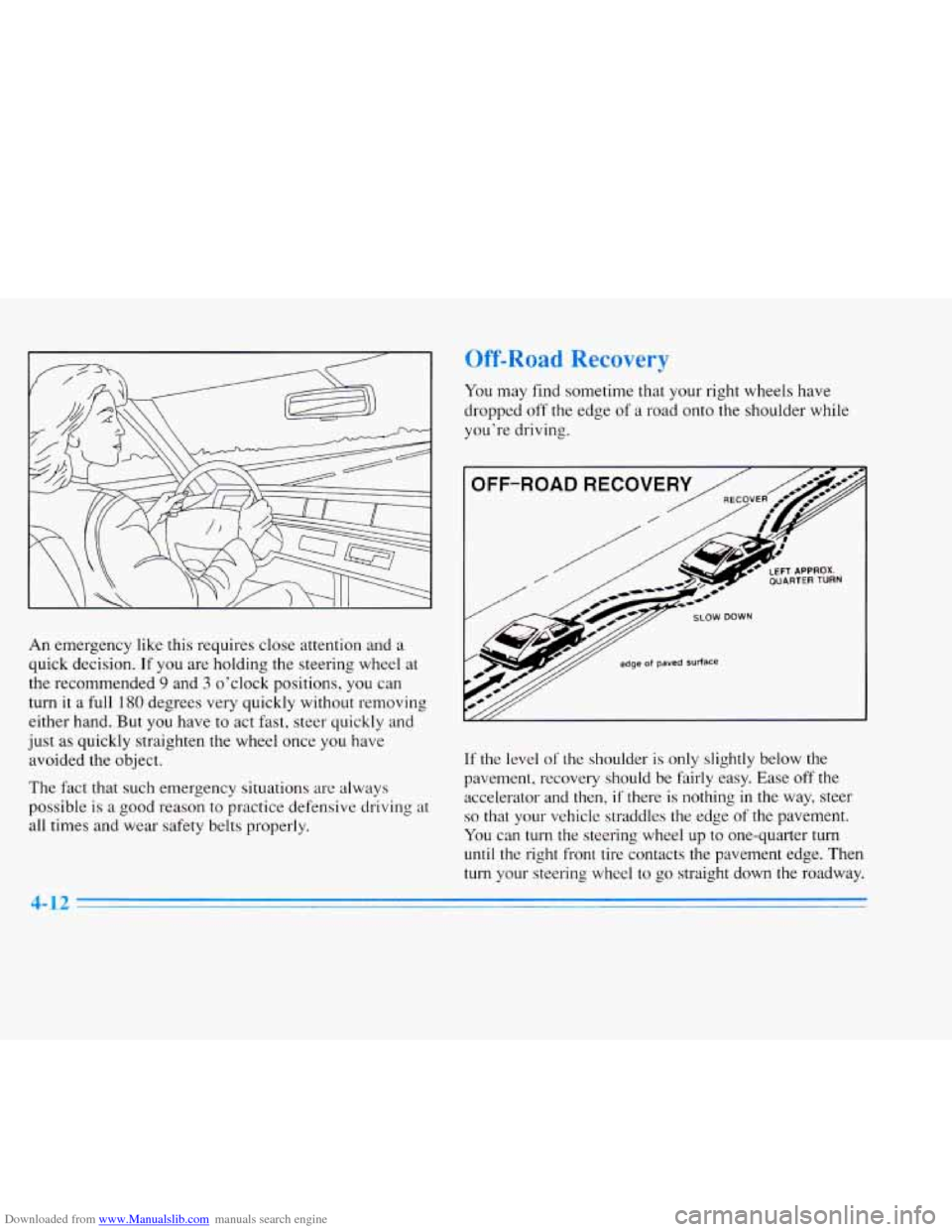
may find sometime that your right wheels have
dropped off the edge
of a road onto the shoulder while
you’re driving.
OFF-ROAD RECOVER
/
// edge of paved Surface
If the level of‘ the shoulder is only slightly below the
pavement, recovery should be fairly easy. Ease off the accelerator and then,
if there is nothing in the way, steer
so that your vehicle straddles the edge of the pavement.
You can turn the steering wheel up to one-quarter turn
until the right front tire contacts the pavement edge. Then
turn your steering wheel to go straight down the roadway.
4-12