steering wheel CADILLAC ELDORADO 1996 10.G User Guide
[x] Cancel search | Manufacturer: CADILLAC, Model Year: 1996, Model line: ELDORADO, Model: CADILLAC ELDORADO 1996 10.GPages: 354, PDF Size: 19.33 MB
Page 115 of 354
Downloaded from www.Manualslib.com manuals search engine Cellular Telephone (Option)
Your vehicle has been prewired for dealer installation of
a Cadillac cellular dual-mode (analog/TDMA)
telephone.
A fixed mobile or a portable hand-held
system may be available for purchase. Either system
will have steering wheel telephone controls and will
have information output through the DIC. Voice
activation and hands-free operation are standard
features. For more information, contact your Cadillac
dealer. A user’s guide is provided with the telephone.
Assist Handles
A folding handle, located on each side pillar, can be
used when getting out
of your vehicle.
Floor Mats
Your Cadillac is equipped with rubber-backed front and
rear floor mats. Keep them clean by vacuuming and
using a spot cleaner, if necessary.
Do not machine wash.
Astroroof (Option)
f
f
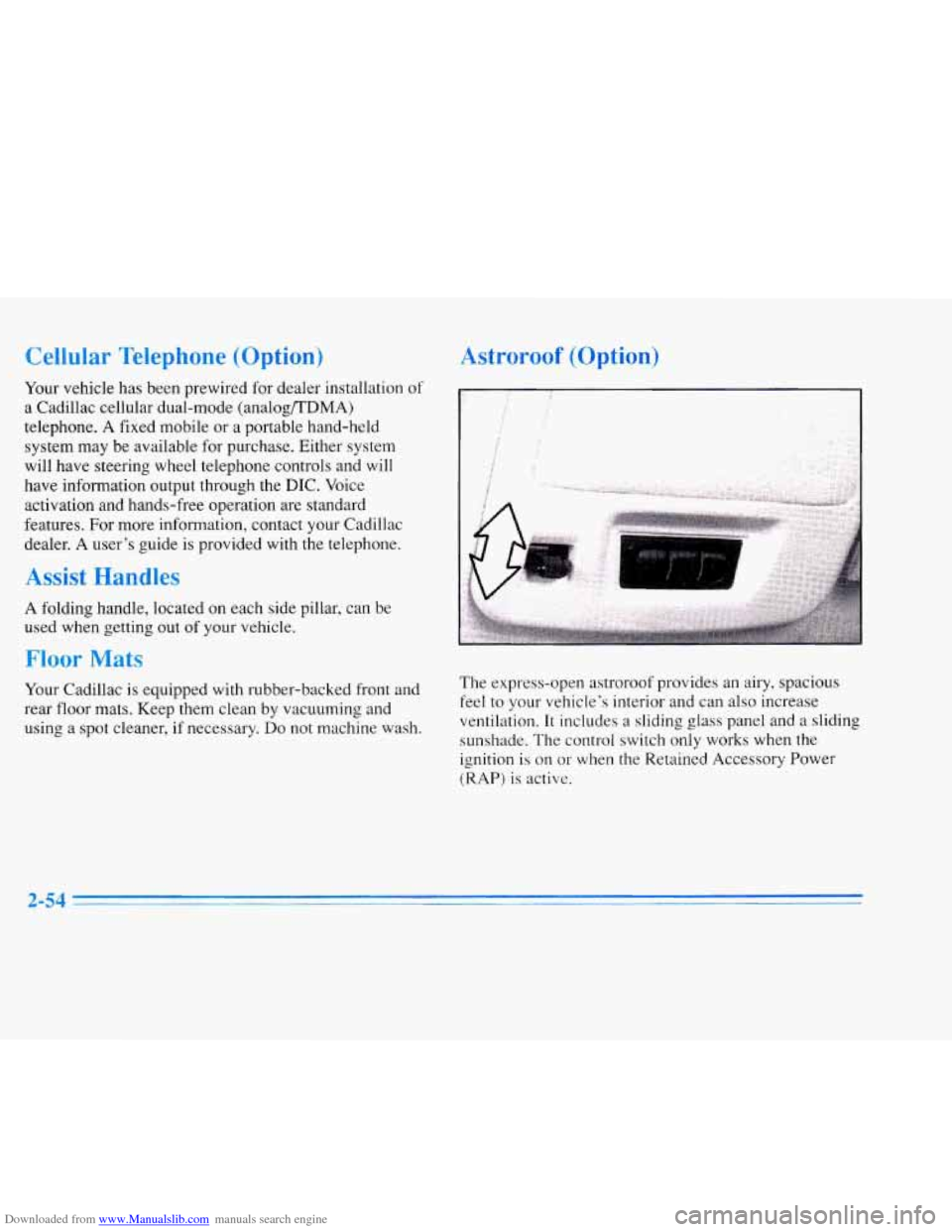
The express-open astroroof provides an airy, spacious
feel
to your vehicle’s interior and can also increase
ventilation. It includes a sliding
glass panel and a slidinq
sunshade. The control switch only works when the
ignition is on
or when the Retained Accessory Power
(RAP)
is active.
2-54
Page 120 of 354
Downloaded from www.Manualslib.com manuals search engine The instrument panel is designed to let you know at a
glance how your Cadillac is running. You’ll know how
fast you’re going, how much fuel you’re using and
many of the other things you’ll need to know to drive
safely and economically. The main components of the
instrument panel are:
1. Air Outlets
2. Turn Signal/Multifunction Lever
3. Driver Information Center Control Buttons
4. Driver’s Side Air Bag
5. Cluster
6. Steering Column Shift Lever
7. Electronic Climate Controls
8. Audio System
9. Passenger’s Side Air Bag
10. Lamp Controls
11. Steering Wheel Touch Controls for Climate Control
12.
Hood Release
13. Horn
14. Steering Wheel Touch Controls for Audio System
15. Astray and Cigarette Lighter
16. Glove Box
Page 160 of 354
Downloaded from www.Manualslib.com manuals search engine Steering Wheel Controls for
Climate Control
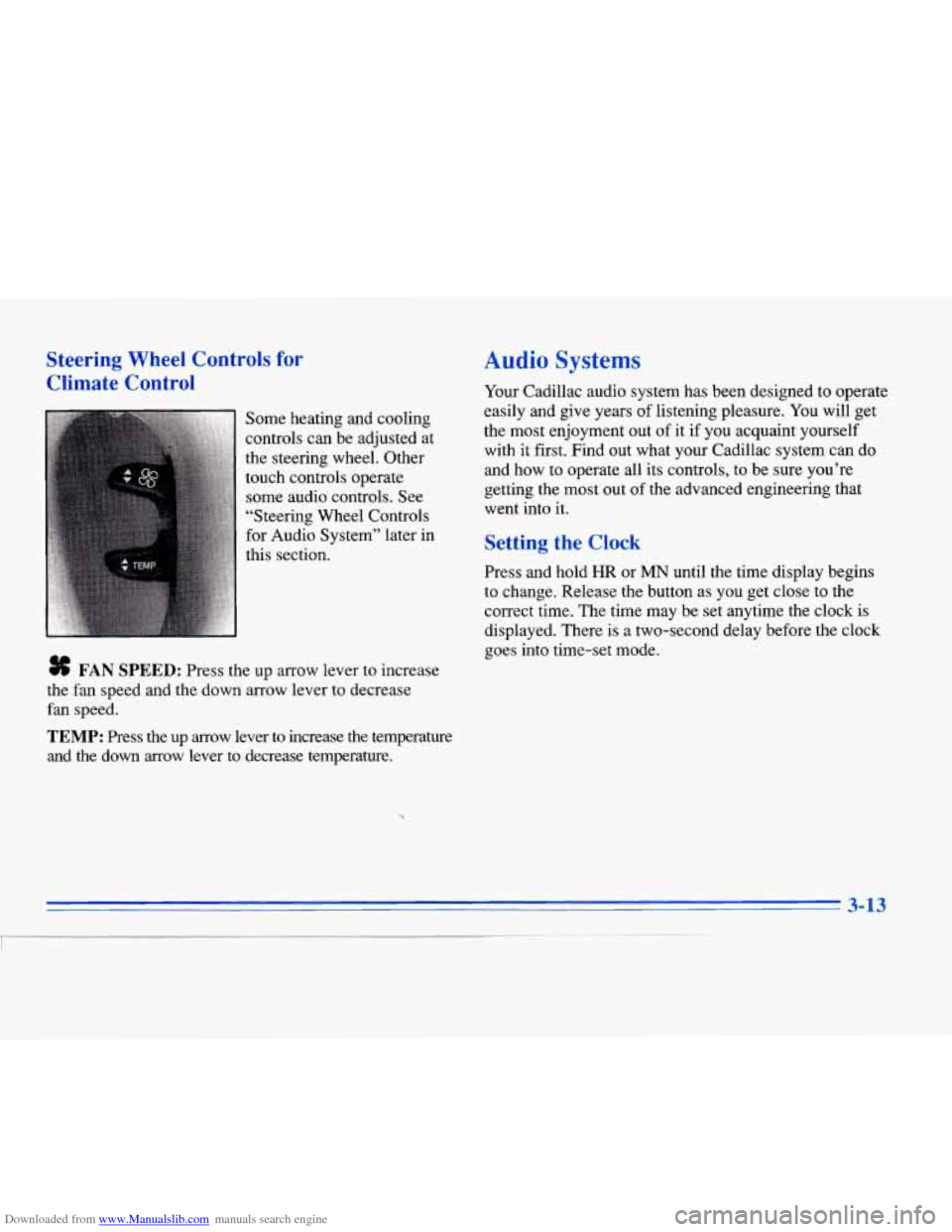
Some heating and cooling
controls can be adjusted at
the steering wheel. Other
touch controls operate some audio controls. See
“Steering Wheel Controls
for Audio System” later in
this section.
# FAN SPEED: Press the up arrow lever to increase
the fan speed and the down arrow lever to decrease
fan speed.
TEMP: Press the up arrow lever to increase the temperature
and the down arrow lever
to decrease temperature.
Audio Systems
Your Cadillac audio system has been designed to operate
easily and give years of listening pleasure.
You will get
the most enjoyment out of
it if you acquaint yourself
with it first. Find out what your Cadillac system can do
and how to operate all its controls, to be sure you’re
getting the most out of the advanced engineering that
went into
it.
Setting the Clock
Press and hold HR or MN until the time display begins
to change. Release the button as you get close to the
correct time. The time may be set anytime the clock
is
displayed. There is a two-second delay before the clock
goes into time-set mode.
3-13
I
Page 180 of 354
Downloaded from www.Manualslib.com manuals search engine CD CHANGER DOOR OPEN is displayed when the
CD changer door is left open. Completely close the
changer door to restore normal operation.
CD CHANGER
NO DISCS is displayed when an empty
magazine is inserted in the CD changer. Try the
magazine again with a disc loaded on one of the trays.
If any error occurs repeatedly or if an error cannot be
corrected, please contact your dealer. If your radio
displays an error number, write
it down and provide it to
your dealer when reporting the problem.
Theft-Deterrent Feature
Your Cadillac has a “built-in” theft-deterrent feature on
each radio that is automatic -- there is no programming
required. The radio in your Cadillac cannot be used in
any other vehicle besides another Cadillac
if it were to
be removed.
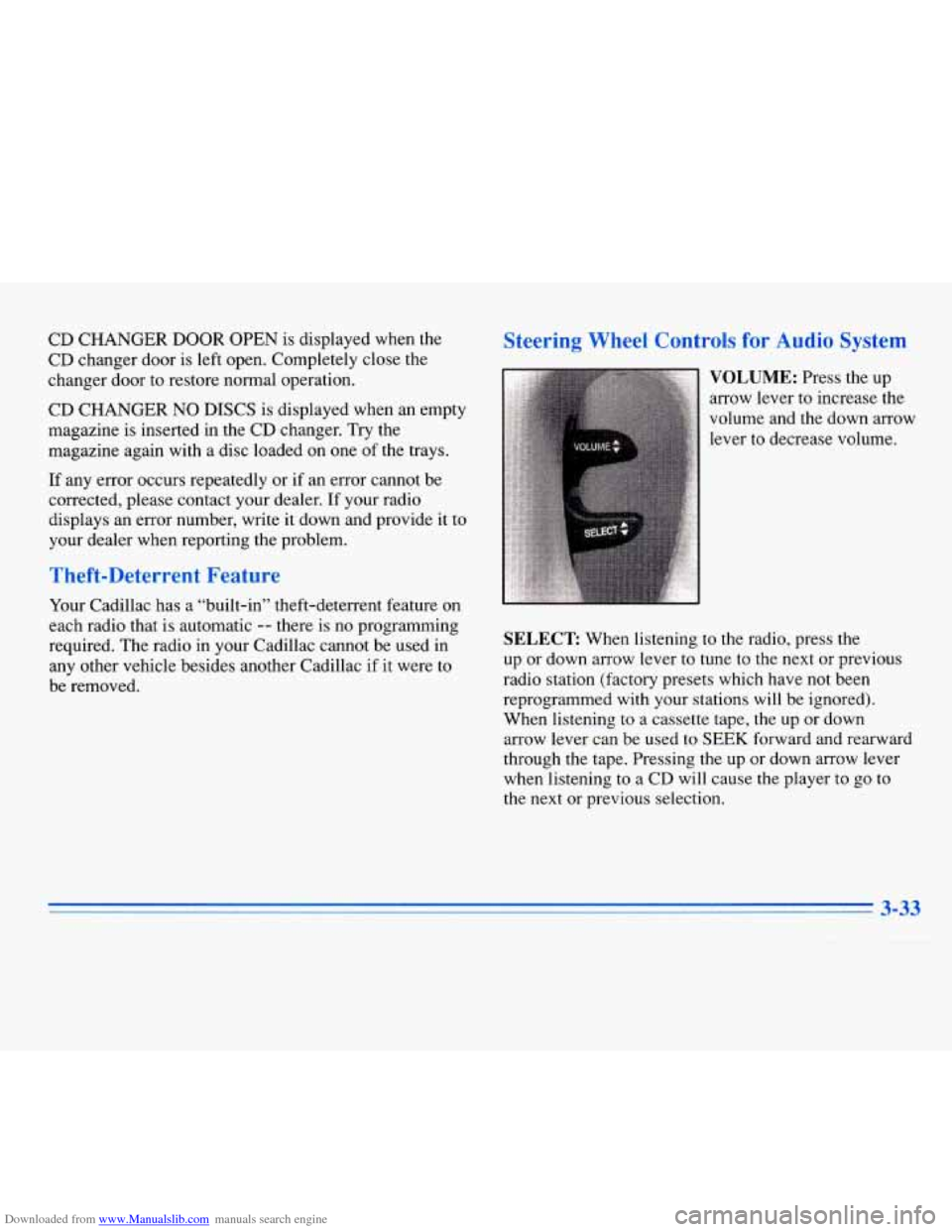
Steering Wheel Controls for Audio System
SELECT: When listening to the radio, press the
up or down arrow lever to tune to the next or previous
radio station (factory presets which have not been
reprogrammed with your stations will be ignored).
When listening to a cassette tape, the up
or down
arrow lever can be used to
SEEK forward and rearward
through the tape. Pressing the up or down arrow lever
when listening to
a CD will cause the player to go to
the next or previous selection.
3-33
Page 193 of 354
Downloaded from www.Manualslib.com manuals search engine Braking in Emergencies
Use your anti-lock braking system when you need to.
With anti-lock, you can steer and brake at the same
time. In many emergencies, steering can help you more
than even the very best braking.
Steering
Power Stewing
If you lose power steering assist because the engine
stops or the system is not functioning, you can steer but
it will take much more effort.
MAGNASTEER * (ETC Only)
Your vehicle may be equipped with GM MAGNASTEER,
a system that continuously adjusts the effort you feel when
steering at all vehicle speeds.
It provides ease when
parking yet a firm, solid feel at highway speeds.
Speed Sensitive Steering (SSS)
(Eldorado Only)
This system varies the amount of steering effort
proportionate to your vehicle speed. Steering is easier at
a lower speed for maneuvering and parking ease.
As
your vehicle speed increases, the steering effort also
increases. At highway speeds, the amount of steering
effort
is increased to provide manual-like steering for
maximum control and stability.
Steering Tips
Driving on Curves
It’s important to take curves at a reasonable speed.
A lot of the “driver lost control” accidents mentioned on
the news happen on curves. Here’s why:
Experienced driver or beginner, each
of us is subject to
the same laws
of physics when driving on curves. The
traction
of the tires against the road surface makes it
possible for the vehicle to change its path when you turn
the l‘ront wheels.
If there’s no traction, inertia will keep
the vehicle going in the same direction. If you’ve ever
tried to steer
a vehicle on wet ice, you’ll understand this.
4-10
Page 194 of 354
Downloaded from www.Manualslib.com manuals search engine The traction you can get in a curve depends on the
condition of your tires and the road surface, the angle at
which the curve is banked and your speed. While you’re
in a curve, speed is the
one factor you can control.
Try to adjust your speed so you can “drive” through the
curve. Maintain a reasonable, steady speed. Wait to
accelerate until you are out of the curve, and then
accelerate gently into the straightaway.
Suppose you’re steering through a sharp curve. Then you
suddenly accelerate. Both control systems
-- steering and
acceleration
-- have to do their work where the tires meet
the road. Unless your traction control system is on, adding
the sudden acceleration can demand too much of those
places. You can lose control.
What should you do
if this ever happens? Ease up on the
accelerator pedal, steer the vehicle the way you want it
to
go, and slow down.
Speed limit signs near curves warn that you should
adjust your speed. Of course, the posted speeds are
based on good weather and road conditions. Under less
favorable conditions you’ll want to
go slower.
If you need to reduce your speed as you approach a
curve, do it before you enter the curve, while your front
wheels are straight ahead. There
are times when steering can be more effective
than braking. For example, you come over a hill and
find a truck stopped
in your lane, or a car suddenly pulls
out from nowhere, or a child darts out from between
parked cars and stops right in front of you. You can
avoid these problems by braking
-- if you can stop in
time. But sometimes you can’t; there isn’t room. That’s
the time for evasive action
-- steering around the
problem.
Your Cadillac can perform very well in emergencies like
these. First apply your brakes. (See “Braking in
Emergencies” earlier in this section.) It is better to
remove as much speed as you can from a possible
collision. Then steer around the problem, to the left or
right depending on the space available.
Page 195 of 354
Downloaded from www.Manualslib.com manuals search engine An emergency like this requires close attention and a
quick decision. If you are holding the steering wheel at
the recommended
9 and 3 o’clock positions, you can
turn it a full 180 degrees very quickly without removing
either hand. But
you have to act fast, steer quickly and
just
as quickly straighten the wheel once you have
avoided the object.
The fact that such emergency situations are always
possible is
a good reason to practice defensive driving at
all times and wear safety belts properly. You
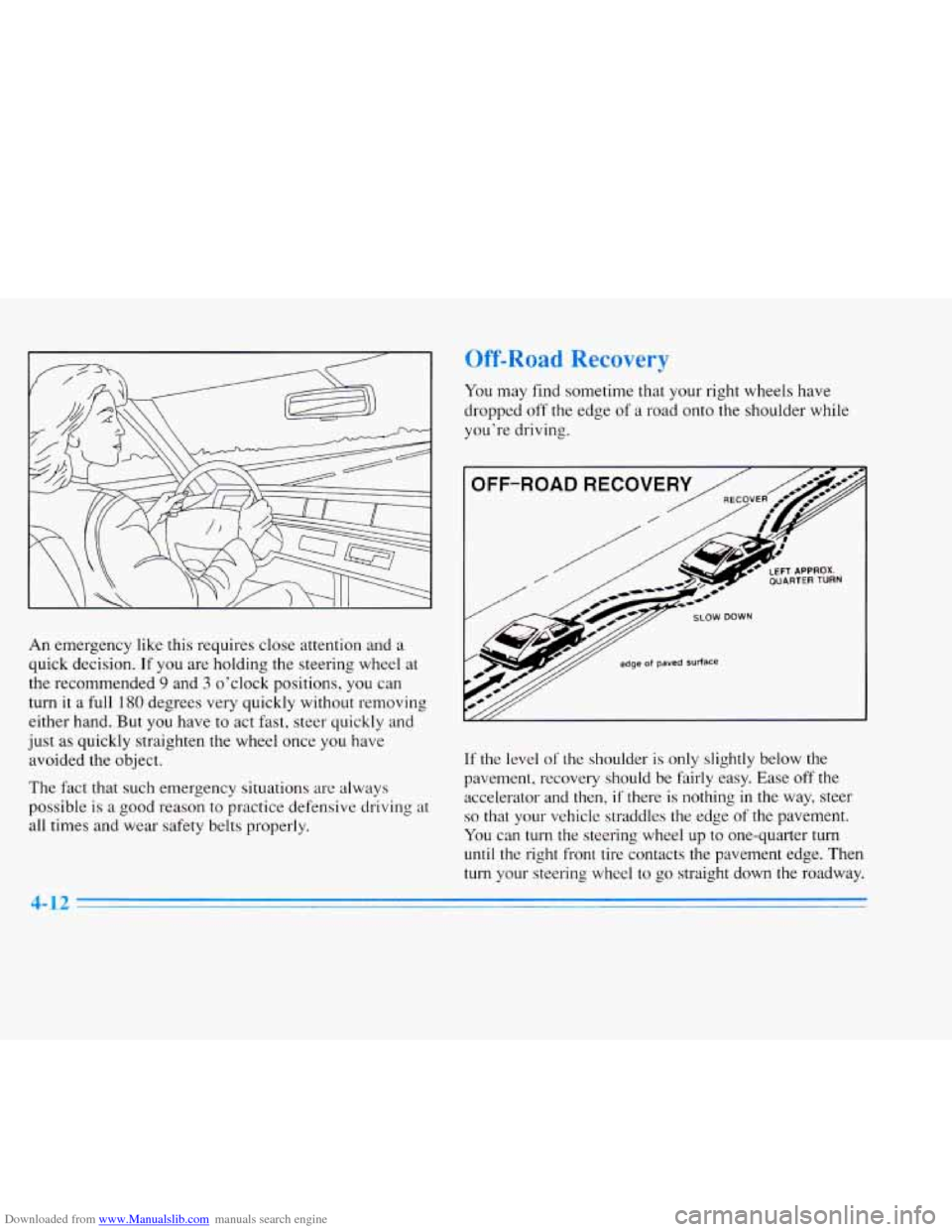
may find sometime that your right wheels have
dropped off the edge
of a road onto the shoulder while
you’re driving.
OFF-ROAD RECOVER
/
// edge of paved Surface
If the level of‘ the shoulder is only slightly below the
pavement, recovery should be fairly easy. Ease off the accelerator and then,
if there is nothing in the way, steer
so that your vehicle straddles the edge of the pavement.
You can turn the steering wheel up to one-quarter turn
until the right front tire contacts the pavement edge. Then
turn your steering wheel to go straight down the roadway.
4-12
Page 197 of 354
Downloaded from www.Manualslib.com manuals search engine 0 Check your mirrors, glance over your shoulder and start your left lane change signal before moving out
of the right lane to pass. When you are far enough
ahead of the passed vehicle to see its front
in your
inside mirror, activate your right lane change signal
and move back into the right lane. (Remember that
your right outside mirror is convex. The vehicle you
just passed may seem
to be farther away from you
than
it really is.)
Try not to pass more than one vehicle at a time on
two-lane roads. Reconsider before passing the next
vehicle.
Don’t overtake a slowly moving vehicle too rapidly.
Even though the brake lamps are not flashing, it may
be slowing down or starting to turn.
If you’re being passed, make it easy for the
following driver
to get ahead of you. Perhaps you
can ease a little to the right.
’C
s review wnat arlving experts say about what
happens when the three control systems (brakes, steering
and acceleration) don’t have enough friction where the
tires meet the road
to do what the driver has asked.
In any emergency, don’t give up. Keep trying to steer and
constantly seek an escape route or area
of less danger.
In a skid, a driver can lose control of the vehicle.
Defensive drivers avoid most skids by taking reasonable
care suited to existing conditions, and by not
“overdriving” those conditions. But skids are always
possible.
The
three types of skids correspond to your Cadillac’s
three control systems. In the braking skid, your wheels
aren’t rolling.
In the steering or cornering skid, too
much speed or steering
in a curve causes tires to slip and
lose cornering force. And in the acceleration skid, too
much throttle causes the driving wheels to spin.
A cornering skid is best handled by easing your foot off
the accelerator pedal.
Remember:
Any traction control system helps avoid
only the acceleration skid.
If your traction control system is
off, then an
acceleration skid is also best handled by easing your
foot off the accelerator pedal.
If your vehicle starts to slide, ease your foot off the
accelerator pedal and quickly steer the way you want the
vehicle to
go. If you start steering quickly enough, your
vehicle may straighten out. Always be ready
for a
second skid
if it occurs.
Page 218 of 354
Downloaded from www.Manualslib.com manuals search engine leave just enough slack so you can turn with your rig.
And, never allow safety chains to drag on the ground.
Trailer Brakes
Because you have anti-lock brakes, don’t try to tap into
your vehicle’s hydraulic brake system. If you do, both
brake systems won’t work
Be sure to read and follow
brakes
so you’ll be able to
them properly. well,
or at all.
the instructions for the trailer
install, adjust and maintain
Driving with a ”hailer
Towing a trailer requires a certain amount of experience.
Before setting out for the open road, you’ll want to get
to know your rig. Acquaint yourself with the feel of
handling and braking with the added weight of the
trailer. And always keep in mind that the vehicle you are
driving
is now a good deal longer and not nearly as
responsive as your vehicle is by itself.
Before you start, check the trailer hitch and platform
(and attachments), safety chains, electrical connector,
lamps, tires and mirror adjustment.
If the trailer has
electric brakes, start your vehicle and trailer moving and
then apply the trailer brake controller by hand to be sure
the brakes
are working. This lets you check your
electrical connection at the same time. During your trip, check occasionally
to be sure that the
load is secure, and that the lamps and any trailer brakes
are still working.
Following Distance
Stay at least twice as far behind the vehicle ahead as you
would when driving your vehicle without a trailer. This
can help you avoid situations that require heavy braking
and sudden turns.
Passing
You’ll need more passing distance up ahead when
you’re towing a trailer. And, because you’re a good deal
longer, you’ll need to go much farther beyond the
passed vehicle before you can return to your lane.
Backing Up
Hold the bottom of the steering wheel with one hand.
Then, to move the trailer to the left, just move that hand
to the left.
To move the trailer to the right, move your
hand to the right. Always back up slowly and, if
possible, have someone guide you.
4-35
Page 231 of 354
Downloaded from www.Manualslib.com manuals search engine A vehicle can fall from a car carrier if it isn’t
adequately secured. This can cause
a collision,
serious personal injury and vehicle damage. The
vehicle should be tightly secured with chains or
steel cables before it is transported.
Don’t use substitutes (ropes, leather straps,
canvas webbing, etc.) that can be cut by sharp
edges underneath the towed vehicle. Always use
T-hooks inserted in the front T-hook slots or
R-hooks inserted in the
rear R-hook slots.
Never use J-hooks. They will damage drivetrain
and suspension components.
When your vehicle is being towed, have the ignition key
turned to the
OFF position. The steering wheel should
be clamped in a straight-ahead position, with a clamping
device designed for towing service.
Do not use the
vehicle’s steering column lock for this. The transaxle
should be in NEUTRAL (N) and the parking brake
released.
Don’t have your vehicle towed on the drive wheels
unless you must. If the vehicle must be towed on the
drive wheels, be sure to follow the speed and distance
restrictions later in this section or your transaxle will be
damaged.
If these limitations must be exceeded, then the
drive wheels have to be supported on a dolly.