key CADILLAC ELDORADO 1996 10.G Owner's Manual
[x] Cancel search | Manufacturer: CADILLAC, Model Year: 1996, Model line: ELDORADO, Model: CADILLAC ELDORADO 1996 10.GPages: 354, PDF Size: 19.33 MB
Page 88 of 354
Downloaded from www.Manualslib.com manuals search engine Shifting Out of PARK (P)
Your Cadillac has a brake-transaxle shift interlock. You
have to fully
apply your regular brakes before you can
shift from PARK (P) when the ignition is in the RUN
position. See “Automatic Transaxle” in the Index.
If you cannot shift out of PARK (P), ease pressure
on
the shift lever -- push the shift lever all the way into
PARK
(P) and also release the shift lever button on floor
shift models as
you maintain brake application. Then
move the shift lever into
the gear you want. (Press the
shift lever button before moving the shift lever.) If you
ever hold the brake pedal down but still can’t shift out of
PARK (P), try this:
1. Turn the key to OFF. Open and close the driver’s
door to turn off the Retained Accessory Power
feature.
2. Apply and hold the brake until the end of Step 4.
3. Shift to NEUTRAL (N).
4. Start the vehicle and then shift to the drive gear
you want.
5. Have the vehicle fixed as soon as you can.
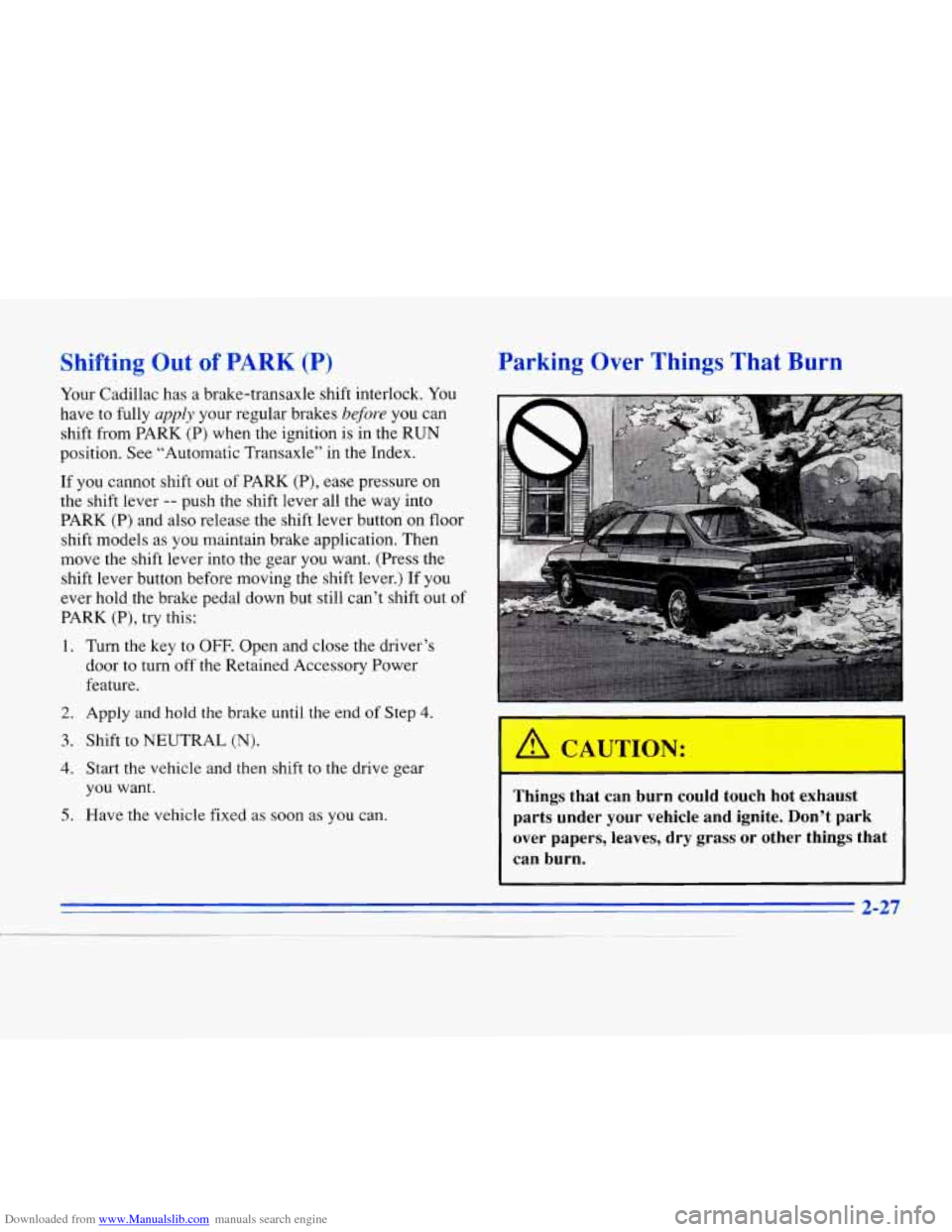
Parking Over Things That Burn
Things that can burn could touch hot exhaust
parts under your vehicle and ignite. Don’t park
over papers, leaves, dry grass or other things that
can burn.
2-27
1
Page 90 of 354
Downloaded from www.Manualslib.com manuals search engine Windows
It can be dangerous to get out of your vehicle if
the shift lever is not fully in
PARK (P) with the
parking brake firmly set. Your vehicle can roll.
Don’t leave your vehicle when the engine
is
running unless you have to. If you’ve left the
engine running, the vehicle can move suddenly.
You or others could be injured. To be sure your
vehicle won’t move, even when you’re on fairly
level ground, always set your parking brake after
you move the shift lever to
PARK (P).
Follow the proper steps to be sure your vehicle won’t
move. See “Shifting Into PARK
(P)” in the Index.
If you are parking on a hill and if you’re pulling a
trailer, also see “Towing a Trailer” in the Index.
Power Windows
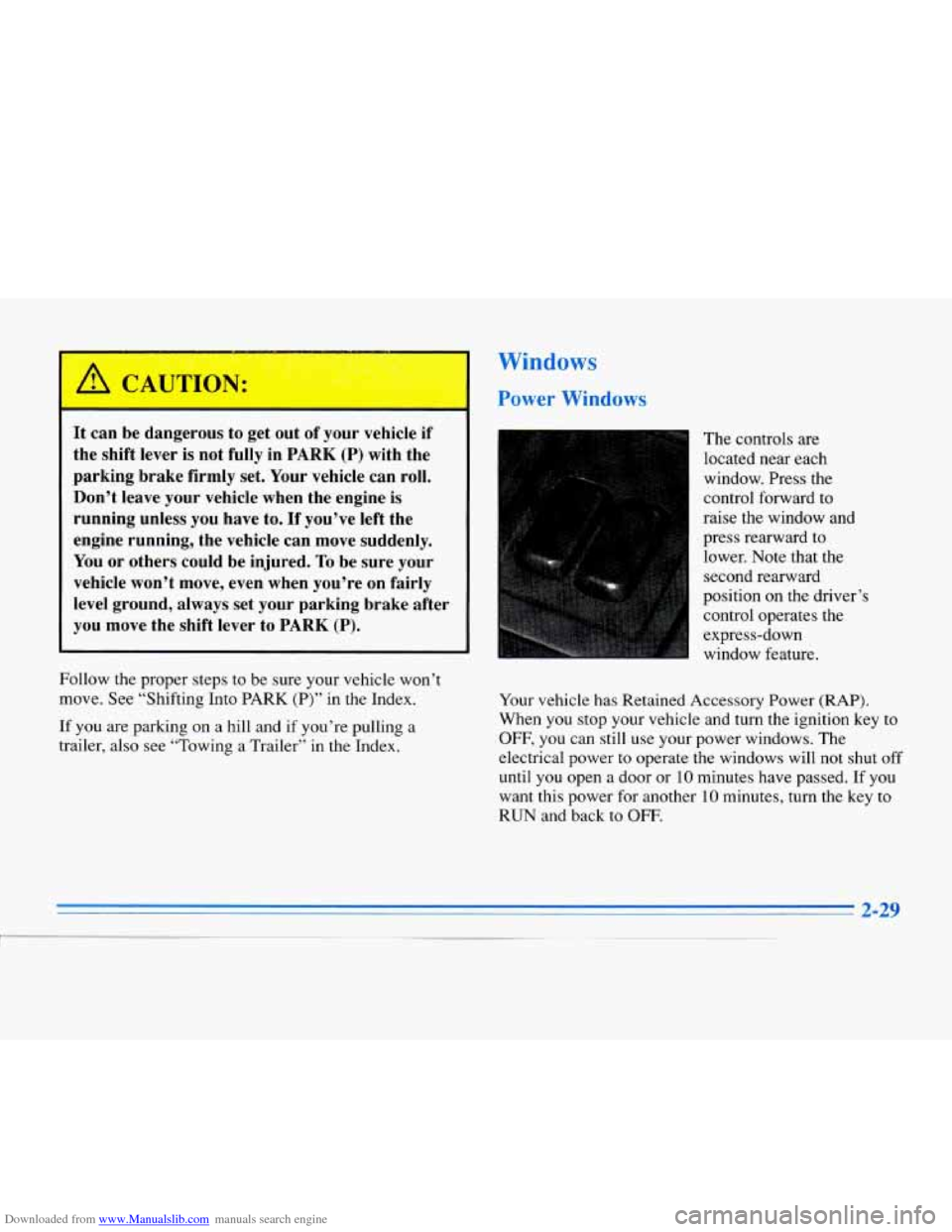
The controls are
located near each
window. Press the
control forward to
raise the window .and
press rearward to lower. Note that the
second rearward
position on the driver’s
control operates the
express-down
window feature.
Your vehicle has Retained Accessory
Power (RAP).
When you stop your vehicle and turn the ignition key to
OFF, you can still use your power windows. The
electrical power to operate the windows will not shut
off
until you open a door or 10 minutes have passed. If you
want this power for another
10 minutes, turn the key to
RUN and back to OFF.
Page 101 of 354
Downloaded from www.Manualslib.com manuals search engine Lamps On Reminder
You will hear a warning chime if you pull the key from
the ignition while leaving the lamps on,
if the manual
headlamp control is activated. An exception to this
is
when you’re using twilight sentinel.
Daytime Running Lamps
Daytime Running Lamps (DRL) can make it easier for
others to see the front of your vehicle during
the day.
DRL can be helpful in many different driving
conditions, but they can be especially helpful
in the
short periods after dawn and before sunset.
A light sensor on top of the instrument panel makes the
DRL work,
so be sure it isn’t covered.
The DRL system will make the high-beam headlamps
come on at reduced brightness when:
the ignition is on,
0 the headlamp switch is off and
0 the transaxle is not in PARK (P).
When DRL are on, only your high-beam headlamps (at
reduced brightness) will be on.
No other exterior lamps
such as the parking lamps, taillamps, etc. will be on
when the DRL are being used. Your instrument panel
won’t be
lit up either.
When it’s dark enough outside, the high-beam
headlamps (at reduced intensity) will change to
low-beam headlamps. When it’s bright enough outside,
the regular lamps will go off, and the high-beam
headlamps change to the reduced brightness of DRL.
To idle your vehicle with the DRL off, turn off the
twilight sentinel switch and shift the transaxle into
PARK (P). Placing your vehicle in PARK
(P) disables
the
DRL. The DRL will stay off until you shift out of
PARK (P).
As with any vehicle, you should turn on the regular
headlamp system when you need
it.
Page 104 of 354
Downloaded from www.Manualslib.com manuals search engine Interior Lamps Reading Lamps
Instrument Panel Intensity Control
As you turn the headlamp knob clockwise, the
instrument panel lights will brighten.
Turning the headlamp knob all the way clockwise will
turn on the interior lamps.
Illuminated Entry System
The illuminated entry system turns on the courtesy
lamps and the backlighting to the door switches and
headlamp knob control when a door is opened or if you
press the Remote Keyless Entry (RKE) button. Note that
the illuminated entry system is photocell which means
that
it must be dark outside in order for the courtesy
lamps
to turn on. The courtesy lamps will turn off
approximately
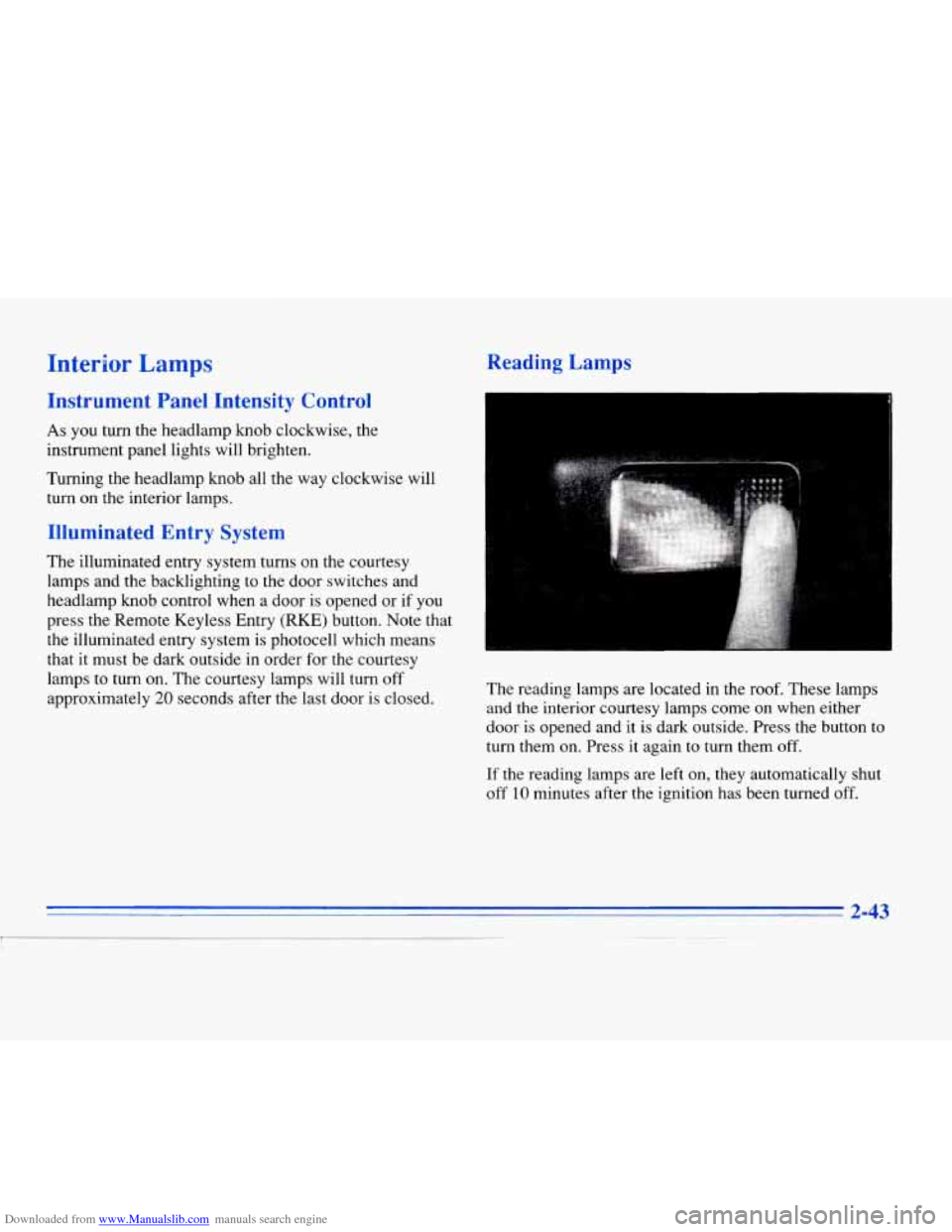
20 seconds after the last door is closed. The reading lamps are
located in the roof. These lamps
and the interior courtesy lamps come on when either
door is opened and it
is dark outside. Press the button to
turn them on. Press
it again to turn them off.
If
the reading lamps are left on, they automatically shut
off 10 minutes after the ignition has been turned off.
Page 105 of 354
Downloaded from www.Manualslib.com manuals search engine Inadvertent Power Battery Saver
This feature is designed to protect your vehicle's battery against drainage from the interior lamps, trunk lamp,
glove
box lamp, cigarette lighters or the garage door
opener. When the ignition is turned
OFF, the power to
these features will automatically
turn off' after 10 minutes
(three minutes if a new car has 15 miles or less). Power
will be restored for an additional
10 minutes if either
door is opened, the trunk
is opened or the courtesy lamp
switch is turned
on.
Battery Guard Storage
This feature is for long term use and must be
programmed through the
DIC while the ignition is in the
RUN position. Battery guard storage protects the battery
by placing the vehicle in a storage mode so that the
radio, amplifiers, instrument cluster
and Remote Keyless
Entry
(RKE) will not drain the battery over a long
period of time.
To begin programming, press the INFO and RESET
buttons at the same time for approximately two seconds.
Press the RESET button to answer "yes" and press the
INFO button to indicate
a "no" response. The first prompt
to appear relates to the automatic
door
locks.
This feature can be bypassed by pressing the
INFO button. The STORAGE MODE? prompt appears
next.
To select, press the RESET button. ENABLE
STORAGE
MODE? will then appear. A yes or no
response must be give.n. If the
INFO (no) button is
pressed, the DISABLE STORAGE MODE? prompt will
appear. Oncc again,
a yes or no response is required.
Once the battery guard has been programmed, your
vehicle
will enter the storage mode approximately
20 minutes after the ignition key has been turned off.
The RKE will also be disabled at this point. The RKE
will reactivate when a door or the trunk is opened,
however.
if your vehicle is left inactive for another
20 minutes the RKE will re-enter the storage mode.
Your vehicle will stay in the storage mode until the
ignition
key is turned out of LOCK. The system will
"wake-up" when the door key is inserted into the door
however, your vehicle
will remain in the storage mode.
The ignition must
5 ~~~ard is disabled. be
out of LOCK before the battery
2-44
Page 111 of 354
Downloaded from www.Manualslib.com manuals search engine Driver’s Outside Auto-Dimming Rearview
Mirror (Option)
The driver’s side outside mirror will adjust for the glare
of headlamps behind you. This feature is controlled by
the on and off settings on the electrochromic mirror. See
“Electrochromic Daymight Rearview Mirror“ earlier
in
this section.
Convex Outside Mirror
Your passenger’s side mirror is convex. A convex mirror’s
surface
is curved so you can see more from the driver’s
seat. This mirror does not have
a dimming feature.
A convex mirror can make things (like other
vehicles) look farther away than they really are.
If you cut too sharply into the right lane, you
1 could hit a vehicle on your right. Check your
inside mirror or glance over your shoulder before
changing lanes.
Storage Compartments
Glove Box
The glove box is located in front of the passenger seat.
To lock the glove box door, insert the oval key in the
lock cylinder and turn
it clockwise. Turn the key
counterclockwise to unlock the door.
Map Focket
The driver’s door may have a map/storage compartment.
You may also have a storage compartment on the
passenger’s door.
2-50
Page 125 of 354
Downloaded from www.Manualslib.com manuals search engine Safety Belt Reminder Light
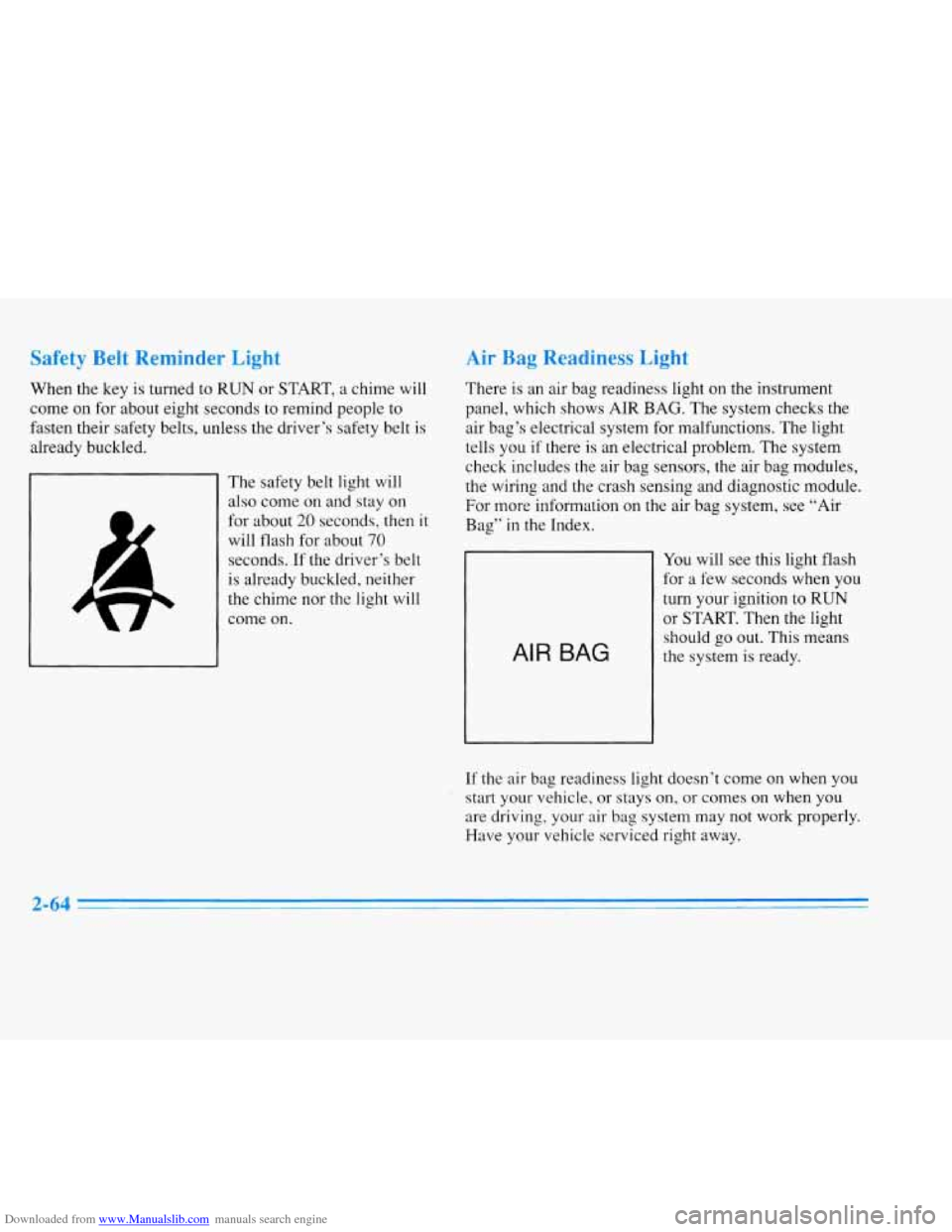
When the key is turned to RUN or START, a chime will
come on for about eight seconds to remind people to
fasten their safety belts, unless the driver’s safety belt is
already buckled.
The safety belt light will
also come on and stay
on
for about 20 seconds, then it
will flash for about 70
seconds. If the driver‘s belt
is already buckled, neither
the chime nor the light will
come
on.
Air Bag Readiness Light
There is an air bag readiness light on the instrument
panel, which shows AIR BAG. The system checks the
air bag’s electrical system for malfunctions. The light
tells you
if there is an electrical problem. The system
check includes the air bag sensors, the air bag modules,
the wiring and the crash sensing and diagnostic module.
For more information on the air bag system, see “Air
Bag”
in the Index.
AIR BAG
You will see this light flash
for a few seconds when you
turn your ignition to RUN
or START. Then the light
should
go out. This means
the system is ready.
If the air bag readiness light doesn’t come on when you
start your vehicle, or stays on, or comes
on when you
are driving, your air bag system may not
work properly.
Have your vehicle serviced right away.
2-64
Page 126 of 354
Downloaded from www.Manualslib.com manuals search engine Charging System Indicator Light
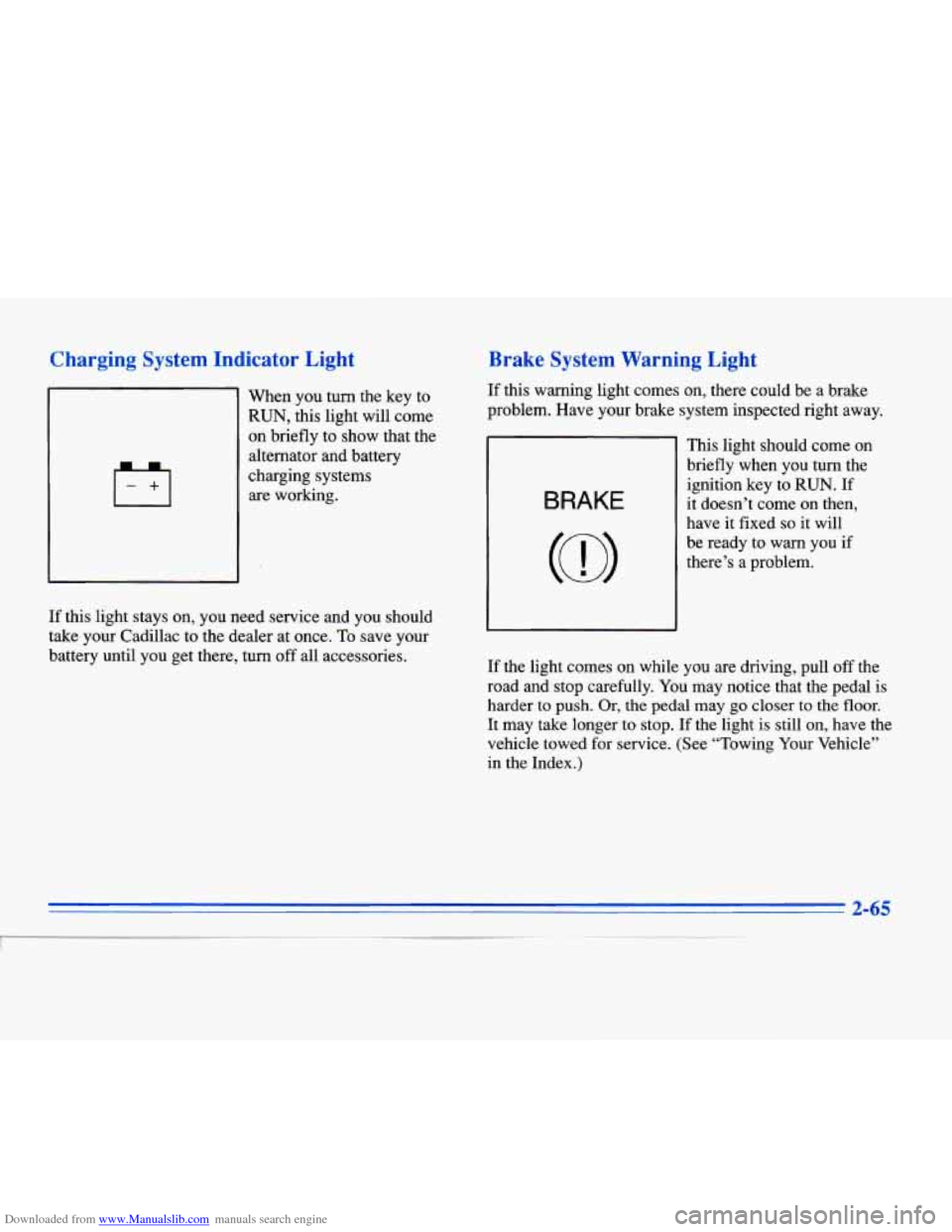
When you turn the key to
RUN, this light will come
on briefly to show that the
alternator and battery
charging systems are working.
Brake System Warning Light
If this warning light comes on, there could be a brake
problem. Have your brake system inspected right away.
BRAKE
This light should come on
briefly when you turn the
ignition key to
RUN. If
it doesn’t come on then,
have it fixed
so it will
be ready to warn you if
there’s a problem.
If this light stays on, you need service and you should
take your Cadillac to the dealer at once. To save your
battery until you get there, turn
off all accessories.
If the light comes on while you are driving, pull off the
road and stop carefully.
You may notice that the pedal is
harder
to push. Or, the pedal may go closer to the floor.
It may take longer to stop. If the light is still on, have the
vehicle towed for service. (See “Towing Your Vehicle”
in the Index.)
2-65
Page 128 of 354
Downloaded from www.Manualslib.com manuals search engine Anti-Lock Brake System Warning Light
LOCK
ANT‘- (@)
ANTI -
LOCK
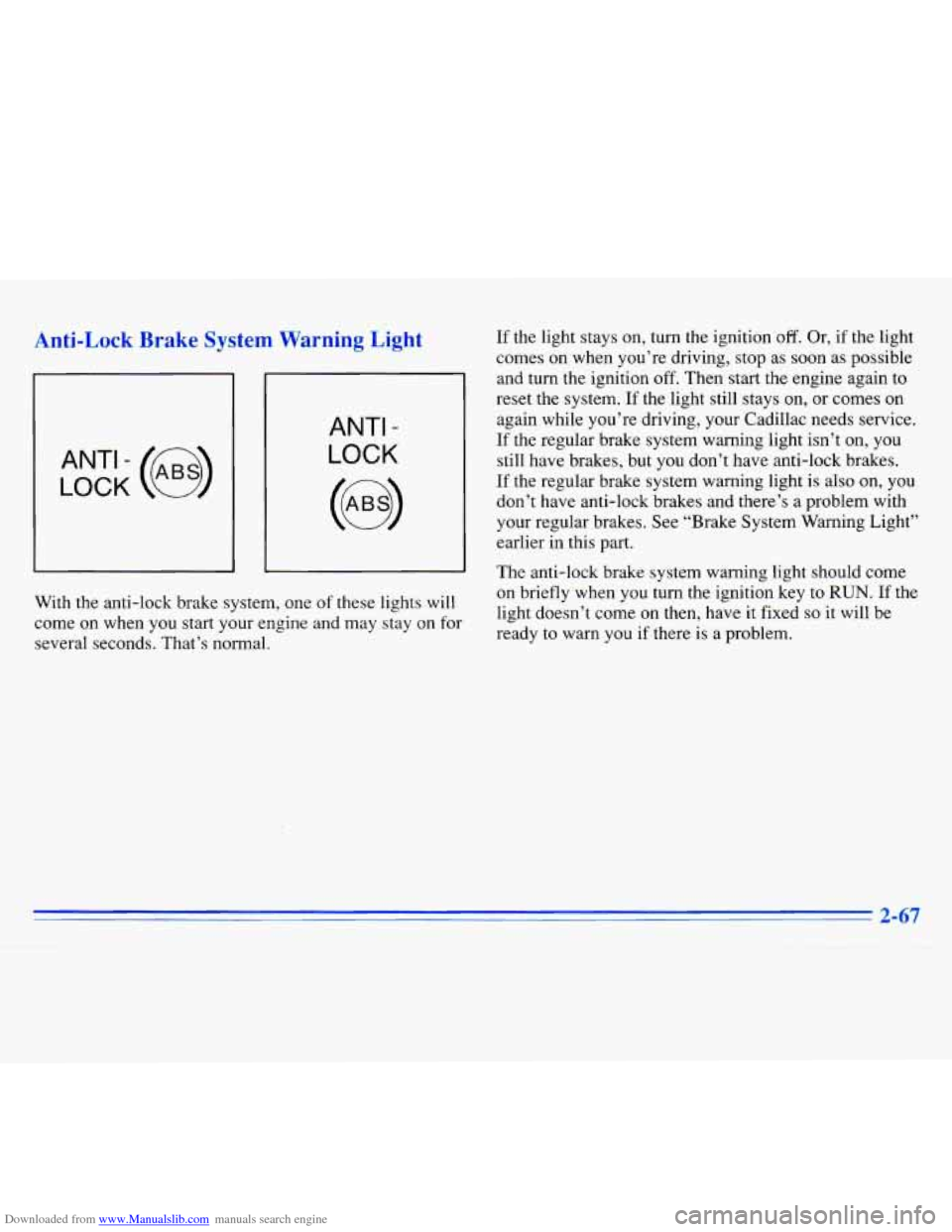
With the anti-lock brake system, one of these lights will
come on when you start your engine and may stay on for
several seconds. That’s normal. If
the light stays on, turn the ignition
off. Or, if the light
comes on when you’re driving, stop as soon as possible
and turn the ignition off. Then start the engine again to
reset the system.
If the light still stays on, or comes on
again while you’re driving, your Cadillac needs service.
If the regular brake system warning light isn’t on, you
still have brakes, but you don’t have anti-lock brakes.
If the regular brake system warning light is also on, you
don’t have anti-lock brakes and there’s a problem with
your regular brakes. See “Brake System Warning Light’’
earlier in this part.
The anti-lock brake system warning light should come
on briefly when
you turn the ignition key to RUN. If the
light doesn’t come on then, have it fixed
so it will be
ready to warn you if there
is a problem.
2-67
~
Page 131 of 354
Downloaded from www.Manualslib.com manuals search engine I NOTICE:
If you keep driving your vehicle with this light
on, after a while, your emission controls may not
work as well, your fuel economy may not be as
good and your engine may not run
as smoothly.
This could lead to costly repairs that may not be
covered by your warranty.
This light should come on, as a check to show you it is
working, when the ignition
is on and the engine is not
running.
If the light doesn’t come on, have it repaired.
This light will also come on during a malfunction in one
of two ways:
0 Light Flashing -- A misfire condition has been
detected.
A misfire increases vehicle emissions and
may damage the emission control system on your
vehicle. Dealer or qualified service center diagnosis
and service is required.
Light On Steady -- An emission control system
malfunction has been detected on your vehicle.
Dealer or qualified service center diagnosis and
service may be required.
If the Light Is Flashing
The following may prevent more serious damage to
your vehicle:
Reduce vehicle speed.
0 Avoid hard accelerations.
0 Avoid steep uphill grades.
If towing a trailer, reduce the amount of cargo being
hauled
as soon as it is possible.
If the light stops flashing and remains on steady, see “If
the Light
Is On Steady” following.
If the light continues to flash, when
it is safe to do so,
stop the vehicle. Put your vehicle in PARK (P). Turn the
key off, wait at least 10 seconds and restart the engine.
If the light remains on steady, see “If the Light Is On
Steady” following. If the light is still flashing follow the
previous steps, and drive the vehicle to your dealer or
qualified service center for service.
2-70