traction control CADILLAC ELDORADO 1996 10.G Owners Manual
[x] Cancel search | Manufacturer: CADILLAC, Model Year: 1996, Model line: ELDORADO, Model: CADILLAC ELDORADO 1996 10.GPages: 354, PDF Size: 19.33 MB
Page 11 of 354
Downloaded from www.Manualslib.com manuals search engine The electronics and computerization which were
pioneered by Cadillac
in the ’70s came of age in the
’80s with Digital Fuel Injection and On-Board
Diagnostics in
1980, four wheel Anti-lock Brakes on
1986 models and Traction Control in the fall of 1989.
The 1992 Seville STS was the first car ever to win all
three major automotive awards: Car
of the Year, Motor
Trend; Ten Best List, Car
& Driver; Car of the Year,
Automobile Magazine.
The year
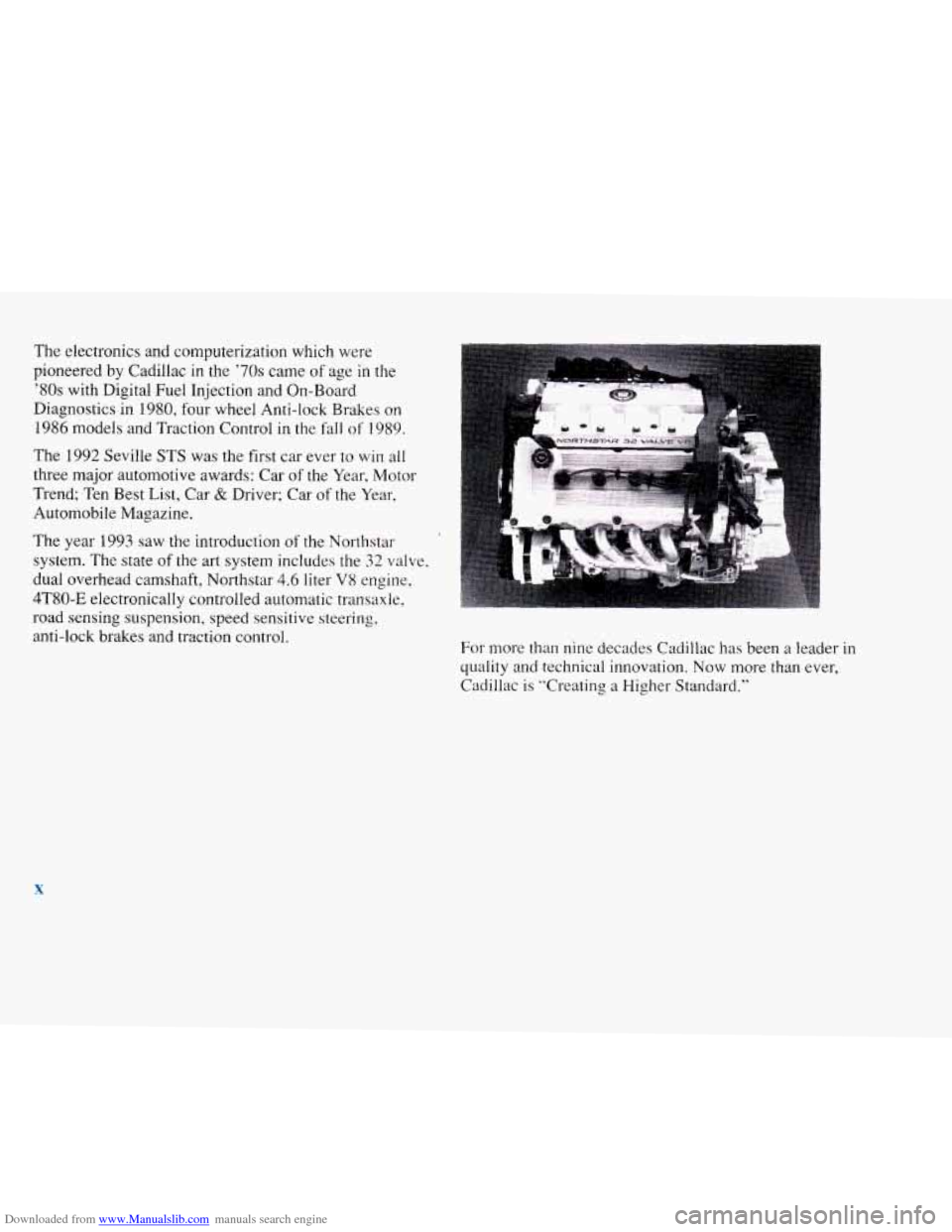
1993 saw the introduction of the Northstar
system. The state of
the art system includes the 32 valve,
dual overhead camshaft, Northstar
4.6 liter V8 engine,
4T80-E electronically controlled automatic transaxle,
road sensing suspension, speed sensitive steering,
anti-lock brakes and traction control.
For more than nine decades Cadillac has been a leader in
quality and technical innovation.
Now more than ever,
Cadillac is “Creating
a Higher Standard.”
X
Page 96 of 354
Downloaded from www.Manualslib.com manuals search engine Cruise Control
I
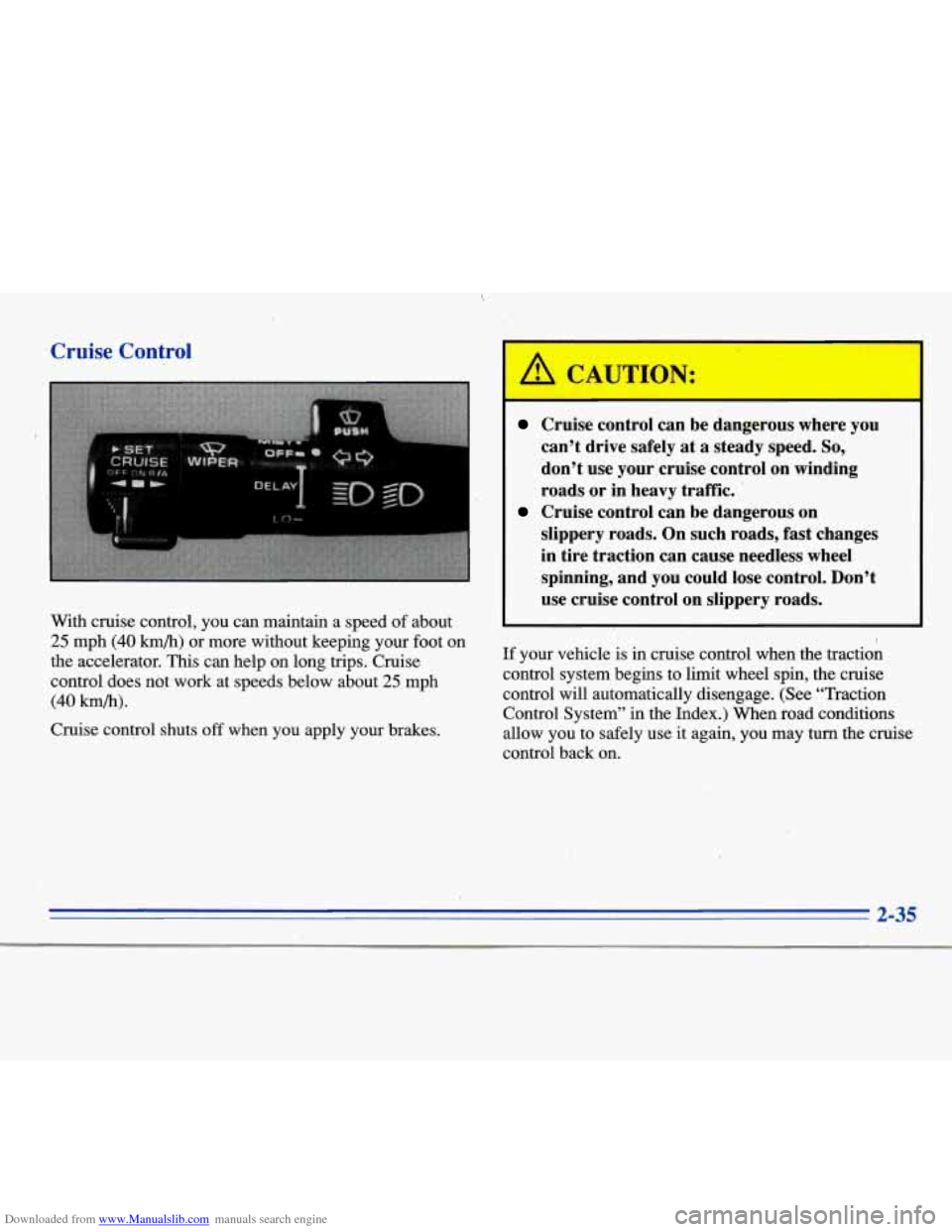
With cruise control, you can maintain a speed of about
25 mph (40 kmb) or more without keeping your foot on
the accelerator. This can help on long trips. Cruise
control does not work at speeds below about
25 mph
(40 hb).
Cruise control shuts off when you apply your brakes.
I
Cruise control can be dangerous where you
can’t drive safely at
a steady speed. So,
don’t use your-cruise control on winding
roads or in heavy traffic.
slippery roads. On such roads, fast changes
in tire traction can cause needless wheel
spinning, and you could lose control. Don’t
use cruise control on slippery roads.
Cruise control can be dangerous on
If your vehicle is in cruise control when the traction
control system begins to limit wheel
spin, the cruise
control will automatically disengage. (See “Traction Control System” in the Index.) When road conditions
allow you to safely use
it again, you may turn the cruise
control back on.
2-35
Page 129 of 354
Downloaded from www.Manualslib.com manuals search engine Traction Control System Warning Light
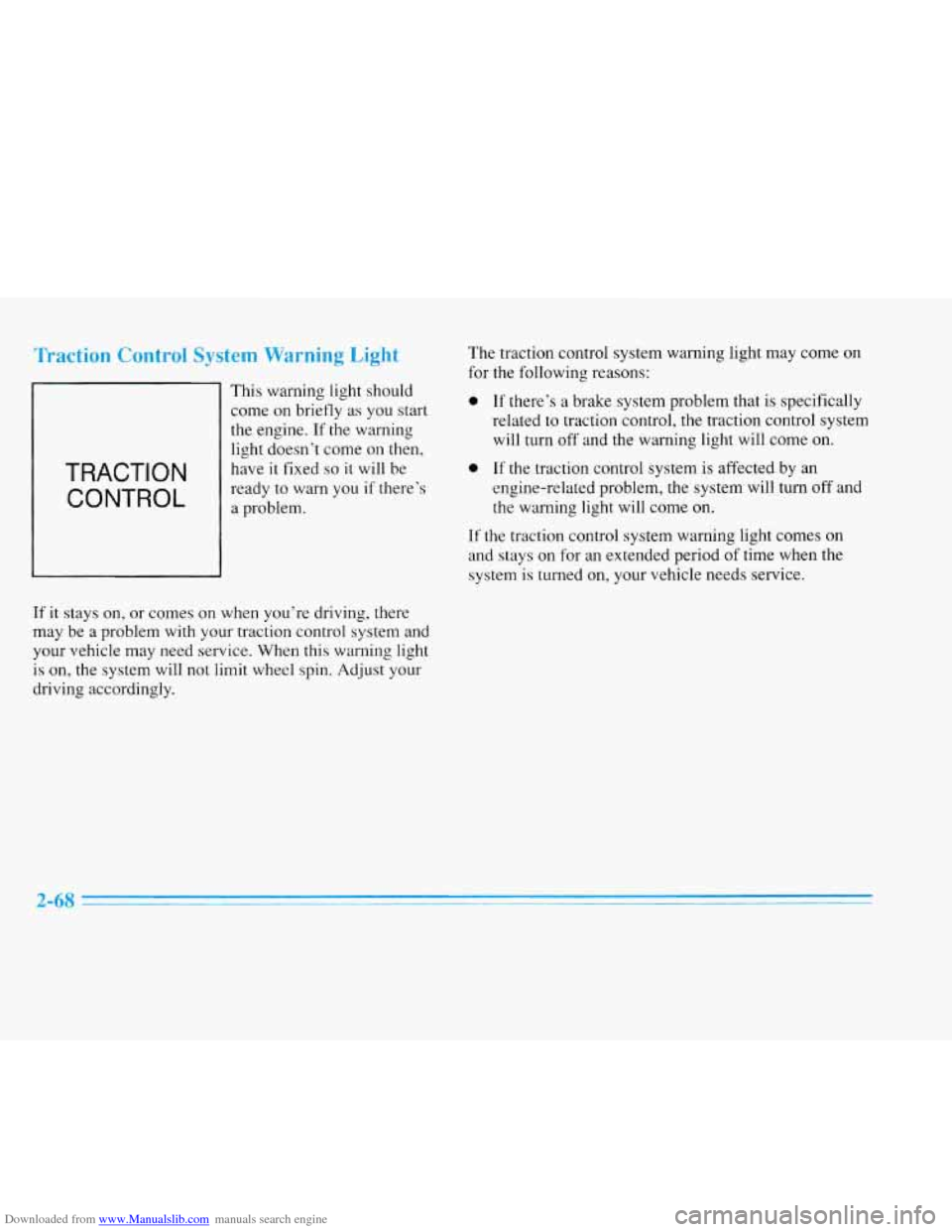
TRACTION
CONTROL
This warning light should
come on briefly as you start
the engine.
If the warning
light doesn’t come on then,
have
it fixed so it will be
ready to warn you
if there’s
a problem.
If it stays on, or comes on when you’re driving, there
may be a problem with your traction control system and
your vehicle may need service. When this warning light
is on, the system will not limit wheel spin. Adjust your
driving accordingly. The
traction control system warning light may come
on
for the following reasons:
0 If’ there’s a brake system problem that is specifically
related to traction control, the traction control system
will turn off and the warning light will come
on.
0 If the traction control system is affected by an
engine-related problem, the system will
turn off and
the warning light will come on.
If the traction control system warning light comes on
and stays on
for an extended period of time when the
system is turned on, your vehicle needs service.
2-68
Page 142 of 354
Downloaded from www.Manualslib.com manuals search engine ENGINE COOLANT HOT-IDLE ENGINE - 44:
This message will appear when the engine coolant
temperature is over
248 OF (126°C). To avoid added
strain on a hot engine, turn off the climate control
system. Stop and allow your vehicle to idle until it cools
down or
the message is removed. If it does not cool
down, turn off the engine and have it serviced before
driving it again. Severe engine damage can result from
an overheated engine. See “Engine Overheating” in
the Index.
FUEL LEVEL VERY LOW - 11: This message serves
as a warning that the fuel level in the tank is critically
low. Stop for fuel immediately.
MONITORED SYSTEMS OK - 1: This message only
appears in the “recall” mode by pressing the RESET
button. It lets you know that no other messages are
stored or currently active.
PASS KEY NOT PROGRAMMED - 31: This
warning message displays when the PASS-Key pellet
information has not been programmed into your vehicle.
See your Cadillac dealership for service.
PCM FAULT - 110: The circuit in the Powertrain
Control Module (PCM) has shorted or is loose when this
message appears. Have your Cadillac serviced by your
dealership at once.
REDUCED ENGINE POWER - 41: This message
informs the driver that due to wheel slippage your
vehicle is reducing engine power to compensate for the
loss of traction. Accelerating too fast causing the tires to
spin is an example of when this message would display.
REMOVE KEY - 70: This message will appear when
the Personalized Automotive Security System
(PASS-Key
11) is unable to read the pellet on the
ignition key or an improper key pellet has been inserted.
Wait for the DIC to display STARTING DISABLED
DUE TO THEFT SYSTEM REMOVE IGNITION
KEY. The instrument panel cluster will then run a timer
and change the messages to WAIT
3 MINUTES, WAIT
2 MINUTES, WAIT 1 MINUTE and then START CAR.
When the REMOVE KEY message is displayed, remove
the ignition key. Check the ignition key for damage.
If it
is damaged, it may need to be replaced. If you see no
damage, clean the pellet contacts with a soft cloth or
2-81
Page 145 of 354
Downloaded from www.Manualslib.com manuals search engine TRACTION READY - 91: This message informs the
driver that the traction control system is available. This
occurs when the traction on/off button in the glove box
has been returned to an on position (pressing
the button
once turns the traction control system off; pressing the
button again turns the system back on).
TRACTION OFF - 89: This message will be displayed
after the traction control has been turned off.
TRANS FLUID RESET - 48: With the engine not
running and the ignition on, press and hold the
OFF and
rear defog buttons until the
TRANS FLUID RESET
message appears on the DIC (between 5 and 20 seconds).
TRANSMISSION HOT - 112: This messages indicates
that. the transmission fluid in your vehicle is too hot
(message appears when fluid temperature has reached
266°F (130°C) for 15 minutes or when the temperature
reaches
291 OF (144°C) for 32 seconds). Have your
vehicle serviced immediately.
TRUNK OPEN - 24: This message indicates that the
trunk is open when the ignition is in
RUN.
TURN SIGNAL ON - 20: This message is a reminder,
after driving about a mile, that you have the
turn signal on.
VEHICLE SPEED LIMITED TO XXX MPH
(KM/H)
- 113: A failure in the suspension control
system has occurred when this message appears. The
PCM determines the speed your vehicle is limited to.
Have your Cadillac serviced if this message appears.
VERY LOW REFRIGERANT A/C COMPRESSOR
OFF
- 12: This message means that the air conditioning
system detects a refrigerant level that
is low enough to
cause damage to the A/C compressor.
To avoid damage
the A/C compressor automatically turns
off and the
Electronic Climate Control will automatically switch
from AUTO to
ECON and remain there. Have the
A/C system serviced if this message appears.
Page 146 of 354
Downloaded from www.Manualslib.com manuals search engine Traction Active
When your traction control system is limiting wheel spin,
the TRACTION ACTIVE message will
be displayed.
Slippery road conditions may exist
if this message is
displayed,
so adjust your driving accordingly. This
message will stay on for a few seconds after the traction
control system stops limiting wheel spin.
Road Sensing Suspension
The Road Sensing Suspension (RSS) and the optional
Continuous Variable-Road Sensing Suspension
(CV-RSS) automatically adjust the ride of your vehicle,
with the CV-RSS having a wider range of control.
Automatic ride control is achieved through the RSS
controller, a computer used to control and monitor the
suspension system. The controller receives inputs from
various sensors to determine the proper system response.
If the controller detects a problem within the system, the
DIC will display
a SERVICE RIDE CONTROL
message. If this message appears, have your vehicle
serviced at your Cadillac dealership.
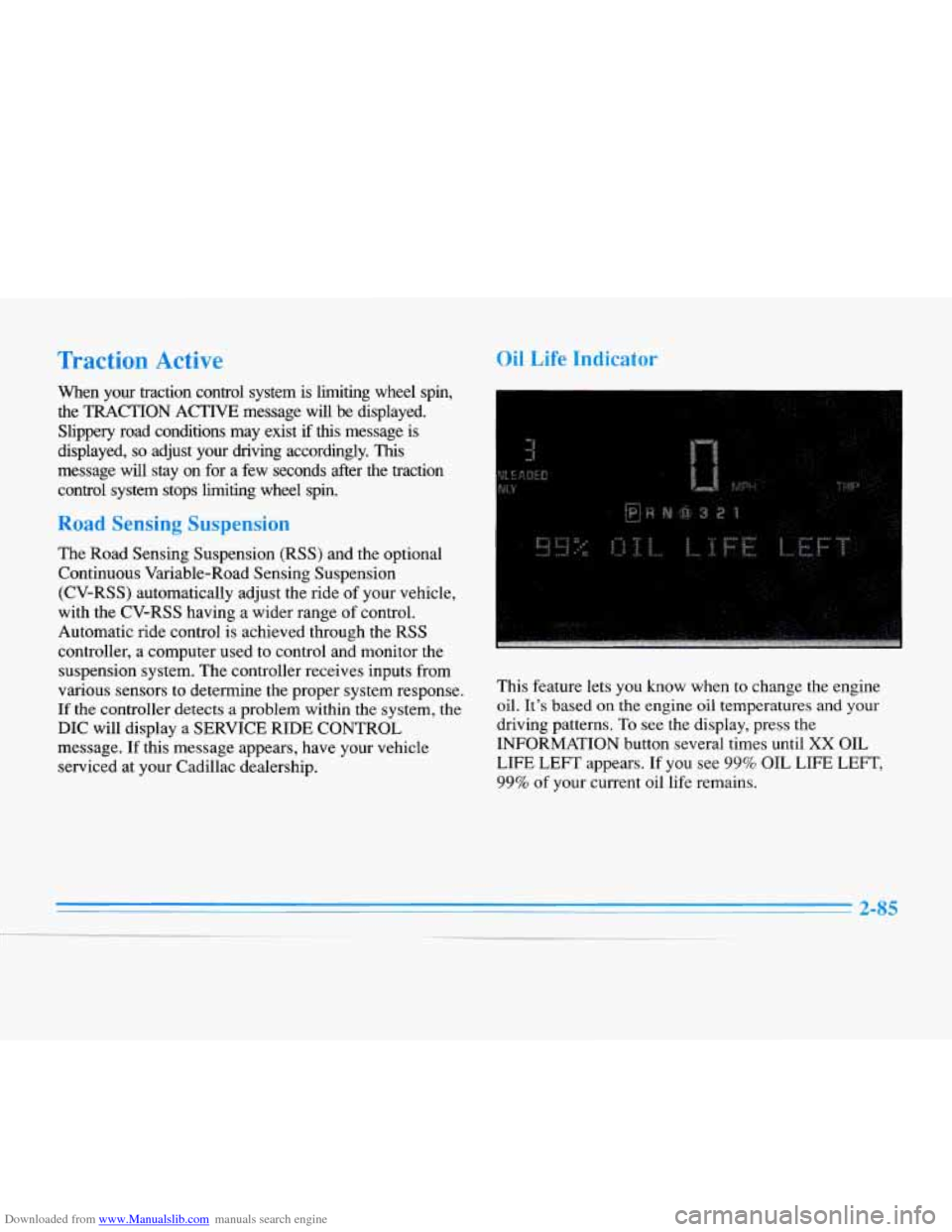
Oil Life Indicator
This feature lets you know when to change the engine
oil.
It’s based on the engine oil temperatures and your
driving patterns. To see the display, press the
INFORMATION button several times until
XX OIL
LIFE
LEFT appears. If you see 99% OIL LIFE LEFT,
99% of your current oil life remains.
2-85
-__
Page 191 of 354
Downloaded from www.Manualslib.com manuals search engine Remember: Anti-lock doesn’t change the time you need
to get your
foot up to the brake pedal or always decrease
stopping distance. If you get too close to the vehicle in
front of you, you won’t have time to apply your brakes
if that vehicle suddenly slows or stops, Always leave
enough room up ahead to stop, even though you have
anti-lock brakes.
Don’t pump the brakes. Just hold
the brake pedal down
and let anti-lock work for you. You may hear the
anti-lock pump or motor operate, and feel the brake
pedal pulsate, but this
is normal. Your
vehicle has a traction control system that limits
wheel spin.
This is especially useful in slippery road
conditions. The system operates only
if it senses that one
or both of the front wheels are spinning or beginning to
lose traction. When this happens, the system works the
front brakes and reduces engine power to limit wheel
spin.
The
TRACTION ACTIVE message will display on the
Driver Information Center when the traction control
system
is limiting wheel spin. See “Driver Information
Center Messages” in the Index. You may feel or hear the
system working, but this is normal.
If your vehicle is in cruise control when the traction
control system begins to limit wheel spin, the cruise
control will automatically disengage. When road
conditions allow you
to safely use it again, you may
reengage the cruise control. (See “Cruise Control” in
the Index.)
Page 192 of 354
Downloaded from www.Manualslib.com manuals search engine TRACTION
CONTROL
This warning light will
come on to let you know if
there’s a problem with your
traction control system.
See
“Traction Control System
Warning Light” in the
Index. When this warning light
is on, the system will
not limit wheel spin. Adjust
your driving accordingly.
The traction control system automatically comes on
whenever you start your vehicle. To limit wheel spin,
especially
in slippery road conditions, you should
always leave the system on. But you can turn the
traction control system
off if you ever need to. (You
should turn the system off if your vehicle ever gets stuck
in sand, mud, ice or snow. See “Rocking Your Vehicle”
in the Index.)
1
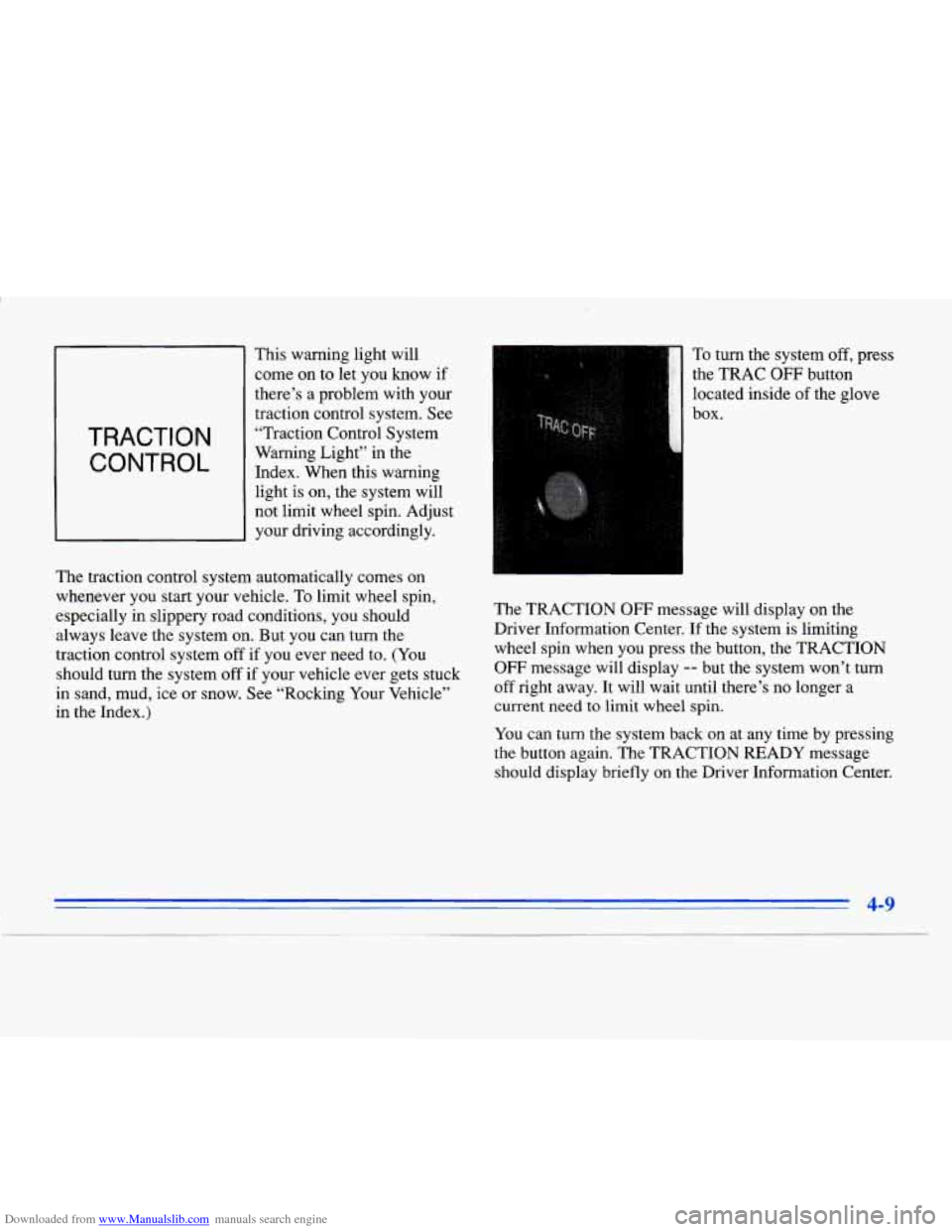
To turn the system off, press
the TRAC
OFF button
located inside
of the glove
_I box-
The TRACTION OFF message will display on the
Driver Information Center.
If the system is limiting
wheel spin when you press the button, the TRACTION
OFF message will display -- but the system won’t turn
off right away. It will wait until there’s no longer a
current need to limit wheel spin.
You can turn the system back on at any time by pressing
the button again. The TRACTION READY message
should display briefly on the Driver Information Center.
4-9
I ~-
Page 193 of 354
Downloaded from www.Manualslib.com manuals search engine Braking in Emergencies
Use your anti-lock braking system when you need to.
With anti-lock, you can steer and brake at the same
time. In many emergencies, steering can help you more
than even the very best braking.
Steering
Power Stewing
If you lose power steering assist because the engine
stops or the system is not functioning, you can steer but
it will take much more effort.
MAGNASTEER * (ETC Only)
Your vehicle may be equipped with GM MAGNASTEER,
a system that continuously adjusts the effort you feel when
steering at all vehicle speeds.
It provides ease when
parking yet a firm, solid feel at highway speeds.
Speed Sensitive Steering (SSS)
(Eldorado Only)
This system varies the amount of steering effort
proportionate to your vehicle speed. Steering is easier at
a lower speed for maneuvering and parking ease.
As
your vehicle speed increases, the steering effort also
increases. At highway speeds, the amount of steering
effort
is increased to provide manual-like steering for
maximum control and stability.
Steering Tips
Driving on Curves
It’s important to take curves at a reasonable speed.
A lot of the “driver lost control” accidents mentioned on
the news happen on curves. Here’s why:
Experienced driver or beginner, each
of us is subject to
the same laws
of physics when driving on curves. The
traction
of the tires against the road surface makes it
possible for the vehicle to change its path when you turn
the l‘ront wheels.
If there’s no traction, inertia will keep
the vehicle going in the same direction. If you’ve ever
tried to steer
a vehicle on wet ice, you’ll understand this.
4-10
Page 194 of 354
Downloaded from www.Manualslib.com manuals search engine The traction you can get in a curve depends on the
condition of your tires and the road surface, the angle at
which the curve is banked and your speed. While you’re
in a curve, speed is the
one factor you can control.
Try to adjust your speed so you can “drive” through the
curve. Maintain a reasonable, steady speed. Wait to
accelerate until you are out of the curve, and then
accelerate gently into the straightaway.
Suppose you’re steering through a sharp curve. Then you
suddenly accelerate. Both control systems
-- steering and
acceleration
-- have to do their work where the tires meet
the road. Unless your traction control system is on, adding
the sudden acceleration can demand too much of those
places. You can lose control.
What should you do
if this ever happens? Ease up on the
accelerator pedal, steer the vehicle the way you want it
to
go, and slow down.
Speed limit signs near curves warn that you should
adjust your speed. Of course, the posted speeds are
based on good weather and road conditions. Under less
favorable conditions you’ll want to
go slower.
If you need to reduce your speed as you approach a
curve, do it before you enter the curve, while your front
wheels are straight ahead. There
are times when steering can be more effective
than braking. For example, you come over a hill and
find a truck stopped
in your lane, or a car suddenly pulls
out from nowhere, or a child darts out from between
parked cars and stops right in front of you. You can
avoid these problems by braking
-- if you can stop in
time. But sometimes you can’t; there isn’t room. That’s
the time for evasive action
-- steering around the
problem.
Your Cadillac can perform very well in emergencies like
these. First apply your brakes. (See “Braking in
Emergencies” earlier in this section.) It is better to
remove as much speed as you can from a possible
collision. Then steer around the problem, to the left or
right depending on the space available.